
Ancient Indian Kingdom FPV
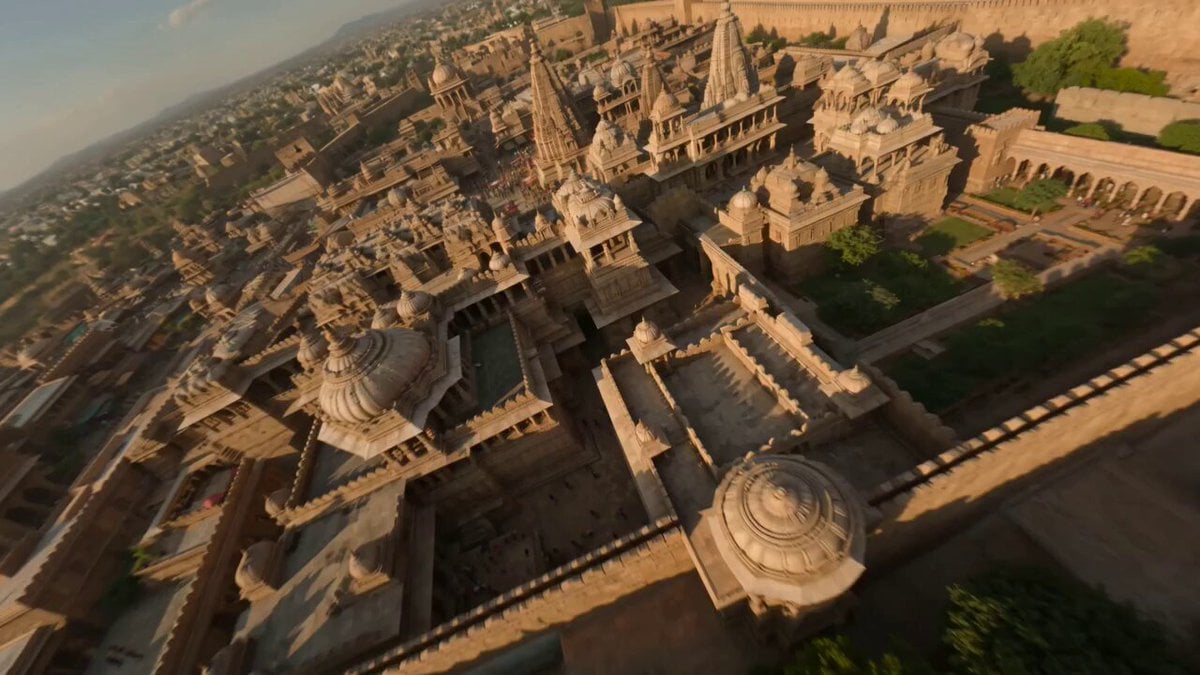
An immersive FPV drone-style prompt flying through the detailed architecture and bustling life of the ancient Kekaya kingdom.
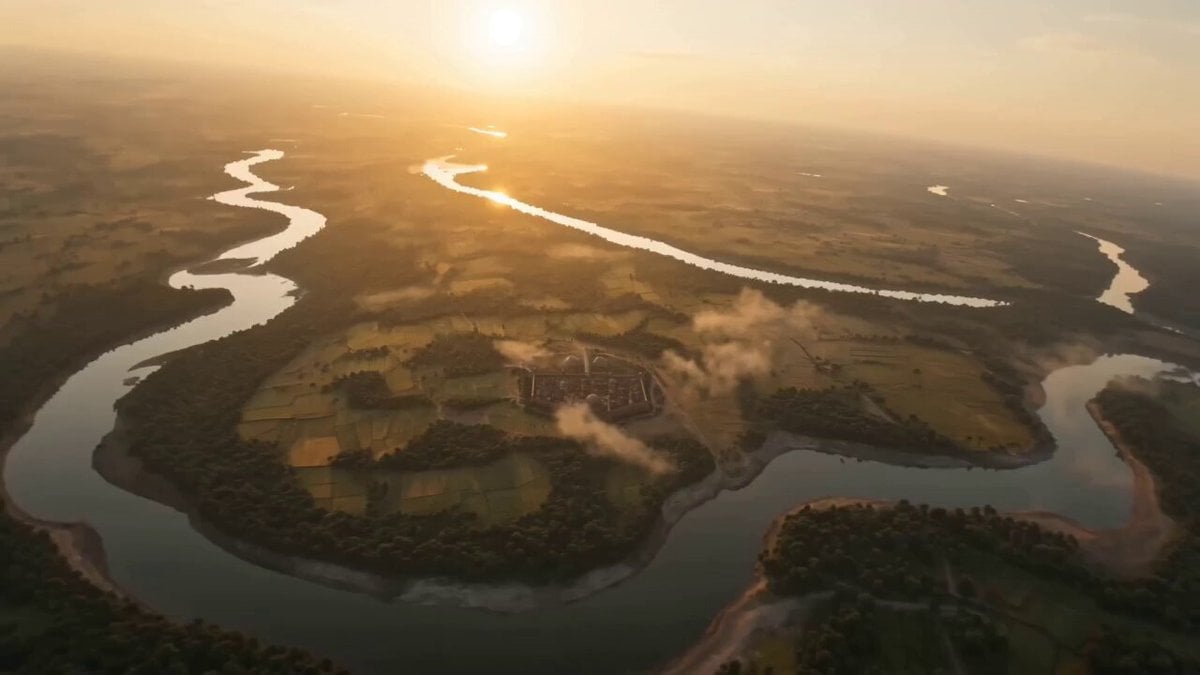
- Prompt included
- Model and format preset
- Free template
The prompt behind this video
Copy the exact prompt behind Ancient Indian Kingdom FPV, or open it in the studio and make it yours.
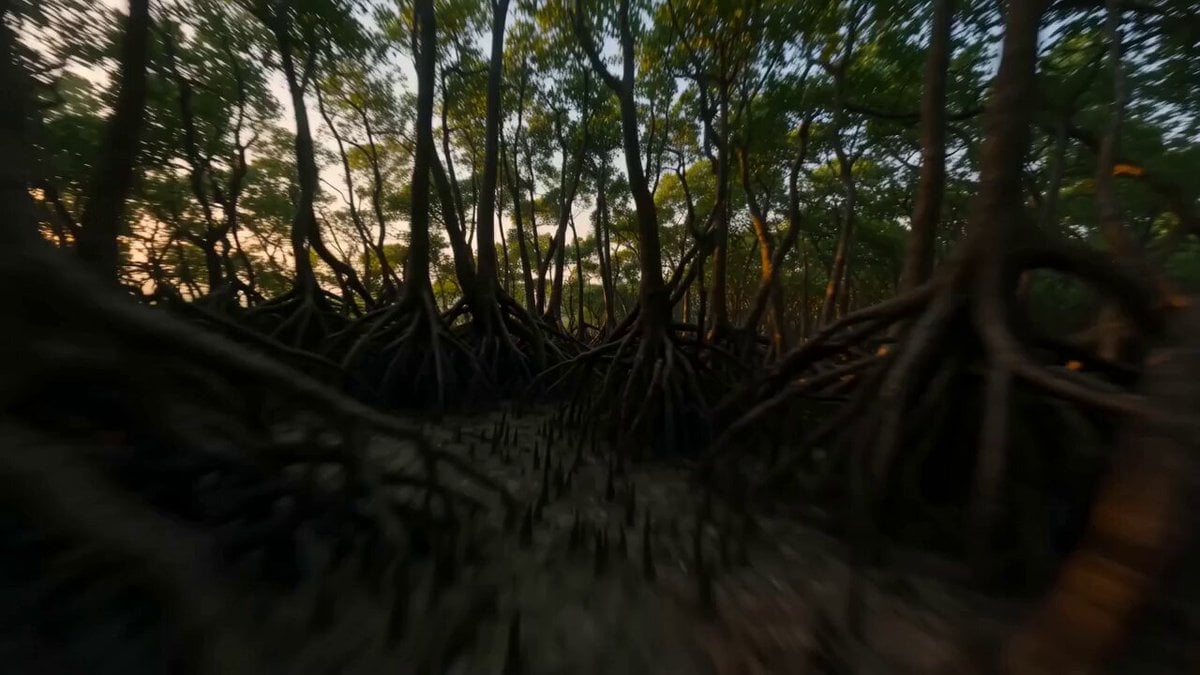
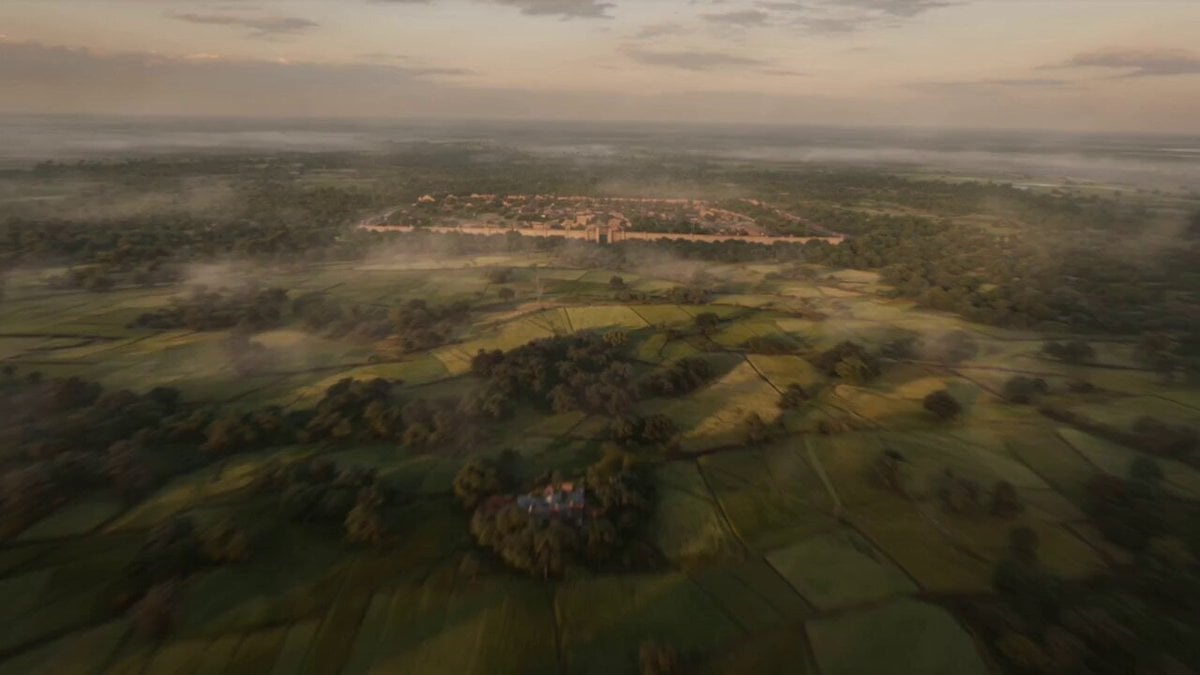
Extremely fast-paced cinematic FPV flying through the ancient Indian Kekaya kingdom at its peak, hyper-realistic, ultra-detailed, HDR. Camera starts high above vast fertile plains and rivers, rapidly diving into a grand fortified city with sandstone palaces, intricate carvings, and towering gates. Speeding through bustling markets filled with traders, horses, chariots, silk fabrics, and pottery. Dynamic motion through royal courtyards where warriors train with swords and archers practice. Then smoothly go into opulent interiors with golden decor, oil lamps, and royal assemblies. Intense FPV sweeps over battle formations outside the city with elephants, cavalry, and infantry in traditional armor. Sunset lighting with warm tones, volumetric dust, dramatic shadows, cinematic depth of field. Highly immersive, realistic physics, historically inspired architecture and clothing, epic scale
How to use Ancient Indian Kingdom FPV in 3 steps
- 1
Open
The prompt is already in the box next to the preview, with the template's model and format selected.
- 2…a portrait of your subject in softgolden-hour light, 85mm…
Personalize
Edit the subject and creative details for your destination.
- 3Generate
Generate
Press Generate — your video is created in PicX Studio, so you can compare it with the original and refine one variable at a time.
More like this
Templates with the same subject, style or setup. Open one to see its prompt.
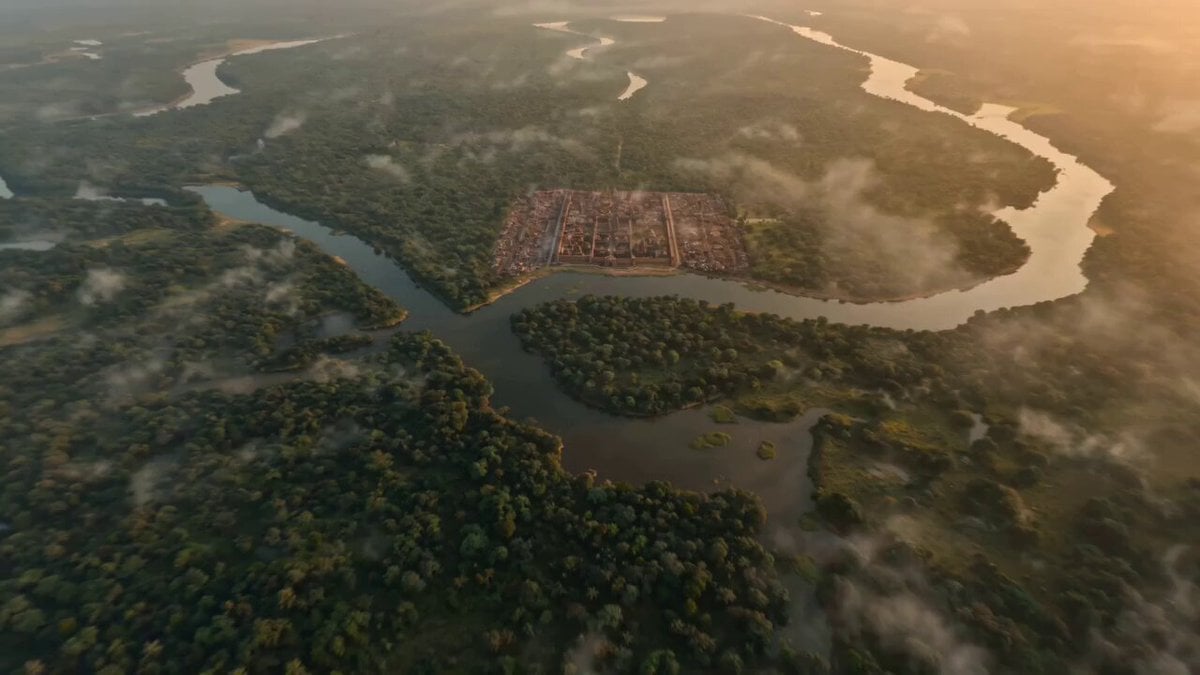
Ancient Indian Kingdom FPV Flyover
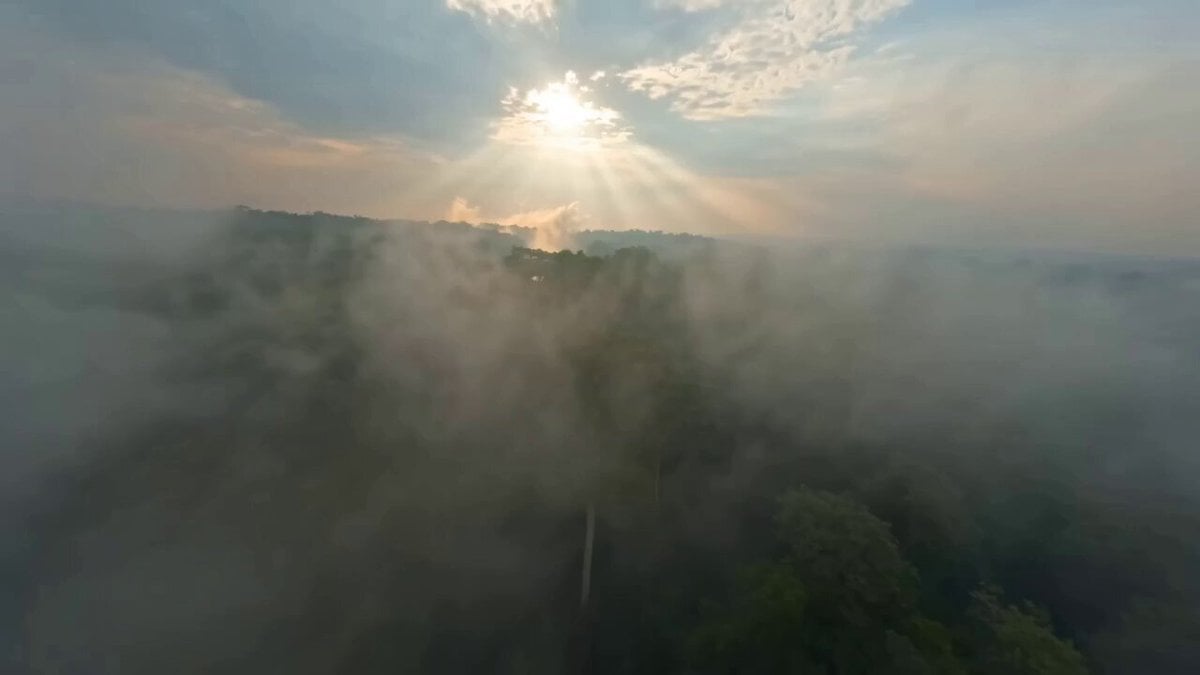
Ancient Indian Kingdom FPV Video
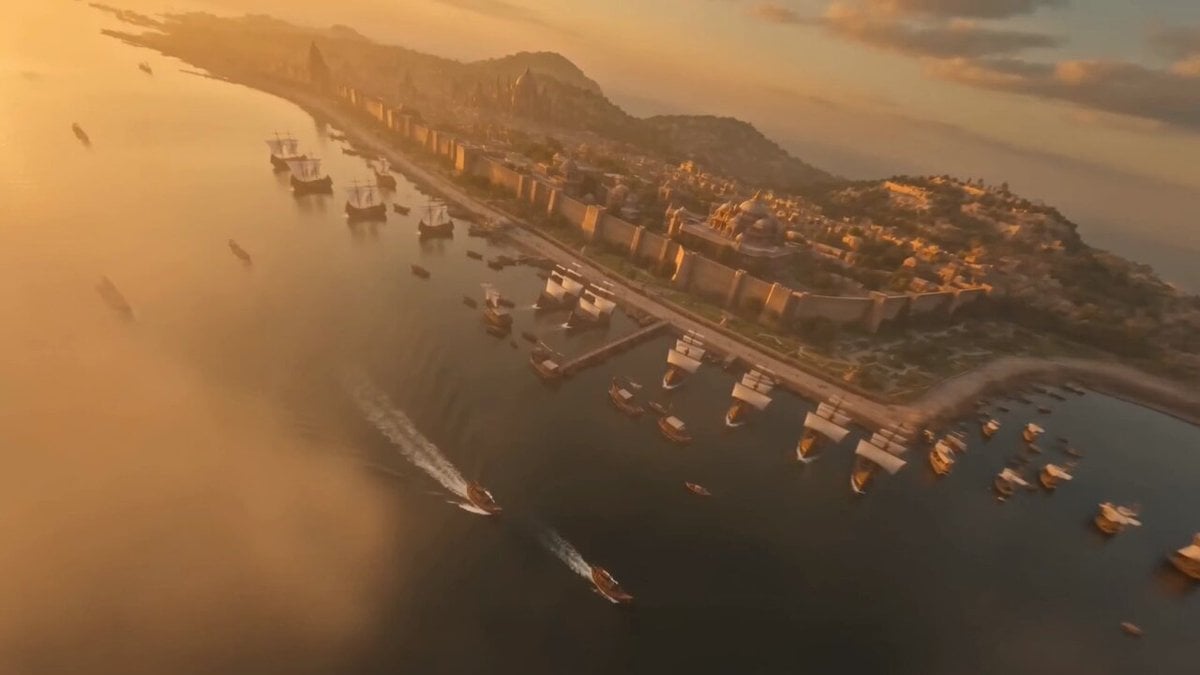
Ancient Indian Kingdom FPV Drone Shot
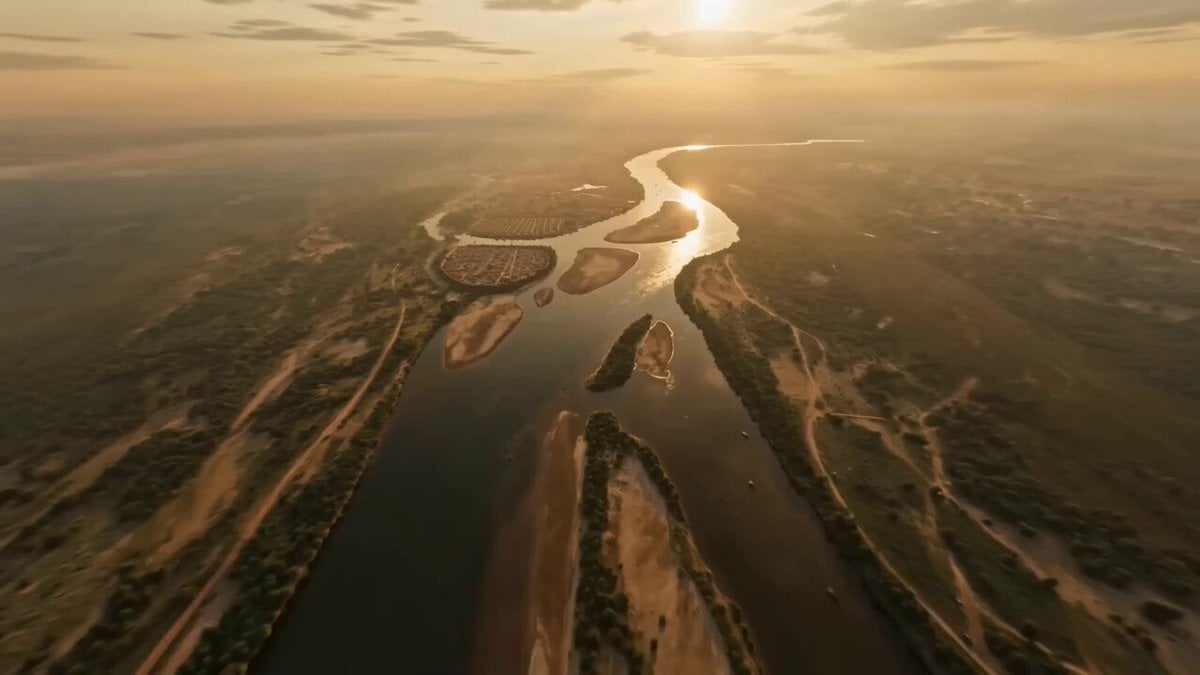
Ancient Indian Kingdom FPV

Ancient Indian Kingdom FPV
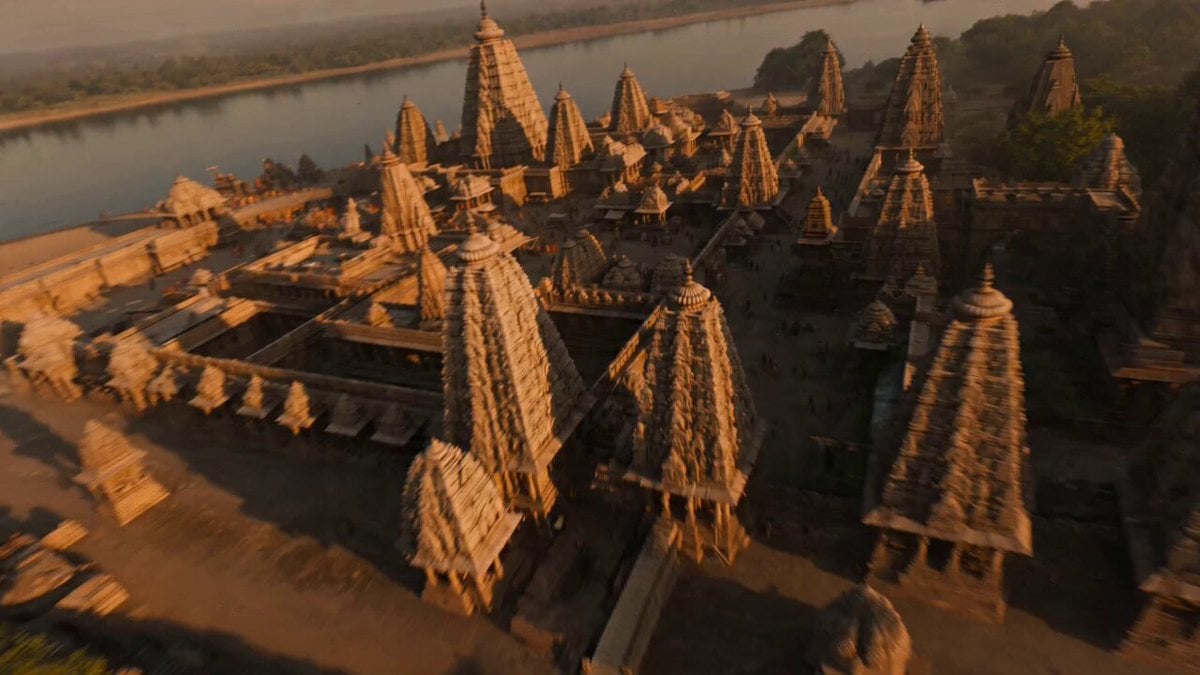
Ancient Indian Kingdom FPV Flight
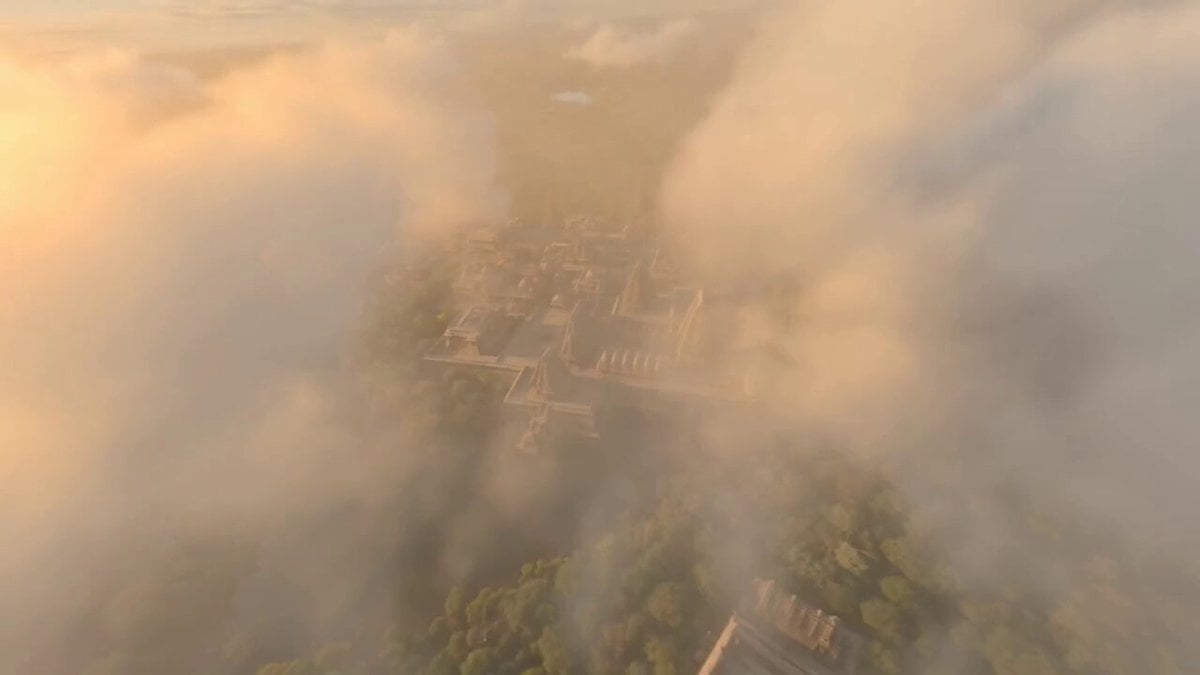
Ancient Indian Kingdom FPV
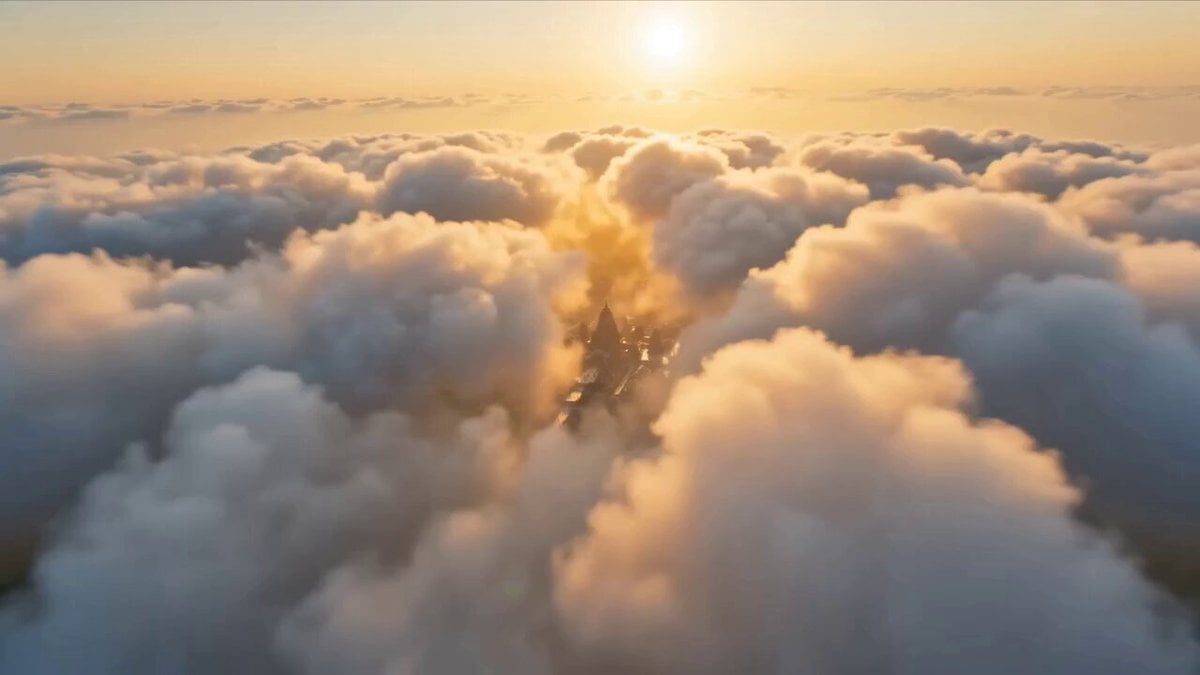
Ancient Indian Kingdom FPV Flight
FPV Ancient Indian Kingdom Fly-through
Ancient Indian Kingdom FPV Flight

Ancient Indian kingdom FPV tour
Ancient Indian Kingdom FPV
Make it yours
Ancient Indian Kingdom FPV works as-is. These are the safest ways to change it without losing the look.
Change one field
Copy a single group, rewrite it, and generate again so you can see what that field is doing.
Keep the frame, change the subject
Hold the composition and light of Ancient Indian Kingdom FPV, then swap wardrobe, props or the person for a new take.
| If the result… | Why | Fix |
|---|---|---|
| The result drifts from the preview | Too many fields changed at once. | Reuse Ancient Indian Kingdom FPV as-is first, then change one group — subject, light, or setting. |
| The model over-stylizes the scene | The prose prompt leaves finish and camera underspecified. | Add one camera or lighting sentence and stay on Seedance 2.0. |
More Seedance 2.0 templates
Other prompts made for Seedance 2.0.

Comical Martial Arts Punch Scene

Maglev Train Action Sequence

Martial Arts Fight Sequence

Wuxia Protection and Trust Script

Vintage Korean Arcade MiniDV Vlog

Mercedes 190 SL Luxury Ad

Rainy Night Supernatural Reverse Comedy Video Script

Amazon Civilization Discovery

Futuristic South Asian City Transformation

Cozy Luxury Cafe Commercial
More video prompts
Fresh picks from across the catalog.
Midnight Forest with Glowing Windows

Surreal Paradise Ethereal Transaction
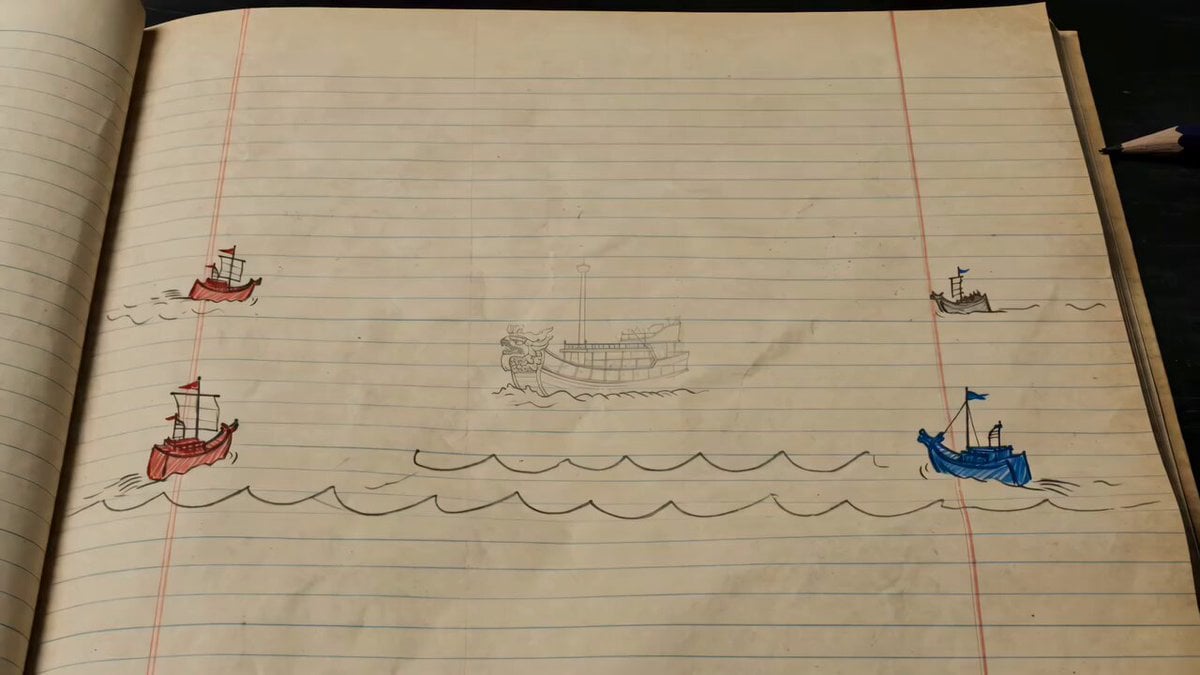
Hand-drawn Animated Naval Battle
Ancient Tree Narrative Sequence

Multi Panel Storyboard Sheet
Magical Underwater Boy Riding Fish
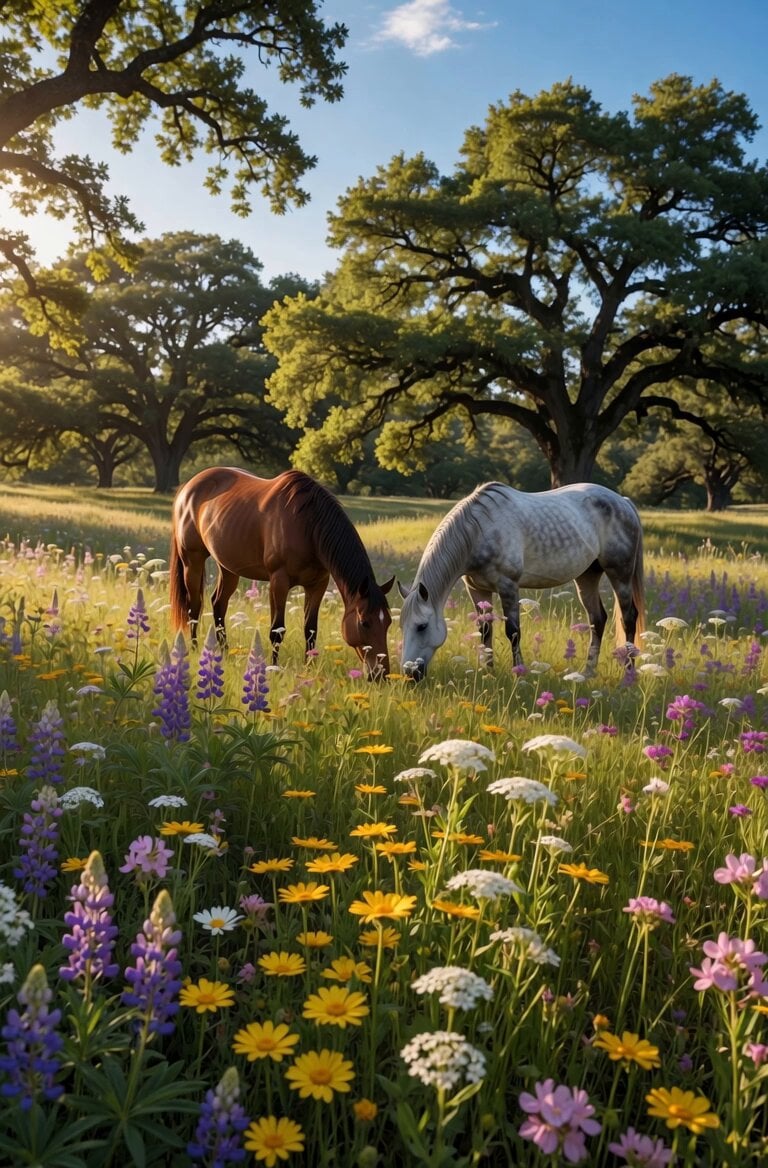
Peaceful Meadow Horse Grazing Video

Blonde Woman Under Strawberry Moon
Grok Imagine Video Prompt: Wow! Logo Apparition

Internet Cafe Coffee Spill Cinematic Story
Browse template categories
Ancient Indian Kingdom FPV questions
How do I use the Ancient Indian Kingdom FPV template?
Add your photo if the template asks for one, edit the prompt if you like — the template's model and format are already selected — and press Generate. Your version opens in PicX Studio.
Can I customize the Ancient Indian Kingdom FPV template?
Yes. You can change the subject, setting, lighting, mood, format, and available model controls before creating your video.
Is the Ancient Indian Kingdom FPV template free?
Opening and editing this template is free. Generating uses credits, shown on the Generate button when you are signed in.
Which AI model should I use?
Start with Seedance 2.0, which is the model associated with this template. You can compare another compatible model for a different finish.
Looking for something else? Browse all templates.

Your photo, any look
Thousands of ready templates for every top image and video model, from one credit balance.