How do I use the Ancient Indian kingdom FPV tour template?
Edit the prompt in the box under the preview — the template's model and format are already selected — and press Generate. Your version appears right on this page.
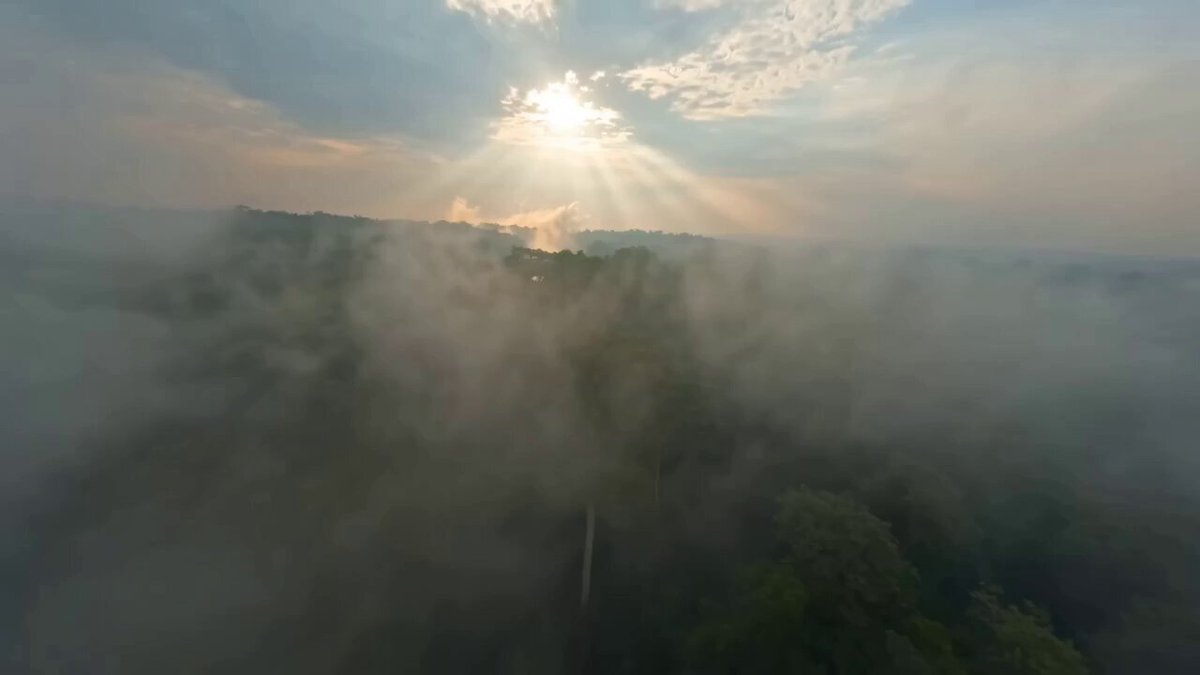
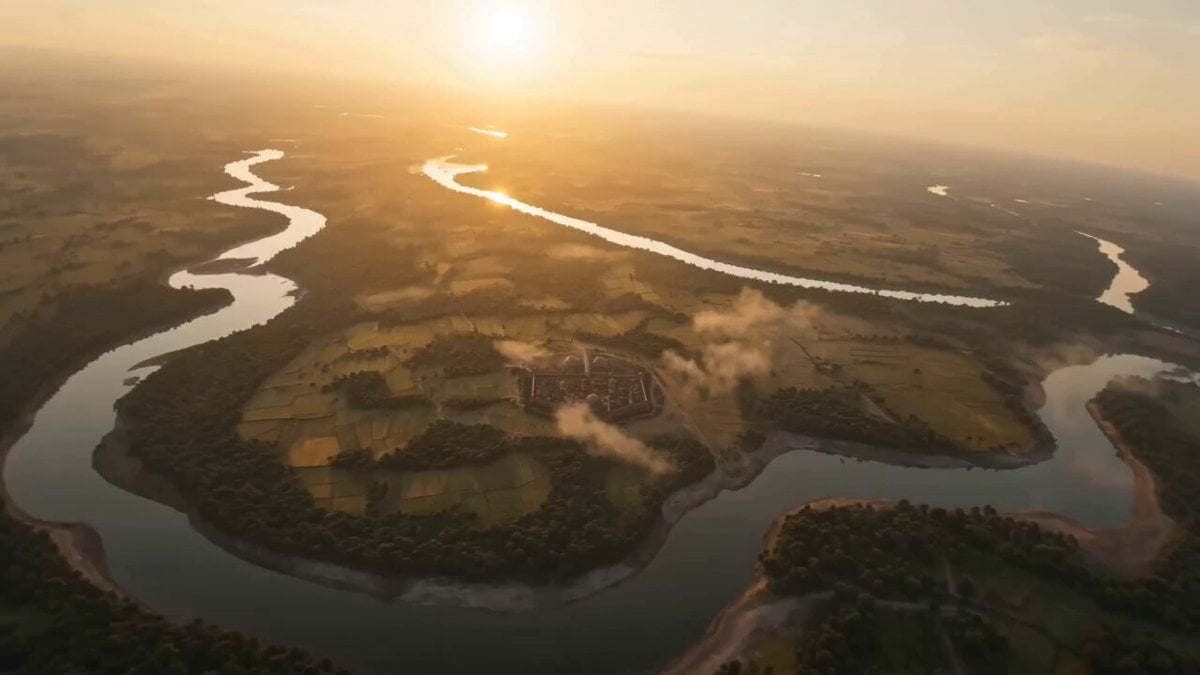
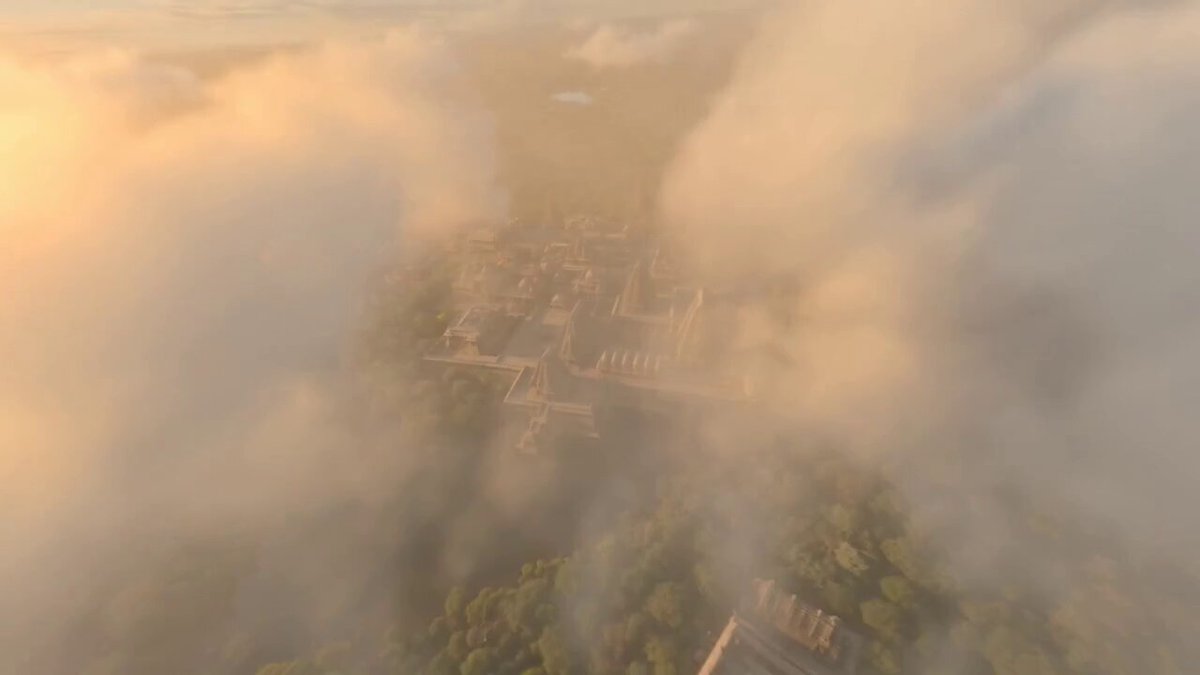
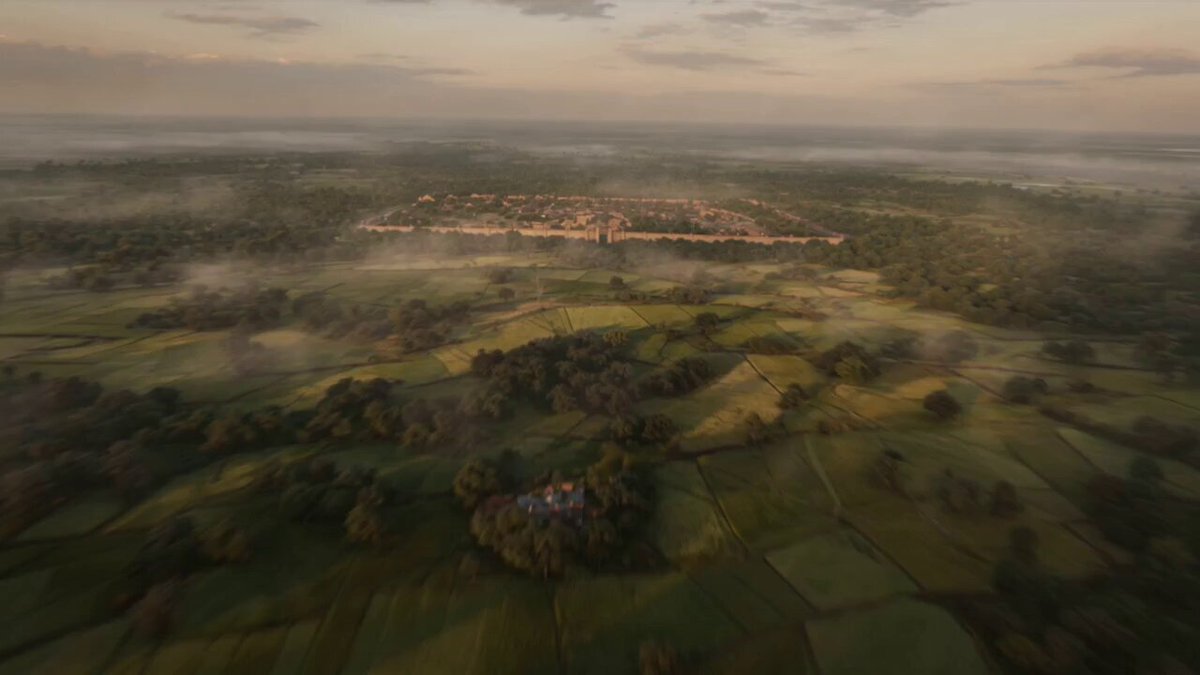
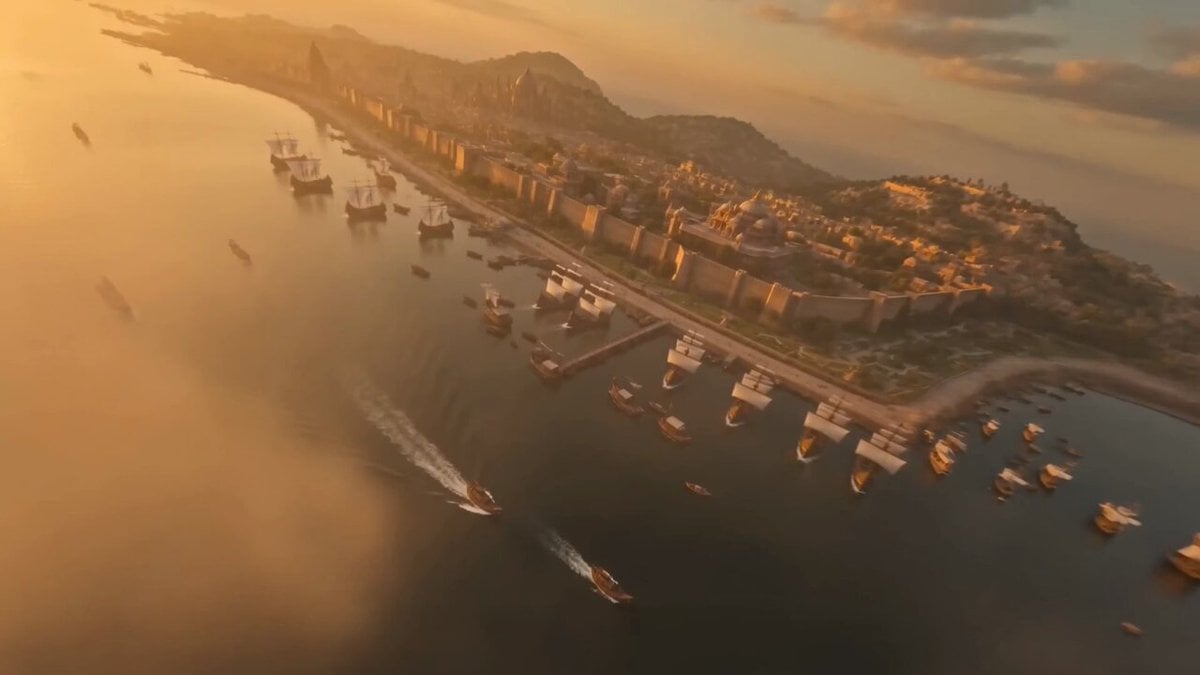
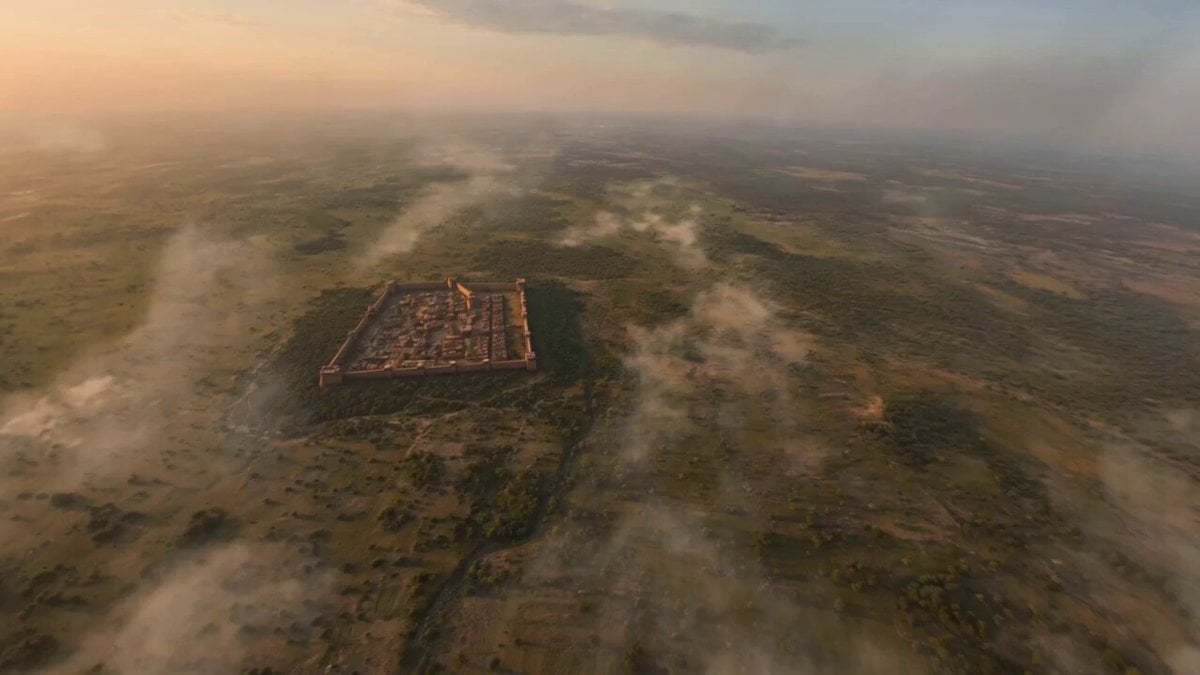
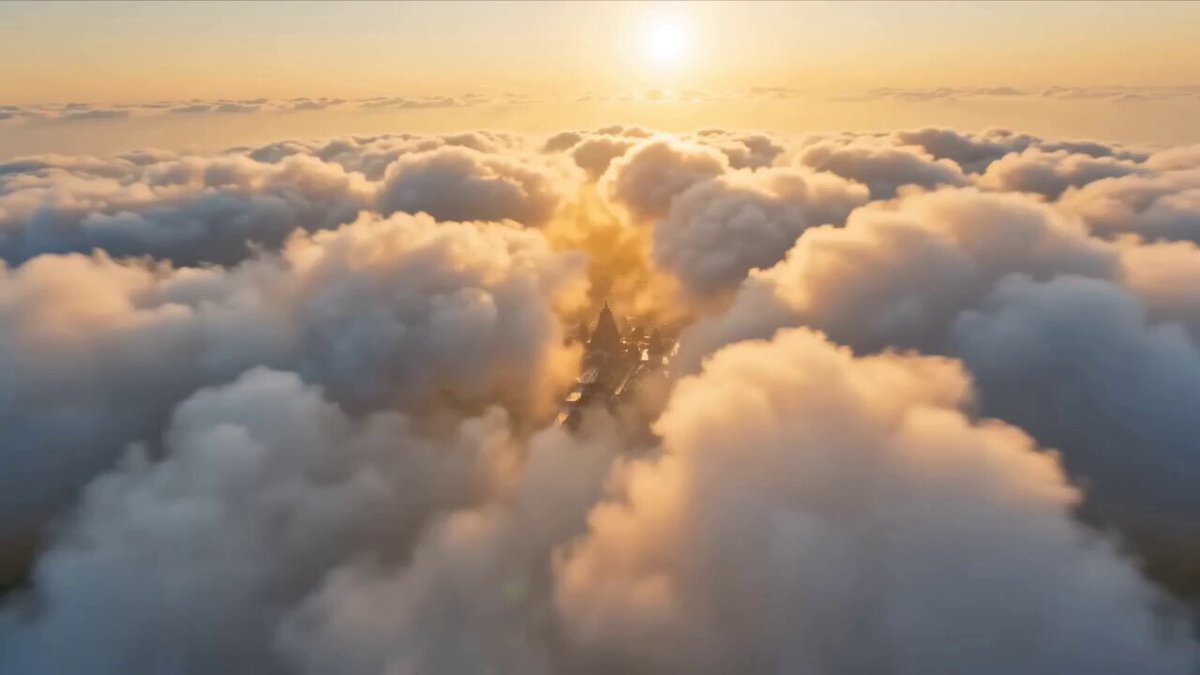
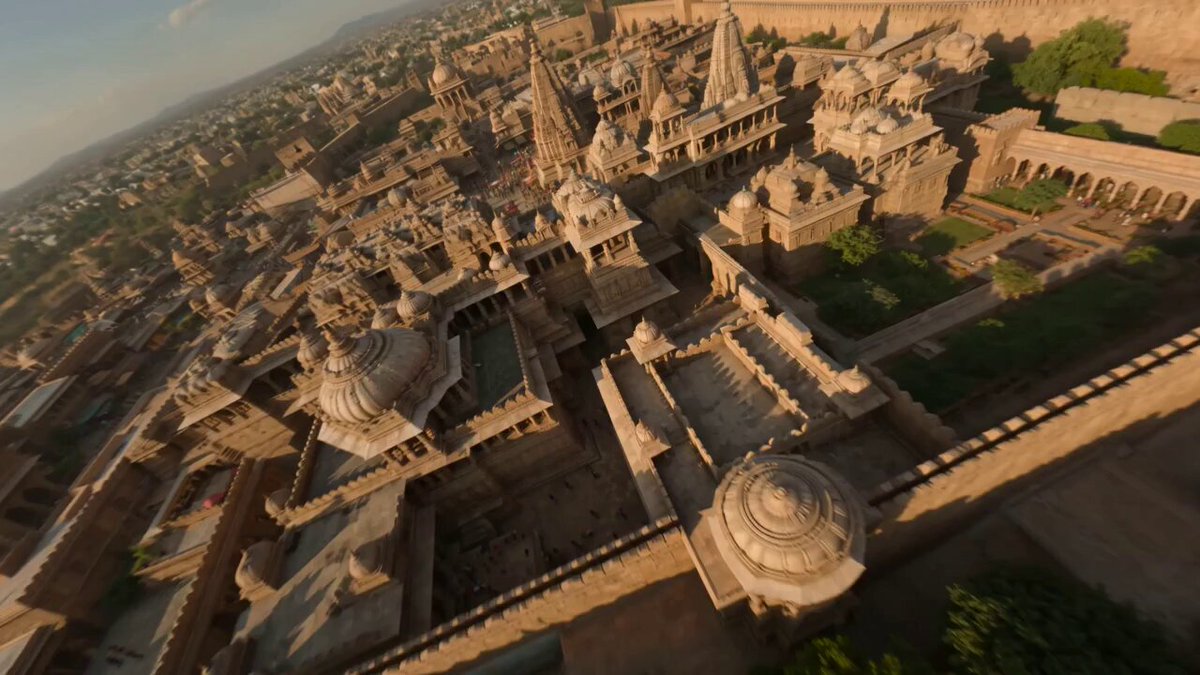
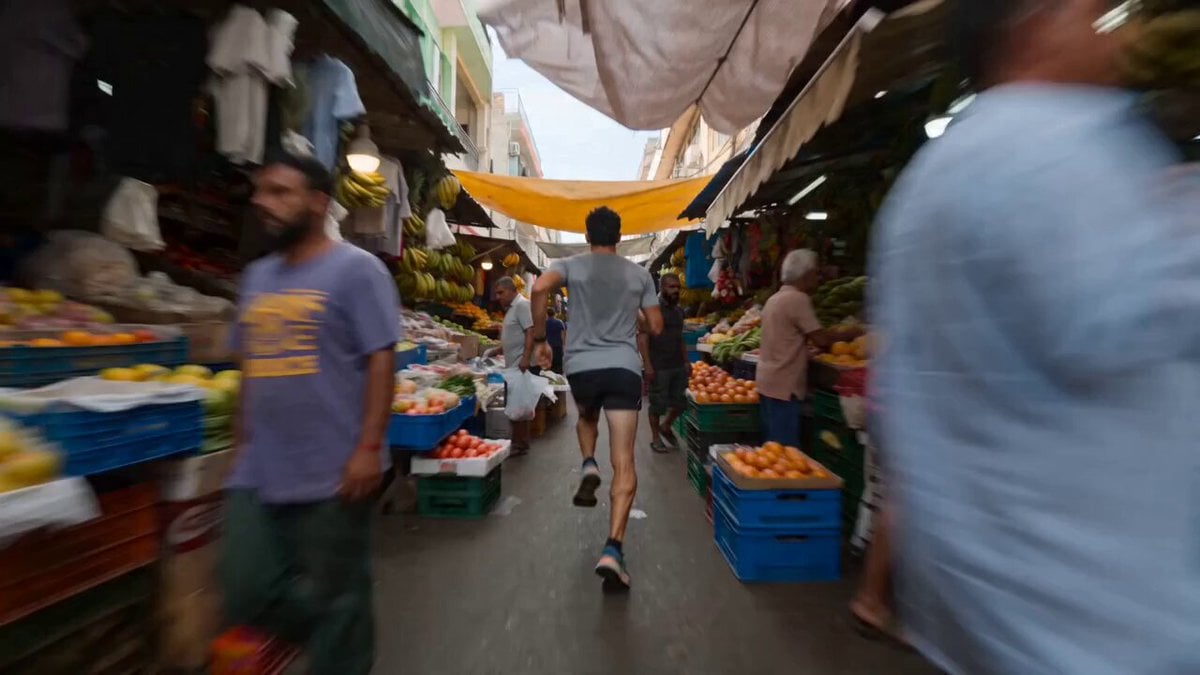
A high-speed FPV cinematic prompt taking the viewer through the lush and architectural details of the ancient Indian Surasena kingdom.
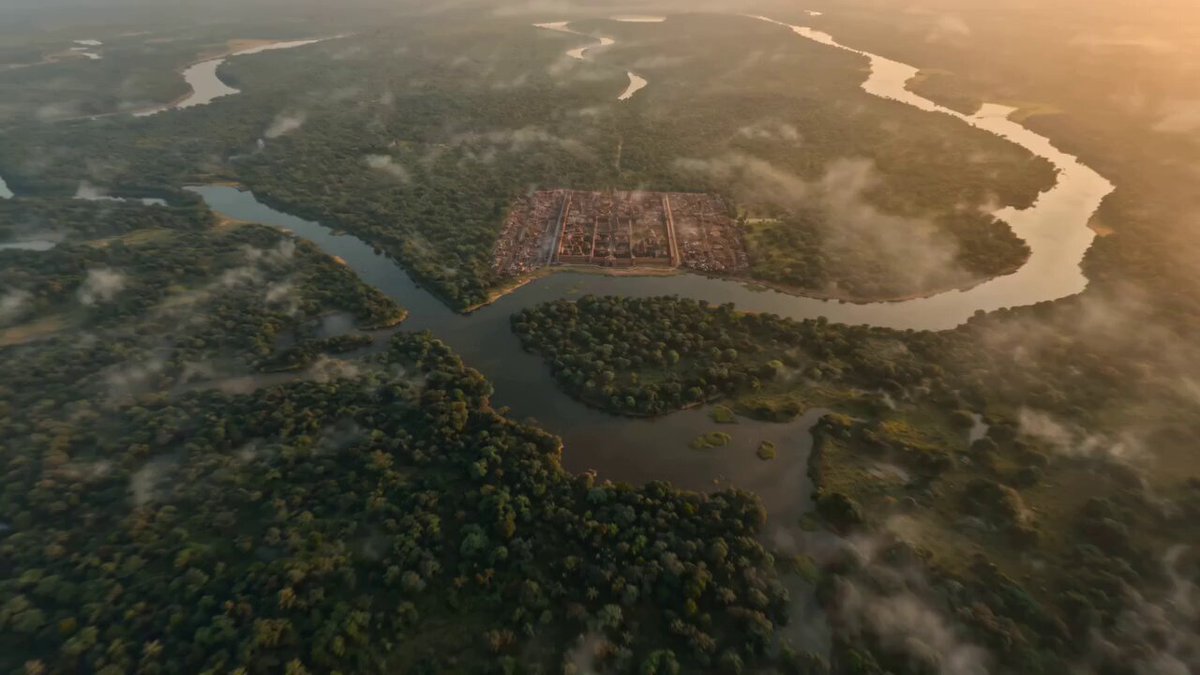
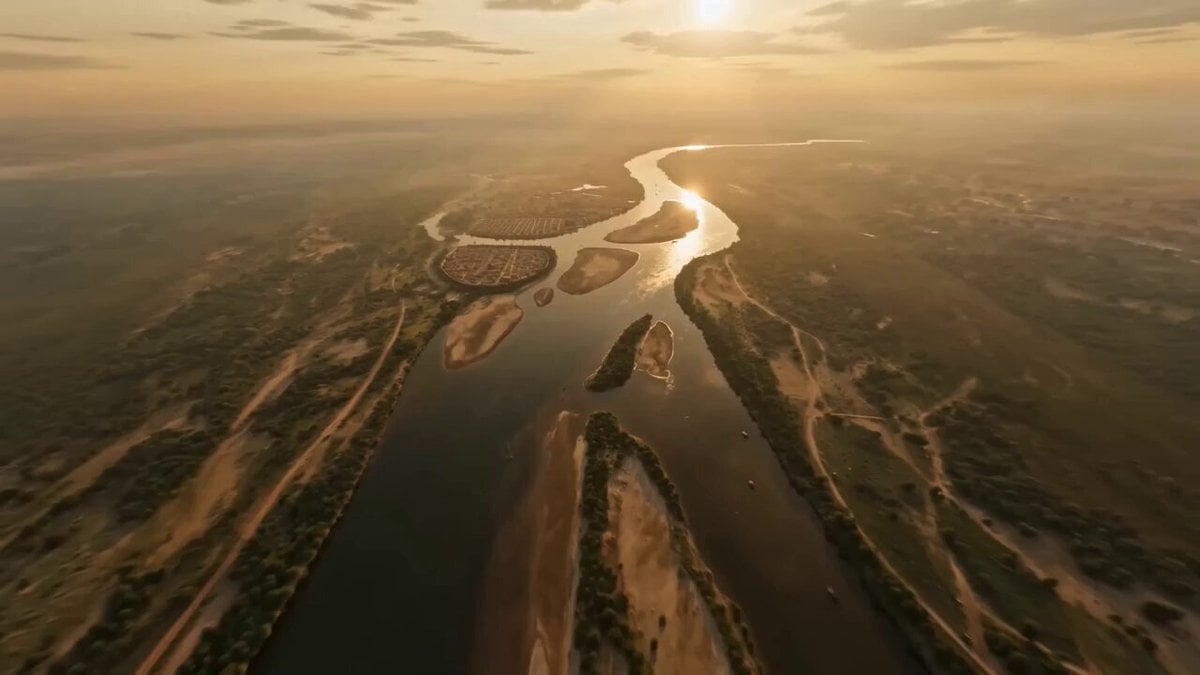
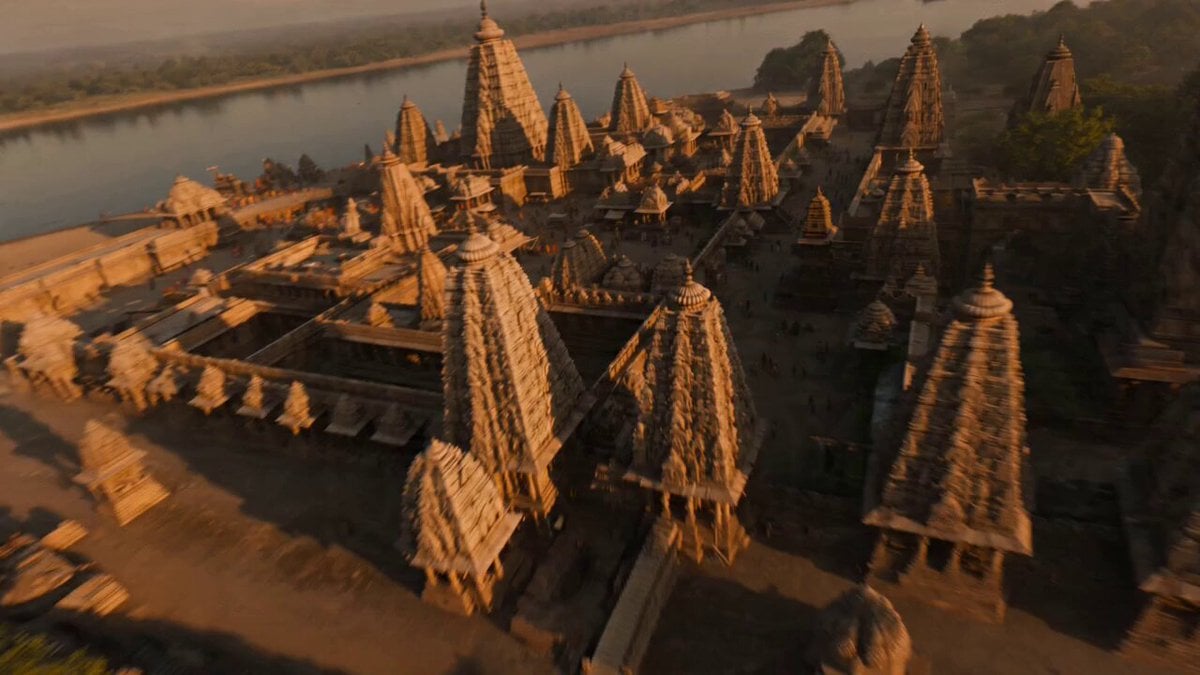
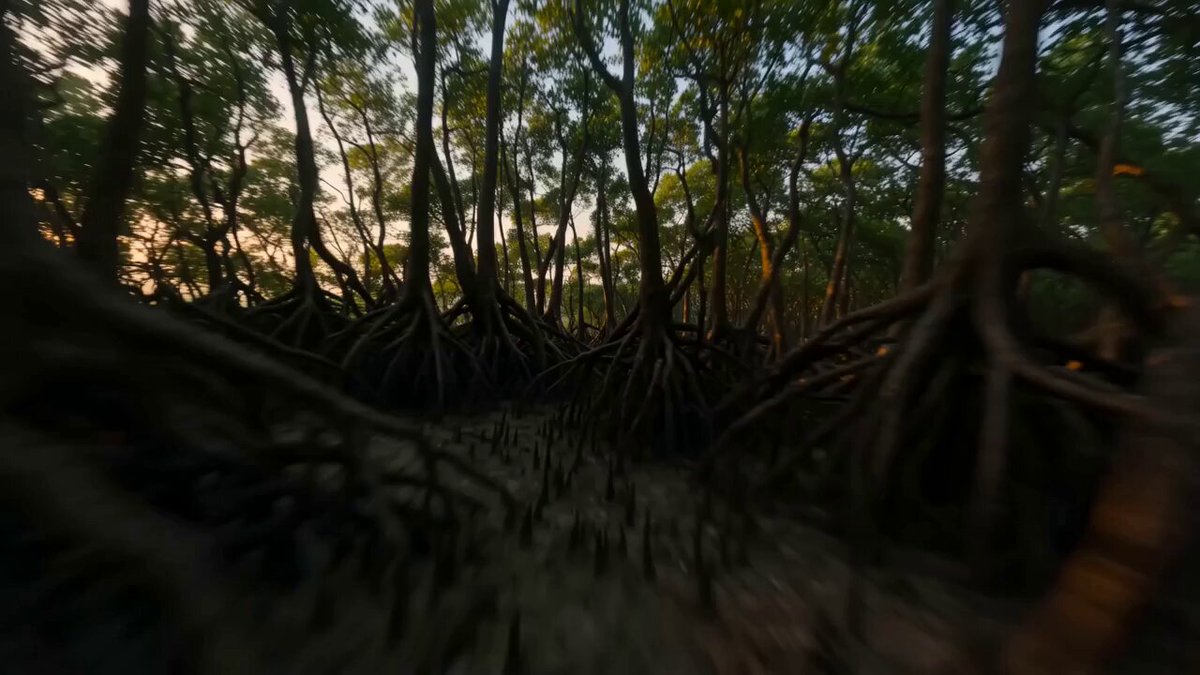
extremely fast-paced, cinematic FPV flying through the ancient Indian Surasena Kingdom during its peak, ultra-realistic and highly detailed. Start with a high-speed aerial dive over lush Yamuna riverbanks at sunrise, entering a grand fortified city inspired by ancient Mathura architecture, with sandstone palaces, intricately carved temples, bustling marketplaces, and royal courtyards. Smooth one-take motion with dynamic speed ramps, weaving through narrow streets filled with traders, warriors, elephants, and chariots in motion. Capture rich textures, golden sunlight, and realistic human activity. Continue through temple complexes with priests performing rituals, then accelerate past royal guards and into a majestic palace interior before exiting toward sunset-lit landscapes. Hyper-realistic lighting, cinematic depth of field, volumetric light, and atmospheric effects. seamless continuous FPV flow, ultra-detailed, epic and immersive
extremely fast-paced, cinematic FPV flying through the ancient Indian Surasena Kingdom during its peak, ultra-realistic and highly detailed. Start with a high-speed aerial dive over lush Yamuna riverbanks at sunrise, entering a grand fortified city inspired by ancient Mathura architecture, with sandstone palaces, intricately carved temples, bustling marketplaces, and royal courtyards. Smooth one-take motion with dynamic speed ramps, weaving through narrow streets filled with traders, warriors, elephants, and chariots in motion. Capture rich textures, golden sunlight, and realistic human activity. Continue through temple complexes with priests performing rituals, then accelerate past royal guards and into a majestic palace interior before exiting toward sunset-lit landscapes. Hyper-realistic lighting, cinematic depth of field, volumetric light, and atmospheric effects. seamless continuous FPV flow, ultra-detailed, epic and immersive
Edit the prompt in the box under the preview — the template's model and format are already selected — and press Generate. Your version appears right on this page.
Yes. You can change the subject, setting, lighting, mood, format, and available model controls before creating your video.
Opening and editing this template is free. Generating uses credits, shown on the Generate button when you are signed in.
Start with Seedance 2.0, which is the model associated with this template. You can compare another compatible model for a different finish.
Follow a topic to a crawlable collection of related PicX Studio templates.