
Takeshi's Castle 80s TV Aesthetic
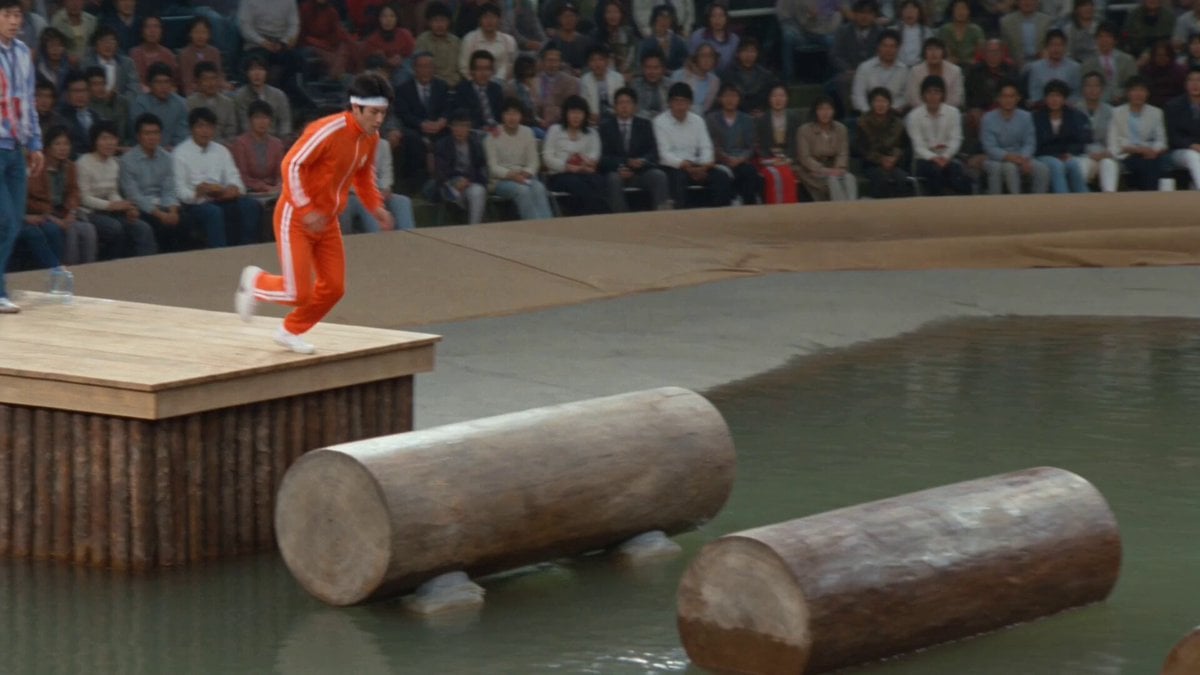
A high-fidelity prompt for recreating the 1980s analog broadcast look of the Japanese game show Takeshi's Castle, featuring a contestant on the spinning logs.
- Prompt included
- Model and format preset
- Free template
The prompt behind this video
Copy the exact prompt behind Takeshi's Castle 80s TV Aesthetic, or open it in the studio and make it yours.
Authentic 1980s Japanese television game show broadcast footage, realistic recreation of original Takeshi's Castle ENG camera footage, natural handheld camera with subtle shake and tracking, broadcast video noise, analog grain, limited dynamic range and color saturation of the era, slight color bleeding on highlights, chaotic energetic atmosphere of the original show. No reference images provided. Generate the entire scene from the text description. 0-3s: [Wide handheld tracking shot from the side] A determined young Japanese male contestant in his mid-20s, short black hair, wearing a bright orange tracksuit with white stripes, white sneakers and a white headband, sprints confidently from the wooden starting platform onto the first of several large spinning cylindrical logs floating over a murky pond. He runs with pumping arms and focused expression as the log begins to rotate slowly beneath his feet, causing his body to wobble slightly. Water ripples and splashes lightly around the base of the logs. 3-6s: [Dynamic medium tracking shot moving alongside] He leaps to the second spinning log at a slightly higher level, landing with bent knees to absorb the impact. The faster-rotating drum spins his feet out from under him; he flails his arms dramatically to regain balance, torso leaning left then right, face shifting from concentration to surprise. The log's wet surface glistens as he struggles to stay upright. 6-9s: [Closer side profile action shot with motion blur] Pushing forward to the third log, his right foot slips on the spinning wet wood. He lurches forward violently, arms windmilling, body twisting as he tries to recover by crouching low. His left leg dips into the water creating a splash, but he pulls it out and continues with desperate momentum, the rotating cylinder throwing off his rhythm. 9-12s: [Dynamic tracking shot from a three-quarter angle] He attempts a running jump to the next log but the combined spin and his forward speed causes him to lose all balance. His body tilts backward sharply, legs kicking in the air, arms reaching out for nothing as he begins to fall off the side of the log. 12-15s: [Impact focused shot with water dynamics] The contestant falls backward off the spinning log into the pond with a huge explosive splash, water shooting up around his body. He submerges briefly, then resurfaces gasping and flailing, completely soaked, as the logs continue their relentless spinning in the background. His expression is one of shocked defeat mixed with the show's signature comedic failure. High fidelity recreation of 1980s analog broadcast video, visible natural grain and broadcast noise, realistic motion characteristics of old ENG cameras, coherent but slightly imperfect physics and movement as seen in original Takeshi's Castle episodes, era-accurate color response and limited dynamic range, stable character with the natural imperfections of analog footage
How to use Takeshi's Castle 80s TV Aesthetic in 3 steps
- 1
Open
The prompt is already in the box next to the preview, with the template's model and format selected.
- 2…a portrait of your subject in softgolden-hour light, 85mm…
Personalize
Edit the subject and creative details for your destination.
- 3Generate
Generate
Press Generate — your video is created in PicX Studio, so you can compare it with the original and refine one variable at a time.
More like this
Templates with the same subject, style or setup. Open one to see its prompt.
Floating Glass Castle in Cosmic Storm
Austrian Soldier Castle Dracula Battle
Walking Castle Medieval Siege Prompt
Floating Dragon Castle Sunrise
Crystal Castle Samurai Journey
Cinematic Sengoku Period Castle Siege
Samurai Castle Siege Action
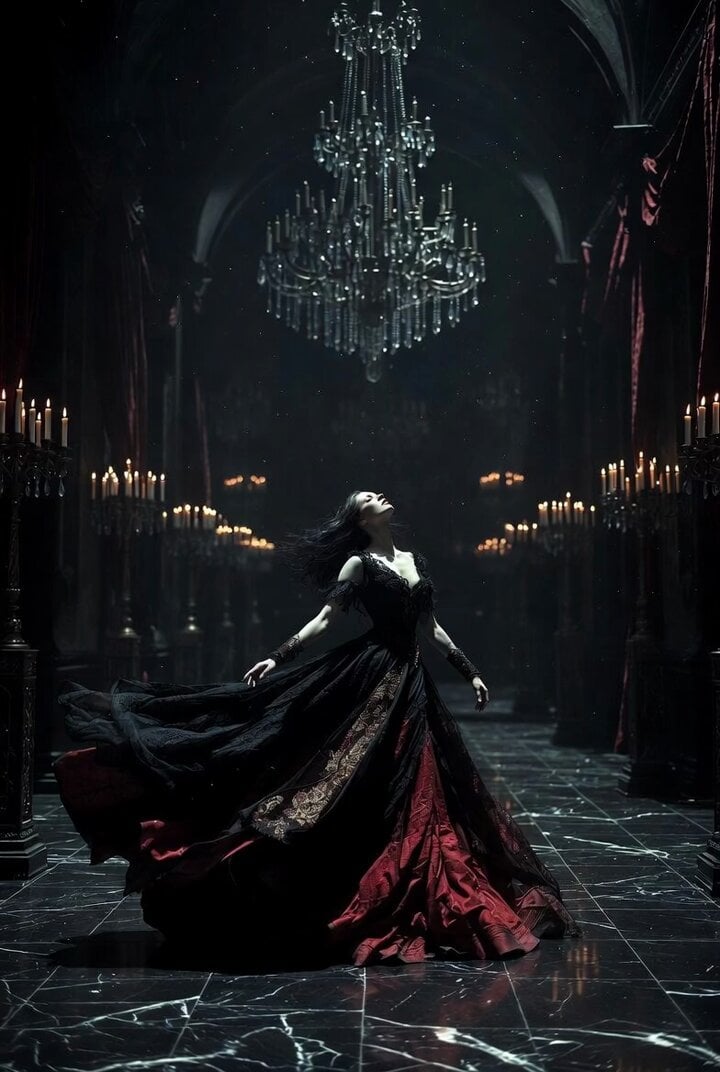
Gothic Castle Ballroom Dancer Scene

Princess Castle Dance Transformation
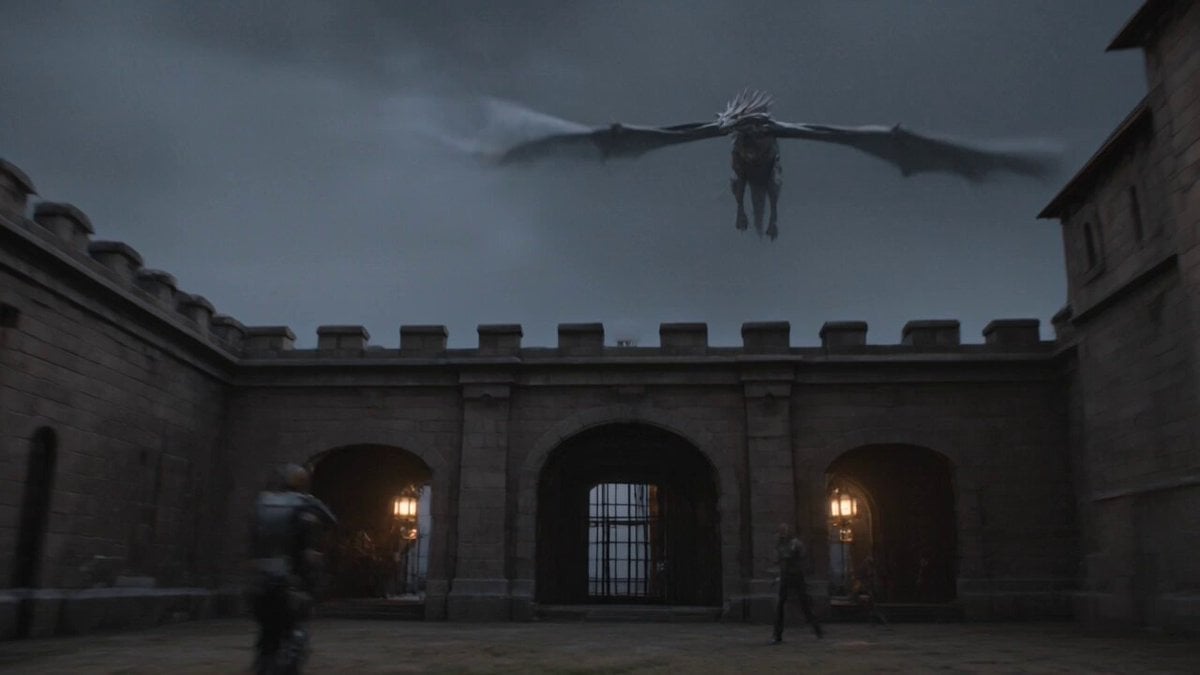
Ancient Castle Siege by Dragon
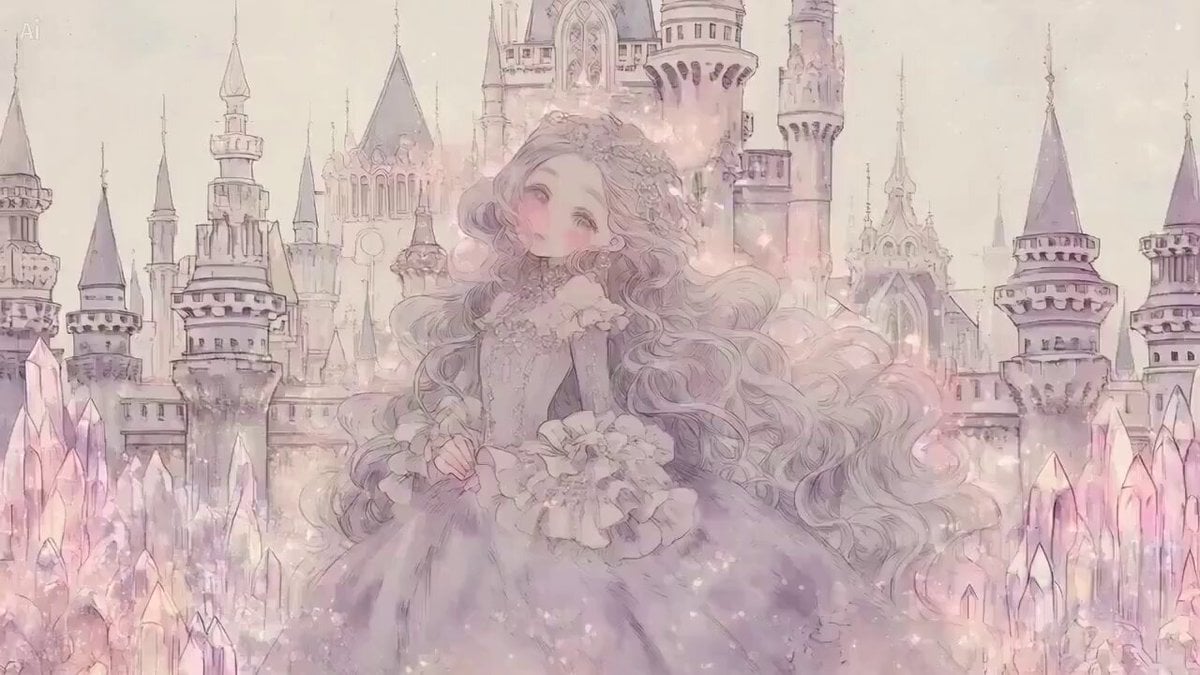
Fantasy Princess Castle Scene
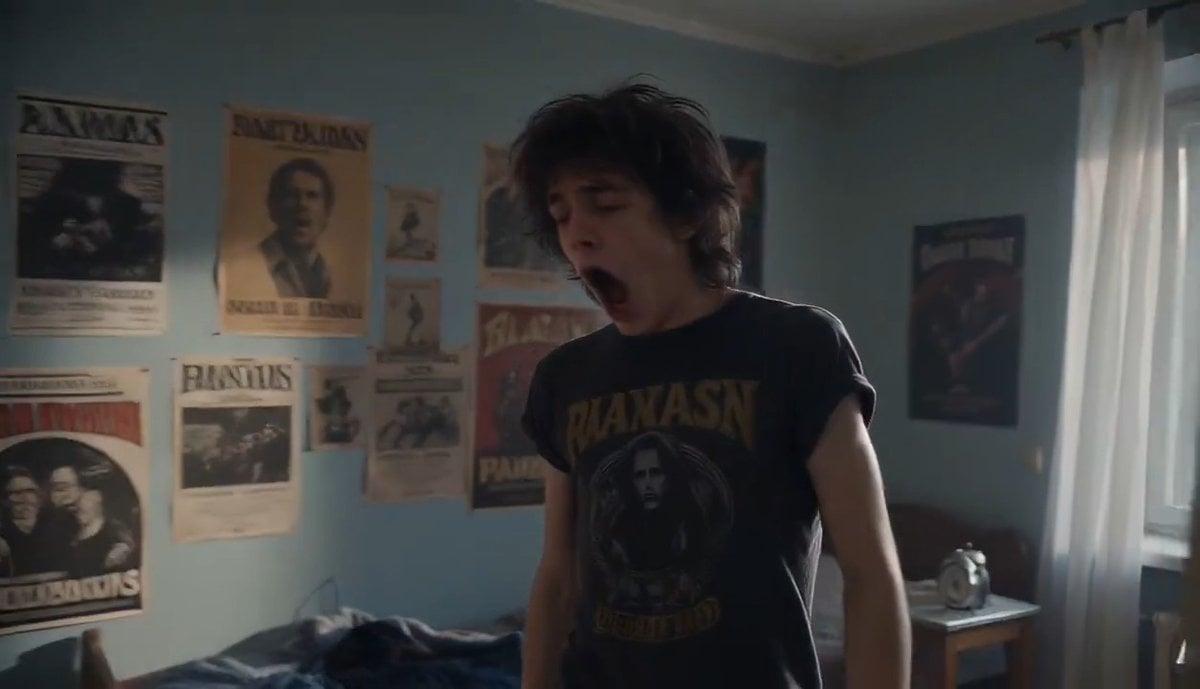
80s Underground Drummer Life
Make it yours
Takeshi's Castle 80s TV Aesthetic works as-is. These are the safest ways to change it without losing the look.
Change one field
Copy a single group, rewrite it, and generate again so you can see what that field is doing.
Keep the frame, change the subject
Hold the composition and light of Takeshi's Castle 80s TV Aesthetic, then swap wardrobe, props or the person for a new take.
| If the result… | Why | Fix |
|---|---|---|
| The result drifts from the preview | Too many fields changed at once. | Reuse Takeshi's Castle 80s TV Aesthetic as-is first, then change one group — subject, light, or setting. |
| The model over-stylizes the scene | The prose prompt leaves finish and camera underspecified. | Add one camera or lighting sentence and stay on Seedance 2.0. |
More Seedance 2.0 templates
Other prompts made for Seedance 2.0.

Comical Martial Arts Punch Scene

Maglev Train Action Sequence

Martial Arts Fight Sequence

Wuxia Protection and Trust Script

Vintage Korean Arcade MiniDV Vlog

Mercedes 190 SL Luxury Ad

Rainy Night Supernatural Reverse Comedy Video Script

Amazon Civilization Discovery

Futuristic South Asian City Transformation

Cozy Luxury Cafe Commercial
More video prompts
Fresh picks from across the catalog.



Browse template categories
Takeshi's Castle 80s TV Aesthetic questions
How do I use the Takeshi's Castle 80s TV Aesthetic template?
Add your photo if the template asks for one, edit the prompt if you like — the template's model and format are already selected — and press Generate. Your version opens in PicX Studio.
Can I customize the Takeshi's Castle 80s TV Aesthetic template?
Yes. You can change the subject, setting, lighting, mood, format, and available model controls before creating your video.
Is the Takeshi's Castle 80s TV Aesthetic template free?
Opening and editing this template is free. Generating uses credits, shown on the Generate button when you are signed in.
Which AI model should I use?
Start with Seedance 2.0, which is the model associated with this template. You can compare another compatible model for a different finish.
Looking for something else? Browse all templates.

Your photo, any look
Thousands of ready templates for every top image and video model, from one credit balance.