
Photorealistic Pokémon Battle
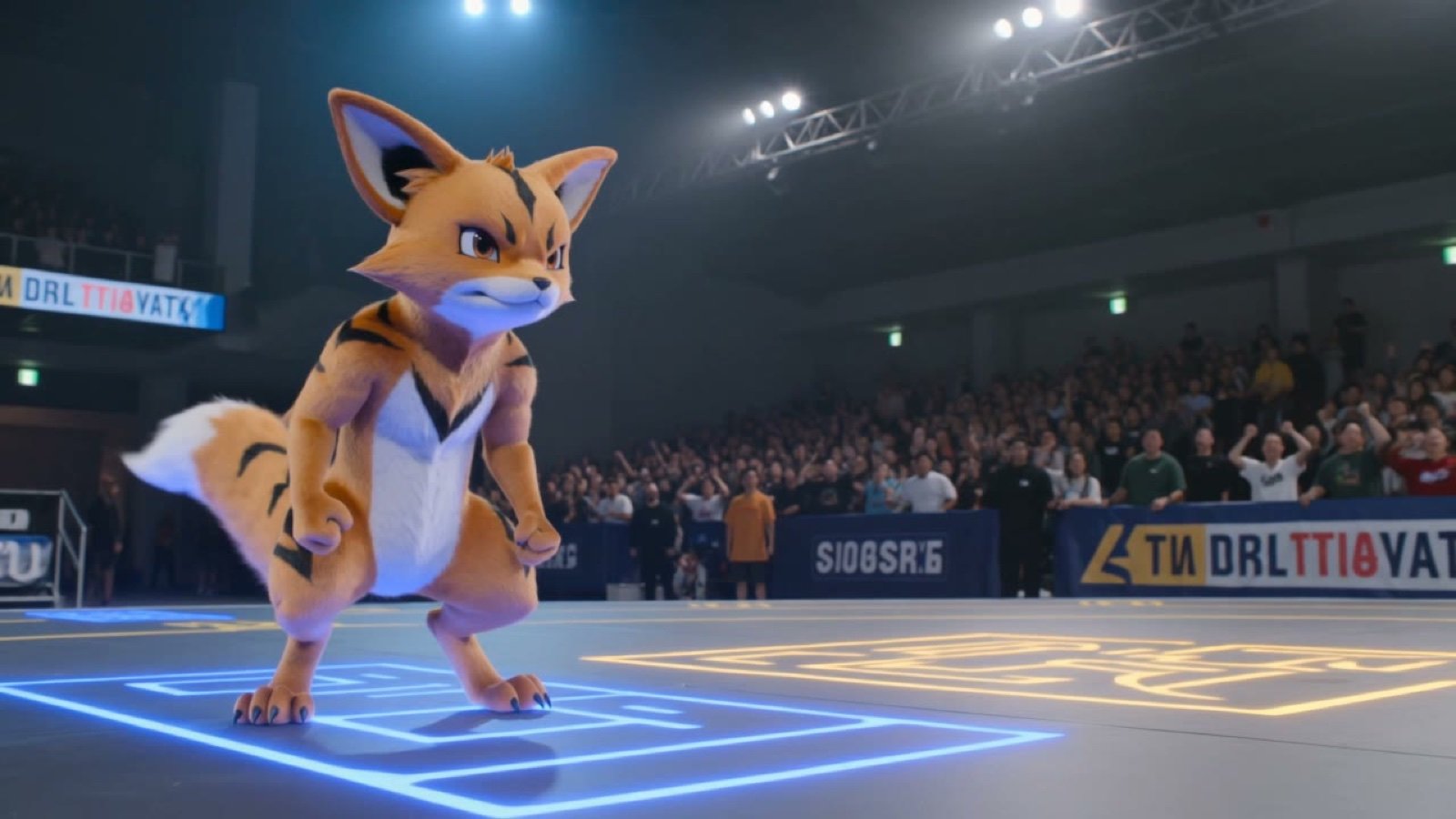
A Grok Imagine prompt for generating a high-intensity Pokémon battle video inside a stadium with dynamic lighting.
- Prompt included
- Model and format preset
- Premium template
The prompt behind this video
Copy the exact prompt behind Photorealistic Pokémon Battle, or open it in the studio and make it yours.
Photorealistic Pokémon battle scene in a vibrant indoor stadium arena with bright overhead lights, glowing battle field markings on the floor, and blurred cheering crowd in the background. On the left stands a confident Pokémon
How to use Photorealistic Pokémon Battle in 3 steps
- 1Upload ImagePNG, JPG or paste
Add your photo
Upload the photo the template builds on. The prompt, model and format are already set.
- 2…a portrait of your subject in softgolden-hour light, 85mm…
Personalize
Edit the subject and creative details for your destination.
- 3Generate
Generate
Press Generate — your video is created in PicX Studio, so you can compare it with the original and refine one variable at a time.
More like this
Templates with the same subject, style or setup. Open one to see its prompt.
Photorealistic 3D Render Template
Utopian World of Harmony and Peace
Photorealistic Biomechanical Chrome Alien Warrior
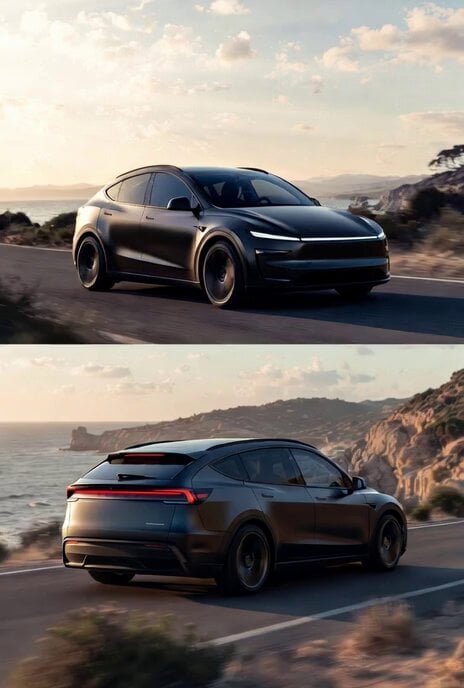
Photorealistic rendering of a Tesla Model Y as a classic European station wagon
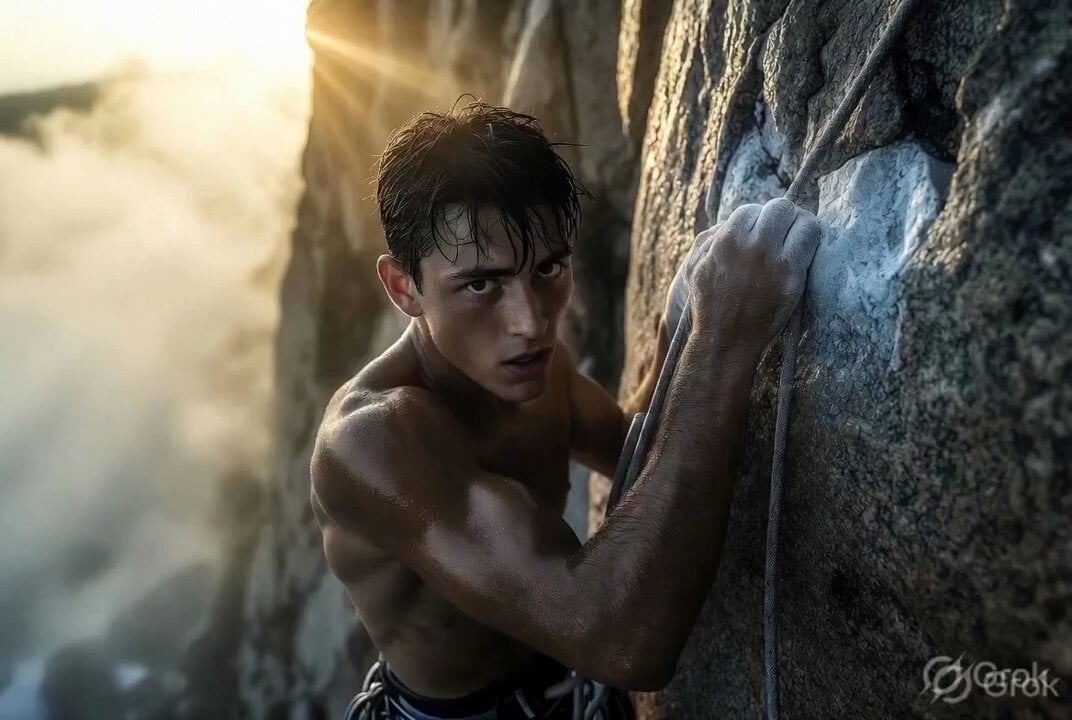
Photorealistic cinematic rock climber
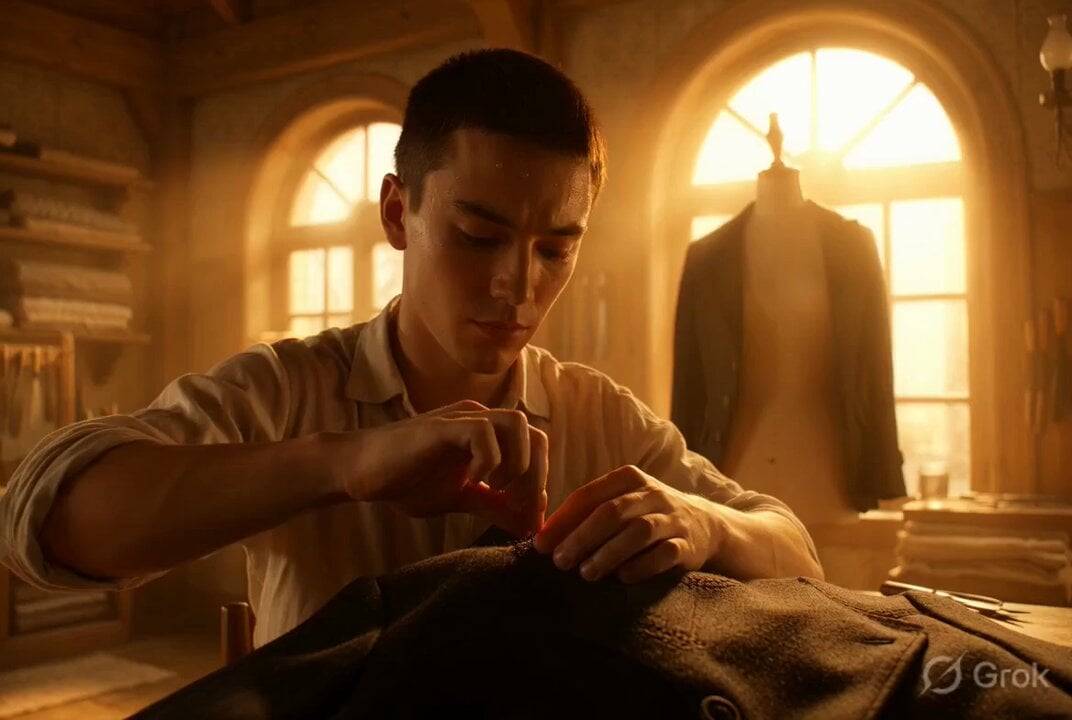
Photorealistic cinematic portrait of a young tailor
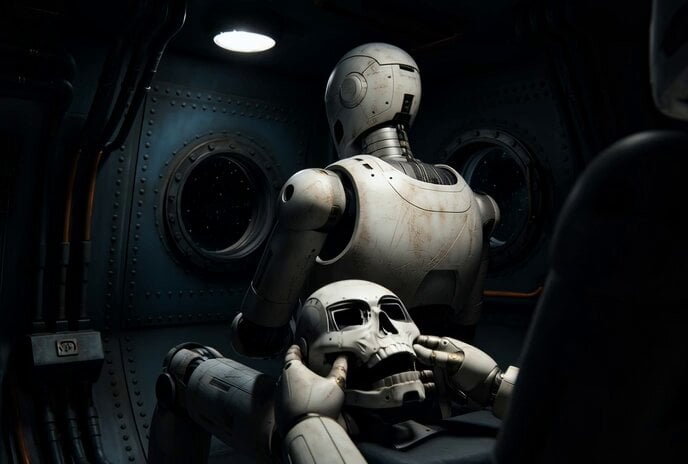
Photorealistic IMAX Sequence of a Robot Assembling its Faceplate
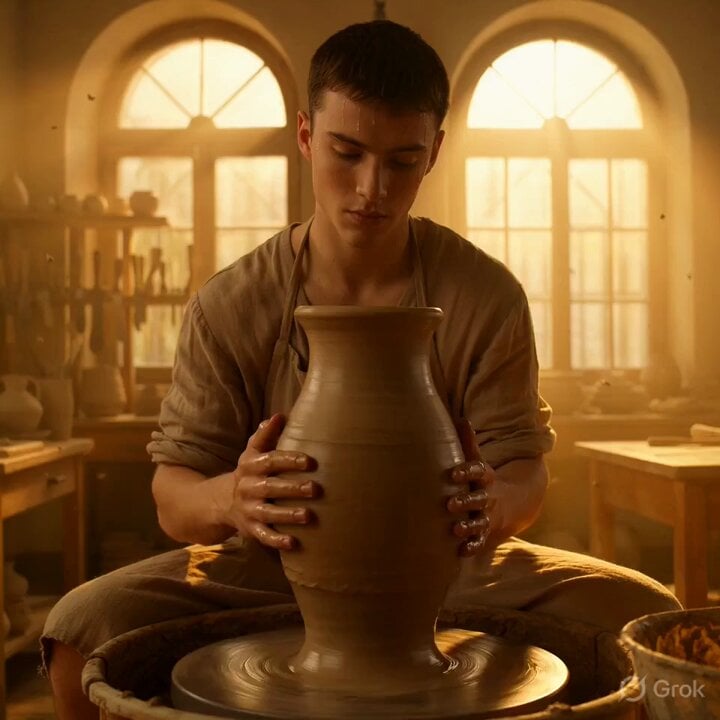
Grok Imagine Video Prompt: Photorealistic Portrait of a Potter
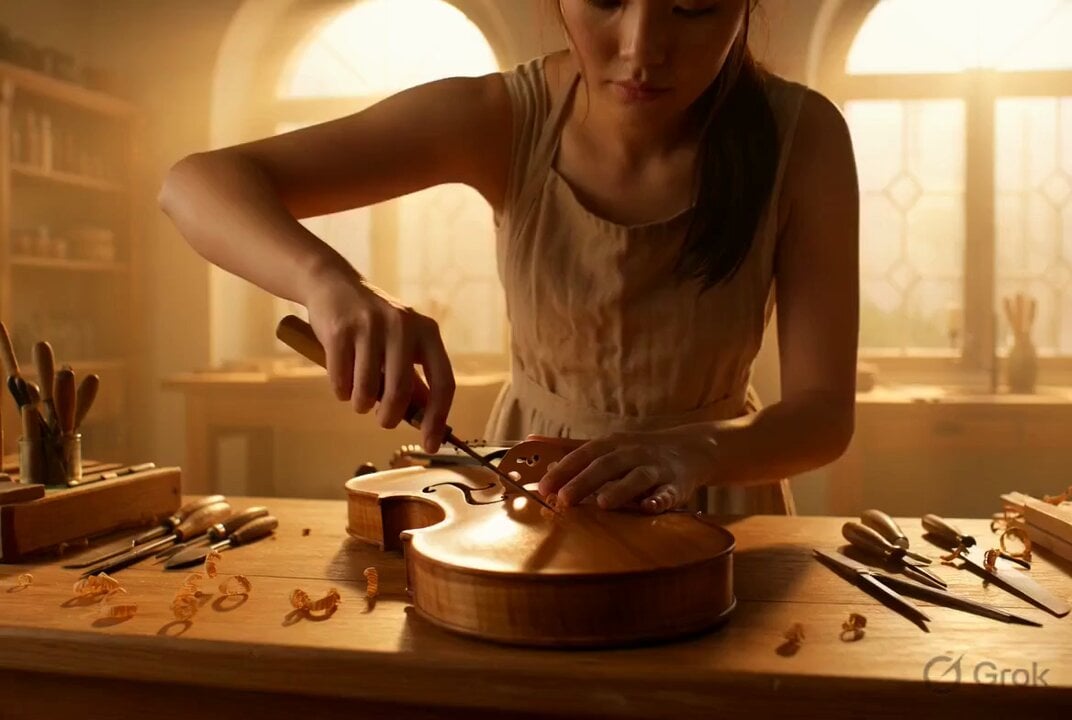
Photorealistic Violin Maker Portrait Video Prompt

Photorealistic Cinematic Portrait of a Bonsai Master
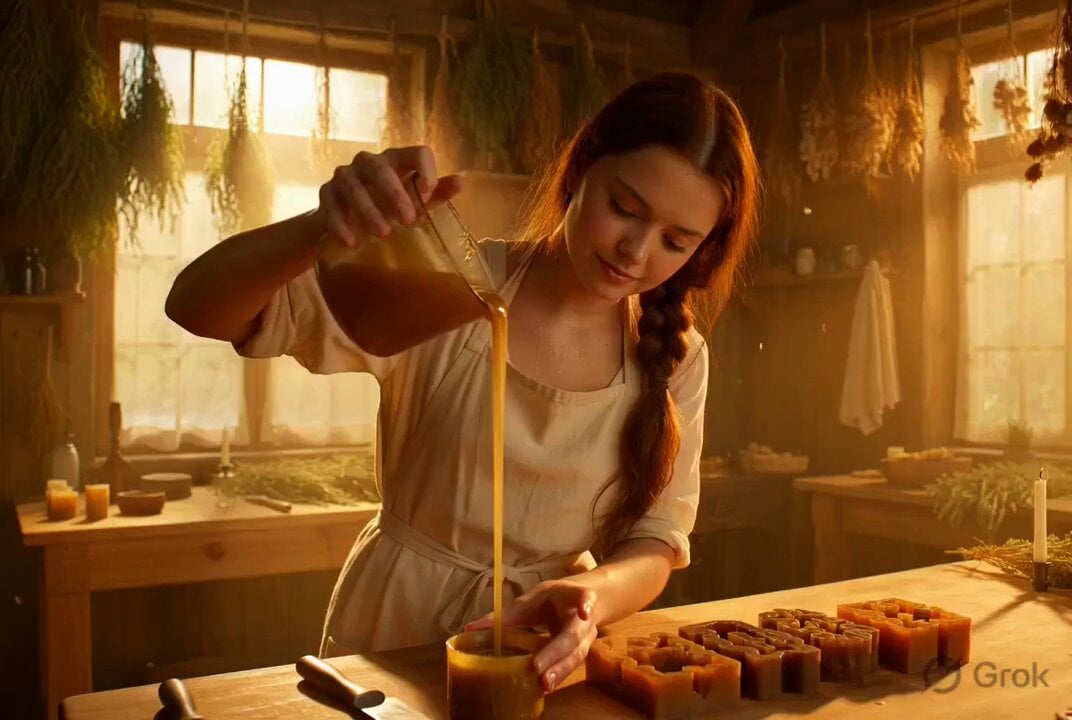
Photorealistic cinematic portrait of a gentle candle maker
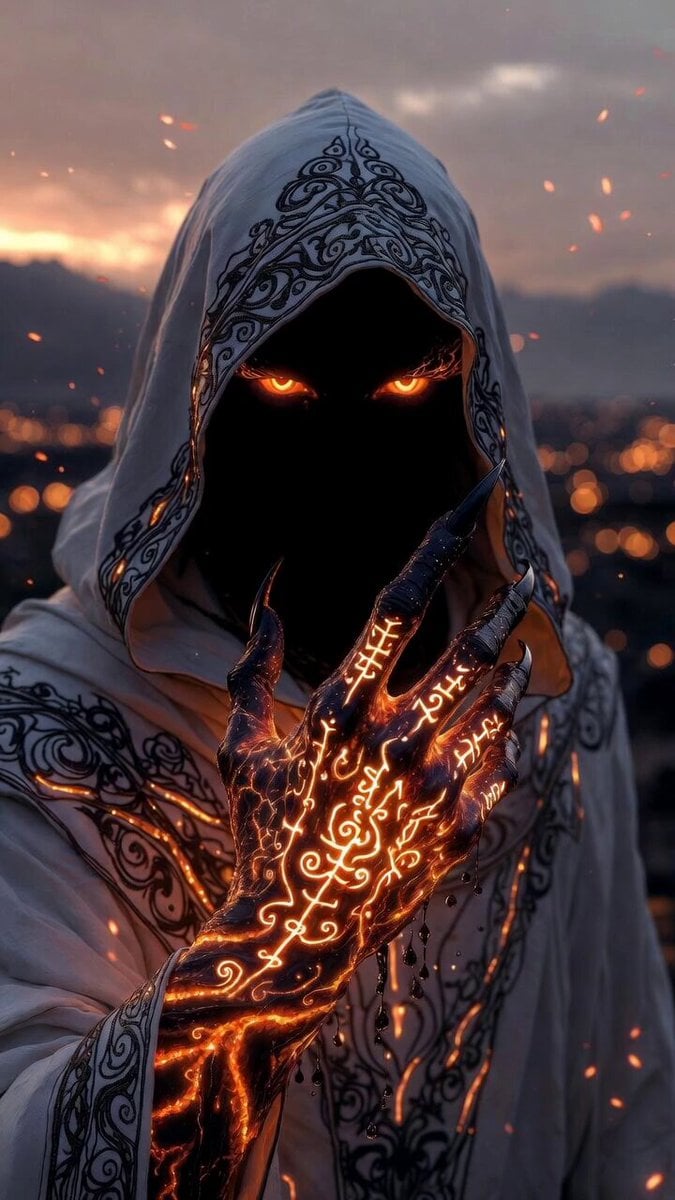
Photorealistic Shadow Sorcerer
Make it yours
Photorealistic Pokémon Battle works as-is. These are the safest ways to change it without losing the look.
Change one field
Copy a single group, rewrite it, and generate again so you can see what that field is doing.
Keep the frame, change the subject
Hold the composition and light of Photorealistic Pokémon Battle, then swap wardrobe, props or the person for a new take.
| If the result… | Why | Fix |
|---|---|---|
| The result drifts from the preview | Too many fields changed at once. | Reuse Photorealistic Pokémon Battle as-is first, then change one group — subject, light, or setting. |
| The model over-stylizes the scene | The prose prompt leaves finish and camera underspecified. | Add one camera or lighting sentence and stay on Grok Imagine. |
More Grok Imagine templates
Other prompts made for Grok Imagine.

Pterodactyl Transformation Journey
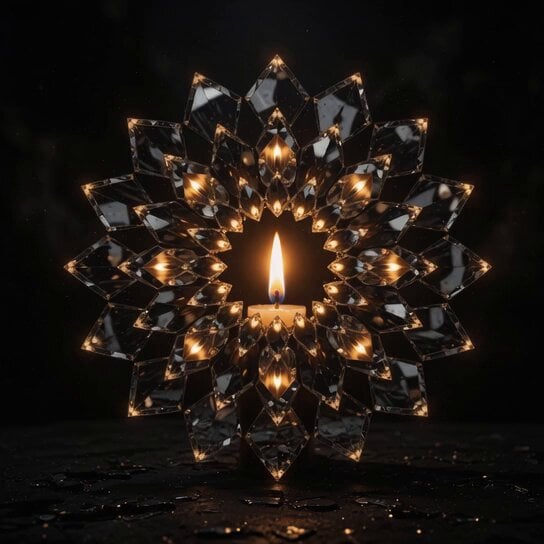
Candle Mandala Mirror Video
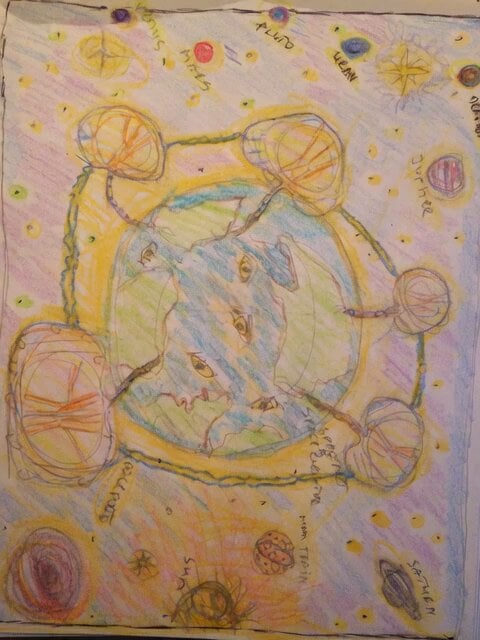
Psychedelic Purple Disc World Video
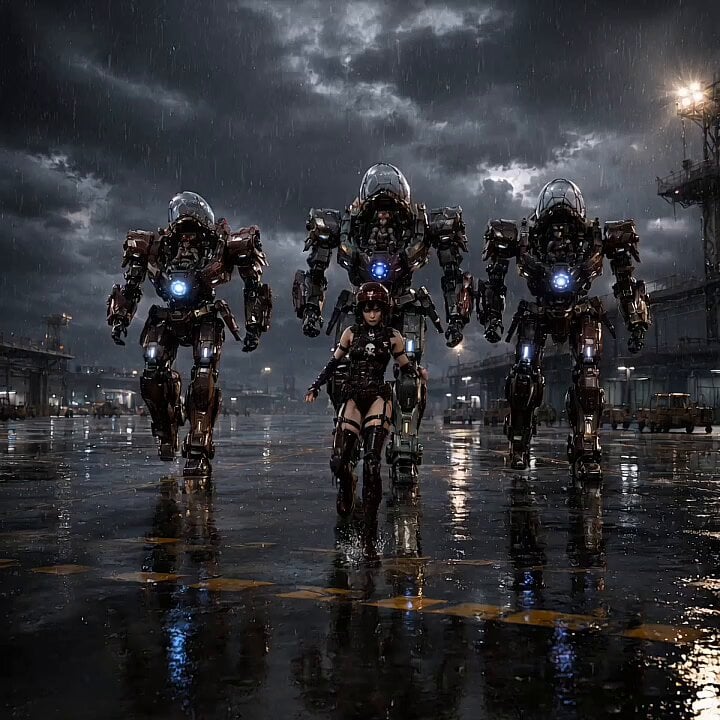
Mecha Runway Tap Dance Video Prompt

Quantum Inventor in Sonoran Desert
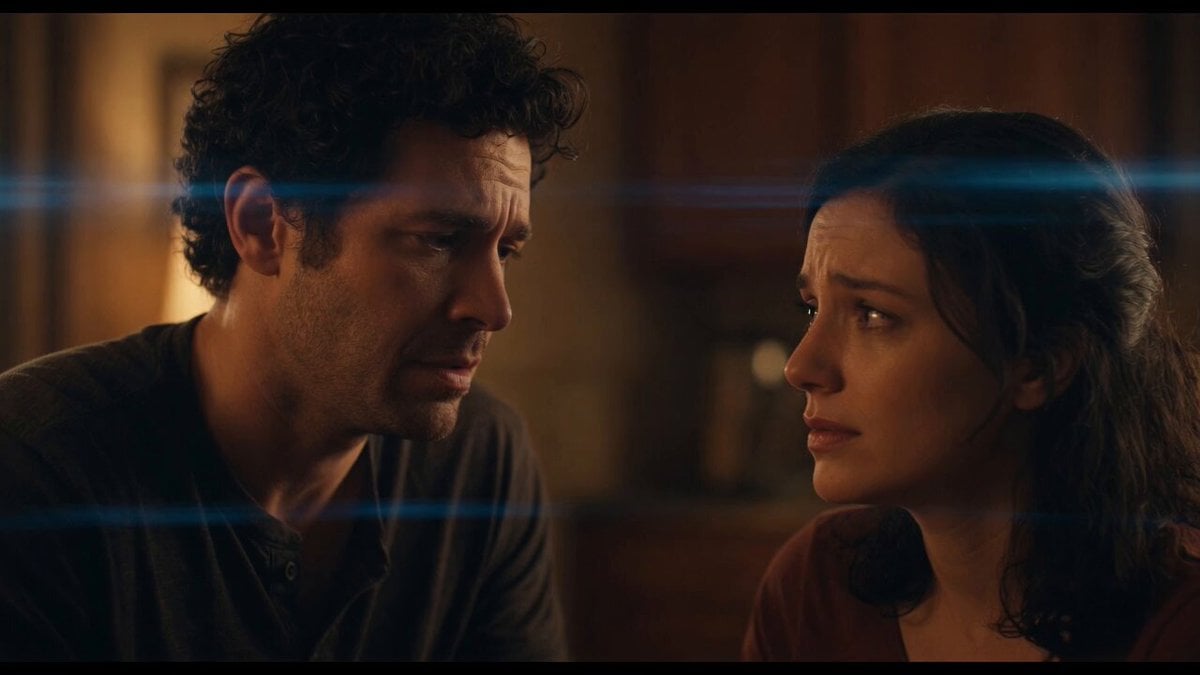
Emotional Angry Couple Drama
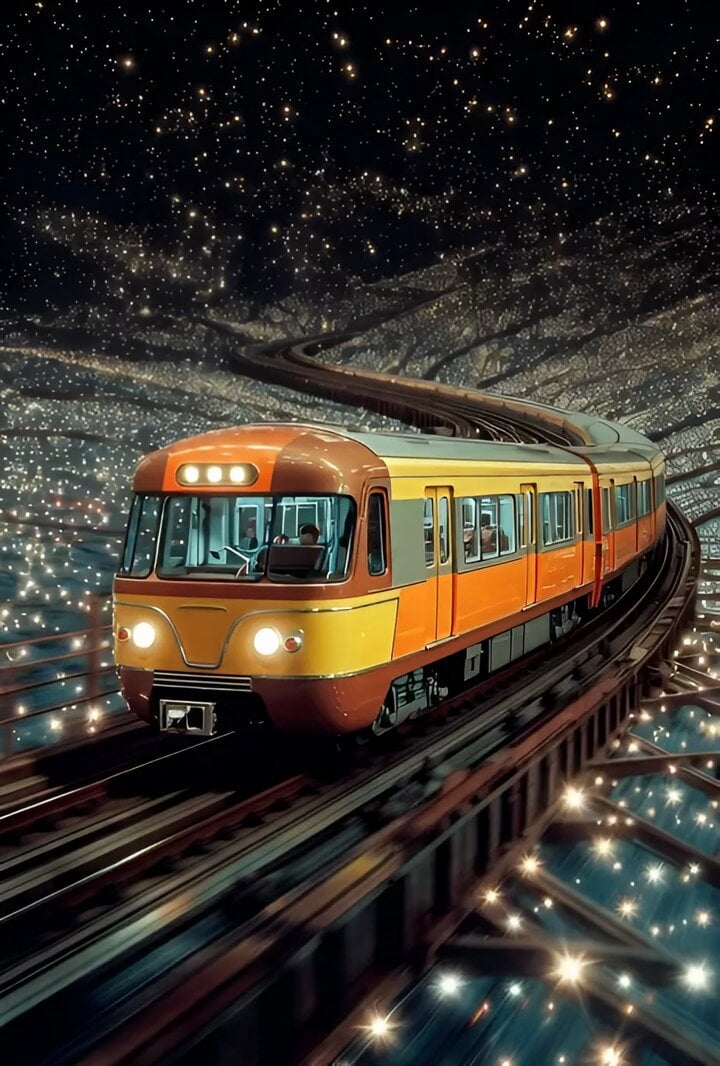
Train Zooming in Star Field Video Prompt
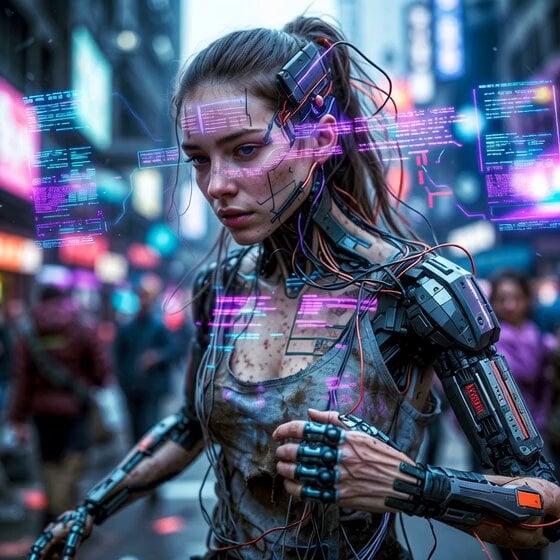
Cyberpunk Guerrilla Girl Video Generation
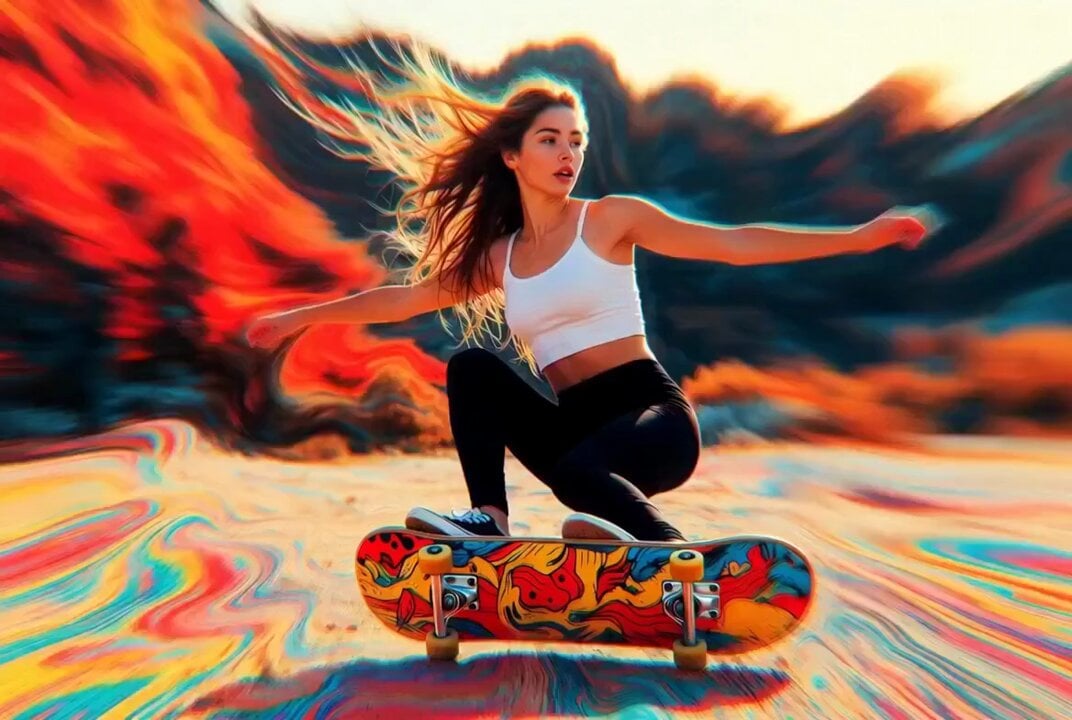
Detailed multi-part video prompt
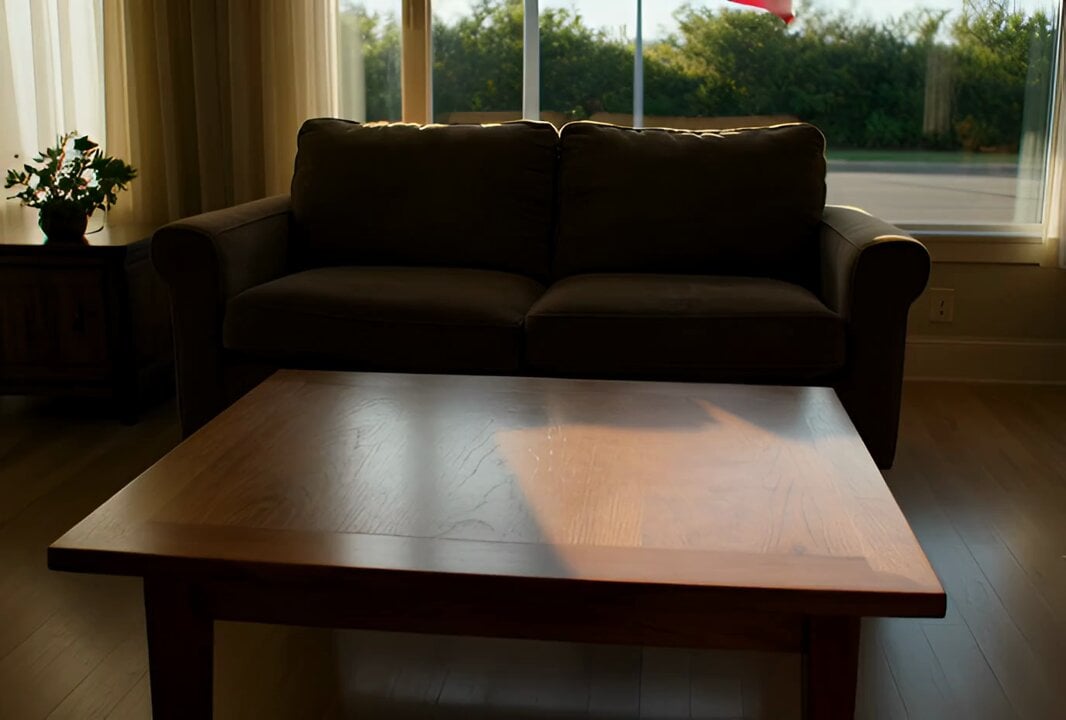
Interior View Video Generation Prompt
More video prompts
Fresh picks from across the catalog.
3x3 Storyboard to Video Sequence Template

Live Sports Pitch Invader Celebration
Cinematic Male Commercial - Subway Scene

Bitcoin Destroys the Federal Reserve Anime
Cyberpunk Warrior Narrative
UGC and Social Media Video Scenarios
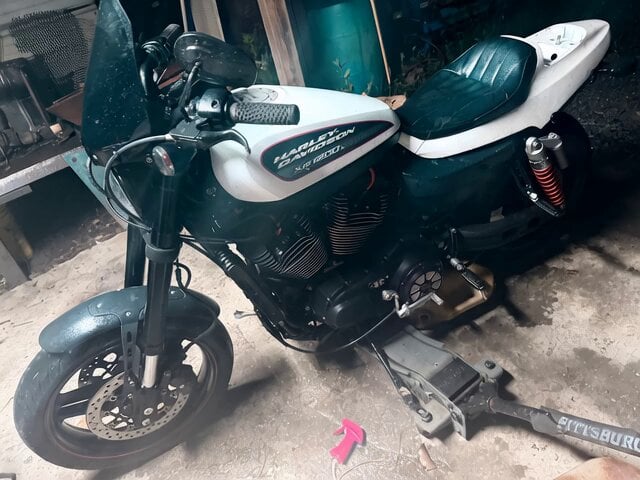
Motorcycle Wheelie with Tailpipe Flames
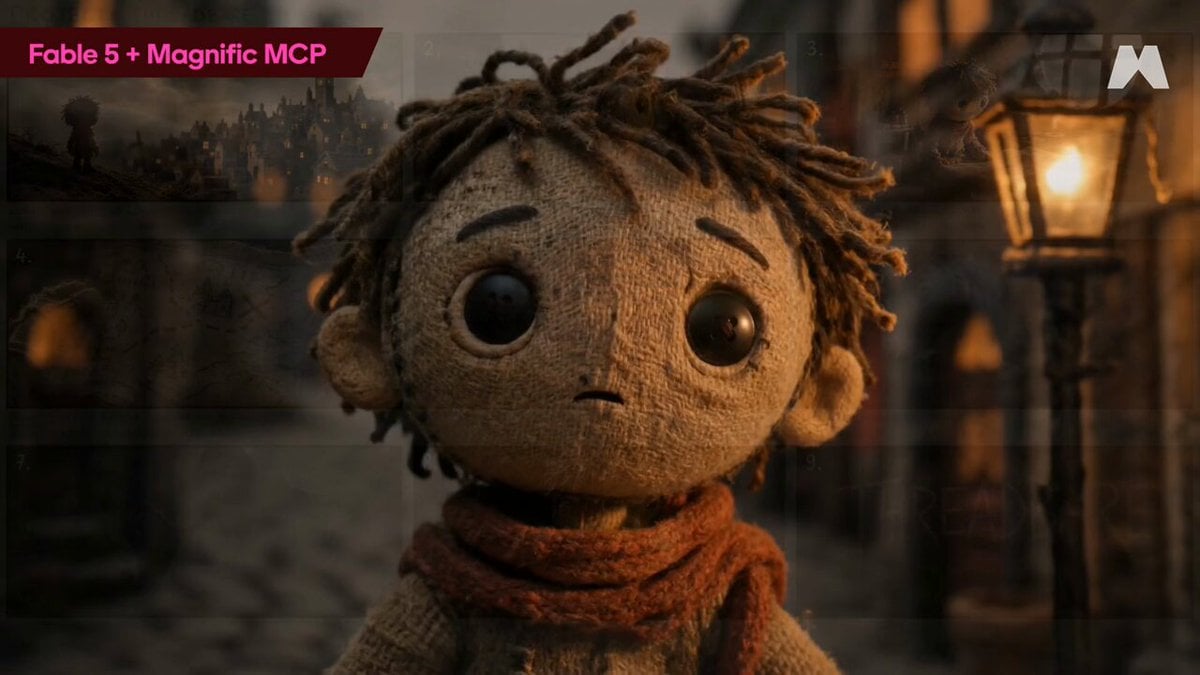
Stop-Motion Burlap Animation
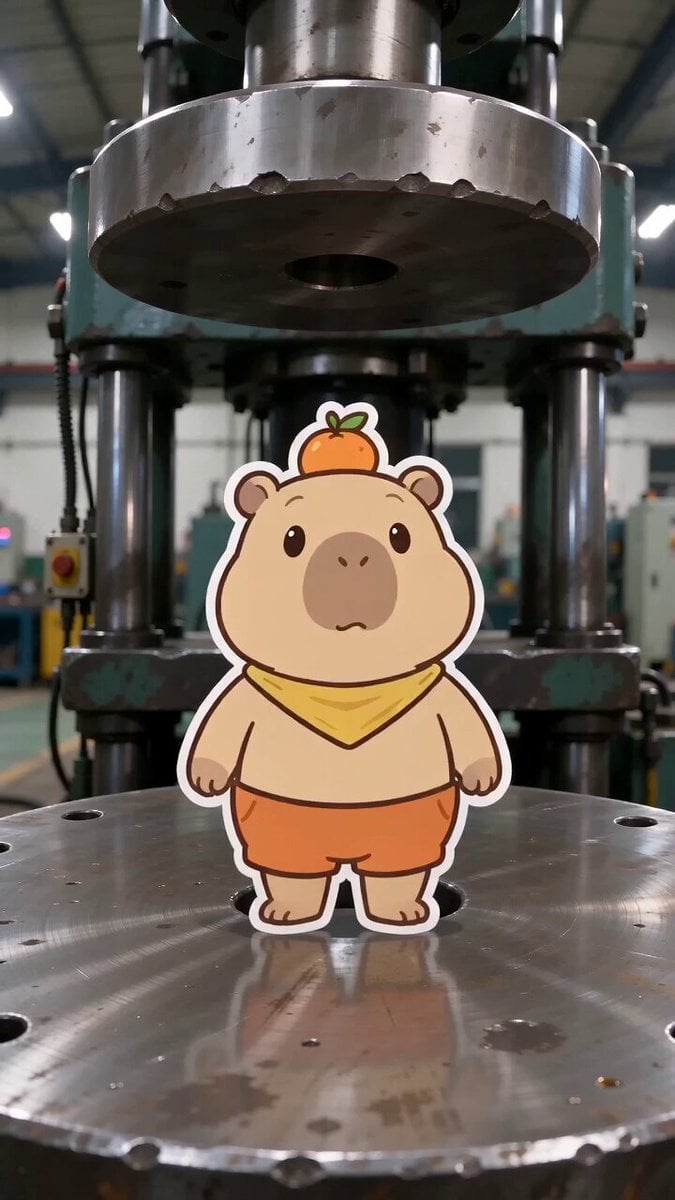
Capybara vs. Hydraulic Press Animation
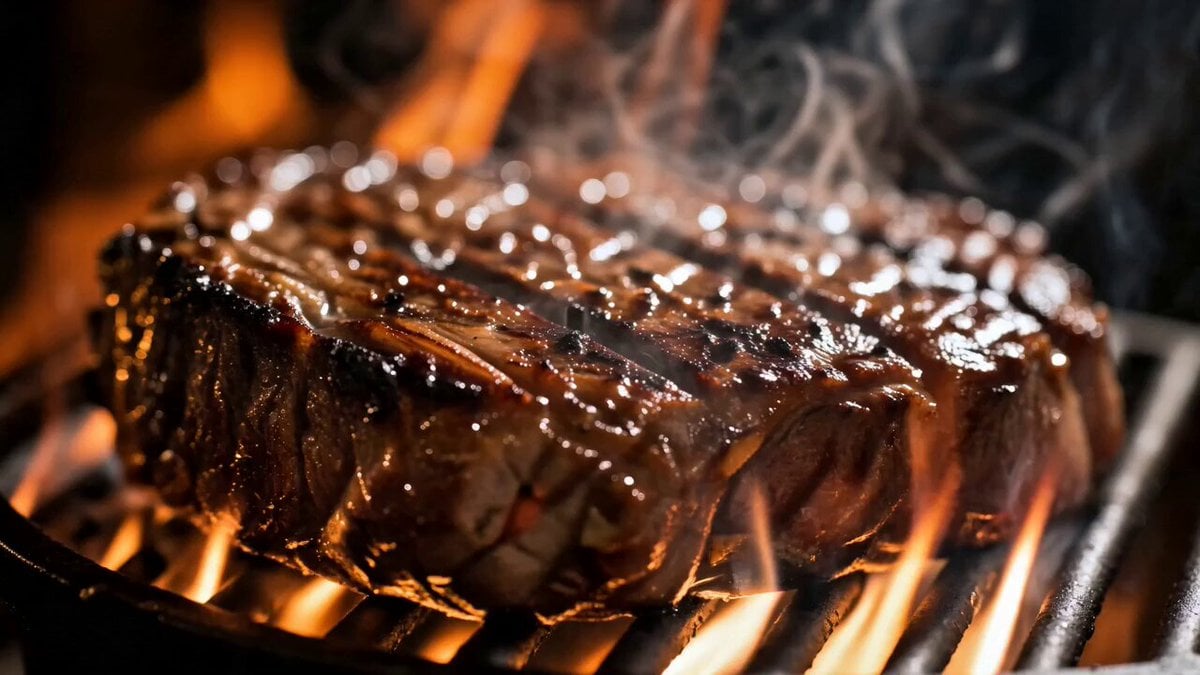
Gourmet Luxury Dining Commercial
Browse template categories
Photorealistic Pokémon Battle questions
How do I use the Photorealistic Pokémon Battle template?
Add your photo if the template asks for one, edit the prompt if you like — the template's model and format are already selected — and press Generate. Your version opens in PicX Studio.
Can I customize the Photorealistic Pokémon Battle template?
Yes. You can change the subject, setting, lighting, mood, format, and available model controls before creating your video.
Is the Photorealistic Pokémon Battle template free?
Opening and editing this template is free. Generating uses credits, shown on the Generate button when you are signed in.
Which AI model should I use?
Start with Grok Imagine, which is the model associated with this template. You can compare another compatible model for a different finish.
Looking for something else? Browse all templates.

Your photo, any look
Thousands of ready templates for every top image and video model, from one credit balance.