
Photorealistic Shadow Sorcerer
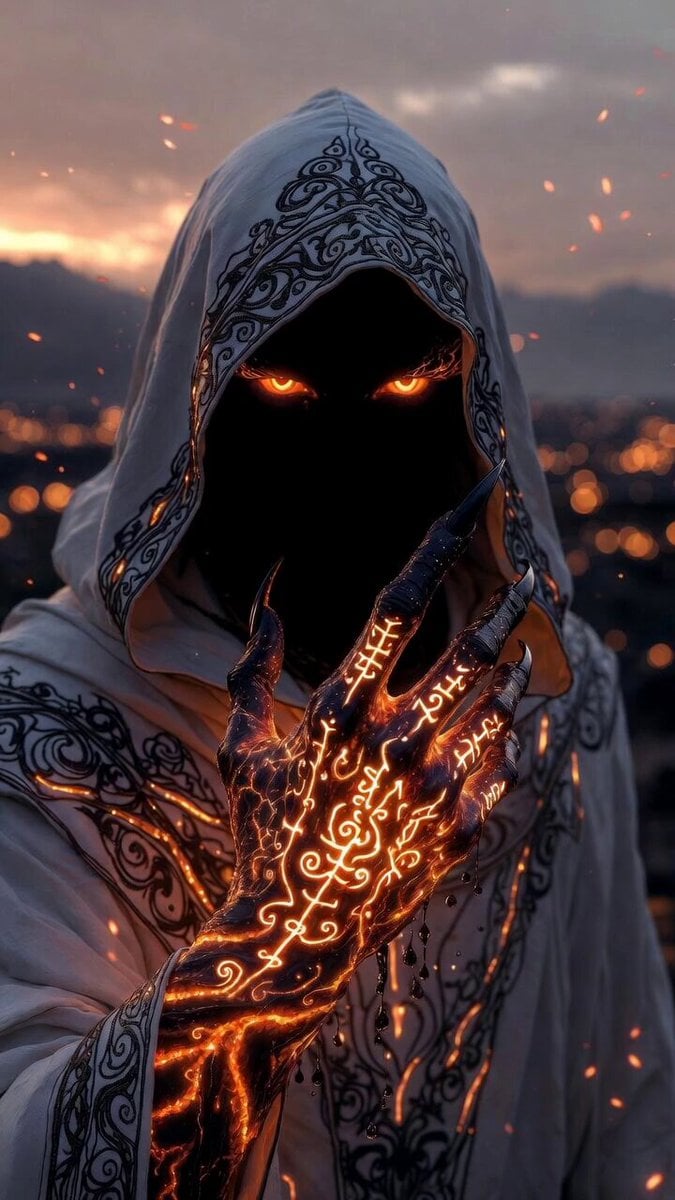
A highly detailed, cinematic Grok Imagine prompt for a photorealistic portrait of a mysterious hooded shadow sorcerer in a dark fantasy realm, emphasizing glowing eyes, intricate runes, and dramatic lighting.
- Prompt included
- Model and format preset
- Premium template
The prompt behind this video
Copy the exact prompt behind Photorealistic Shadow Sorcerer, or open it in the studio and make it yours.
Photorealistic hyper-detailed cinematic portrait of a mysterious hooded shadow sorcerer in a forbidden dark fantasy realm at dusk. The figure's face is completely shrouded in impenetrable black void-like shadow, revealing only a pair of intensely glowing fiery orange eyes that radiate powerful arcane energy as the absolute focal point. Wearing a flowing white hooded cloak with elaborate intricate black swirling floral and arcane patterns, accented by glowing orange energy lines. The right hand is dramatically raised high with long sharp black claws, the entire hand and forearm covered in complex glowing molten orange runes and swirling sigils that pulse with inner light, small dark droplets falling from the fingertips. Dramatic volumetric lighting from the twilight sky, floating ember particles in the air. In the soft background is a distant cityscape with warm golden bokeh lights and hazy mountains. Ultra-realistic cloak fabric texture with detailed embroidery, hyper-detailed glowing runes on the hand with realistic light emission and 3D relief, photorealistic claw details and shadow effects. Masterpiece, 8k resolution, best quality, highly detailed, cinematic, dark fantasy atmosphere, no anime or manga style whatsoever.
How to use Photorealistic Shadow Sorcerer in 3 steps
- 1
Open
The prompt is already in the box next to the preview, with the template's model and format selected.
- 2…a portrait of your subject in softgolden-hour light, 85mm…
Personalize
Edit the subject and creative details for your destination.
- 3Generate
Generate
Press Generate — your video is created in PicX Studio, so you can compare it with the original and refine one variable at a time.
More like this
Templates with the same subject, style or setup. Open one to see its prompt.
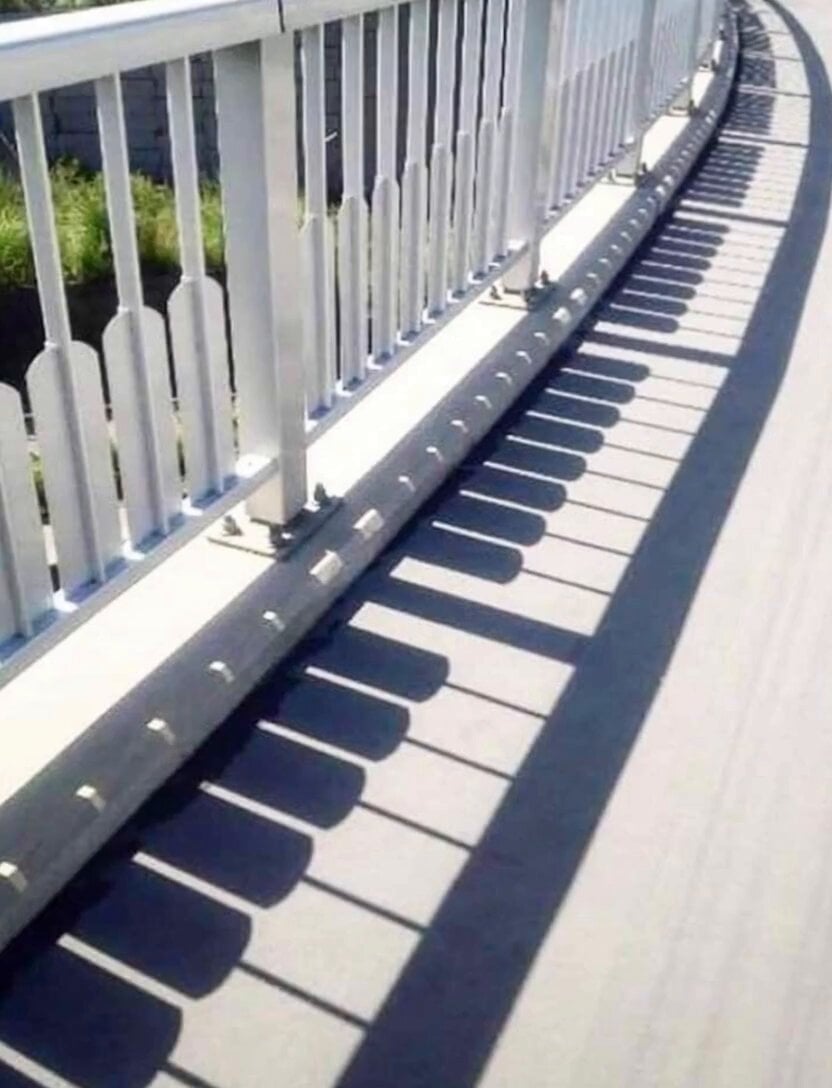
Piano Key Shadow Performance
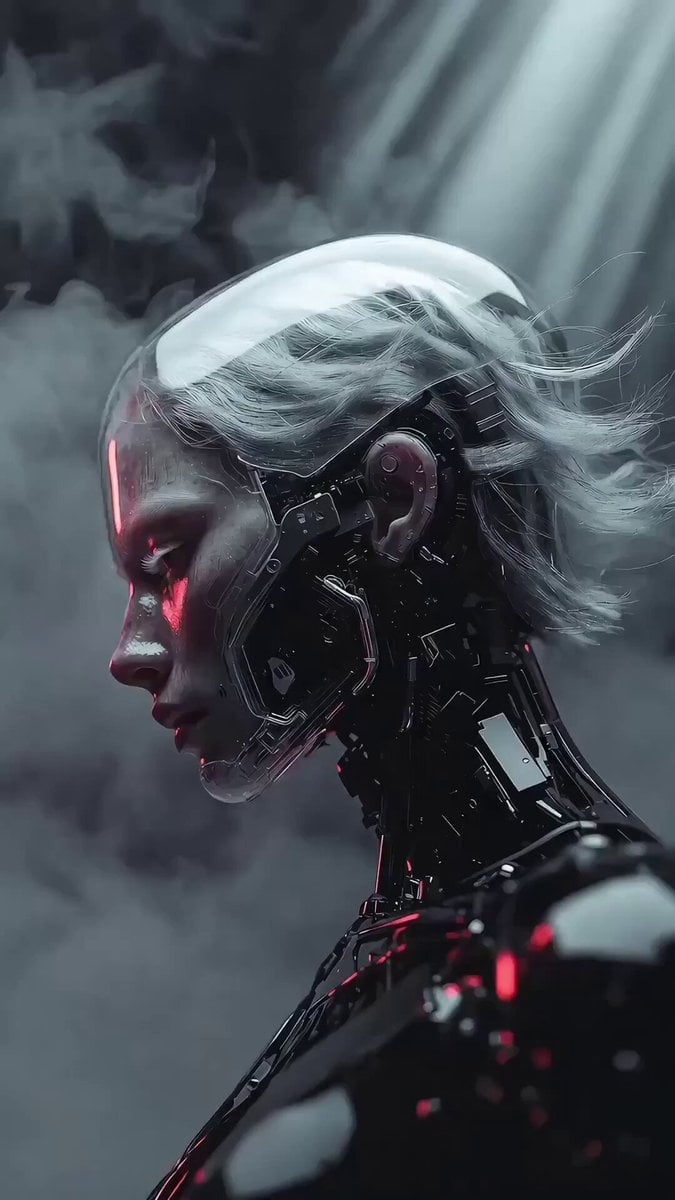
Photorealistic 3D Render Template
Explosion of light and giant shadow
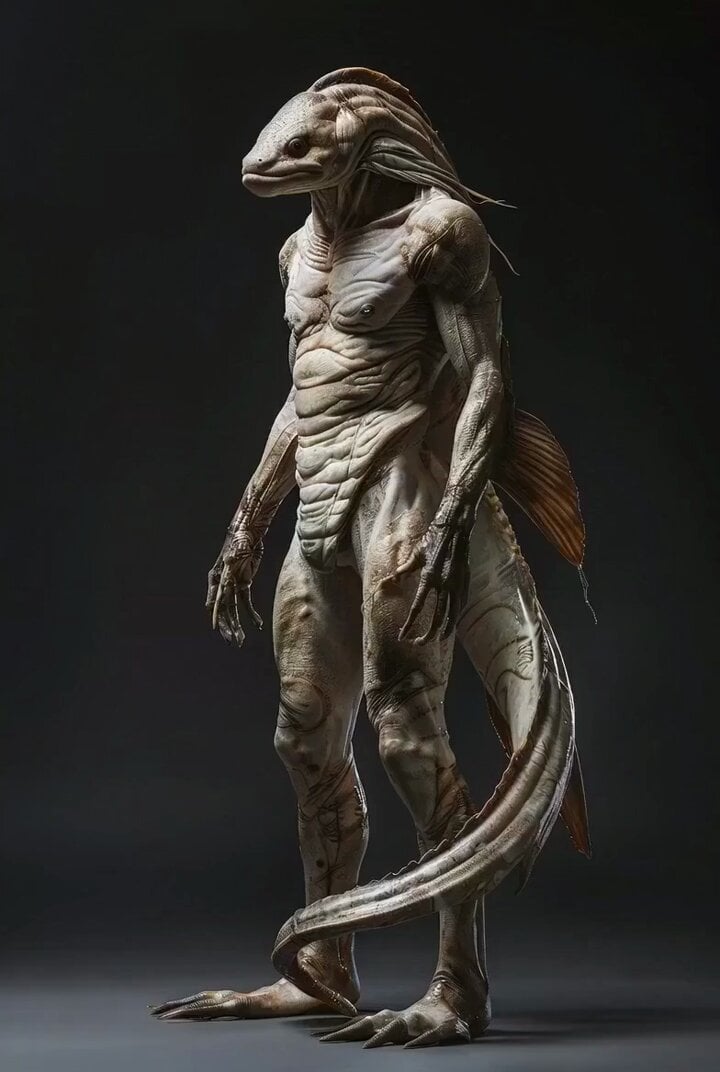
Photorealistic Biomechanical Chrome Alien Warrior
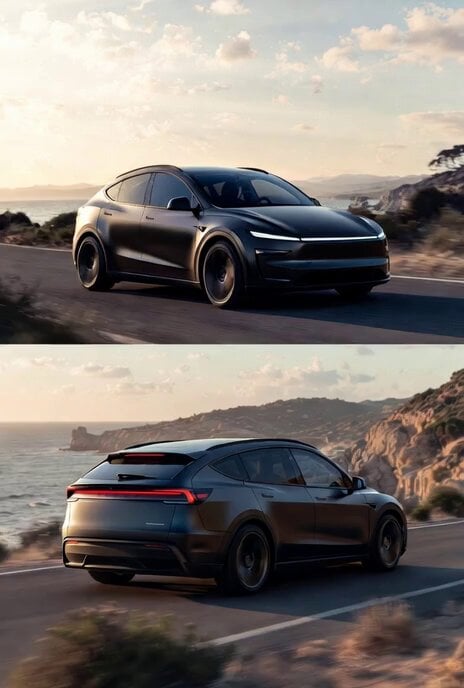
Photorealistic rendering of a Tesla Model Y as a classic European station wagon
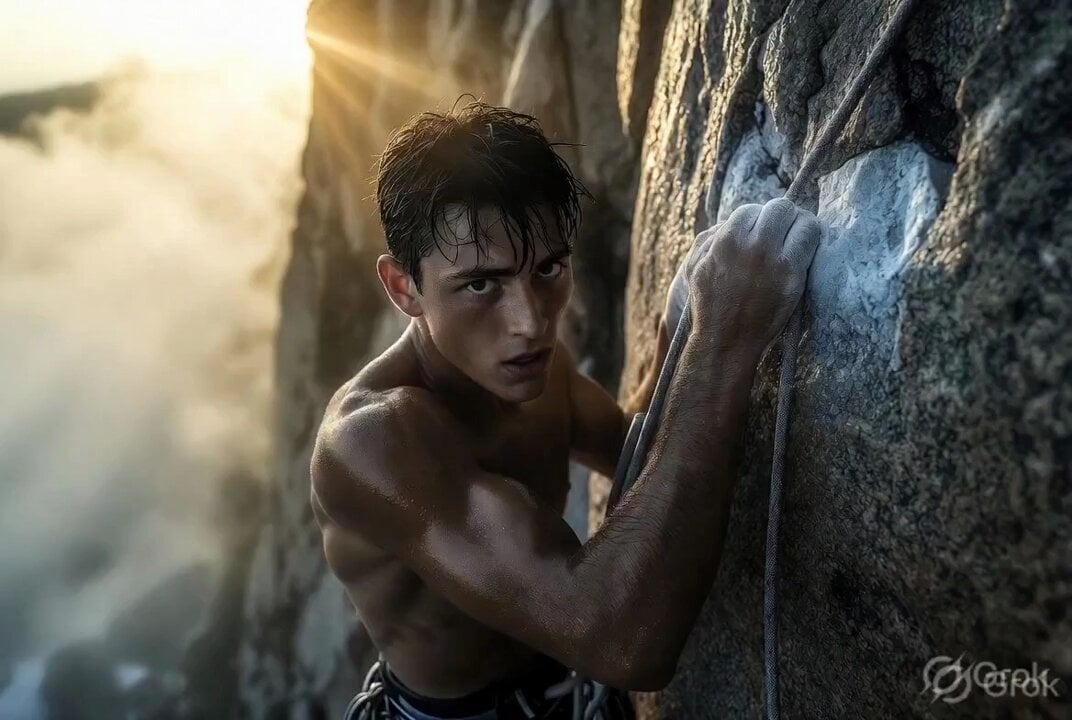
Photorealistic cinematic rock climber
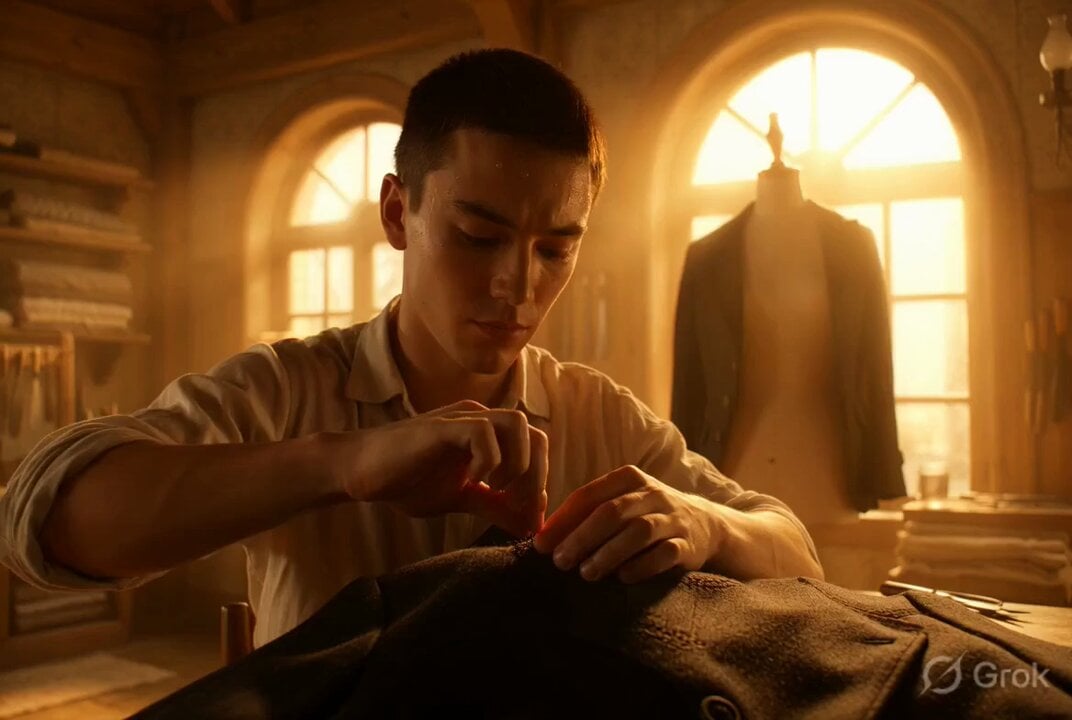
Photorealistic cinematic portrait of a young tailor
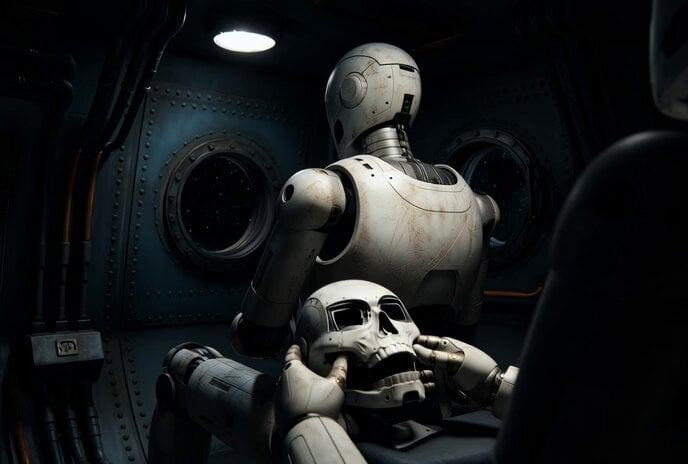
Photorealistic IMAX Sequence of a Robot Assembling its Faceplate
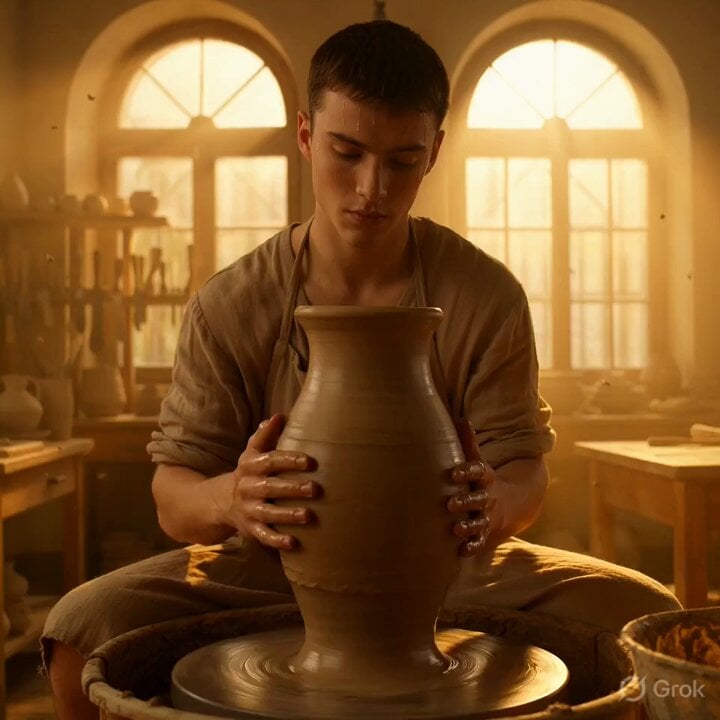
Grok Imagine Video Prompt: Photorealistic Portrait of a Potter
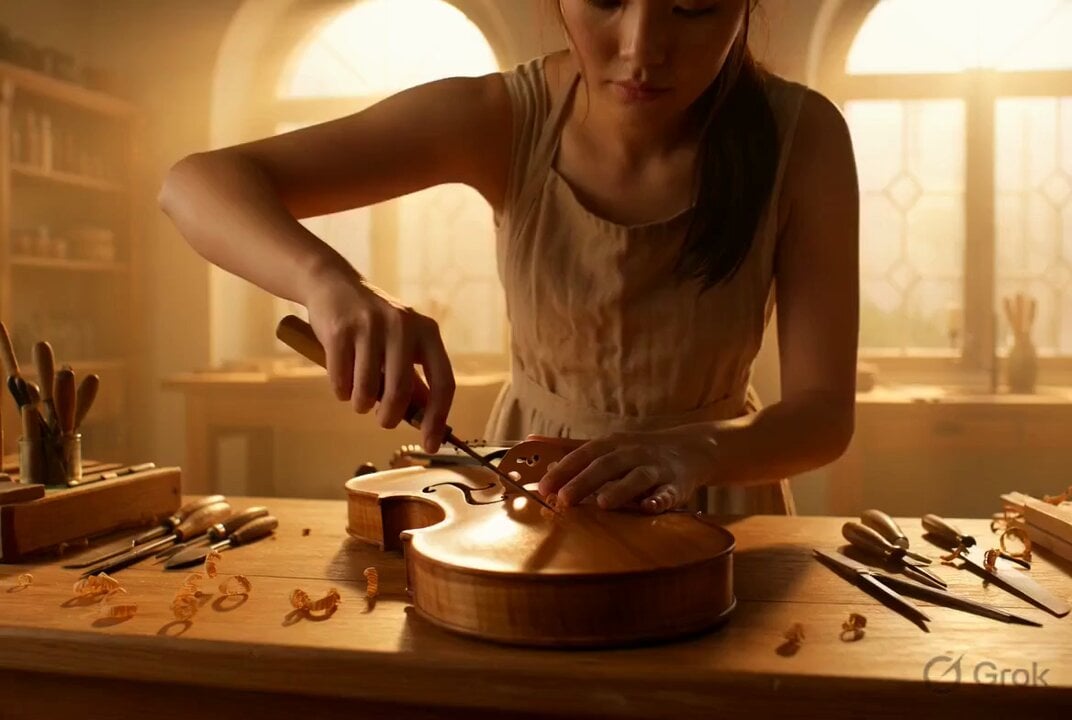
Photorealistic Violin Maker Portrait Video Prompt
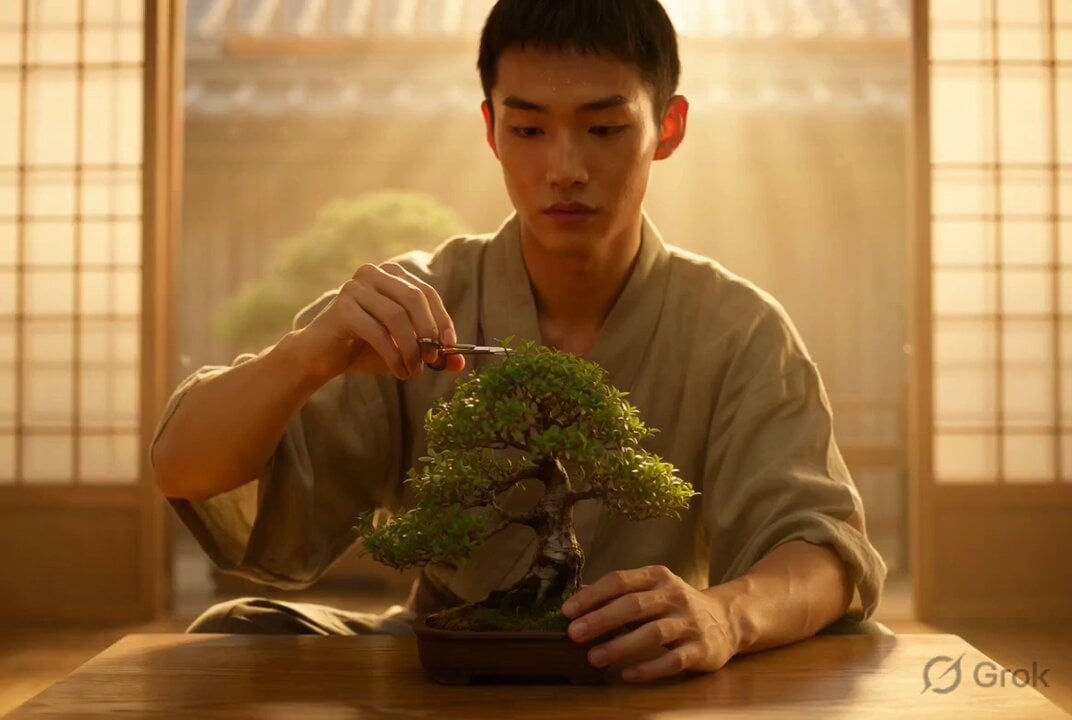
Photorealistic Cinematic Portrait of a Bonsai Master
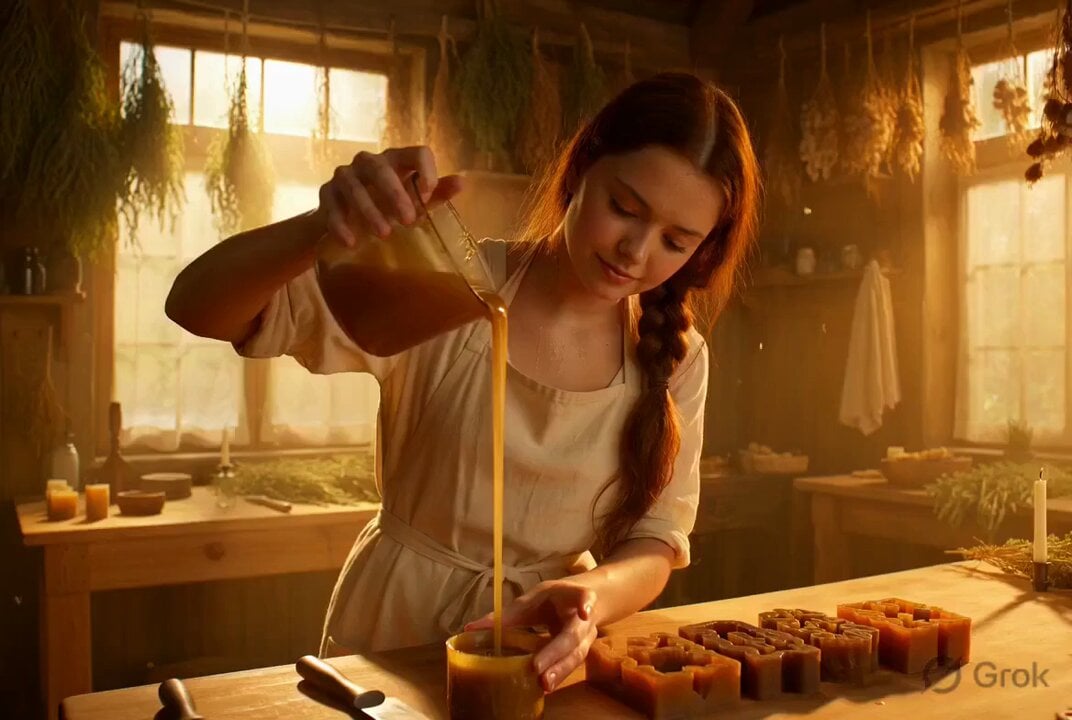
Photorealistic cinematic portrait of a gentle candle maker
Make it yours
Photorealistic Shadow Sorcerer works as-is. These are the safest ways to change it without losing the look.
Change one field
Copy a single group, rewrite it, and generate again so you can see what that field is doing.
Keep the frame, change the subject
Hold the composition and light of Photorealistic Shadow Sorcerer, then swap wardrobe, props or the person for a new take.
| If the result… | Why | Fix |
|---|---|---|
| The result drifts from the preview | Too many fields changed at once. | Reuse Photorealistic Shadow Sorcerer as-is first, then change one group — subject, light, or setting. |
| The model over-stylizes the scene | The prose prompt leaves finish and camera underspecified. | Add one camera or lighting sentence and stay on Grok Imagine. |
More Grok Imagine templates
Other prompts made for Grok Imagine.

Voice Controlled Water Animation

Pterodactyl Transformation Journey

Candle Mandala Mirror Video

Psychedelic Purple Disc World Video

Mecha Runway Tap Dance Video Prompt

Quantum Inventor in Sonoran Desert

Emotional Angry Couple Drama

Train Zooming in Star Field Video Prompt

Cyberpunk Guerrilla Girl Video Generation

Detailed multi-part video prompt
More video prompts
Fresh picks from across the catalog.
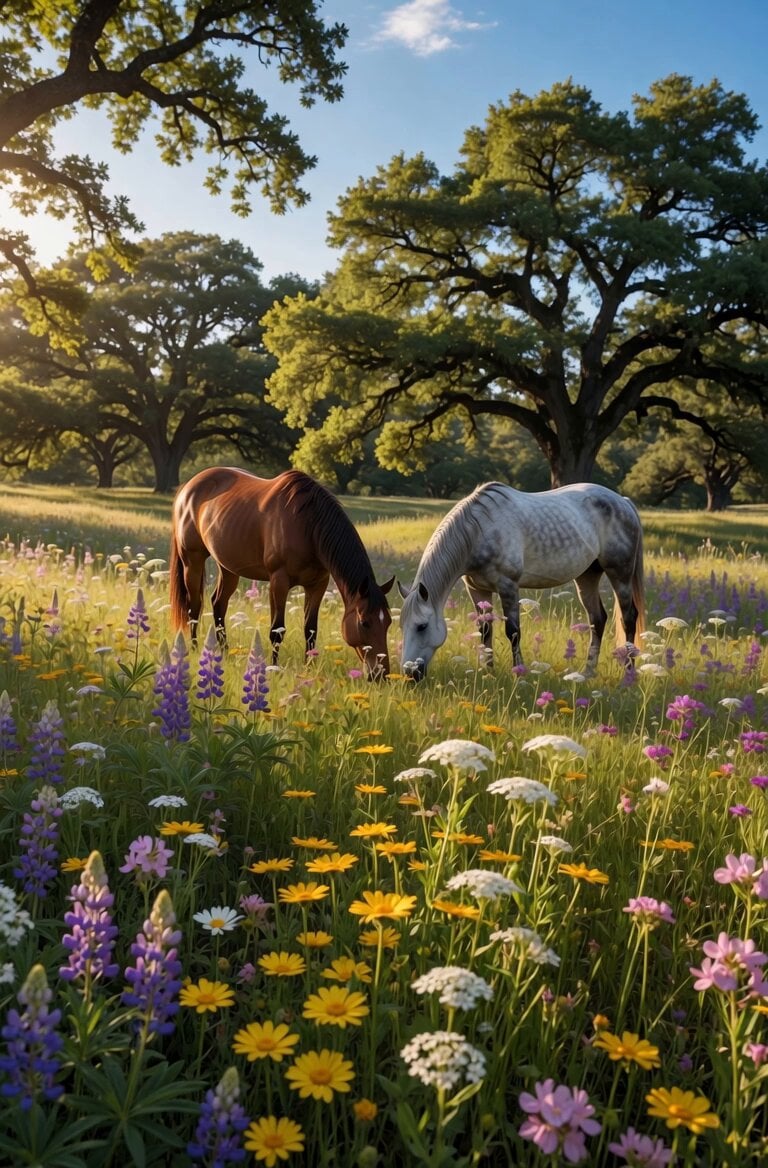
Peaceful Meadow Horse Grazing Video
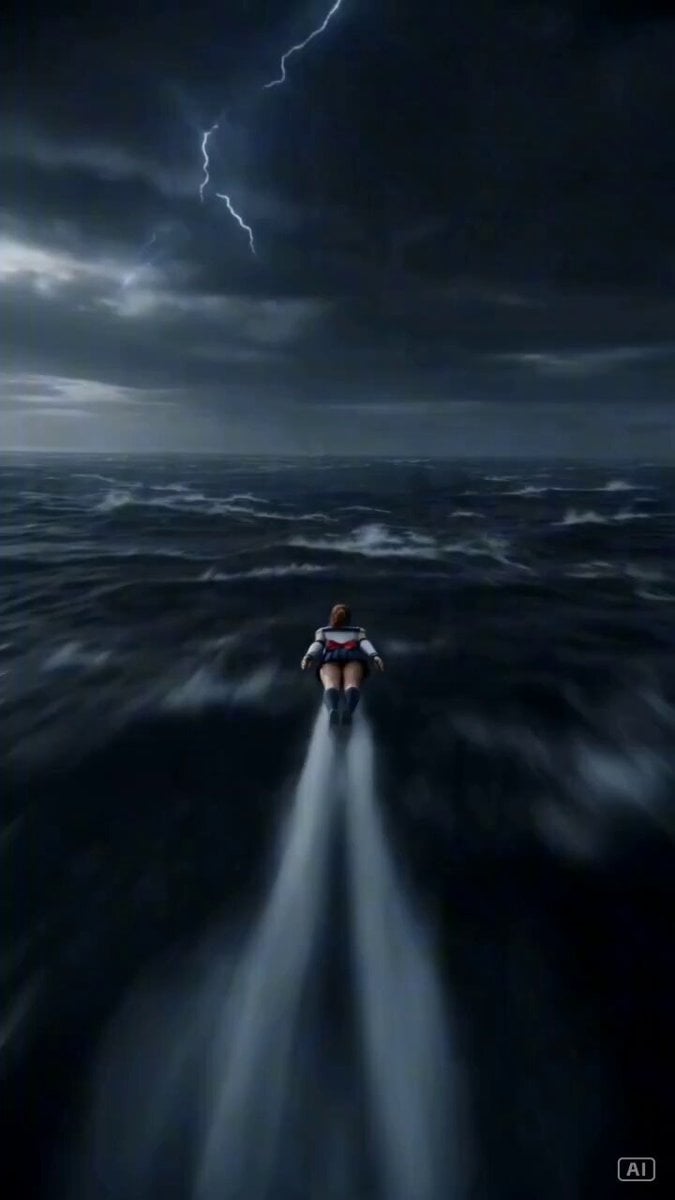
Second Cinematic Vertical Action Prompt
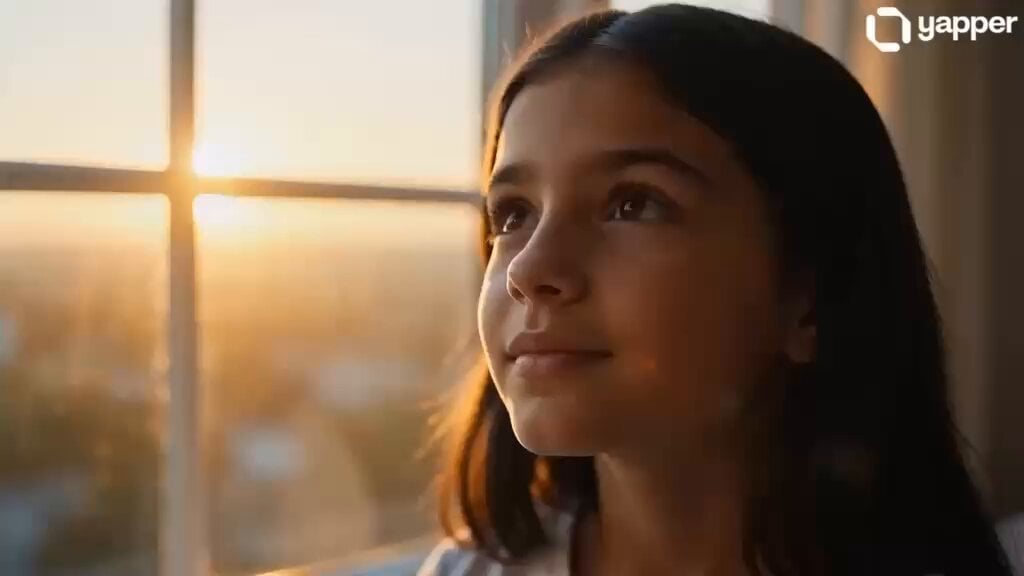
Professional Woman Success Workspace Scene
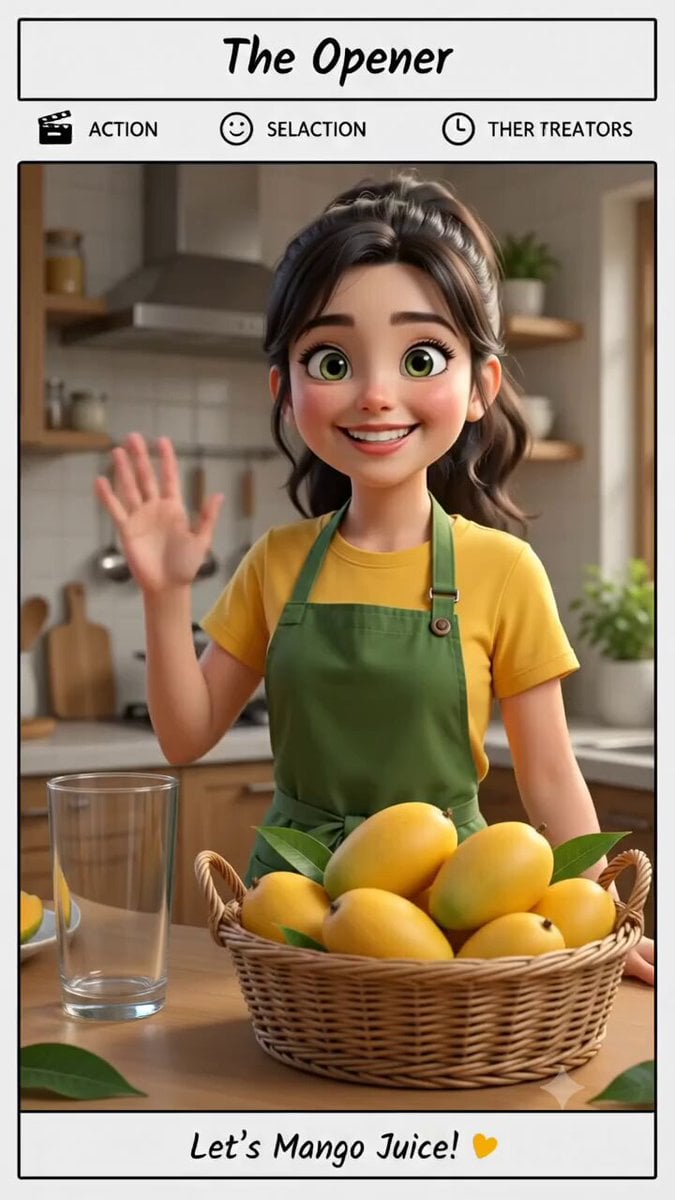
Pixar Style Mango Juice Making Video

Grok Imagine prompt: Woman Chasing Away Small People
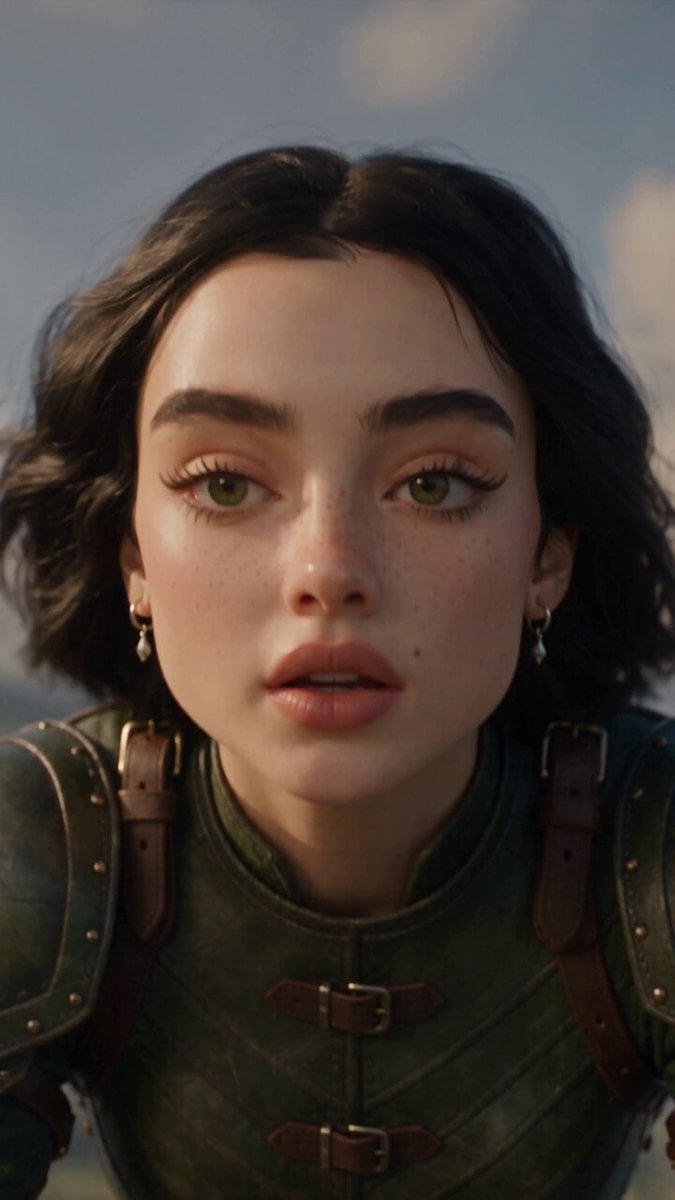
First-Person Fantasy Dragon Flight
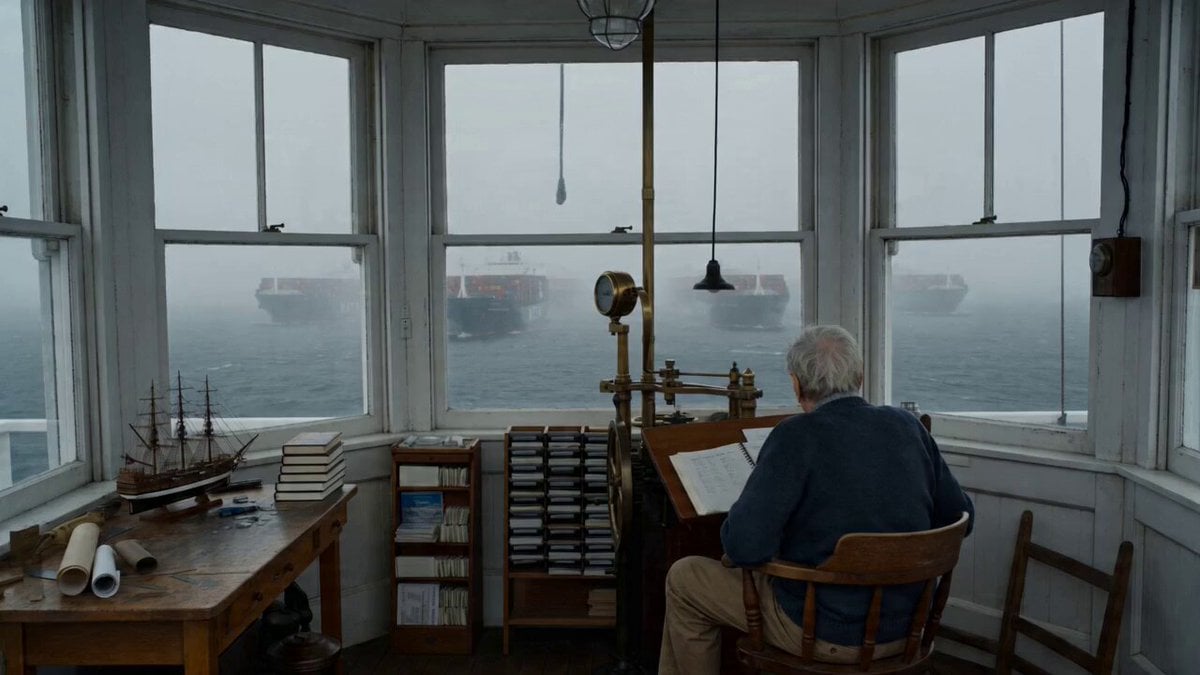
Maine Lighthouse Keeper Character Study
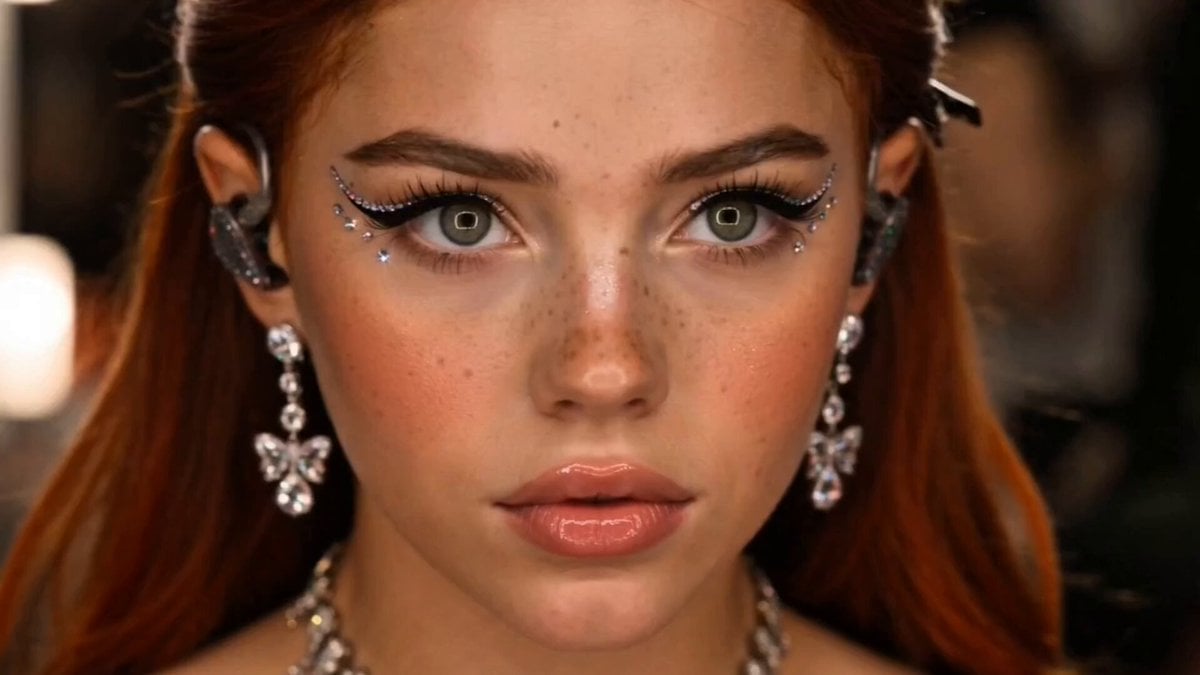
Premium K-Pop Music Video
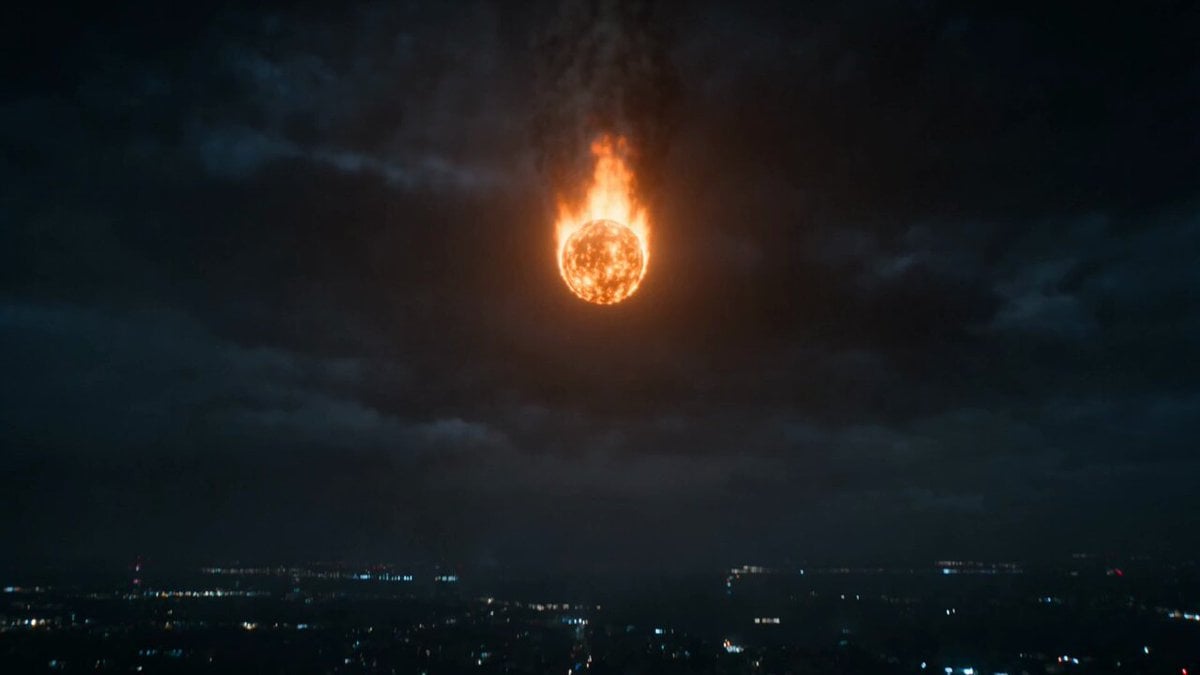
Prompt: Style: Ultra-realistic blockbuster action

Giant Octopus vs Dock Worker Harbor Chase
Browse template categories
Photorealistic Shadow Sorcerer questions
How do I use the Photorealistic Shadow Sorcerer template?
Add your photo if the template asks for one, edit the prompt if you like — the template's model and format are already selected — and press Generate. Your version opens in PicX Studio.
Can I customize the Photorealistic Shadow Sorcerer template?
Yes. You can change the subject, setting, lighting, mood, format, and available model controls before creating your video.
Is the Photorealistic Shadow Sorcerer template free?
Opening and editing this template is free. Generating uses credits, shown on the Generate button when you are signed in.
Which AI model should I use?
Start with Grok Imagine, which is the model associated with this template. You can compare another compatible model for a different finish.
Looking for something else? Browse all templates.

Your photo, any look
Thousands of ready templates for every top image and video model, from one credit balance.