
First-Person Fantasy Dragon Flight
An immersive 30-second first-person POV prompt for a fantasy dragon flight, featuring complex movements, environment interactions, and detailed creature textures.
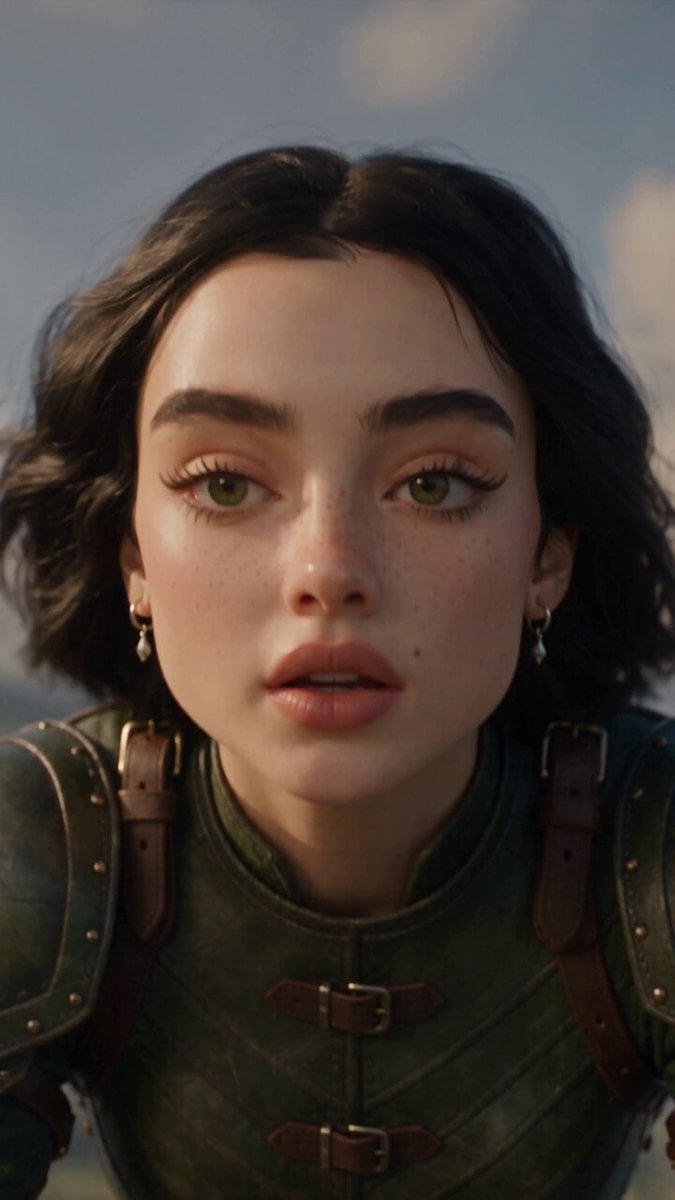
- Prompt included
- Model and format preset
- Free template
The prompt behind this video
Copy the exact prompt behind First-Person Fantasy Dragon Flight, or open it in the studio and make it yours.
Create a 30-second, full-realism fantasy dragon flight in 2 shots, vertical 9:16, using the references strictly: 100% face/character, armor, dragon, world and scale consistency. Only ONE dragon exists.\n\nSHOT A — 0:00–0:06: Frontal handheld close-up of SHARON, nervous first-time rider in white-silver armor, seated on a colossal 60m white-grey opalescent dragon at a cliff edge. Slow zoom out reveals her and the dragon’s horned head facing camera, valley behind. She nervously says: “Okay, buddy… ready? Just—no games, alright? It’s my first flight aaand—” Frequent blinks, wandering gaze, shaky breathing. Dragon snorts a tiny flame, crests flare, then suddenly charges toward the cliff. HARD CUT at launch.\n\nSHOT B — 0:06–0:30: Strict first-person rider POV from Sharon’s eyes, never third-person. Her armored hands and reins remain visible throughout, constantly clenching during fear and relaxing during calm moments. Exact route: plunge off cliff → skim through village → full flock of sheep rushes into view and splits left/right in panic → brush outer willow leaves with wingtip → hard 45° waterfall bank through spray → climb past floating islands → 360° barrel roll → dragon glances back → reveal colossal Gothic castle → spiral upward → dragon’s own claws seize the tallest empty spire and coil around it → final panoramic valley vista. No other dragons or creatures on the spire.\n\nDragon must look like a living animal: thousands of individually layered opalescent scales with keratin texture, micro-wear and dirt seams; moving aqua/lilac/rose-gold/pearl reflections; neck scales rippling in wind; crests folding according to speed; translucent veined wings flexing naturally; realistic muscle, inertia, tail ruddering and wingbeats. No plastic, chrome or CG sheen.\n\nMaintain believable collisions: never pass through buildings, trees, rocks or water; only outer leaves are brushed. Sheep escape unharmed. Realistic reins, saddle movement, wind, G-forces and camera shake.\n\nWarm natural daylight, deep focus, cinematic anamorphic optics, realistic spray droplets, subtle edge distortion and chromatic aberration. No music, subtitles, text, logos, watermarks, lens flares or stylization. Full photorealism.
How to use First-Person Fantasy Dragon Flight in 3 steps
- 1
Open
The prompt is already in the box next to the preview, with the template's model and format selected.
- 2…a portrait of your subject in softgolden-hour light, 85mm…
Personalize
Edit the subject and creative details for your destination.
- 3Generate
Generate
Press Generate — your video is created in PicX Studio, so you can compare it with the original and refine one variable at a time.
More like this
Templates with the same subject, style or setup. Open one to see its prompt.
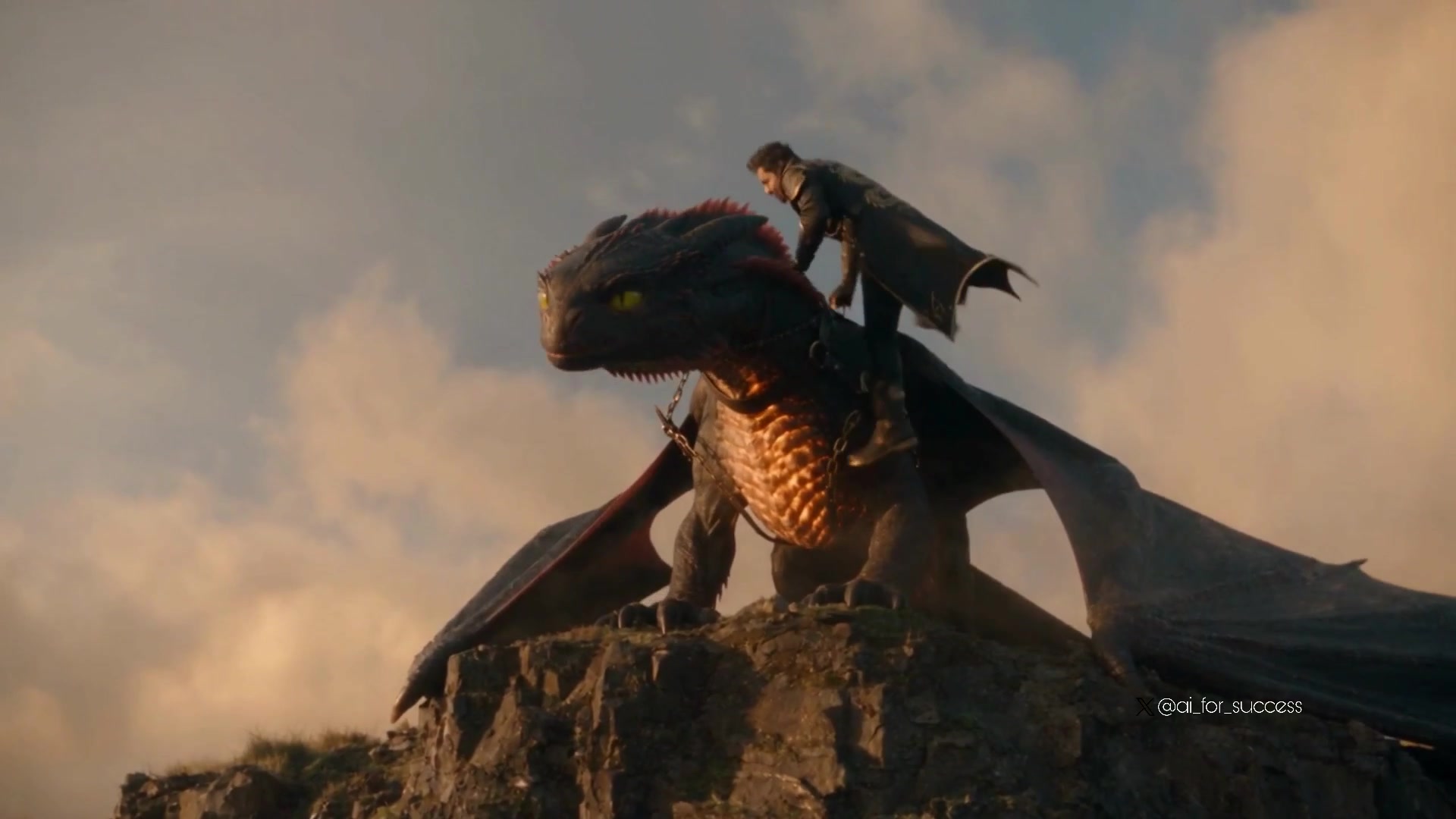
Dragon Rider Cinematic Flight — Seedance 2.5
Dragon Rescue — Volcanic Kingdom Collapse (Seedance)
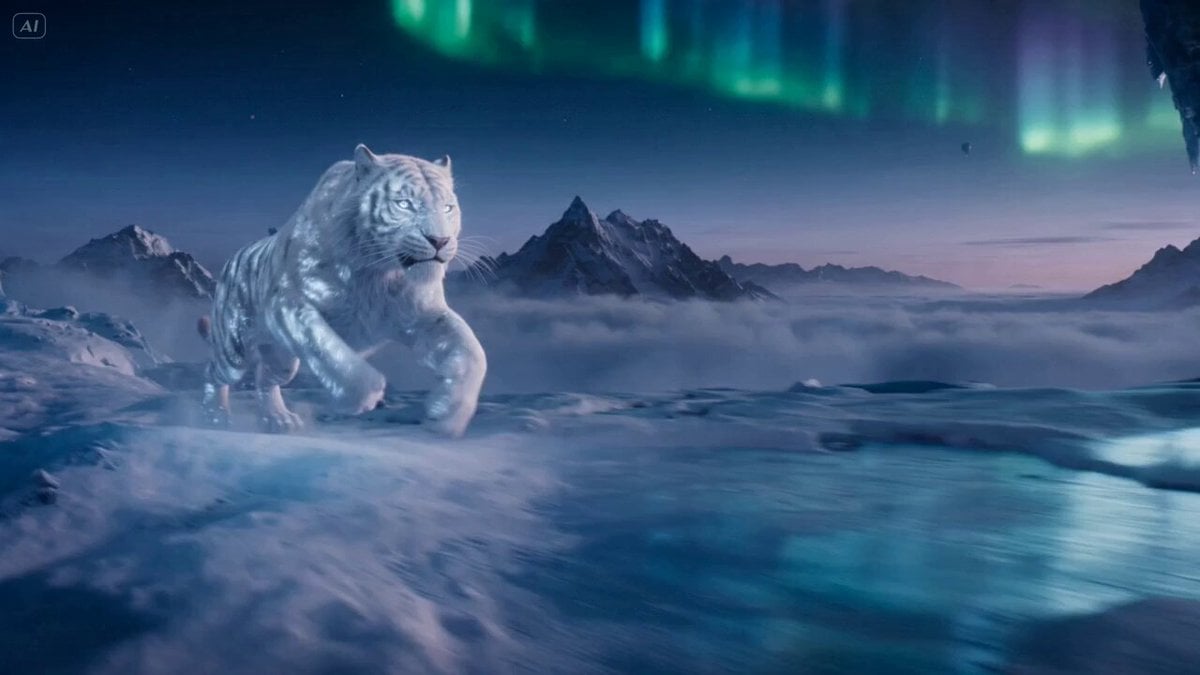
Ice Tiger vs Dragon - Seedance 2.0
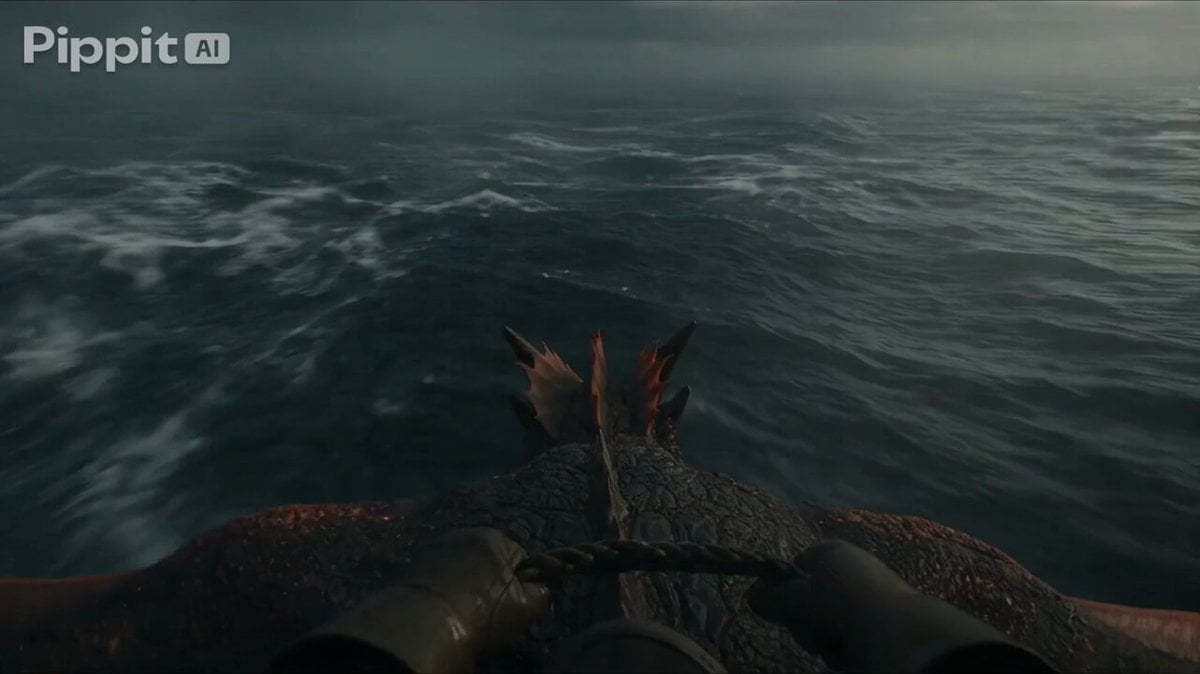
First Person Dragon Rider POV
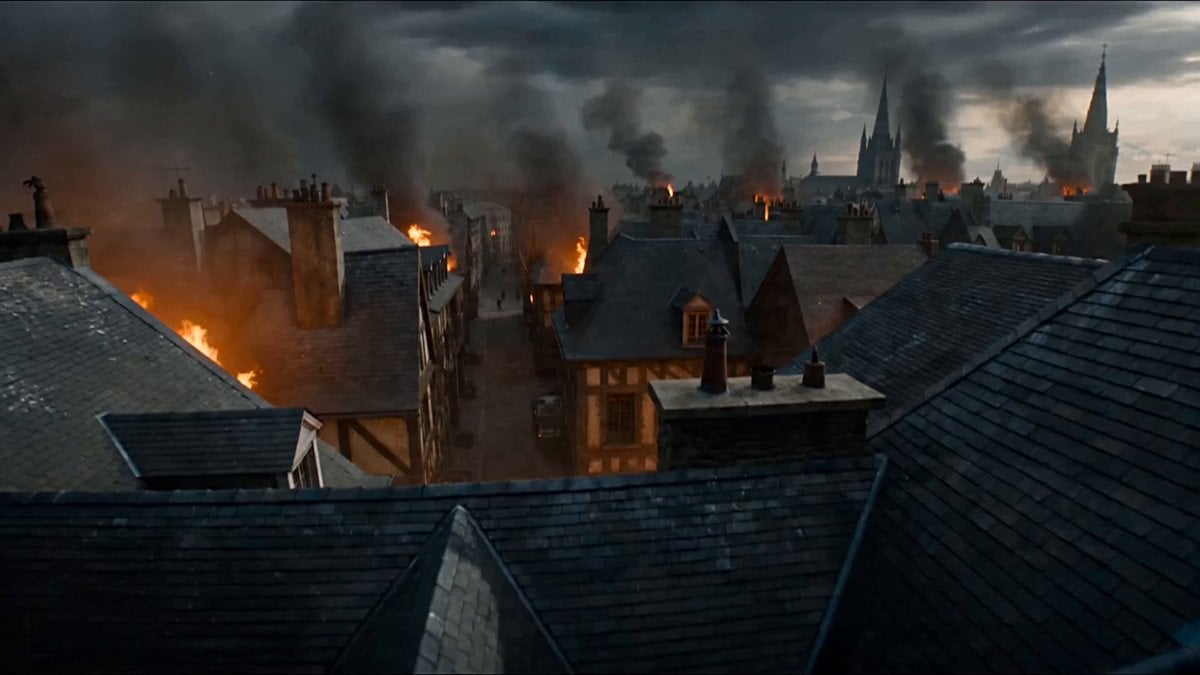
First-Person POV Fantasy Demon Battle
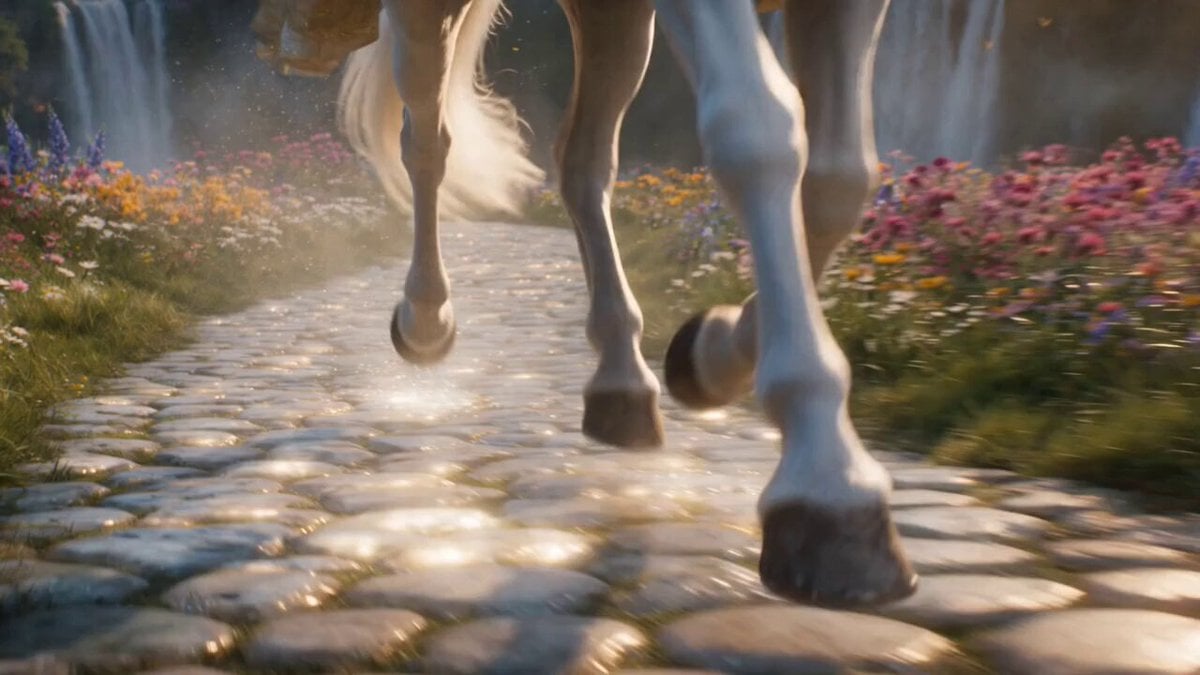
Cinematic Fantasy Princess Dragon Flight
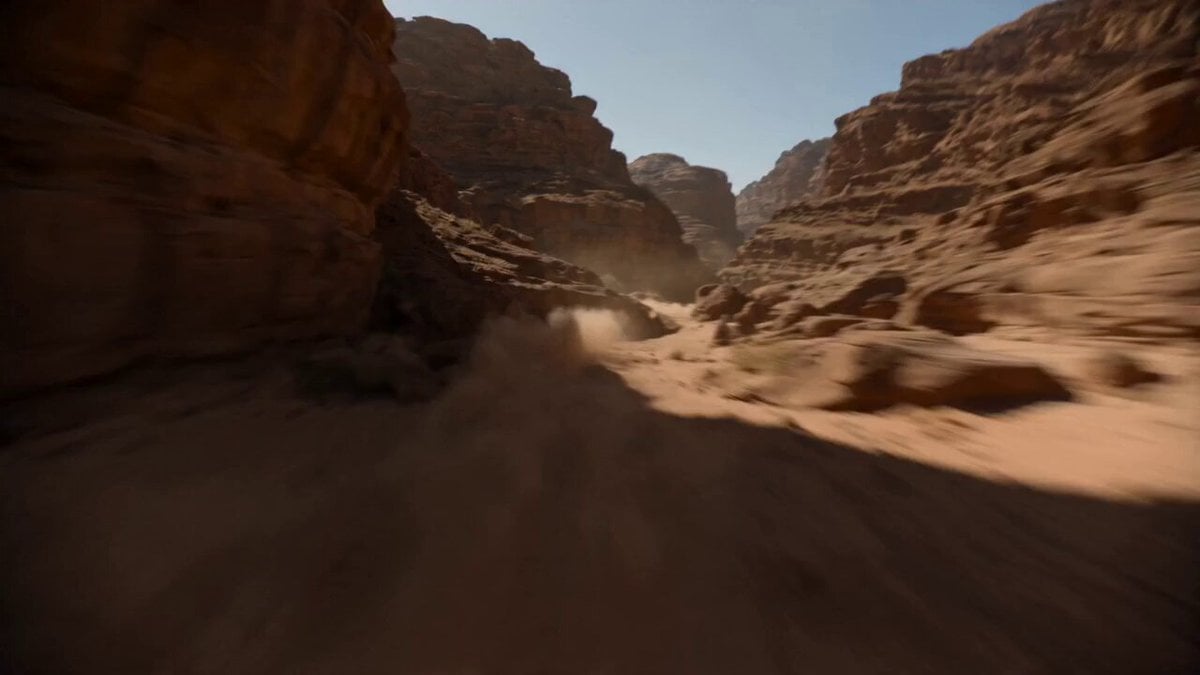
Supersonic Canyon Flight First-Person View
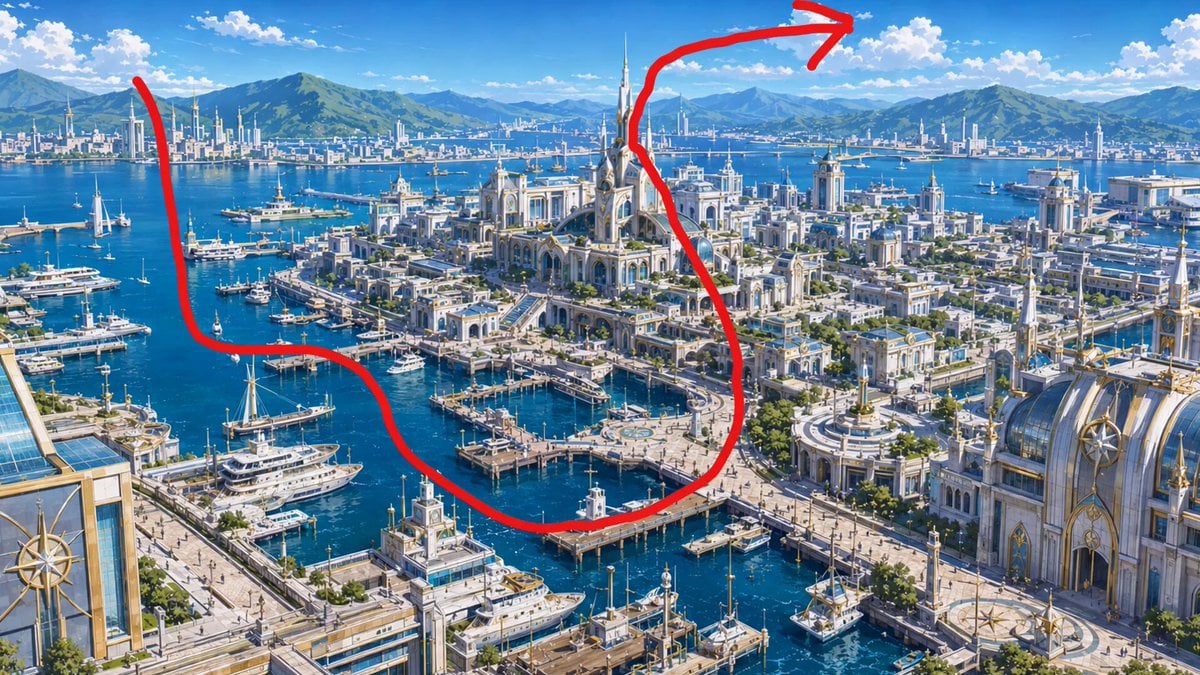
Anime Pilot First-Person Flight
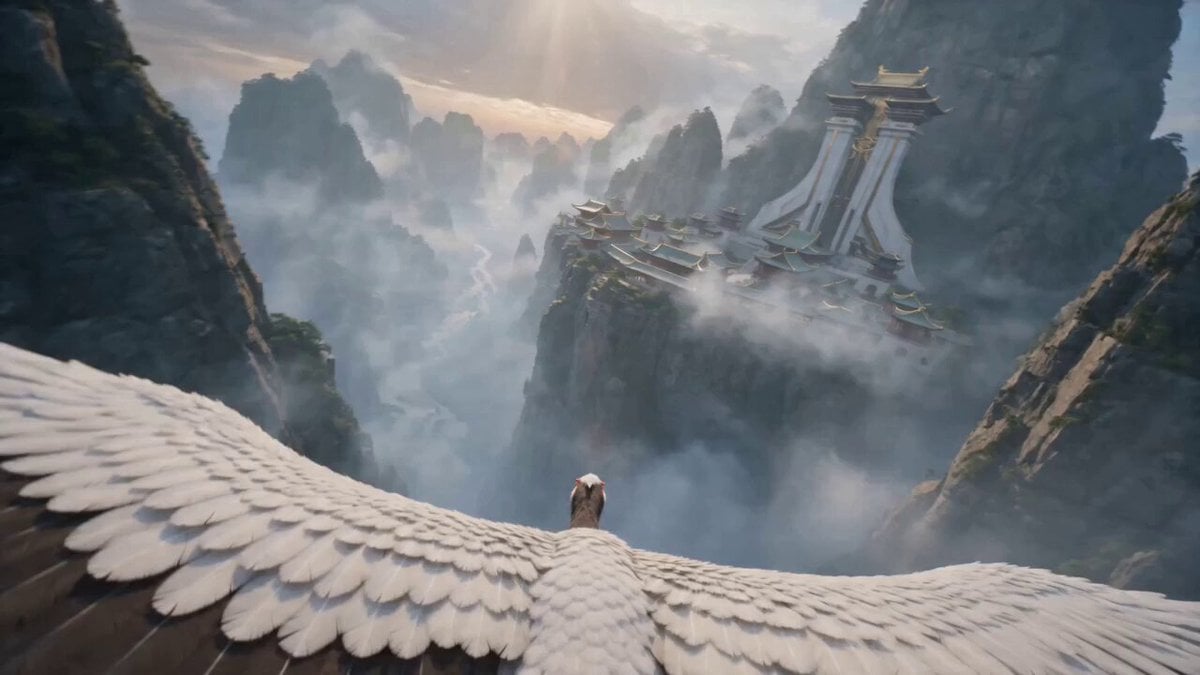
First-Person POV White Crane Flight
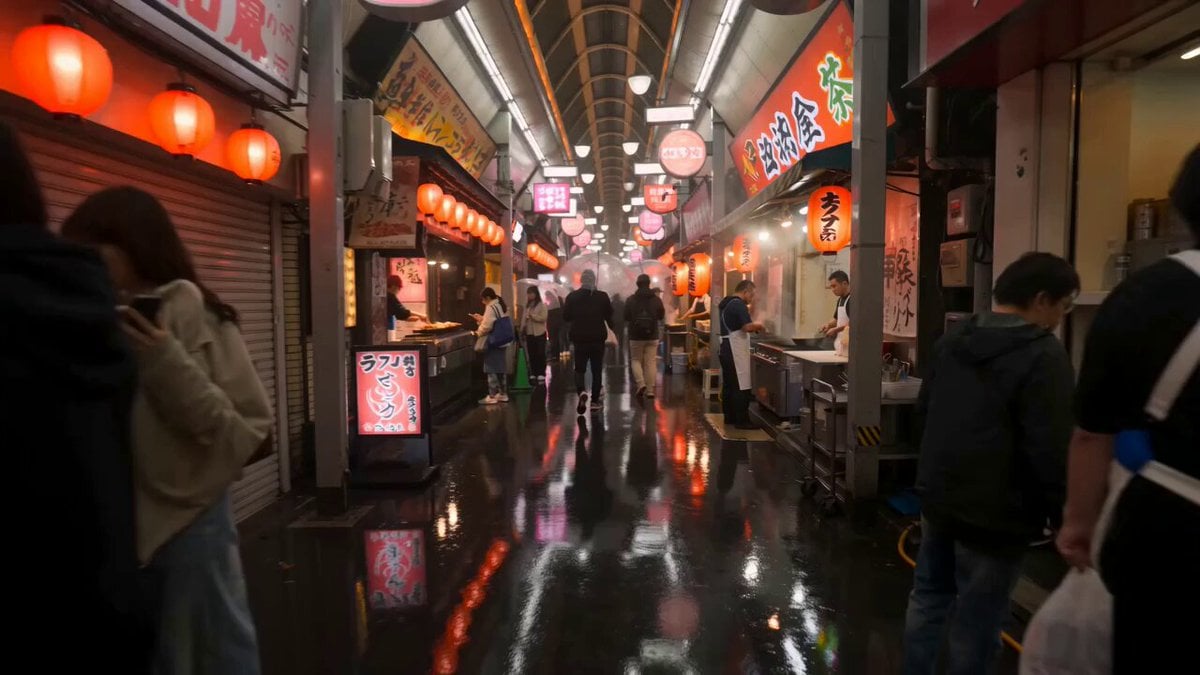
First-Person Night Market Walkthrough
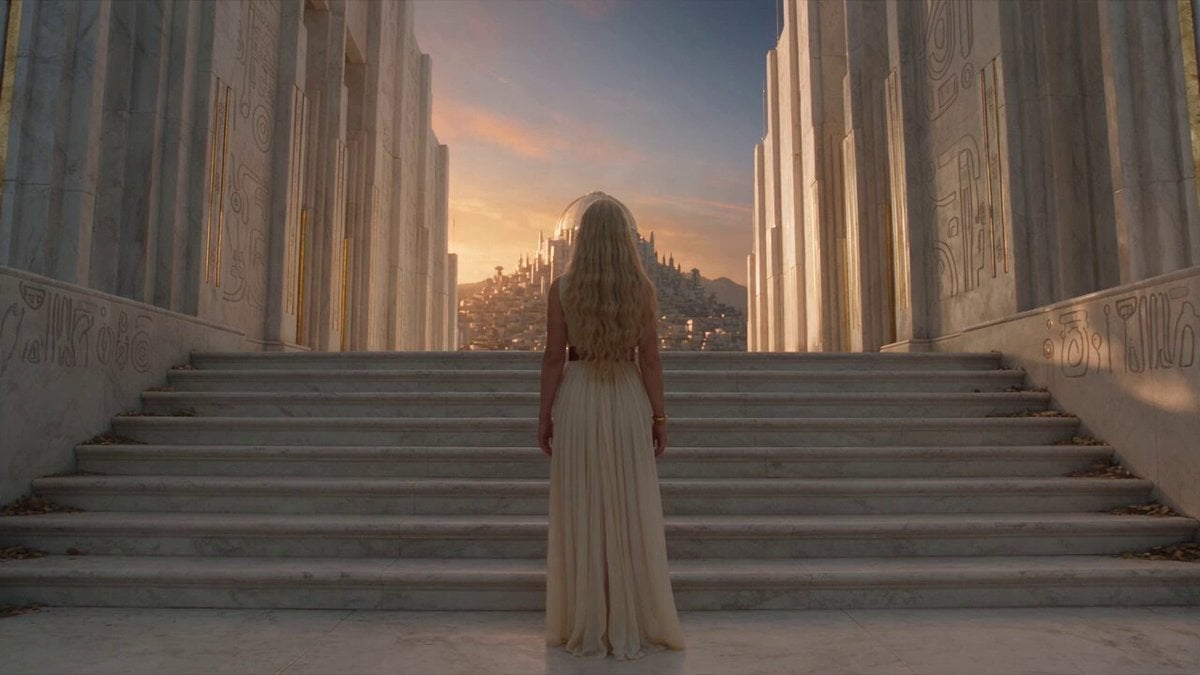
Fantasy Broom Flight Cinematic
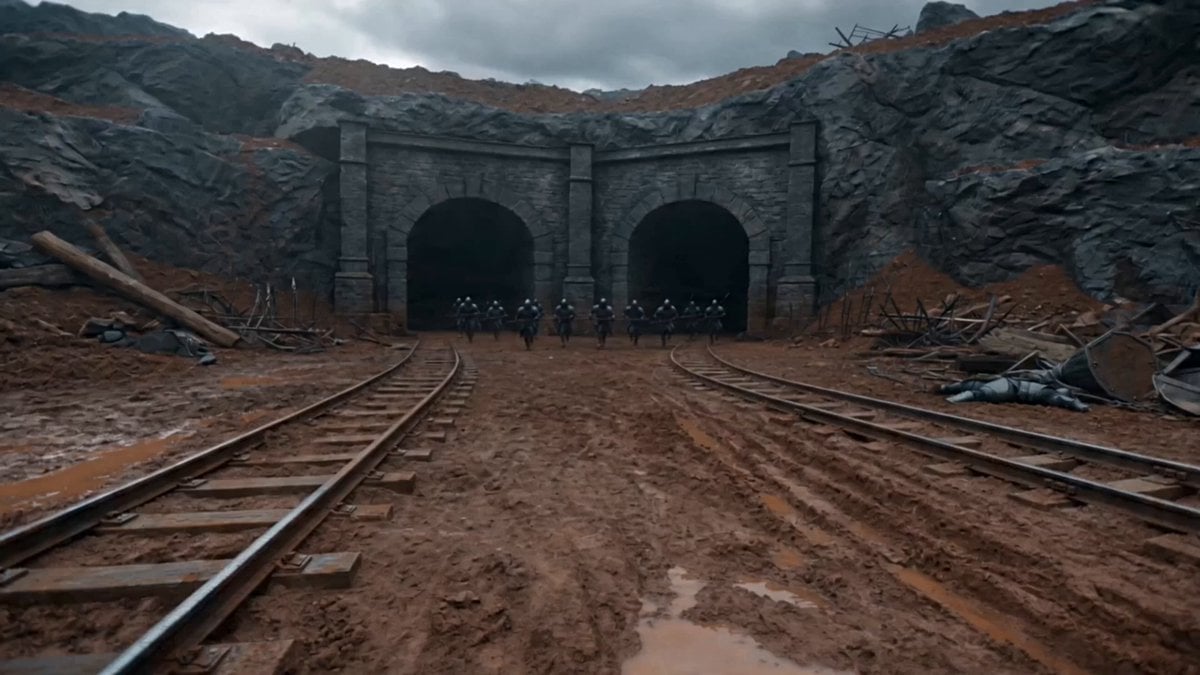
First-Person Magic Combat Strike
Make it yours
First-Person Fantasy Dragon Flight works as-is. These are the safest ways to change it without losing the look.
Change one field
Copy a single group, rewrite it, and generate again so you can see what that field is doing.
Keep the frame, change the subject
Hold the composition and light of First-Person Fantasy Dragon Flight, then swap wardrobe, props or the person for a new take.
| If the result… | Why | Fix |
|---|---|---|
| The result drifts from the preview | Too many fields changed at once. | Reuse First-Person Fantasy Dragon Flight as-is first, then change one group — subject, light, or setting. |
| The model over-stylizes the scene | The prose prompt leaves finish and camera underspecified. | Add one camera or lighting sentence and stay on Seedance 2.0. |
More Seedance 2.0 templates
Other prompts made for Seedance 2.0.

Comical Martial Arts Punch Scene

Maglev Train Action Sequence

Martial Arts Fight Sequence

Wuxia Protection and Trust Script

Vintage Korean Arcade MiniDV Vlog

Mercedes 190 SL Luxury Ad

Rainy Night Supernatural Reverse Comedy Video Script

Amazon Civilization Discovery

Futuristic South Asian City Transformation

Cozy Luxury Cafe Commercial
More video prompts
Fresh picks from across the catalog.
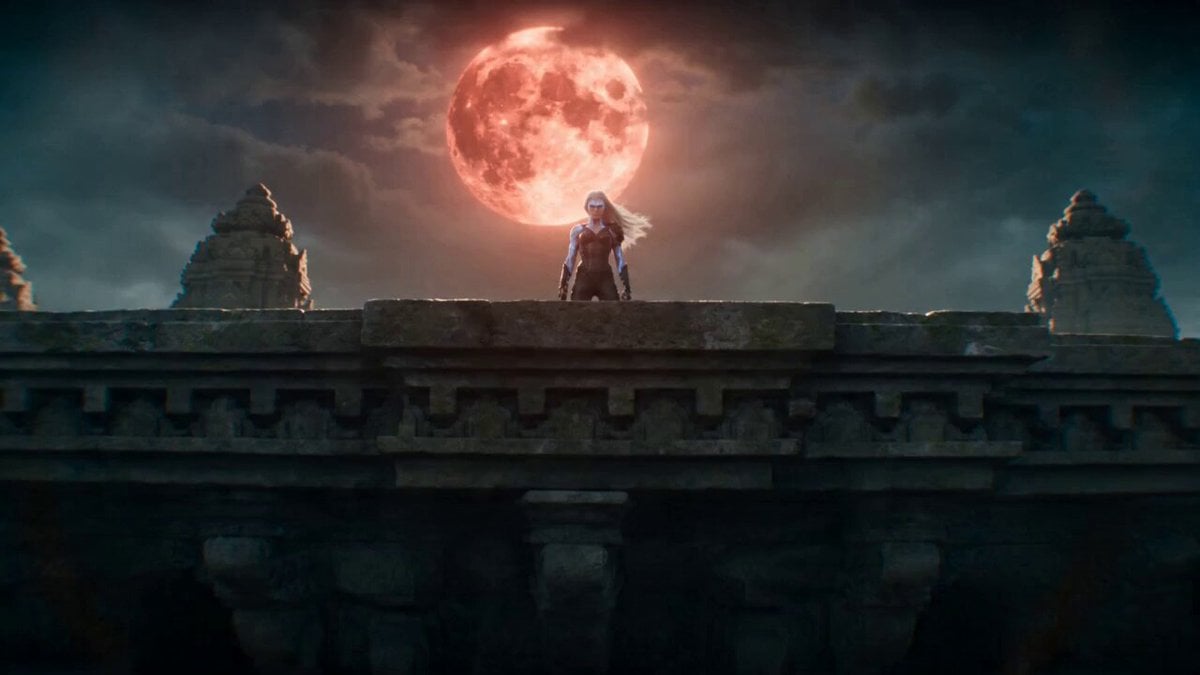
Temple Rooftop Chase Animation
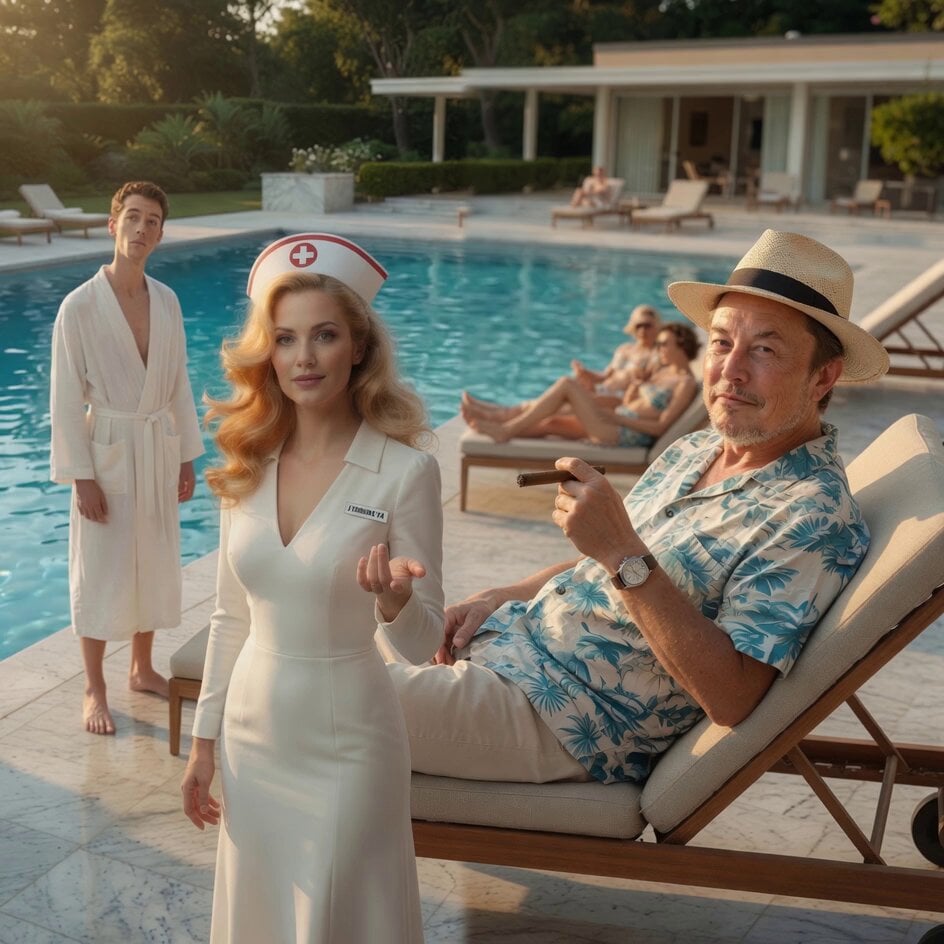
Stranger in a Strange Land Mars Scene

Grok Imagine prompt for a surreal singing turtle scene

Umbrella Blown Away and Camera Pan Video Prompt
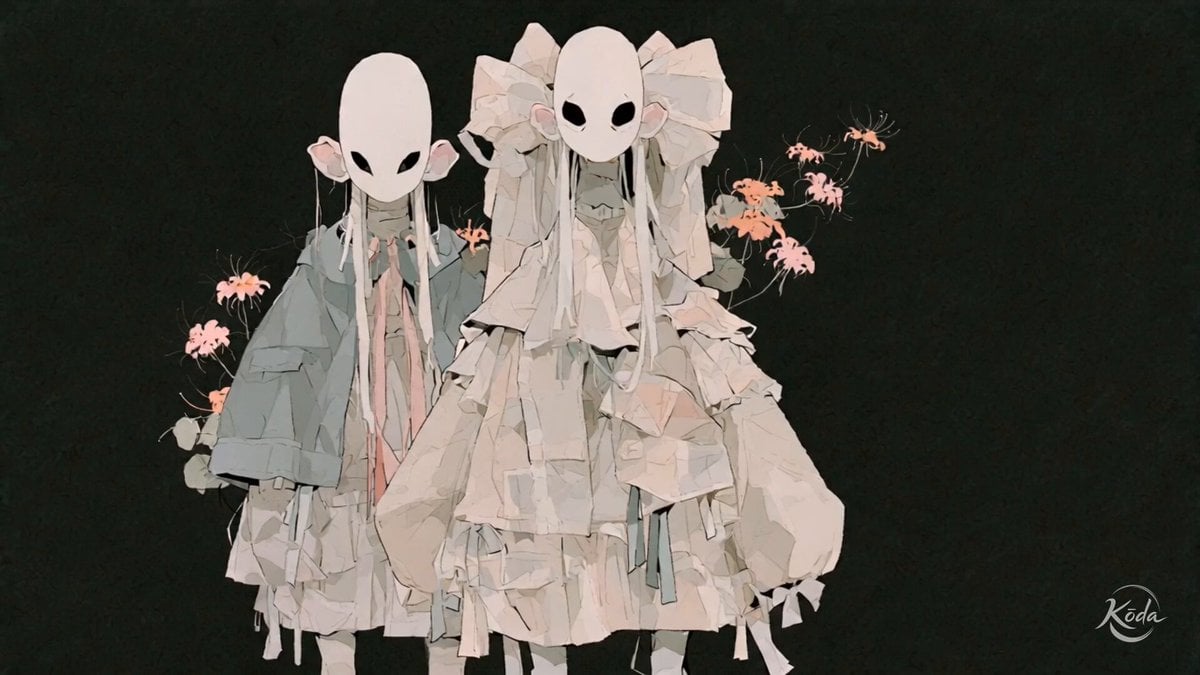
Cinematic J-Horror Anime Sisters
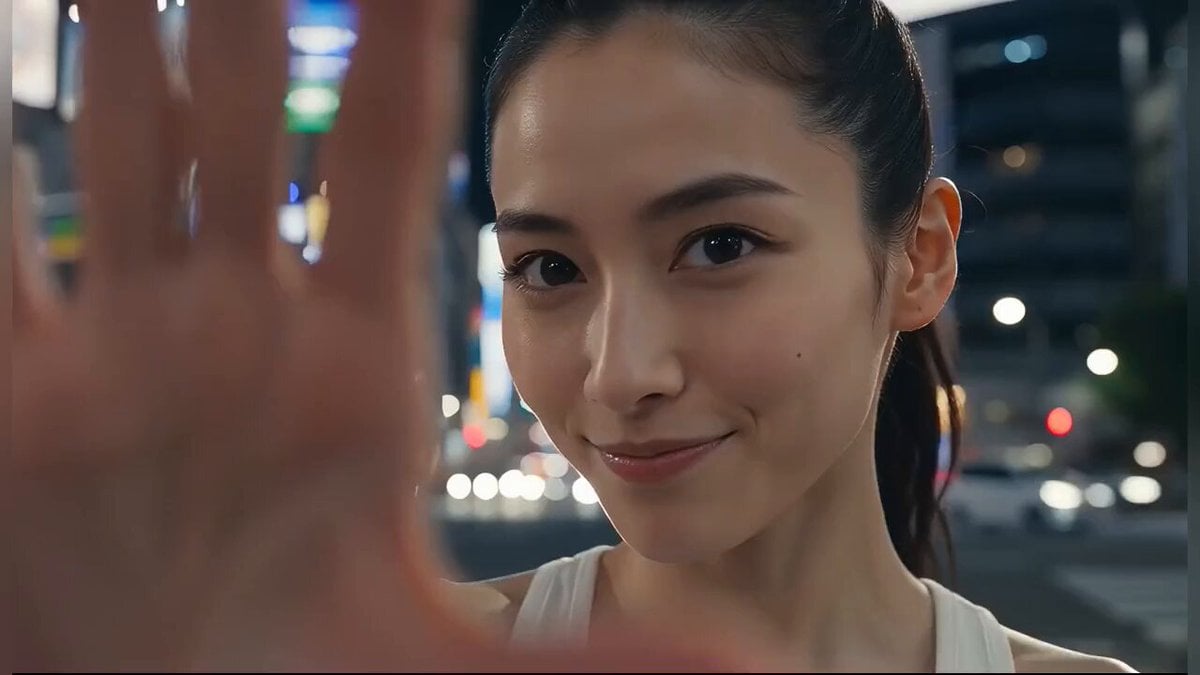
Japanese Girl Tokyo Tower Parkour Video
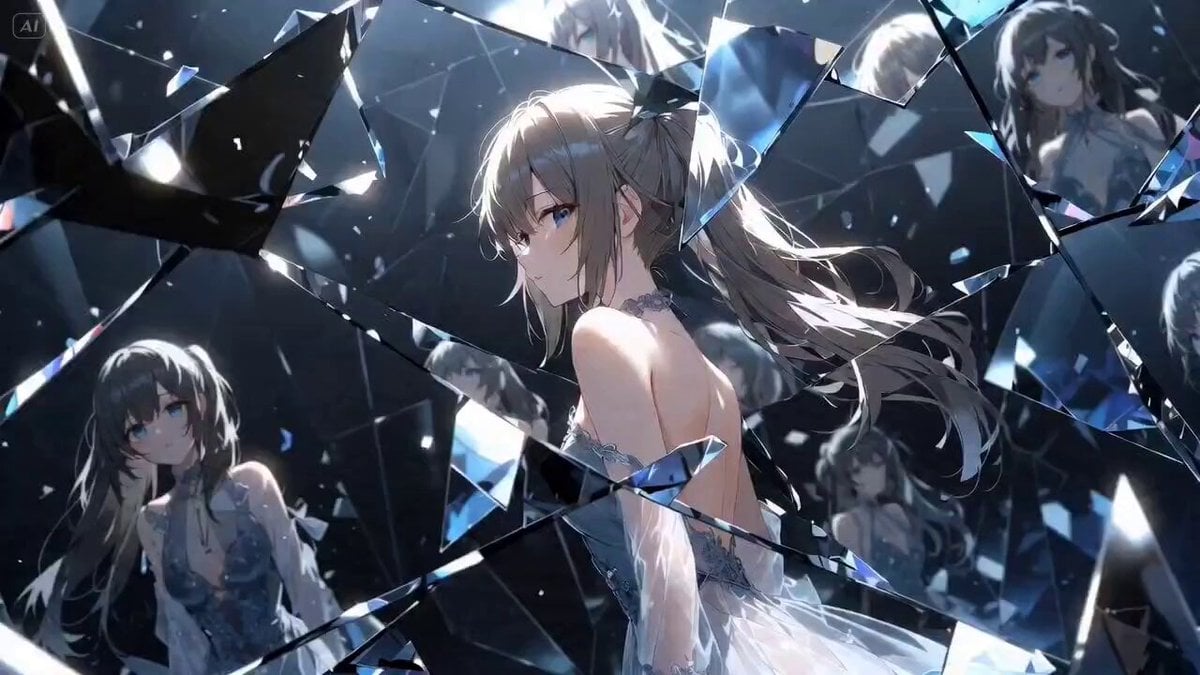
Iris Transition into Memory World
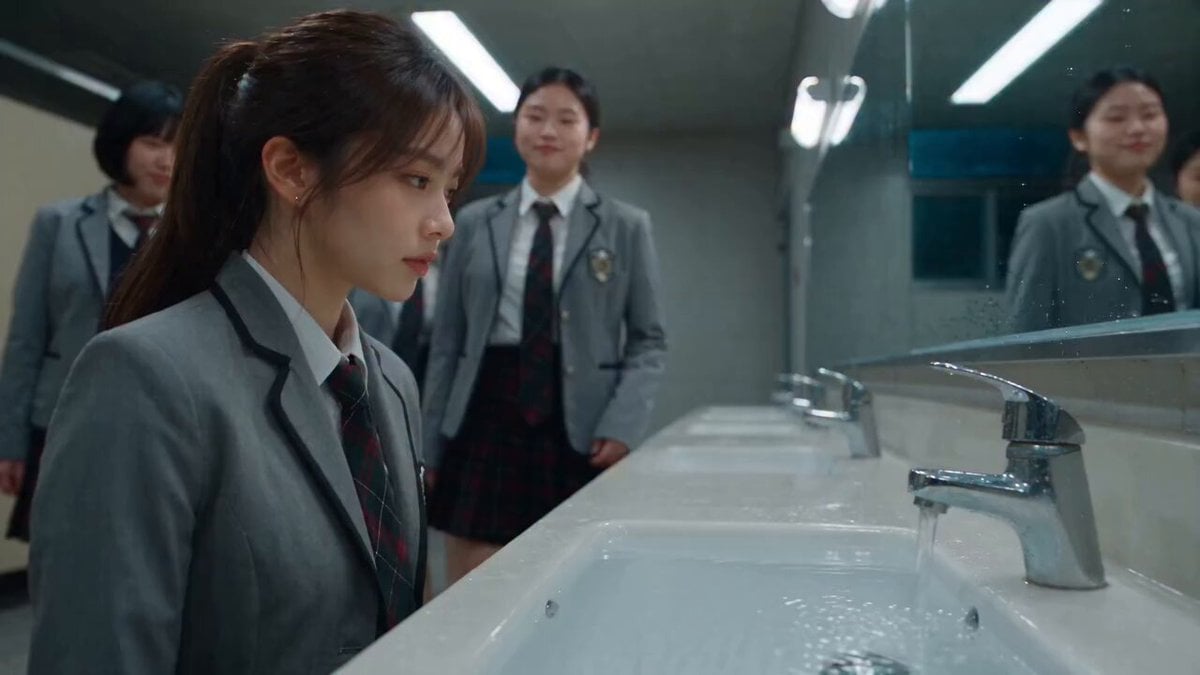
Dramatic School Bathroom Water Fight

Cinematic Espresso Preparation
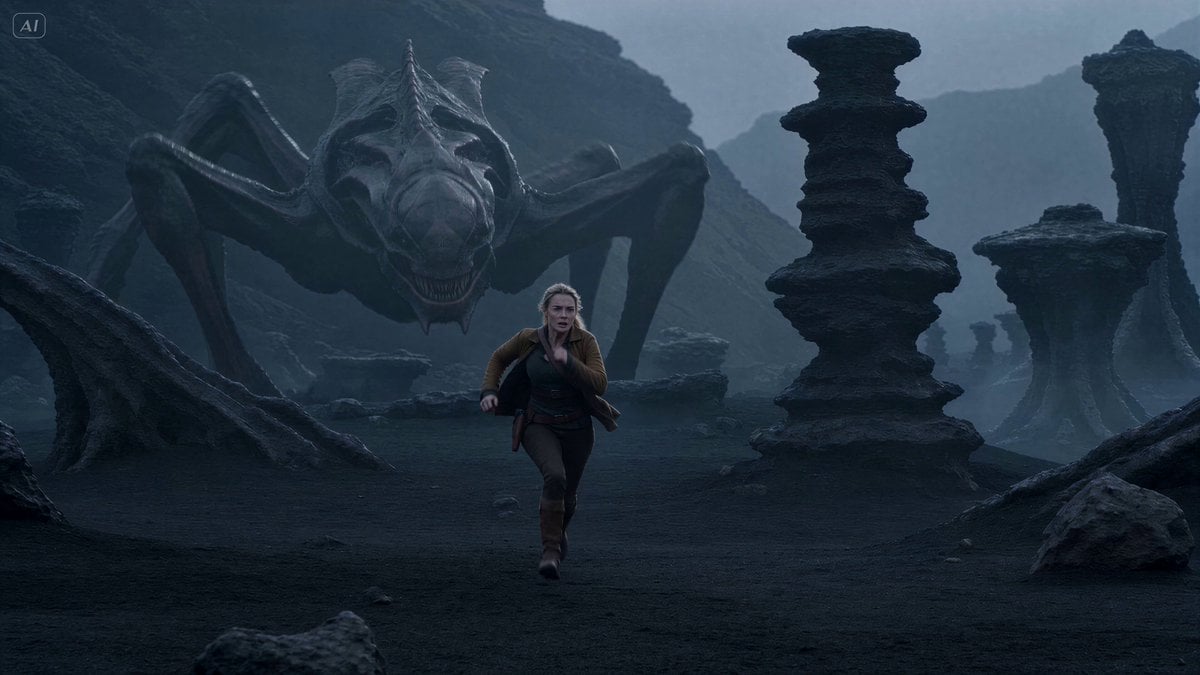
Alien Creature Pursuit Sequence
Browse template categories
First-Person Fantasy Dragon Flight questions
How do I use the First-Person Fantasy Dragon Flight template?
Add your photo if the template asks for one, edit the prompt if you like — the template's model and format are already selected — and press Generate. Your version opens in PicX Studio.
Can I customize the First-Person Fantasy Dragon Flight template?
Yes. You can change the subject, setting, lighting, mood, format, and available model controls before creating your video.
Is the First-Person Fantasy Dragon Flight template free?
Opening and editing this template is free. Generating uses credits, shown on the Generate button when you are signed in.
Which AI model should I use?
Start with Seedance 2.0, which is the model associated with this template. You can compare another compatible model for a different finish.
Looking for something else? Browse all templates.

Your photo, any look
Thousands of ready templates for every top image and video model, from one credit balance.