
Cinematic Espresso Preparation
A highly technical cinematography prompt that outlines a detailed sequence for filming the preparation of a brown sugar cinnamon espresso, focusing on textures, lighting, and sound effects.

- Prompt included
- Model and format preset
- Premium template
The prompt behind this video
Copy the exact prompt behind Cinematic Espresso Preparation, or open it in the studio and make it yours.
Cinematography: A stationary macro close-up shot, shallow depth of field, focused on a tall clear glass with condensation forming on the outside. Environment: Clean, minimalist dark slate countertop with warm amber undertones, a cinnamon stick resting casually in the background out of focus. Lighting: Warm, directional natural light casting long side shadows, highlighting the caramel tones of the drink and the frost forming on the glass. Style: Photorealistic, high-frame-rate textures (foamy espresso, crystalline ice, silky cold foam). Timed Sequence [00:00–00:15]: [00:00–00:03] Action: Dark brown sugar and a heavy pinch of cinnamon are spooned into a cocktail shaker. Two fresh espresso shots pour directly onto the sugar, dissolving it instantly into a dark, syrupy pool at the bottom.SFX: A granular scrape of sugar, then the sharp hiss of hot espresso hitting metal. [00:03–00:05] Action: A full scoop of ice is added to the shaker. The lid snaps on with a firm click.SFX: Loud, chaotic ice rattling settling into a dull metallic clunk as the lid locks. [00:05–00:08] Action: The shaker is vigorously shaken in frame — held low and close to camera — for several seconds. Frost begins forming on the outside of the metal instantly.SFX: Aggressive, rhythmic ice-against-metal shaking, loud and satisfying. [00:08–00:10] Action: The shaker lid is cracked open and the frothy, caramel-colored espresso streams out over fresh ice spheres in the waiting glass. The liquid is visibly aerated — light, foamy, and layered.SFX: A fast, bubbly liquid pour with faint crackling from the ice. [00:10–00:13] Action: Cold oat milk foam — thick and pourable — is spooned slowly over the back of a spoon so it floats in a clean white layer across the top of the drink without breaking.SFX: A dense, whispery glug as foam settles onto the surface. [00:13–00:15] Action: Ground cinnamon is tapped through a small sieve over the foam, landing in a warm rust-colored haze. A black paper straw is pressed through the foam layer with one clean push.SFX: A soft powder hiss, then a quiet foam puncture as the straw goes in.
How to use Cinematic Espresso Preparation in 3 steps
- 1
Open
The prompt is already in the box next to the preview, with the template's model and format selected.
- 2…a portrait of your subject in softgolden-hour light, 85mm…
Personalize
Edit the subject and creative details for your destination.
- 3Generate
Generate
Press Generate — your video is created in PicX Studio, so you can compare it with the original and refine one variable at a time.
More like this
Templates with the same subject, style or setup. Open one to see its prompt.
Cozy Coffee Preparation ASMR Vlog

Robots on Mars Preparation
Ice Cream Preparation Commercial

Italian Espresso Coffee Commercial

Anime Wedding Preparation Storyboard

Mixed-Media Kitchen Cooking Animation
Morning Routine Lifestyle Vlog

Martial Arts Fight Sequence
Vintage 16mm Jerusalem Travel Vlog
Late Night Kitchen Phone Recording - Seedance 2.5

Frozen Planet Fortress Battle

Studio Ghibli Inspired Bamboo Soup Scene
Make it yours
Cinematic Espresso Preparation works as-is. These are the safest ways to change it without losing the look.
Change one field
Copy a single group, rewrite it, and generate again so you can see what that field is doing.
Keep the frame, change the subject
Hold the composition and light of Cinematic Espresso Preparation, then swap wardrobe, props or the person for a new take.
| If the result… | Why | Fix |
|---|---|---|
| The result drifts from the preview | Too many fields changed at once. | Reuse Cinematic Espresso Preparation as-is first, then change one group — subject, light, or setting. |
| The model over-stylizes the scene | The prose prompt leaves finish and camera underspecified. | Add one camera or lighting sentence and stay on Seedance 2.0. |
More Seedance 2.0 templates
Other prompts made for Seedance 2.0.

Comical Martial Arts Punch Scene

Maglev Train Action Sequence

Wuxia Protection and Trust Script

Vintage Korean Arcade MiniDV Vlog

Mercedes 190 SL Luxury Ad

Rainy Night Supernatural Reverse Comedy Video Script

Amazon Civilization Discovery

Futuristic South Asian City Transformation

Cozy Luxury Cafe Commercial

Cyber Ronin Nanotech Transformation Video
More video prompts
Fresh picks from across the catalog.
Anime Crossover Dimensional Portal
Golden Frame with Girl and Torus Space Settlement

Underground Fight Club Sequence

Ritual Butter Lamp Offering
The Saddest Story Told in Stop-Motion Clay Animation
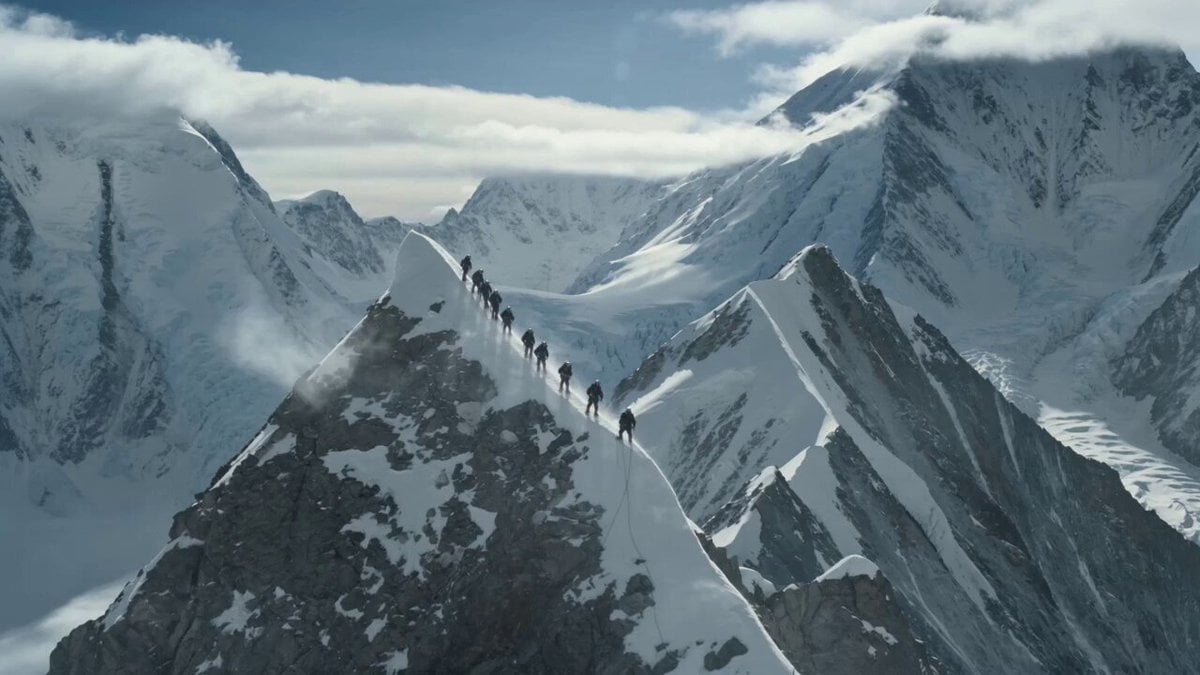
K2 Mountaineering Survival Drama

Ancient Kingdom of Pontus Cinematic FPV

Emotional vlog-style Japanese woman video

Dramatic Raindrop Scene: Continuous Shot

Monterey Bay Aquarium Neon Fish Video
Browse template categories
Cinematic Espresso Preparation questions
How do I use the Cinematic Espresso Preparation template?
Add your photo if the template asks for one, edit the prompt if you like — the template's model and format are already selected — and press Generate. Your version opens in PicX Studio.
Can I customize the Cinematic Espresso Preparation template?
Yes. You can change the subject, setting, lighting, mood, format, and available model controls before creating your video.
Is the Cinematic Espresso Preparation template free?
Opening and editing this template is free. Generating uses credits, shown on the Generate button when you are signed in.
Which AI model should I use?
Start with Seedance 2.0, which is the model associated with this template. You can compare another compatible model for a different finish.
Looking for something else? Browse all templates.

Your photo, any look
Thousands of ready templates for every top image and video model, from one credit balance.