
Anime Crossover Dimensional Portal
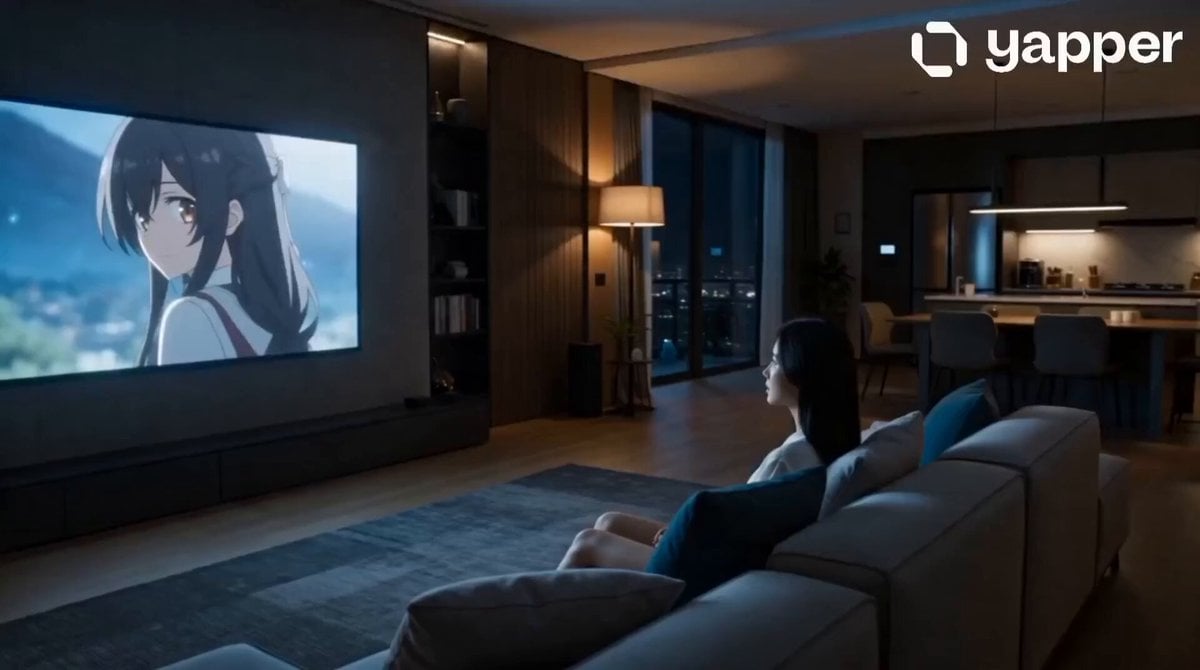
A 15-second cinematic prompt sequence where a woman watching anime is invited into the anime world through her TV screen.
- Prompt included
- Model and format preset
- Premium template
The prompt behind this video
Copy the exact prompt behind Anime Crossover Dimensional Portal, or open it in the studio and make it yours.
Overall Style: Ultra-realistic, IMAX-quality visuals, Panavision anamorphic lens, cinematic depth of field, volumetric lighting, realistic skin texture, HDR, blockbuster fantasy movie color grading, ultra-detailed, 8K. Scene 1 (0-5 seconds): The Mysterious Anime Description: A beautiful 20-year-old Korean woman with long silky black hair, expressive brown eyes, flawless realistic skin, and delicate facial features sits alone in a modern apartment at night watching an anime episode on a large flat-screen TV. Suddenly, one of the anime characters turns toward the screen and appears to make direct eye contact with her. She freezes, confused and intrigued by the impossible moment. Camera: Slow cinematic orbit around the woman, ending with an extreme close-up of her eyes reflecting the anime character. Lighting: Soft TV glow, warm ambient room lighting, realistic shadows and reflections. Scene 2 (5-9 seconds): The Invitation Description: The anime character slowly extends a hand toward her from inside the TV. The screen begins glowing with magical energy as shimmering cracks of light spread across it. The woman stands up and cautiously walks toward the television, completely captivated. Camera: Smooth dolly-in toward the TV, alternating between the glowing hand and the woman's fascinated expression. Motion: Floating magical particles, subtle room distortion, sparkling energy effects. Scene 3 (9-12 seconds): Crossing Worlds Description: The woman reaches out and touches the glowing hand. Instantly, a powerful burst of magical light fills the room. Reality shatters into glowing fragments as she transforms into streams of light and is transported through a breathtaking dimensional tunnel. Camera: Dramatic close-up of the hands touching, followed by a fast FPV flight through a swirling tunnel of light and magic. Visual Effects: Energy explosion, cinematic motion blur, dimensional warp effects, sparkling light trails. Scene 4 (12-15 seconds): The Fantasy Kingdom Description: The 20-year-old Korean woman arrives in a magnificent fantasy kingdom wearing elegant adventurer attire, a flowing cape, enchanted accessories, and a decorative sword at her side. Floating islands drift across the sky, colossal glowing trees illuminate the landscape, and a majestic magical castle rises in the distance. She slowly turns around, overwhelmed by shock, wonder, and excitement as she realizes she is now inside the anime world. Camera: Epic aerial drone reveal descending from the clouds, sweeping around the fantasy landscape before ending on a cinematic close-up of her amazed face. Lighting: Golden magical sunlight, volumetric god rays, fantasy atmosphere, vibrant colors, cinematic lens flares, epic movie-quality lighting.
How to use Anime Crossover Dimensional Portal in 3 steps
- 1
Open
The prompt is already in the box next to the preview, with the template's model and format selected.
- 2…a portrait of your subject in softgolden-hour light, 85mm…
Personalize
Edit the subject and creative details for your destination.
- 3Generate
Generate
Press Generate — your video is created in PicX Studio, so you can compare it with the original and refine one variable at a time.
More like this
Templates with the same subject, style or setup. Open one to see its prompt.

MiniMax H3 Character Introduction

Japanese Pure Love Short Film
Multiverse Dimensional Portal Fall

Studio Ghibli Dumpling Kitchen Cooking Scene
Mecha Transformation vs Kaiju — 4-Scene Epic
Gothic Anime Interdimensional Train Journey
Multidimensional Glitch Morphing Animation
Magical Glowing Forest Portal Journey
Magical Dragon Portal Cave
Portal Approach through Fire
Fantasy Portal Scene Narrative
Approaching Space Portal
Make it yours
Anime Crossover Dimensional Portal works as-is. These are the safest ways to change it without losing the look.
Change one field
Copy a single group, rewrite it, and generate again so you can see what that field is doing.
Keep the frame, change the subject
Hold the composition and light of Anime Crossover Dimensional Portal, then swap wardrobe, props or the person for a new take.
| If the result… | Why | Fix |
|---|---|---|
| The result drifts from the preview | Too many fields changed at once. | Reuse Anime Crossover Dimensional Portal as-is first, then change one group — subject, light, or setting. |
| The model over-stylizes the scene | The prose prompt leaves finish and camera underspecified. | Add one camera or lighting sentence and stay on Seedance 2.0. |
More Seedance 2.0 templates
Other prompts made for Seedance 2.0.

Comical Martial Arts Punch Scene

Maglev Train Action Sequence

Martial Arts Fight Sequence

Wuxia Protection and Trust Script

Vintage Korean Arcade MiniDV Vlog

Mercedes 190 SL Luxury Ad

Rainy Night Supernatural Reverse Comedy Video Script

Amazon Civilization Discovery

Futuristic South Asian City Transformation

Cozy Luxury Cafe Commercial
More video prompts
Fresh picks from across the catalog.
Cinematic Motorbike Ride at Dusk
Emotional Robot and Boy Animation
Cyber Desert Martial Arts Duel Anime
Drowned Megacity Whale Breach
Morning Reset Sunrise Routine
Anime Teasing Feeding Prank Template
Anime Girl on Rainy Night Train
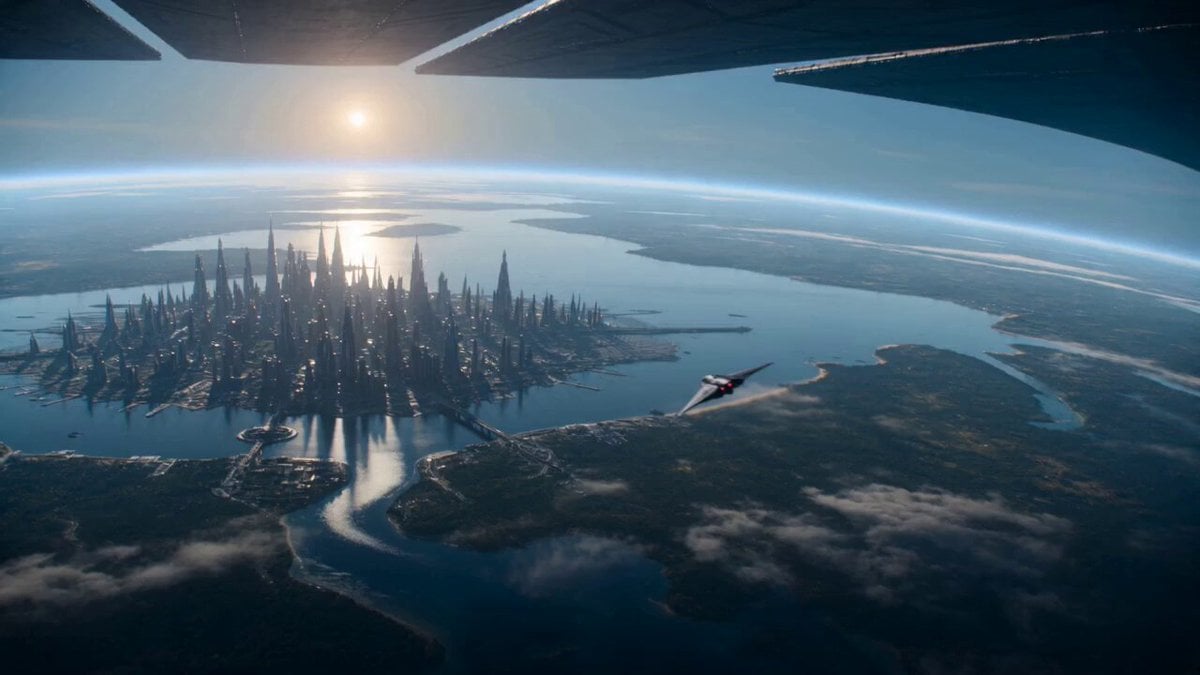
Sci-Fi Planetary Defense Sequence
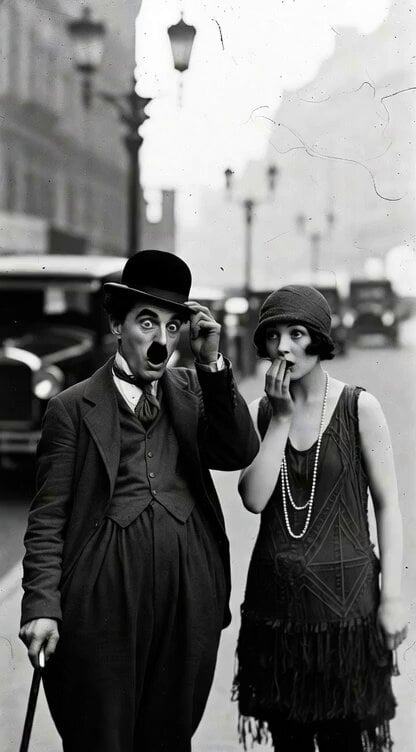
1920s Silent Film Still
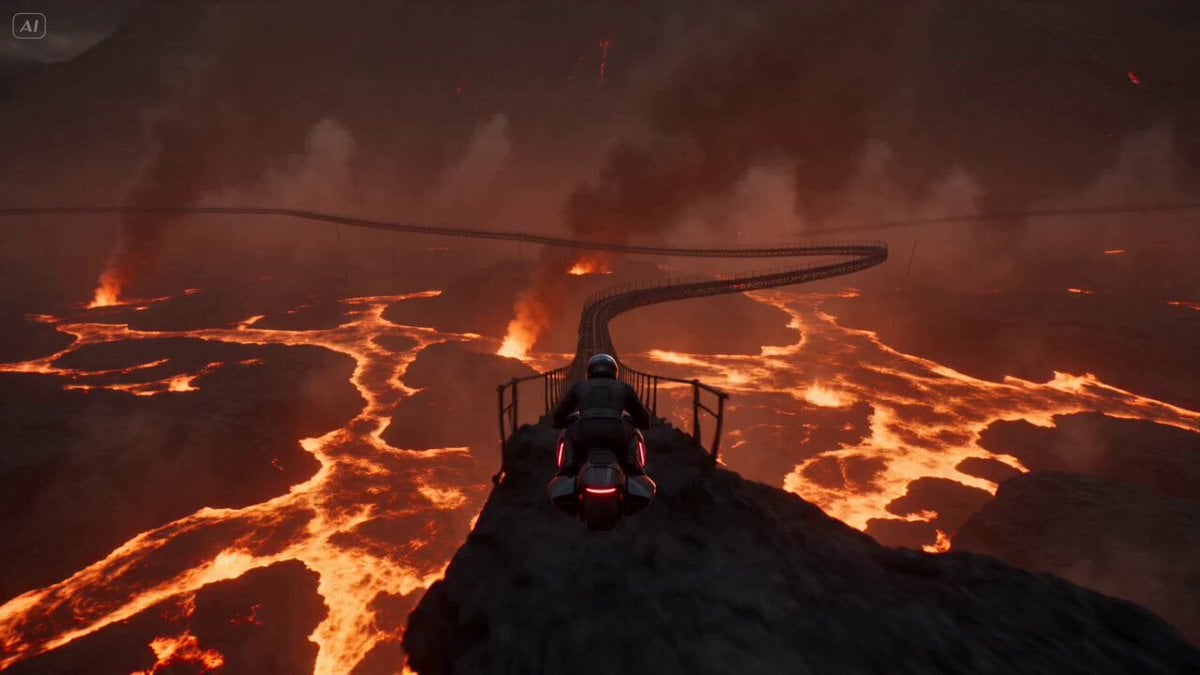
Volcanic Rail Rider Action Sequence
Browse template categories
Anime Crossover Dimensional Portal questions
How do I use the Anime Crossover Dimensional Portal template?
Add your photo if the template asks for one, edit the prompt if you like — the template's model and format are already selected — and press Generate. Your version opens in PicX Studio.
Can I customize the Anime Crossover Dimensional Portal template?
Yes. You can change the subject, setting, lighting, mood, format, and available model controls before creating your video.
Is the Anime Crossover Dimensional Portal template free?
Opening and editing this template is free. Generating uses credits, shown on the Generate button when you are signed in.
Which AI model should I use?
Start with Seedance 2.0, which is the model associated with this template. You can compare another compatible model for a different finish.
Looking for something else? Browse all templates.

Your photo, any look
Thousands of ready templates for every top image and video model, from one credit balance.