
Anime Girl on Rainy Night Train
An ultra-cinematic anime scene capturing the melancholic atmosphere of a girl on a train during a Tokyo rainstorm.
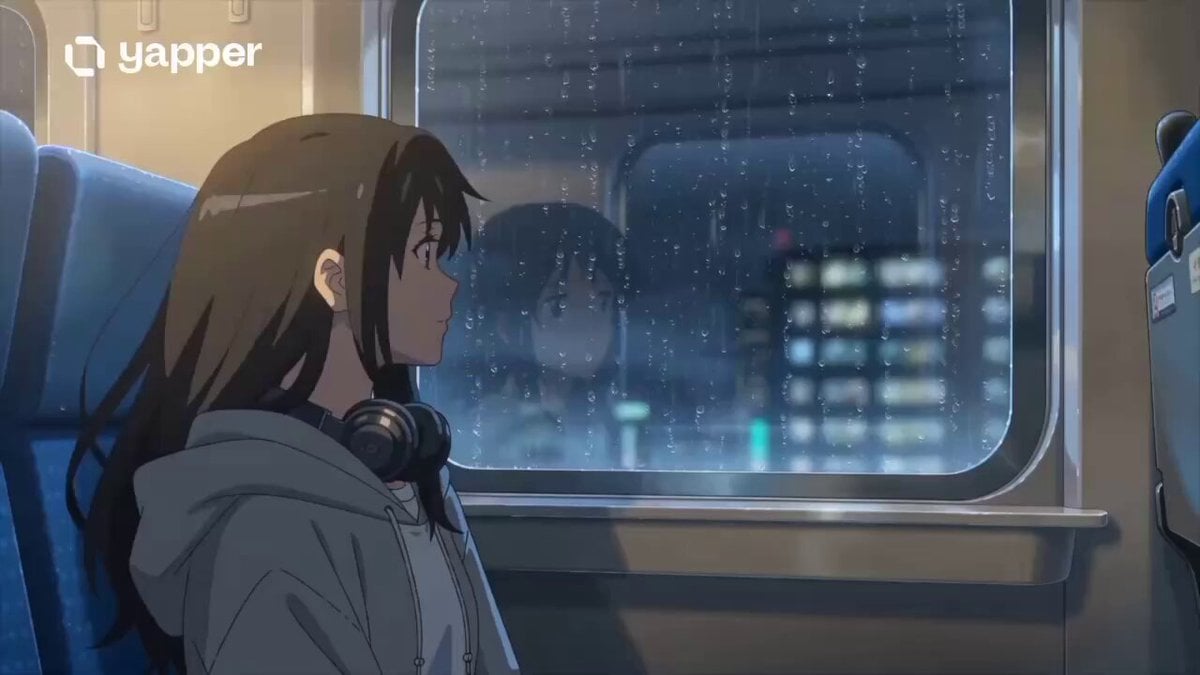
- Prompt included
- Model and format preset
- Premium template
The prompt behind this video
Copy the exact prompt behind Anime Girl on Rainy Night Train, or open it in the studio and make it yours.
Ultra-cinematic anime realism scene of a beautiful anime girl sitting alone beside the window inside a moving night train during heavy rain. Soft neon reflections from Tokyo city lights glow across the wet train windows while raindrops slowly slide down the glass. She has long dark flowing hair, expressive emotional eyes, and wears a cozy oversized hoodie with headphones around her neck. The atmosphere feels melancholic, peaceful, and deeply cinematic. The train interior is dimly lit with warm ambient lighting, creating contrast against the cold blue rain outside. Camera slowly pushes toward her face as she quietly watches the city pass by. Reflections flicker across her eyes while distant lightning softly illuminates the cabin. Detailed anime realism style, emotional storytelling, shallow depth of field, smooth camera motion, realistic rain physics, cinematic composition, ultra detailed textures, soft film grain, volumetric lighting, dreamy atmosphere, Makoto Shinkai-inspired visuals, high motion quality, masterpiece anime cinematography. 15-second sequence with: 0–5s: Side profile close-up with rain on window 5–10s: Camera pans outside showing neon city reflections and passing trains 10–15s: Emotional close-up as she gently smiles while thunder lights up the scene
How to use Anime Girl on Rainy Night Train in 3 steps
- 1
Open
The prompt is already in the box next to the preview, with the template's model and format selected.
- 2…a portrait of your subject in softgolden-hour light, 85mm…
Personalize
Edit the subject and creative details for your destination.
- 3Generate
Generate
Press Generate — your video is created in PicX Studio, so you can compare it with the original and refine one variable at a time.
More like this
Templates with the same subject, style or setup. Open one to see its prompt.

Forest Fantasy Girl Short Film
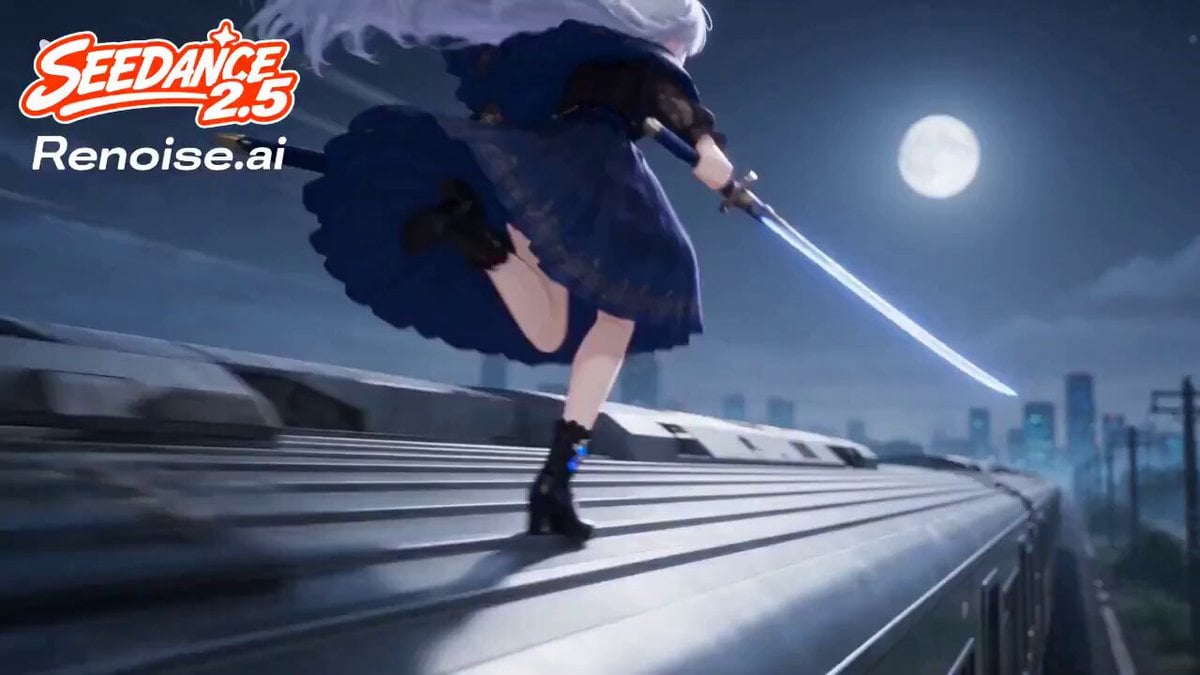
Silver Train Chase Anime Action

Cinematic Istanbul Night Fight - Seedance 2.5
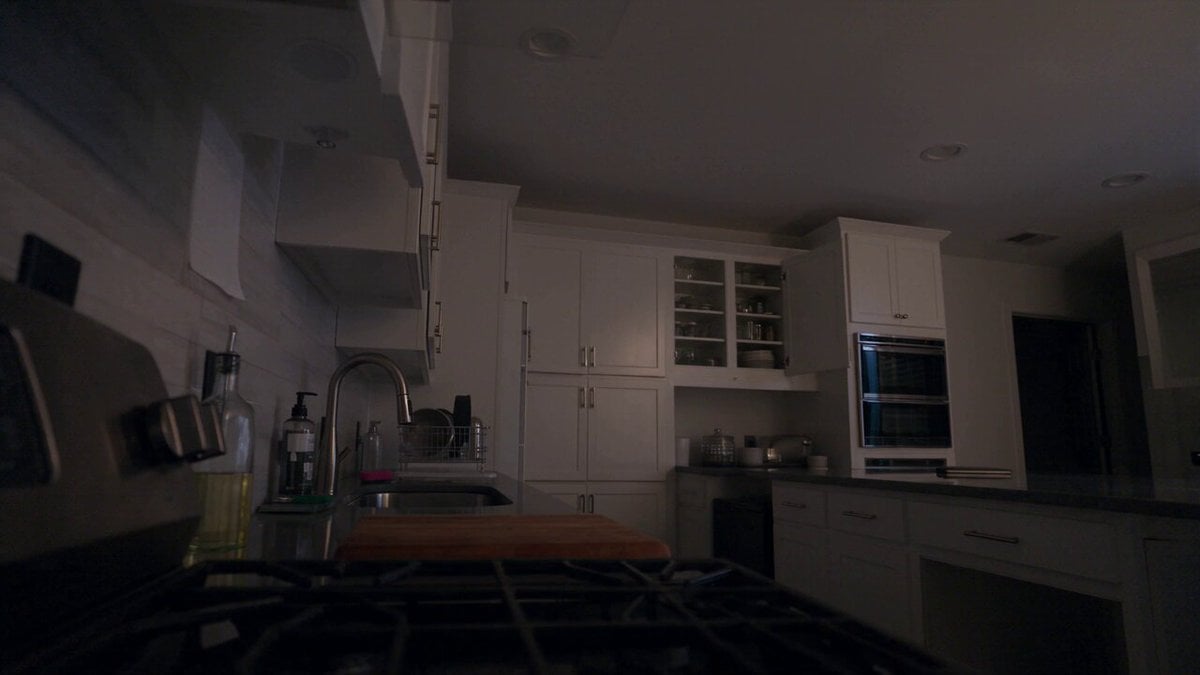
Late Night Kitchen Phone Recording - Seedance 2.5

Korean Night Market Bullet-Time Scene - Seedance 2.5
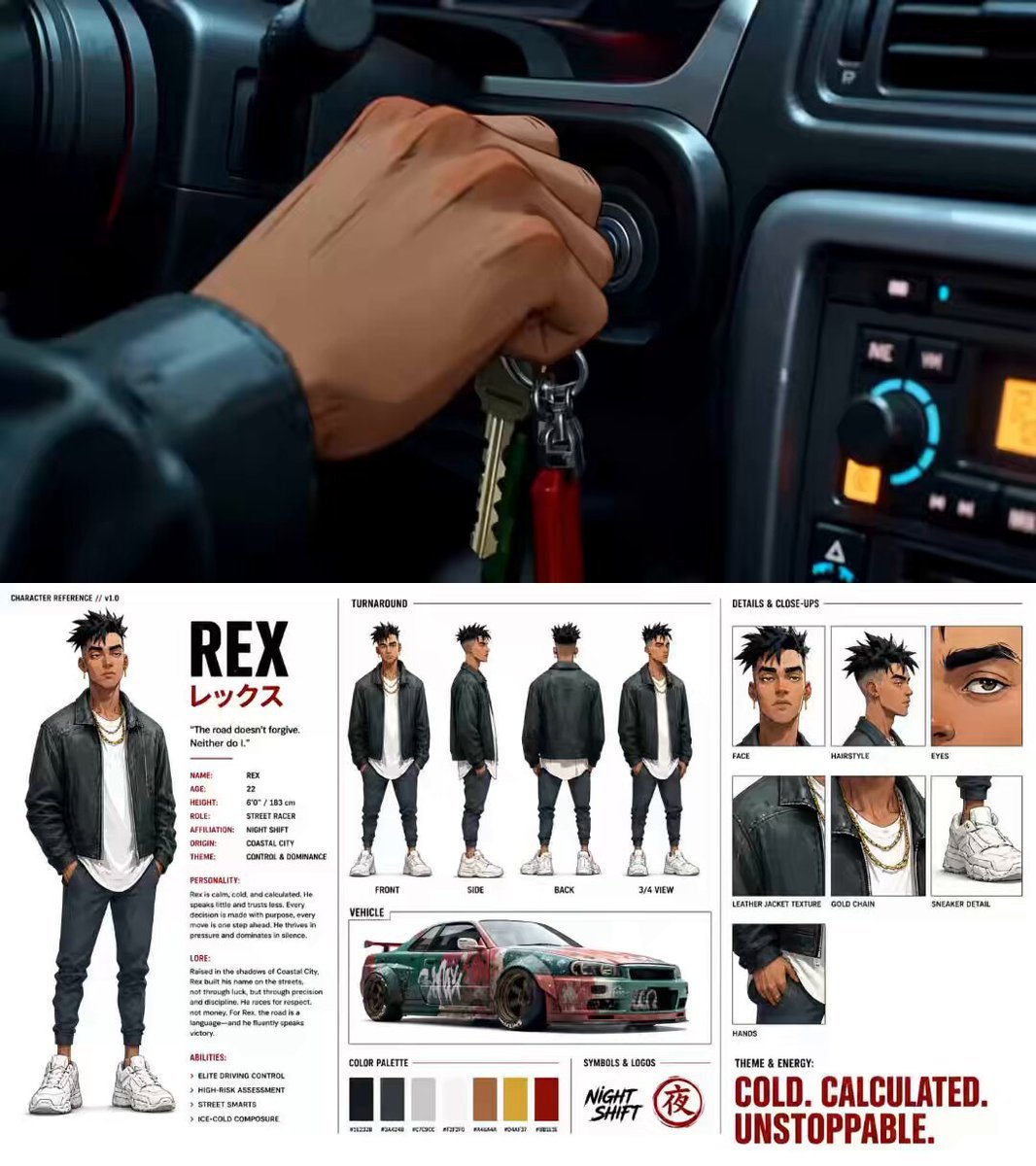
Nighttime Anime Graffiti Tunnel Scene

Rainy Night Supernatural Reverse Comedy Video Script
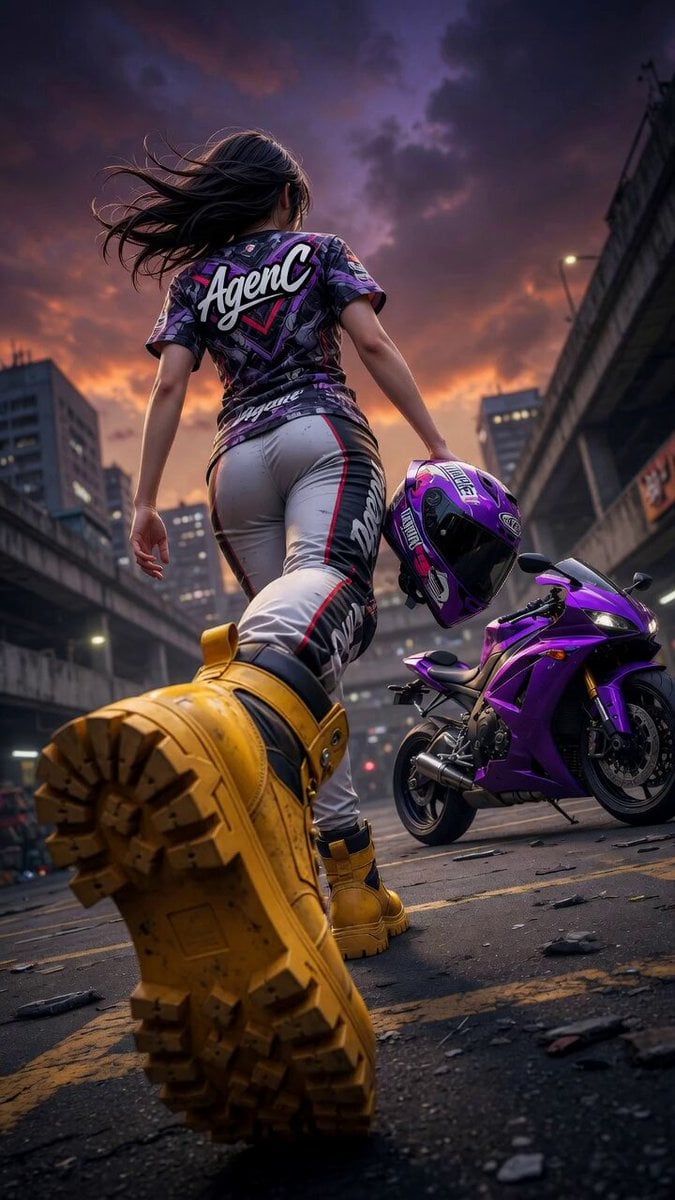
Cinematic Anime Racing Girl in Urban Parking Lot
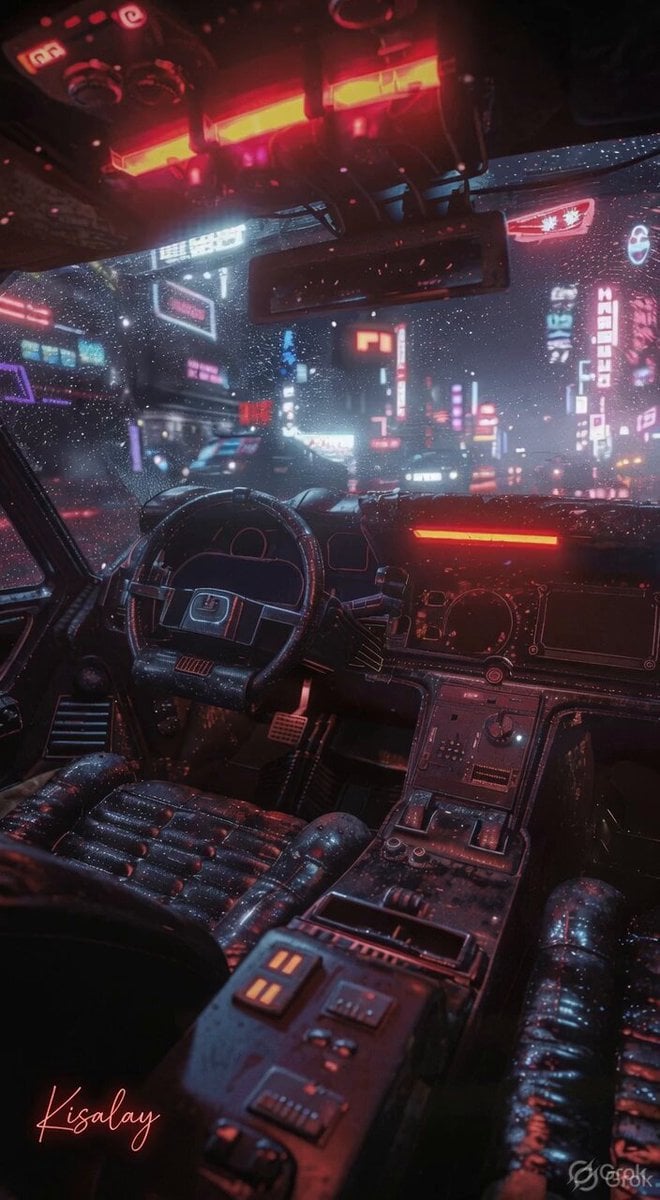
Rainy Night Neon City

MiniMax H3 Character Introduction

Japanese Pure Love Short Film

Live-Action Firefighter Rescue Night Scene
Make it yours
Anime Girl on Rainy Night Train works as-is. These are the safest ways to change it without losing the look.
Change one field
Copy a single group, rewrite it, and generate again so you can see what that field is doing.
Keep the frame, change the subject
Hold the composition and light of Anime Girl on Rainy Night Train, then swap wardrobe, props or the person for a new take.
| If the result… | Why | Fix |
|---|---|---|
| The result drifts from the preview | Too many fields changed at once. | Reuse Anime Girl on Rainy Night Train as-is first, then change one group — subject, light, or setting. |
| The model over-stylizes the scene | The prose prompt leaves finish and camera underspecified. | Add one camera or lighting sentence and stay on Seedance 2.0. |
More Seedance 2.0 templates
Other prompts made for Seedance 2.0.

Comical Martial Arts Punch Scene

Maglev Train Action Sequence

Martial Arts Fight Sequence

Wuxia Protection and Trust Script

Vintage Korean Arcade MiniDV Vlog

Mercedes 190 SL Luxury Ad

Amazon Civilization Discovery

Futuristic South Asian City Transformation

Cozy Luxury Cafe Commercial

Cyber Ronin Nanotech Transformation Video
More video prompts
Fresh picks from across the catalog.
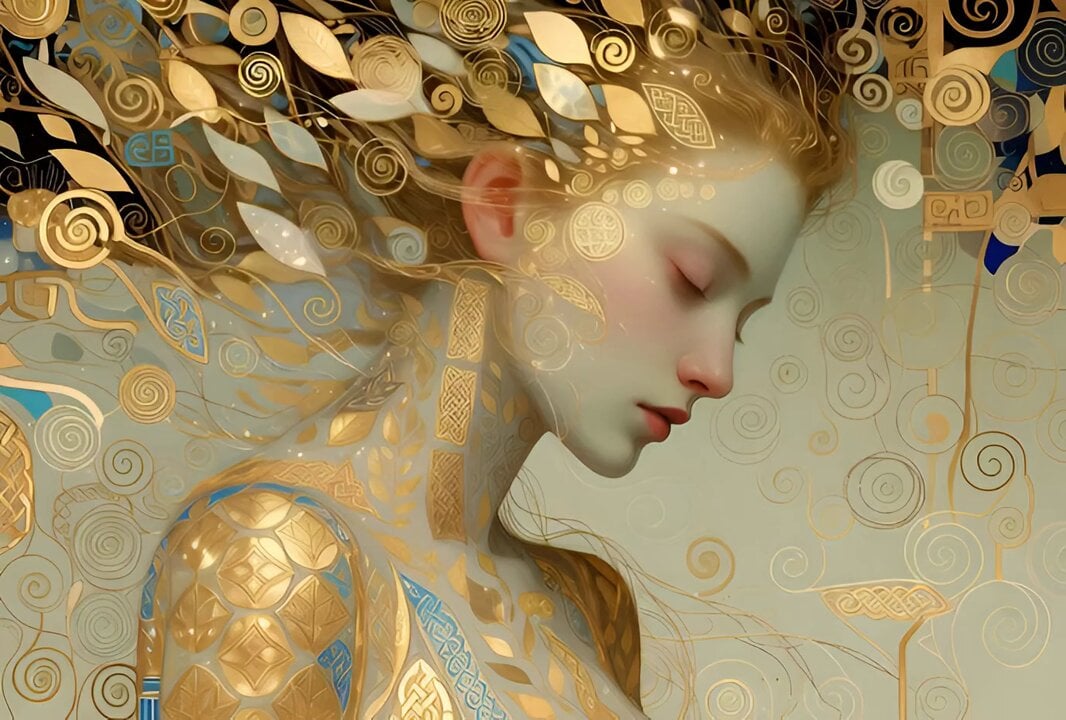
Klimt-Inspired Ethereal Portrait Video Prompt
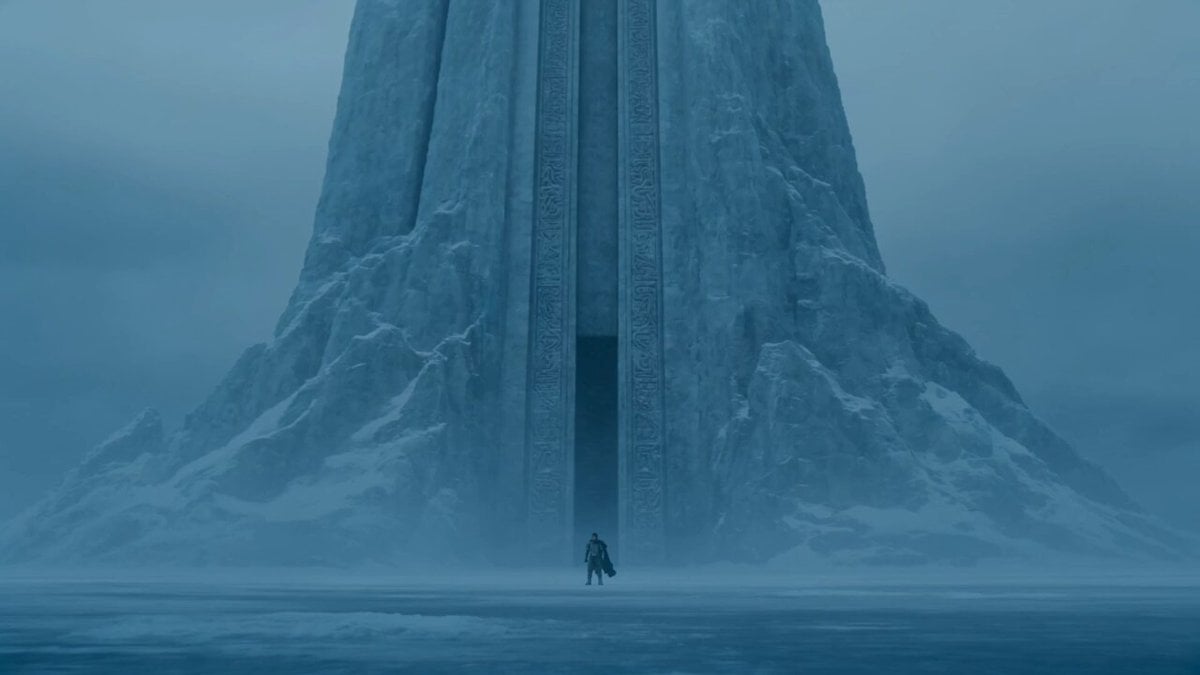
Lone Warrior at Frozen Mountain Gate
POV Time-Freeze JSON Prompt for Seedance 2
Exploding man and sad woman video prompt

Scheduling Work Days in Nature Video Prompt
Taiwanese Girlfriend Night Market POV Video
Magenta Organic Zoom Loop

3D Animation: Kung Fu Soccer Cinematic Sequence

Angel Warrior Descent
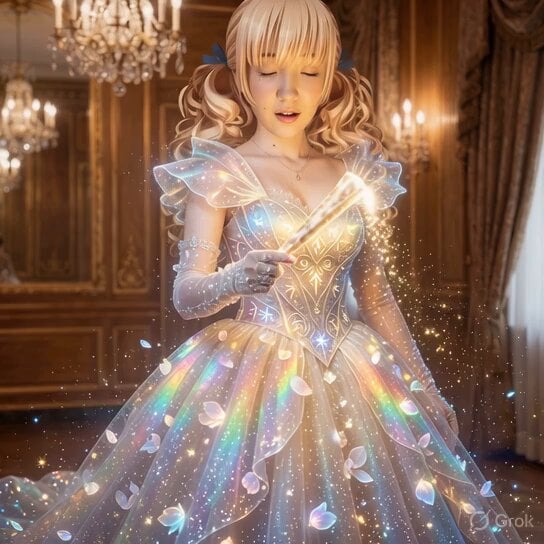
Magical Ball Gown Video Transformation
Browse template categories
Anime Girl on Rainy Night Train questions
How do I use the Anime Girl on Rainy Night Train template?
Add your photo if the template asks for one, edit the prompt if you like — the template's model and format are already selected — and press Generate. Your version opens in PicX Studio.
Can I customize the Anime Girl on Rainy Night Train template?
Yes. You can change the subject, setting, lighting, mood, format, and available model controls before creating your video.
Is the Anime Girl on Rainy Night Train template free?
Opening and editing this template is free. Generating uses credits, shown on the Generate button when you are signed in.
Which AI model should I use?
Start with Seedance 2.0, which is the model associated with this template. You can compare another compatible model for a different finish.
Looking for something else? Browse all templates.

Your photo, any look
Thousands of ready templates for every top image and video model, from one credit balance.