How do I use the Multidimensional Glitch Morphing Animation template?
Edit the prompt in the box under the preview — the template's model and format are already selected — and press Generate. Your version appears right on this page.
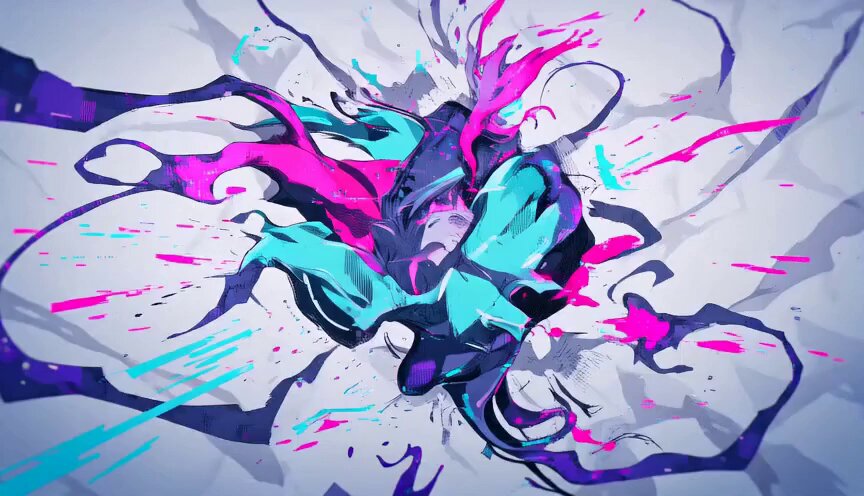
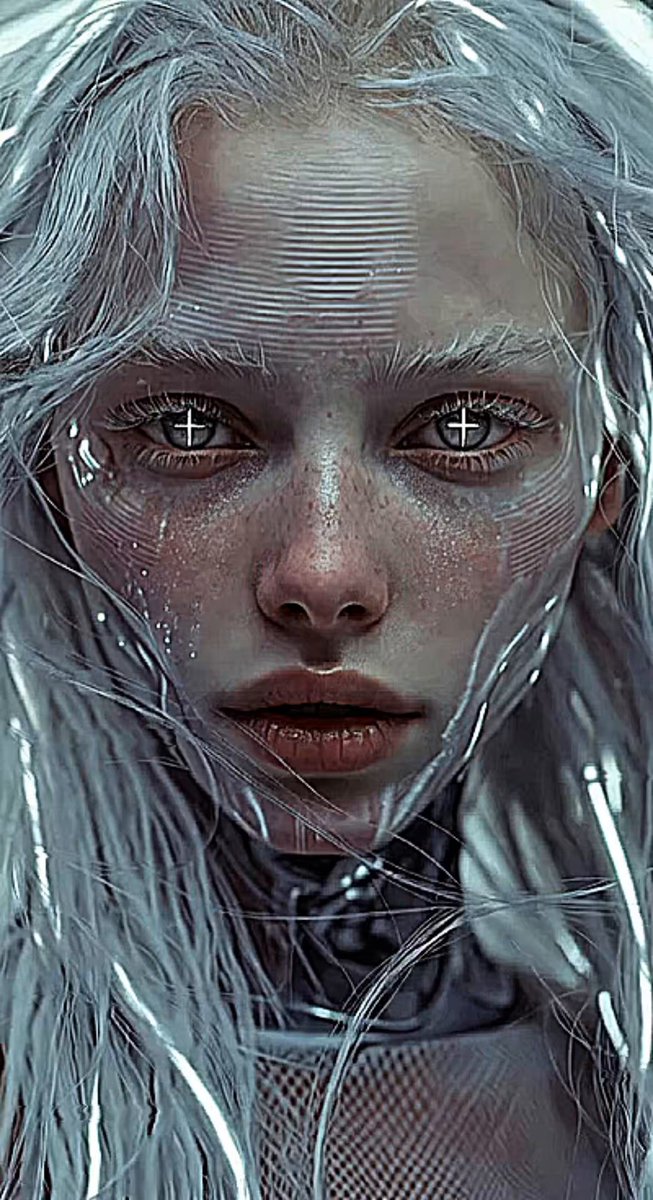
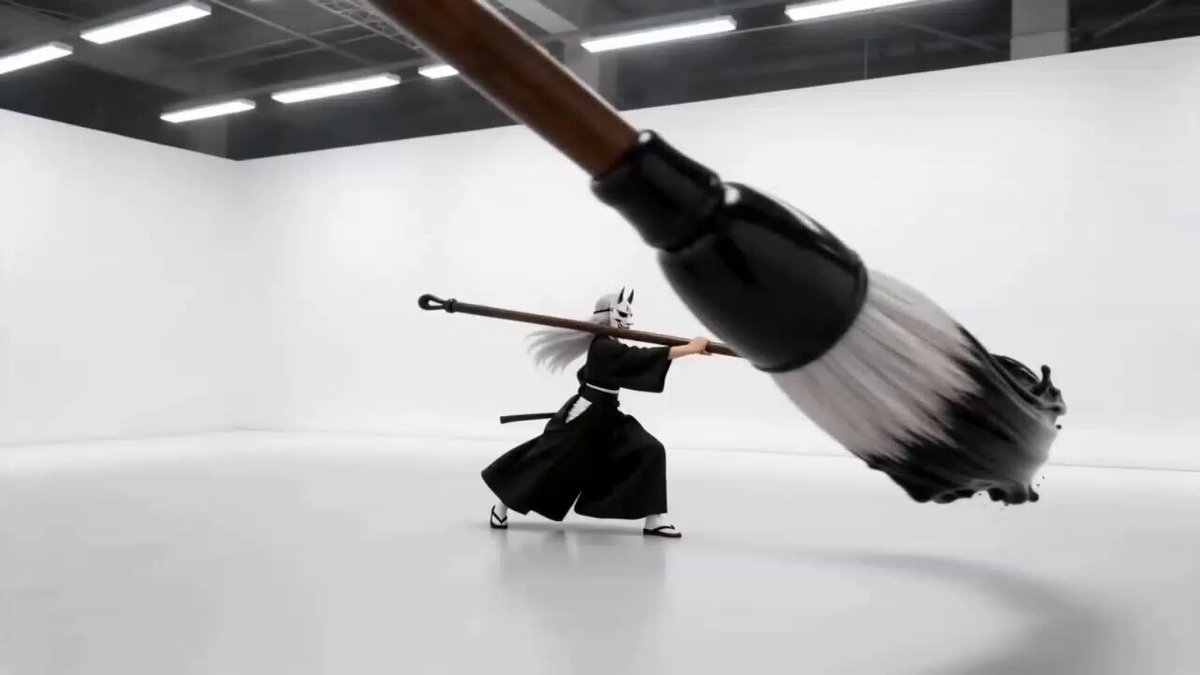
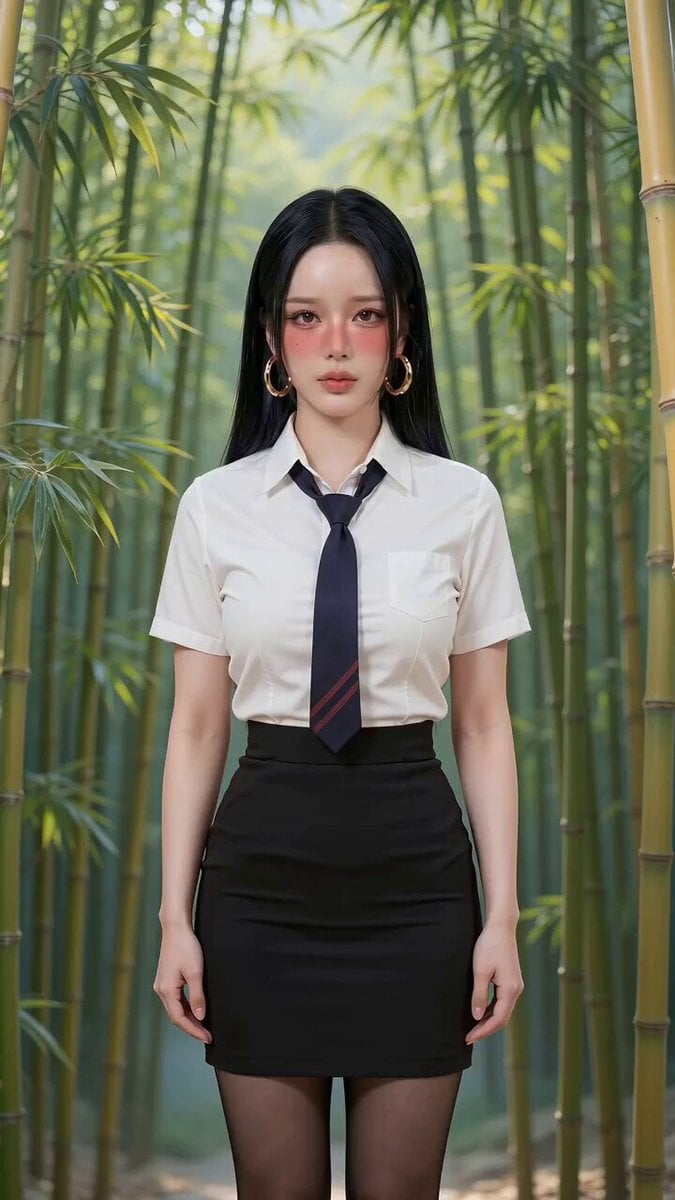
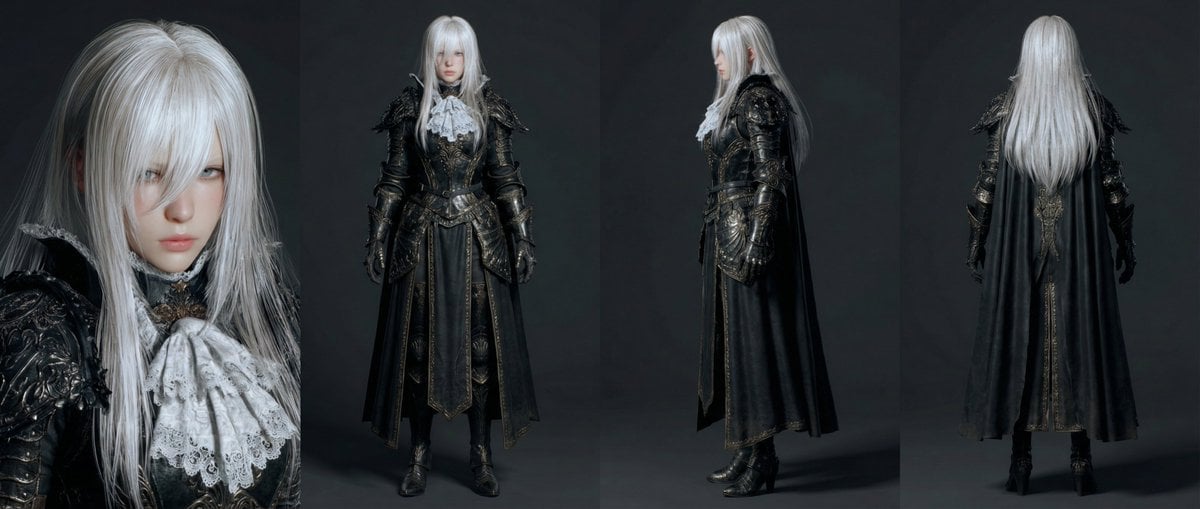
A complex prompt designed to create a rhythmic stop-motion morphing effect, transitioning rapidly between 3D CG, live-action, anime, and pixel art styles.
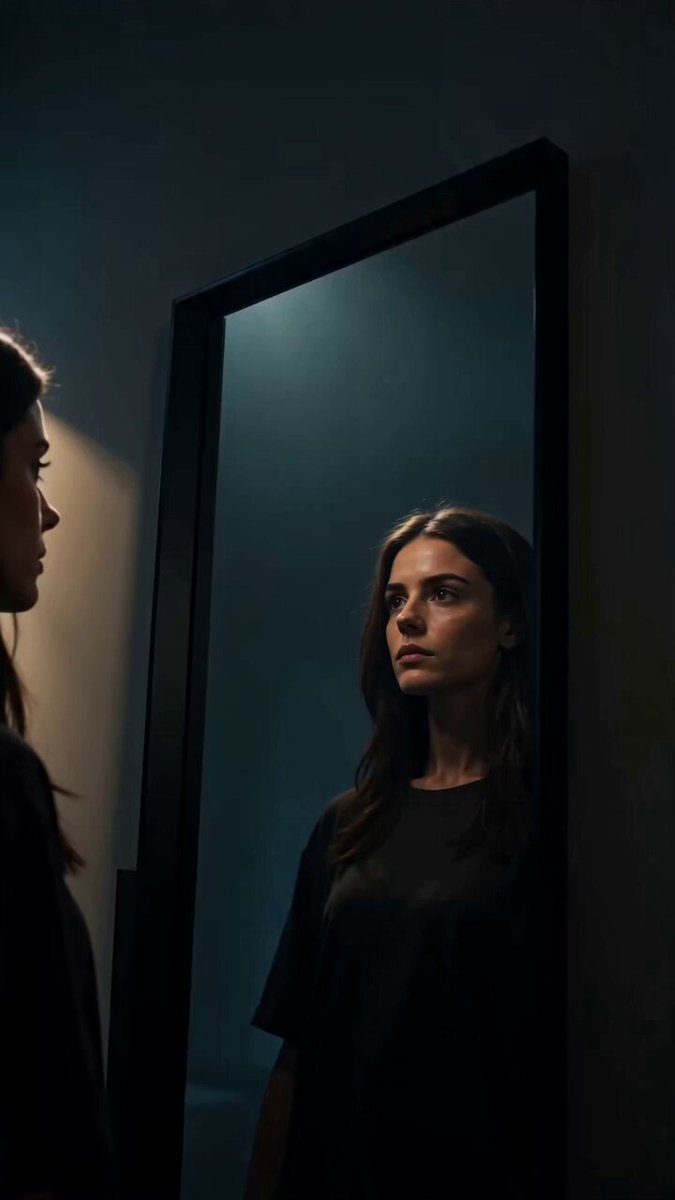
ストップモーションのようなリズミカルな接近の後、顔の造形が変わることも厭わず、3DCG・実写・2000年代アニメ・ドット絵などの全く異なる次元(2D⇔3D)を激しく往復するグリッチ映像。最後はブラウザクラッシャー的な画面崩壊で終わる。映像コンセプト:滑らかなカメラ移動を完全に排除し、「パッ!パッ!パッ!」というリズムでカメラが段階的に顔へ接近(ジャンプカット)する。接近後、少女の顔は「元の顔立ち」を保つ必要はない。画面全体を巻き込んで、立体的な3DCG、生々しい実写、2000年代風のアニメ美少女、平面的なレトロドット絵といった「全く異なる絵柄と次元(2D⇔3D)」へと、ハードカットで何度も激しくすり替わり(往復し)続ける。カメラと編集方針:【超重要:滑らかな変化やズームインは絶対NG。コマ撮りのようなジャンプカットでの接近と、別次元の絵柄への「完全な切り替え」によって構成すること。】0.0〜3.0秒:【ストップモーション接近】1枚目の映像からスタート。カメラが滑らかに近づくのではなく、0.5秒間隔の一定のリズムで「パッ!パッ!パッ!パッ!」と段階的に顔へ向かってジャンプカットして迫っていく。各カットが切り替わる瞬間、強烈な色収差(RGBズレ)のノイズが走る。3.0〜8.0秒:【次元崩壊・絵柄の完全すり替え】顔のドアップ状態に到達。ここから、顔の造形が変わることも構わず、映像のレンダリングスタイル自体が0.5秒〜1秒単位でバチバチと切り替わり(往復し)続ける。「立体ポリゴン的な3DCG」→「超高精細な実写の人間」→「2000年代風のセル画アニメの美少女キャラクター(2D)」→「真っ平らなレトロドット絵(2D)」というように、3Dと2Dの次元を跨いだ全く別の絵柄へと、フラッシュを伴って強制的にすり替わる。8.0〜10.0秒:【ブラクラ的崩壊エンド】激しい絵柄の往復が処理限界を超え、映像が完全に崩壊する。顔の映像を下敷きにして、その上に「大量のエラーウィンドウ」「異なる映像表現の動画パネル」「極彩色のブロックノイズ」がブラクラ(ブラウザクラッシャー)のように多層レイヤーで無秩序にポップアップし続ける。画面全体がバグ動画コラージュで完全に埋め尽くされ、元の映像の形を一切留めないカオス的崩壊画面となる制約:中盤の絵柄の変化において、「元の顔のシルエットを保とうとする滑らかな変化」は絶対に不要。造形が変わってもよいので、「立体(3D)」と「平面(2D)」、そして「実写」「2000年代アニメ」という、次元の異なるレンダリングスタイルへの『完全なハードカット(すり替え)』を何度も激しく繰り返すこと。
ストップモーションのようなリズミカルな接近の後、顔の造形が変わることも厭わず、3DCG・実写・2000年代アニメ・ドット絵などの全く異なる次元(2D⇔3D)を激しく往復するグリッチ映像。最後はブラウザクラッシャー的な画面崩壊で終わる。映像コンセプト:滑らかなカメラ移動を完全に排除し、「パッ!パッ!パッ!」というリズムでカメラが段階的に顔へ接近(ジャンプカット)する。接近後、少女の顔は「元の顔立ち」を保つ必要はない。画面全体を巻き込んで、立体的な3DCG、生々しい実写、2000年代風のアニメ美少女、平面的なレトロドット絵といった「全く異なる絵柄と次元(2D⇔3D)」へと、ハードカットで何度も激しくすり替わり(往復し)続ける。カメラと編集方針:【超重要:滑らかな変化やズームインは絶対NG。コマ撮りのようなジャンプカットでの接近と、別次元の絵柄への「完全な切り替え」によって構成すること。】0.0〜3.0秒:【ストップモーション接近】1枚目の映像からスタート。カメラが滑らかに近づくのではなく、0.5秒間隔の一定のリズムで「パッ!パッ!パッ!パッ!」と段階的に顔へ向かってジャンプカットして迫っていく。各カットが切り替わる瞬間、強烈な色収差(RGBズレ)のノイズが走る。3.0〜8.0秒:【次元崩壊・絵柄の完全すり替え】顔のドアップ状態に到達。ここから、顔の造形が変わることも構わず、映像のレンダリングスタイル自体が0.5秒〜1秒単位でバチバチと切り替わり(往復し)続ける。「立体ポリゴン的な3DCG」→「超高精細な実写の人間」→「2000年代風のセル画アニメの美少女キャラクター(2D)」→「真っ平らなレトロドット絵(2D)」というように、3Dと2Dの次元を跨いだ全く別の絵柄へと、フラッシュを伴って強制的にすり替わる。8.0〜10.0秒:【ブラクラ的崩壊エンド】激しい絵柄の往復が処理限界を超え、映像が完全に崩壊する。顔の映像を下敷きにして、その上に「大量のエラーウィンドウ」「異なる映像表現の動画パネル」「極彩色のブロックノイズ」がブラクラ(ブラウザクラッシャー)のように多層レイヤーで無秩序にポップアップし続ける。画面全体がバグ動画コラージュで完全に埋め尽くされ、元の映像の形を一切留めないカオス的崩壊画面となる制約:中盤の絵柄の変化において、「元の顔のシルエットを保とうとする滑らかな変化」は絶対に不要。造形が変わってもよいので、「立体(3D)」と「平面(2D)」、そして「実写」「2000年代アニメ」という、次元の異なるレンダリングスタイルへの『完全なハードカット(すり替え)』を何度も激しく繰り返すこと。
Edit the prompt in the box under the preview — the template's model and format are already selected — and press Generate. Your version appears right on this page.
Yes. You can change the subject, setting, lighting, mood, format, and available model controls before creating your video.
Opening and editing this template is free. Generating uses credits, shown on the Generate button when you are signed in.
Start with Seedance 2.0, which is the model associated with this template. You can compare another compatible model for a different finish.
Follow a topic to a crawlable collection of related PicX Studio templates.