
Anime Drama Character Interaction Script
A detailed multi-scene prompt for Seedance 2.5 that script out character dialogue and camera movements for an anime-style noble house drama.
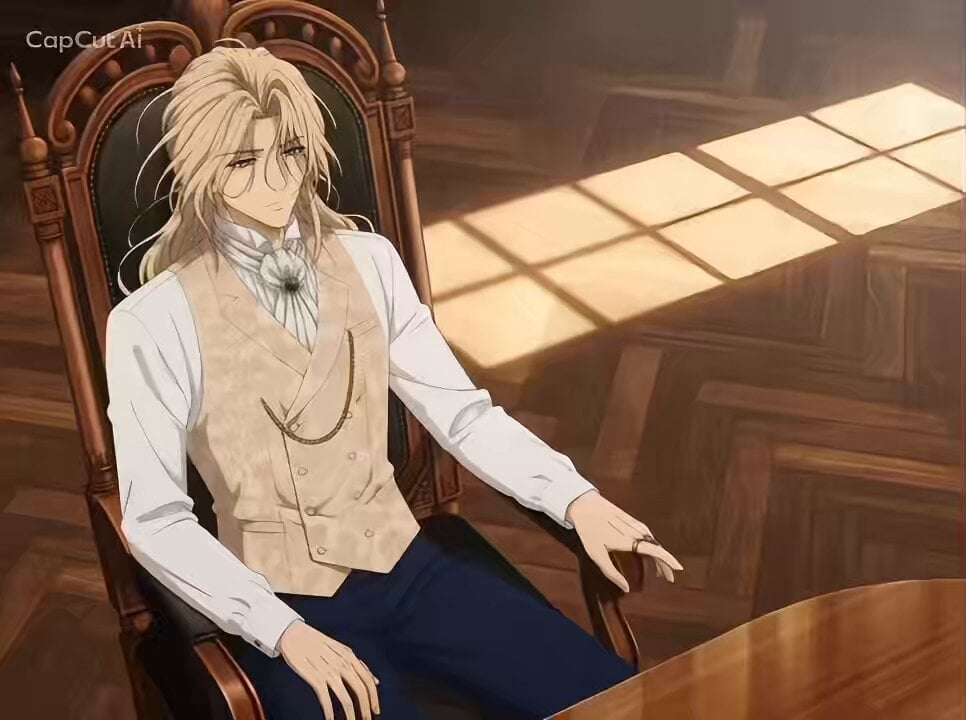
- Prompt included
- Model and format preset
- Free template
The prompt behind this video
Copy the exact prompt behind Anime Drama Character Interaction Script, or open it in the studio and make it yours.
日本のフルカラーアニメ風。日本のテレビアニメ風。セルルックのアニメ。平塗り中心のアニメ風スクリーンキャプチャー。 貴族の屋敷。画像1の金髪長髪キャラが椅子に座っている。向かい側の椅子に、画像1のキャラの義理の兄である画像2の赤い髪のキャラが座っている。 0〜4秒:画像1の金髪長髪キャラを斜め上からの視点で。「兄上、今日はどんなご用件で?」 4〜8秒:画像2の赤髪キャラを斜め下からの煽り視点で。「父上の事業から手を引け、レイス」4秒 8〜13秒:画像1の金髪長髪のキャラの上半身を横からの視点で。「(事業の赤字を)黒字にしたのが、そんなにお気に召しませんでしたか?」目を閉じて静かに。左へパン。 13〜17秒:画像2の赤髪キャラの握りしめた拳のアップ。「お前、家督を狙ってんだろ」プルプルと怒りで震えている。 17〜20秒: 画像2の赤髪キャラの上半身を真正面からの視点。画面を指差して、「妾の子のくせに!」とののしる。 20〜21秒。画像2の赤髪キャラの頭上に水がかけられる。 21秒〜25秒:画像3の黒髪メイドを斜め下から煽るような視点で。彼女は見下ろすような視線で。黒髪メイドが見下ろすような目で手に水差しを持っている。「……失礼。手がすべりました」冷たい視線。 25秒〜28秒:画像2の赤髪キャラが「貴様!」と叫び腕を振り上げるシーン。横からの視点、画像2の赤髪キャラの肩から上の画像。 27〜28秒:画像2の赤髪のキャラの肩のアップ。画像1の金髪長髪キャラの手が、画像2の赤髪キャラの、肩をがっしり掴む。画像1の金髪長髪キャラは顔が映らず、肩を掴む手のみ。 28〜30秒:手前に画像2の赤髪キャラの顔が半分だけこっちを向き映っている。その奥に画像1の金髪長髪キャラの顔。「……お引き取りを」凄みをきかせている。画像2の赤髪キャラは迫力におびえ、サッと顔を青くする。
How to use Anime Drama Character Interaction Script in 3 steps
- 1
Open
The prompt is already in the box next to the preview, with the template's model and format selected.
- 2…a portrait of your subject in softgolden-hour light, 85mm…
Personalize
Edit the subject and creative details for your destination.
- 3Generate
Generate
Press Generate — your video is created in PicX Studio, so you can compare it with the original and refine one variable at a time.
More like this
Templates with the same subject, style or setup. Open one to see its prompt.
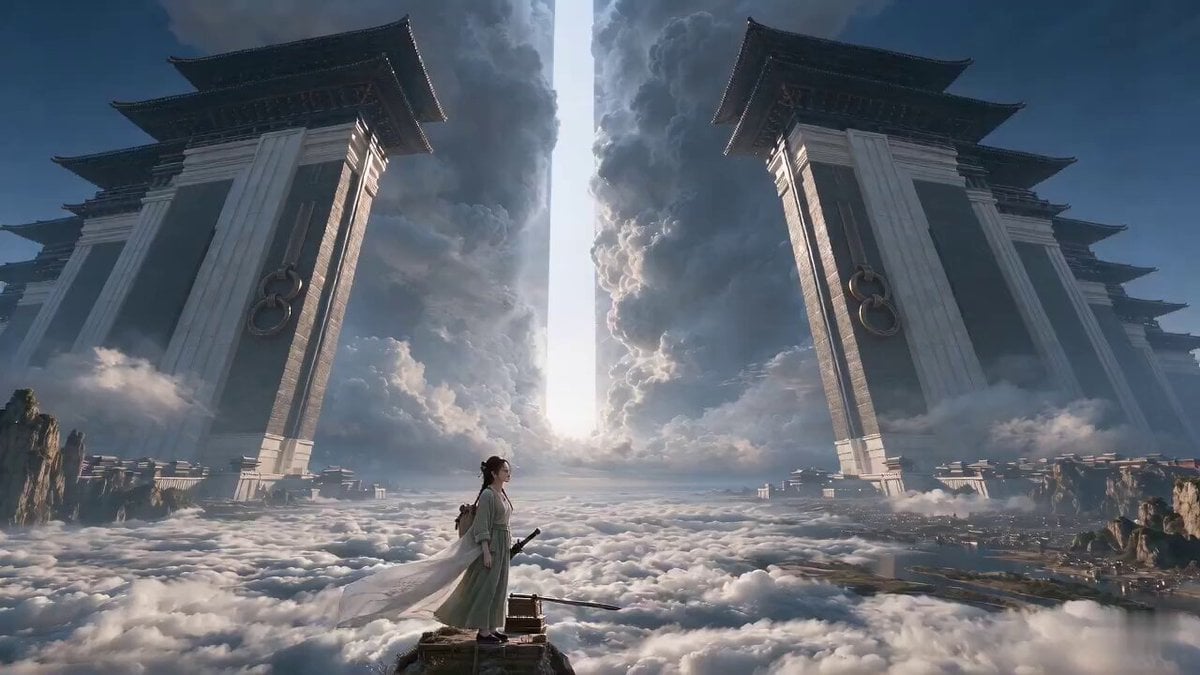
Wuxia Letting Go Drama Script

Cyberpunk Parkour Anime Script
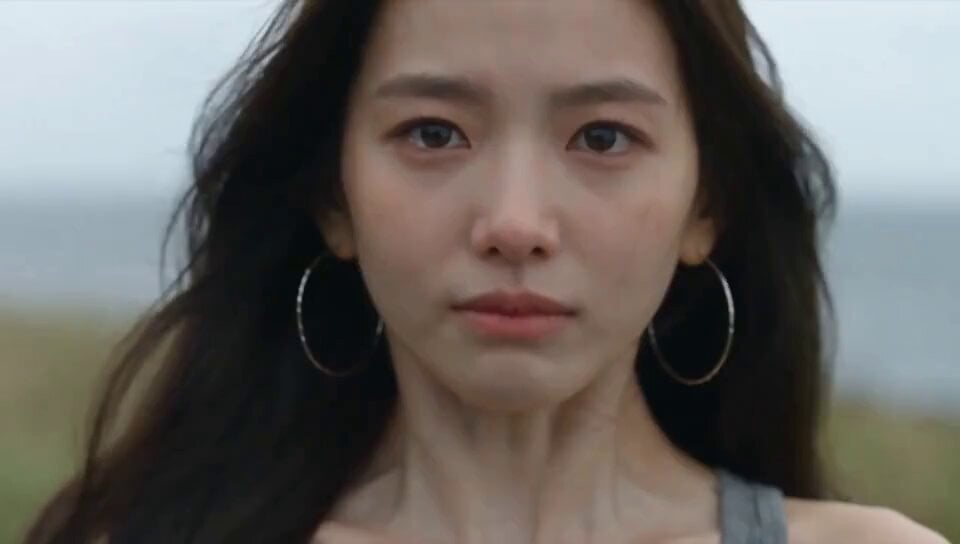
Emotional Breakdown and Fabric Interaction - Seedance 2.5

MiniMax H3 Character Introduction
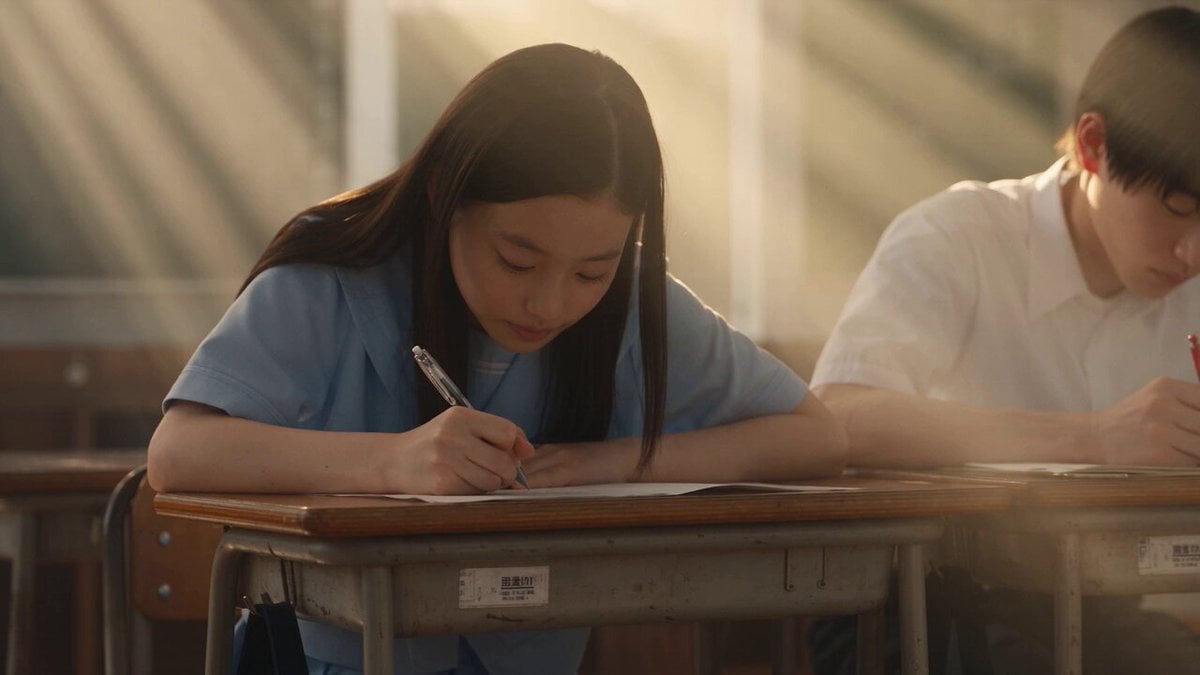
Japanese Pure Love Short Film
Versailles Palace Period Drama Script
Studio Ghibli Dumpling Kitchen Cooking Scene
Anime Girls Interaction and Skit
Market Kidnapping Action Drama Script
Cinematic Hospital Drama Script
Fantasy Romance Short Drama Script: 'Good Luck Descends'
Mecha Transformation vs Kaiju — 4-Scene Epic
Make it yours
Anime Drama Character Interaction Script works as-is. These are the safest ways to change it without losing the look.
Change one field
Copy a single group, rewrite it, and generate again so you can see what that field is doing.
Keep the frame, change the subject
Hold the composition and light of Anime Drama Character Interaction Script, then swap wardrobe, props or the person for a new take.
| If the result… | Why | Fix |
|---|---|---|
| The result drifts from the preview | Too many fields changed at once. | Reuse Anime Drama Character Interaction Script as-is first, then change one group — subject, light, or setting. |
| The model over-stylizes the scene | The prose prompt leaves finish and camera underspecified. | Add one camera or lighting sentence and stay on Seedance 2.0. |
More Seedance 2.0 templates
Other prompts made for Seedance 2.0.

Comical Martial Arts Punch Scene

Maglev Train Action Sequence

Martial Arts Fight Sequence

Vintage Korean Arcade MiniDV Vlog

Mercedes 190 SL Luxury Ad

Amazon Civilization Discovery

Futuristic South Asian City Transformation

Cozy Luxury Cafe Commercial

Cyber Ronin Nanotech Transformation Video
Desert Courier and Sandstorm Leviathan Chase
More video prompts
Fresh picks from across the catalog.
Korean Woman DV Camcorder Aesthetic
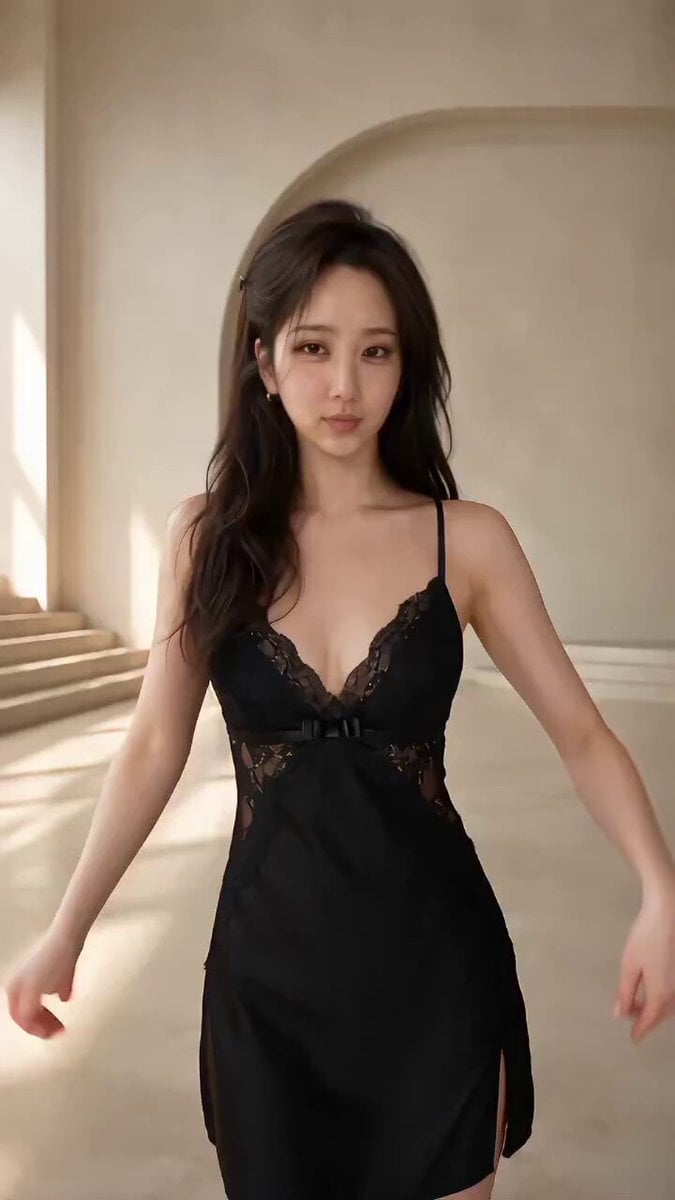
Seedance 2.5 Fashion Display Video Prompt
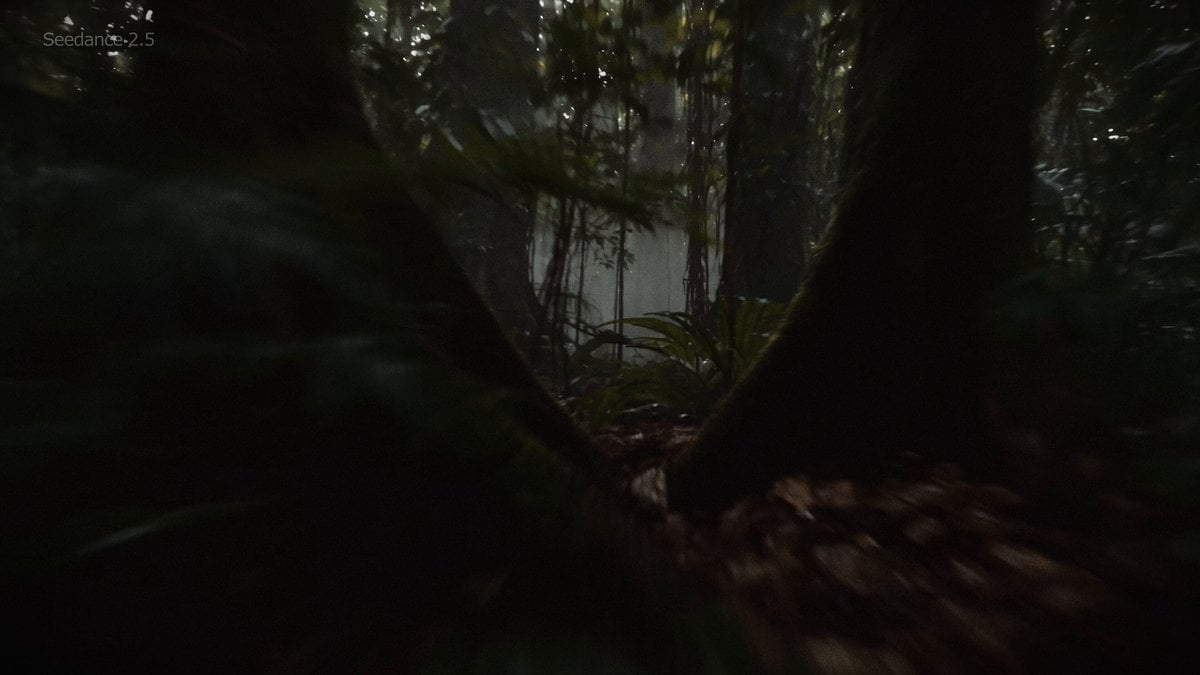
Amazon Rainforest Horror Monster Encounter
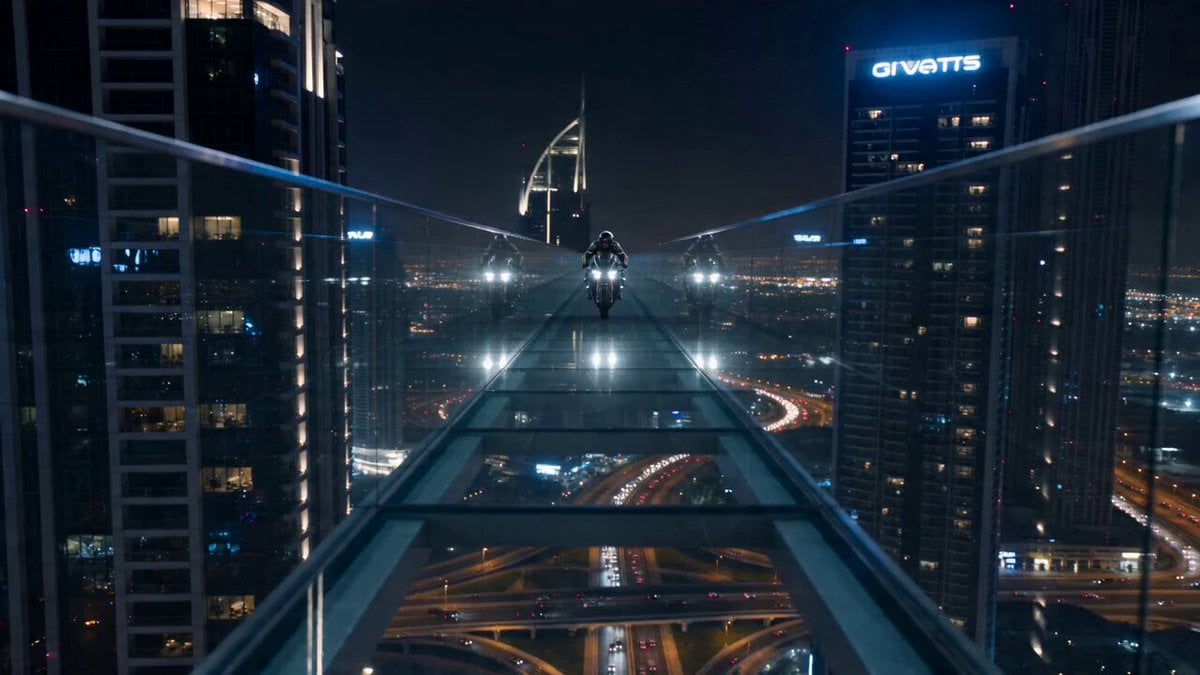
Dubai Skybridge Motorbike Stunt Video Prompt
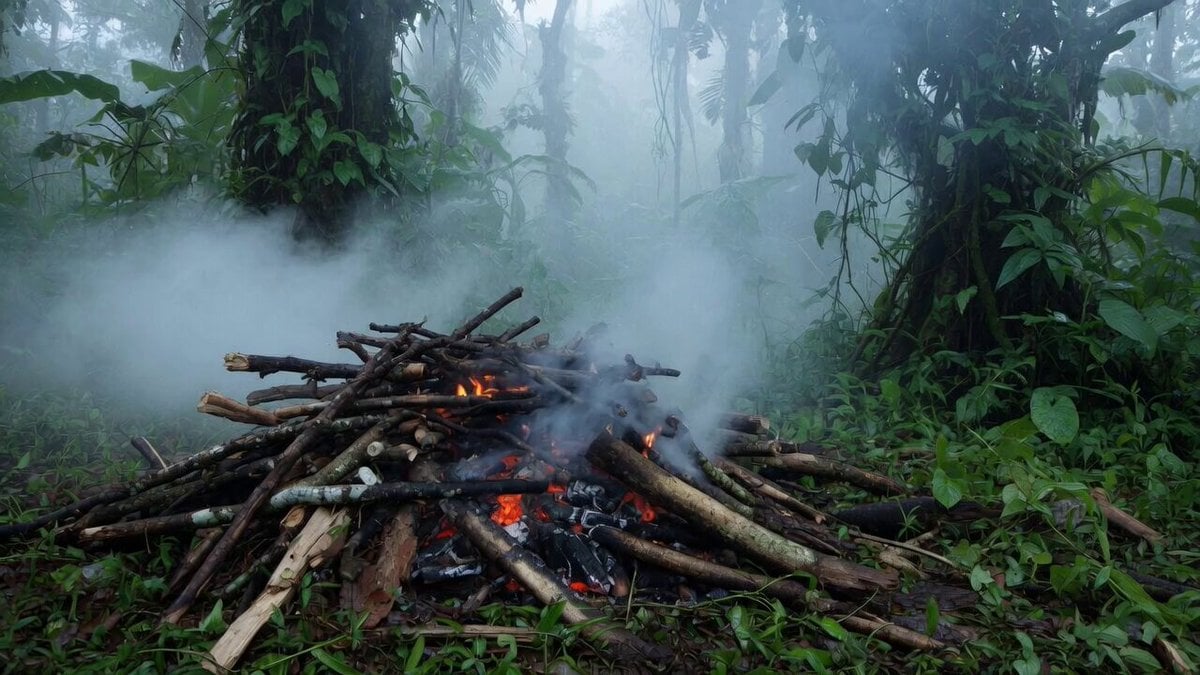
Jungle Woods Fire Video Prompt

Vast, turbulent sky with lightning
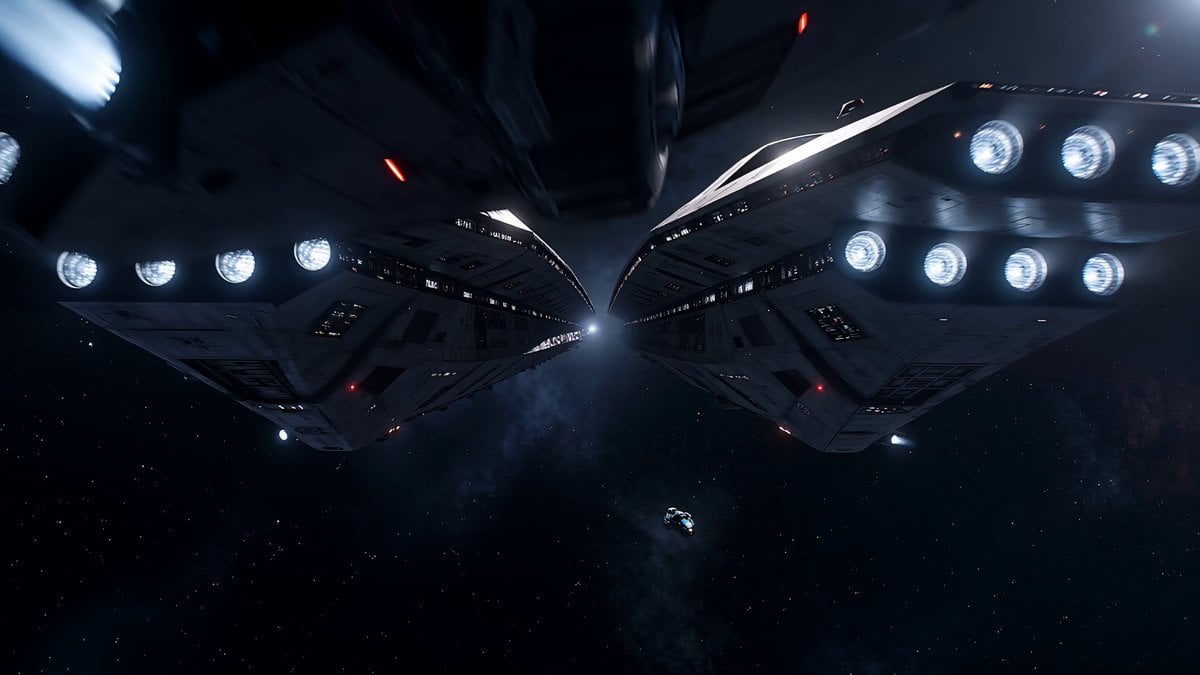
Space Warship Battle

Ship getting hit by cannonballs
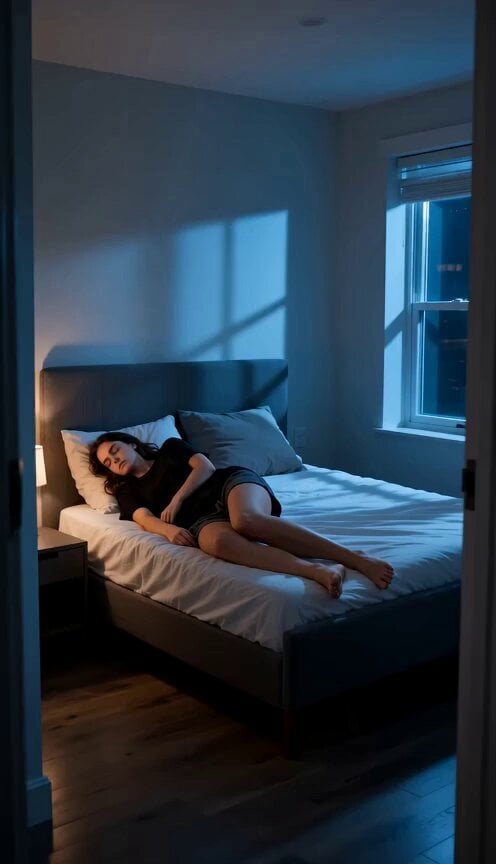
Deadpan Alien Bedroom Comedy
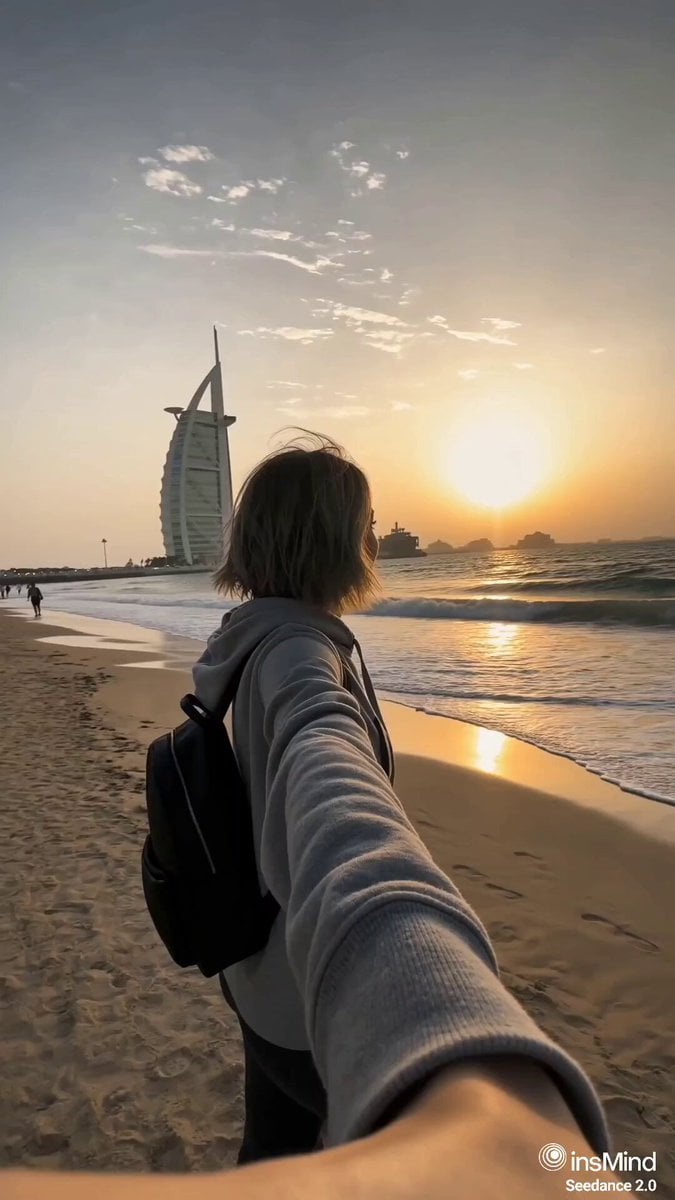
Dubai Travel Vlog Mini
Browse template categories
Anime Drama Character Interaction Script questions
How do I use the Anime Drama Character Interaction Script template?
Add your photo if the template asks for one, edit the prompt if you like — the template's model and format are already selected — and press Generate. Your version opens in PicX Studio.
Can I customize the Anime Drama Character Interaction Script template?
Yes. You can change the subject, setting, lighting, mood, format, and available model controls before creating your video.
Is the Anime Drama Character Interaction Script template free?
Opening and editing this template is free. Generating uses credits, shown on the Generate button when you are signed in.
Which AI model should I use?
Start with Seedance 2.0, which is the model associated with this template. You can compare another compatible model for a different finish.
Looking for something else? Browse all templates.

Your photo, any look
Thousands of ready templates for every top image and video model, from one credit balance.