
Dubai Travel Vlog Mini
A video prompt to convert a collage of smartphone-style travel snapshots into a nostalgic, hand-held vlog.
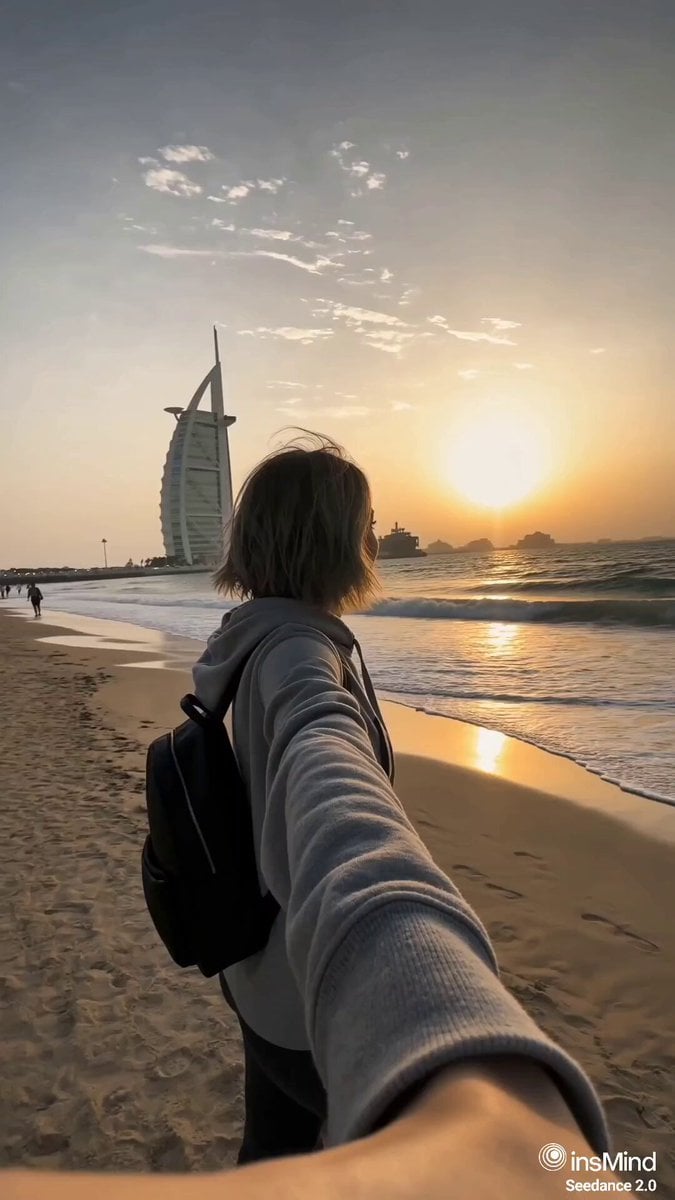
- Prompt included
- Model and format preset
- Free template
The prompt behind this video
Copy the exact prompt behind Dubai Travel Vlog Mini, or open it in the studio and make it yours.
A 12-frame collage of candid, emotional snapshots of a woman traveling alone in Dubai, casually captured on a smartphone. Each frame feels like a fleeting personal memory - imperfect, sunlit, intimate, and unposed. The woman is dressed in modes, clothing. Her silhouette remains feminine yet understated, with no emphasis on revealing features. Her presence feels real and un-styled, like a private photo album. Scenes include: walking along Jumeirah Beach at sunrise, Burj Khalifa rising in the distance, reflections on glass skyscrapers, quiet moments in cozy cafés, a simple hotel room, golden desert dunes at sunset, traditional souks, glowing night cityscapes, views from inside a moving car on Sheikh Zayed Road. Shot with a smartphone aesthetic: slight motion blur, soft focus, blown-out highlights from intense desert sunlight, lens flare, sun glare, high ISO noise at night, uneven framing, accidental cropping. Composition feels random and spontaneous - subject sometimes off-center, partially cut off, mid-motion, or partially obscured by shadows or light leaks. Lighting varies: harsh midday sun, warm golden hour glow over sand dunes, deep amber sunset tones, vibrant neon-lit nights. Color grading: faded cinematic tones, slightly desaturated with warm highlights, nostalgic film-like look, subtle grain, lifted blacks. Emotion: solitude, quiet introspection, fleeting youth, calm confidence, subtle nostalgia - like fragments of a personal journey through a city of contrasts. Layout: 12 images arranged in a loose, imperfect collage grid, slightly tilted and misaligned like a scrapbook. No text, no watermark. Convert each image in the frame into video and connect all clips to make an emotional vlog-style video. Natural hand shake. A young woman. Emotional BGM.
How to use Dubai Travel Vlog Mini in 3 steps
- 1
Open
The prompt is already in the box next to the preview, with the template's model and format selected.
- 2…a portrait of your subject in softgolden-hour light, 85mm…
Personalize
Edit the subject and creative details for your destination.
- 3Generate
Generate
Press Generate — your video is created in PicX Studio, so you can compare it with the original and refine one variable at a time.
More like this
Templates with the same subject, style or setup. Open one to see its prompt.

Handheld Tokyo Travel Vlog - Seedance 2.5

Luxury Airport Travel Vlog

Kenting Lifestyle Travel Vlog

Nostalgic MiniDV Convenience Store Vlog - Seedance 2.5
Luxury Travel Vlog in Dubai

Mediterranean Coffee Run Vlog - Seedance 2.5

Mysterious Home Exploration Vlog - Seedance 2.5

Realistic Morning Routine Lifestyle Vlog - Seedance 2.5

Mediterranean Morning Coffee Run Vlog (Seedance 2.5)

Product UGC Commercial

Luxury Lifestyle Day Vlog

Kyoto Morning Selfie Vlog
Make it yours
Dubai Travel Vlog Mini works as-is. These are the safest ways to change it without losing the look.
Change one field
Copy a single group, rewrite it, and generate again so you can see what that field is doing.
Keep the frame, change the subject
Hold the composition and light of Dubai Travel Vlog Mini, then swap wardrobe, props or the person for a new take.
| If the result… | Why | Fix |
|---|---|---|
| The result drifts from the preview | Too many fields changed at once. | Reuse Dubai Travel Vlog Mini as-is first, then change one group — subject, light, or setting. |
| The model over-stylizes the scene | The prose prompt leaves finish and camera underspecified. | Add one camera or lighting sentence and stay on Seedance 2.0. |
More Seedance 2.0 templates
Other prompts made for Seedance 2.0.

Comical Martial Arts Punch Scene

Maglev Train Action Sequence

Martial Arts Fight Sequence

Wuxia Protection and Trust Script

Mercedes 190 SL Luxury Ad

Rainy Night Supernatural Reverse Comedy Video Script

Amazon Civilization Discovery

Futuristic South Asian City Transformation

Cozy Luxury Cafe Commercial

Cyber Ronin Nanotech Transformation Video
More video prompts
Fresh picks from across the catalog.
Hyper-Realistic Dune-Style Character Transformation
Golden Armor Goddess Ascent
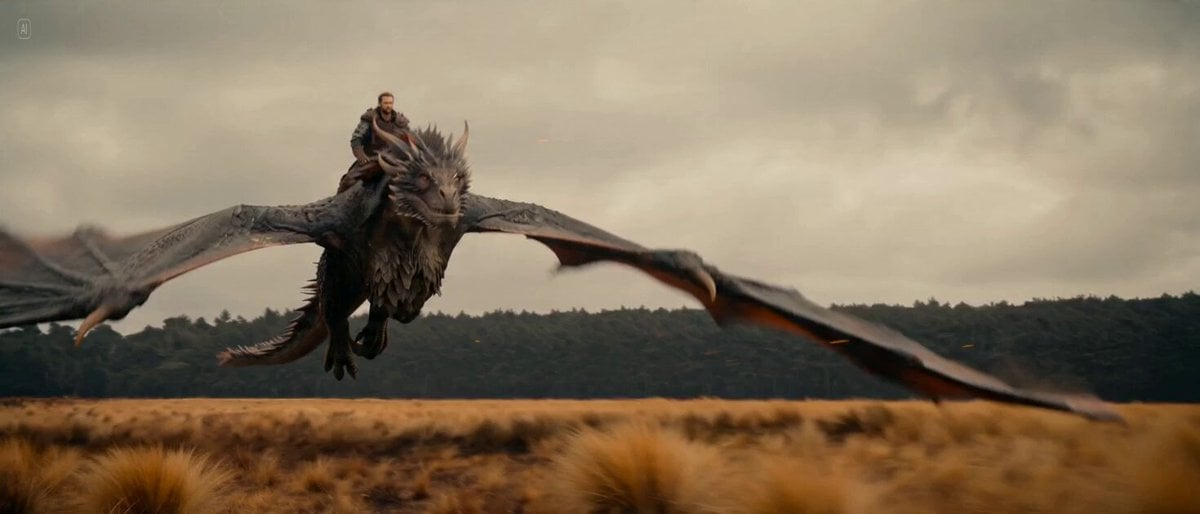
Seedance 2.0 Video Prompt: Epic Fantasy Aerial Dragon Attack
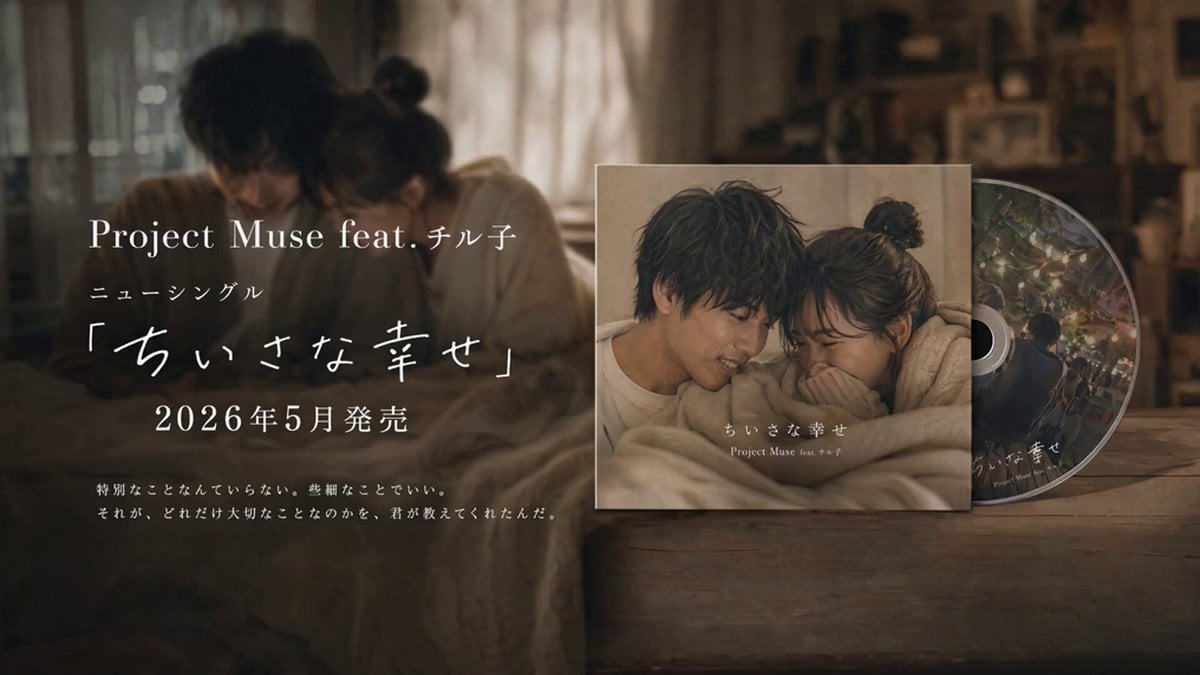
Emotional CD Release Commercial Last Cut
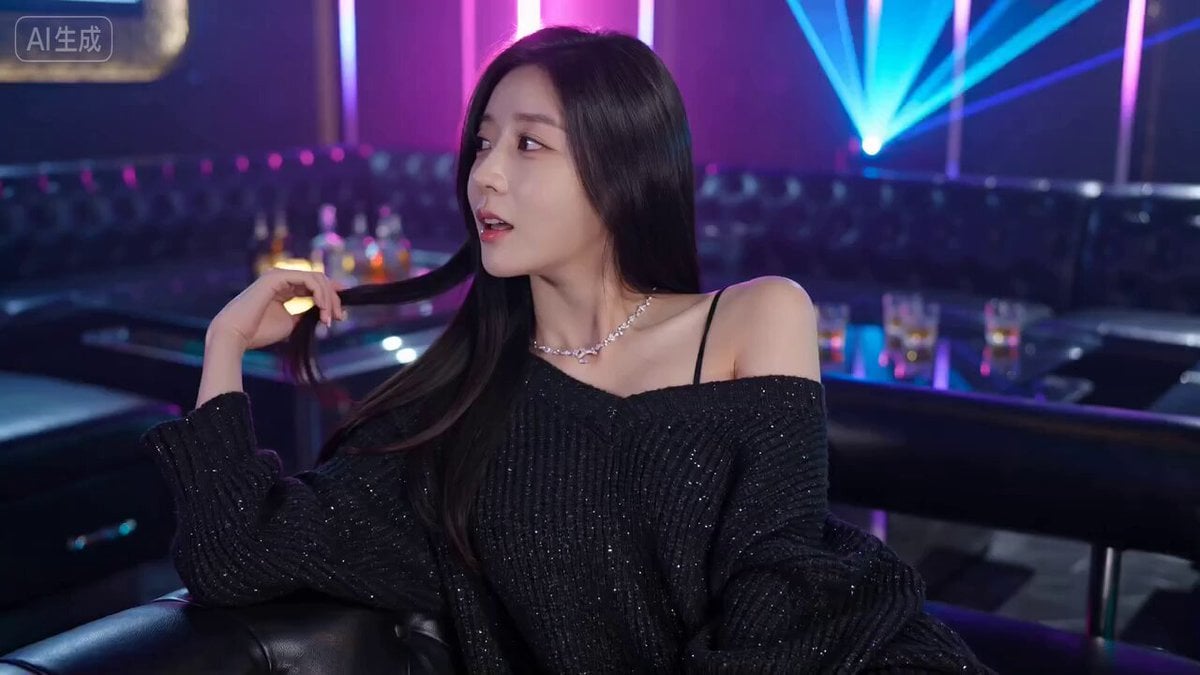
Seedance 2.0 KTV Scene Prompt
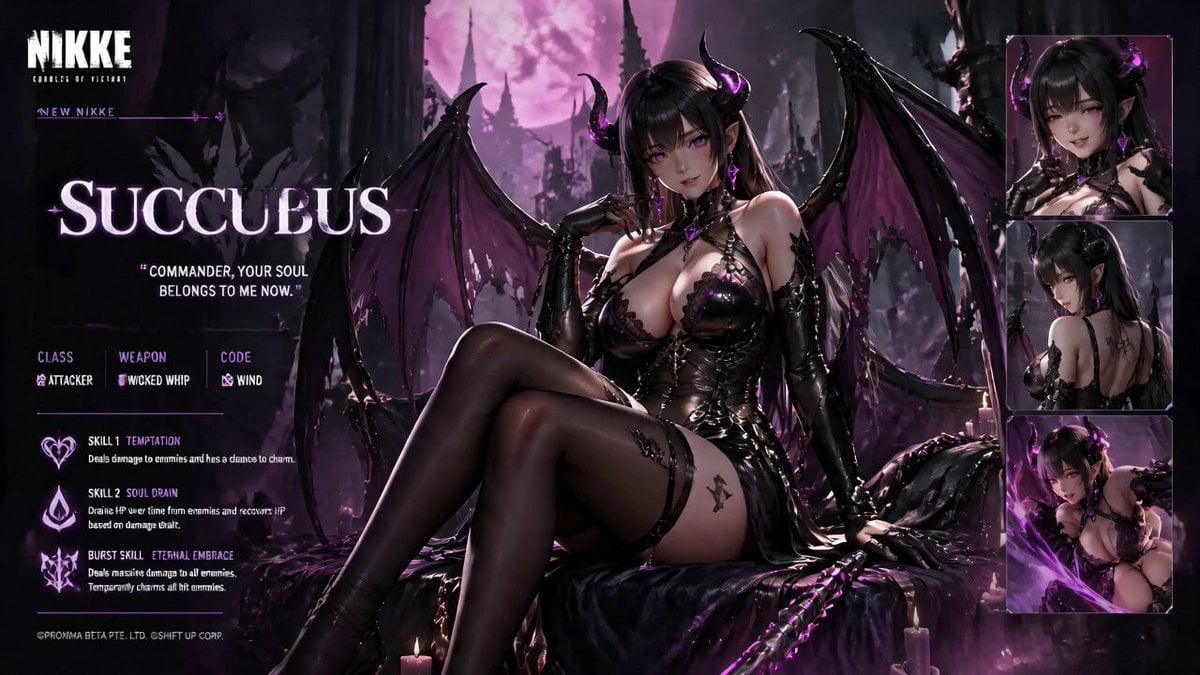
Live Character Animation Workflow
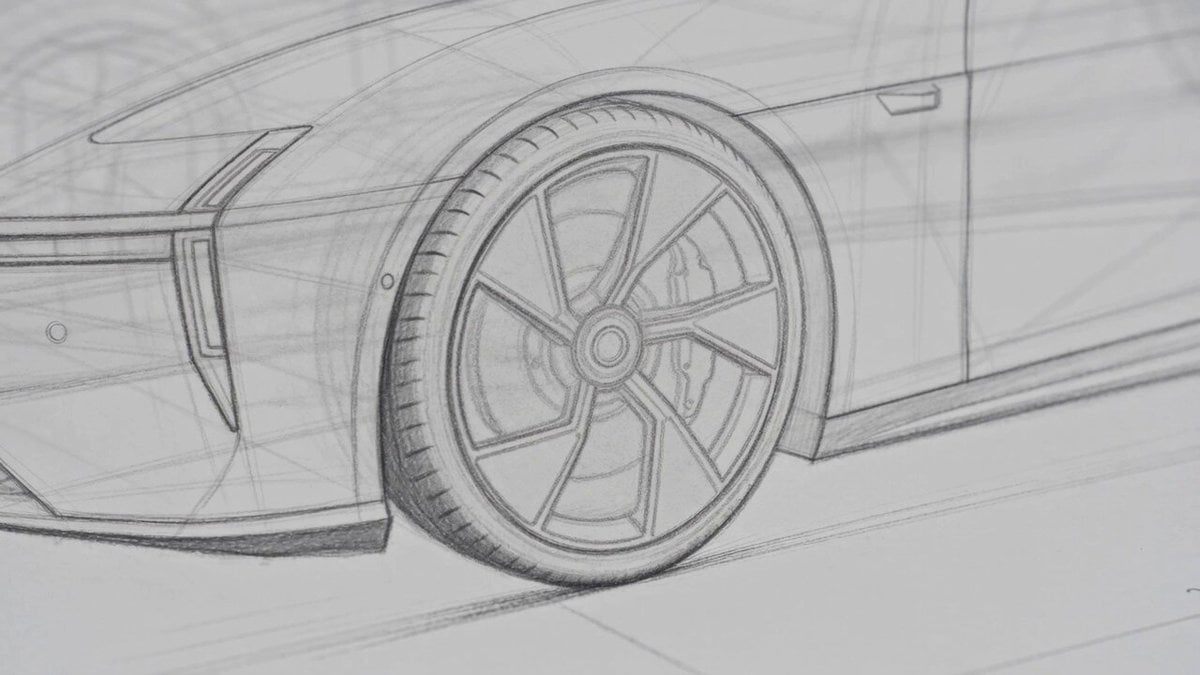
Photorealistic Automotive Video Commercial
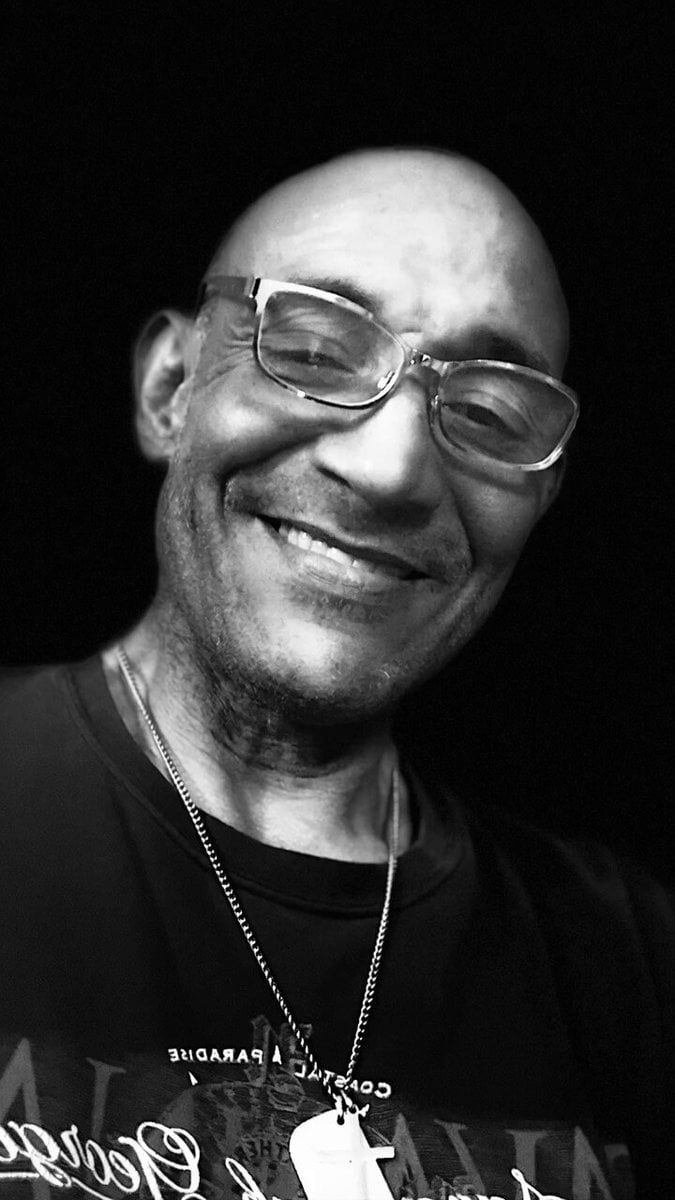
Devilish Transformation with Flames
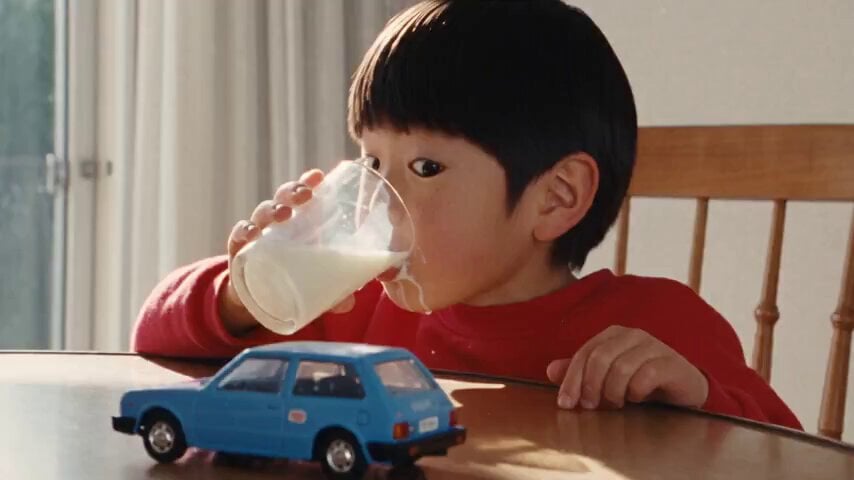
1990s Hi8 Home Video Boy

Cinematic Bridge of Light Video
Browse template categories
Dubai Travel Vlog Mini questions
How do I use the Dubai Travel Vlog Mini template?
Add your photo if the template asks for one, edit the prompt if you like — the template's model and format are already selected — and press Generate. Your version opens in PicX Studio.
Can I customize the Dubai Travel Vlog Mini template?
Yes. You can change the subject, setting, lighting, mood, format, and available model controls before creating your video.
Is the Dubai Travel Vlog Mini template free?
Opening and editing this template is free. Generating uses credits, shown on the Generate button when you are signed in.
Which AI model should I use?
Start with Seedance 2.0, which is the model associated with this template. You can compare another compatible model for a different finish.
Looking for something else? Browse all templates.

Your photo, any look
Thousands of ready templates for every top image and video model, from one credit balance.