
Golden Armor Goddess Ascent
A fantasy cinematic prompt of a woman in golden armor being struck by lightning and ascending into space with feathered wings.
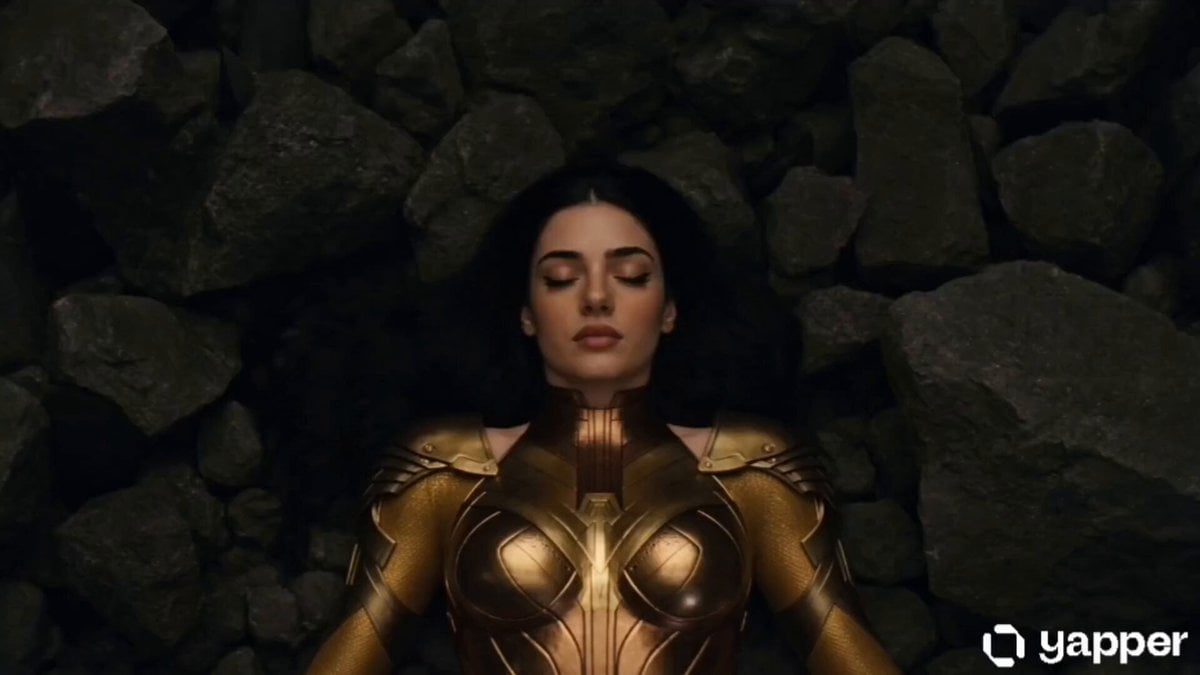
- Prompt included
- Model and format preset
- Premium template
The prompt behind this video
Copy the exact prompt behind Golden Armor Goddess Ascent, or open it in the studio and make it yours.
A cinematic sequence of a woman in ornate golden armor lying motionless on dark, jagged rocks. Golden lightning crashes down onto her, and her eyes suddenly ignite with an intense glowing yellow light. She slowly rises to a seated position, then stands tall as towering bolts of golden lightning surround her. Small rocks begin levitating around her in a powerful anti-gravity effect. She lifts her gaze toward the sky and launches upward with explosive force, shattering through a fiery blast and a collapsing stone ceiling. She flies at incredible speed beyond the atmosphere and into space, leaving behind a radiant fiery golden trail against the backdrop of Earth. In the final moment, magnificent large white feathered wings burst from her back as she soars gracefully through the endless cosmos.
How to use Golden Armor Goddess Ascent in 3 steps
- 1
Open
The prompt is already in the box next to the preview, with the template's model and format selected.
- 2…a portrait of your subject in softgolden-hour light, 85mm…
Personalize
Edit the subject and creative details for your destination.
- 3Generate
Generate
Press Generate — your video is created in PicX Studio, so you can compare it with the original and refine one variable at a time.
More like this
Templates with the same subject, style or setup. Open one to see its prompt.
Stone Colossus Desert Riders — Golden Fire Reveal
Dark Armored Warrior Transformation
Epic Hero Greek City Ascent
Starship Rocket Vertical Ascent Drone Shot
Majestic Sugar Maple Forest Ascent
Marble Lovers Golden Kiss
Serene Strawberry Moon Goddess

Blonde Woman Driving Green 1960s Mustang Golden Hour

Golden Hour Golf Course Comedy
Cinematic Cyberpunk Armor Transformation

Neon Armor Epic Transformation Sequence

Cinematic 8K Mid-Flight Armor Assembly
Make it yours
Golden Armor Goddess Ascent works as-is. These are the safest ways to change it without losing the look.
Change one field
Copy a single group, rewrite it, and generate again so you can see what that field is doing.
Keep the frame, change the subject
Hold the composition and light of Golden Armor Goddess Ascent, then swap wardrobe, props or the person for a new take.
| If the result… | Why | Fix |
|---|---|---|
| The result drifts from the preview | Too many fields changed at once. | Reuse Golden Armor Goddess Ascent as-is first, then change one group — subject, light, or setting. |
| The model over-stylizes the scene | The prose prompt leaves finish and camera underspecified. | Add one camera or lighting sentence and stay on Seedance 2.0. |
More Seedance 2.0 templates
Other prompts made for Seedance 2.0.

Comical Martial Arts Punch Scene

Maglev Train Action Sequence

Martial Arts Fight Sequence

Wuxia Protection and Trust Script

Vintage Korean Arcade MiniDV Vlog

Mercedes 190 SL Luxury Ad

Rainy Night Supernatural Reverse Comedy Video Script

Amazon Civilization Discovery

Futuristic South Asian City Transformation

Cozy Luxury Cafe Commercial
More video prompts
Fresh picks from across the catalog.
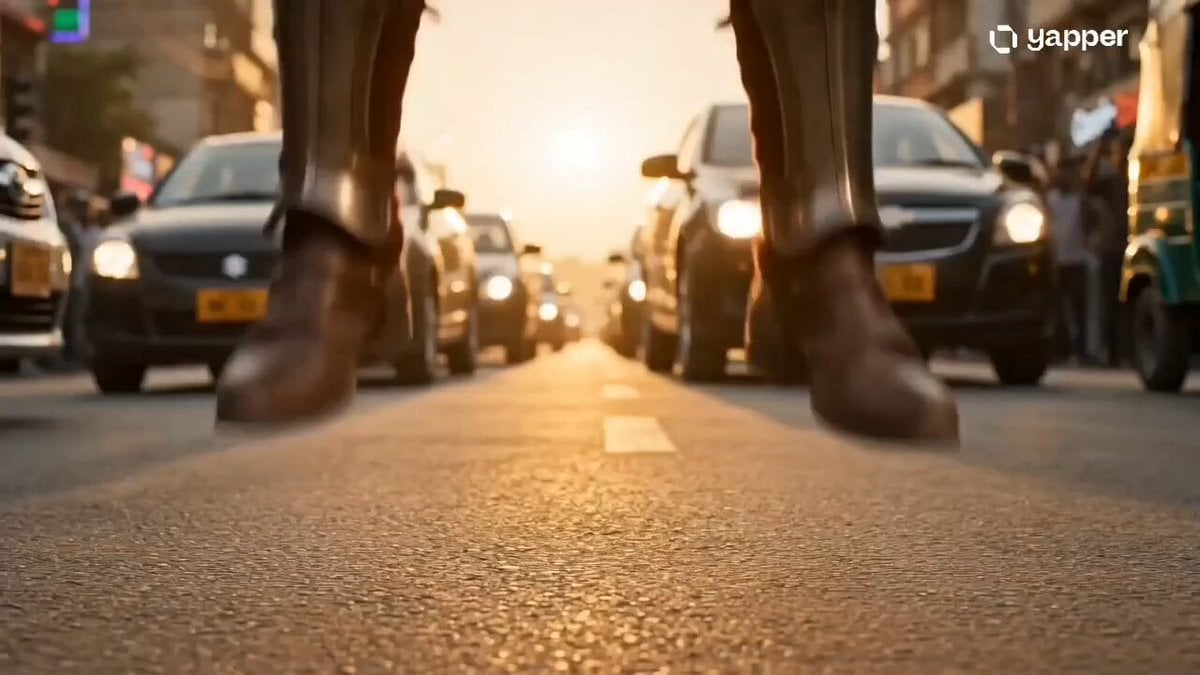
Time Collision Warrior in Lahore

Multi-Shot Storyboard Prompt for Cartoon Generation
Monetizationdon Time Freeze Higgsfield
Seedance 2.0 Font Video Generation Prompt (Sword Style)

Easter Day Video Prompt in Spanish
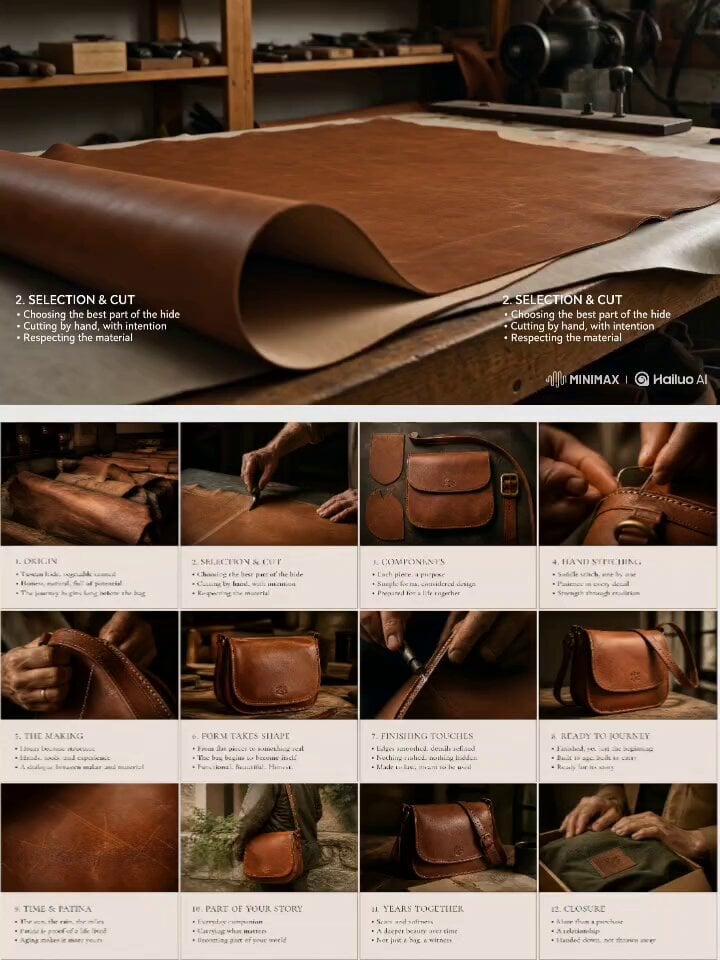
Luxury Leather Goods Animation
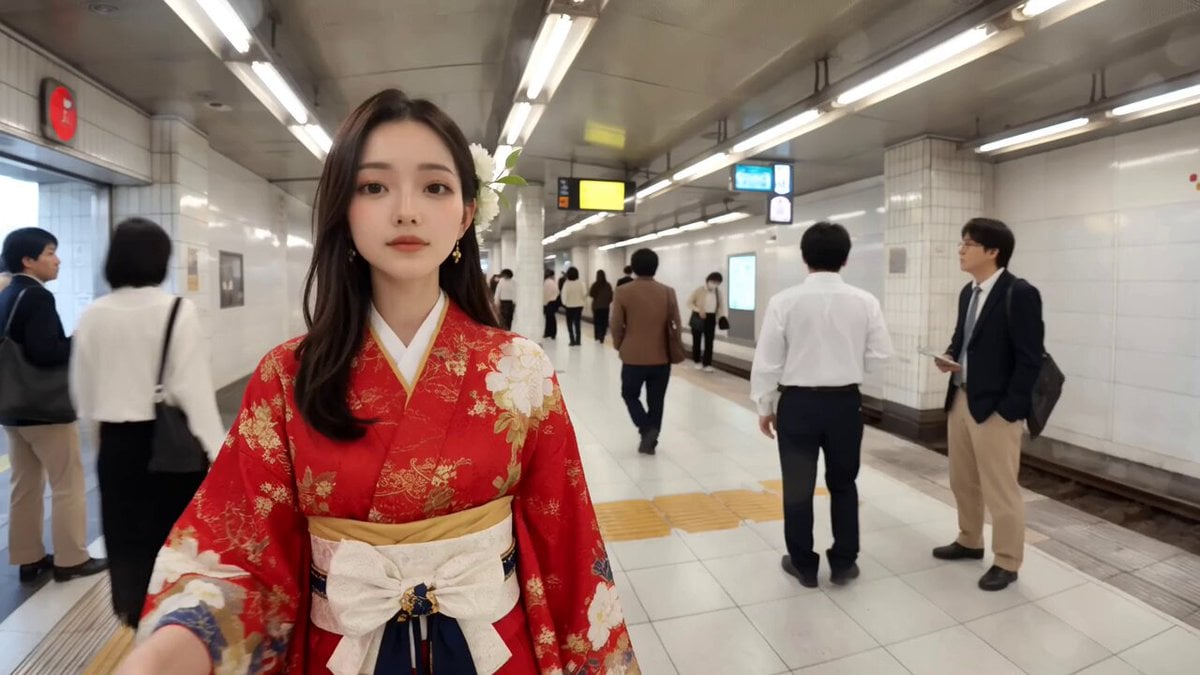
Video of a Commuter on a Tokyo Subway Platform
Seedance 2.0 Prompt: ATV Racing in a Desert Sandstorm
Neon Dystopian Action Sequence
Still Rings Perfection - 6-Part Shot List
Browse template categories
Golden Armor Goddess Ascent questions
How do I use the Golden Armor Goddess Ascent template?
Add your photo if the template asks for one, edit the prompt if you like — the template's model and format are already selected — and press Generate. Your version opens in PicX Studio.
Can I customize the Golden Armor Goddess Ascent template?
Yes. You can change the subject, setting, lighting, mood, format, and available model controls before creating your video.
Is the Golden Armor Goddess Ascent template free?
Opening and editing this template is free. Generating uses credits, shown on the Generate button when you are signed in.
Which AI model should I use?
Start with Seedance 2.0, which is the model associated with this template. You can compare another compatible model for a different finish.
Looking for something else? Browse all templates.

Your photo, any look
Thousands of ready templates for every top image and video model, from one credit balance.