How do I use the Multi-Shot Storyboard Prompt for Cartoon Generation template?
Edit the prompt in the box under the preview — the template's model and format are already selected — and press Generate. Your version appears right on this page.
A detailed, multi-shot prompt designed to generate a short cartoon sequence depicting a man getting into a car and driving wildly, including specific camera and action cues.
"A man walks out of his house toward the parked car. [cut] The man gets into the car. [cut] Man turns on the engine; the flower on the dashboard slightly trembles. [cut] Man accelerates quickly and drives like crazy. [cut] Different shot of the man driving wildly, hitting trash bins and mailboxes on his way. [cut] People on the sidewalk scream. No music."
"A man walks out of his house toward the parked car. [cut] The man gets into the car. [cut] Man turns on the engine; the flower on the dashboard slightly trembles. [cut] Man accelerates quickly and drives like crazy. [cut] Different shot of the man driving wildly, hitting trash bins and mailboxes on his way. [cut] People on the sidewalk scream. No music."
Edit the prompt in the box under the preview — the template's model and format are already selected — and press Generate. Your version appears right on this page.
Yes. You can change the subject, setting, lighting, mood, format, and available model controls before creating your video.
Opening and editing this template is free. Generating uses credits, shown on the Generate button when you are signed in.
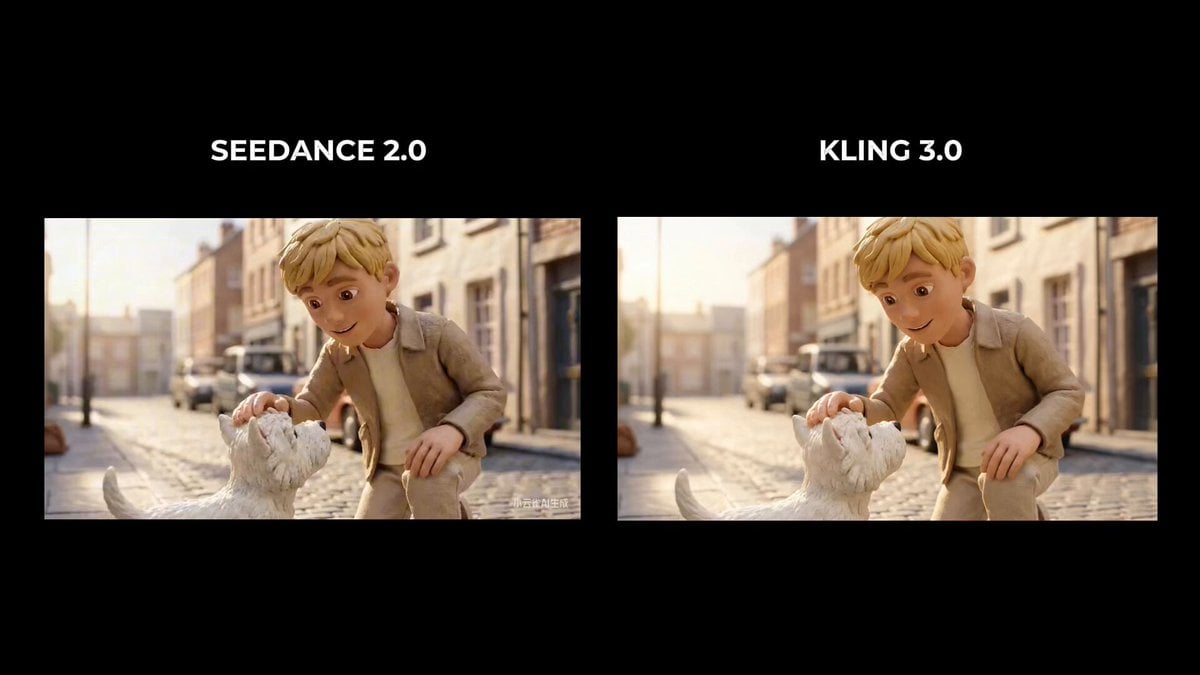
Start with Seedance 2.0, which is the model associated with this template. You can compare another compatible model for a different finish.
Follow a topic to a crawlable collection of related PicX Studio templates.