How do I use the First-Person MiniDV Morning Vlog template?
Edit the prompt in the box under the preview — the template's model and format are already selected — and press Generate. Your version appears right on this page.
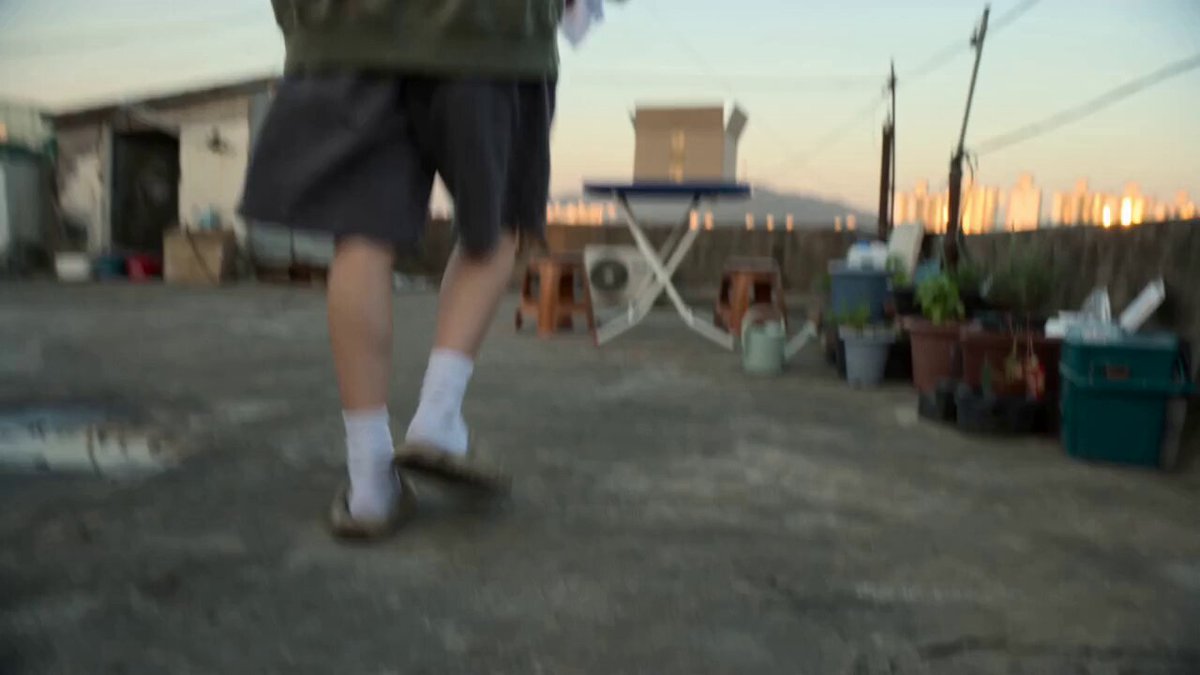
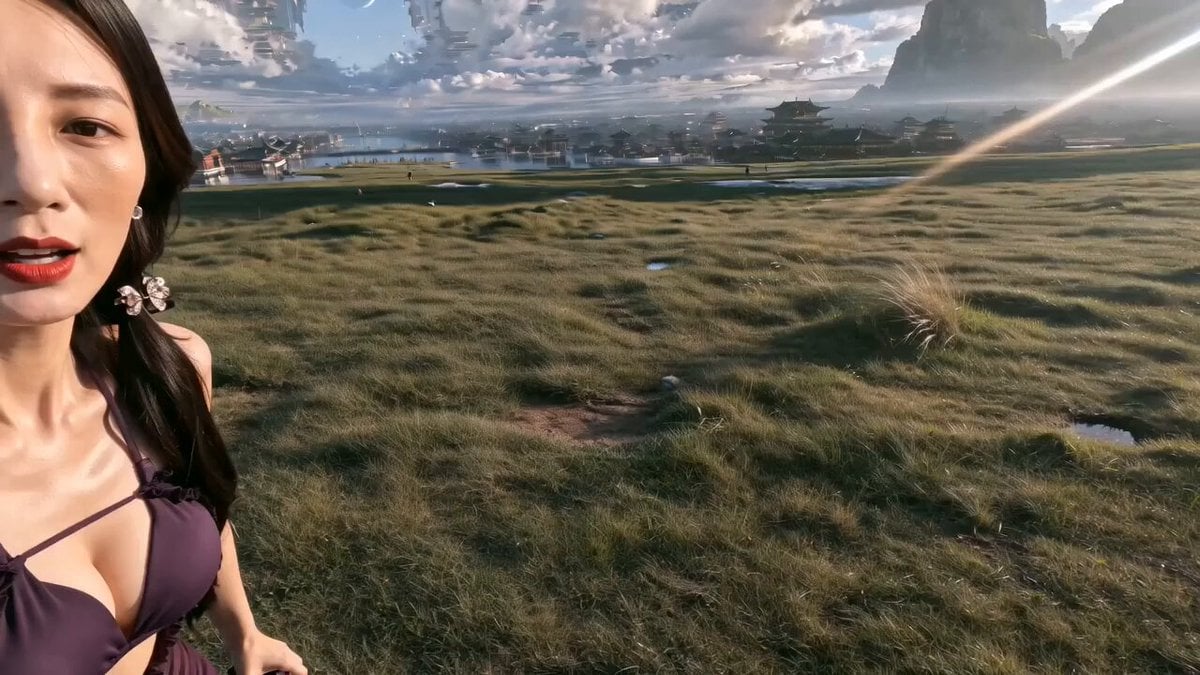
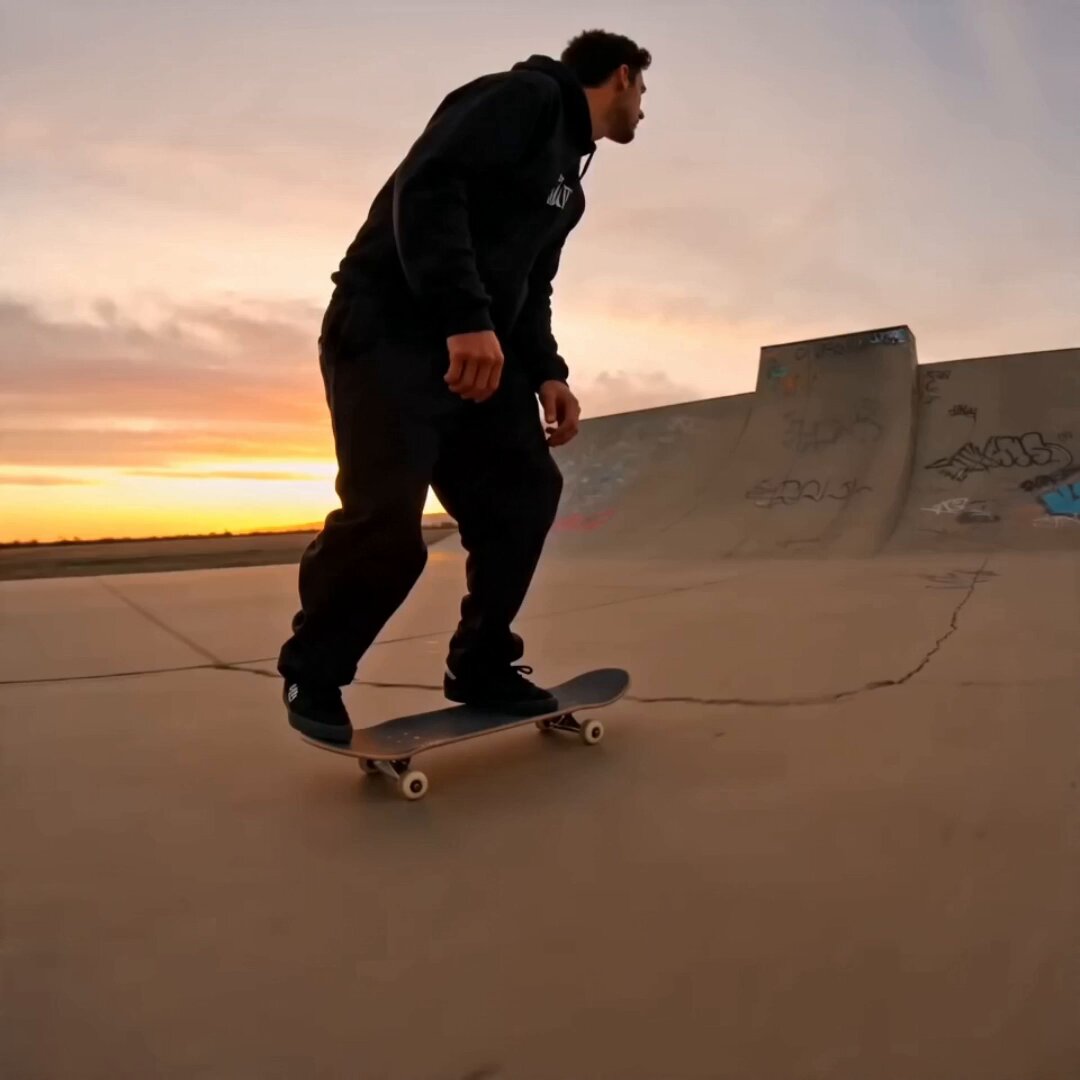
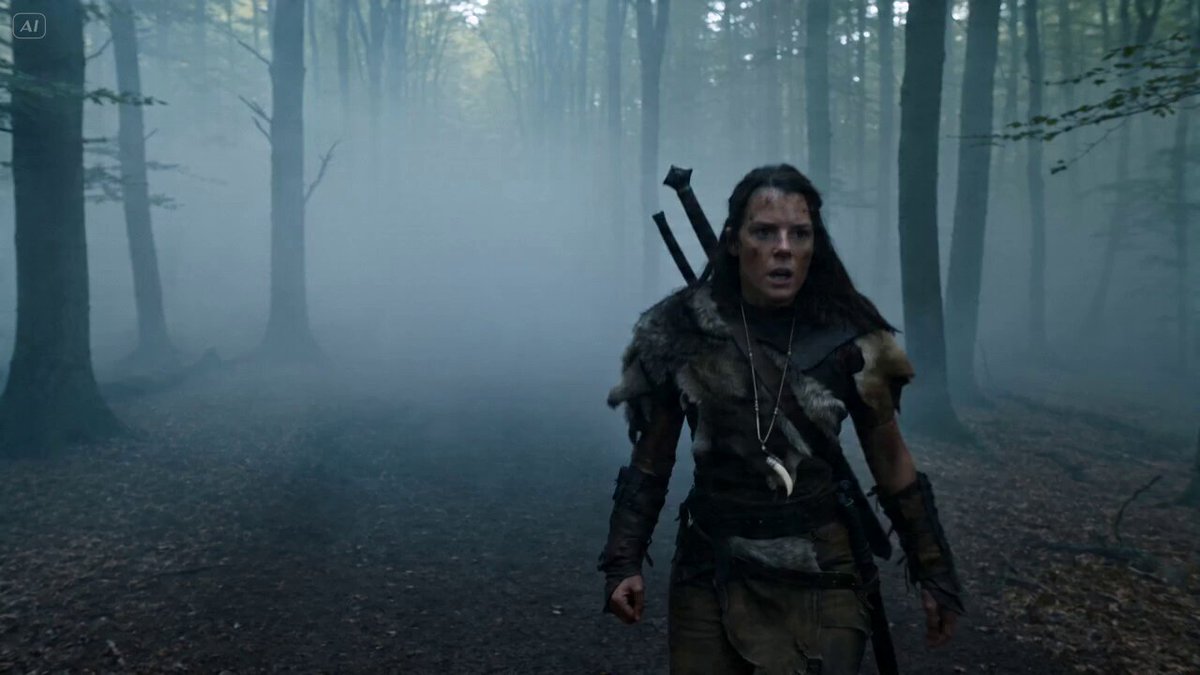
A detailed prompt for generating a continuous, realistic first-person vlog in the style of an early-2000s MiniDV camcorder, capturing a morning routine from waking up to walking in a park.
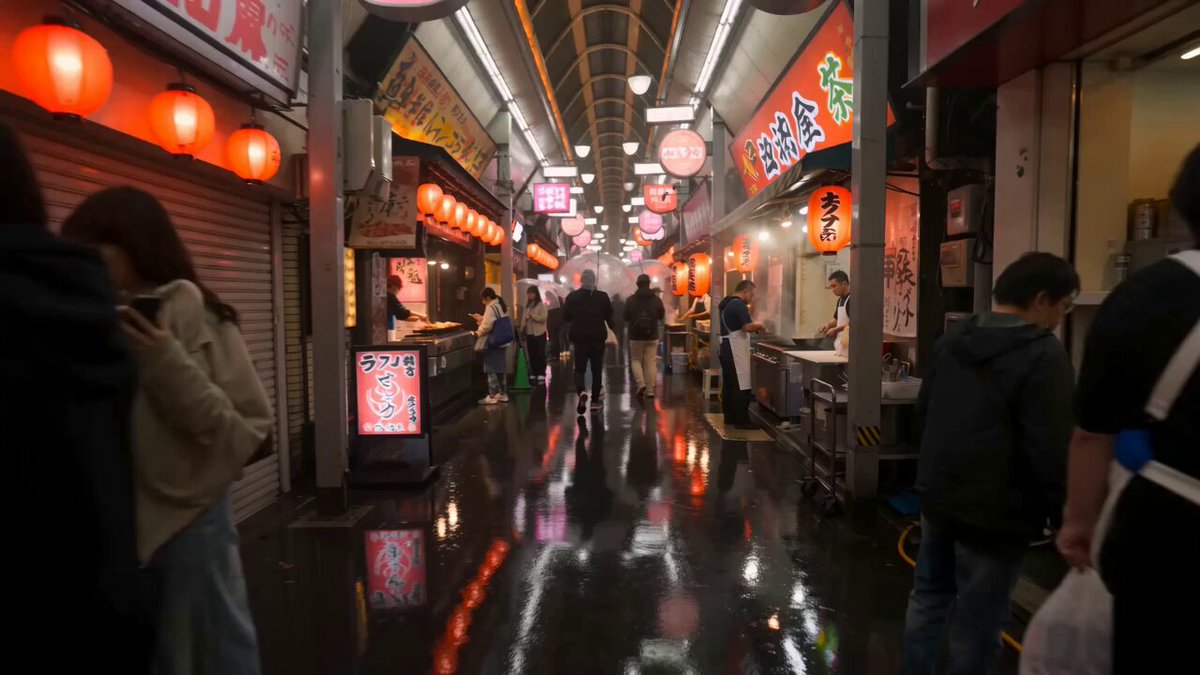
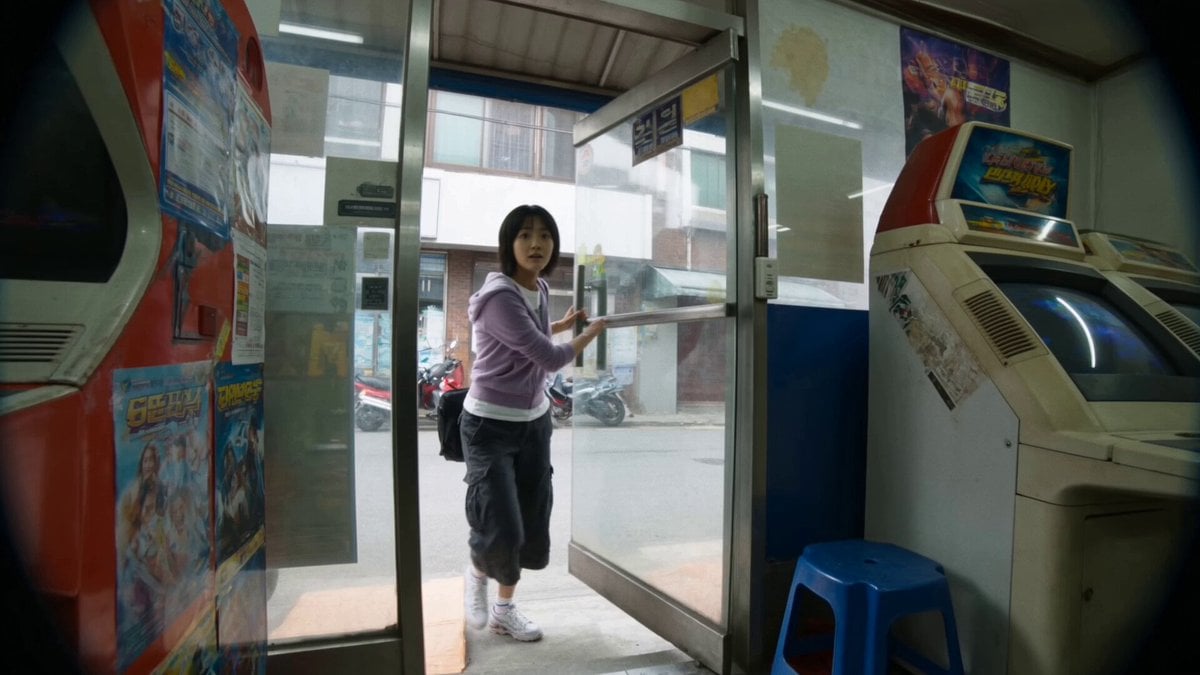
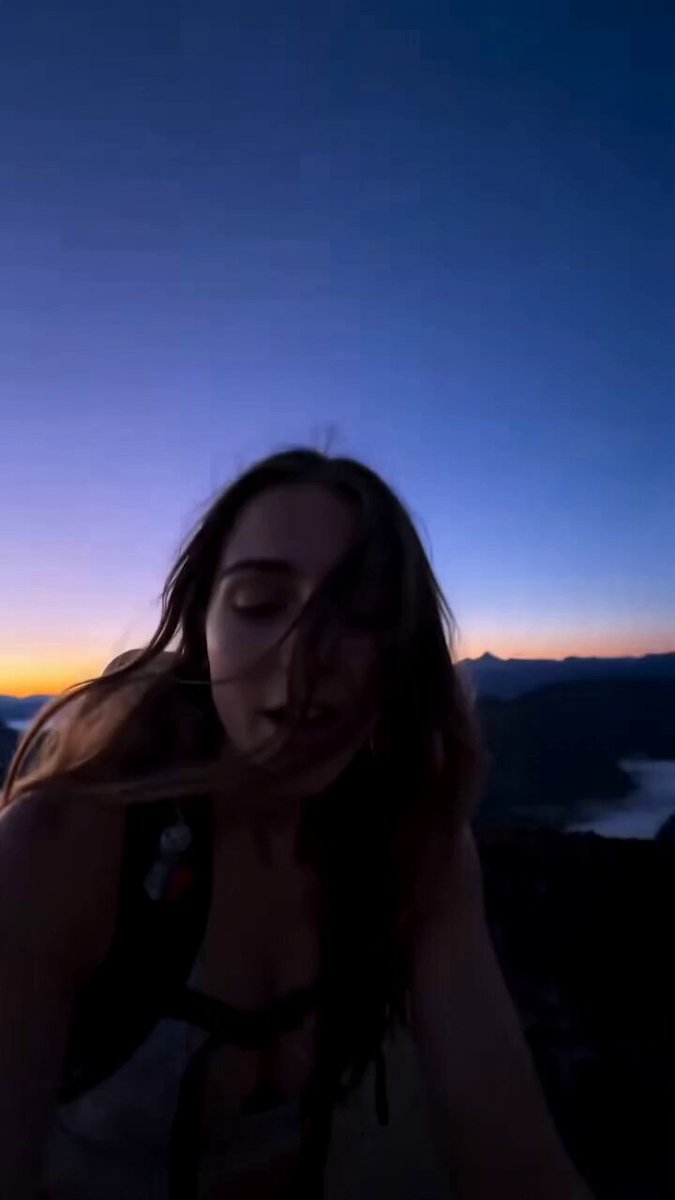
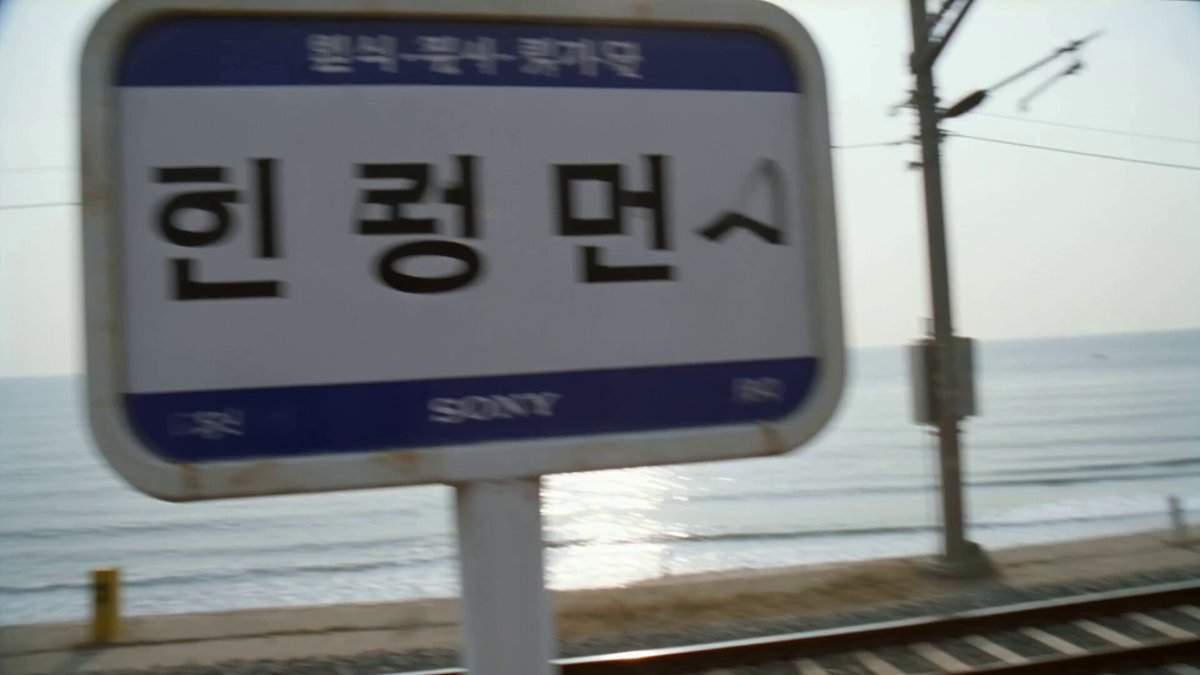
Concept: "Morning Walk Routine" Create a single continuous self-filmed vlog recorded on a handheld MiniDV camcorder. The camera is always held by the girl, creating a natural first-person selfie perspective with subtle hand shake, realistic autofocus hunting, slight exposure changes, and authentic walking motion. No cuts, transitions, or cinematic shots. Visual Style: Soft early-2000s MiniDV look with gentle tape grain, natural colors, mild highlight bloom, realistic indoor and outdoor lighting, and no beauty filters or heavy color grading. Character: YEJI, a Korean female idol in her 20s with long black hair, fresh natural makeup, and a cheerful personality. She begins in cozy pastel pajamas, then changes into a stylish athletic hoodie, leggings, and white sneakers. Location: A cozy modern apartment leading to a quiet tree-lined neighborhood and nearby park on a bright morning. The vlog begins as YEJI wakes up, reaches for the camera beside her bed, smiles sleepily, and says, "Good morning... let's start the day together." She opens the curtains, stretches, washes her face, ties her hair, drinks a glass of water, and grabs a light breakfast while casually chatting to the camera. She walks to her room, quickly changes into her walking outfit, checks herself in the entryway mirror, ties her shoes, grabs her water bottle, and smiles. "Okay... let's go." She steps outside and begins her morning walk through peaceful streets and a green park, occasionally turning the camera toward the scenery before bringing it back to herself. Halfway through the walk she laughs, "Getting outside this early always makes me feel better." The vlog ends as she reaches a sunny spot in the park, waves at the camera, and says, "Thanks for coming with me. See you next time." She continues walking as the camera lowers naturally and the recording ends. Generation Requirements: One continuous realistic take with consistent identity, natural body movement, accurate object interactions, smooth lighting transitions, believable camera motion, and no AI artifacts, jump cuts, anatomy errors, or duplicated objects. The result should feel like a real personal morning vlog.
Concept: "Morning Walk Routine" Create a single continuous self-filmed vlog recorded on a handheld MiniDV camcorder. The camera is always held by the girl, creating a natural first-person selfie perspective with subtle hand shake, realistic autofocus hunting, slight exposure changes, and authentic walking motion. No cuts, transitions, or cinematic shots. Visual Style: Soft early-2000s MiniDV look with gentle tape grain, natural colors, mild highlight bloom, realistic indoor and outdoor lighting, and no beauty filters or heavy color grading. Character: YEJI, a Korean female idol in her 20s with long black hair, fresh natural makeup, and a cheerful personality. She begins in cozy pastel pajamas, then changes into a stylish athletic hoodie, leggings, and white sneakers. Location: A cozy modern apartment leading to a quiet tree-lined neighborhood and nearby park on a bright morning. The vlog begins as YEJI wakes up, reaches for the camera beside her bed, smiles sleepily, and says, "Good morning... let's start the day together." She opens the curtains, stretches, washes her face, ties her hair, drinks a glass of water, and grabs a light breakfast while casually chatting to the camera. She walks to her room, quickly changes into her walking outfit, checks herself in the entryway mirror, ties her shoes, grabs her water bottle, and smiles. "Okay... let's go." She steps outside and begins her morning walk through peaceful streets and a green park, occasionally turning the camera toward the scenery before bringing it back to herself. Halfway through the walk she laughs, "Getting outside this early always makes me feel better." The vlog ends as she reaches a sunny spot in the park, waves at the camera, and says, "Thanks for coming with me. See you next time." She continues walking as the camera lowers naturally and the recording ends. Generation Requirements: One continuous realistic take with consistent identity, natural body movement, accurate object interactions, smooth lighting transitions, believable camera motion, and no AI artifacts, jump cuts, anatomy errors, or duplicated objects. The result should feel like a real personal morning vlog.
Edit the prompt in the box under the preview — the template's model and format are already selected — and press Generate. Your version appears right on this page.
Yes. You can change the subject, setting, lighting, mood, format, and available model controls before creating your video.
Opening and editing this template is free. Generating uses credits, shown on the Generate button when you are signed in.
Start with Seedance 2.0, which is the model associated with this template. You can compare another compatible model for a different finish.
Follow a topic to a crawlable collection of related PicX Studio templates.