
Time Collision Warrior in Lahore
A cinematic prompt exploring the contrast of a traditional Mughal warrior appearing in a bustling modern city street.
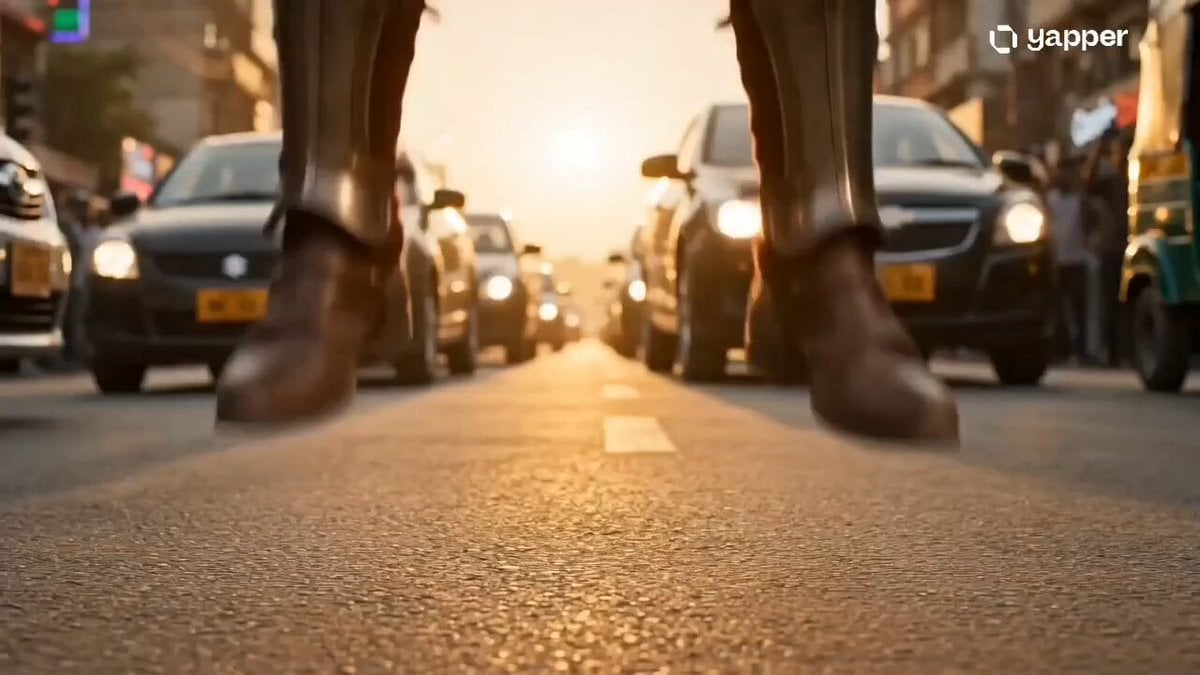
- Prompt included
- Model and format preset
- Premium template
The prompt behind this video
Copy the exact prompt behind Time Collision Warrior in Lahore, or open it in the studio and make it yours.
A legendary Mughal-era warrior suddenly appears in the middle of a busy modern-day Lahore street at sunset. He stands tall, wearing detailed royal armor, holding a traditional sword, looking confused but powerful. Cars screech to a halt around him, people freeze and stare in shock, smartphones raised recording him. Neon shop signs flicker, traffic lights glow, dust particles float in warm golden light. Camera starts with a low-angle close-up of his boots touching the asphalt → slow dramatic tilt-up to reveal full warrior → fast handheld cuts of shocked civilians → slow-motion cloth and hair movement in the wind. Background audio: distant traffic noise, heartbeat sound rising, faint traditional war drums blending with modern city ambience. Final shot: cinematic push-in on his intense eyes as he grips the sword tighter, wind blowing his cape, modern city reflected in his armor. Lighting: Golden hour + cinematic contrast, soft shadows Camera: handheld + slow dolly + dramatic push-in Mood: mysterious, powerful, time-collision
How to use Time Collision Warrior in Lahore in 3 steps
- 1
Open
The prompt is already in the box next to the preview, with the template's model and format selected.
- 2…a portrait of your subject in softgolden-hour light, 85mm…
Personalize
Edit the subject and creative details for your destination.
- 3Generate
Generate
Press Generate — your video is created in PicX Studio, so you can compare it with the original and refine one variable at a time.
More like this
Templates with the same subject, style or setup. Open one to see its prompt.
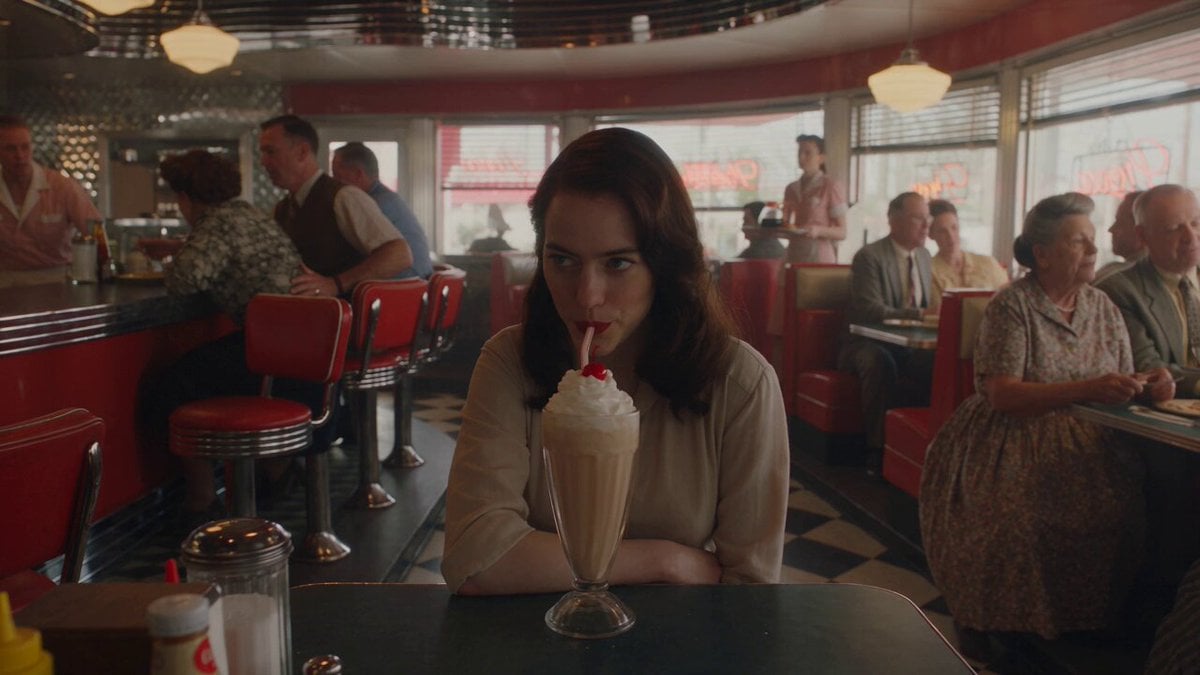
1950s Diner Time Freeze Rewind - Seedance 2.5

Korean Night Market Bullet-Time Scene - Seedance 2.5
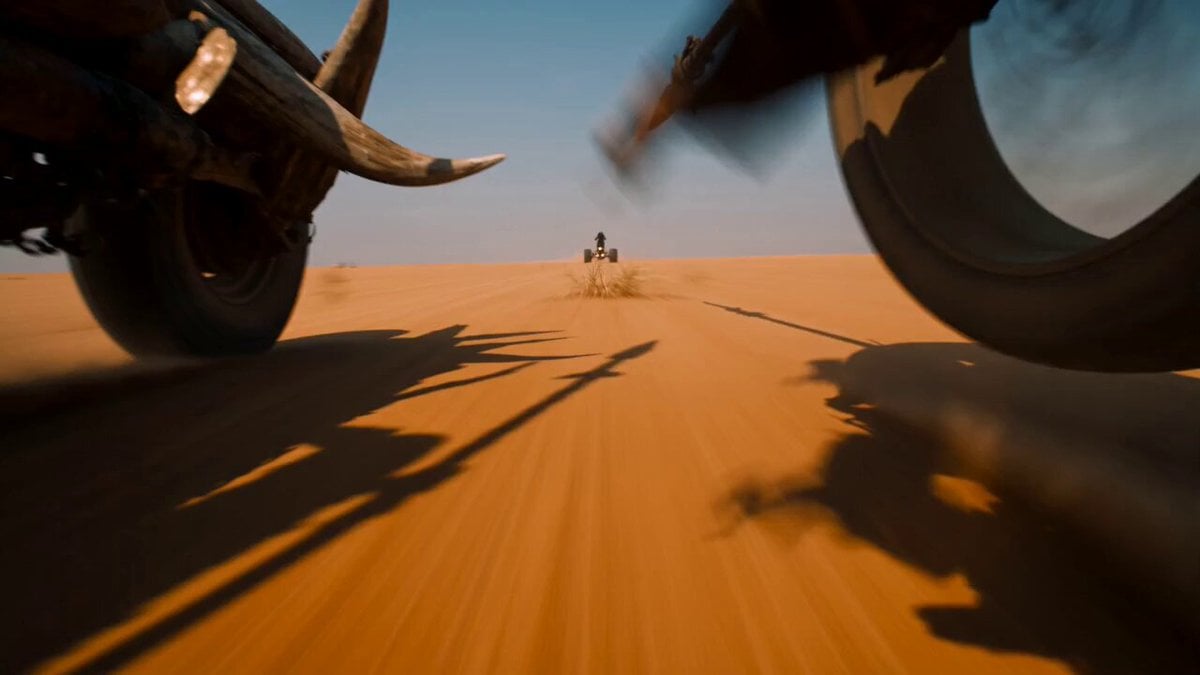
Desert Battle Wasteland Warriors Collision
Time Stealer — Seedance 2.0
Civilization Timelapse — Centuries in One Shot
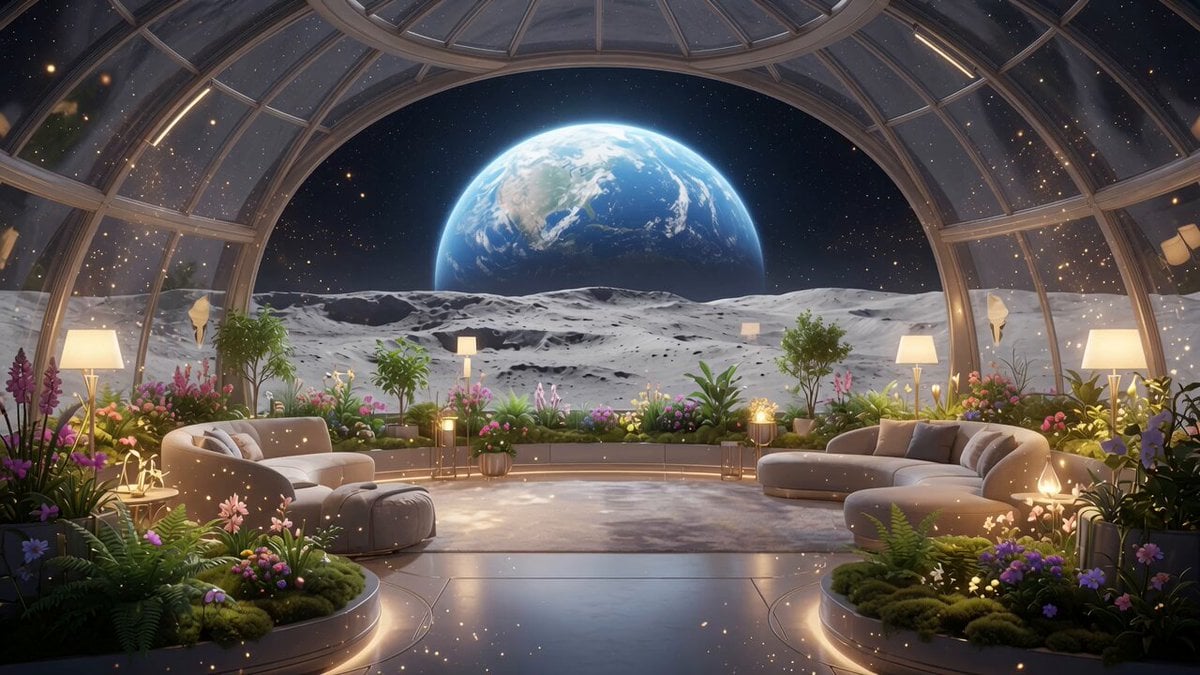
Lunar Home Time-Lapse

Italian Old-Town Time-Freeze Walk
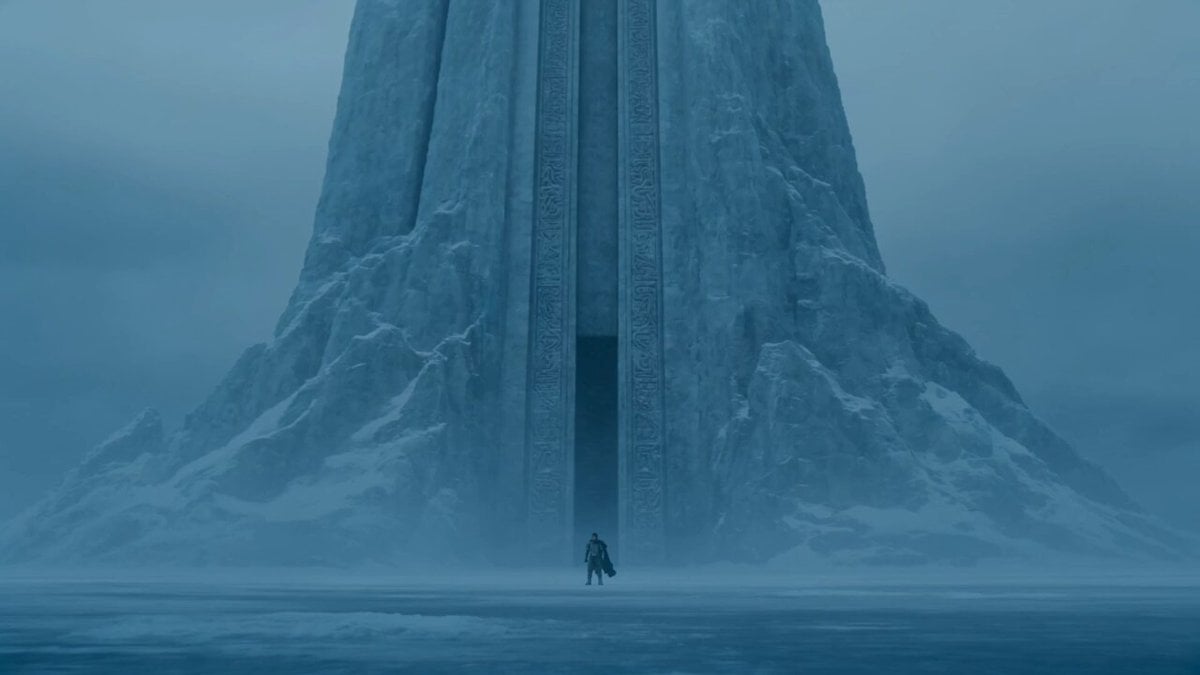
Lone Warrior at Frozen Mountain Gate
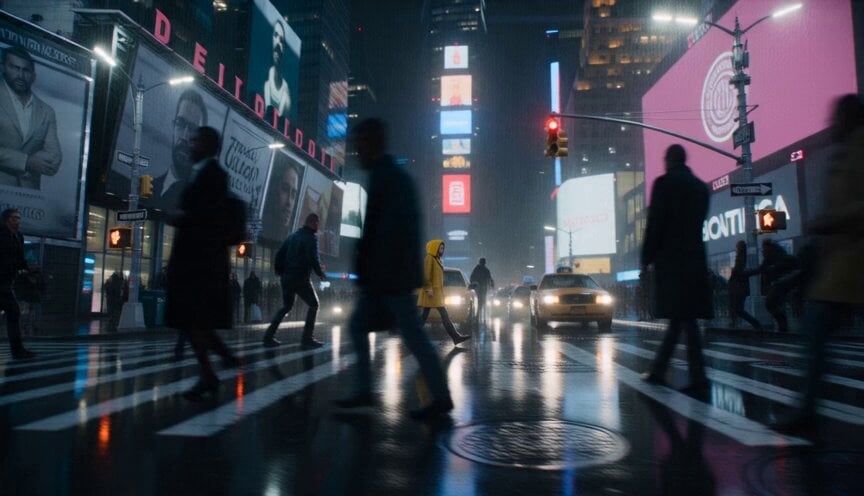
Anamorphic Surreal Thriller Time-Freeze

Lightspeed Cinematic Time Freeze
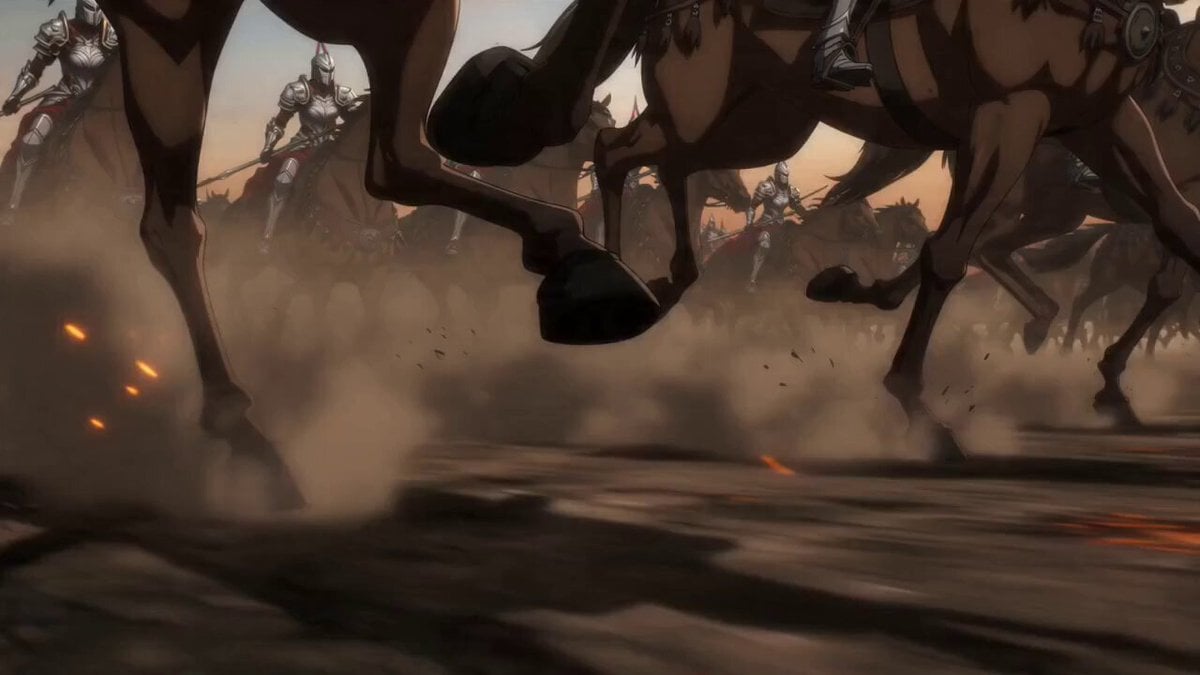
Epic Anime Warrior Queen Cavalry Charge

Warrior and Lion Courage Scene
Make it yours
Time Collision Warrior in Lahore works as-is. These are the safest ways to change it without losing the look.
Change one field
Copy a single group, rewrite it, and generate again so you can see what that field is doing.
Keep the frame, change the subject
Hold the composition and light of Time Collision Warrior in Lahore, then swap wardrobe, props or the person for a new take.
| If the result… | Why | Fix |
|---|---|---|
| The result drifts from the preview | Too many fields changed at once. | Reuse Time Collision Warrior in Lahore as-is first, then change one group — subject, light, or setting. |
| The model over-stylizes the scene | The prose prompt leaves finish and camera underspecified. | Add one camera or lighting sentence and stay on Seedance 2.0. |
More Seedance 2.0 templates
Other prompts made for Seedance 2.0.

Comical Martial Arts Punch Scene

Maglev Train Action Sequence

Martial Arts Fight Sequence

Wuxia Protection and Trust Script

Vintage Korean Arcade MiniDV Vlog

Mercedes 190 SL Luxury Ad

Rainy Night Supernatural Reverse Comedy Video Script

Amazon Civilization Discovery

Futuristic South Asian City Transformation

Cozy Luxury Cafe Commercial
More video prompts
Fresh picks from across the catalog.

Multi Panel Storyboard Sheet
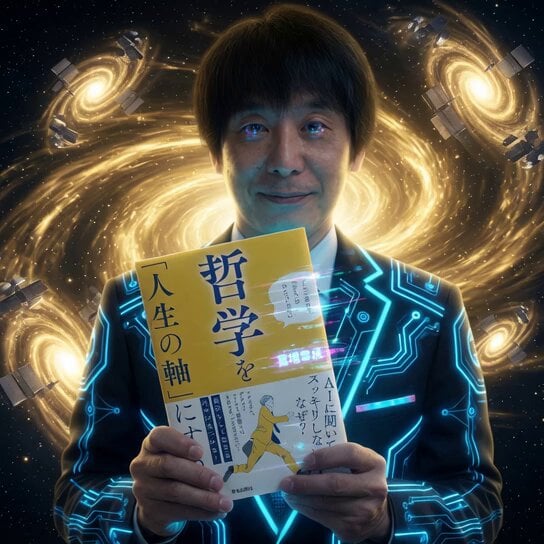
Cybernetic Space Book Promotion
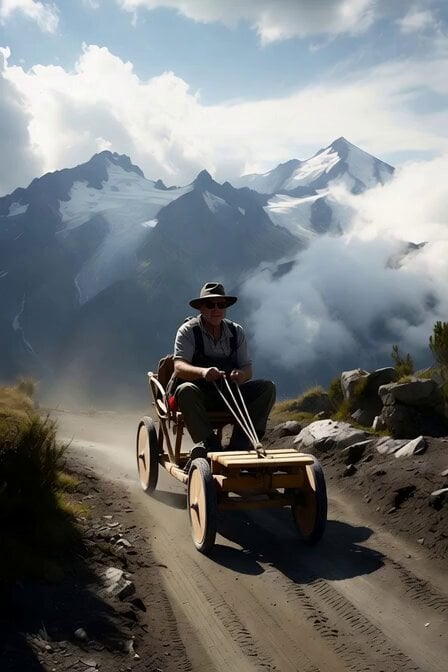
Alpine Soapbox Race Video Prompt
Anime Street Dance Paint Splash
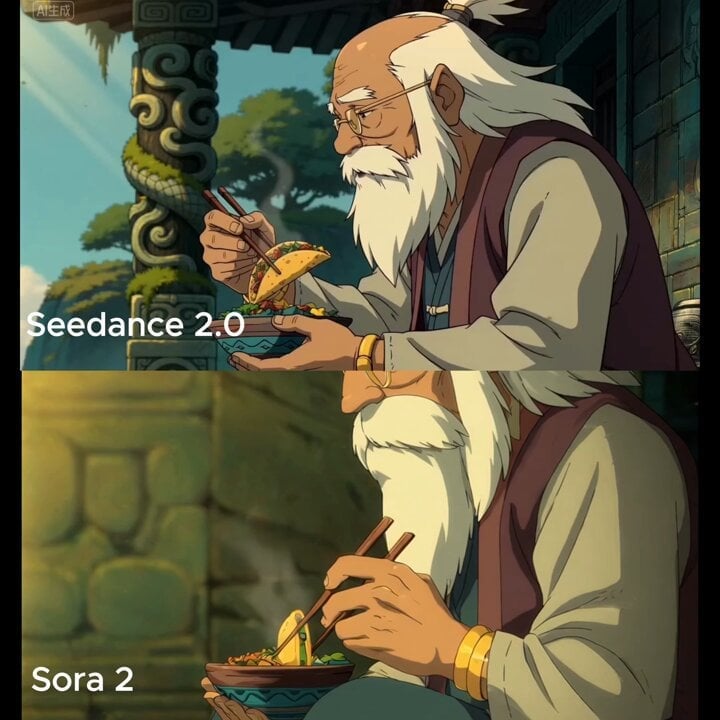
Medium shot of man lifting taco with chopsticks

Clay Model Conversation Sequence
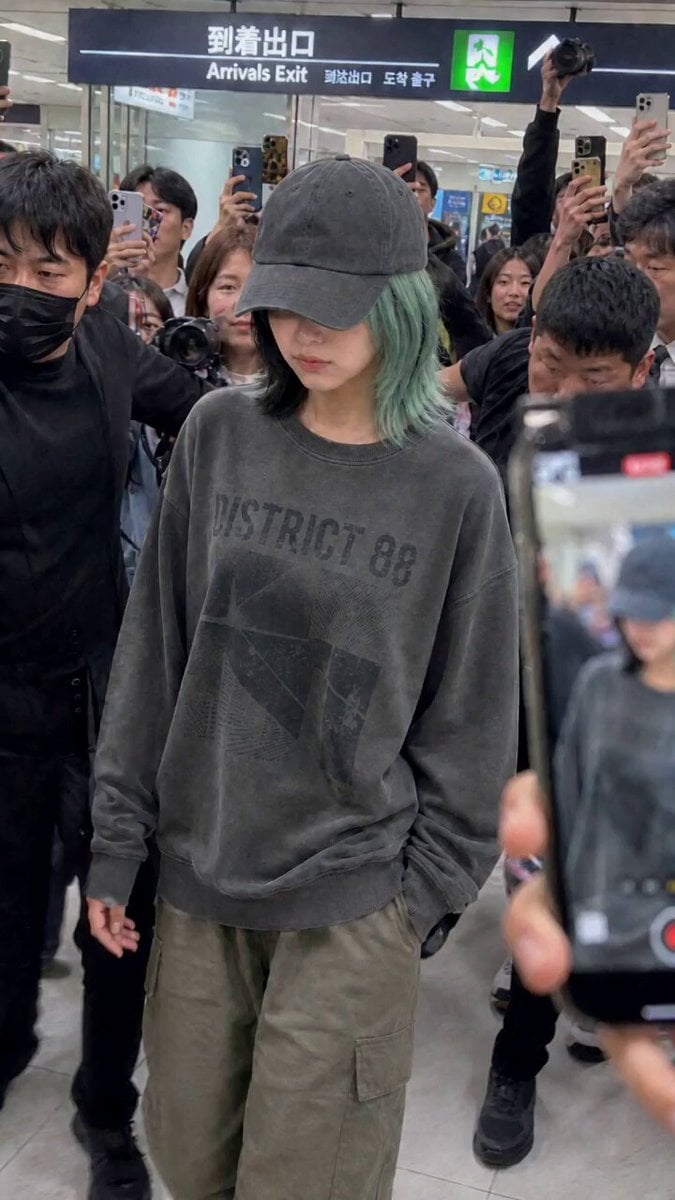
Idol Airport Arrival Cinematic Video
Stealth Mecha Cow Infiltration

Original Character Cosmetic Commercial Video

Bus transforming into a Cybertronian mechanical giant caterpillar
Browse template categories
Time Collision Warrior in Lahore questions
How do I use the Time Collision Warrior in Lahore template?
Add your photo if the template asks for one, edit the prompt if you like — the template's model and format are already selected — and press Generate. Your version opens in PicX Studio.
Can I customize the Time Collision Warrior in Lahore template?
Yes. You can change the subject, setting, lighting, mood, format, and available model controls before creating your video.
Is the Time Collision Warrior in Lahore template free?
Opening and editing this template is free. Generating uses credits, shown on the Generate button when you are signed in.
Which AI model should I use?
Start with Seedance 2.0, which is the model associated with this template. You can compare another compatible model for a different finish.
Looking for something else? Browse all templates.

Your photo, any look
Thousands of ready templates for every top image and video model, from one credit balance.