
Anime Street Dance Paint Splash
An ultra high-end theatrical anime video prompt for a dynamic street dance performance featuring heavy liquid paint textures, vibrant colors, and sharp cinematic lighting.
- Prompt included
- Model and format preset
- Free template
The prompt behind this video
Copy the exact prompt behind Anime Street Dance Paint Splash, or open it in the studio and make it yours.
15s / 120 BPM / 15 Shots / シネマティック・ルーチン 劇場版アニメスタイル / ウルトラハイエンド / 4K ワードローブ: @[image1] < キャラクターの衣装とパーソナルカラーをここから抽出。 環境: 完全な白い無限空間。床面にはわずかな鏡面反射があり、空中には微細なチリ(Dust motes)とレンズフレアが漂う。 ムード: 圧倒的な色彩の解放。静寂を切り裂くような、鋭く流麗なストリートダンス。 ミュージック: ハイブリッド・オーケストラ。重厚なビートに、筆の振りと同期する鋭い弦楽器の旋律が重なる。 カラー・ロジック: @[image1] のメインカラーを抽出した高彩度の液体塗料。宝石や結晶の質感は一切排除し、粘り気のある濃厚なペイントの質感のみを追求する。 スタイル: Theatrical Anime, Highly Detailed, Cinematic Lighting, Rim Light, Depth of Field, Ray Tracing。 ショット1: [Telephoto 85mm Close-up] 足元のクローズアップ。ステップと共に、@[image1]の色を宿した液体塗料が床のない空間へ激しく飛び散る[cite: 1]。 / SFX: 重厚なベース音と塗料の飛散音。 ショット2: [Medium Tracking] 腰のツイスト。右手で筆を握り締め、背後から弧を描く。濃厚な液体ペイントが尾を引く。 ショット3: [Snap Push-in] 交互の腕振り。シアンとライムのX字ペイントが空中交差。筆の先端から滴る塗料の質感を強調。 ショット4: [Ultra Wide 14mm Low Angle] 高速回転。遠近感を誇張したパースで、巨大なカラースプラッシュが画面を覆う[cite: 1]。 ショット5: [Vertical Push-in] ジャンプ。筆を垂直に振り上げ、重力に抗うような太いペイントのストリークを生成。 ショット6: [Wide Orbit] 空中半回転。放射状に広がるのはペイントの飛沫のみ。宝石状の粒子は一切排除する。 ショット7: [Ground-level Drift] 着地。足元からカラーペイントのリングが広がり、波紋のように消えていく。 ショット8: [Telephoto Close-up] 筆を握る手のアップ。連続ターン中も筆を離さず、完全な円環状の軌跡を描く[cite: 1]。 ショット9: [Handheld Low Angle] 前方へ3歩突進。一歩ごとに@[image1]由来の色が爆発。背景のボケ味を強調[cite: 1]。 ショット10: [Extreme Macro] ブラシがカメラレンズ横を高速通過。被写界深度による美しいボケと、レンズフレアの干渉[cite: 1]。 ショット11: [Rotating Wide] 全身ターン。キャラクターを包み込むカラーペイントリング。筆は右手に固定。 ショット12: [Stabilized Slow Motion] 一瞬の静止。大きく引いた筆から、粘り気のある塗料が長い糸を引くように流動する。 ショット13: [Low Profile Dolly] 低姿勢のグローヴ。静止したペイントの軌跡の中を、筆を持ったまま滑らかに移動。 ショット14: [Ultra Wide Push] 爆発的ダッシュ。画面全体へ@[image1]のキーカラーが拡散し、白を塗りつぶす。 ショット15: [Theatrical Close-up] 正面。筆をカメラへ叩き込む。画面全体が濃厚なペイントで埋め尽くされ、ドラマチックに暗転。 / SFX: 衝撃波と深い残響。
How to use Anime Street Dance Paint Splash in 3 steps
- 1Upload ImagePNG, JPG or paste
Add your photo
Upload the photo the template builds on. The prompt, model and format are already set.
- 2…a portrait of your subject in softgolden-hour light, 85mm…
Personalize
Edit the subject and creative details for your destination.
- 3Generate
Generate
Press Generate — your video is created in PicX Studio, so you can compare it with the original and refine one variable at a time.
More like this
Templates with the same subject, style or setup. Open one to see its prompt.

Realistic City Street Story Cinematic Video - Seedance

Nano Banana Seedance Time Control Streets

Cyberpunk Holographic Dance Performance - Seedance 2.5

MiniMax H3 Character Introduction
Early-2000s Trainee Flashback Film

Japanese Pure Love Short Film

Luxury Airport Travel Vlog
Street Dance Battle Sony Headphones
Anime Style TikTok Dance

Studio Ghibli Dumpling Kitchen Cooking Scene
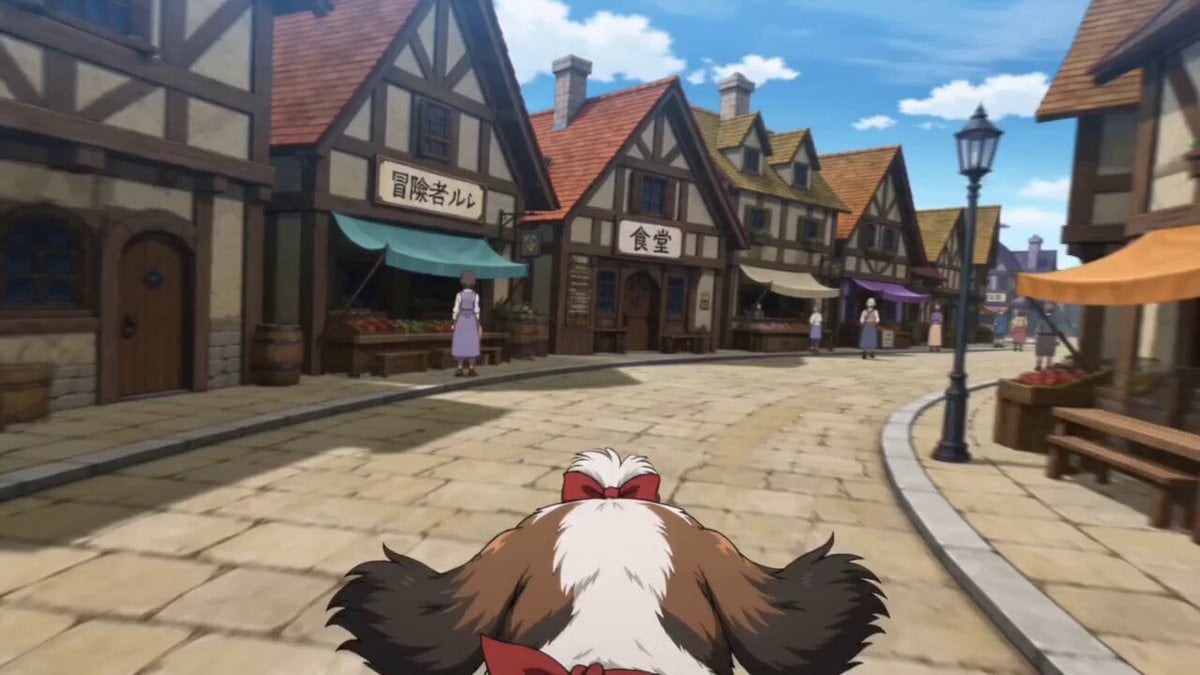
Anime Town Street Navigation
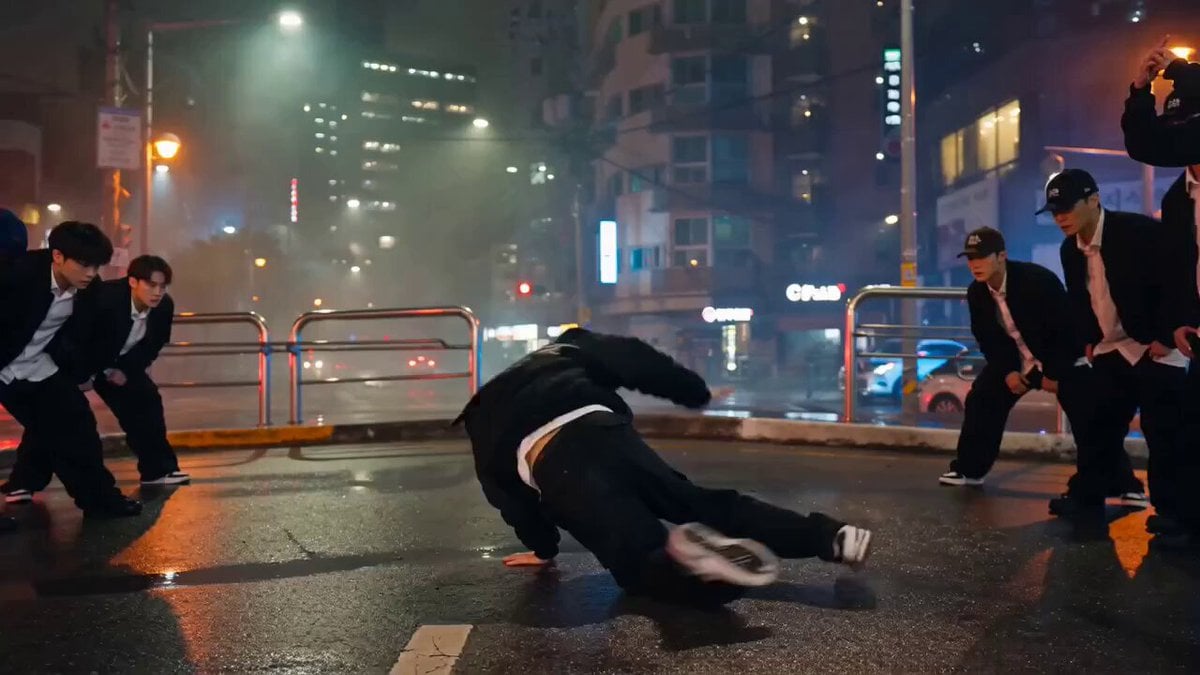
Photorealistic Street Dance Battle Prompt for Seedance 2.0
Make it yours
Anime Street Dance Paint Splash works as-is. These are the safest ways to change it without losing the look.
Change one field
Copy a single group, rewrite it, and generate again so you can see what that field is doing.
Keep the frame, change the subject
Hold the composition and light of Anime Street Dance Paint Splash, then swap wardrobe, props or the person for a new take.
| If the result… | Why | Fix |
|---|---|---|
| The result drifts from the preview | Too many fields changed at once. | Reuse Anime Street Dance Paint Splash as-is first, then change one group — subject, light, or setting. |
| The model over-stylizes the scene | The prose prompt leaves finish and camera underspecified. | Add one camera or lighting sentence and stay on Seedance 2.0. |
More Seedance 2.0 templates
Other prompts made for Seedance 2.0.

Comical Martial Arts Punch Scene

Maglev Train Action Sequence

Martial Arts Fight Sequence

Wuxia Protection and Trust Script

Vintage Korean Arcade MiniDV Vlog

Mercedes 190 SL Luxury Ad

Rainy Night Supernatural Reverse Comedy Video Script

Amazon Civilization Discovery

Futuristic South Asian City Transformation

Cozy Luxury Cafe Commercial
More video prompts
Fresh picks from across the catalog.
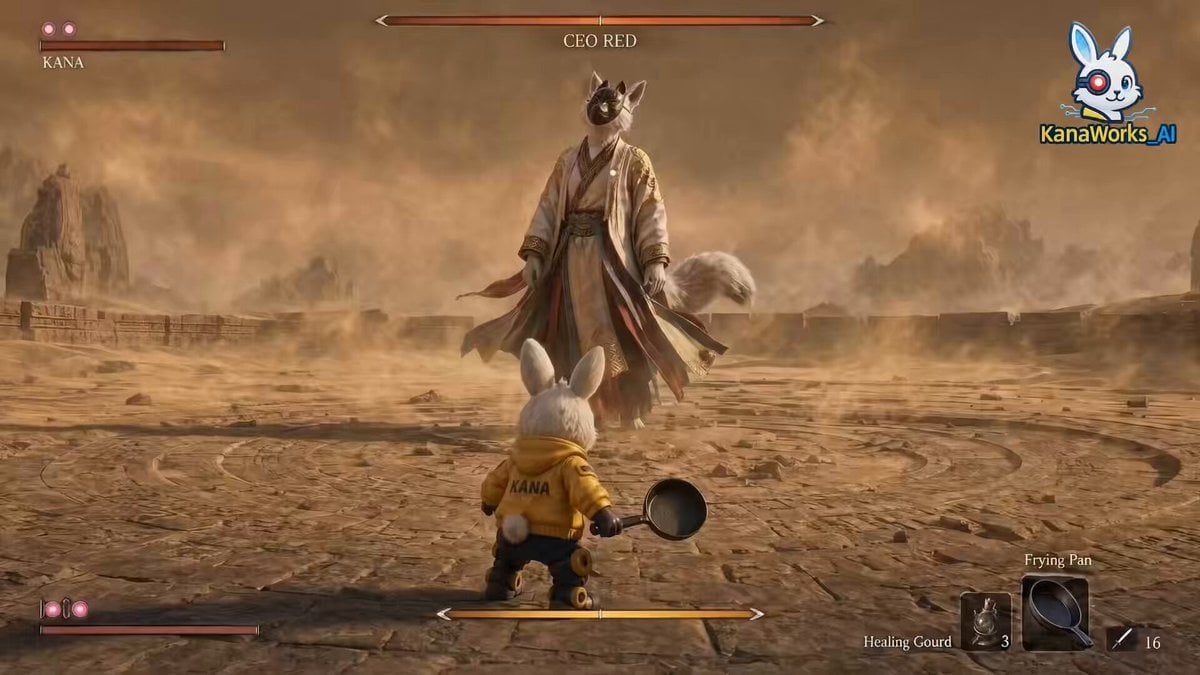
Cinematic ARPG Boss Battle Scene
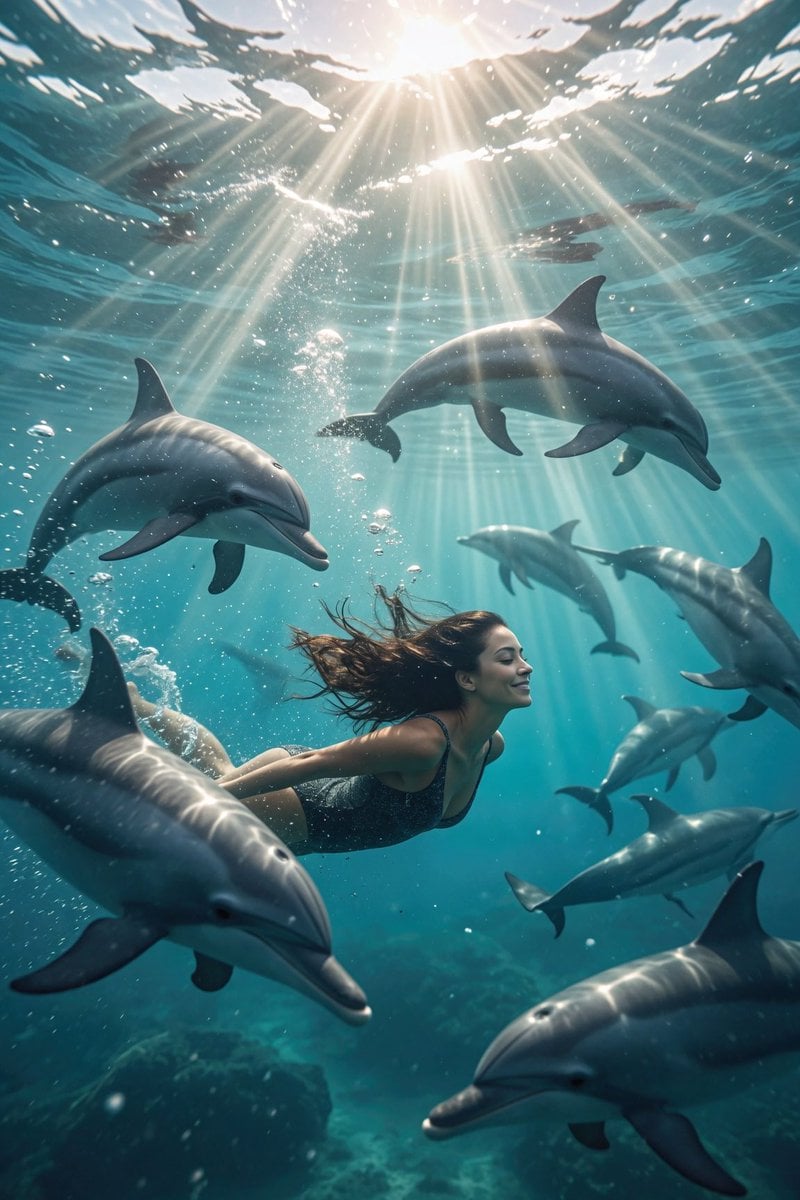
Dolphin Marine Documentary Footage
Boy Diving Into Water Scene
Cinematic Post-Apocalyptic Survival Sequence
Realistic Wakeboarding Action Sequence
Australian Football Fan Eating Hot Dog
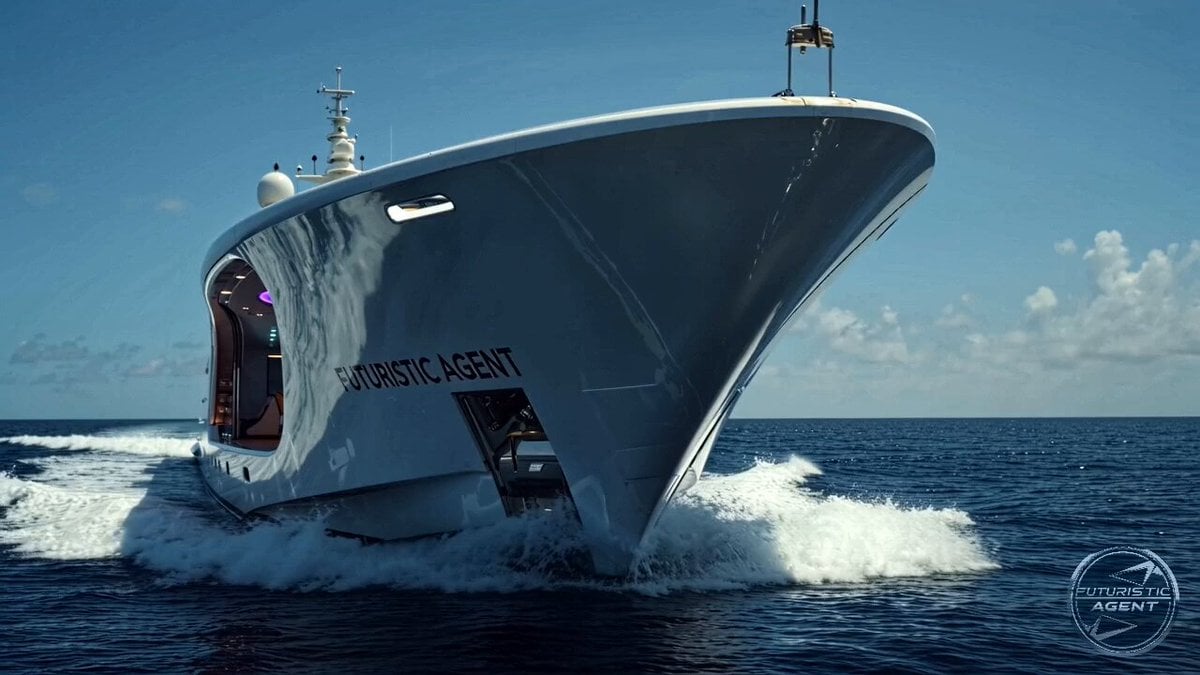
Futuristic Yacht Hull Close-up
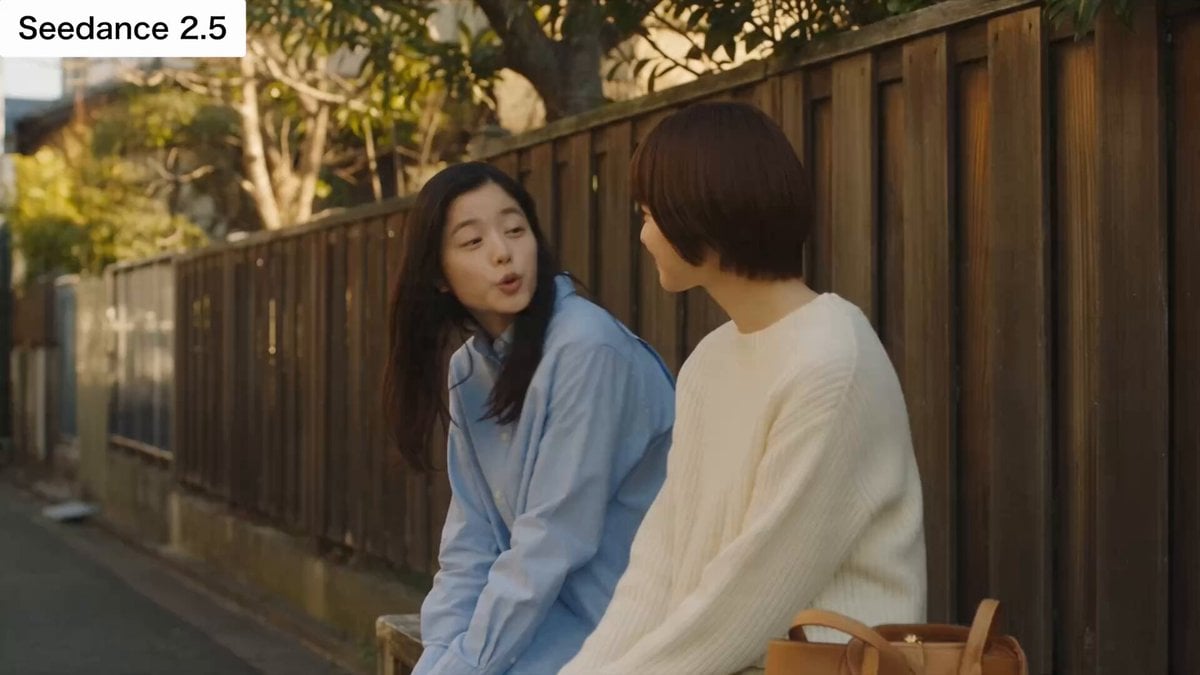
Japanese Slice-of-Life Conversation with Lip Sync
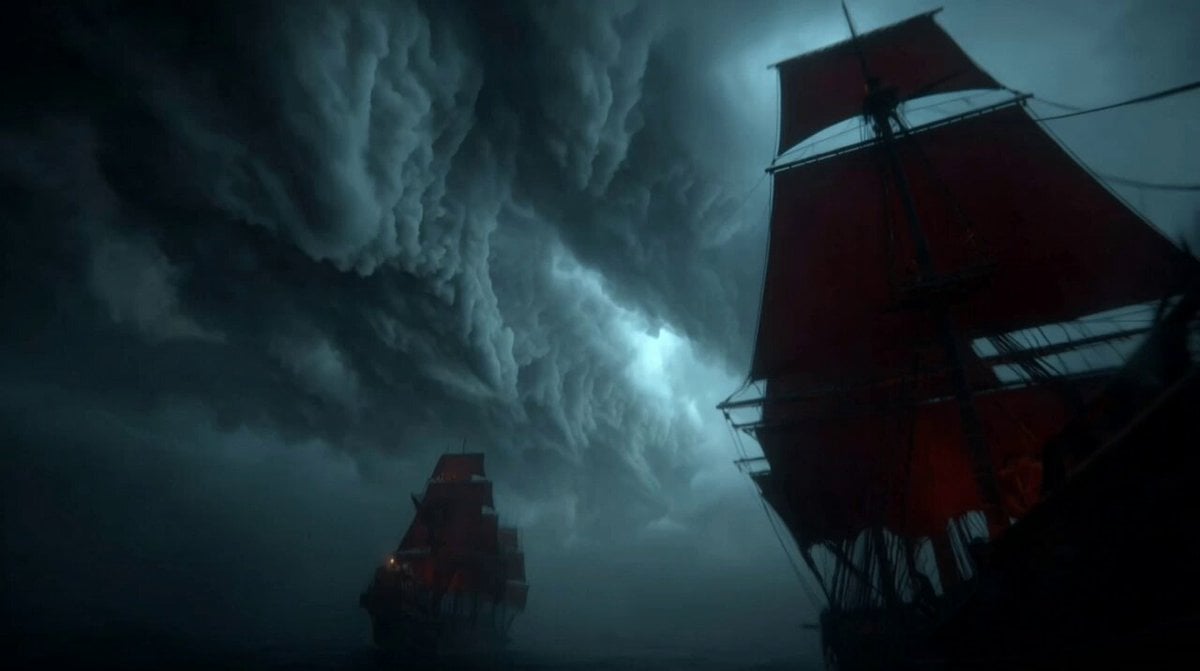
Furious Giant Dragon Emerging from Ocean
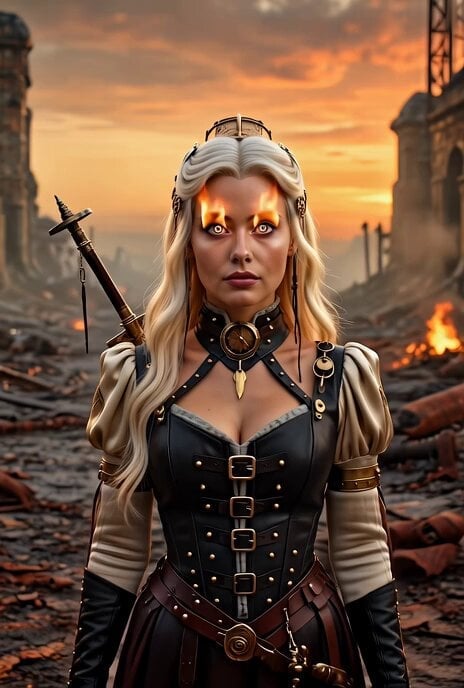
Steampunk Eye Zoom Animation
Browse template categories
Anime Street Dance Paint Splash questions
How do I use the Anime Street Dance Paint Splash template?
Add your photo if the template asks for one, edit the prompt if you like — the template's model and format are already selected — and press Generate. Your version opens in PicX Studio.
Can I customize the Anime Street Dance Paint Splash template?
Yes. You can change the subject, setting, lighting, mood, format, and available model controls before creating your video.
Is the Anime Street Dance Paint Splash template free?
Opening and editing this template is free. Generating uses credits, shown on the Generate button when you are signed in.
Which AI model should I use?
Start with Seedance 2.0, which is the model associated with this template. You can compare another compatible model for a different finish.
Looking for something else? Browse all templates.

Your photo, any look
Thousands of ready templates for every top image and video model, from one credit balance.