
Anime Town Street Navigation
A prompt describing a first-person path through a town, passing by a cafeteria, magic shop, and weapon shop, focusing on turning and movement.
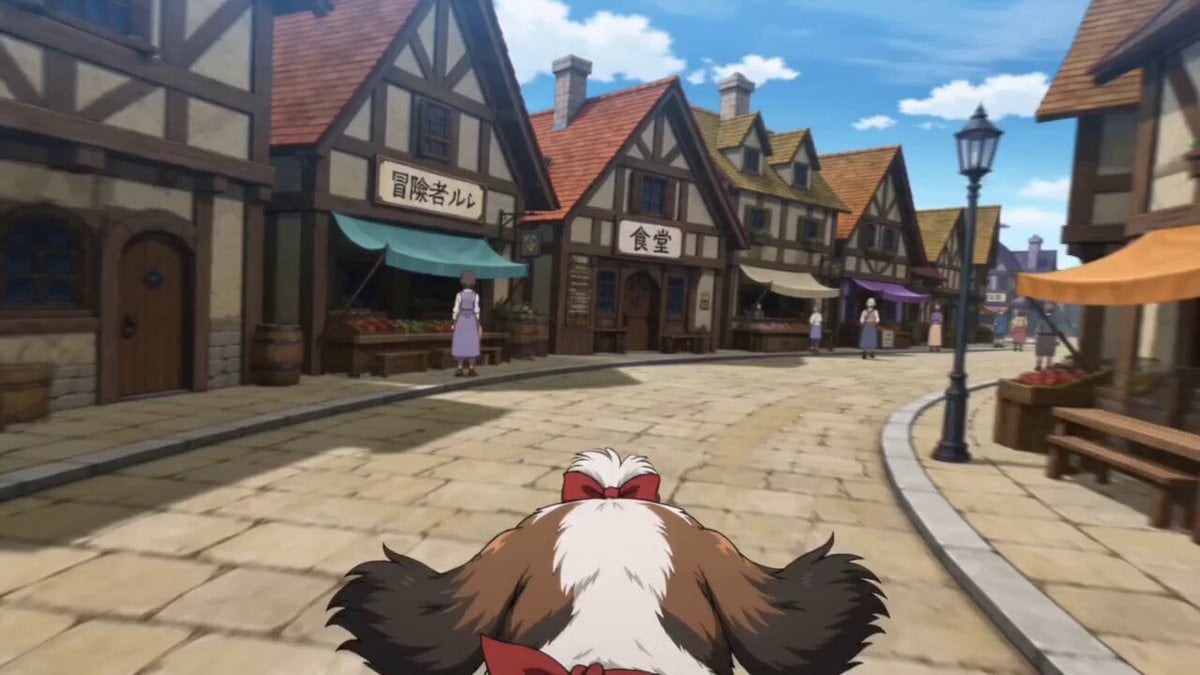
- Prompt included
- Model and format preset
- Premium template
The prompt behind this video
Copy the exact prompt behind Anime Town Street Navigation, or open it in the studio and make it yours.
食堂を出て右に曲がり、スピードを少しずつ上げて緩やかにカーブする道をすすんで左に曲がる。 魔法店の前を通り過ぎてから角を右に曲がり、突き当りを道なりに右方向へ2回曲がり、武器屋の横に出る。
How to use Anime Town Street Navigation in 3 steps
- 1
Open
The prompt is already in the box next to the preview, with the template's model and format selected.
- 2…a portrait of your subject in softgolden-hour light, 85mm…
Personalize
Edit the subject and creative details for your destination.
- 3Generate
Generate
Press Generate — your video is created in PicX Studio, so you can compare it with the original and refine one variable at a time.
More like this
Templates with the same subject, style or setup. Open one to see its prompt.
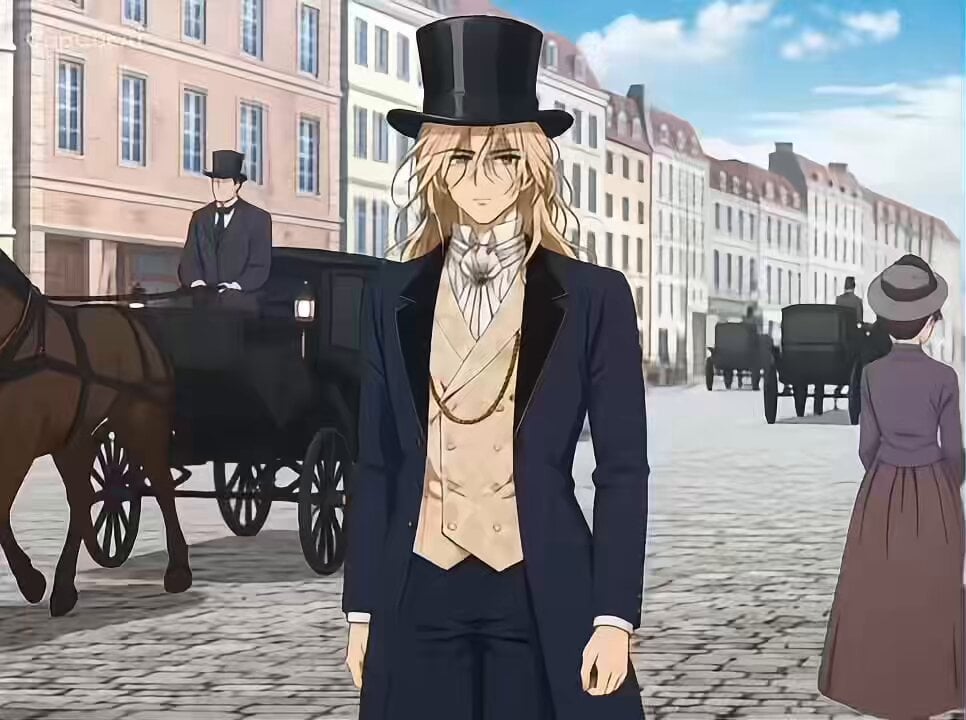
French Town Anime Narrative

Realistic City Street Story Cinematic Video - Seedance

MiniMax H3 Character Introduction

Japanese Pure Love Short Film

Studio Ghibli Dumpling Kitchen Cooking Scene
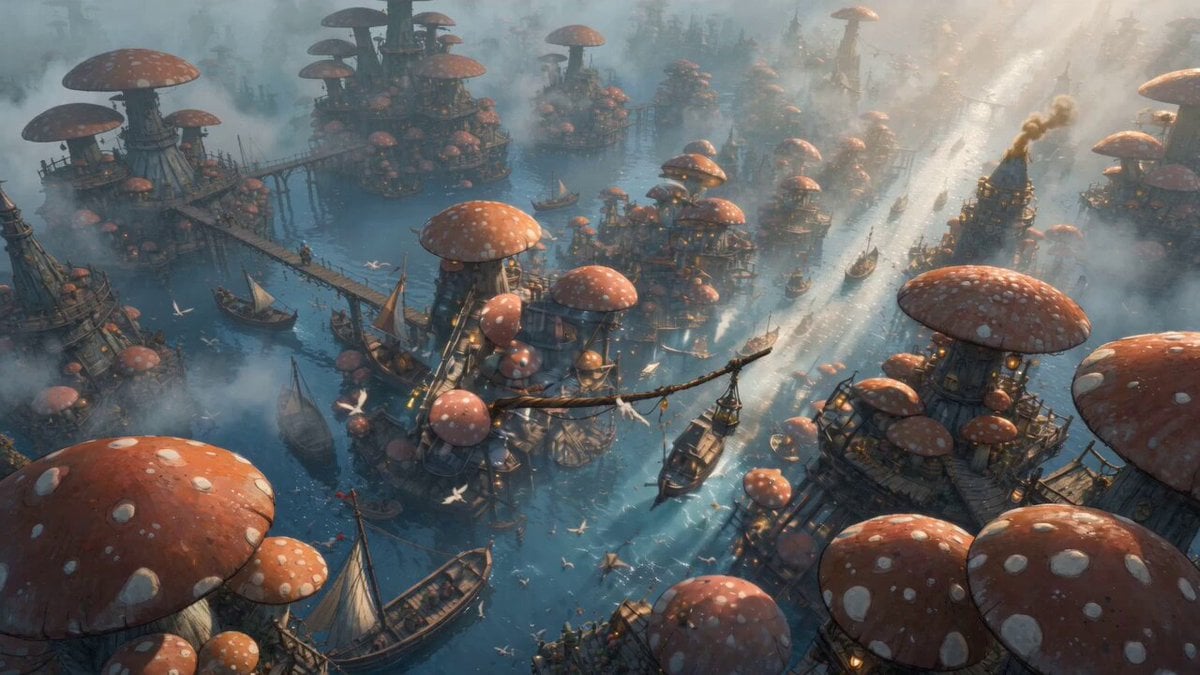
Mushroom Port Town Anime Escape
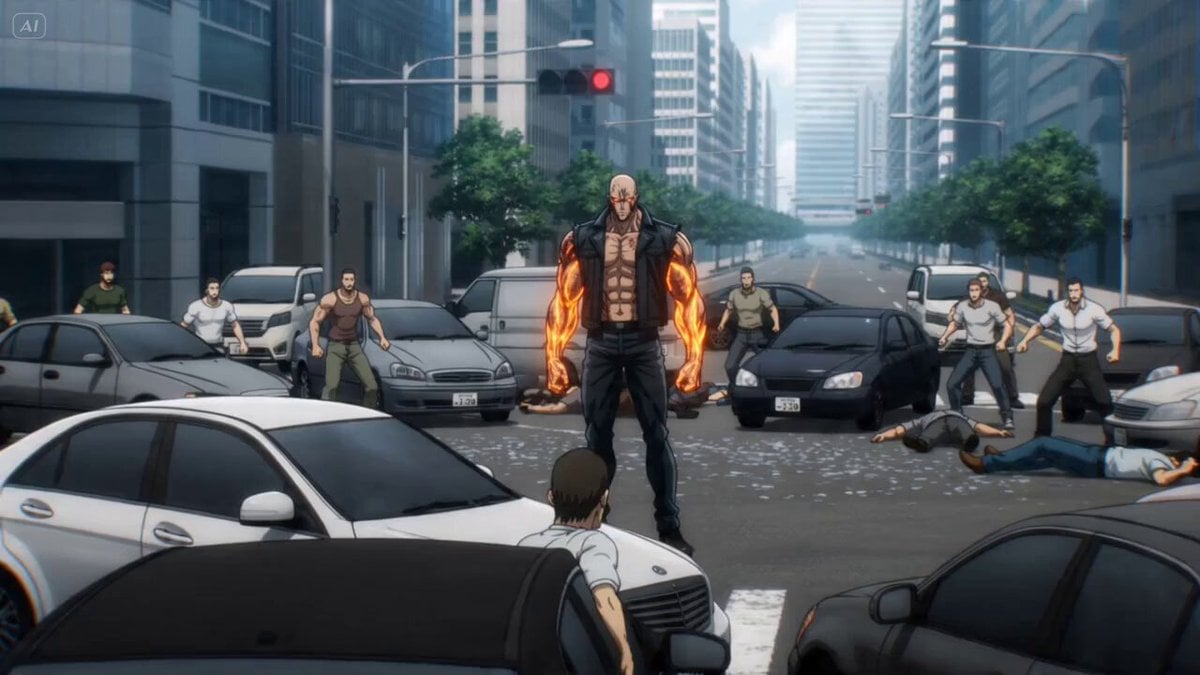
Anime Martial Artist Street Fight

Nano Banana Seedance Time Control Streets
Mecha Transformation vs Kaiju — 4-Scene Epic
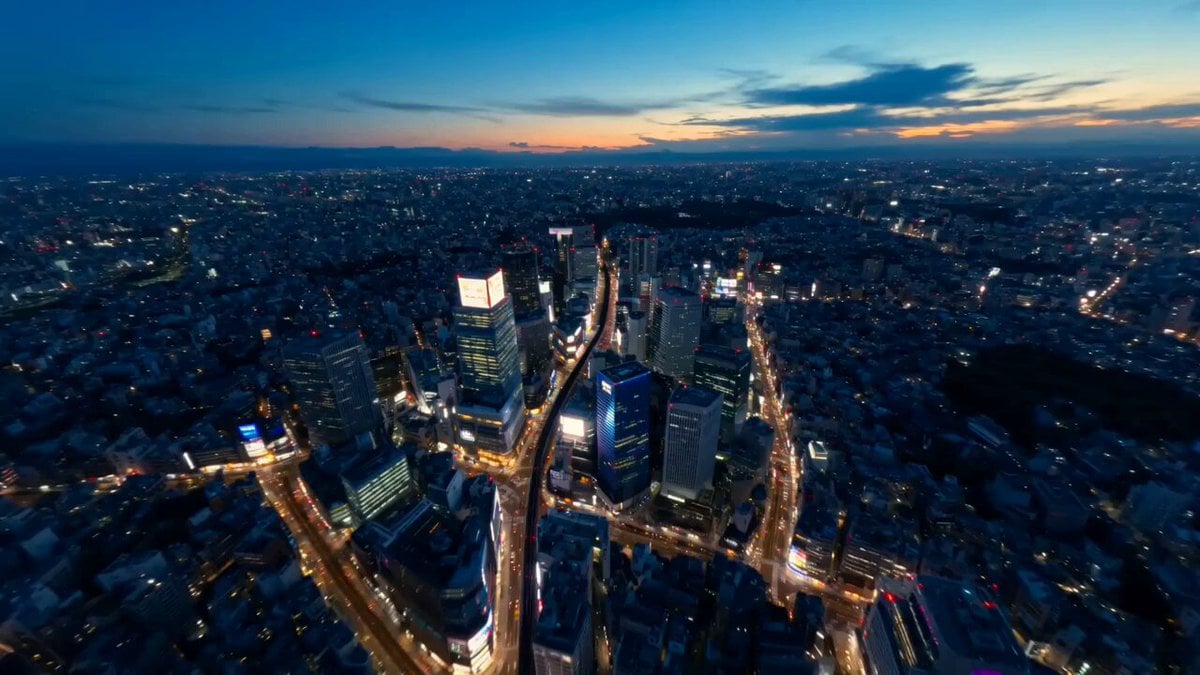
Tokyo Street Style Travel Film
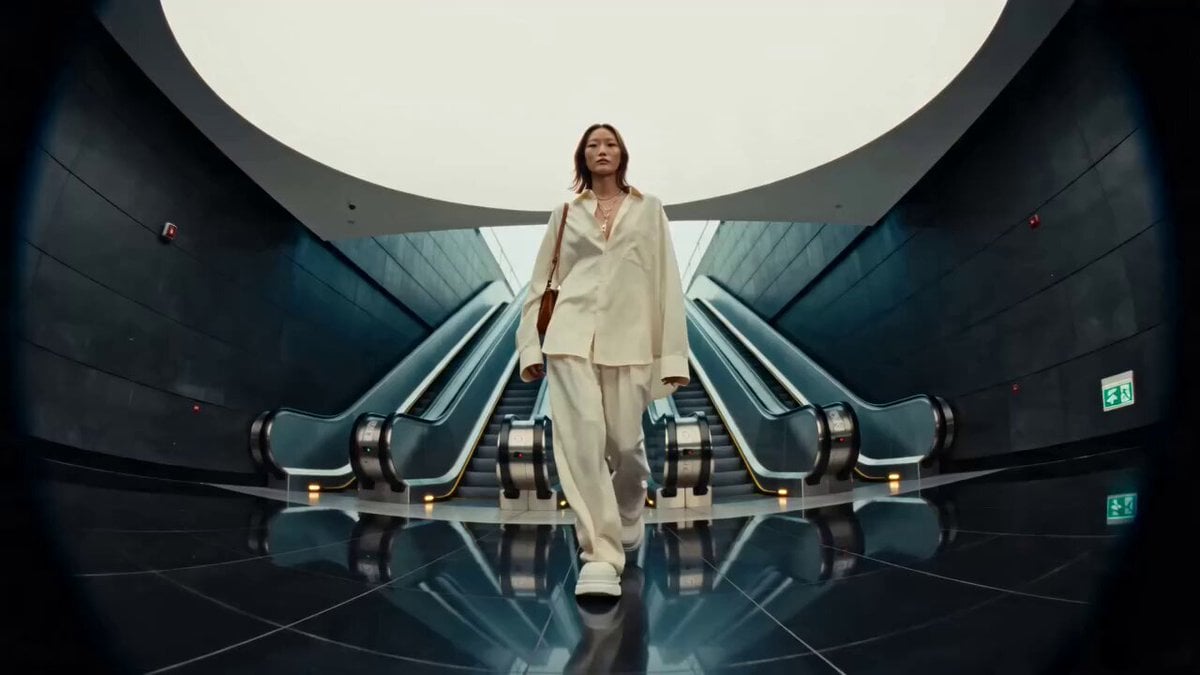
Editorial Street Fashion Cinema Film
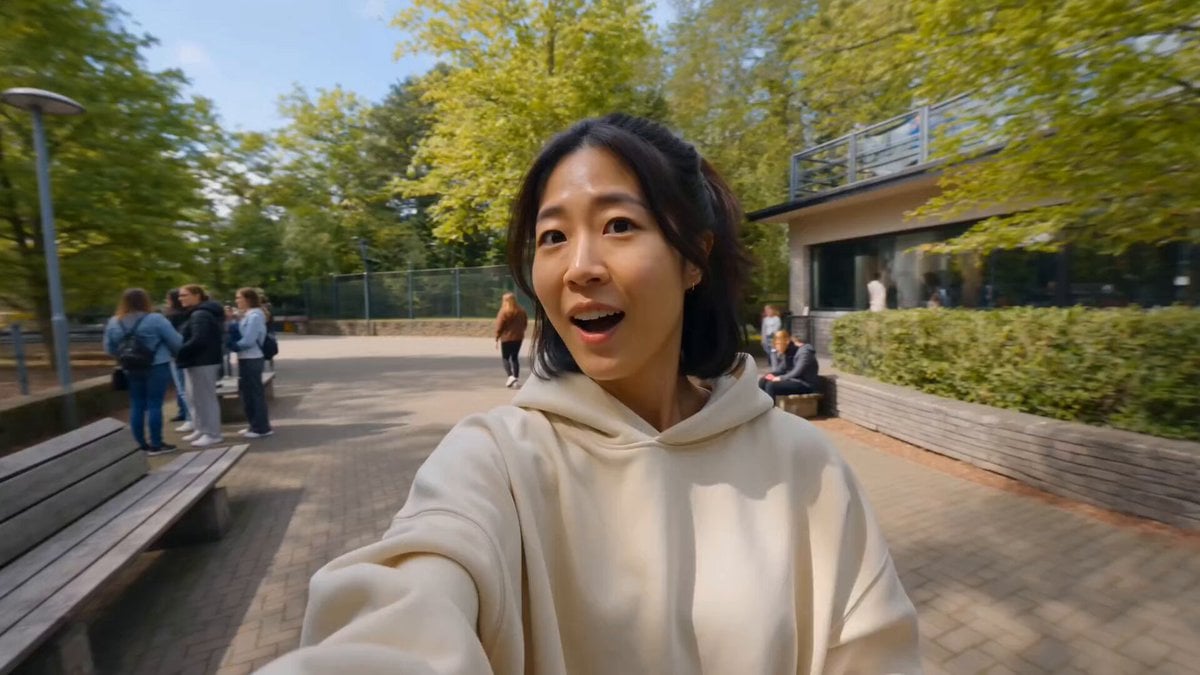
Realistic Street Commercial Character Reveal
Make it yours
Anime Town Street Navigation works as-is. These are the safest ways to change it without losing the look.
Change one field
Copy a single group, rewrite it, and generate again so you can see what that field is doing.
Keep the frame, change the subject
Hold the composition and light of Anime Town Street Navigation, then swap wardrobe, props or the person for a new take.
| If the result… | Why | Fix |
|---|---|---|
| The result drifts from the preview | Too many fields changed at once. | Reuse Anime Town Street Navigation as-is first, then change one group — subject, light, or setting. |
| The model over-stylizes the scene | The prose prompt leaves finish and camera underspecified. | Add one camera or lighting sentence and stay on Seedance 2.0. |
More Seedance 2.0 templates
Other prompts made for Seedance 2.0.



More video prompts
Fresh picks from across the catalog.

Peach Blossom Garden Melancholy Video Prompt
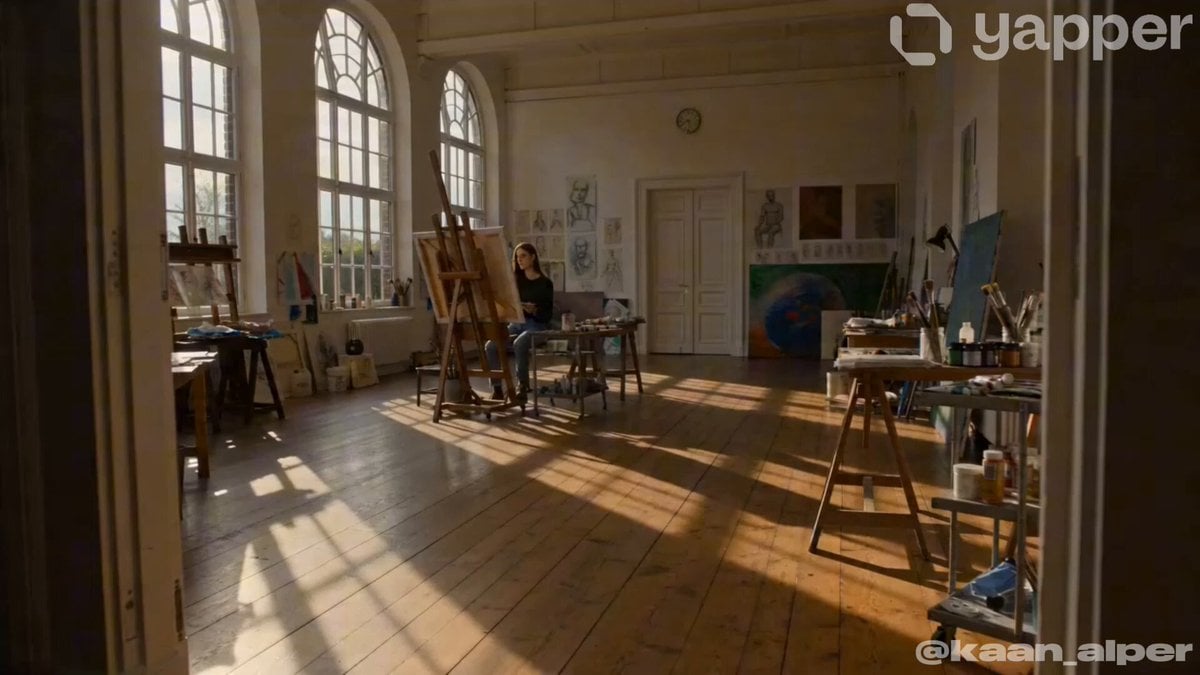
Artist Studio Cinematic Video Prompt for Seedance 2.0

Futuristic Tesla Semi motorhome video prompt
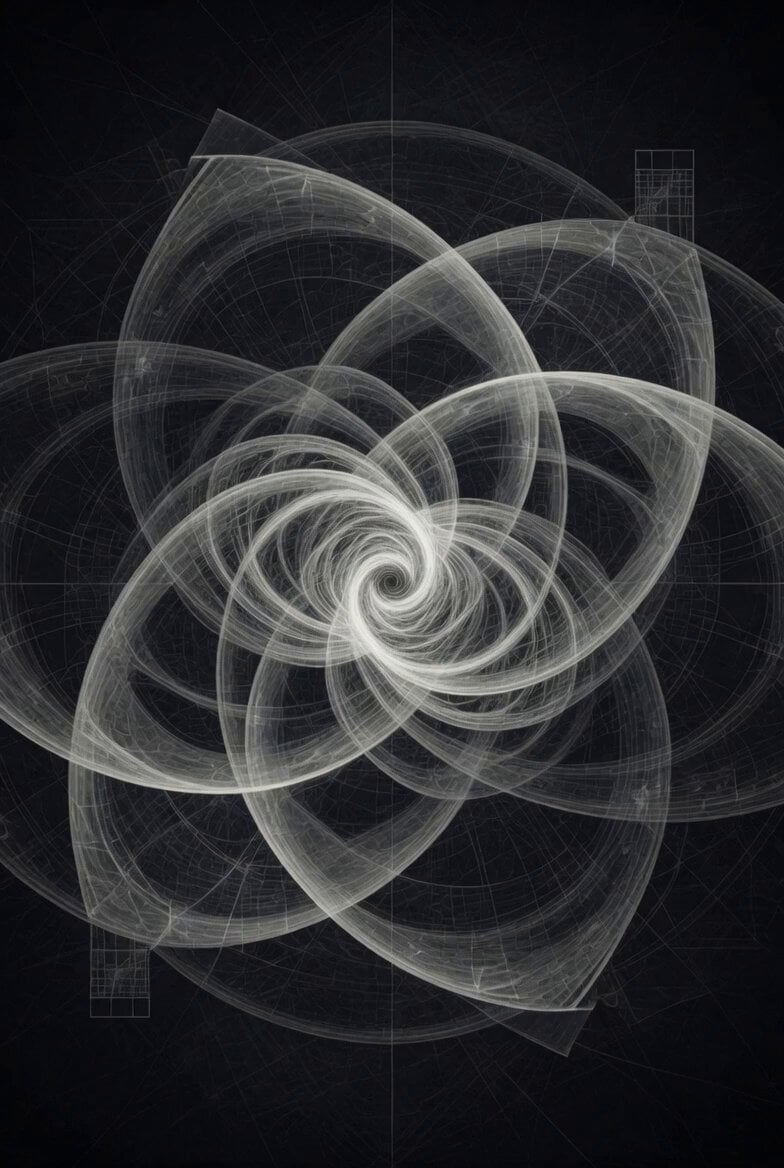
Abstract Intelligence Formal System
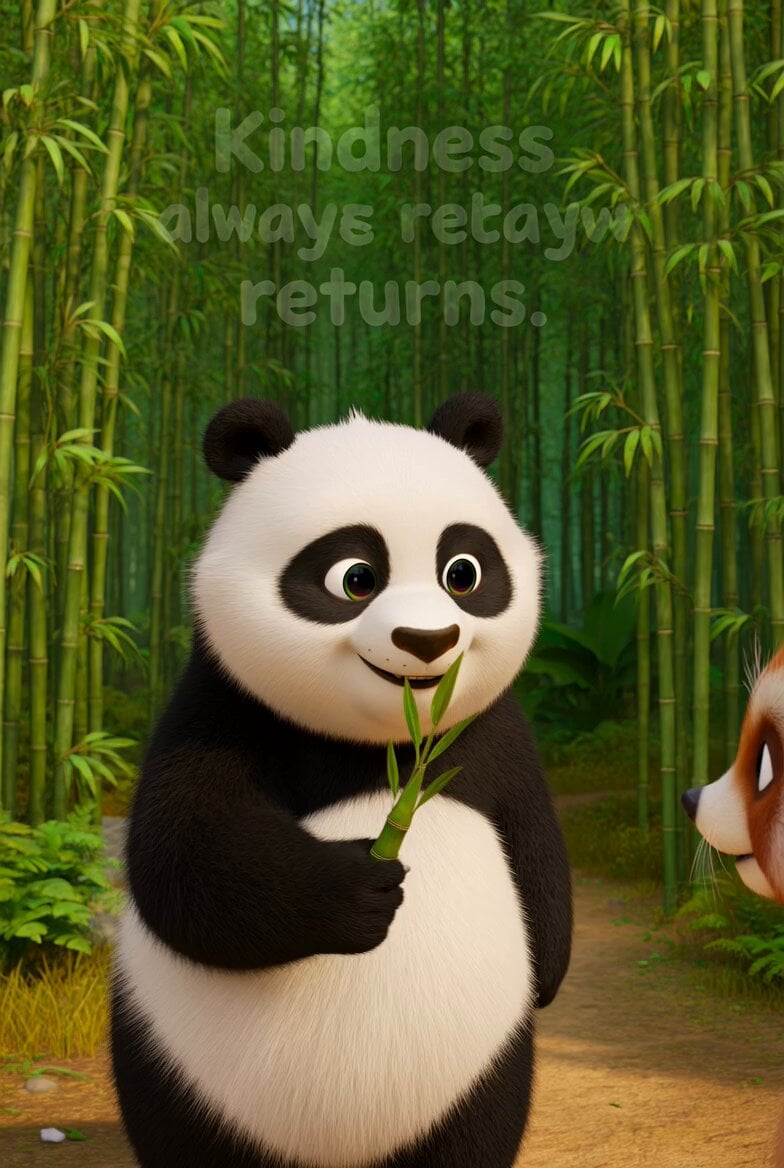
Panda Kindness Story Lesson

Stone to gold pattern transition

Traditional Indonesian Cooking Animation
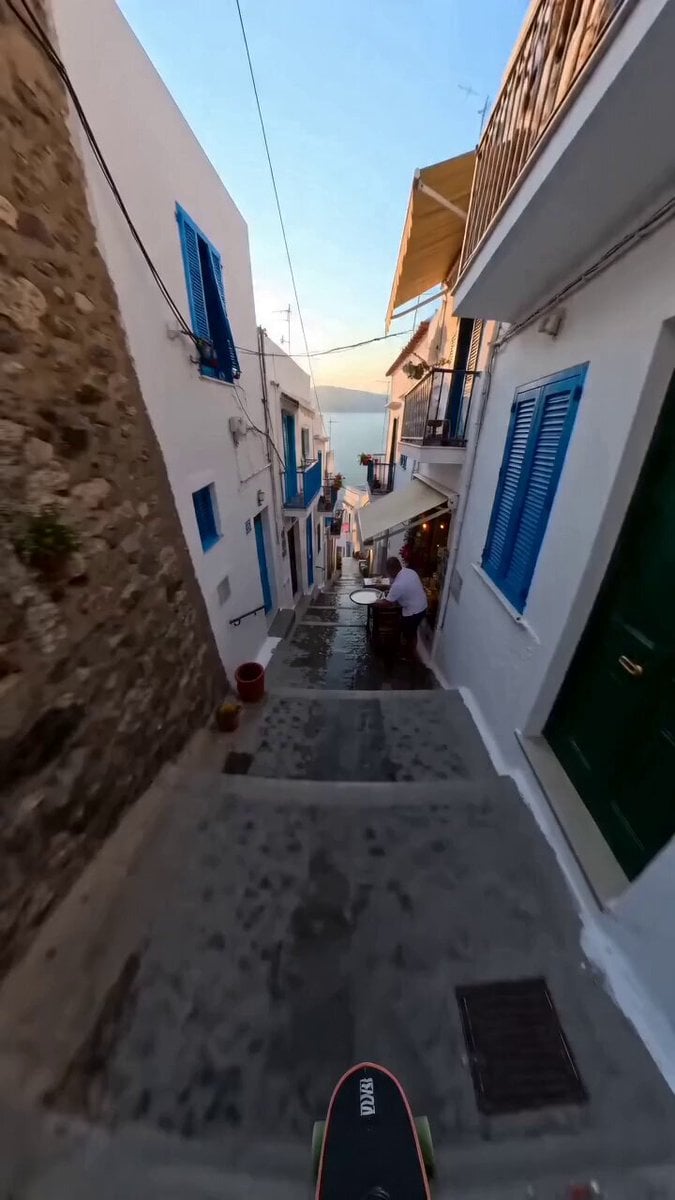
Continuous Shot Downhill Longboard Run
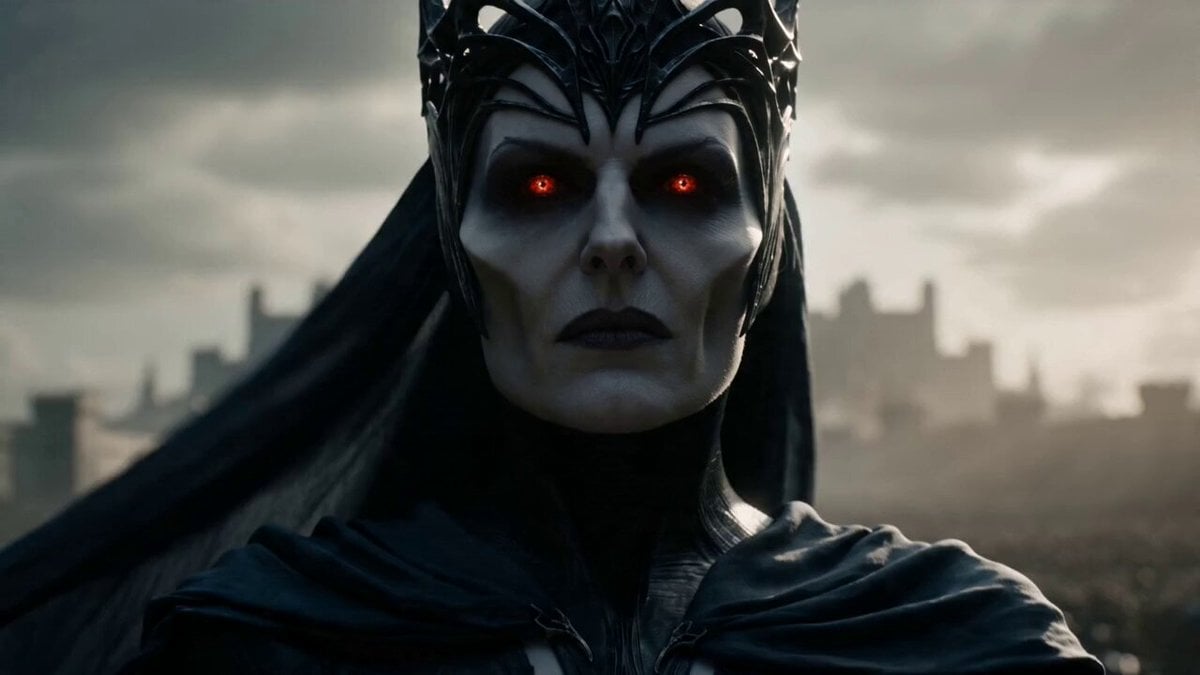
Necromancer Queen Siege Warfare
Alien UFO Comedy Scene
Browse template categories
Anime Town Street Navigation questions
How do I use the Anime Town Street Navigation template?
Add your photo if the template asks for one, edit the prompt if you like — the template's model and format are already selected — and press Generate. Your version opens in PicX Studio.
Can I customize the Anime Town Street Navigation template?
Yes. You can change the subject, setting, lighting, mood, format, and available model controls before creating your video.
Is the Anime Town Street Navigation template free?
Opening and editing this template is free. Generating uses credits, shown on the Generate button when you are signed in.
Which AI model should I use?
Start with Seedance 2.0, which is the model associated with this template. You can compare another compatible model for a different finish.
Looking for something else? Browse all templates.

Your photo, any look
Thousands of ready templates for every top image and video model, from one credit balance.