
Artist Studio Cinematic Video Prompt for Seedance 2.0
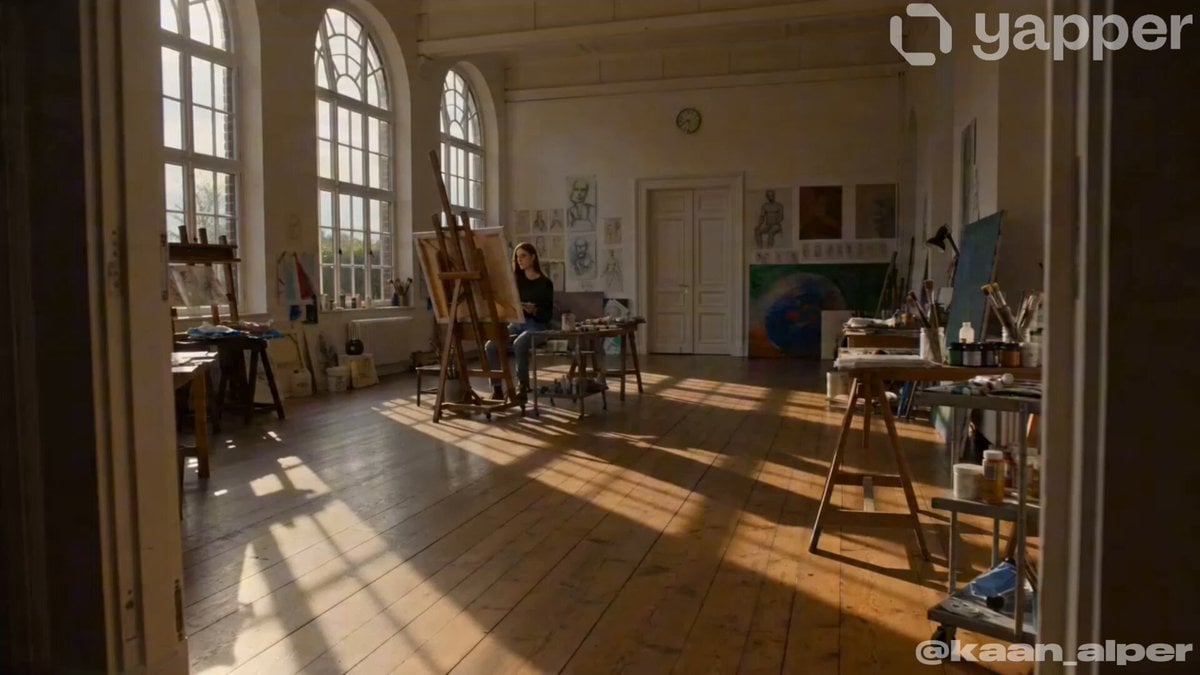
A prompt designed to generate a cinematic video showcasing an artist deeply immersed in their work within a spacious, sunlit studio, focusing on warm natural light, soft shadows, and the intimate atmosphere of creation.
- Prompt included
- Model and format preset
- Free template
The prompt behind this video
Copy the exact prompt behind Artist Studio Cinematic Video Prompt for Seedance 2.0, or open it in the studio and make it yours.
In a spacious sunlit studio, an artist stands before a large canvas, brush in hand, deeply immersed in their work. Warm, cinematic natural light pours through tall windows, casting soft shadows that dance across the textured walls and wooden floor. The atmosphere hums with creativity, filled with scattered paint tubes, brushes, and sketches hinting at inspiration. Every stroke of the brush brings the canvas to life, capturing the passion and focus of the moment. The scene feels alive, intimate, and charged with artistic energy, inviting viewers to witness the birth of imagination in motion.
How to use Artist Studio Cinematic Video Prompt for Seedance 2.0 in 3 steps
- 1
Open
The prompt is already in the box next to the preview, with the template's model and format selected.
- 2…a portrait of your subject in softgolden-hour light, 85mm…
Personalize
Edit the subject and creative details for your destination.
- 3
 Generate
Press Generate — your video is created in PicX Studio, so you can compare it with the original and refine one variable at a time.
More like this
Templates with the same subject, style or setup. Open one to see its prompt.
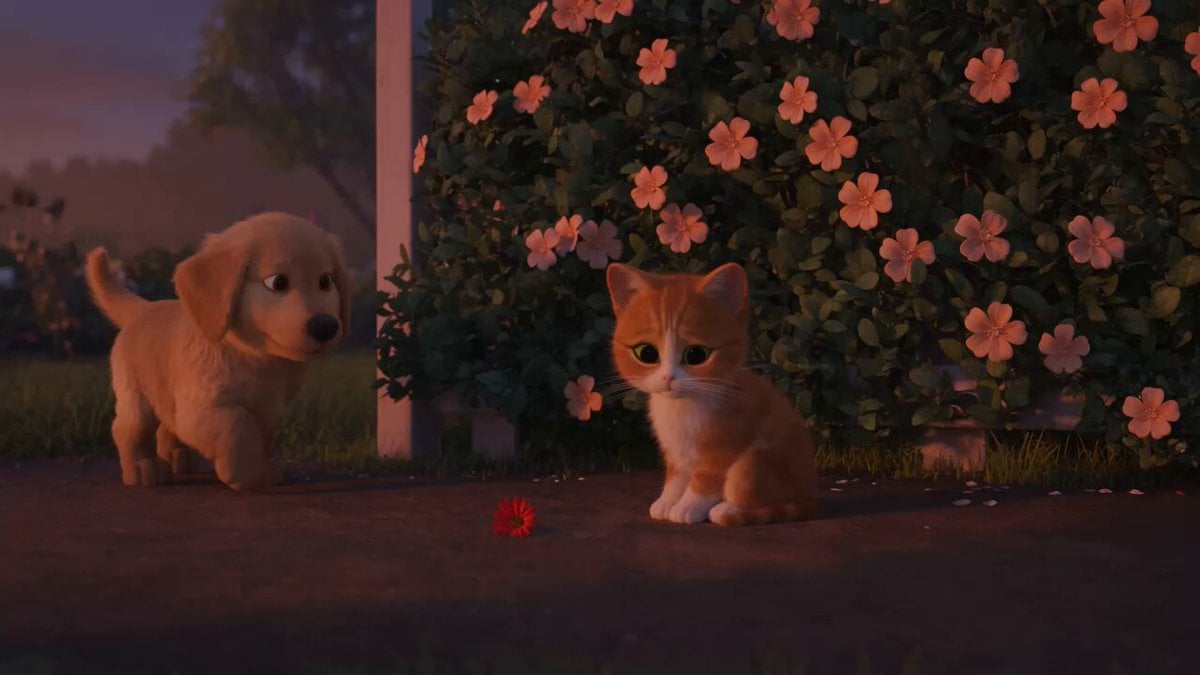
Wholesome Puppy and Kitten Story - Seedance 2.5

Mysterious Home Exploration Vlog - Seedance 2.5
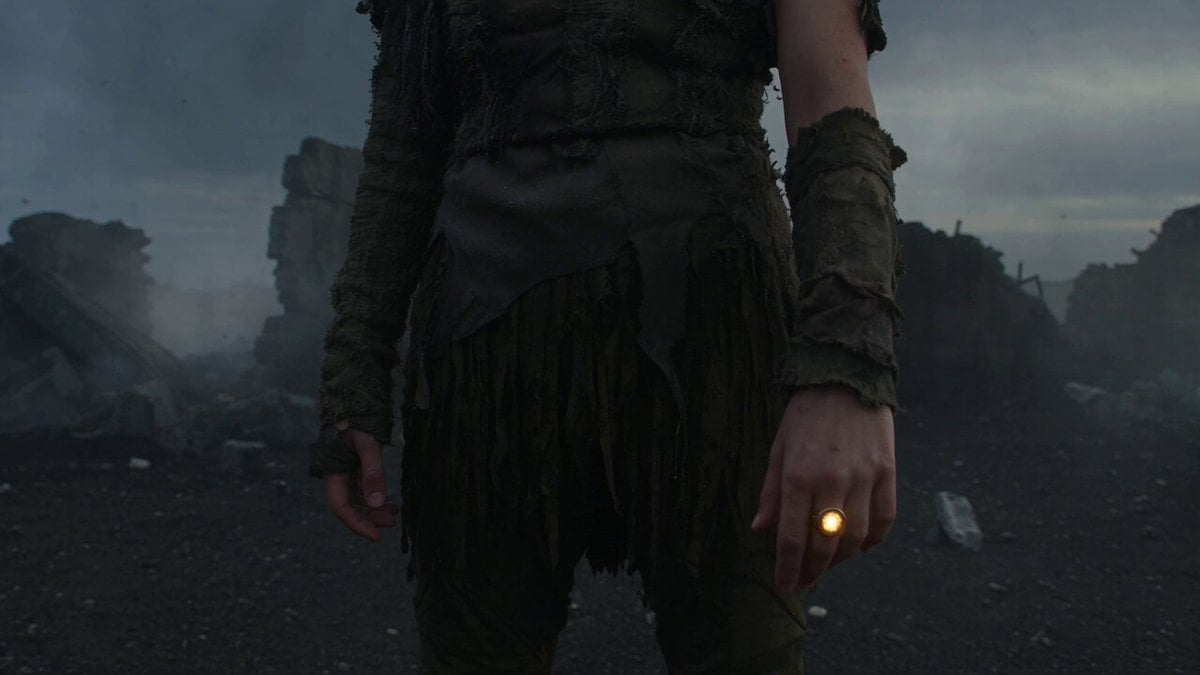
Dark Tokusatsu Transformation - Seedance 2.5
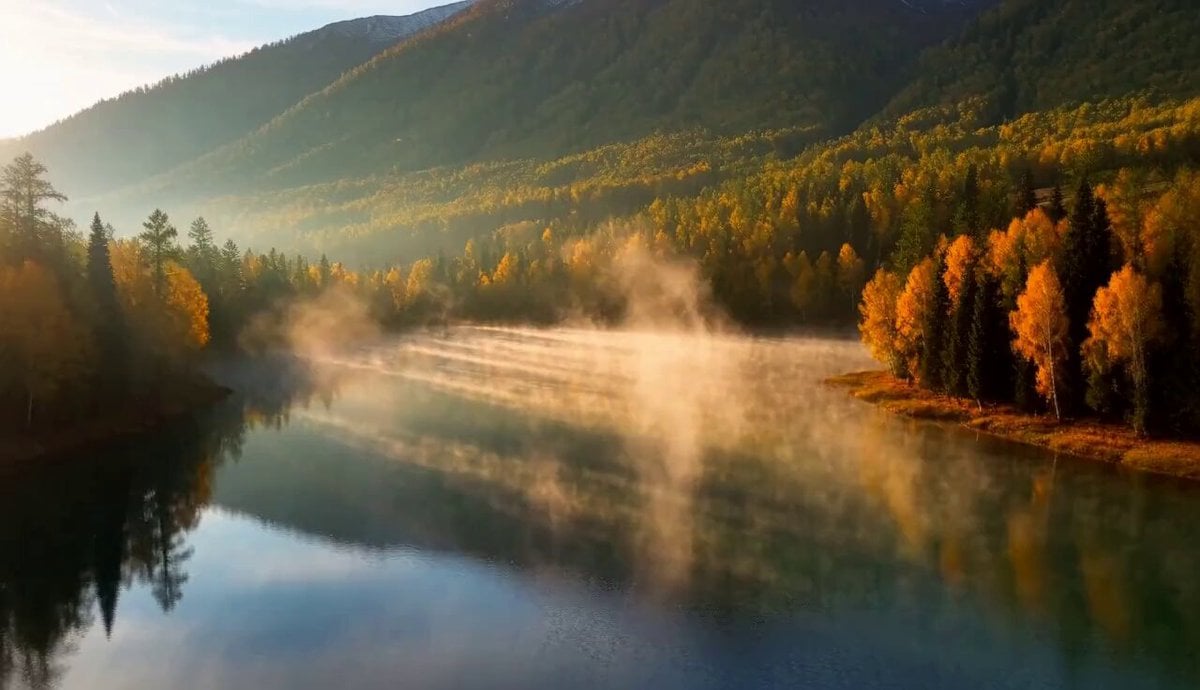
Cinematic Xinjiang Drone Landscapes - Seedance 2.5
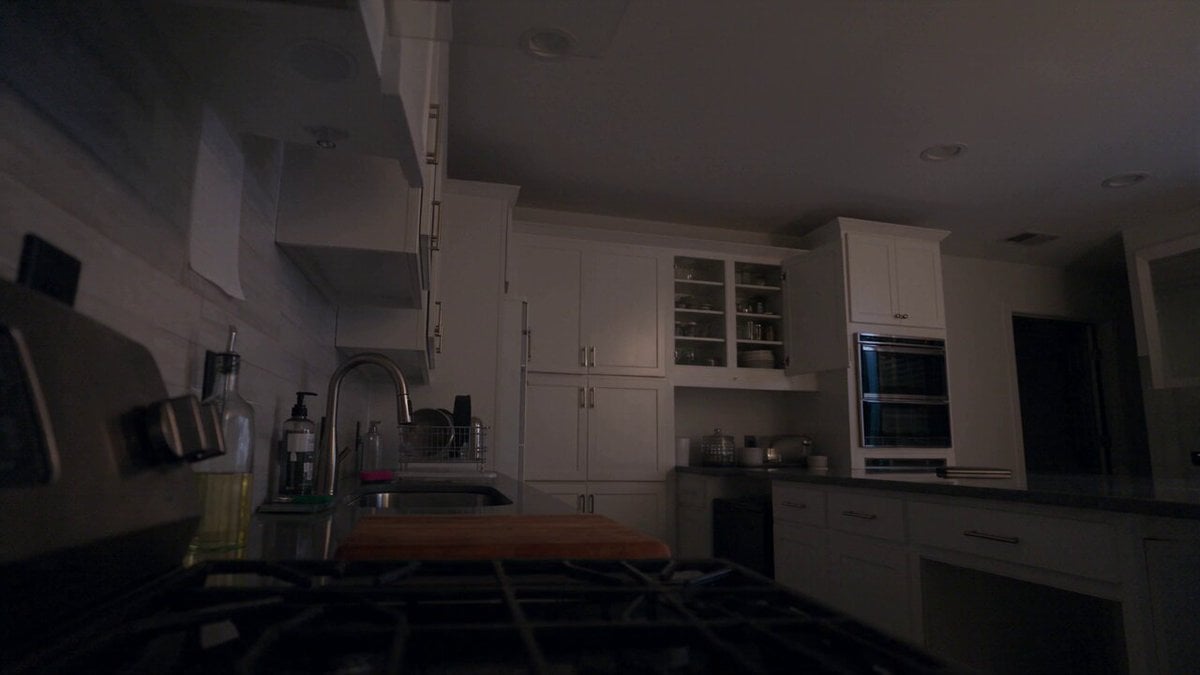
Late Night Kitchen Phone Recording - Seedance 2.5
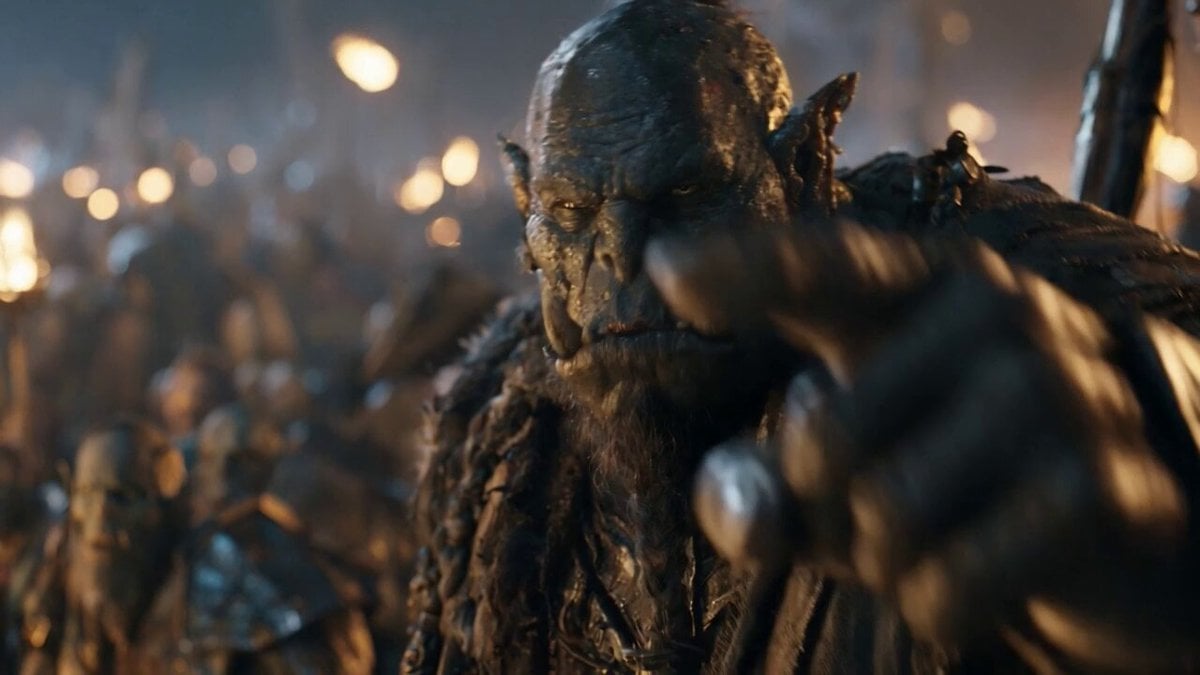
3D Animated Cat and Old Man - Seedance
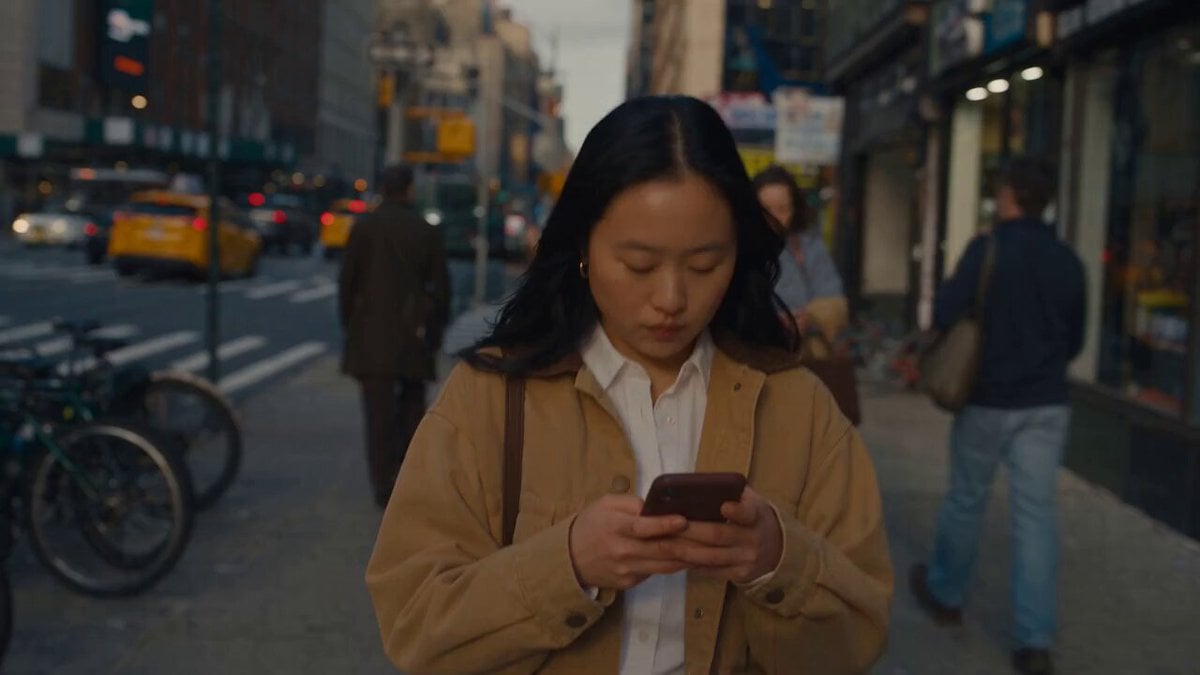
Realistic City Street Story Cinematic Video - Seedance
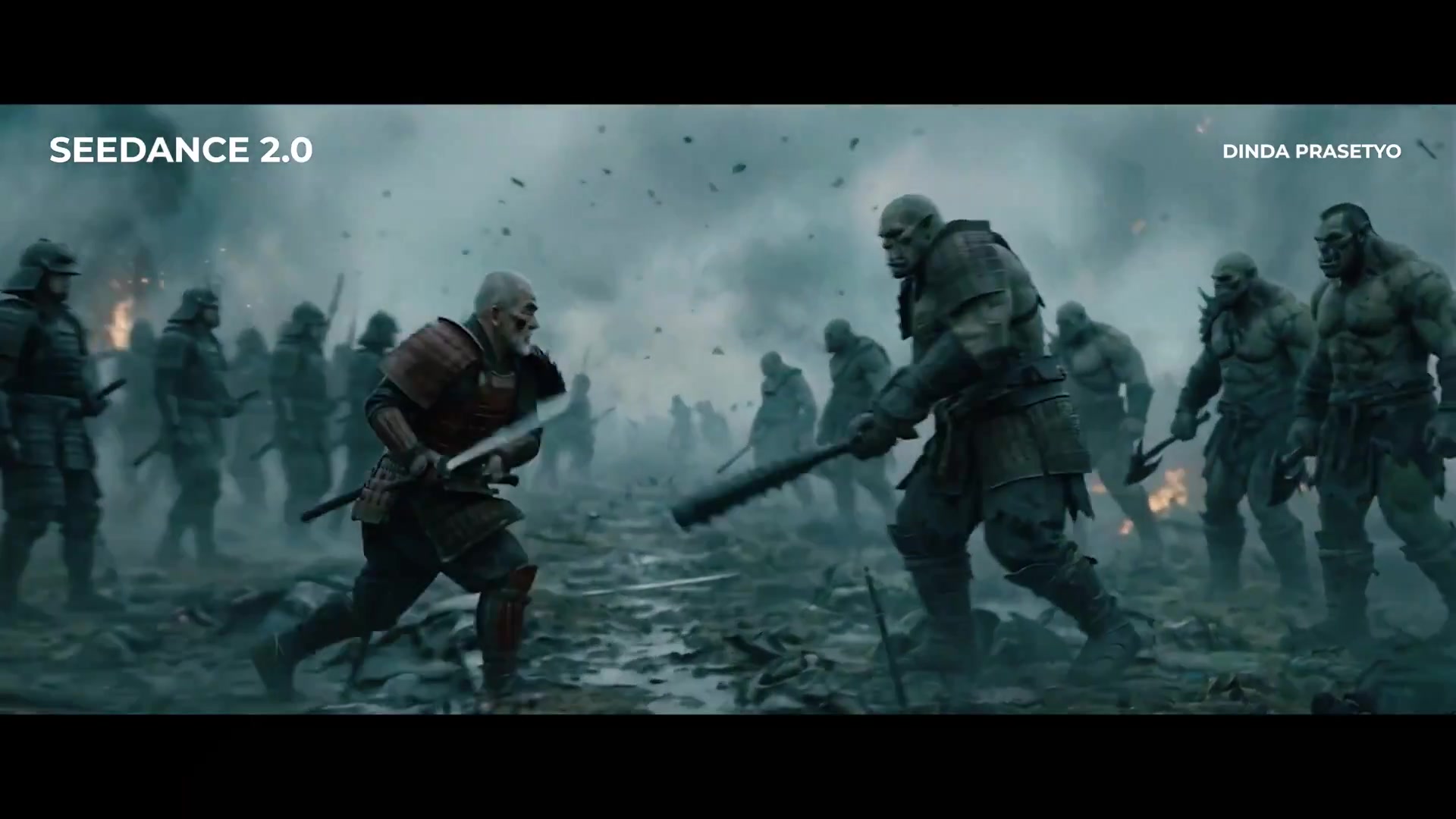
Seedance 2.0 First Test — Dynamic Motion Showcase
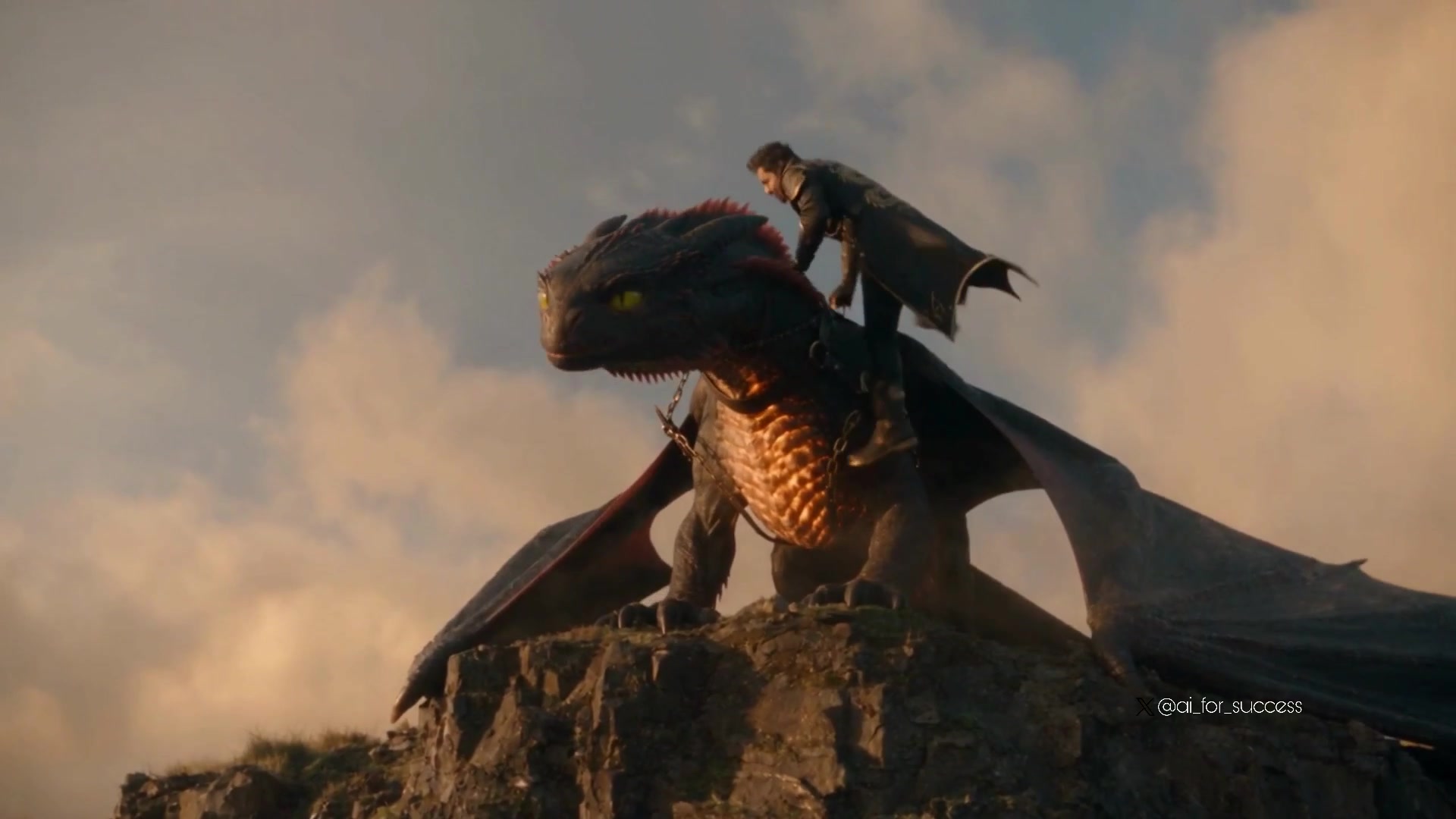
Dragon Rider Cinematic Flight — Seedance 2.5
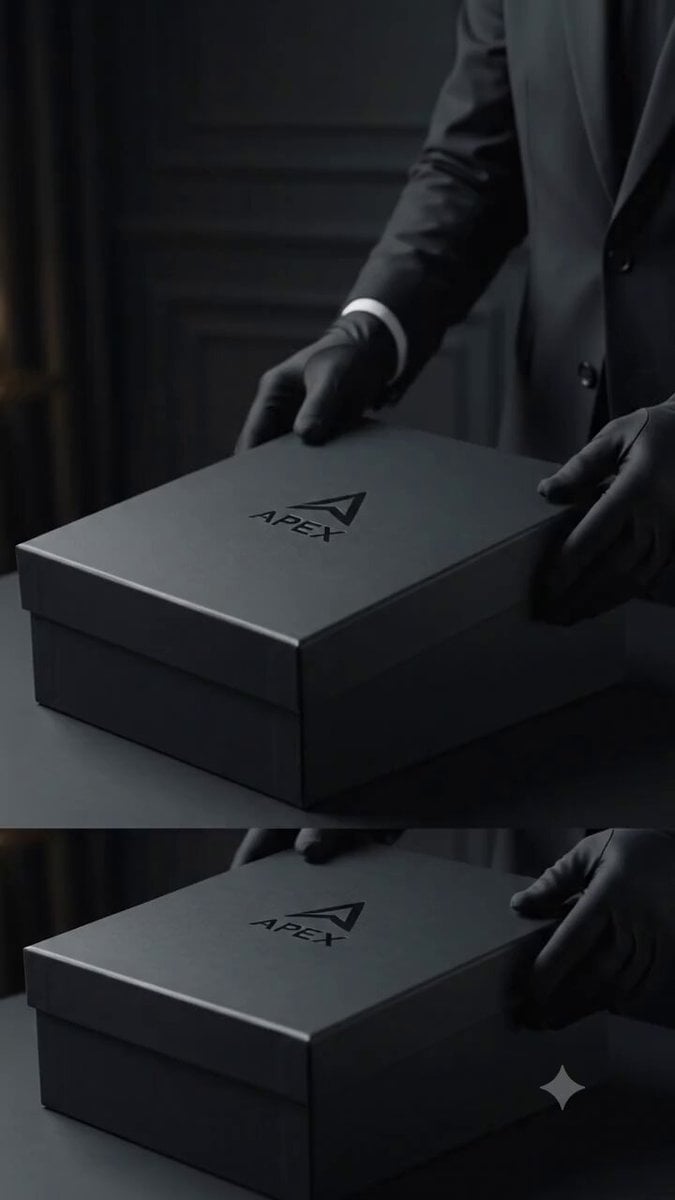
Sneaker Product Commercial
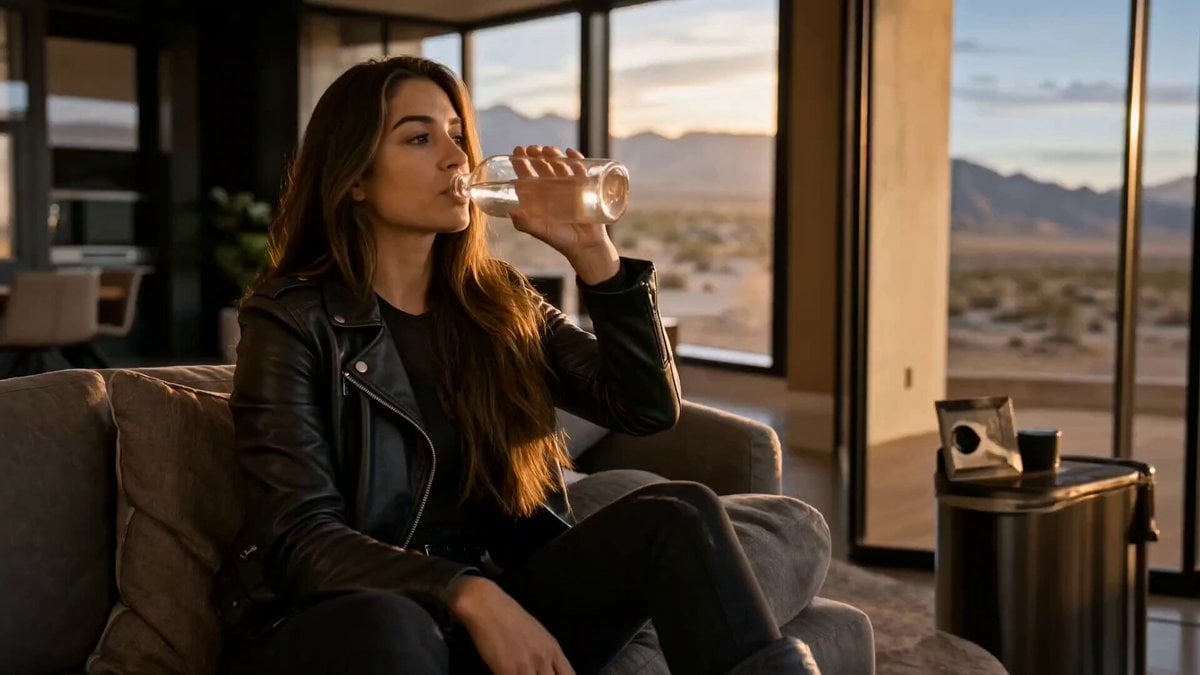
Cinematic Short Film Scene 2
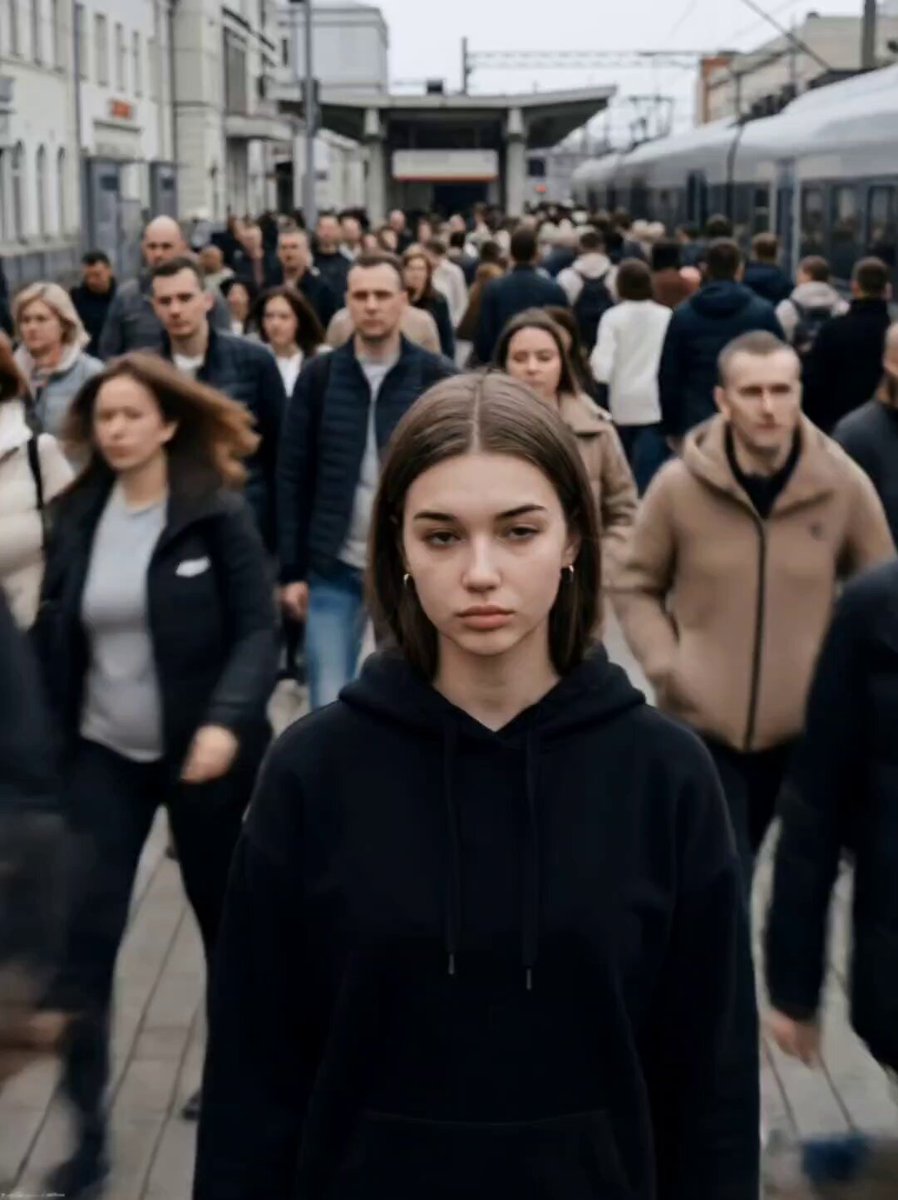
Cinematic Short Film Scene
Make it yours
Artist Studio Cinematic Video Prompt for Seedance 2.0 works as-is. These are the safest ways to change it without losing the look.
Change one field
Copy a single group, rewrite it, and generate again so you can see what that field is doing.
Keep the frame, change the subject
Hold the composition and light of Artist Studio Cinematic Video Prompt for Seedance 2.0, then swap wardrobe, props or the person for a new take.
| If the result… | Why | Fix |
|---|---|---|
| The result drifts from the preview | Too many fields changed at once. | Reuse Artist Studio Cinematic Video Prompt for Seedance 2.0 as-is first, then change one group — subject, light, or setting. |
| The model over-stylizes the scene | The prose prompt leaves finish and camera underspecified. | Add one camera or lighting sentence and stay on Seedance 2.0. |
More Seedance 2.0 templates
Other prompts made for Seedance 2.0.

Comical Martial Arts Punch Scene

Maglev Train Action Sequence

Martial Arts Fight Sequence

Wuxia Protection and Trust Script

Vintage Korean Arcade MiniDV Vlog

Mercedes 190 SL Luxury Ad

Rainy Night Supernatural Reverse Comedy Video Script

Amazon Civilization Discovery

Futuristic South Asian City Transformation

Cozy Luxury Cafe Commercial
More video prompts
Fresh picks from across the catalog.
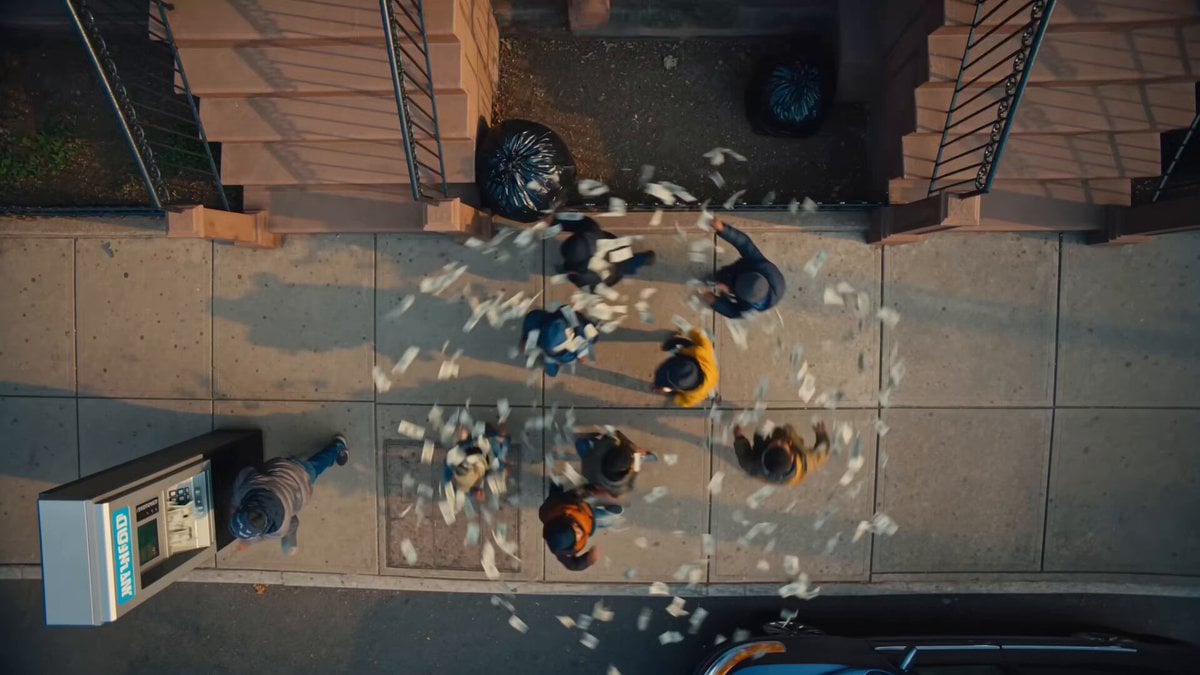
Brooklyn Money Rain Video
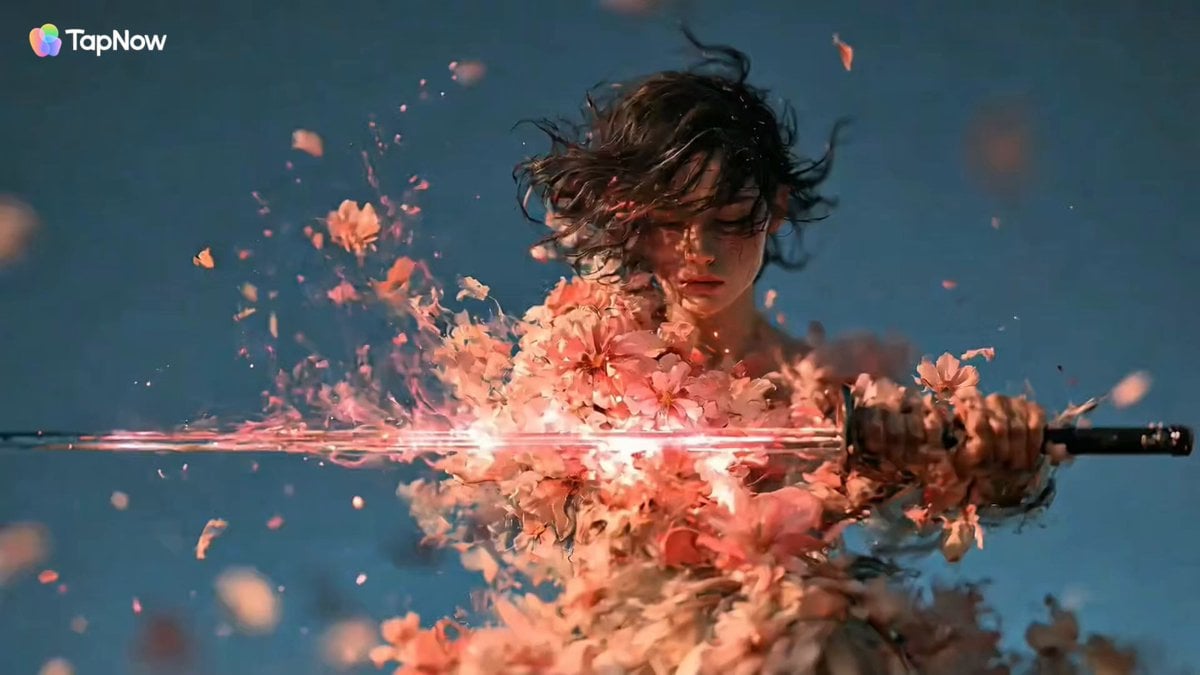
Swordswoman Cherry Blossom Strike
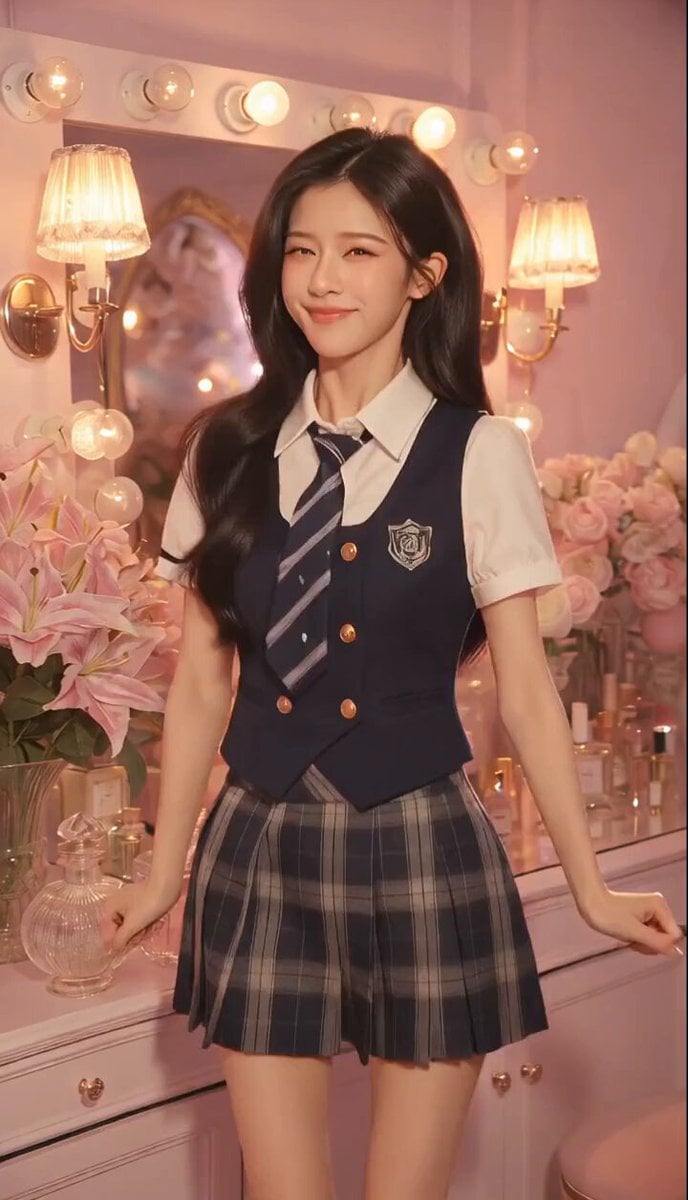
Sweet and Cool Rapid Outfit Change
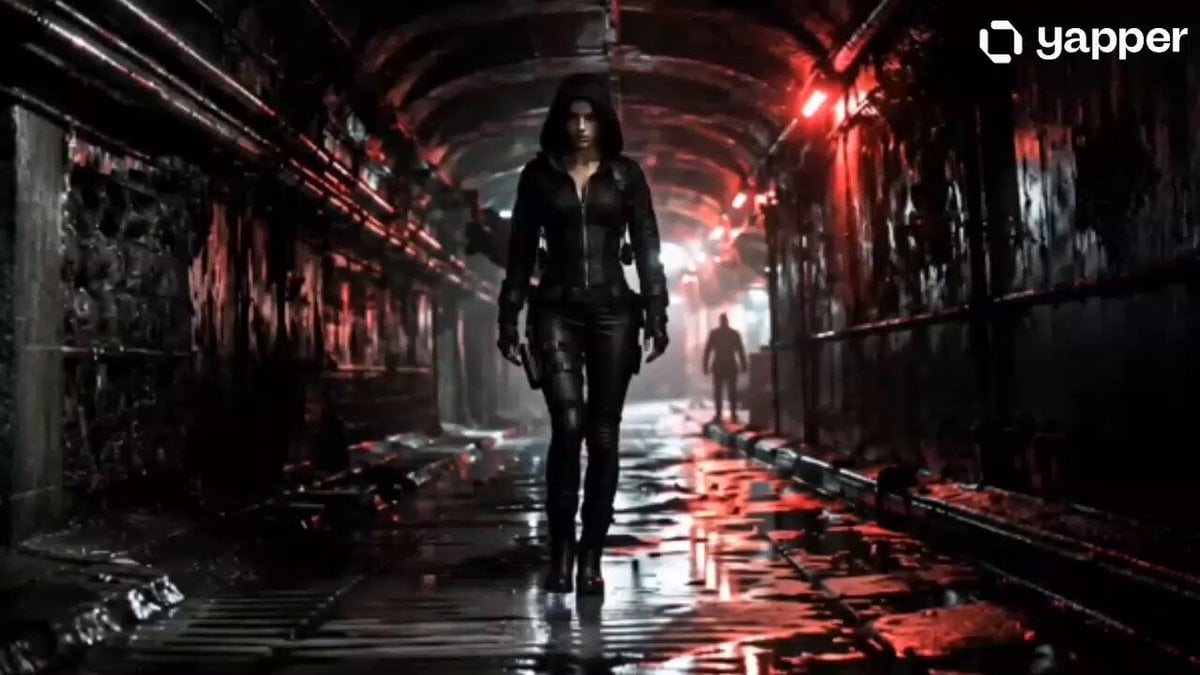
Female Assassin Underground Thriller
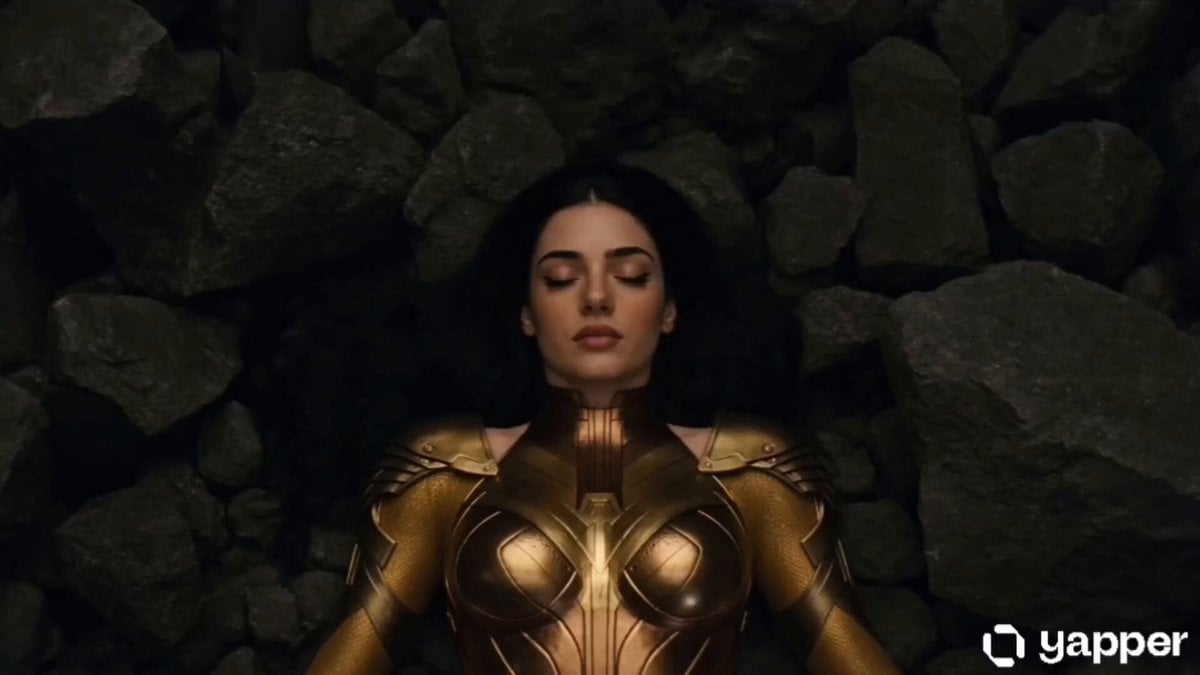
Golden Armor Goddess Ascent
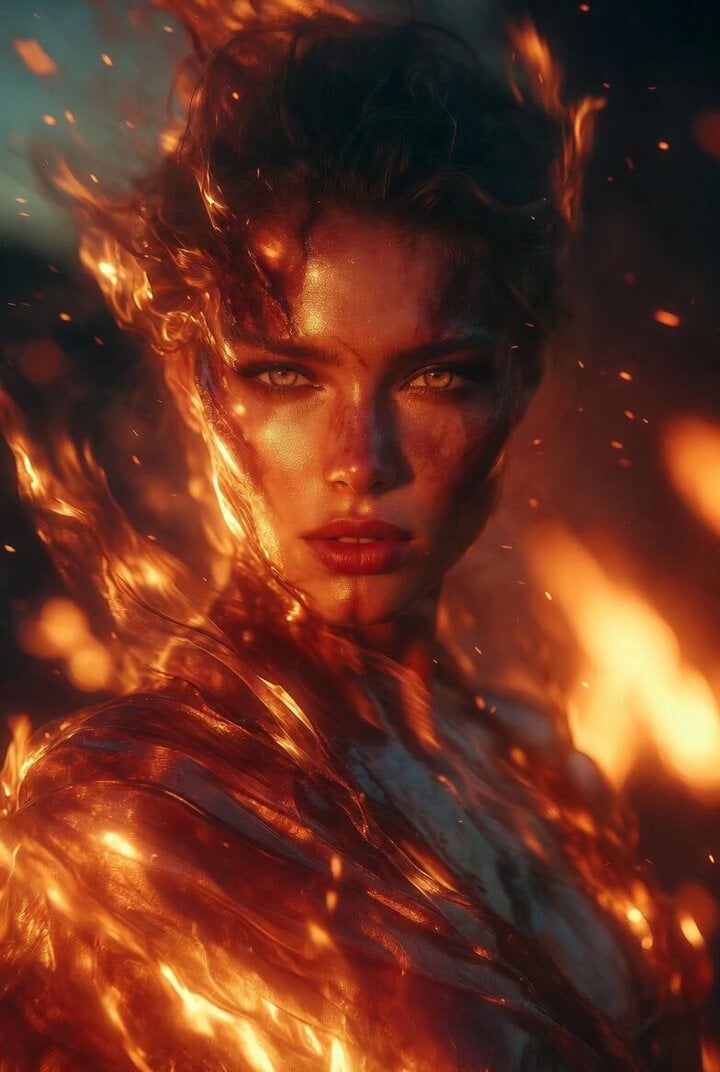
Ultra Sharp Portrait of a Flame Queen
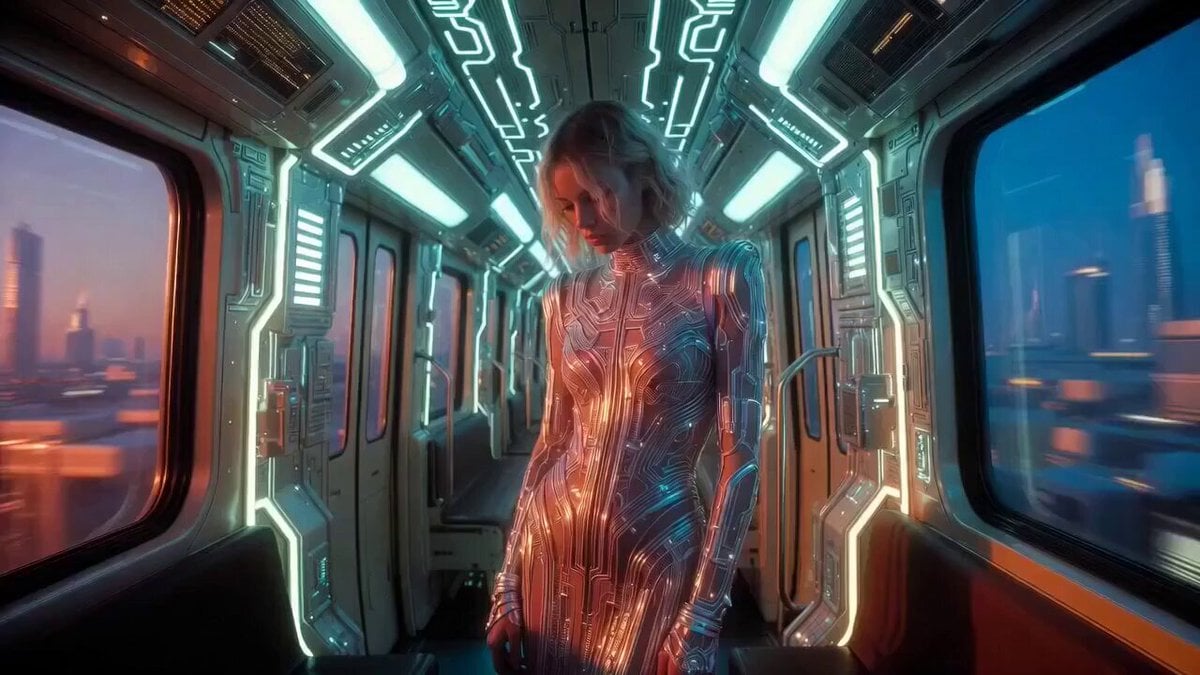
Cybernetic Model in a Train
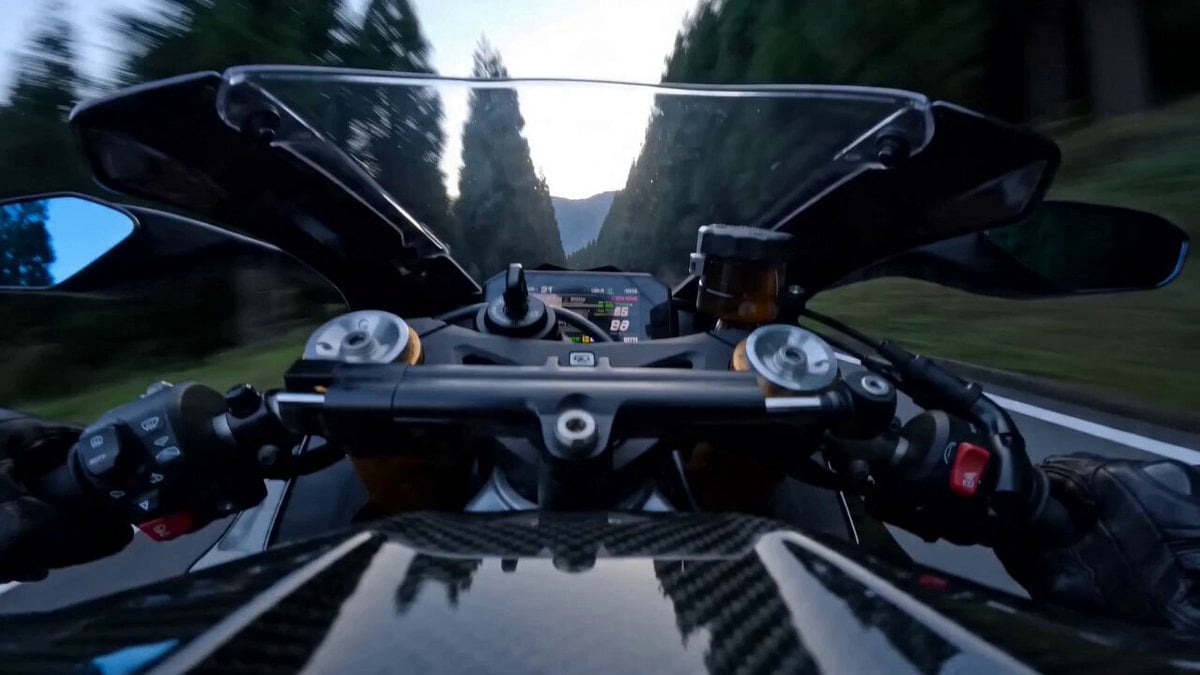
Superbike Touge Run Prompt for Seedance 2.0
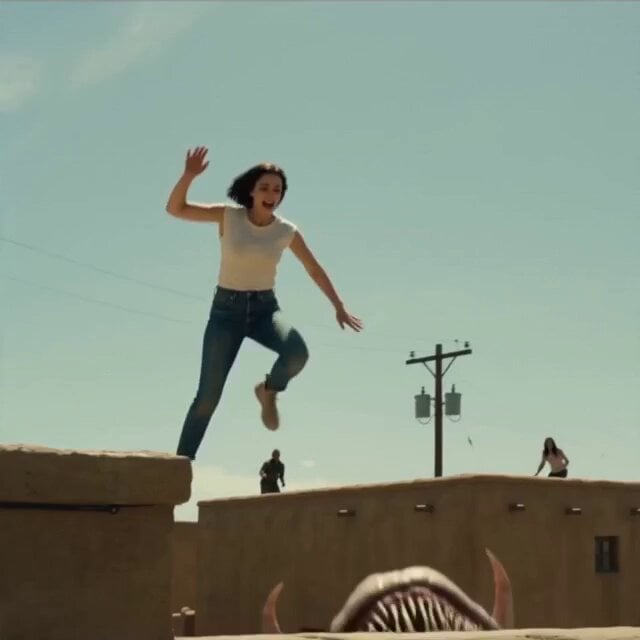
Rooftop Survival Zone Cinematic Video
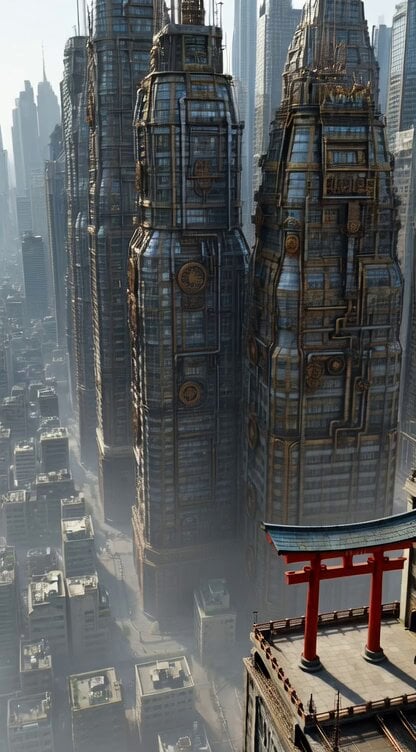
Steampunk Future City with Floating Buildings and a Small Torii Gate
Browse template categories
Artist Studio Cinematic Video Prompt for Seedance 2.0 questions
How do I use the Artist Studio Cinematic Video Prompt for Seedance 2.0 template?
Add your photo if the template asks for one, edit the prompt if you like — the template's model and format are already selected — and press Generate. Your version opens in PicX Studio.
Can I customize the Artist Studio Cinematic Video Prompt for Seedance 2.0 template?
Yes. You can change the subject, setting, lighting, mood, format, and available model controls before creating your video.
Is the Artist Studio Cinematic Video Prompt for Seedance 2.0 template free?
Opening and editing this template is free. Generating uses credits, shown on the Generate button when you are signed in.
Which AI model should I use?
Start with Seedance 2.0, which is the model associated with this template. You can compare another compatible model for a different finish.
Looking for something else? Browse all templates.

Your photo, any look
Thousands of ready templates for every top image and video model, from one credit balance.