
Brooklyn Money Rain Video
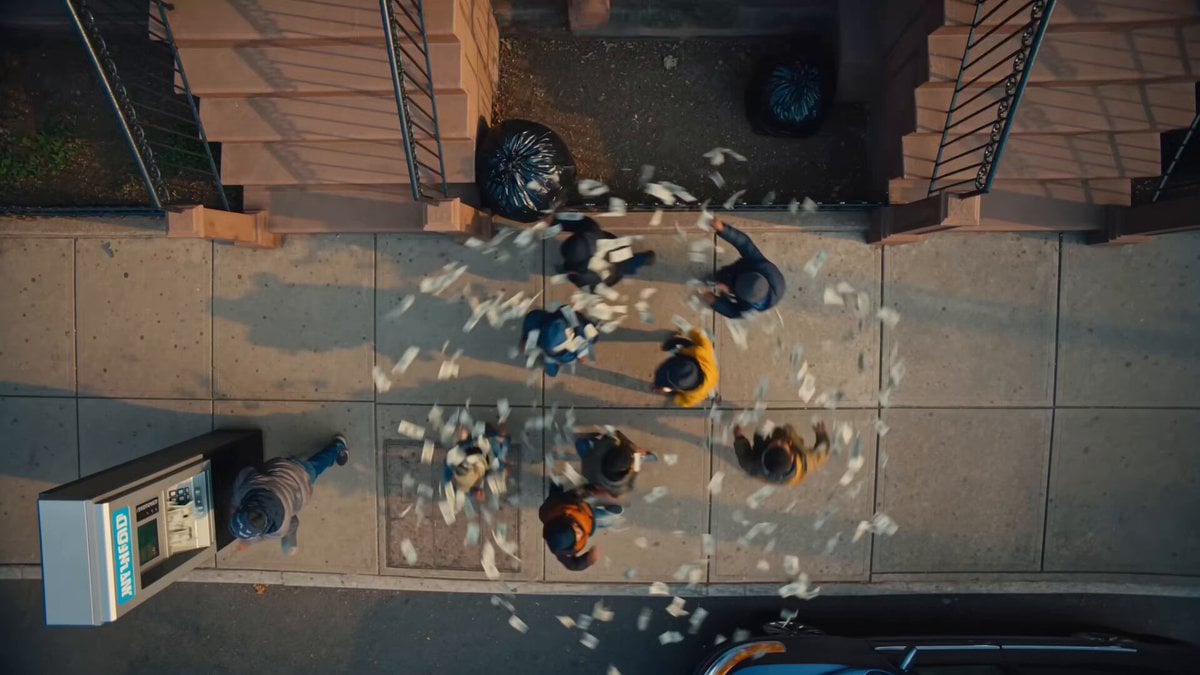
A cinematic music video prompt for Seedance 2.0 set in NYC, featuring a storm of money with custom logo branding and specific poetic scene transitions.
- Prompt included
- Model and format preset
- Premium template
The prompt behind this video
Copy the exact prompt behind Brooklyn Money Rain Video, or open it in the studio and make it yours.
@Image1 is the LOGO REFERENCE — neon lime-green rounded square with a black flowing squiggle ribbon mark. It replaces Benjamin Franklin's portrait on every dollar bill: engraving-style hundreds, squiggle in the portrait oval, lime-green tinted accents. @Image2 is the LOCATION REFERENCE — this exact NYC brownstone street at golden hour; match palette, light and lens texture precisely. Scene: insert scene of one continuous music video, no lipsync, no dialogue. VARIANT E — AFTERMATH POETRY: the jackpot already happened — we open mid-storm at its PEAK and ride it down to a beautiful quiet ending. Neighborhood kids (Black and brown, 8-14, puffers, hoodies, durags, one with a skateboard) everywhere. COMPOSITION — CRAZY ANGLES, NOTHING CENTERED: 0–2s COLD OPEN at maximum chaos: extreme HIGH ANGLE from rooftop height straight down — the sidewalk is a snow-globe of spinning bills, kids swirling in van-Gogh spirals below, the ATM still coughing bursts in the lower-left corner. 2–4.5s inverted low-angle looking straight UP from the pavement: bills silhouetted against the golden sky between cornices like a flock of birds, kids' jumping bodies eclipsing the sun flare, dutch rotation slowly twisting the horizon. 4.5–8s ULTRA SLOW MOTION: the film's signature bill drifts past the camera at eyeball distance, rotating end-over-end — squiggle logo crisp in the portrait oval, lime tint glowing, engraving lines shimmering; behind it the chaos softens into golden bokeh; a small hand reaches into frame and JUST misses it — SNAP back to speed. 8–11s the storm thins: gliding steadicam at knee height through settling paper, kids kneeling to sweep bills into caps and hoods, one kid lying flat on his back on the sidewalk making a 'snow angel' in the drift of bills, laughing at the sky. 11–15s the quiet button: slow push-in at pavement level — the skateboard rolls through frame right-to-left with three bills stacked on its deck like cargo; behind it in soft focus the last kids drift home down the street's diagonal; a final bill flips once in the breeze and settles face-up on the lower-right third, squiggle logo up, long shadows stretching, flare dying in the upper-left.
How to use Brooklyn Money Rain Video in 3 steps
- 1
Open
The prompt is already in the box next to the preview, with the template's model and format selected.
- 2…a portrait of your subject in softgolden-hour light, 85mm…
Personalize
Edit the subject and creative details for your destination.
- 3Generate
Generate
Press Generate — your video is created in PicX Studio, so you can compare it with the original and refine one variable at a time.
More like this
Templates with the same subject, style or setup. Open one to see its prompt.
Early-2000s Trainee Flashback Film
Forest Fantasy Girl Short Film
Luxury Lifestyle Day Vlog
Japanese Pure Love Short Film

Iced Coffee Dog Good-News Montage
Italian Old-Town Time-Freeze Walk
Johnnywang Tokyo Time Freeze
Rainforest Thriller — Searching the Unseen
Tiger vs Gorilla — Jungle Canyon Clash
Viral Creator Raining Money Vlog

Cats on Money Stacks

Catholic Mouse Priest in Brooklyn
Make it yours
Brooklyn Money Rain Video works as-is. These are the safest ways to change it without losing the look.
Change one field
Copy a single group, rewrite it, and generate again so you can see what that field is doing.
Keep the frame, change the subject
Hold the composition and light of Brooklyn Money Rain Video, then swap wardrobe, props or the person for a new take.
| If the result… | Why | Fix |
|---|---|---|
| The result drifts from the preview | Too many fields changed at once. | Reuse Brooklyn Money Rain Video as-is first, then change one group — subject, light, or setting. |
| The model over-stylizes the scene | The prose prompt leaves finish and camera underspecified. | Add one camera or lighting sentence and stay on Seedance 2.0. |
More Seedance 2.0 templates
Other prompts made for Seedance 2.0.

Comical Martial Arts Punch Scene

Maglev Train Action Sequence

Martial Arts Fight Sequence

Wuxia Protection and Trust Script

Vintage Korean Arcade MiniDV Vlog

Mercedes 190 SL Luxury Ad

Rainy Night Supernatural Reverse Comedy Video Script

Amazon Civilization Discovery

Futuristic South Asian City Transformation

Cozy Luxury Cafe Commercial
More video prompts
Fresh picks from across the catalog.

Romantic Dance in a Celestial Setting
Ethereal Lunar Moth Transformation
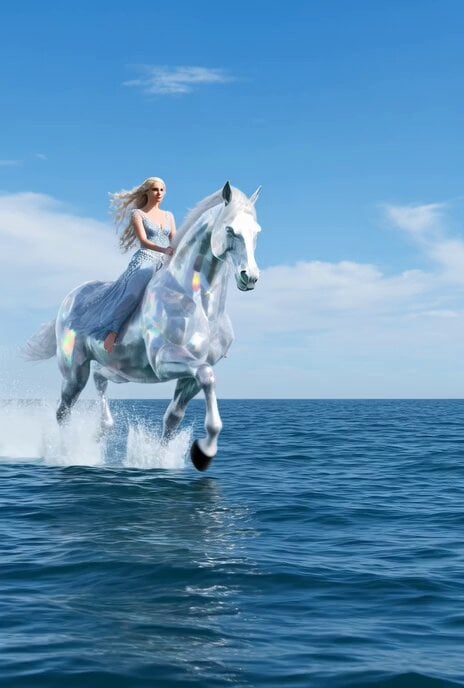
Shiny crystal horse with an elegant woman crossing the sea

Floating rock spire landscape
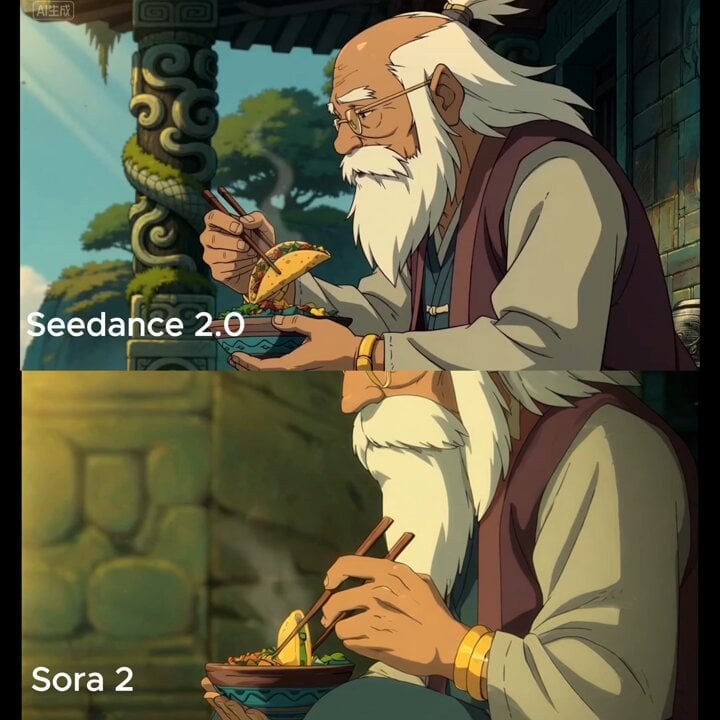
Medium shot of man lifting taco with chopsticks
Image-to-Video Dance Motion Transfer
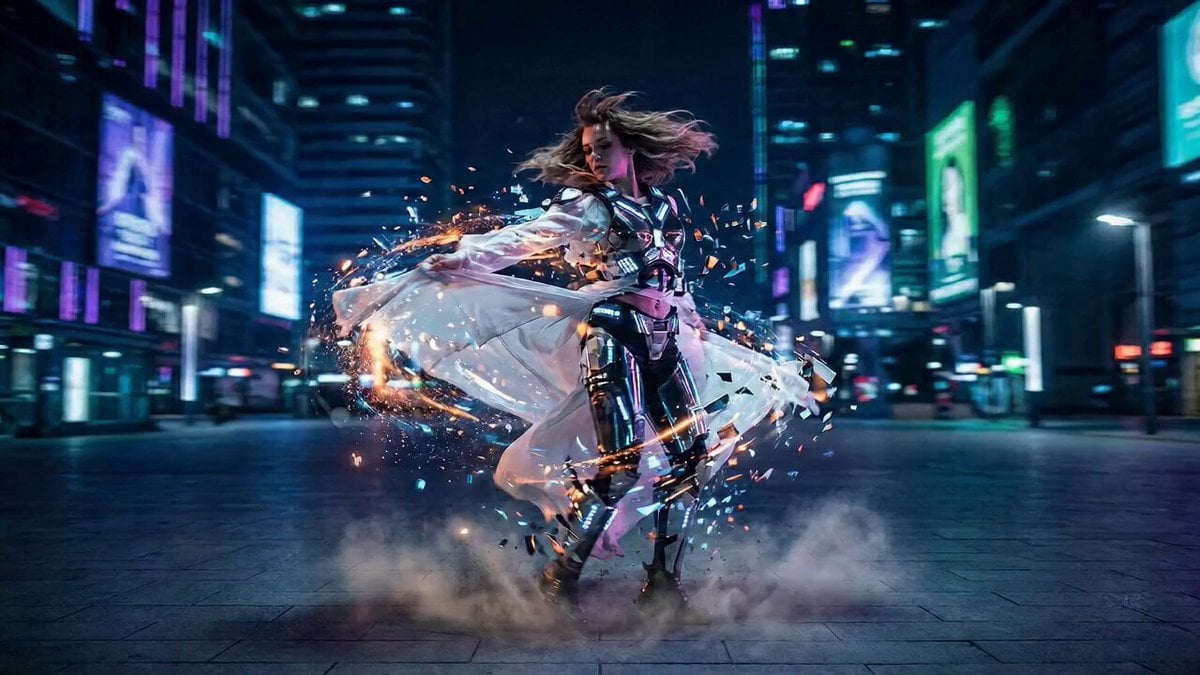
High-Energy Cinematic Transformation
Lavender Bliss Cosmetics Commercial
Train Station Lifestyle Vlog
Bullet Time 360 Orbit Prompt
Browse template categories
Brooklyn Money Rain Video questions
How do I use the Brooklyn Money Rain Video template?
Add your photo if the template asks for one, edit the prompt if you like — the template's model and format are already selected — and press Generate. Your version opens in PicX Studio.
Can I customize the Brooklyn Money Rain Video template?
Yes. You can change the subject, setting, lighting, mood, format, and available model controls before creating your video.
Is the Brooklyn Money Rain Video template free?
Opening and editing this template is free. Generating uses credits, shown on the Generate button when you are signed in.
Which AI model should I use?
Start with Seedance 2.0, which is the model associated with this template. You can compare another compatible model for a different finish.
Looking for something else? Browse all templates.

Your photo, any look
Thousands of ready templates for every top image and video model, from one credit balance.