
Rooftop Survival Zone Cinematic Video
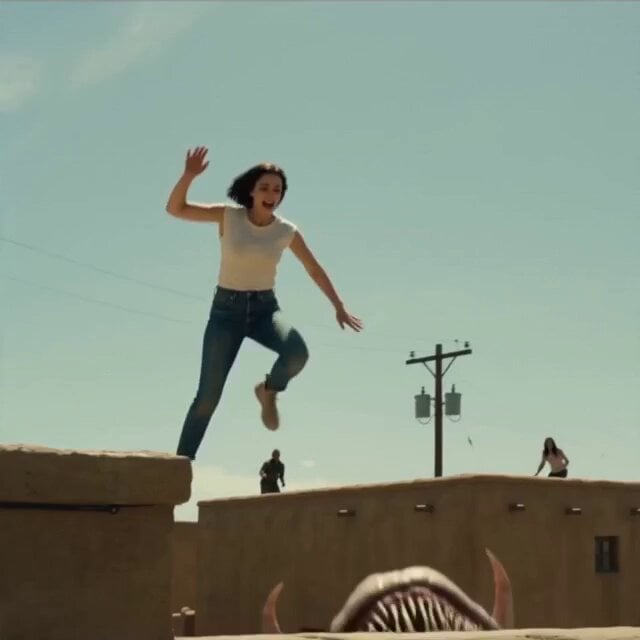
A tense, 1980s-style cinematic prompt featuring survivors trapped on rooftops in a desert town escaping underground predators.
- Prompt included
- Model and format preset
- Premium template
The prompt behind this video
Copy the exact prompt behind Rooftop Survival Zone Cinematic Video, or open it in the studio and make it yours.
Classic siege energy. Survivors trapped on rooftops in a small desert town while underground predators circle below. 1980s tension, wide shots, dusty lighting, and grounded practical danger. Shot 1 (0s–2s) — THE HOOK A creature BURSTS out of the ground and SNAPS at a woman mid-jump as she barely makes it onto a rooftop. Full jaws. Full creature. Inches away. Shot 2 (2s–5s) Wide town shot. Multiple rooftops occupied by survivors. Between buildings: ground bulges rapidly, tracking movement. ⸻ Shot 3 (5s–8s) A man throws a rock far away. Everyone watches. The ground suddenly changes direction and chases the rock instead. ⸻ Shot 4 (8s–11s) Another survivor slips and falls off the roof edge. The ground instantly reacts beneath him. ⸻ Shot 5 (11s–15s) — PAYOFF Before the creature can strike, someone yanks him back up. The creature bursts out and misses, crashing into a wall and retreating underground. ⸻ Key Visual Hook A rooftop jump escape as the ground explodes behind the character. ⸻ Why It Will Go Viral Clear rules (don’t touch ground) + visible threat movement = high engagement.
How to use Rooftop Survival Zone Cinematic Video in 3 steps
- 1
Open
The prompt is already in the box next to the preview, with the template's model and format selected.
- 2…a portrait of your subject in softgolden-hour light, 85mm…
Personalize
Edit the subject and creative details for your destination.
- 3Generate
Generate
Press Generate — your video is created in PicX Studio, so you can compare it with the original and refine one variable at a time.
More like this
Templates with the same subject, style or setup. Open one to see its prompt.

Rooftop Parkour Motion Control

Luxury Lifestyle Day Vlog
Vertical City — São Paulo Parkour at Sunset
Desert Survival Alien Encounter

Asha and Arjun Bridge Survival
K2 Mountaineering Survival Drama
Urban Survival Street Chase Short
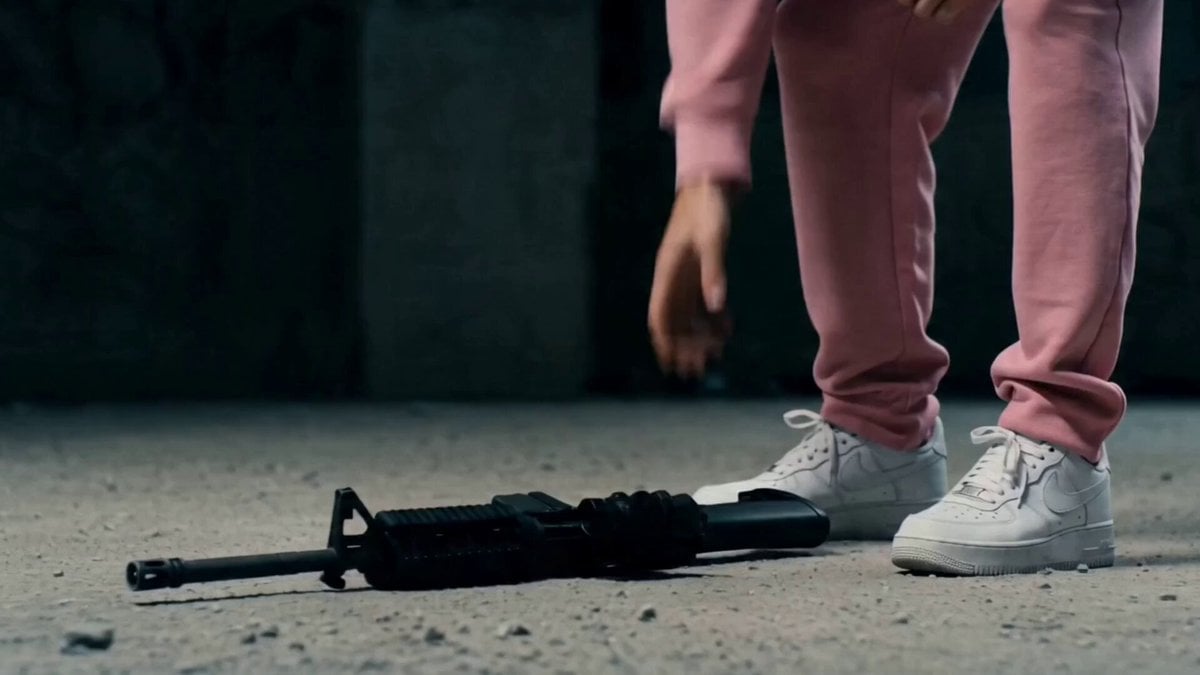
Post-Apocalyptic Survival Thriller Prompt

Desert War Zone Action Sequence

Cinematic Wolf Guardian Survival Trailer
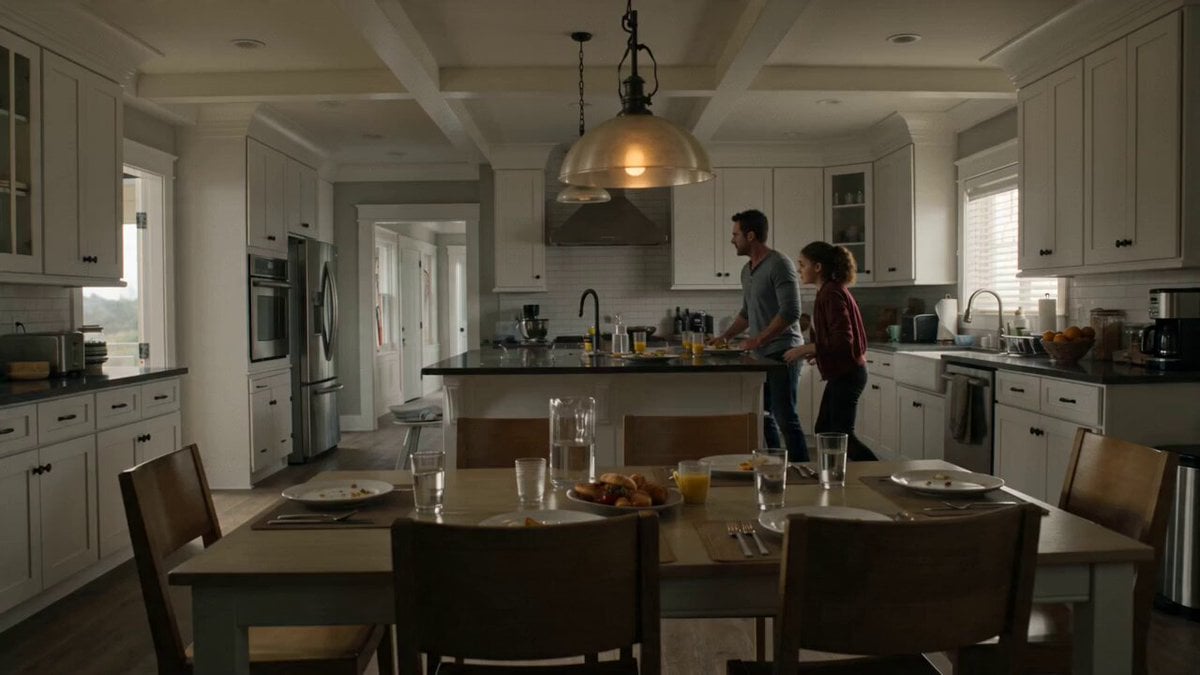
Suburban Earthquake Survival Narrative
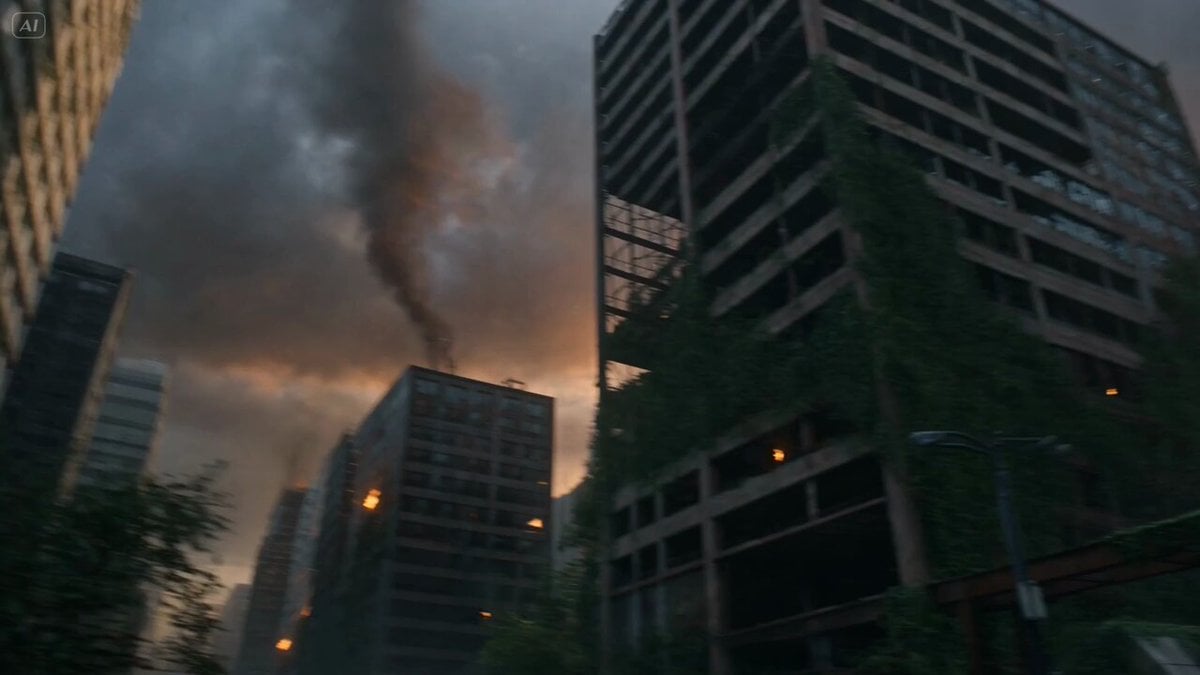
Post-Apocalyptic Survival Evasion
Make it yours
Rooftop Survival Zone Cinematic Video works as-is. These are the safest ways to change it without losing the look.
Change one field
Copy a single group, rewrite it, and generate again so you can see what that field is doing.
Keep the frame, change the subject
Hold the composition and light of Rooftop Survival Zone Cinematic Video, then swap wardrobe, props or the person for a new take.
| If the result… | Why | Fix |
|---|---|---|
| The result drifts from the preview | Too many fields changed at once. | Reuse Rooftop Survival Zone Cinematic Video as-is first, then change one group — subject, light, or setting. |
| The model over-stylizes the scene | The prose prompt leaves finish and camera underspecified. | Add one camera or lighting sentence and stay on Seedance 2.0. |
More Seedance 2.0 templates
Other prompts made for Seedance 2.0.

Comical Martial Arts Punch Scene

Maglev Train Action Sequence

Martial Arts Fight Sequence

Wuxia Protection and Trust Script

Vintage Korean Arcade MiniDV Vlog

Mercedes 190 SL Luxury Ad

Rainy Night Supernatural Reverse Comedy Video Script

Amazon Civilization Discovery

Futuristic South Asian City Transformation

Cozy Luxury Cafe Commercial
More video prompts
Fresh picks from across the catalog.

Seedance 2.0 Chinese Fantasy CG Prompt: Calligraphy Magic

3D Cartoon Bear Beekeeper
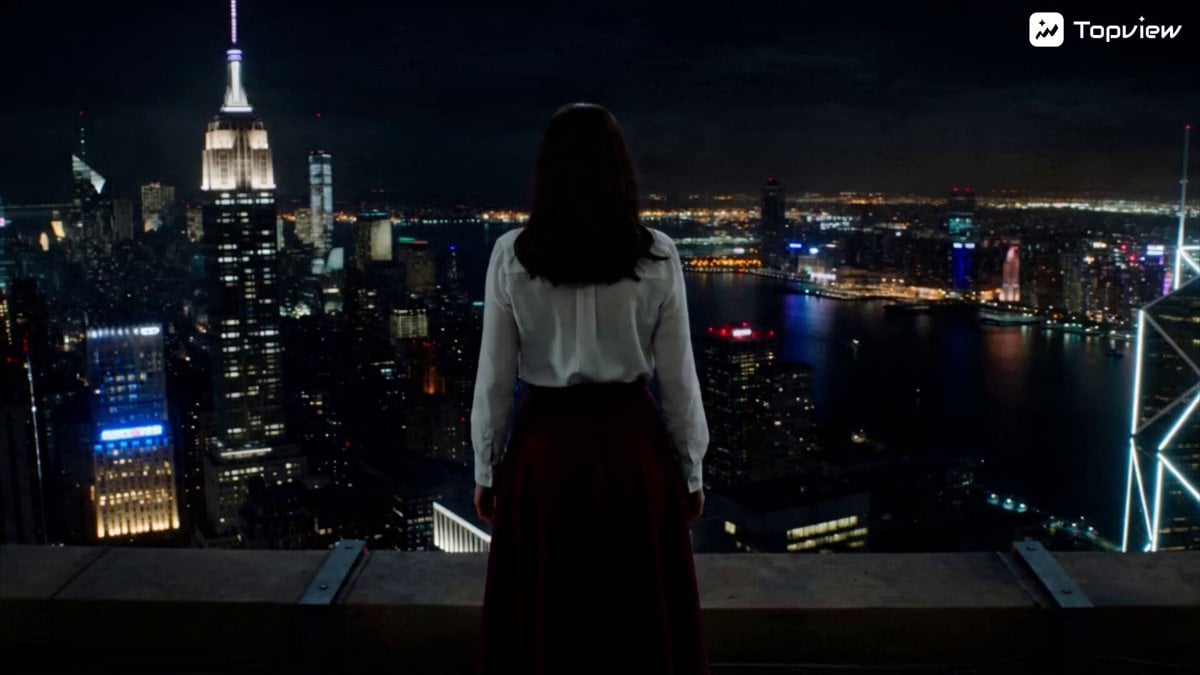
Woman Falling from Rooftop into Surreal Dreamscape

Cinematic Dolly-in to Japanese Table Spread
Paper Towel Alien Transformation
Vertical Barbershop Haircut Storyboard
Coffee Shop Cinematic Aerial Descent
Cinematic Raccoon Convenience Store Shift Prompt

Heavenly Rivalry Xianxia Action Film Prompt
Ballet Dancer vs Boxer Cinematic Fight
Browse template categories
Rooftop Survival Zone Cinematic Video questions
How do I use the Rooftop Survival Zone Cinematic Video template?
Add your photo if the template asks for one, edit the prompt if you like — the template's model and format are already selected — and press Generate. Your version opens in PicX Studio.
Can I customize the Rooftop Survival Zone Cinematic Video template?
Yes. You can change the subject, setting, lighting, mood, format, and available model controls before creating your video.
Is the Rooftop Survival Zone Cinematic Video template free?
Opening and editing this template is free. Generating uses credits, shown on the Generate button when you are signed in.
Which AI model should I use?
Start with Seedance 2.0, which is the model associated with this template. You can compare another compatible model for a different finish.
Looking for something else? Browse all templates.

Your photo, any look
Thousands of ready templates for every top image and video model, from one credit balance.