
Post-Apocalyptic Survival Evasion
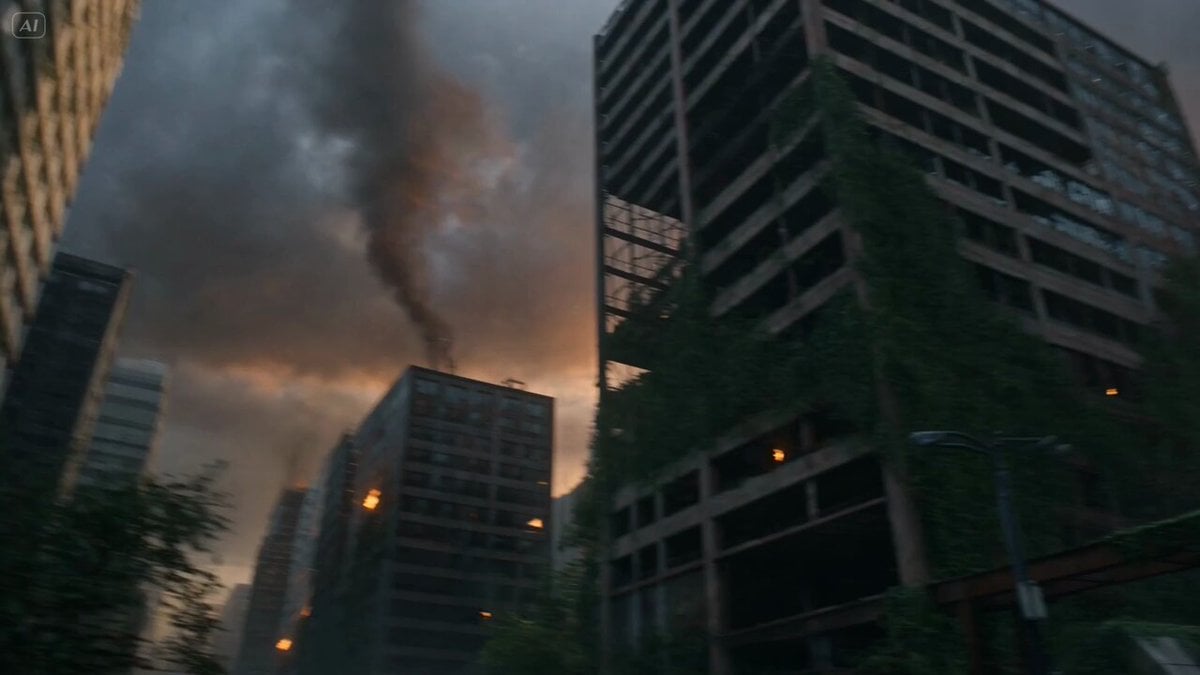
A gritty survival scene prompt for a survivor navigating a derelict city with cinematic lighting and debris-dodging action.
- Prompt included
- Model and format preset
- Free template
The prompt behind this video
Copy the exact prompt behind Post-Apocalyptic Survival Evasion, or open it in the studio and make it yours.
A lone male survivor in ragged camouflage gear hurries through the overgrown streets of a derelict post-apocalyptic city, vines reclaiming rusted skyscrapers and feral mutants howling in the fog. The ruins groan as unstable buildings tilt and radioactive storms brew on the skyline. At the 3-second mark, he slides under a falling girder toward a fortified bunker entrance. Camera follows low and gritty as embers from distant fires flicker in the twilight. He kicks through a barricade, seals the blast door, and arms a trap just as a pack of mutated beasts claws at the entrance behind him. Wasteland evasion, debris-dodging slide, overgrown urban run, gritty survival lighting, 4K.
How to use Post-Apocalyptic Survival Evasion in 3 steps
- 1
Open
The prompt is already in the box next to the preview, with the template's model and format selected.
- 2…a portrait of your subject in softgolden-hour light, 85mm…
Personalize
Edit the subject and creative details for your destination.
- 3Generate
Generate
Press Generate — your video is created in PicX Studio, so you can compare it with the original and refine one variable at a time.
More like this
Templates with the same subject, style or setup. Open one to see its prompt.
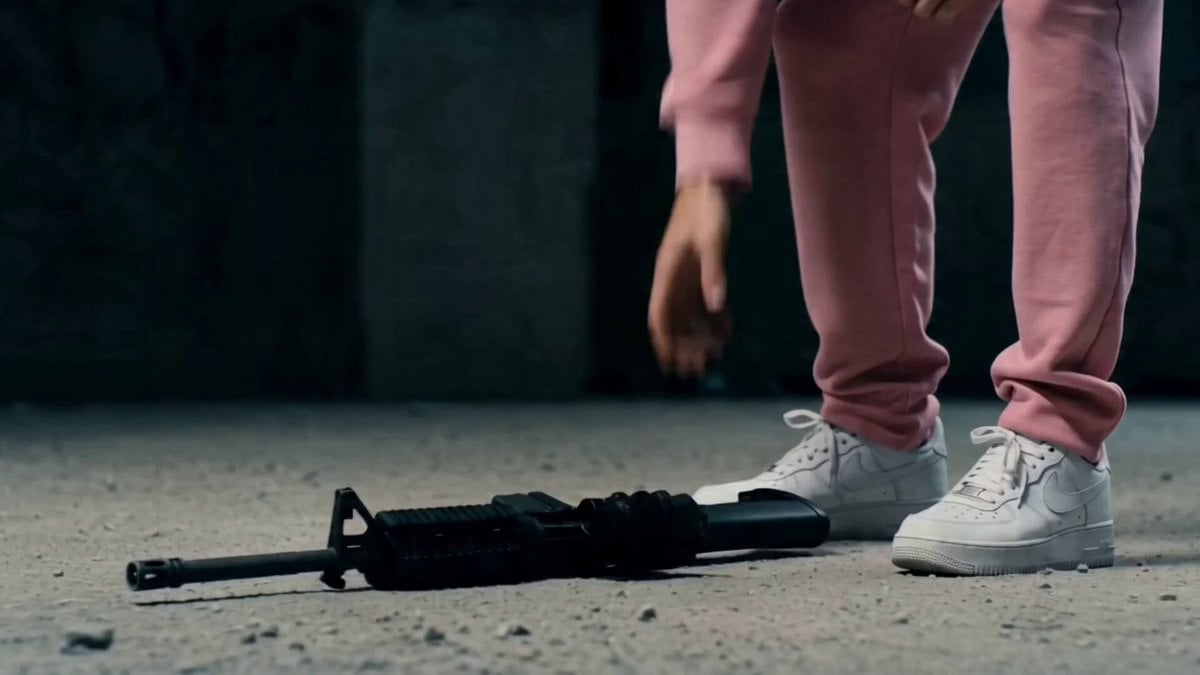
Post-Apocalyptic Survival Thriller Prompt
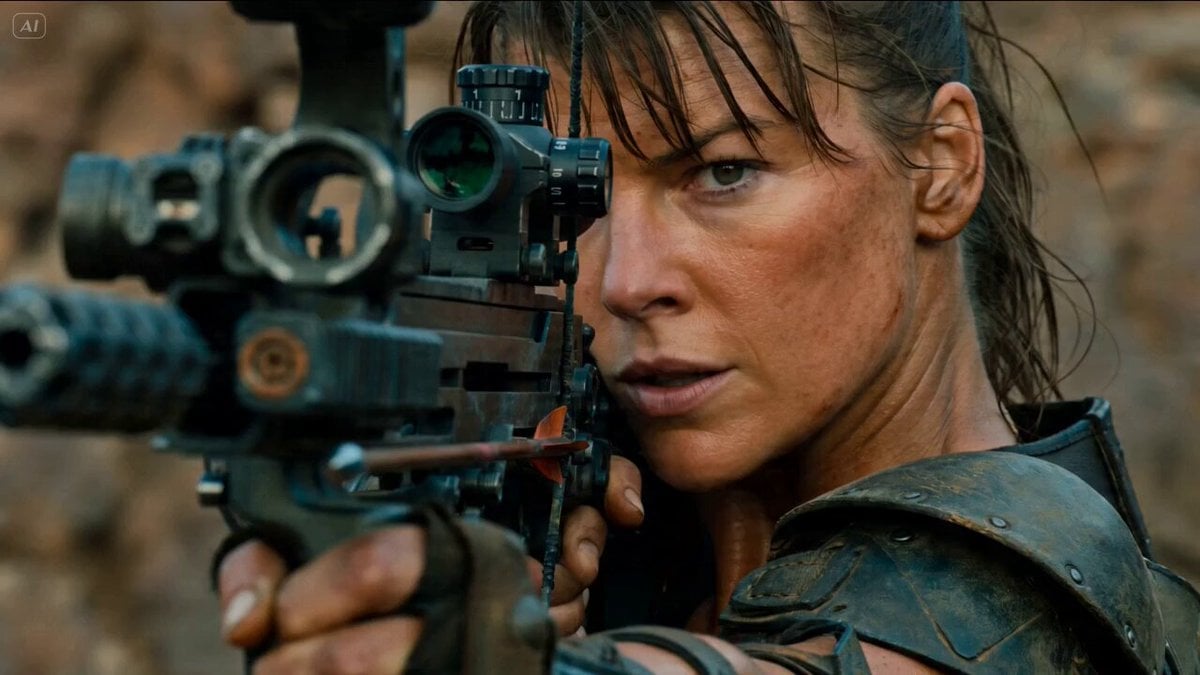
Gritty Post-Apocalyptic Survival Cinematic Setup Prompt

Cinematic Post-Apocalyptic Survival Sequence
Asteroid Impact City Destruction
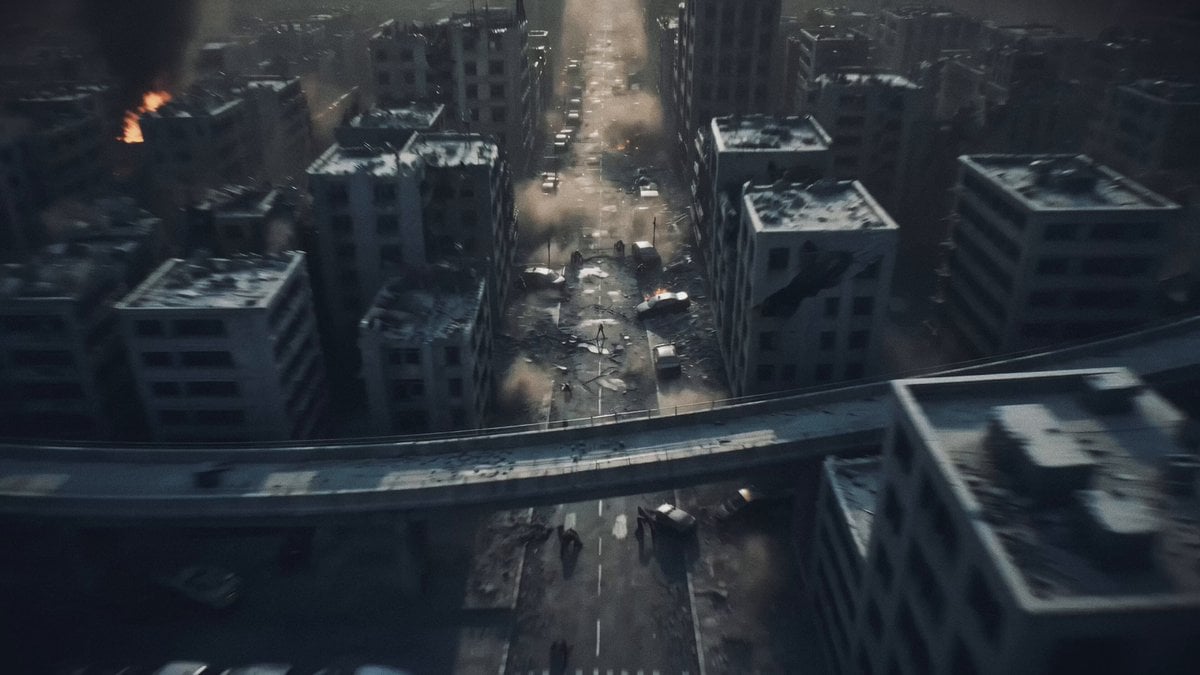
Post-Apocalyptic Biomechanical Battle
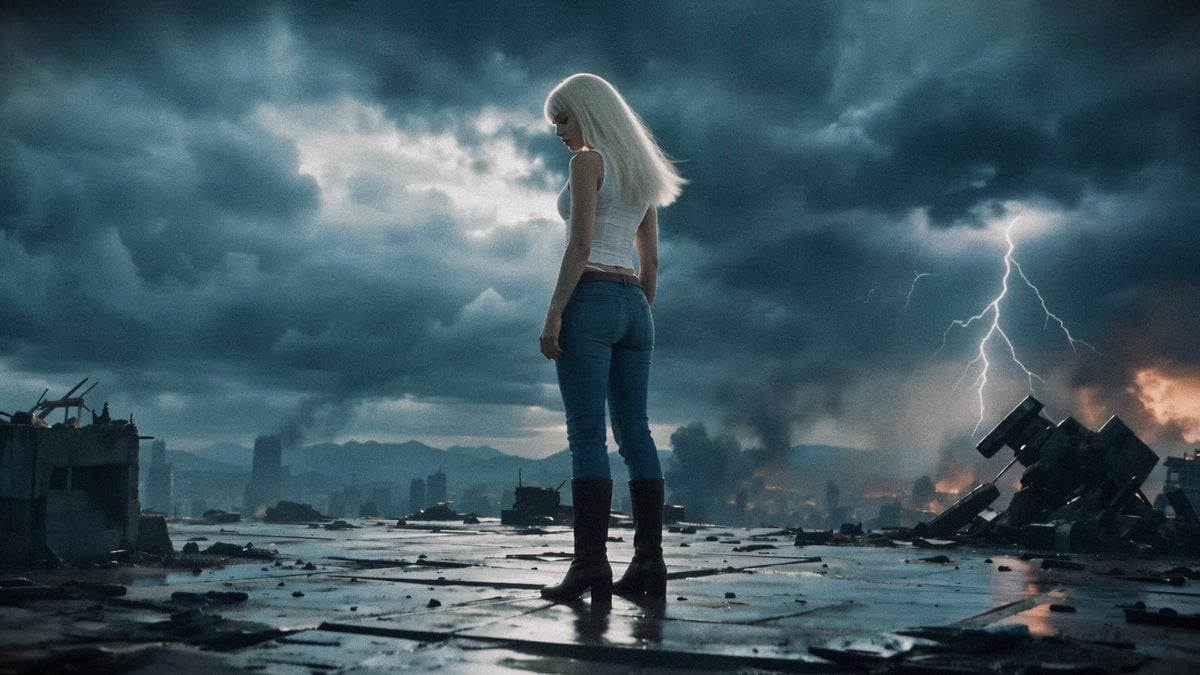
Post-Apocalyptic Mecha Awakening Transformation
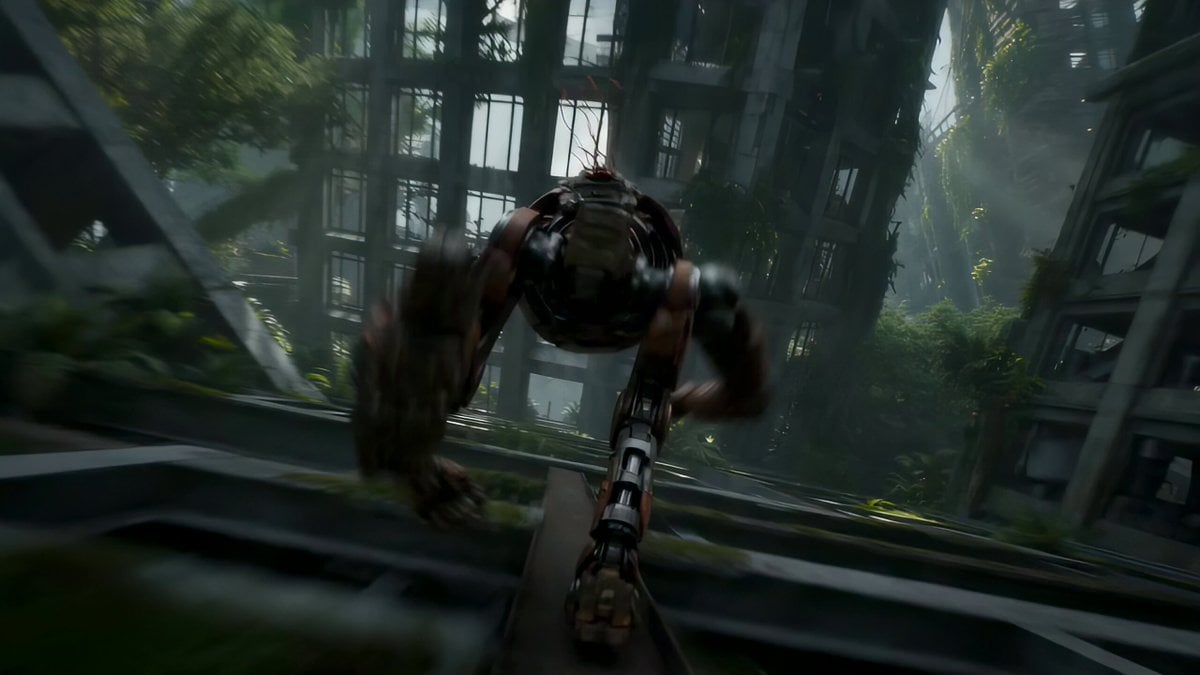
Automaton Post-Apocalyptic Jungle Run

Post-Apocalyptic Desert Truck Action

Post-Apocalyptic Sci-Fi Soldier Combat

Post-Apocalyptic Cinematic Action Trailer
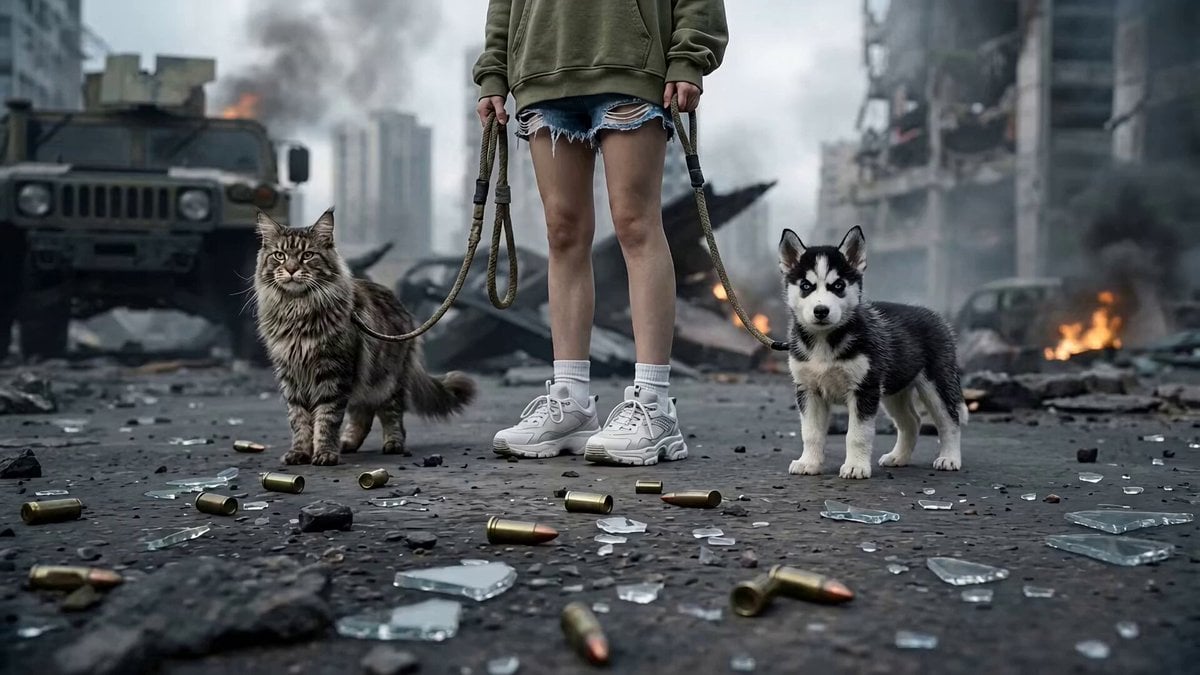
Post-Apocalyptic Cybernetic Transformation
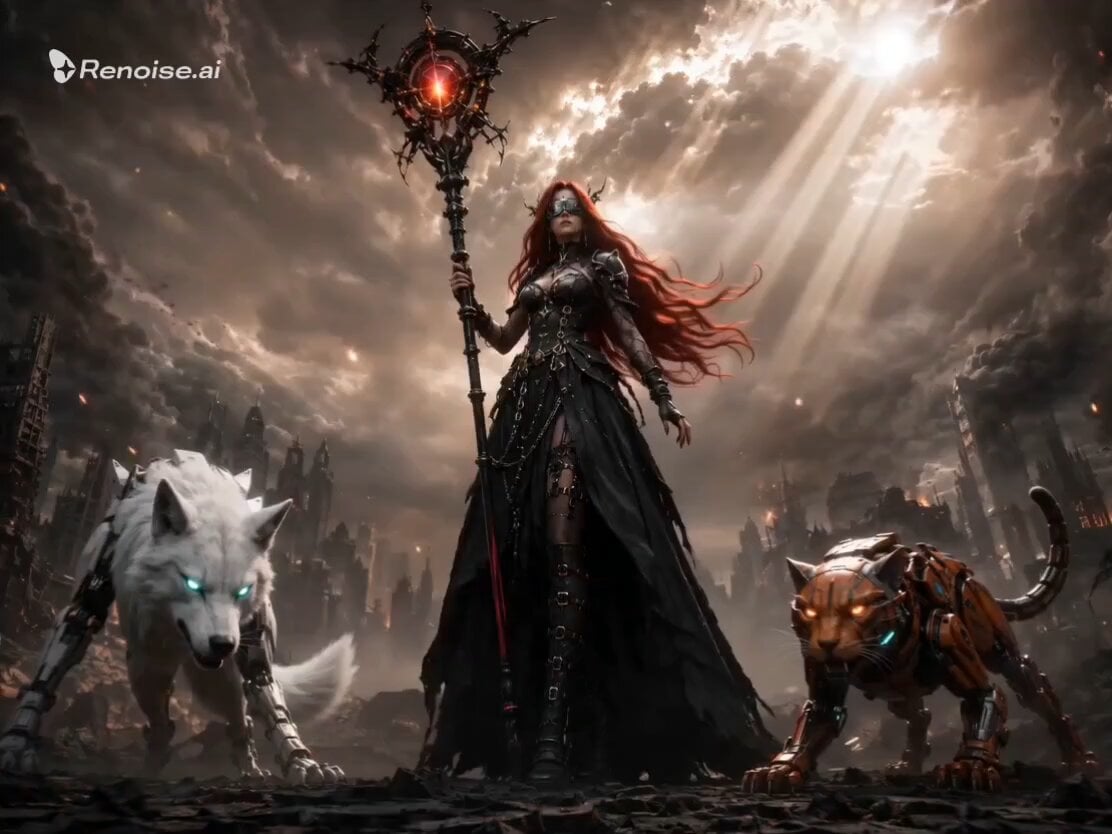
Post-Apocalyptic Gothic Fantasy Scene
Make it yours
Post-Apocalyptic Survival Evasion works as-is. These are the safest ways to change it without losing the look.
Change one field
Copy a single group, rewrite it, and generate again so you can see what that field is doing.
Keep the frame, change the subject
Hold the composition and light of Post-Apocalyptic Survival Evasion, then swap wardrobe, props or the person for a new take.
| If the result… | Why | Fix |
|---|---|---|
| The result drifts from the preview | Too many fields changed at once. | Reuse Post-Apocalyptic Survival Evasion as-is first, then change one group — subject, light, or setting. |
| The model over-stylizes the scene | The prose prompt leaves finish and camera underspecified. | Add one camera or lighting sentence and stay on Seedance 2.0. |
More Seedance 2.0 templates
Other prompts made for Seedance 2.0.

Comical Martial Arts Punch Scene

Maglev Train Action Sequence

Martial Arts Fight Sequence

Wuxia Protection and Trust Script

Vintage Korean Arcade MiniDV Vlog

Mercedes 190 SL Luxury Ad

Rainy Night Supernatural Reverse Comedy Video Script

Amazon Civilization Discovery

Futuristic South Asian City Transformation

Cozy Luxury Cafe Commercial
More video prompts
Fresh picks from across the catalog.

Neon Laundromat Rhythm Cinema Prompt
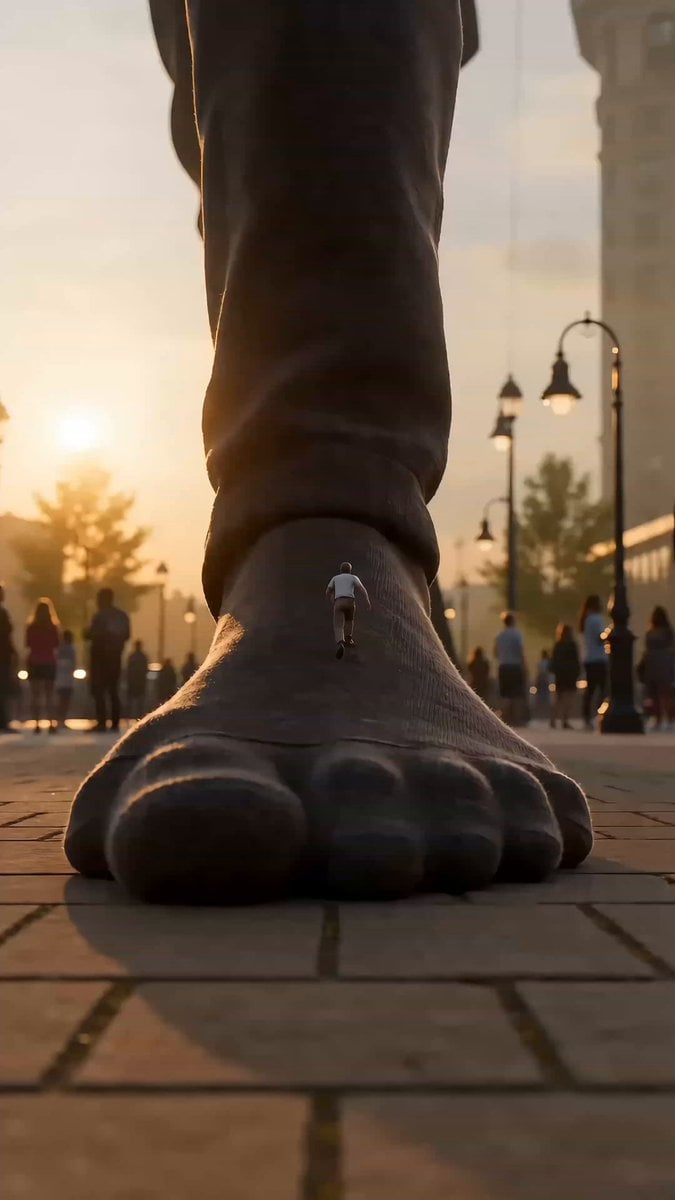
Colossal Scale Surprise Interaction
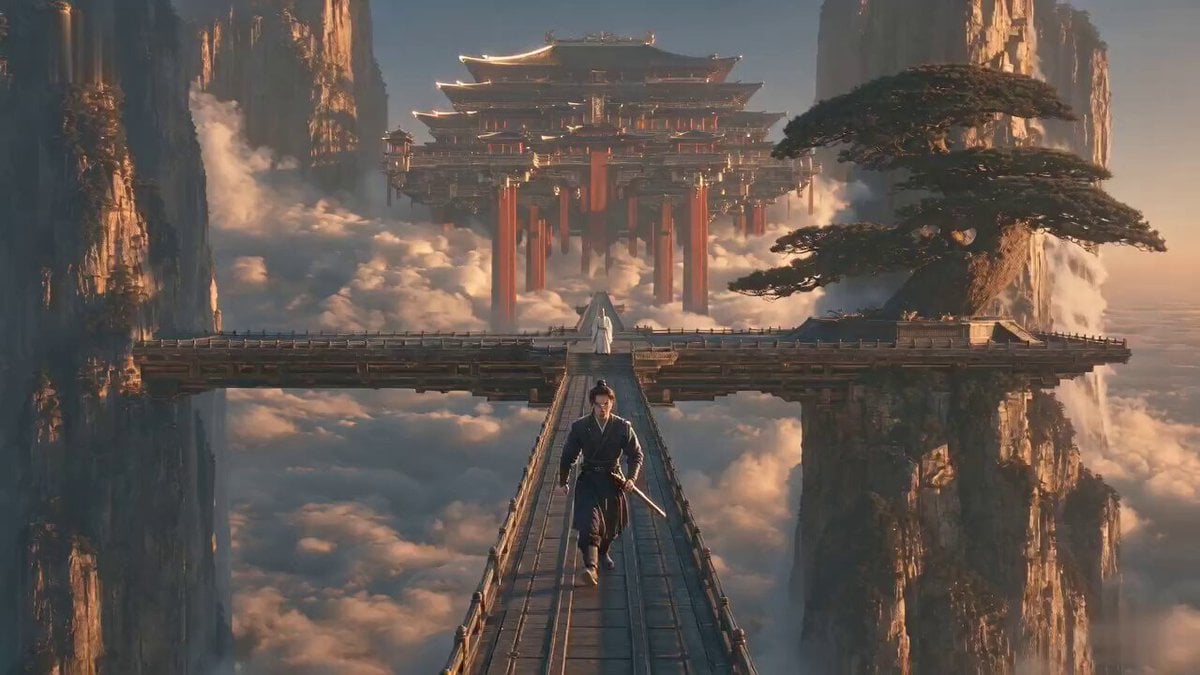
Xianxia Cold Comedy Short Film
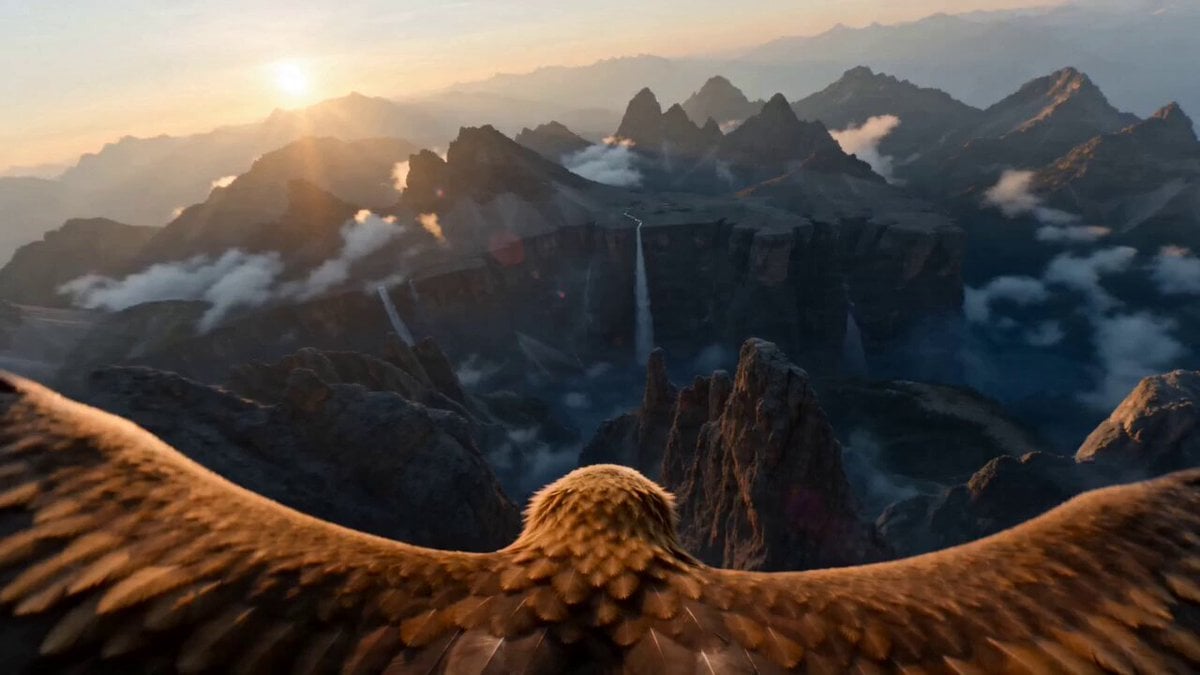
Dramatic mountain range eagle dive sequence for Seedance 2
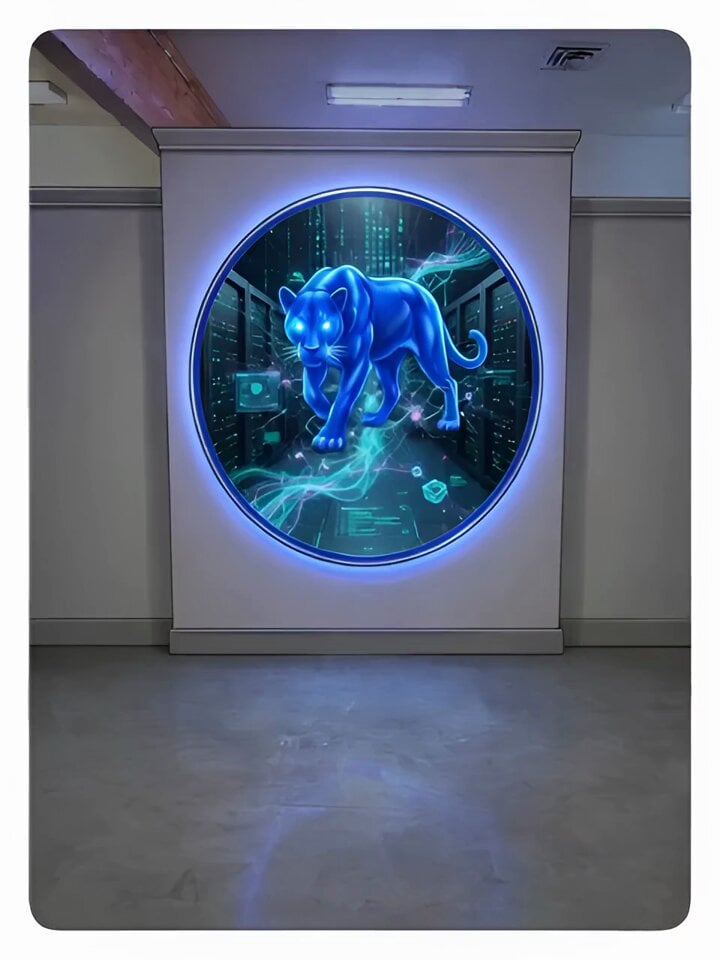
Video Prompt for Cobalt Blue Sentinel Saving Lives
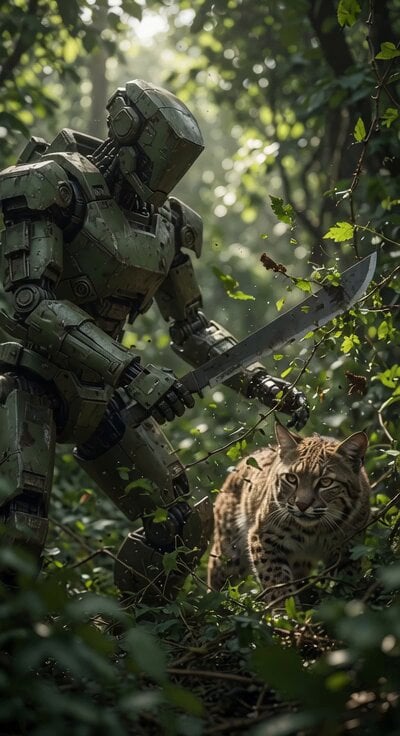
Utility Robot Forest Clearance
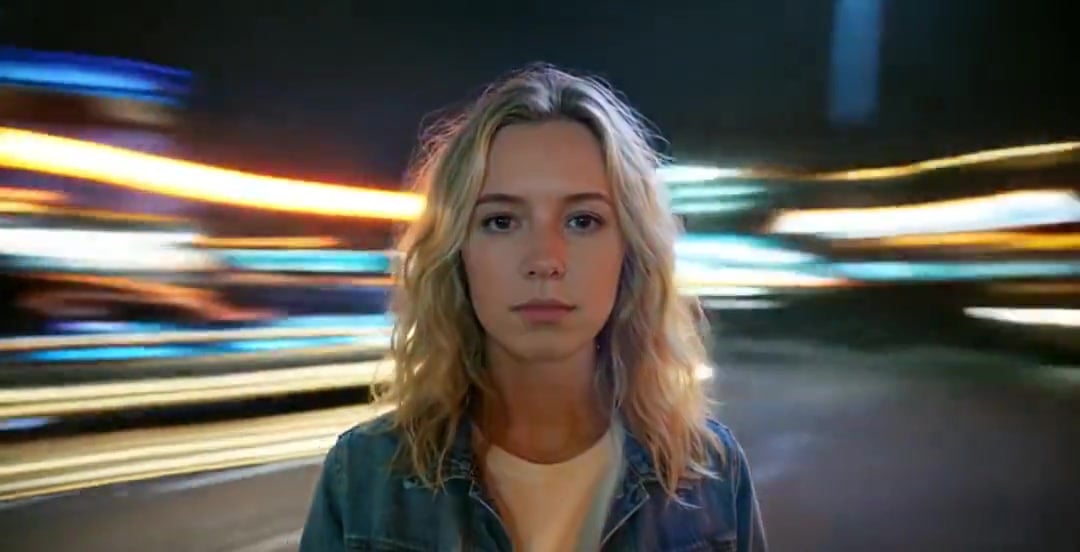
Handheld Neon Chaos Motion Blur — Kling 3.0 v3 Pro
Hyper-Realistic Floating Mountains World

Humorous Toothbrush Debate Animated Short
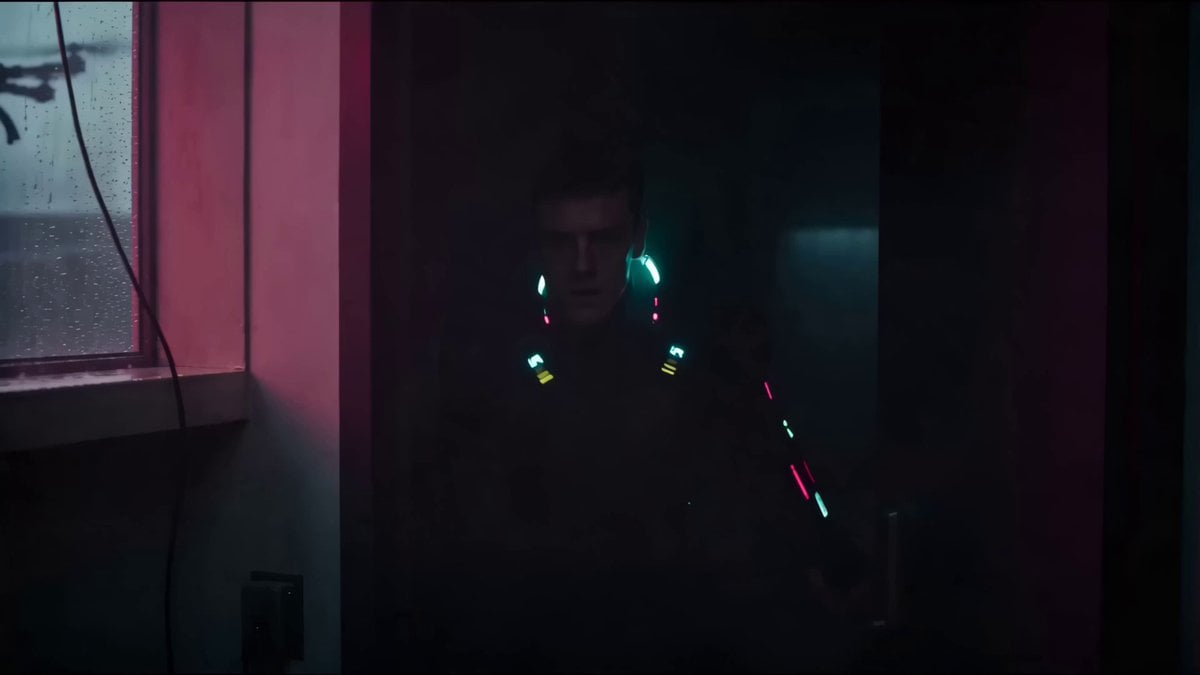
Cyberpunk Netrunner Cinematic Scenes
Browse template categories
Post-Apocalyptic Survival Evasion questions
How do I use the Post-Apocalyptic Survival Evasion template?
Add your photo if the template asks for one, edit the prompt if you like — the template's model and format are already selected — and press Generate. Your version opens in PicX Studio.
Can I customize the Post-Apocalyptic Survival Evasion template?
Yes. You can change the subject, setting, lighting, mood, format, and available model controls before creating your video.
Is the Post-Apocalyptic Survival Evasion template free?
Opening and editing this template is free. Generating uses credits, shown on the Generate button when you are signed in.
Which AI model should I use?
Start with Seedance 2.0, which is the model associated with this template. You can compare another compatible model for a different finish.
Looking for something else? Browse all templates.

Your photo, any look
Thousands of ready templates for every top image and video model, from one credit balance.