
Necromancer Queen Siege Warfare
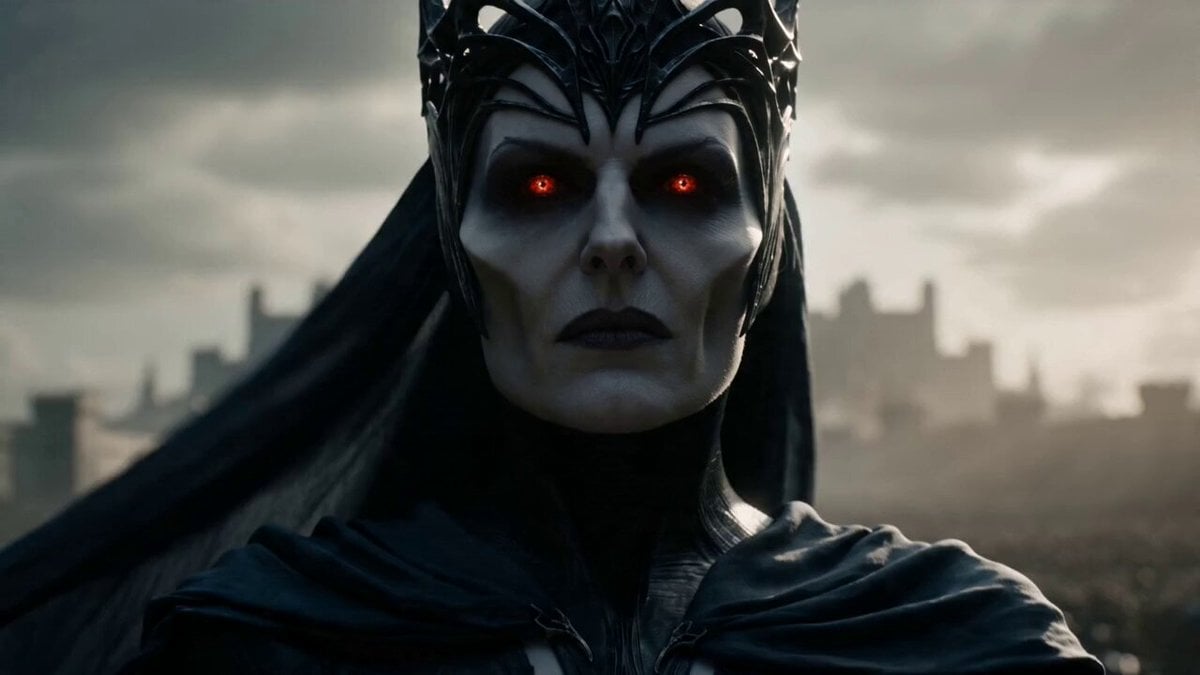
An epic dark fantasy video prompt for Seedance 2.0 featuring a necromancer queen and her massive undead army besieging a kingdom.
- Prompt included
- Model and format preset
- Free template
The prompt behind this video
Copy the exact prompt behind Necromancer Queen Siege Warfare, or open it in the studio and make it yours.
A terrifying necromancer queen with pale skin, black crown forged from twisted metal, dark silk robes flowing in the wind, glowing crimson eyes filled with hatred - Stands before the gates of a fortified kingdom while defenders prepare for siege, camera slowly rising behind her to reveal a massive undead army stretching to the horizon; - Raises both hands as thousands of skeletal warriors and undead giants charge the walls, siege towers collapsing gates, defenders overwhelmed in brutal close combat, arrows and fire raining across the battlefield; - The kingdom's final tower collapses and the gates are breached completely, ending with the necromancer entering the ruined city while her undead army floods every street behind her Ultra-realistic dark fantasy, practical undead VFX, large-scale siege warfare, dramatic daylight, apocalyptic medieval atmosphere
How to use Necromancer Queen Siege Warfare in 3 steps
- 1
Open
The prompt is already in the box next to the preview, with the template's model and format selected.
- 2…a portrait of your subject in softgolden-hour light, 85mm…
Personalize
Edit the subject and creative details for your destination.
- 3Generate
Generate
Press Generate — your video is created in PicX Studio, so you can compare it with the original and refine one variable at a time.
More like this
Templates with the same subject, style or setup. Open one to see its prompt.

Necromancer Battlefield Orbit
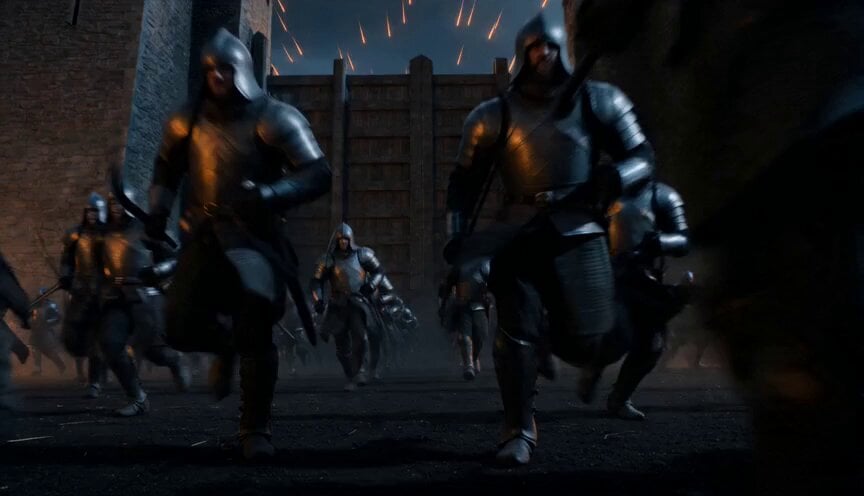
Epic Night Battlefield Siege
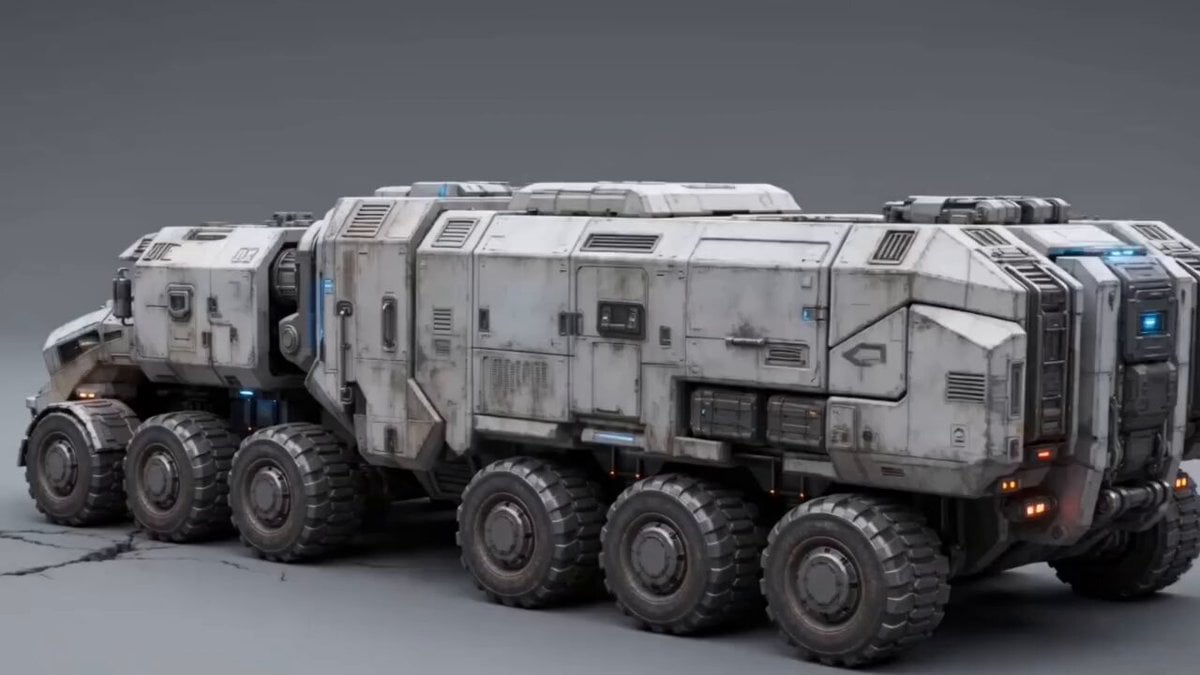
Futuristic Armored Siege Transport
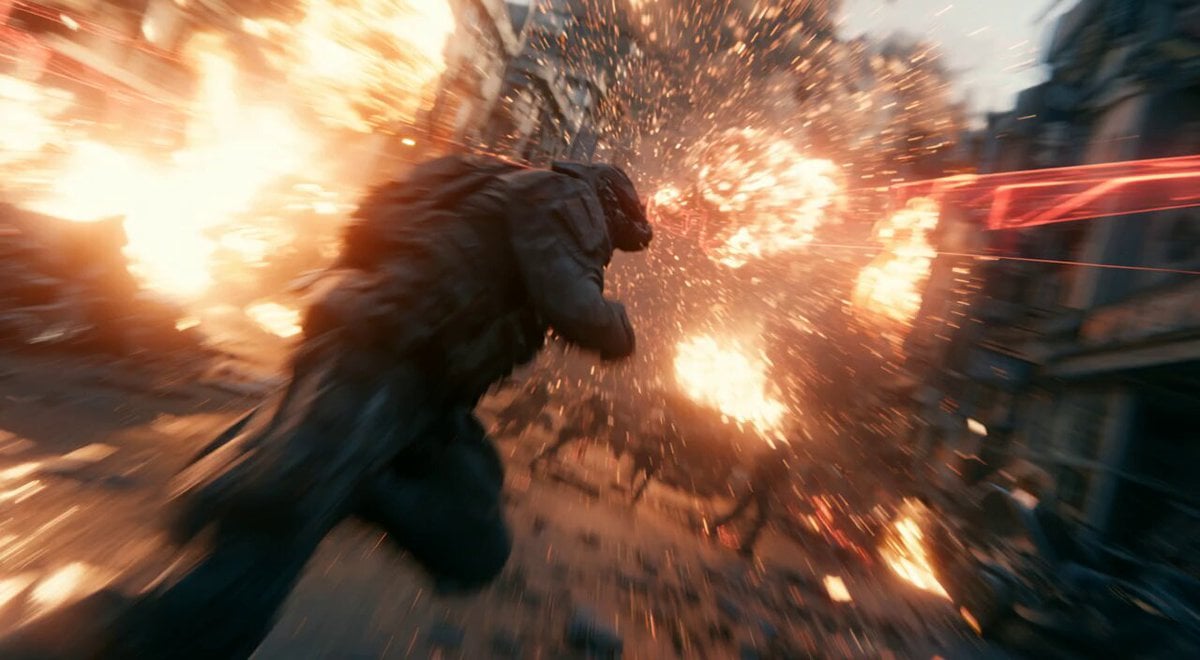
Modern Warfare Action Trailer JSON
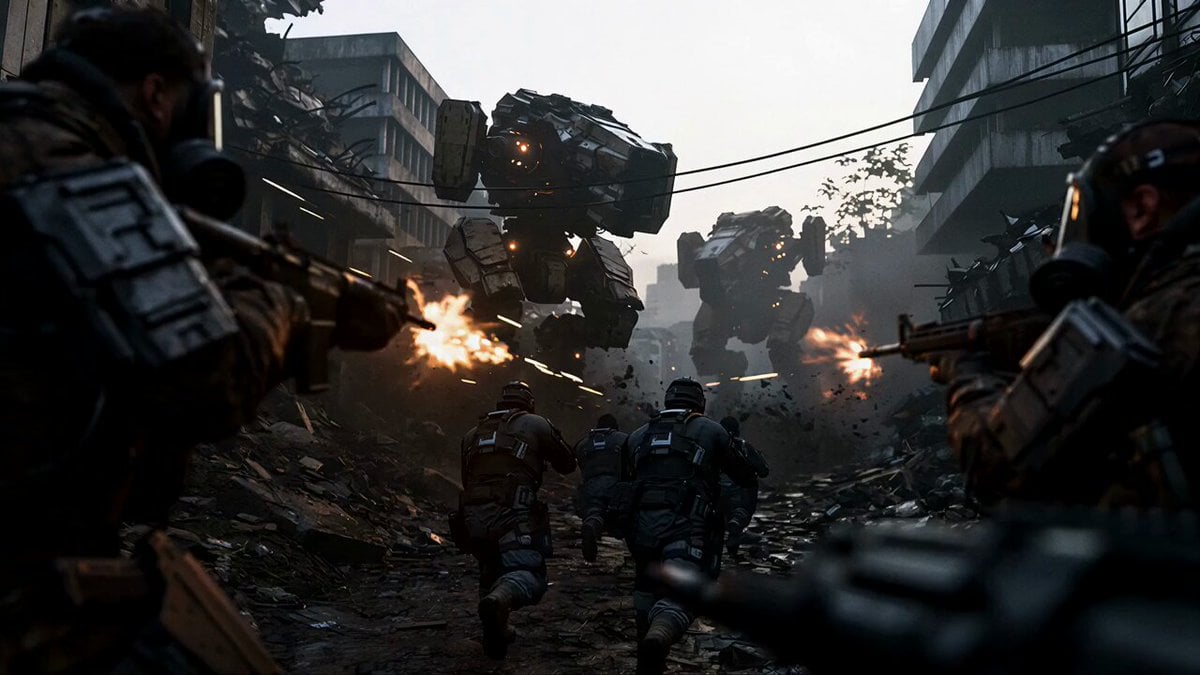
Sci-Fi Urban Warfare Scene
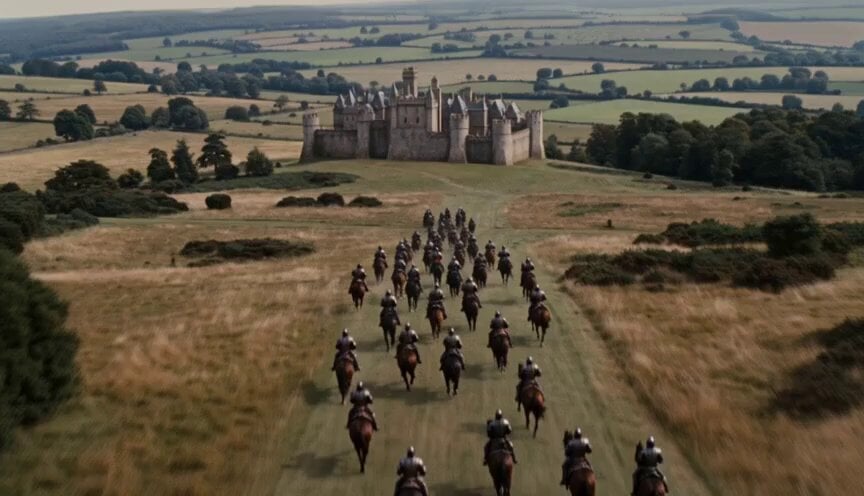
Walking Castle Medieval Siege Prompt
Vertical Descent Orc Battle Siege
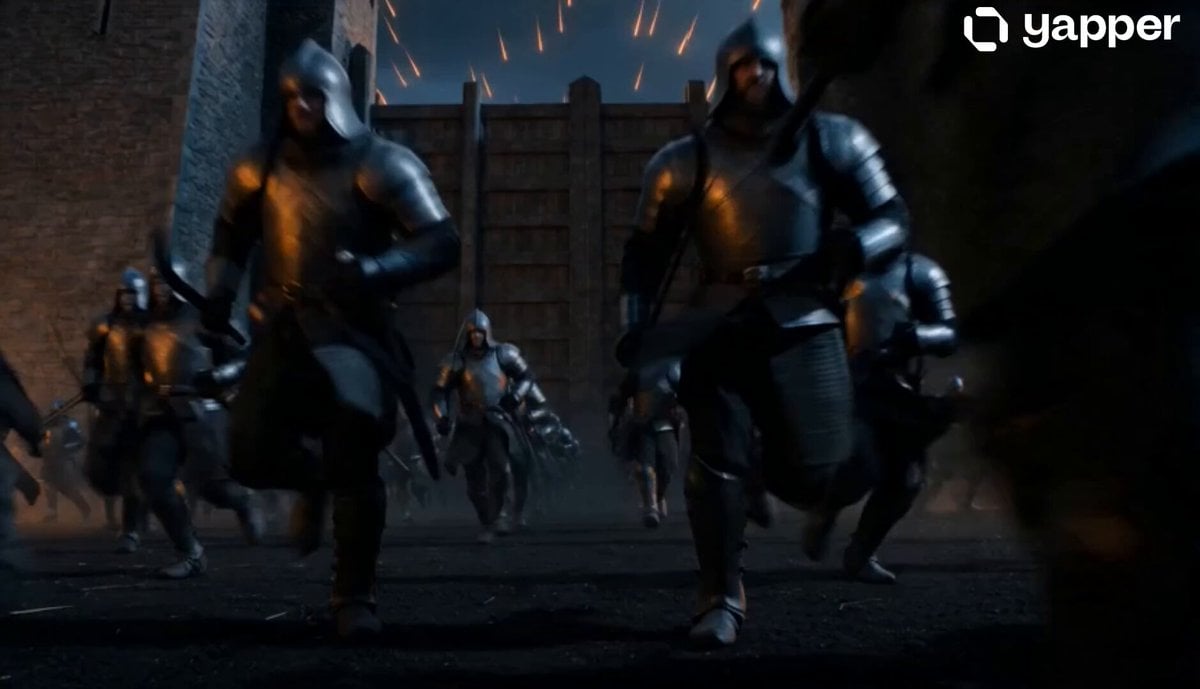
Cinematic Night Battlefield Siege
Cinematic Sengoku Period Castle Siege
Magma Demon Medieval Siege
Samurai Castle Siege Action
Ancient Castle Siege by Dragon
Make it yours
Necromancer Queen Siege Warfare works as-is. These are the safest ways to change it without losing the look.
Change one field
Copy a single group, rewrite it, and generate again so you can see what that field is doing.
Keep the frame, change the subject
Hold the composition and light of Necromancer Queen Siege Warfare, then swap wardrobe, props or the person for a new take.
| If the result… | Why | Fix |
|---|---|---|
| The result drifts from the preview | Too many fields changed at once. | Reuse Necromancer Queen Siege Warfare as-is first, then change one group — subject, light, or setting. |
| The model over-stylizes the scene | The prose prompt leaves finish and camera underspecified. | Add one camera or lighting sentence and stay on Seedance 2.0. |
More Seedance 2.0 templates
Other prompts made for Seedance 2.0.

Comical Martial Arts Punch Scene

Maglev Train Action Sequence

Martial Arts Fight Sequence

Wuxia Protection and Trust Script

Vintage Korean Arcade MiniDV Vlog

Mercedes 190 SL Luxury Ad

Rainy Night Supernatural Reverse Comedy Video Script

Amazon Civilization Discovery

Futuristic South Asian City Transformation

Cozy Luxury Cafe Commercial
More video prompts
Fresh picks from across the catalog.

1996 silver Impala Super Sport riding video
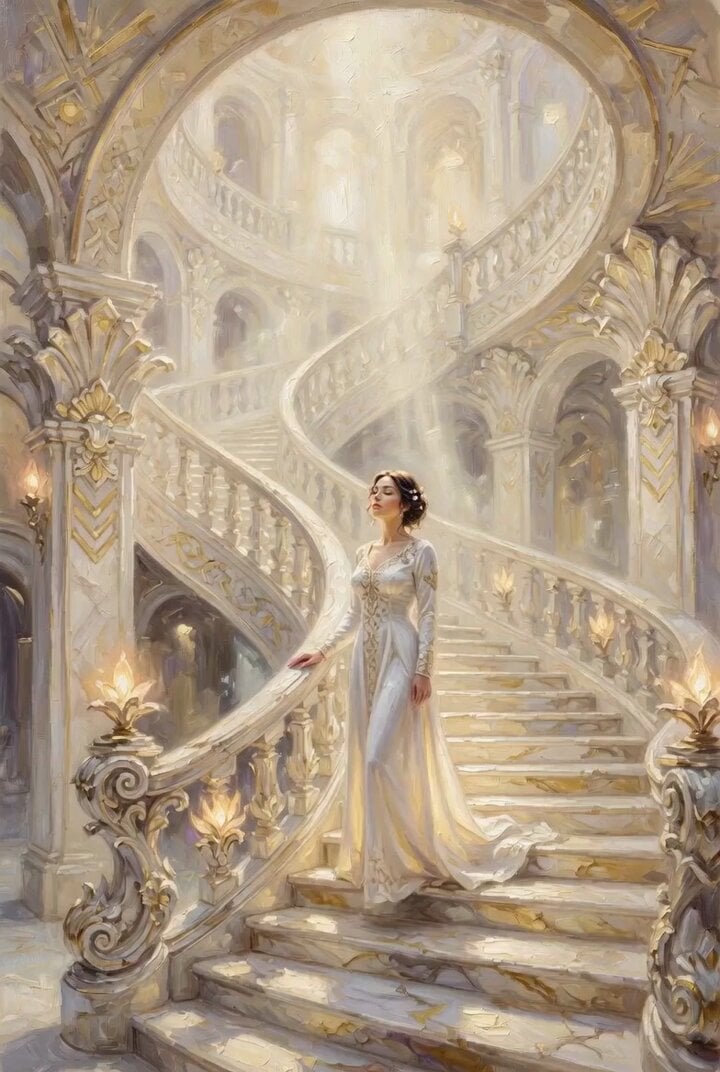
Woman on an endless staircase in baroque and deco architecture
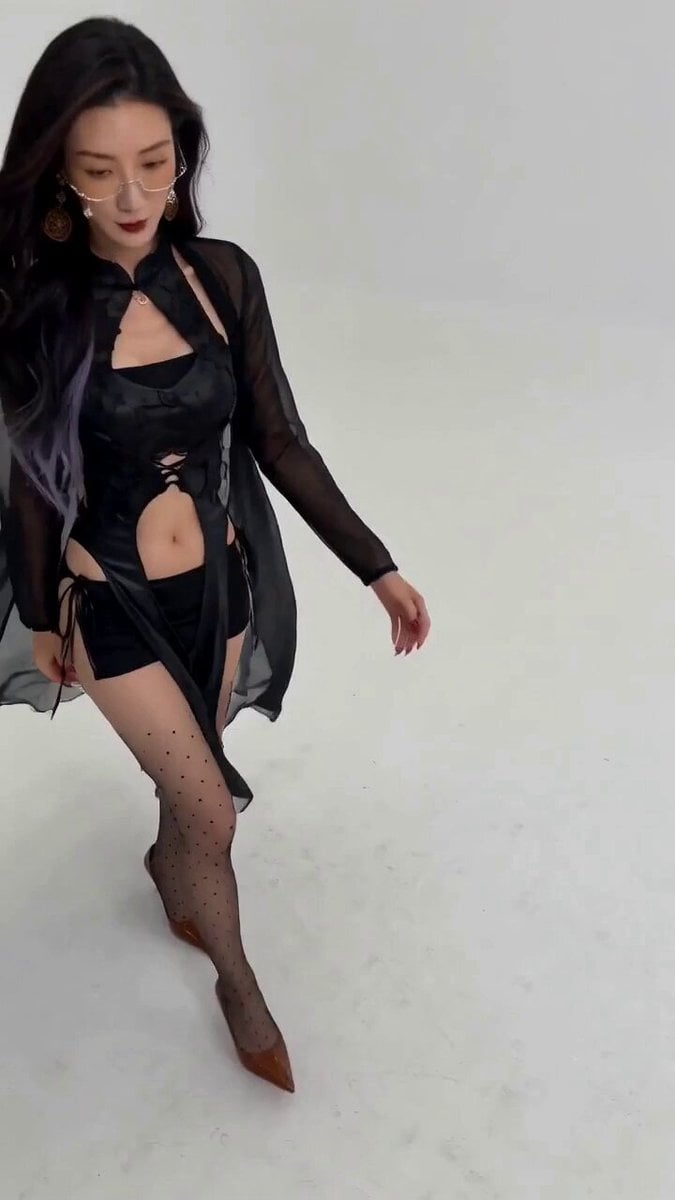
Seedance 2.0 Fashion Model Video Prompt
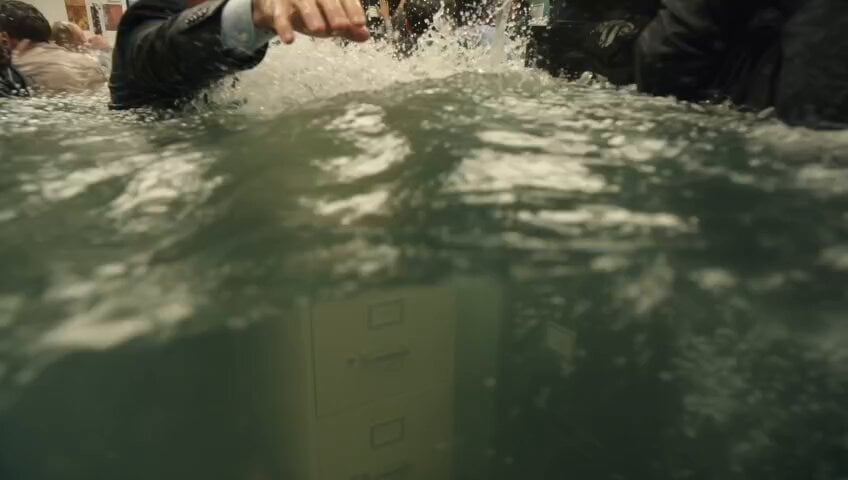
Slow Motion Office Flood Chaos
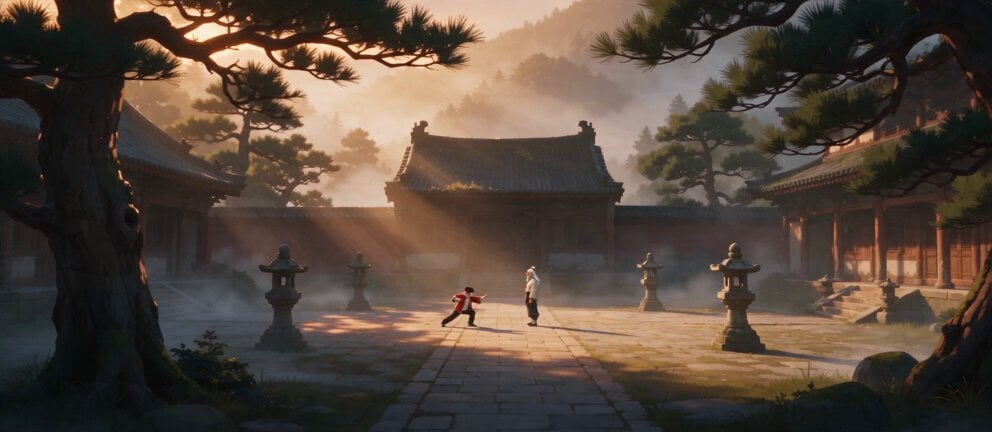
Live Action Film Reference Quality
Super-Dimensional AI Soccer Action
Cinematic Storyboard Video Extension
Ink Wash Watercolor Dancer
AI Wedding Video Prompt: Minimalist Forest Style with Light Effects
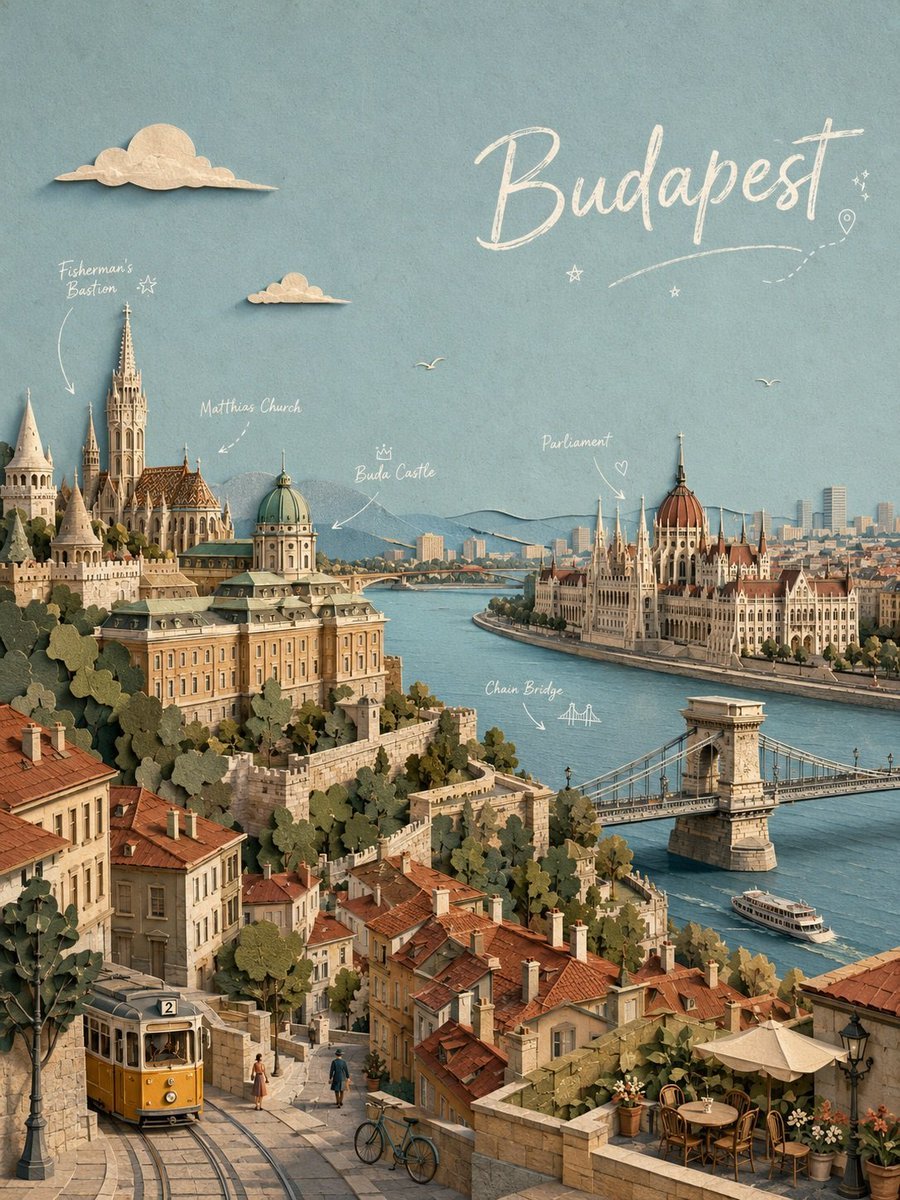
Paper-cut Budapest Animation
Browse template categories
Necromancer Queen Siege Warfare questions
How do I use the Necromancer Queen Siege Warfare template?
Add your photo if the template asks for one, edit the prompt if you like — the template's model and format are already selected — and press Generate. Your version opens in PicX Studio.
Can I customize the Necromancer Queen Siege Warfare template?
Yes. You can change the subject, setting, lighting, mood, format, and available model controls before creating your video.
Is the Necromancer Queen Siege Warfare template free?
Opening and editing this template is free. Generating uses credits, shown on the Generate button when you are signed in.
Which AI model should I use?
Start with Seedance 2.0, which is the model associated with this template. You can compare another compatible model for a different finish.
Looking for something else? Browse all templates.

Your photo, any look
Thousands of ready templates for every top image and video model, from one credit balance.