
Slow Motion Office Flood Chaos
A cinematic video prompt of office workers trapped on furniture during a flood, featuring heavy 35mm film grain and organic handheld movements.
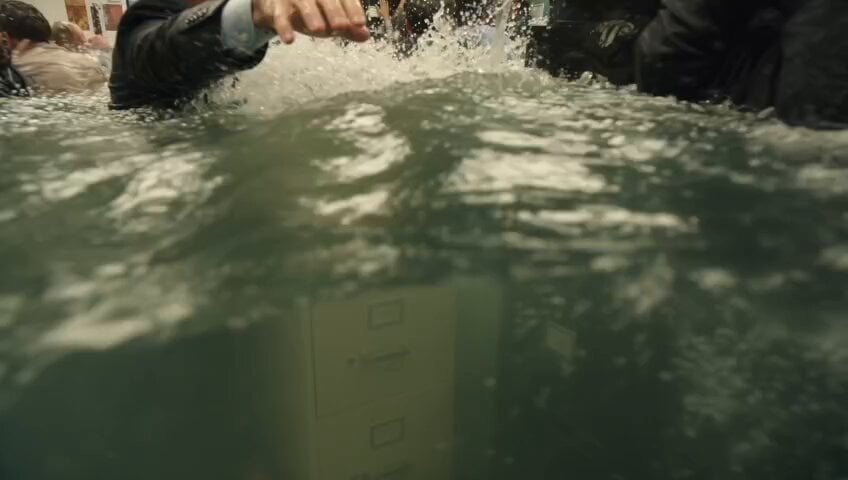
- Prompt included
- Model and format preset
- Premium template
The prompt behind this video
Copy the exact prompt behind Slow Motion Office Flood Chaos, or open it in the studio and make it yours.
Slow-motion handheld close-up, 16:9. Shaky organic handheld shot tilting up at a cluster of office workers perched high on a cabinet near the ceiling tiles, knees drawn up, faces frozen in wide-eyed dread — while directly below them the flood roils with a packed crowd: people leap and grab at the cabinet trying to climb up, others thrash and wade through the churning water, splashes erupt as bodies collide beneath the perch. In slow motion droplets fly up from below and hang midair, wet clothes clinging. Dynamic unsteady handheld movement swinging up from the churning crowd below. Sickly institutional palette — seafoam green wall, cream tiles, muted teal, cold water. All faces anatomically correct, stable, realistic, genuine emotion, no warping. Heavy coarse analog 35mm film grain baked into every frame, thick and consistent, grain crawling over highlights and shadows, like a scanned celluloid film print, never clean, never digital-looking. Flat overhead fluorescent light, dramatic slow-motion intensity, cinematic photorealistic, ultra-detailed.
How to use Slow Motion Office Flood Chaos in 3 steps
- 1
Open
The prompt is already in the box next to the preview, with the template's model and format selected.
- 2…a portrait of your subject in softgolden-hour light, 85mm…
Personalize
Edit the subject and creative details for your destination.
- 3Generate
Generate
Press Generate — your video is created in PicX Studio, so you can compare it with the original and refine one variable at a time.
More like this
Templates with the same subject, style or setup. Open one to see its prompt.
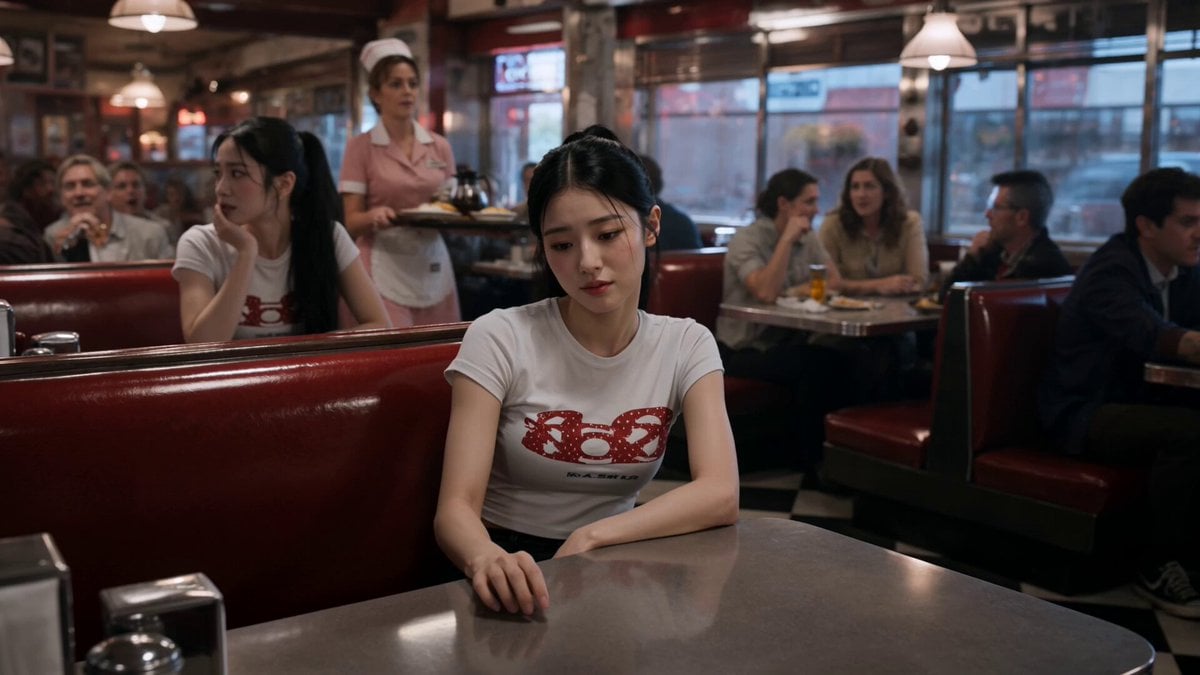
Slow-Motion 90s Diner Explosion - Seedance 2.5
Naval Painting Breach — Art Gallery Flood (Seedance)
Subway Flood — Epic Tunnel Chaos
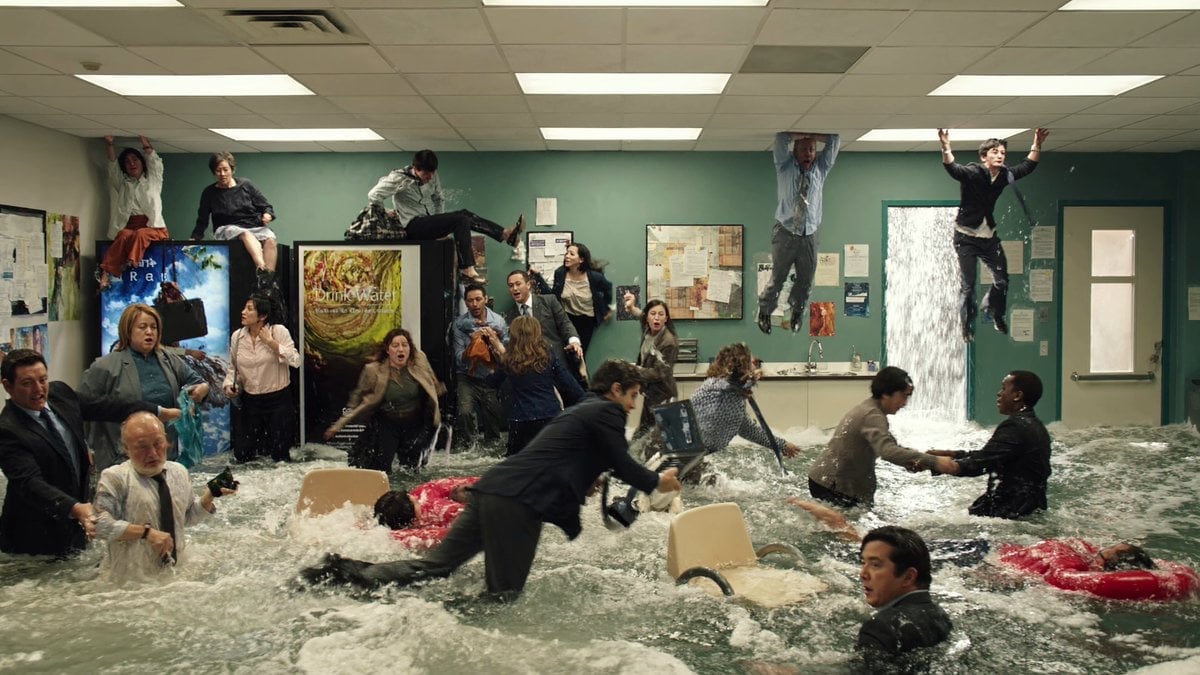
Slow Motion Flood Disaster Cinematography

Slow Motion Himalayan Cat
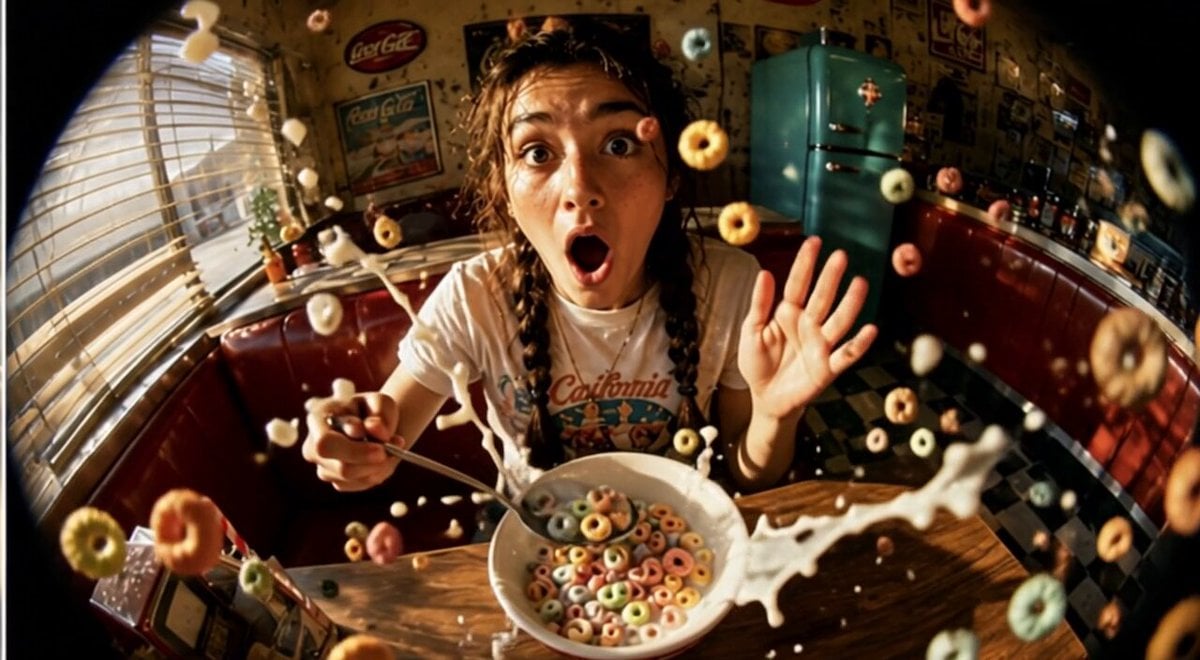
Cinematic Slow Motion Cereal Breakfast
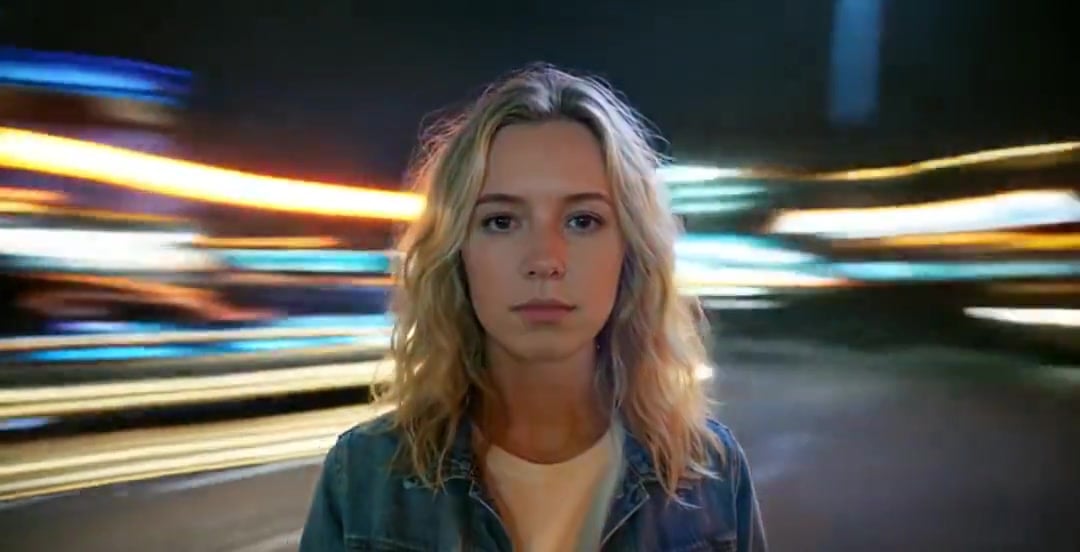
Handheld Neon Chaos Motion Blur — Kling 3.0 v3 Pro
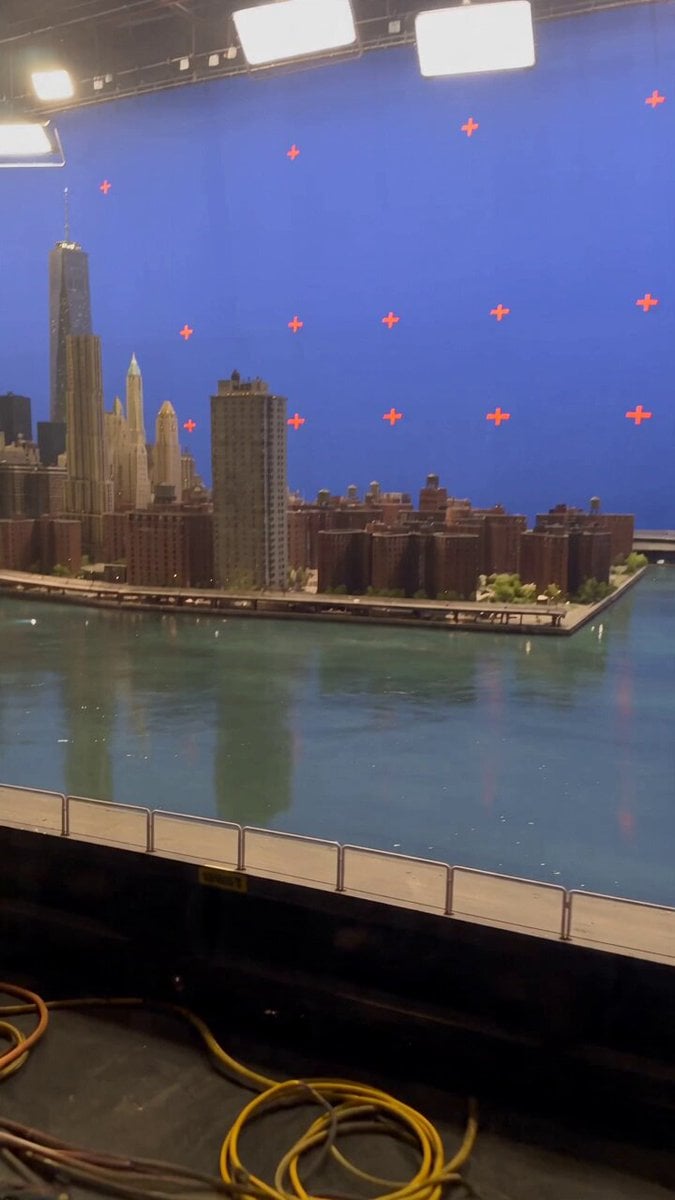
Miniature City Flood Soundstage
Miniature City Flood Soundstage
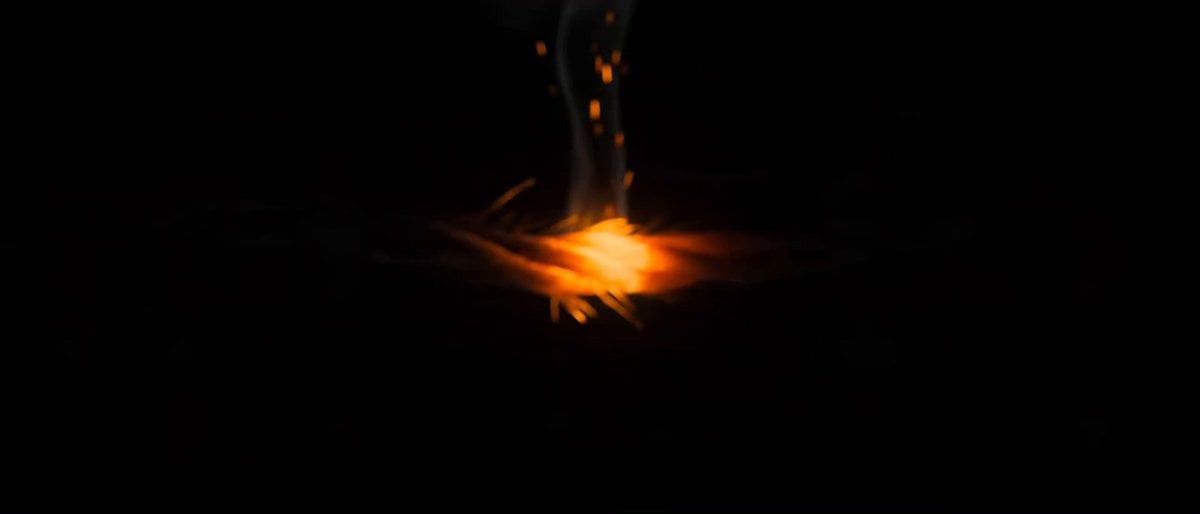
Extreme Macro Glowing Ember Slow Motion
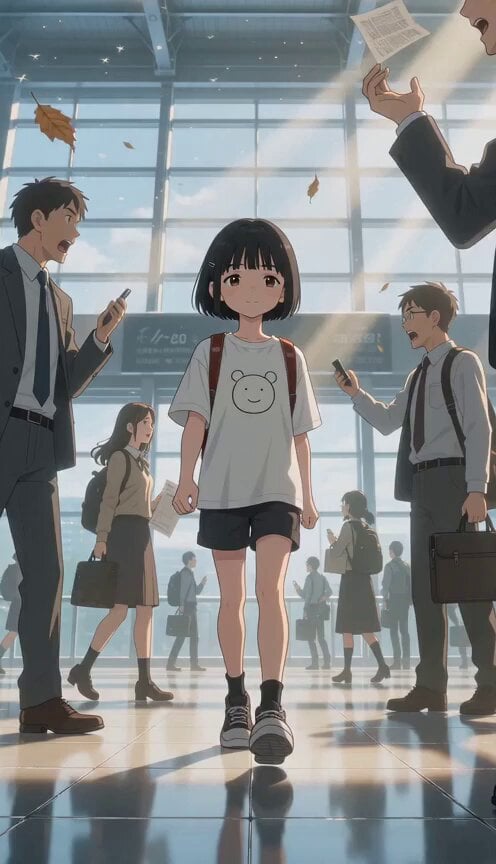
Slow Motion Station Anime Girl
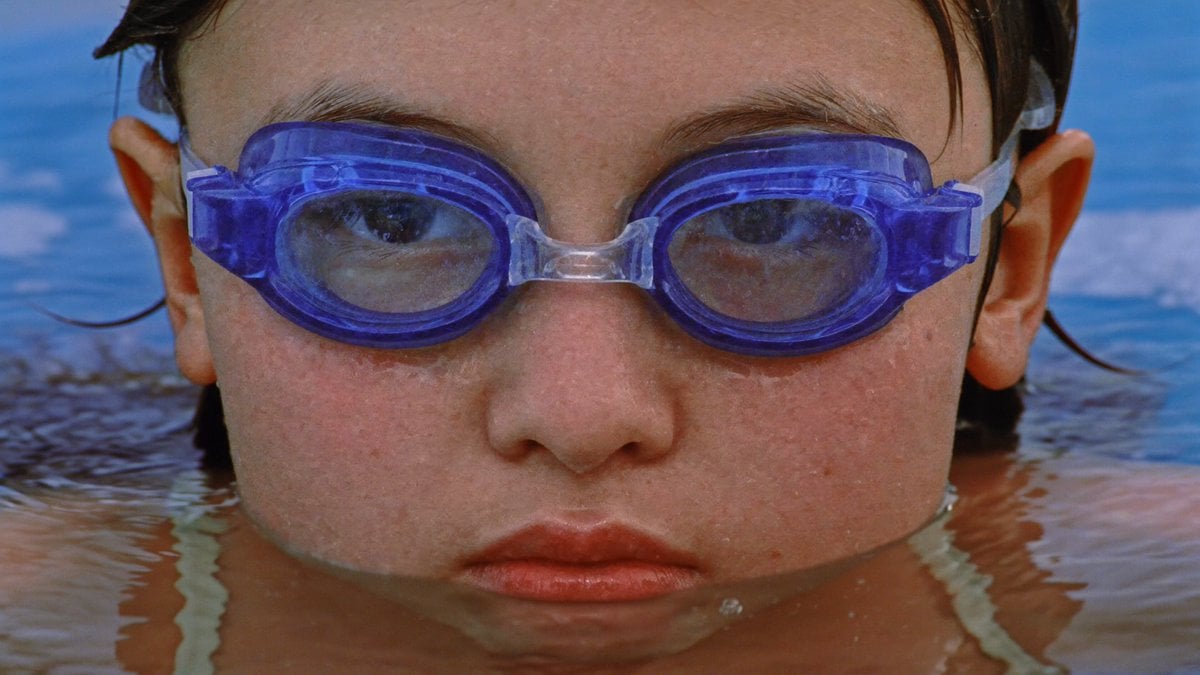
Flooded Office Surrealism Cinematic
Make it yours
Slow Motion Office Flood Chaos works as-is. These are the safest ways to change it without losing the look.
Change one field
Copy a single group, rewrite it, and generate again so you can see what that field is doing.
Keep the frame, change the subject
Hold the composition and light of Slow Motion Office Flood Chaos, then swap wardrobe, props or the person for a new take.
| If the result… | Why | Fix |
|---|---|---|
| The result drifts from the preview | Too many fields changed at once. | Reuse Slow Motion Office Flood Chaos as-is first, then change one group — subject, light, or setting. |
| The model over-stylizes the scene | The prose prompt leaves finish and camera underspecified. | Add one camera or lighting sentence and stay on Seedance 2.0. |
More Seedance 2.0 templates
Other prompts made for Seedance 2.0.

Comical Martial Arts Punch Scene

Maglev Train Action Sequence

Martial Arts Fight Sequence

Wuxia Protection and Trust Script

Vintage Korean Arcade MiniDV Vlog

Mercedes 190 SL Luxury Ad

Rainy Night Supernatural Reverse Comedy Video Script

Amazon Civilization Discovery

Futuristic South Asian City Transformation

Cozy Luxury Cafe Commercial
More video prompts
Fresh picks from across the catalog.
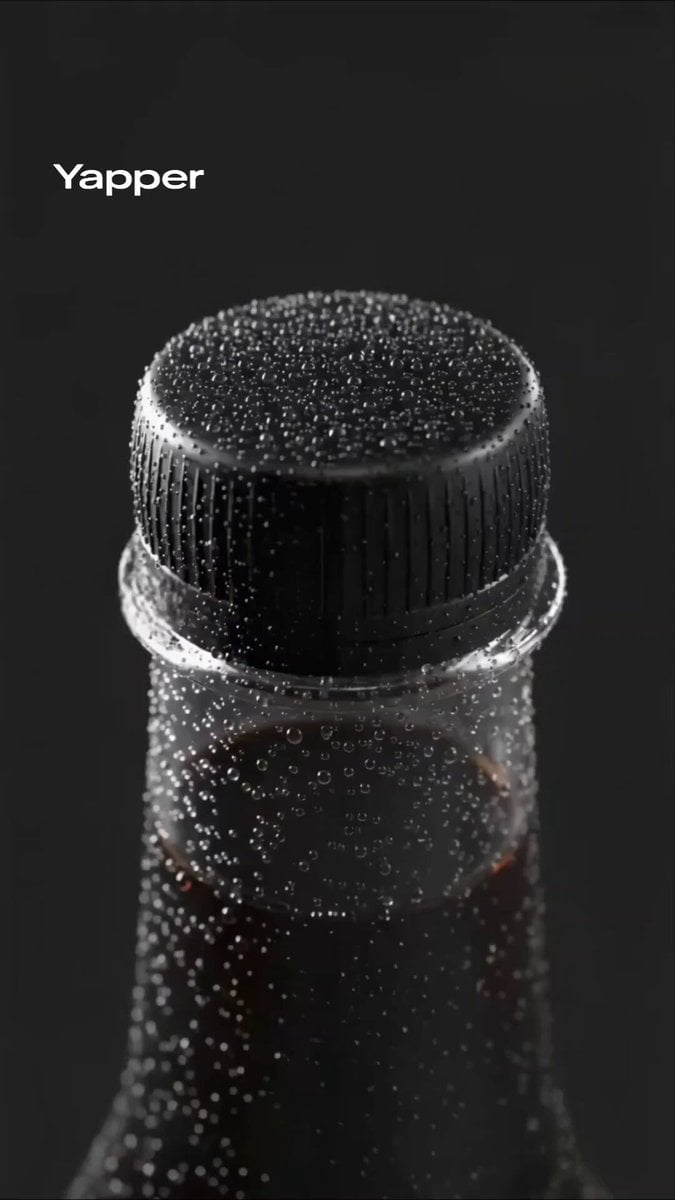
Ultra-realistic Cinematic Soda Commercial
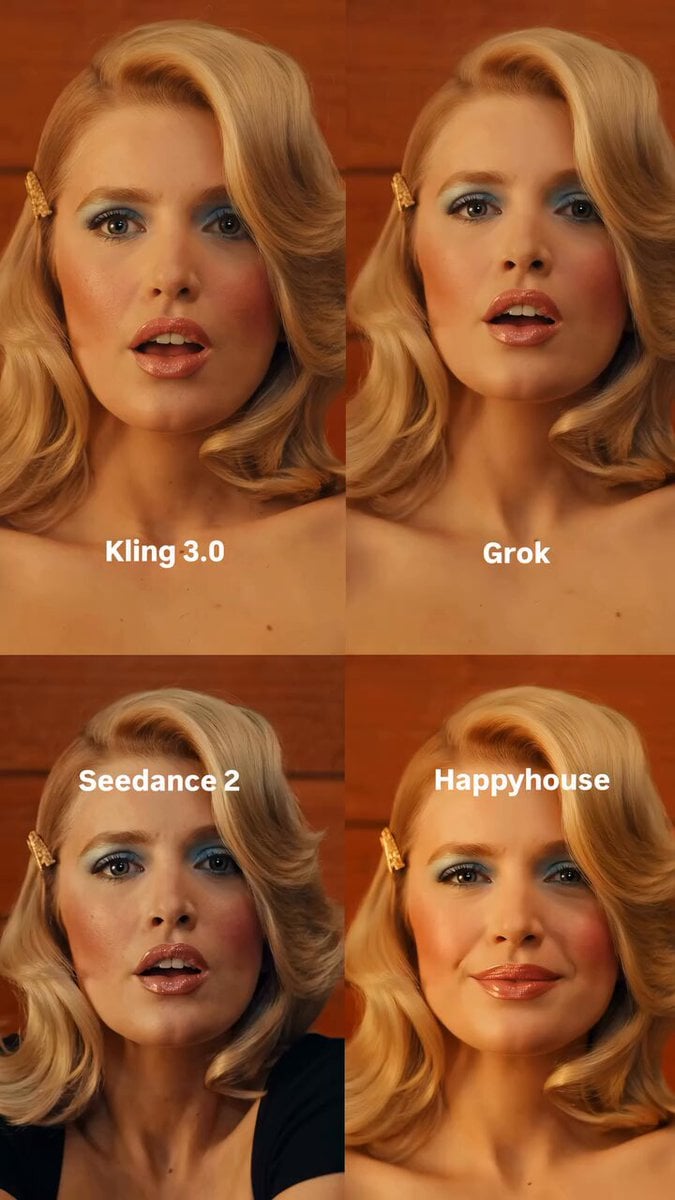
Retro Character Portrait
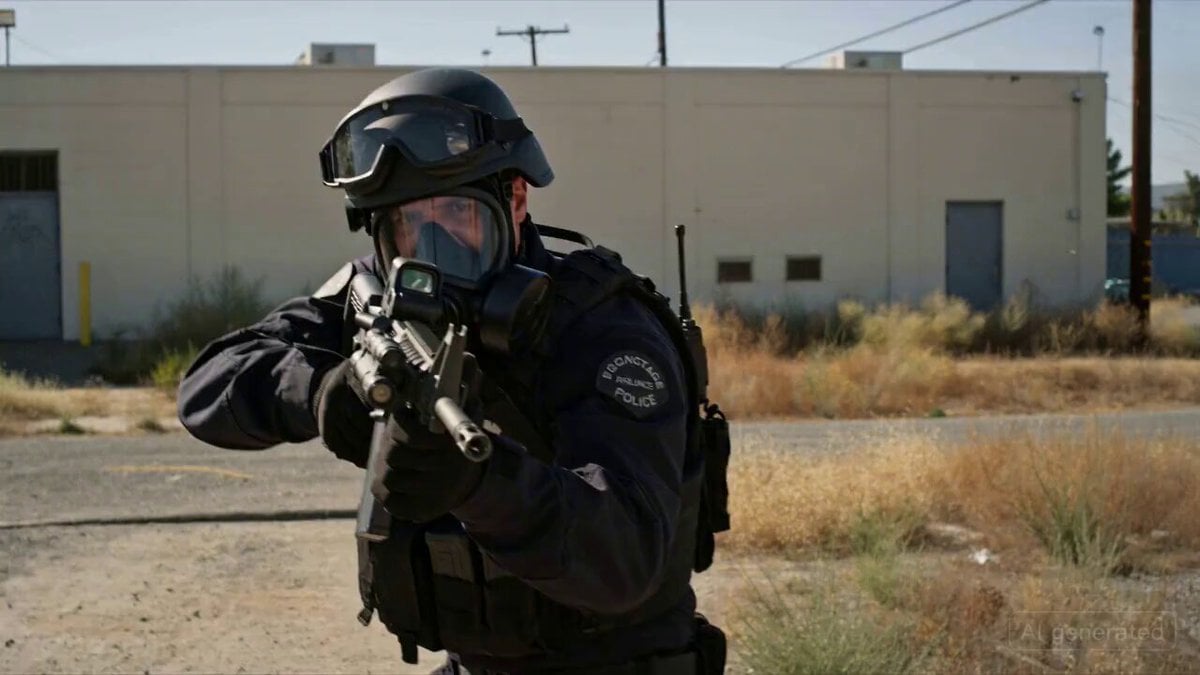
SWAT Hostage Negotiation Scene

Video prompt: Hero protecting a woman in a crowd
Cinematic Wuxia Swordswoman with Synchronized Echoes
Horseback riding and Starship launch video

AI Puppy Acting Challenge Scene Script

Ethereal Wanderer in Fog-Shrouded Forest
Nostalgic DV Camcorder Fairground Video
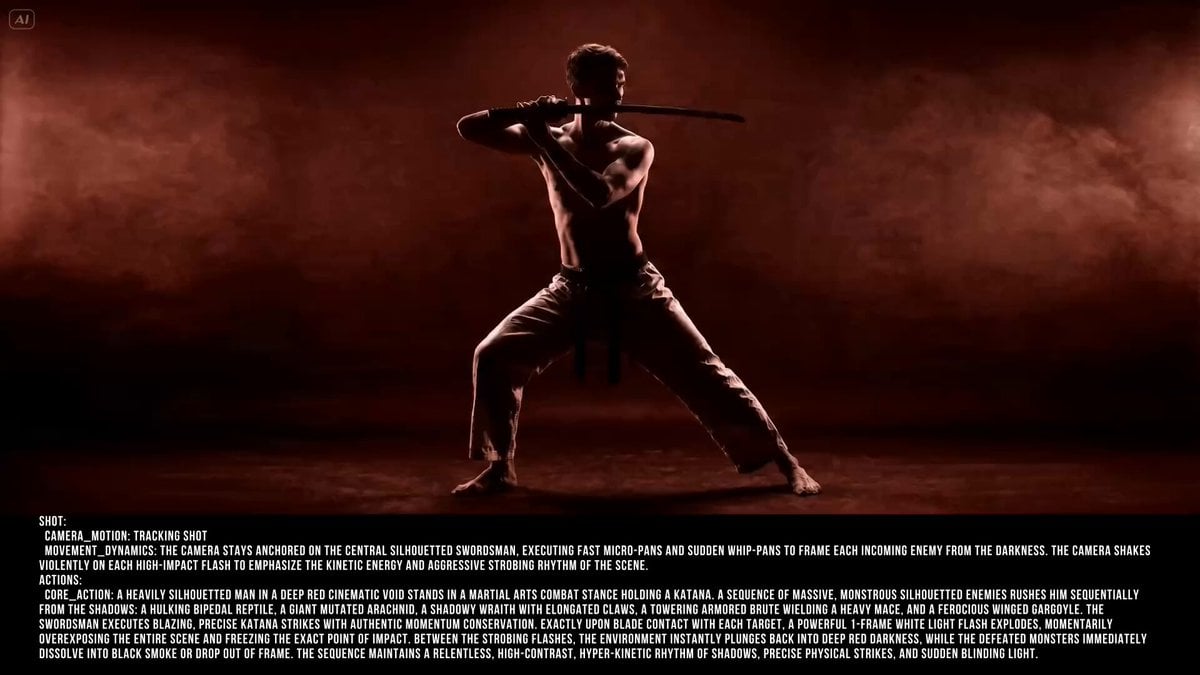
Silhouetted Swordsman Combat Prompt
Browse template categories
Slow Motion Office Flood Chaos questions
How do I use the Slow Motion Office Flood Chaos template?
Add your photo if the template asks for one, edit the prompt if you like — the template's model and format are already selected — and press Generate. Your version opens in PicX Studio.
Can I customize the Slow Motion Office Flood Chaos template?
Yes. You can change the subject, setting, lighting, mood, format, and available model controls before creating your video.
Is the Slow Motion Office Flood Chaos template free?
Opening and editing this template is free. Generating uses credits, shown on the Generate button when you are signed in.
Which AI model should I use?
Start with Seedance 2.0, which is the model associated with this template. You can compare another compatible model for a different finish.
Looking for something else? Browse all templates.

Your photo, any look
Thousands of ready templates for every top image and video model, from one credit balance.