
Vertical Descent Orc Battle Siege
A dynamic multi-stage prompt featuring a high-speed vertical descent from the sky into a chaotic orc fortress siege.
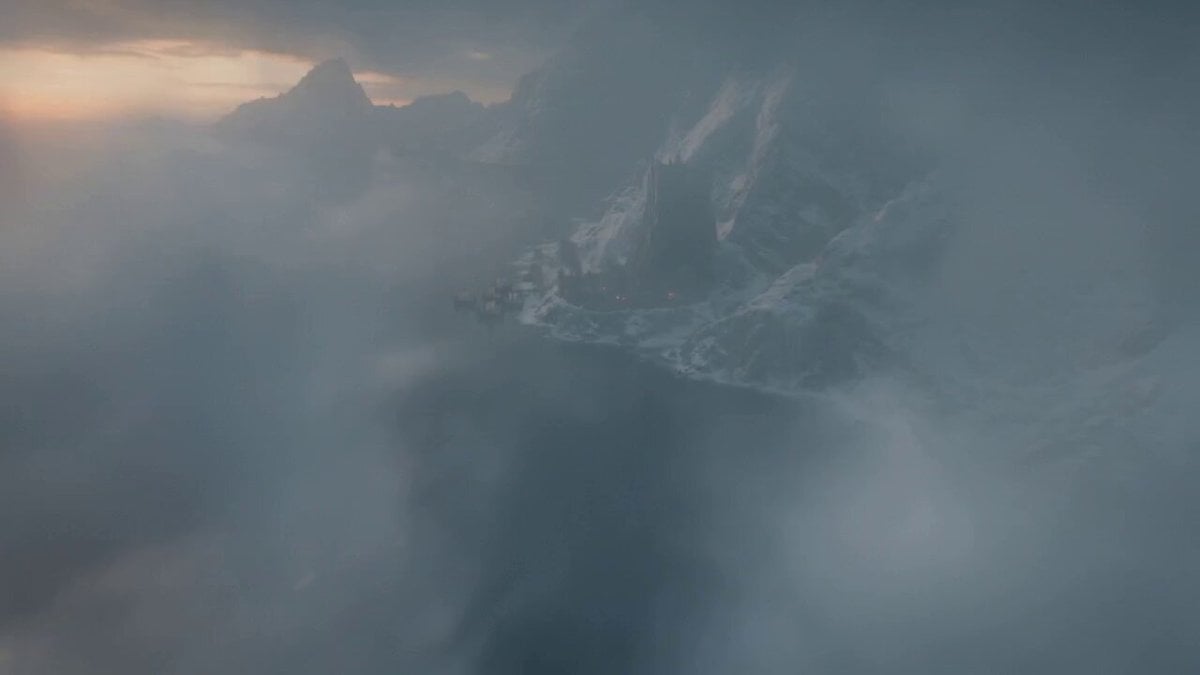
- Prompt included
- Model and format preset
- Free template
The prompt behind this video
Copy the exact prompt behind Vertical Descent Orc Battle Siege, or open it in the studio and make it yours.
[0–5s]: Vertical descent from sky Ultra-high altitude above a sunny, orc coastal fortress at stormy dusk, the wooden stronghold centered in frame, surrounded by icy cliffs, longships, and smoke. The camera begins in dark clouds and plummets straight down at immense speed, cutting through the cleark sky. Strong motion blur, violent wind effects, subtle lens distortion, and chaotic shake emphasize the descent. Fires, siege ladders, and shield walls become visible as the fortress fills the frame. [5–10s]: Stabilization into siege FPV Just before impact, the motion snaps into a smooth FPV glide through the fortress breach. A full orc siege is underway. Axes crash into shields, arrows streak overhead, berserkers scream, and burning debris falls from above. The camera flies low through mud, bodies, shattered wood, and charging warriors, dodging swinging axes and collapsing barricades. Snow, smoke, sparks, and embers swirl through the air. [10–15s]: Wolf cage pass + whip pan to orc chieftain The camera cuts tightly past a heavy iron cage holding snarling wolves, one slamming against the bars with teeth bared. Then a fast whip pan lands on the orc chieftain standing atop the battlements, fur cloak billowing, roaring orders onto the battlefield.
How to use Vertical Descent Orc Battle Siege in 3 steps
- 1
Open
The prompt is already in the box next to the preview, with the template's model and format selected.
- 2…a portrait of your subject in softgolden-hour light, 85mm…
Personalize
Edit the subject and creative details for your destination.
- 3Generate
Generate
Press Generate — your video is created in PicX Studio, so you can compare it with the original and refine one variable at a time.
More like this
Templates with the same subject, style or setup. Open one to see its prompt.
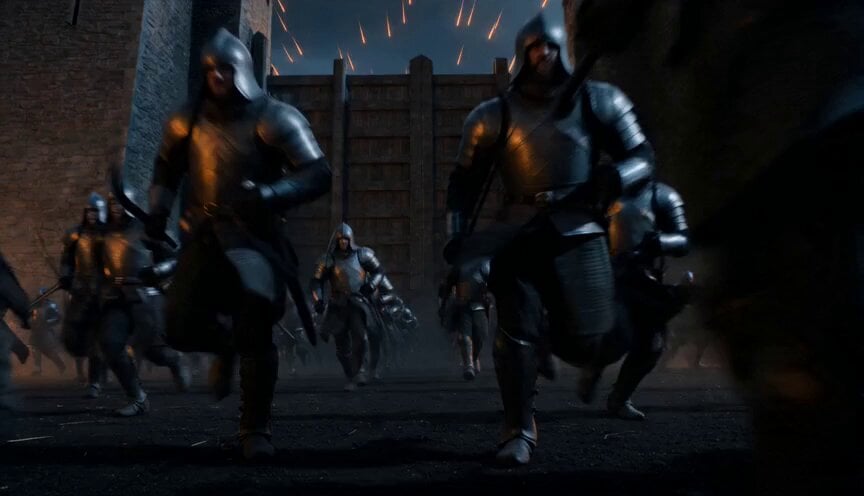
Epic Night Battlefield Siege
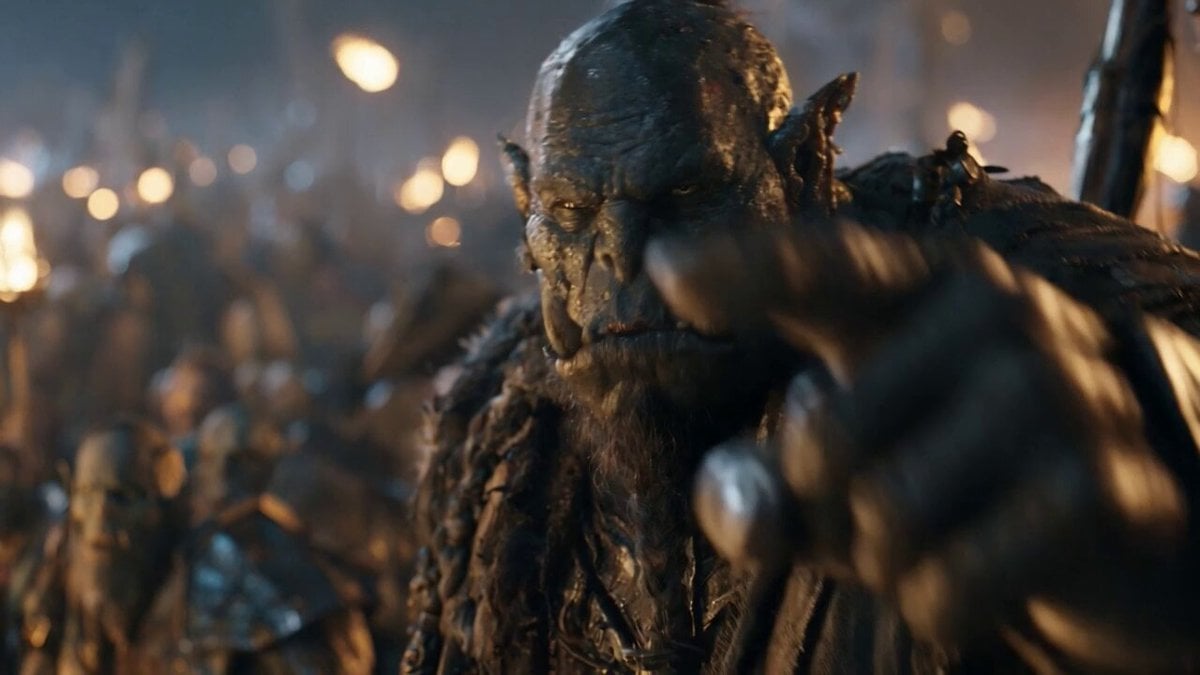
Orc Warlord Performance Transfer - Seedance 2.5
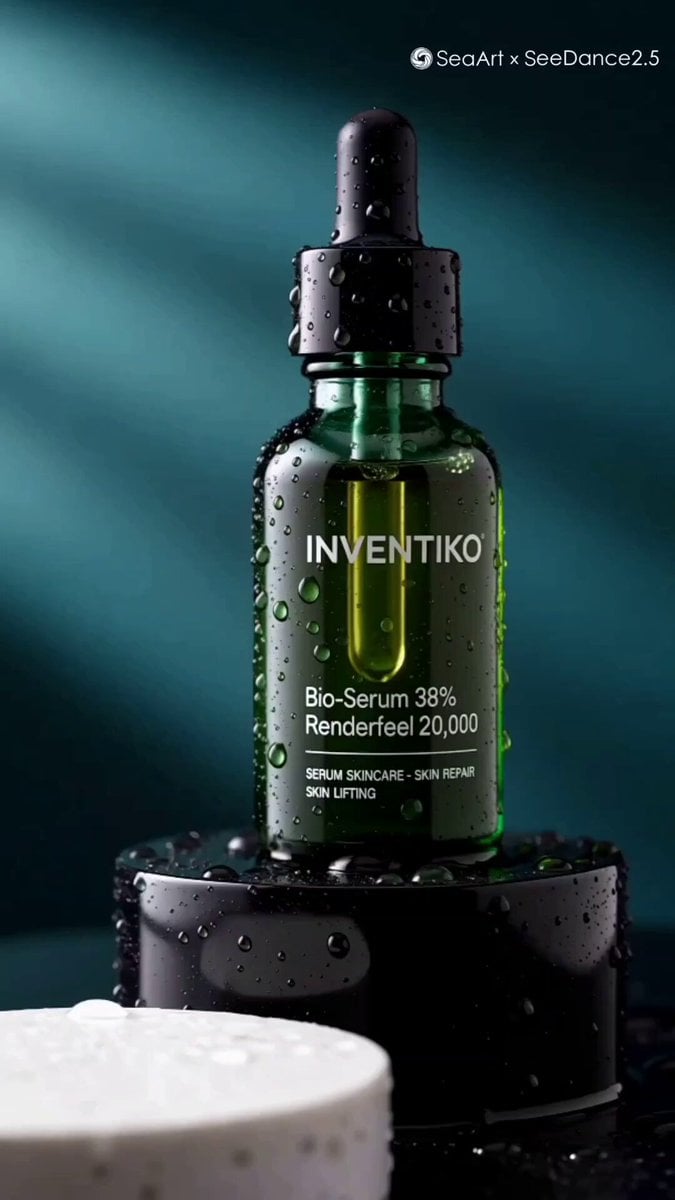
Luxury Skincare Serum Commercial

Kyoto Morning Selfie Vlog
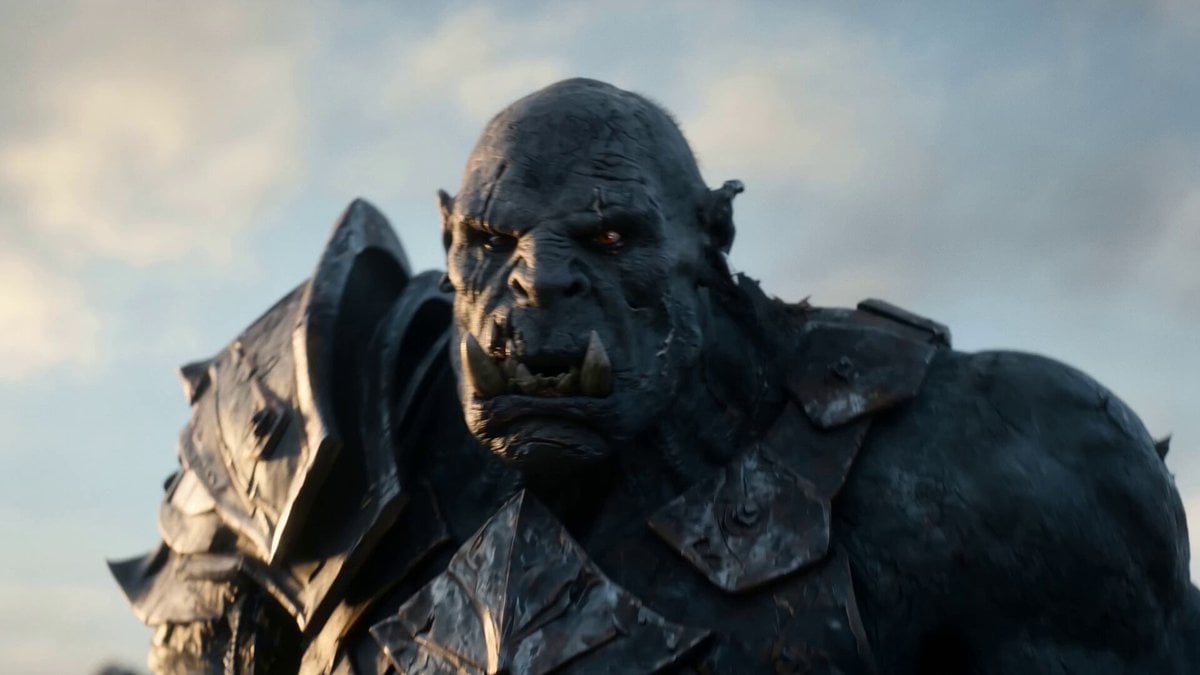
Elven vs Orc Epic Battle
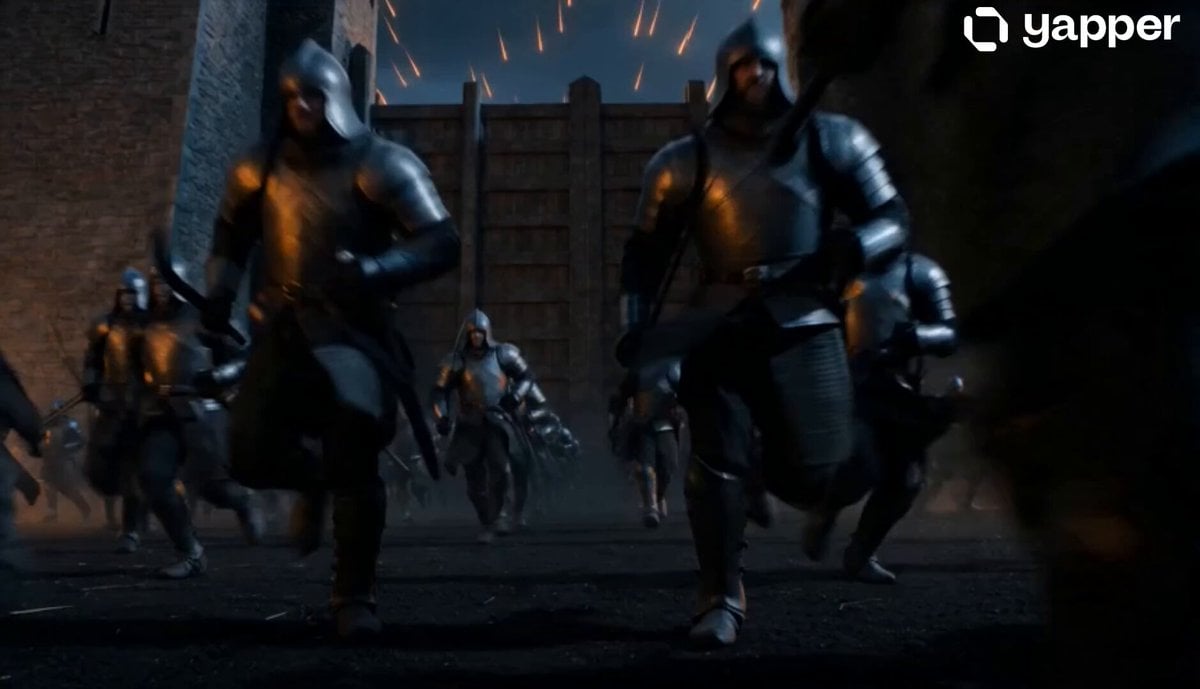
Cinematic Night Battlefield Siege
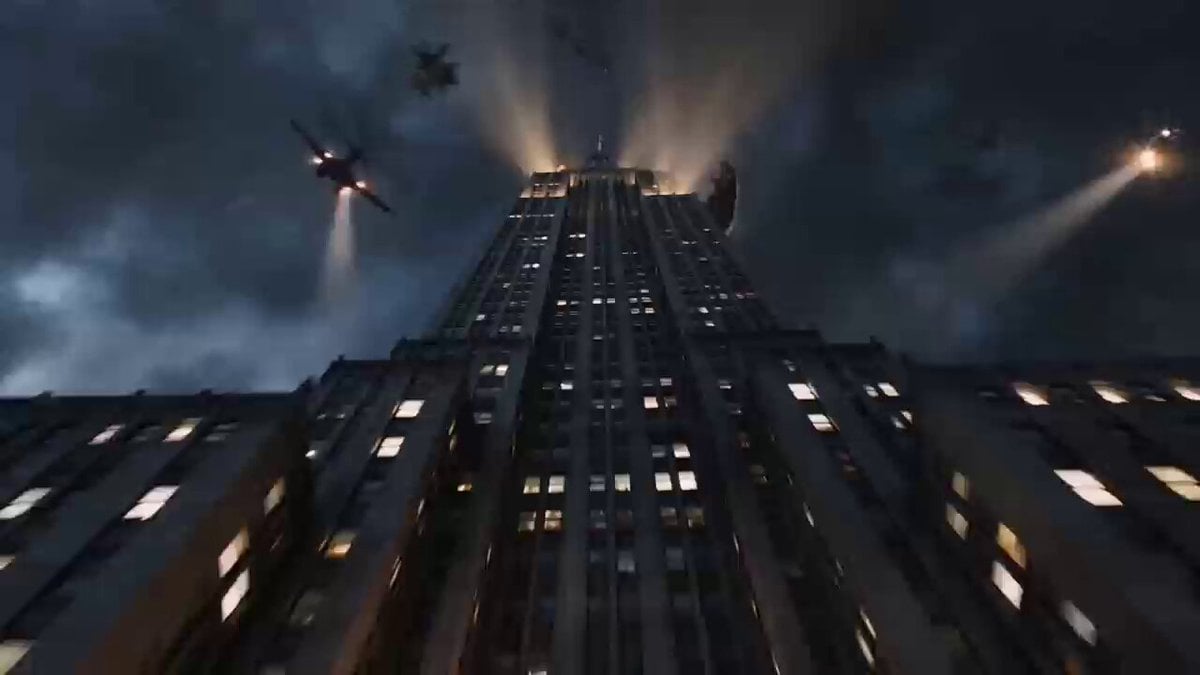
Vertical Skyscraper Battle in Rain
Swordsman vs Shadow Monster — Bamboo Forest Battle
Tiger vs Gorilla — Jungle Canyon Clash
Tiny Figure Climbing a Giant — Low Angle Seedance
Mecha Transformation vs Kaiju — 4-Scene Epic
Vertical City — São Paulo Parkour at Sunset
Make it yours
Vertical Descent Orc Battle Siege works as-is. These are the safest ways to change it without losing the look.
Change one field
Copy a single group, rewrite it, and generate again so you can see what that field is doing.
Keep the frame, change the subject
Hold the composition and light of Vertical Descent Orc Battle Siege, then swap wardrobe, props or the person for a new take.
| If the result… | Why | Fix |
|---|---|---|
| The result drifts from the preview | Too many fields changed at once. | Reuse Vertical Descent Orc Battle Siege as-is first, then change one group — subject, light, or setting. |
| The model over-stylizes the scene | The prose prompt leaves finish and camera underspecified. | Add one camera or lighting sentence and stay on Seedance 2.0. |
More Seedance 2.0 templates
Other prompts made for Seedance 2.0.

Comical Martial Arts Punch Scene

Maglev Train Action Sequence

Martial Arts Fight Sequence

Wuxia Protection and Trust Script

Vintage Korean Arcade MiniDV Vlog

Mercedes 190 SL Luxury Ad

Rainy Night Supernatural Reverse Comedy Video Script

Amazon Civilization Discovery

Futuristic South Asian City Transformation

Cozy Luxury Cafe Commercial
More video prompts
Fresh picks from across the catalog.
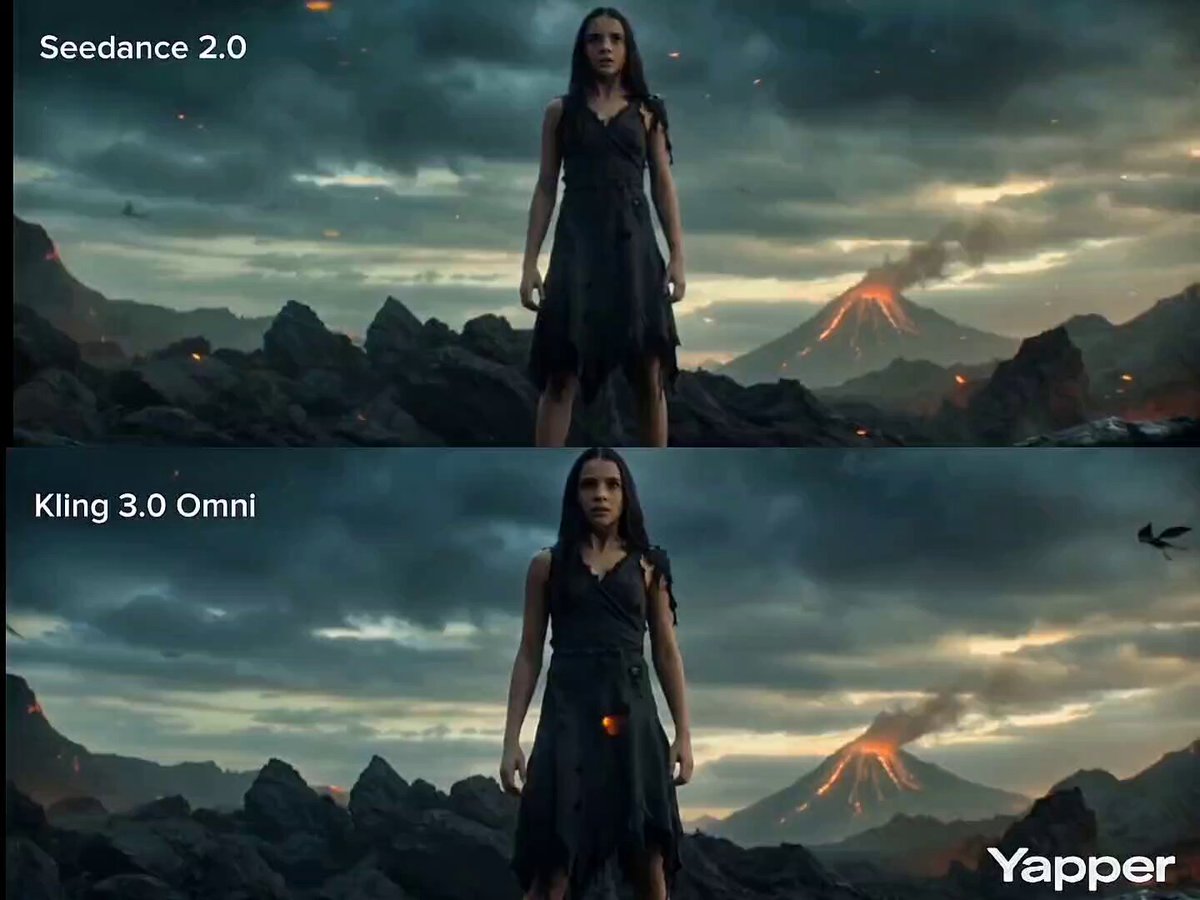
Cinematic Transformation Scene
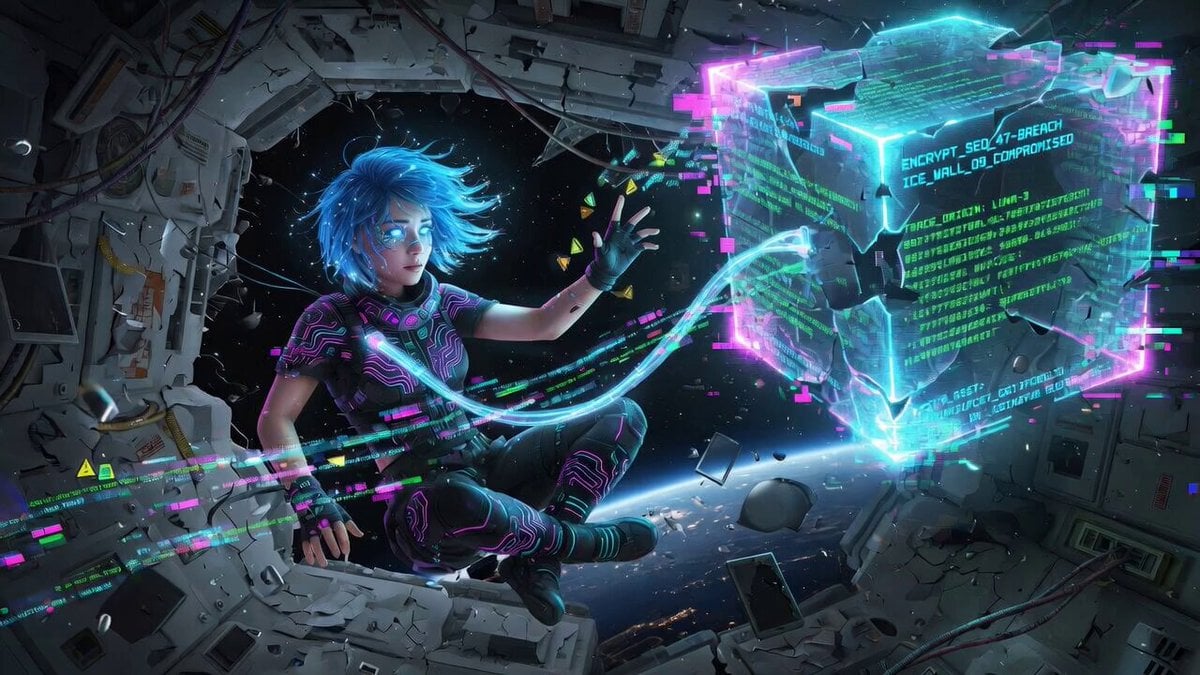
Cinematic video generation prompt: Cybernetic netrunner hacking
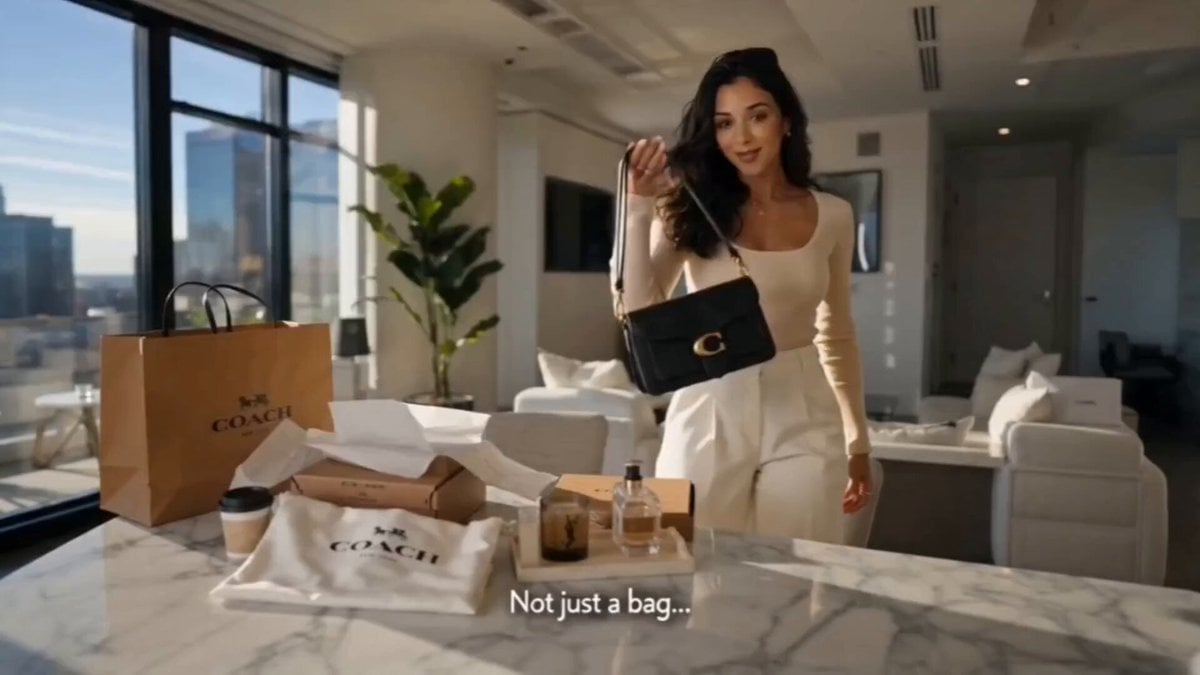
Luxury Fashion Bag Unboxing Ad
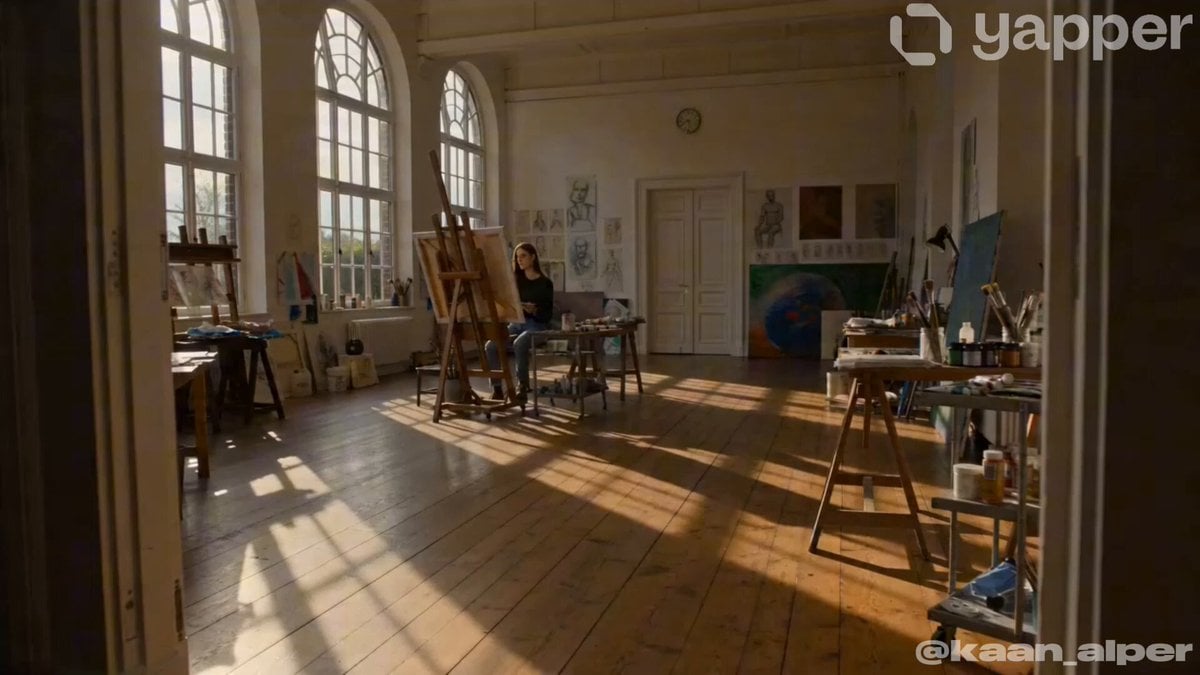
Artist Studio Cinematic Video Prompt for Seedance 2.0
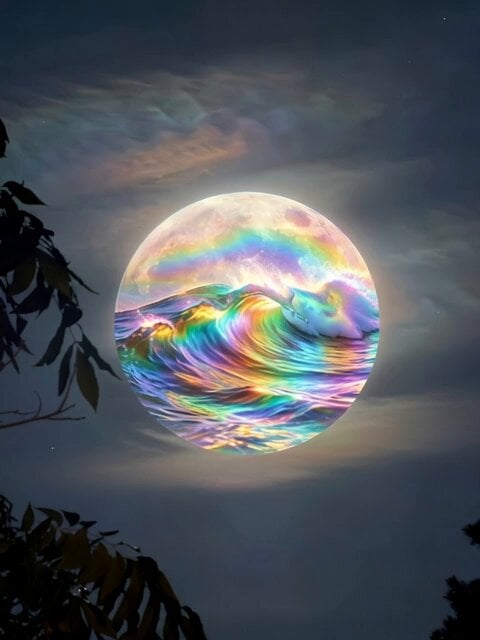
Rainbow Waves on the Moon

Quirky Character with Pistachio Tree
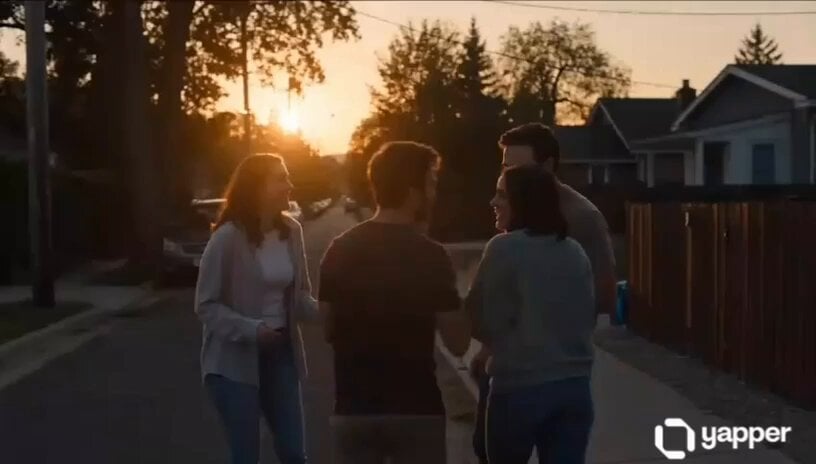
Emotional Neighborhood Short Film
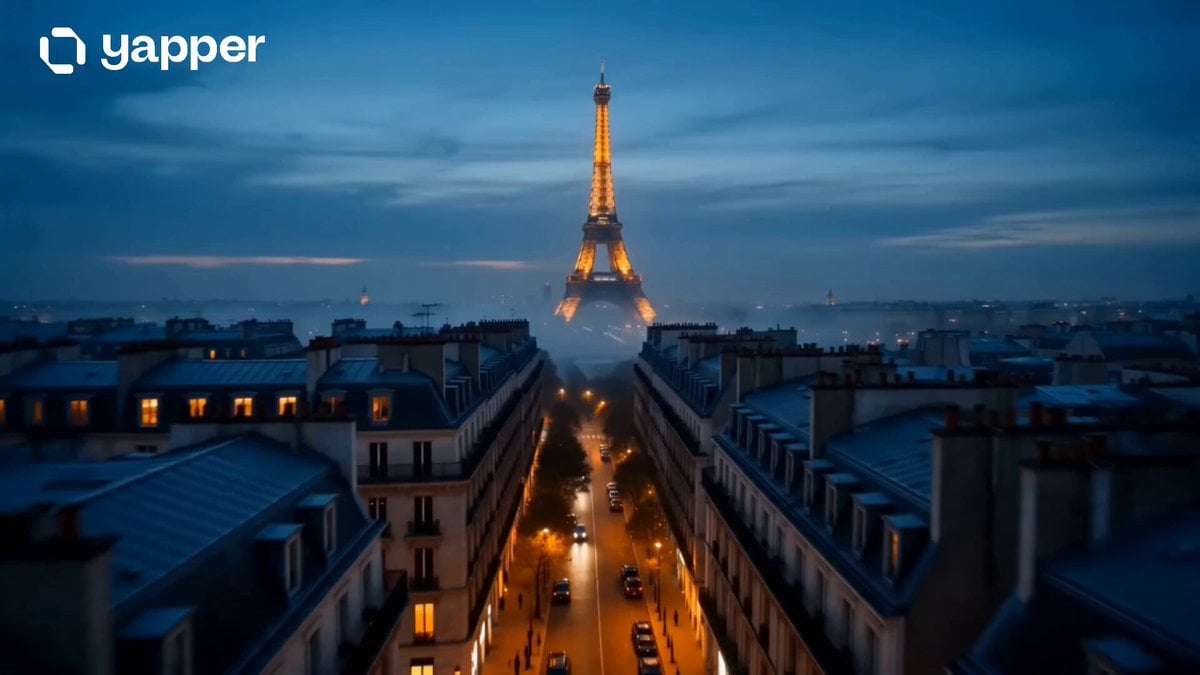
Cinematic Paris Travel Sequence
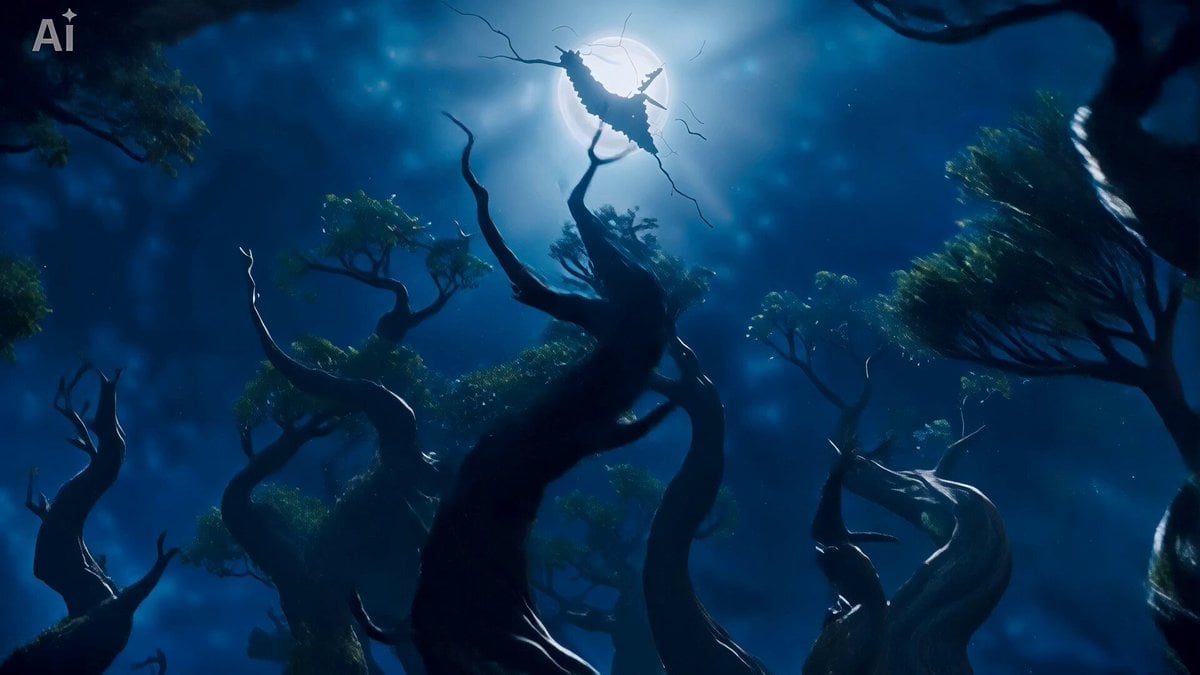
Ethereal Wanderer in Fog-Shrouded Forest
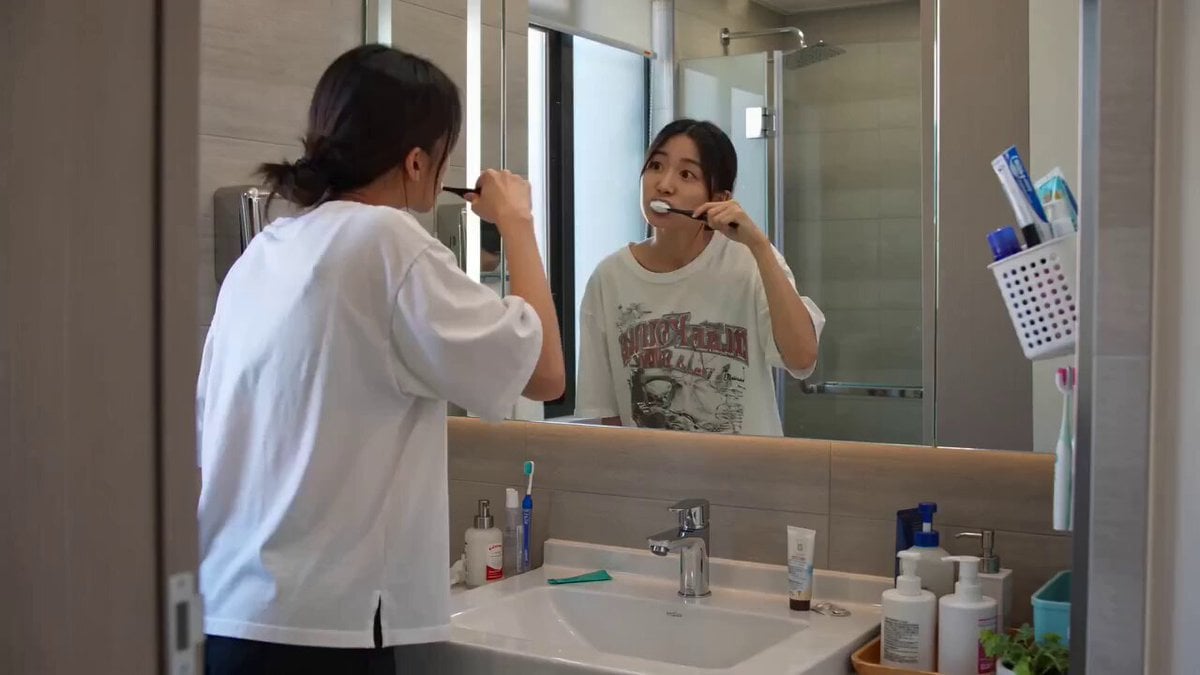
Seedance 2.0 Text-to-Video Prompt: Suspense Comedy Mirror Glitch
Browse template categories
Vertical Descent Orc Battle Siege questions
How do I use the Vertical Descent Orc Battle Siege template?
Add your photo if the template asks for one, edit the prompt if you like — the template's model and format are already selected — and press Generate. Your version opens in PicX Studio.
Can I customize the Vertical Descent Orc Battle Siege template?
Yes. You can change the subject, setting, lighting, mood, format, and available model controls before creating your video.
Is the Vertical Descent Orc Battle Siege template free?
Opening and editing this template is free. Generating uses credits, shown on the Generate button when you are signed in.
Which AI model should I use?
Start with Seedance 2.0, which is the model associated with this template. You can compare another compatible model for a different finish.
Looking for something else? Browse all templates.

Your photo, any look
Thousands of ready templates for every top image and video model, from one credit balance.