How do I use the Sci-Fi Urban Warfare Scene template?
Edit the prompt in the box under the preview — the template's model and format are already selected — and press Generate. Your version appears right on this page.
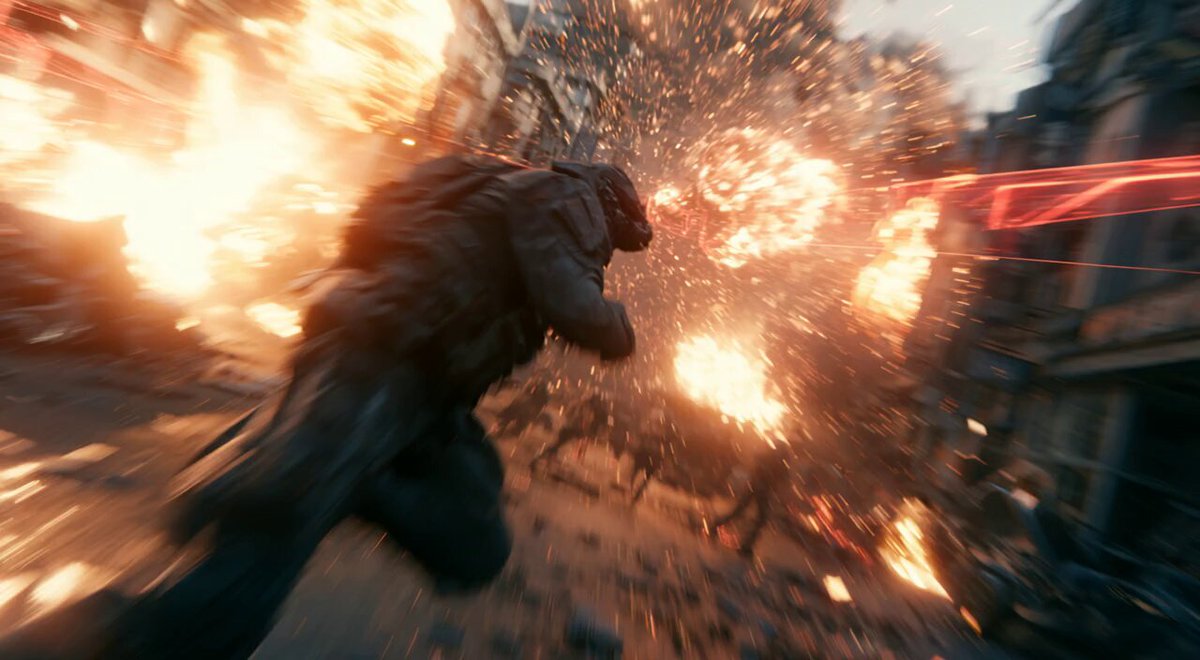
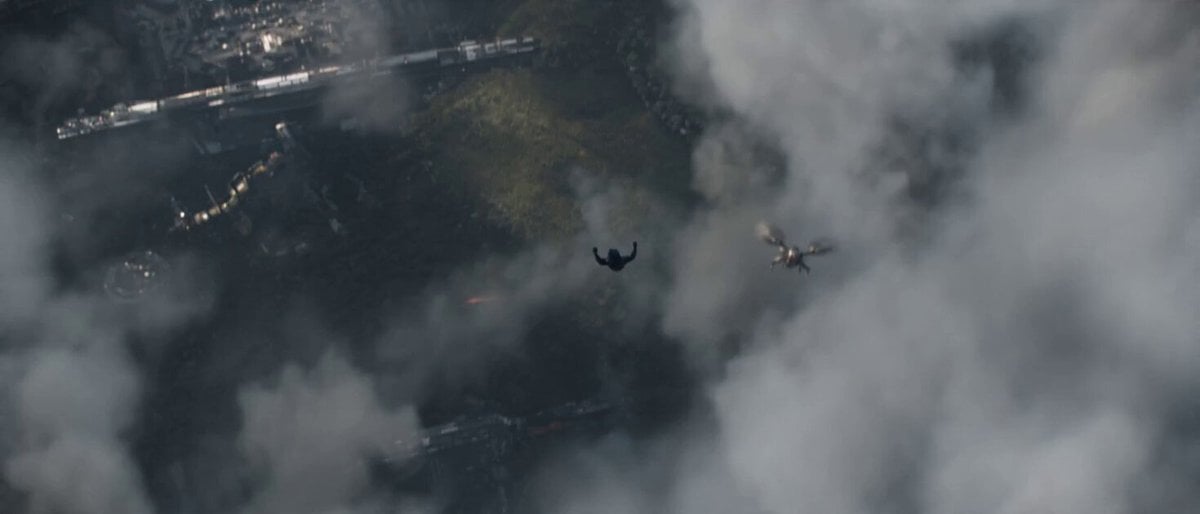
A high-budget sci-fi cinematic prompt featuring human soldiers and giant mechas in a detailed battle across a ruined futuristic city.
STYLE: Cinematic sci-fi war movie, high budget VFX, fast-paced action, soft film grain. SCENE: War-torn futuristic city street reduced to rubble under a grey smoky sky, jagged broken buildings and scattered fires, design language: shattered concrete and twisted metal. CHARACTER / SUBJECT: Armored human soldiers in tactical gear with covered faces push forward through debris, exchanging heavy fire with towering multi-limbed alien mecha units with glowing cores and mechanical armor. CAMERA: Dynamic tracking shot that gradually pulls back and cranes up in a single continuous take. ACTION: The shot begins deep in the rubble as soldiers scramble over broken concrete, muzzle flashes lighting the dust while alien mechas stomp forward and blast the street. Then the camera pulls back and rises above the chaos to reveal the wider battlefront stretching across the ruined city, with more distant mecha silhouettes and defensive human positions exchanging fire, after which the camera keeps drifting higher as smoke billows upward and explosions continue to flash across the battlefield. ON-SCREEN TEXT: clean frame, no on-screen text. SOUND DESIGN: Thunderous explosions, rattling gunfire, heavy metallic footsteps, crackling fires, distant panicked radio chatter, underscored by a tense hybrid orchestral score that swells as the camera ascends. NOTES: consistent soldier and mecha designs throughout; realistic debris, dust, and smoke simulation.
STYLE: Cinematic sci-fi war movie, high budget VFX, fast-paced action, soft film grain. SCENE: War-torn futuristic city street reduced to rubble under a grey smoky sky, jagged broken buildings and scattered fires, design language: shattered concrete and twisted metal. CHARACTER / SUBJECT: Armored human soldiers in tactical gear with covered faces push forward through debris, exchanging heavy fire with towering multi-limbed alien mecha units with glowing cores and mechanical armor. CAMERA: Dynamic tracking shot that gradually pulls back and cranes up in a single continuous take. ACTION: The shot begins deep in the rubble as soldiers scramble over broken concrete, muzzle flashes lighting the dust while alien mechas stomp forward and blast the street. Then the camera pulls back and rises above the chaos to reveal the wider battlefront stretching across the ruined city, with more distant mecha silhouettes and defensive human positions exchanging fire, after which the camera keeps drifting higher as smoke billows upward and explosions continue to flash across the battlefield. ON-SCREEN TEXT: clean frame, no on-screen text. SOUND DESIGN: Thunderous explosions, rattling gunfire, heavy metallic footsteps, crackling fires, distant panicked radio chatter, underscored by a tense hybrid orchestral score that swells as the camera ascends. NOTES: consistent soldier and mecha designs throughout; realistic debris, dust, and smoke simulation.
Edit the prompt in the box under the preview — the template's model and format are already selected — and press Generate. Your version appears right on this page.
Yes. You can change the subject, setting, lighting, mood, format, and available model controls before creating your video.
Opening and editing this template is free. Generating uses credits, shown on the Generate button when you are signed in.
Start with Seedance 2.0, which is the model associated with this template. You can compare another compatible model for a different finish.
Follow a topic to a crawlable collection of related PicX Studio templates.