How do I use the Social Media & UGC Content Prompts template?
Edit the prompt in the box under the preview — the template's model and format are already selected — and press Generate. Your version appears right on this page.
A collection of five prompts optimized for Seedance 2.0 to generate various social media content styles including talking heads, vlogs, and GRWM videos.
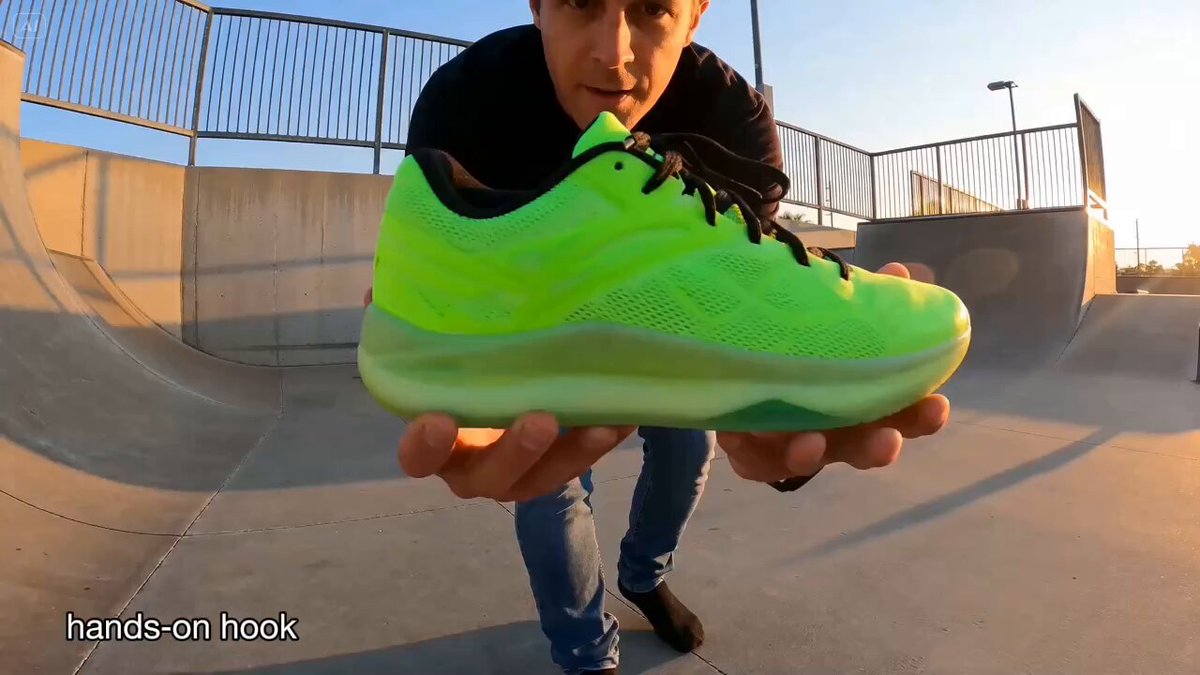
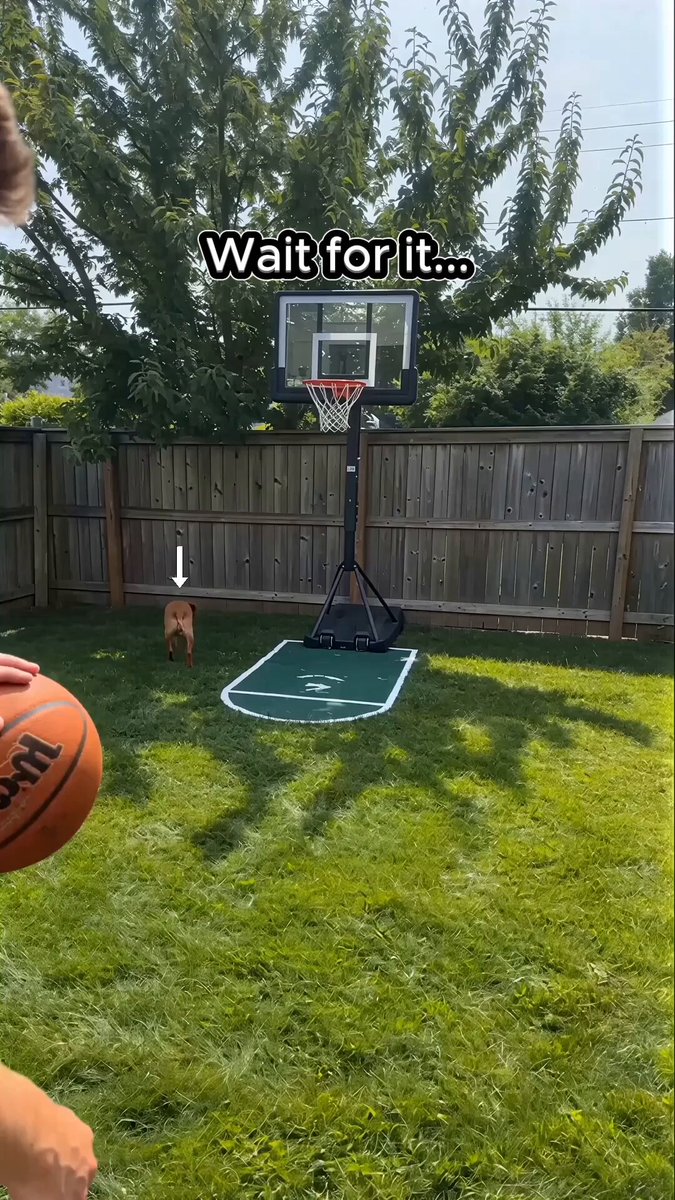
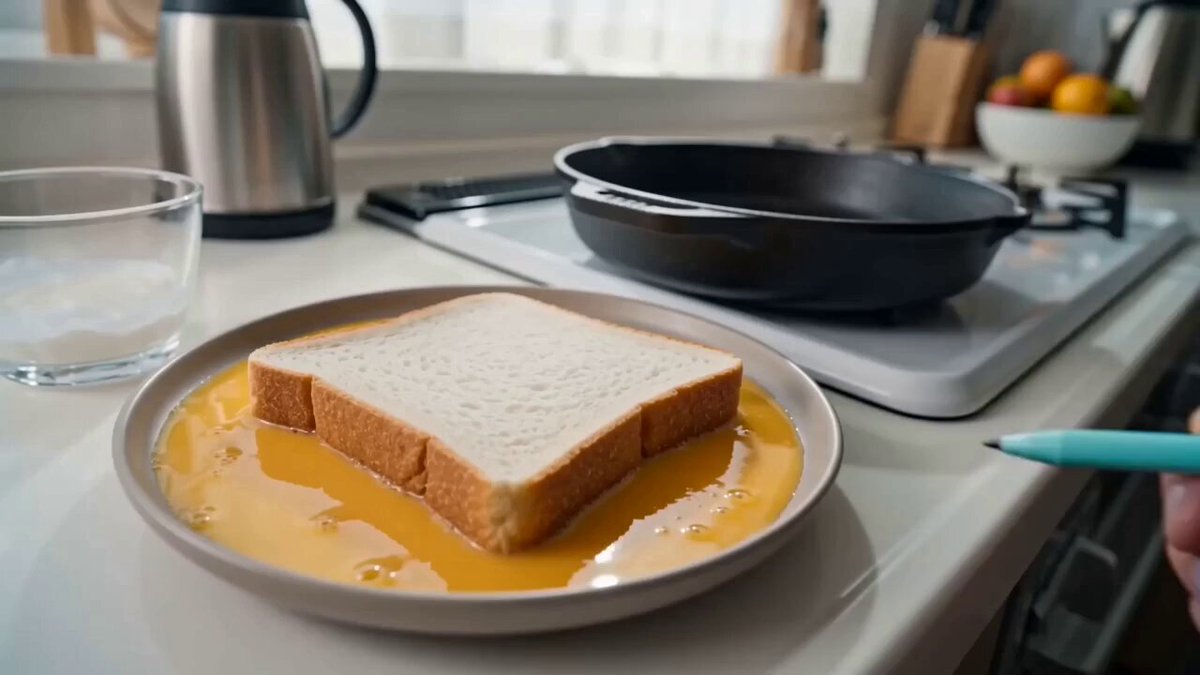
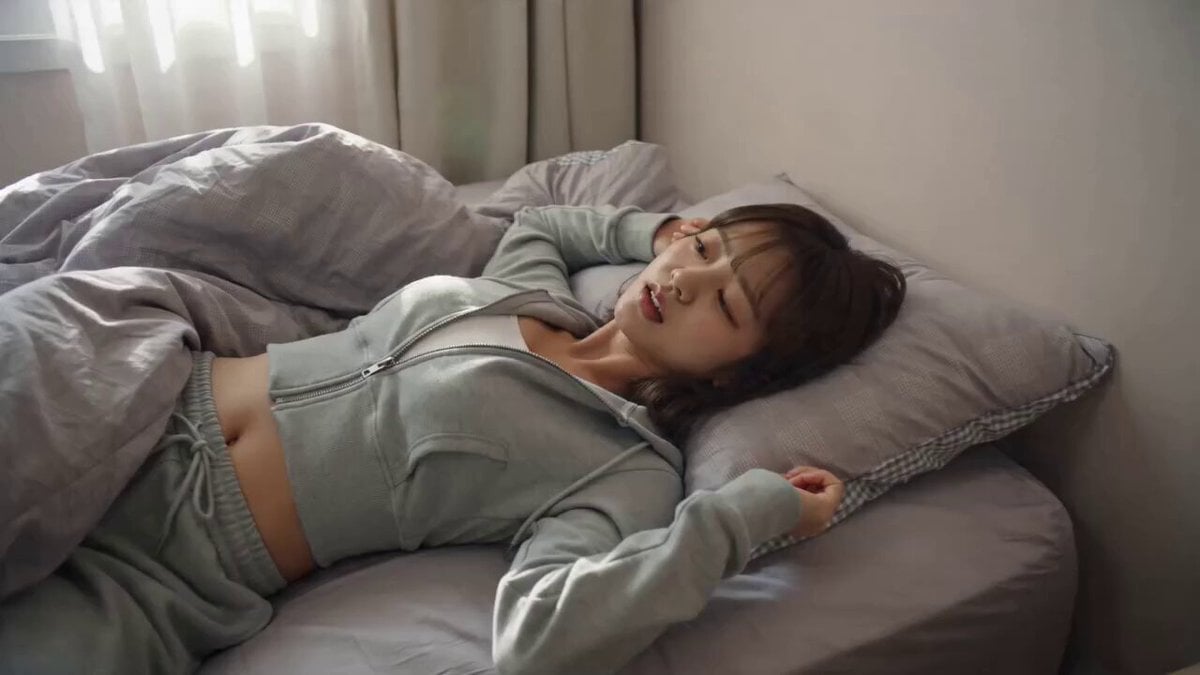
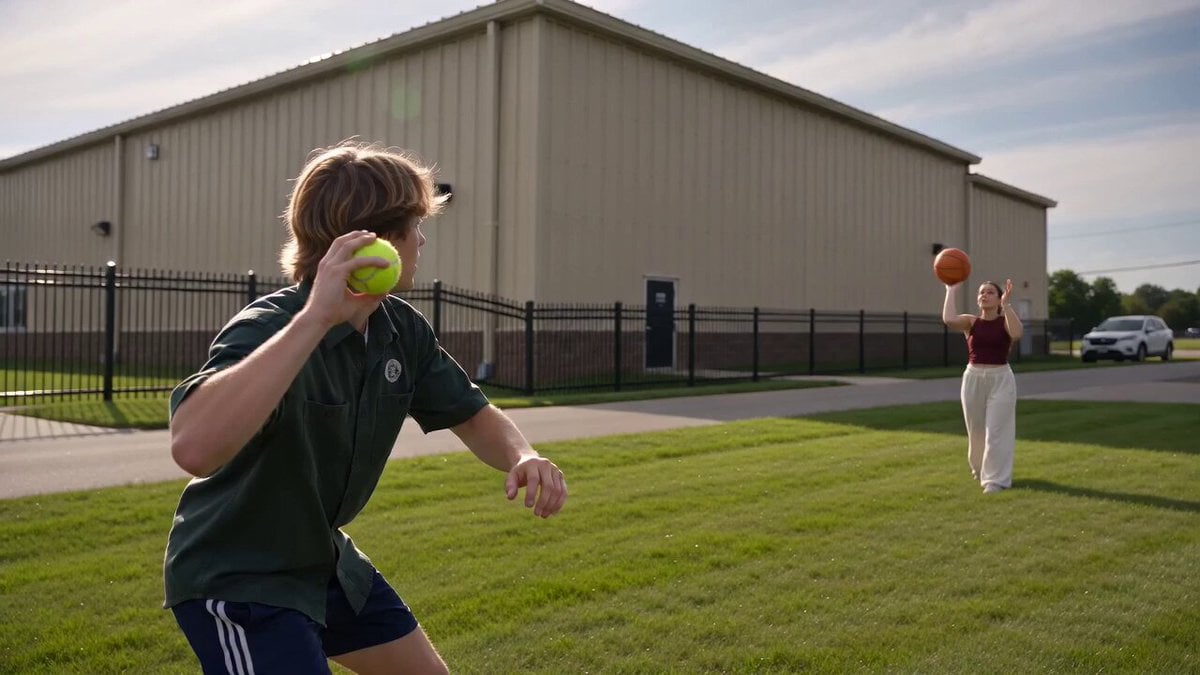
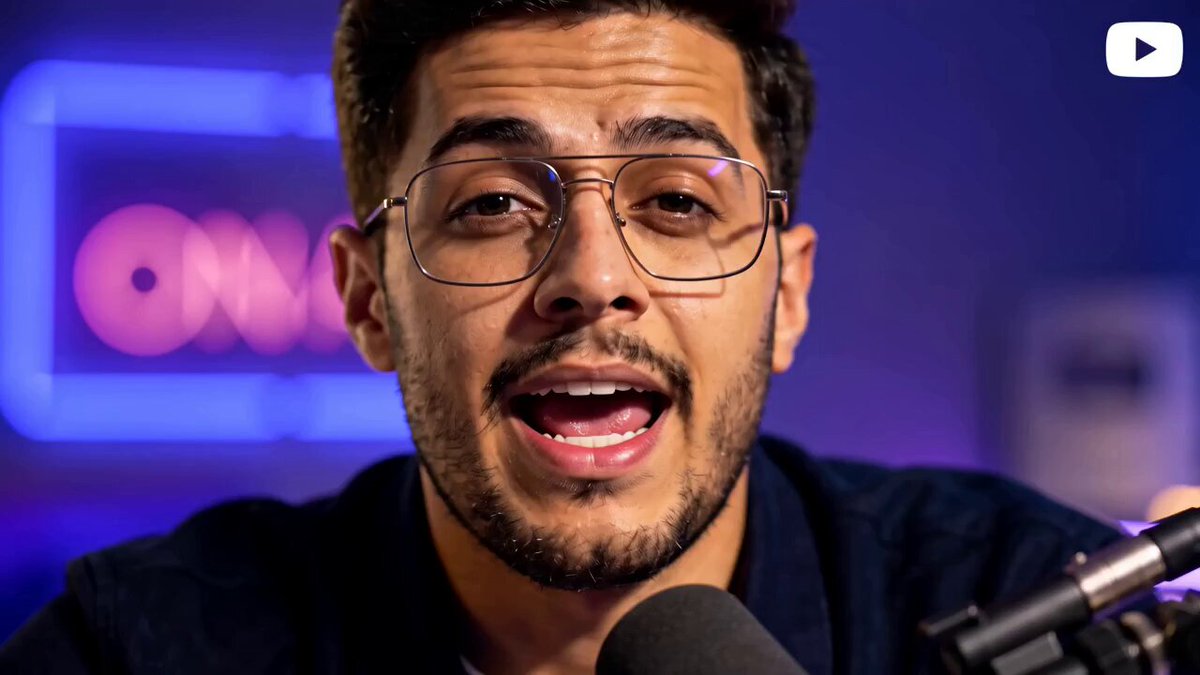
01- TikTok talking head – a person speaks directly to camera with natural expressions; fixed medium close‑up and soft studio lighting create an authentic talking‑avatar feel. 02- Day‑in‑the‑life – vlog‑style short: morning alarm, breakfast preparation, commuting, and working; each shot switches angles; natural daylight and casual narration convey authenticity. 03- Get ready with me – influencer sets up camera while doing a makeup routine; shots include picking outfits, applying cosmetics and final pose; upbeat tone fits a typical GRWM Reel. 04-Reaction video setup – camera records a person watching a clip on a laptop; their facial expressions change dramatically; over‑the‑shoulder shot and front‑facing reaction emphasise spontaneity. 05- Behind‑the‑scenes – informal footage showing filming equipment, crew laughter and candid moments; handheld camera and quick cuts give a BTS vibe.
01- TikTok talking head – a person speaks directly to camera with natural expressions; fixed medium close‑up and soft studio lighting create an authentic talking‑avatar feel. 02- Day‑in‑the‑life – vlog‑style short: morning alarm, breakfast preparation, commuting, and working; each shot switches angles; natural daylight and casual narration convey authenticity. 03- Get ready with me – influencer sets up camera while doing a makeup routine; shots include picking outfits, applying cosmetics and final pose; upbeat tone fits a typical GRWM Reel. 04-Reaction video setup – camera records a person watching a clip on a laptop; their facial expressions change dramatically; over‑the‑shoulder shot and front‑facing reaction emphasise spontaneity. 05- Behind‑the‑scenes – informal footage showing filming equipment, crew laughter and candid moments; handheld camera and quick cuts give a BTS vibe.
Edit the prompt in the box under the preview — the template's model and format are already selected — and press Generate. Your version appears right on this page.
Yes. You can change the subject, setting, lighting, mood, format, and available model controls before creating your video.
Opening and editing this template is free. Generating uses credits, shown on the Generate button when you are signed in.
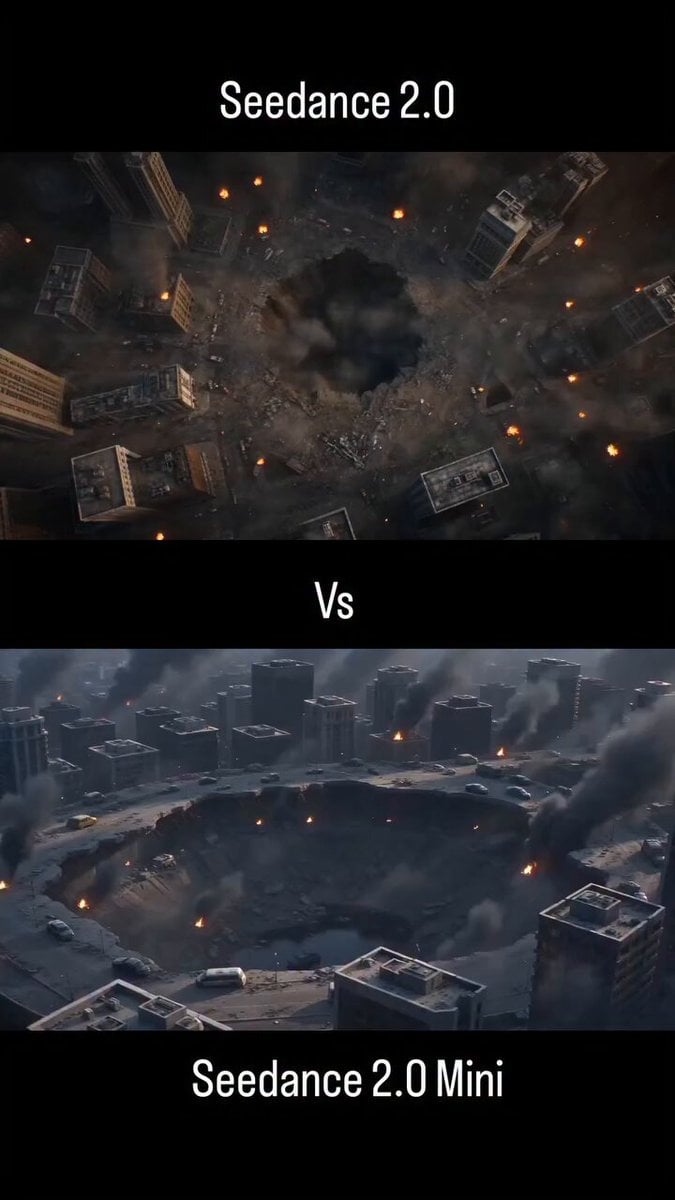
Start with Seedance 2.0, which is the model associated with this template. You can compare another compatible model for a different finish.
Follow a topic to a crawlable collection of related PicX Studio templates.