
Mixed-Media POV Transformation
A first-person POV video where realistic objects transform into 2D comic animations when touched by a magic pen in a Japanese city setting.
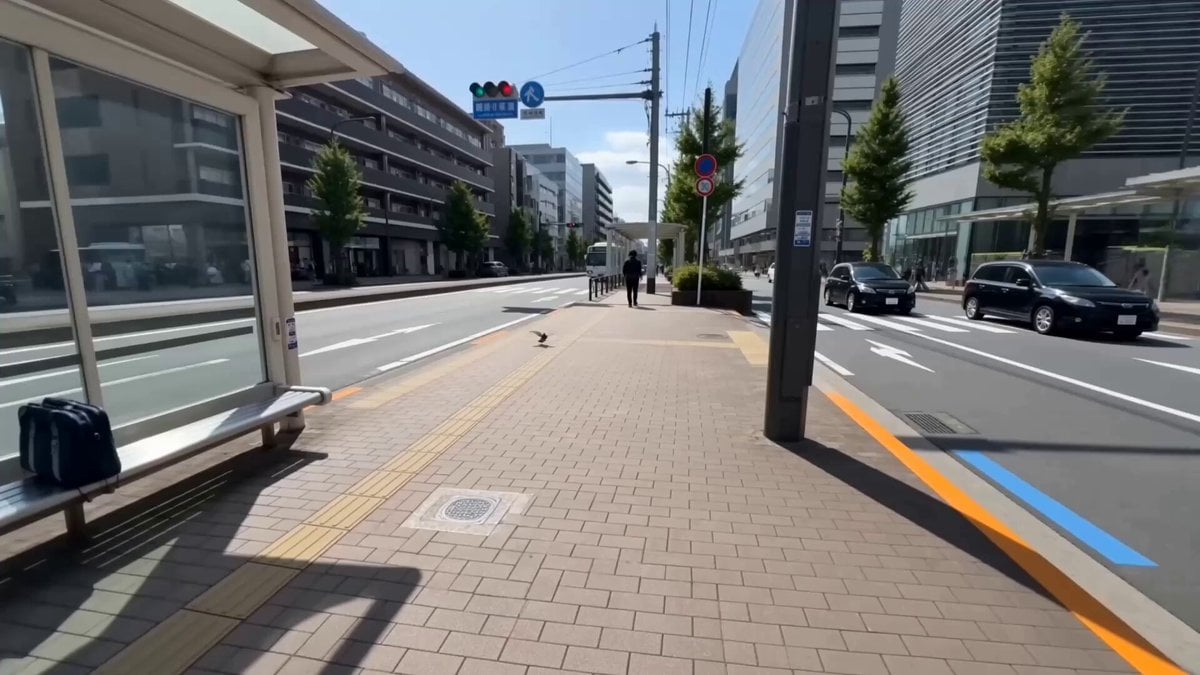
- Prompt included
- Model and format preset
- Free template
The prompt behind this video
Copy the exact prompt behind Mixed-Media POV Transformation, or open it in the studio and make it yours.
10-second cinematic mixed-media transformation video, horizontal 16:9, one continuous first-person POV shot with no cuts. The viewer sees through the eyes of a person standing beside a modern Japanese city bus stop, holding a slim black magic pen in one hand. The environment is fully photorealistic, while every object touched by the pen transforms into clean, colorful 2D comic-style animation. Smooth handheld movement, seamless transformations, playful energy, precise object tracking, realistic daylight, no subtitles, no text, no logo, no watermark. 0:00–0:03 — Bird Transformation. The continuous POV shot begins facing the sidewalk near the bus stop. A real pigeon suddenly flies toward the camera and briefly hovers directly in front of the person. The hand quickly raises the magic pen and gently taps the bird in mid-air. At the exact moment of contact, a small blue ink flash spreads across its body, instantly transforming it into a cute 2D comic-style white bird with bold blue outlines, expressive eyes, and exaggerated flapping wings. The cartoon bird circles playfully around the camera and flies toward the street. 0:03–0:06 — Bus Transformation. Without cutting, the camera naturally follows the cartoon bird toward the road as a real city bus approaches the bus stop. The person extends the magic pen and taps the front of the moving bus as it arrives. A bright orange illustrated ripple spreads from the point of contact. The entire bus smoothly transforms into a giant, adorable 2D comic-style orange tabby cat with green eyes. The cat continues moving forward at the same speed and along the same path as the bus, casually walking beside the curb. Its tail sways through the air while small hand-drawn motion marks appear around its paws. 0:06–0:10 — High-School Girl Transformation. The camera turns smoothly from the giant cartoon cat toward the bus-stop bench. A realistic Japanese-style high-school girl is sitting there in a neat school uniform, holding her bag on her lap. The person walks closer and gently taps her shoulder with the magic pen. A clean blue-and-white comic outline rapidly traces around her body, transforming her into a polished 2D anime and comic-style high-school girl while preserving the same pose, uniform, hairstyle, and facial identity. She looks toward the camera, smiles, stands up, and waves happily. The cartoon bird lands beside her while the giant orange cat looks back from the street. Ending frame: The continuous POV camera holds briefly on the comic-style girl waving, the cartoon bird beside her, and the giant orange cat walking past, all perfectly integrated into the realistic Japanese city environment. Visual style: High-quality photorealistic live-action environment mixed with crisp 2D cel animation, clean blue and white outlines, bold solid colors, accurate shadows, consistent scale and perspective, fluid first-person camera movement, seamless magical transfor
How to use Mixed-Media POV Transformation in 3 steps
- 1
Open
The prompt is already in the box next to the preview, with the template's model and format selected.
- 2…a portrait of your subject in softgolden-hour light, 85mm…
Personalize
Edit the subject and creative details for your destination.
- 3Generate
Generate
Press Generate — your video is created in PicX Studio, so you can compare it with the original and refine one variable at a time.
More like this
Templates with the same subject, style or setup. Open one to see its prompt.
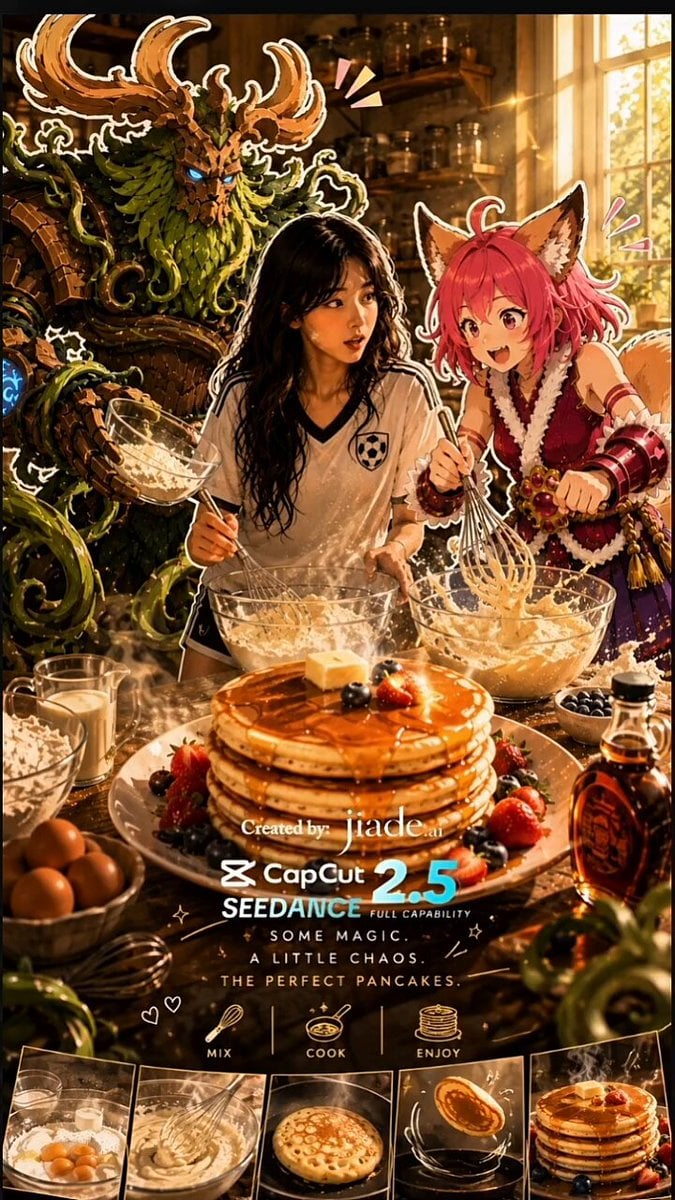
Mixed-Media Kitchen Cooking Animation

Mixed-Media Culinary Stylus Morph
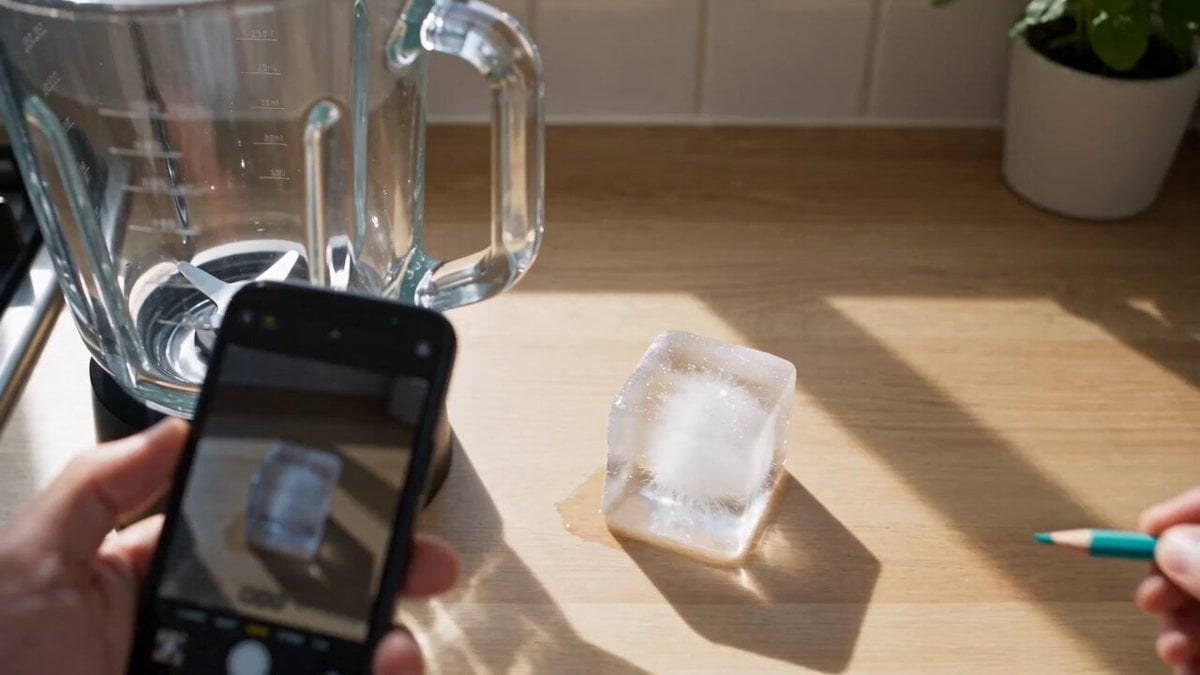
Mixed-Reality Stop-Motion Transformation
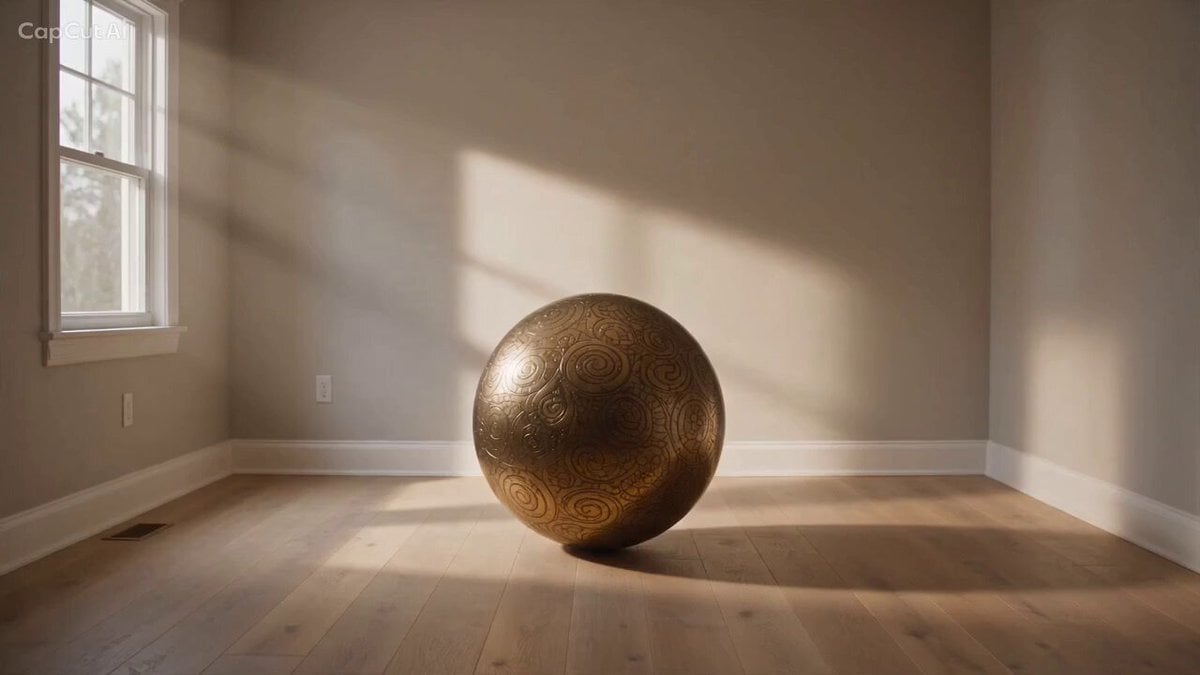
Magical Room Transformation - Seedance 2.5
Dark Tokusatsu Transformation - Seedance 2.5
RX-7 to Mech Transformation Cyberpunk
DV Camcorder POV Gym Montage — Seedance 2.5
DV Camcorder POV Gym Montage — Seedance 2.5
AR Mixed-Media Video Prompt: Furina in a Glass Cup
Ice Queen — Frozen Battlefield Time Control (Seedance)
Civilization Timelapse — Centuries in One Shot
Mecha Transformation vs Kaiju — 4-Scene Epic
Make it yours
Mixed-Media POV Transformation works as-is. These are the safest ways to change it without losing the look.
Change one field
Copy a single group, rewrite it, and generate again so you can see what that field is doing.
Keep the frame, change the subject
Hold the composition and light of Mixed-Media POV Transformation, then swap wardrobe, props or the person for a new take.
| If the result… | Why | Fix |
|---|---|---|
| The result drifts from the preview | Too many fields changed at once. | Reuse Mixed-Media POV Transformation as-is first, then change one group — subject, light, or setting. |
| The model over-stylizes the scene | The prose prompt leaves finish and camera underspecified. | Add one camera or lighting sentence and stay on Seedance 2.0. |
More Seedance 2.0 templates
Other prompts made for Seedance 2.0.

Comical Martial Arts Punch Scene

Maglev Train Action Sequence

Martial Arts Fight Sequence

Wuxia Protection and Trust Script

Vintage Korean Arcade MiniDV Vlog

Mercedes 190 SL Luxury Ad

Rainy Night Supernatural Reverse Comedy Video Script

Amazon Civilization Discovery

Futuristic South Asian City Transformation

Cozy Luxury Cafe Commercial
More video prompts
Fresh picks from across the catalog.
Prison riot and determined escapee
Premium Chocolate Dessert Advertisement
Jetsons Meet Simpsons Video Scene
Goldfish with Ribbon Trails

Anime Style Angry Girl Hair Ignition
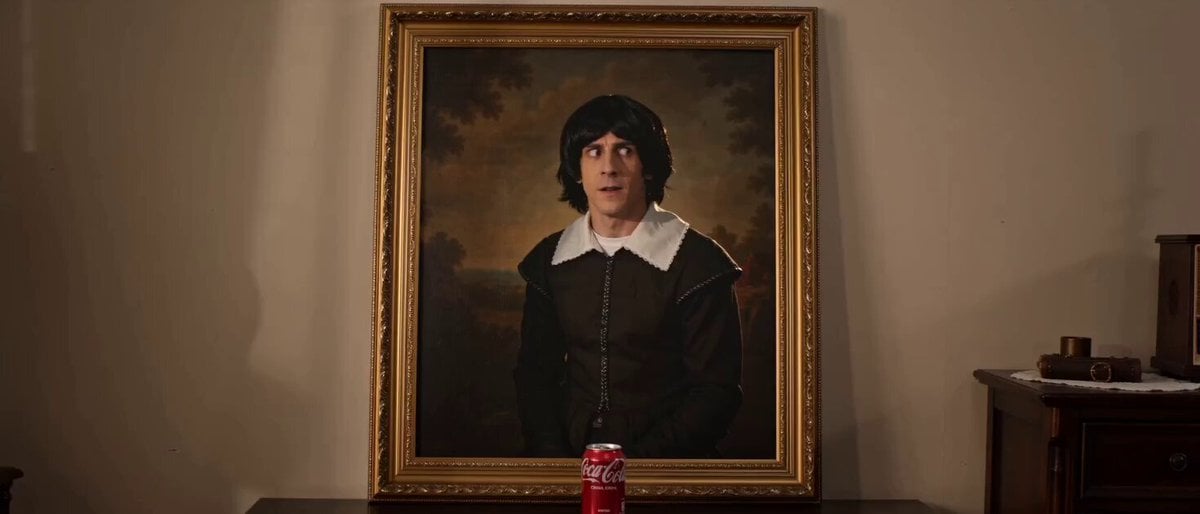
Painting Character Steals and Drinks Cola
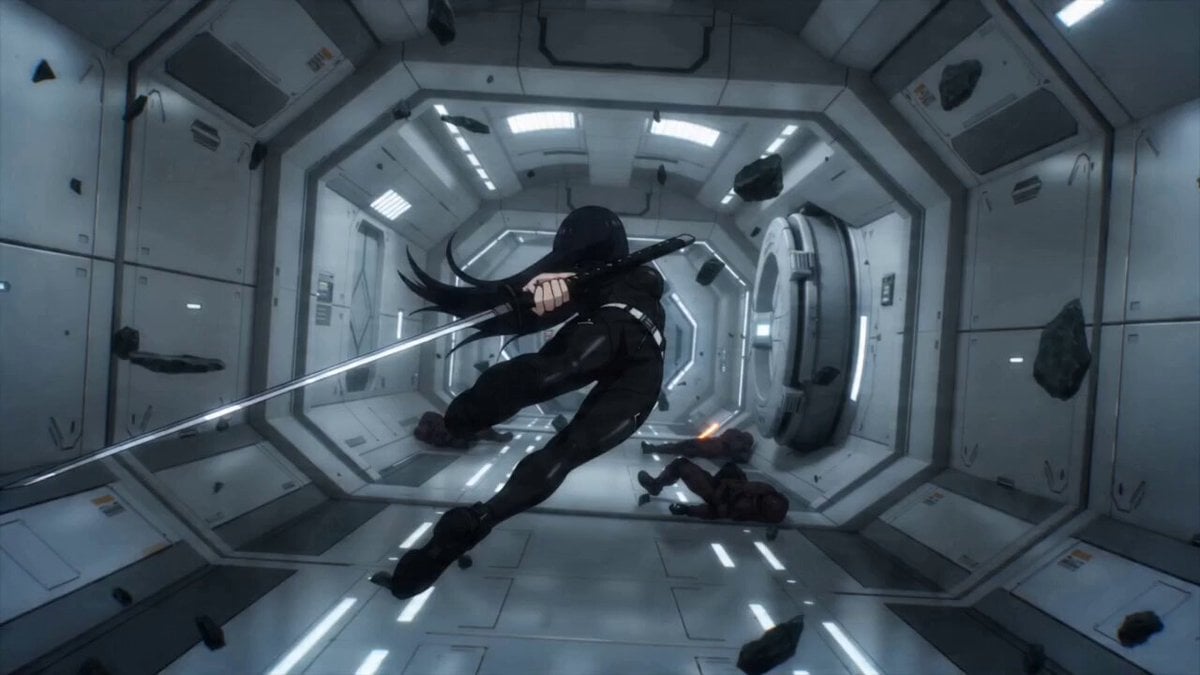
Sci-fi Anime Single-Shot Action Sequence
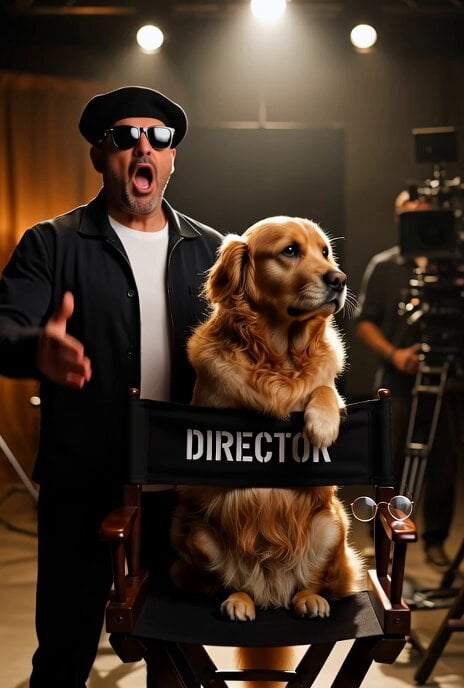
Dramatic Hollywood Director and Golden Retriever
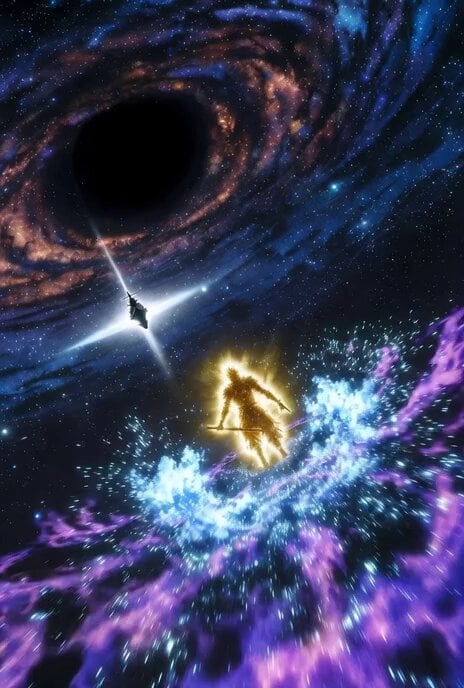
Dynamic animation CG of Shogi strategy in space

Chai Ritual Stop Motion
Browse template categories
Mixed-Media POV Transformation questions
How do I use the Mixed-Media POV Transformation template?
Add your photo if the template asks for one, edit the prompt if you like — the template's model and format are already selected — and press Generate. Your version opens in PicX Studio.
Can I customize the Mixed-Media POV Transformation template?
Yes. You can change the subject, setting, lighting, mood, format, and available model controls before creating your video.
Is the Mixed-Media POV Transformation template free?
Opening and editing this template is free. Generating uses credits, shown on the Generate button when you are signed in.
Which AI model should I use?
Start with Seedance 2.0, which is the model associated with this template. You can compare another compatible model for a different finish.
Looking for something else? Browse all templates.

Your photo, any look
Thousands of ready templates for every top image and video model, from one credit balance.