
Premium Chocolate Dessert Advertisement
A high-end cinematic product commercial prompt for a chocolate dessert, featuring detailed macro shots and molten liquid physics.
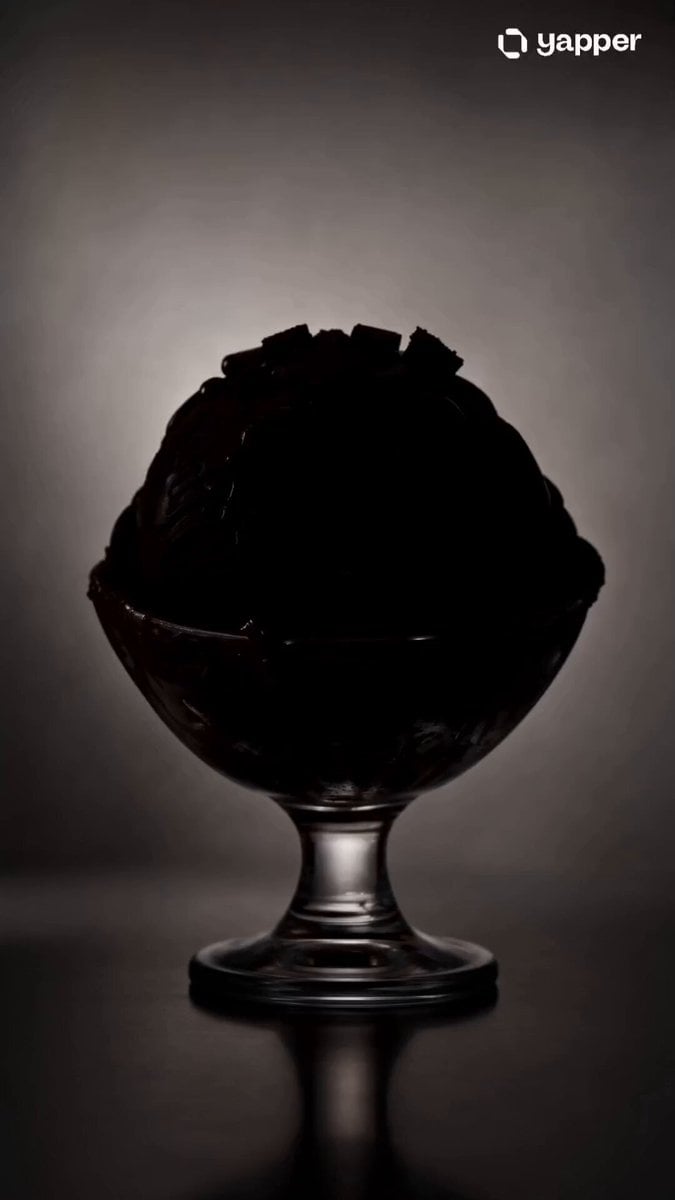
- Prompt included
- Model and format preset
- Premium template
The prompt behind this video
Copy the exact prompt behind Premium Chocolate Dessert Advertisement, or open it in the studio and make it yours.
Create a 15-second ultra-realistic cinematic product advertisement (9:16 or 1:1). Scene Style: Premium dessert commercial with a soft light grey to charcoal gradient background. Subtle studio shadows, glossy reflections, and high-end lighting setup. Luxurious, minimal aesthetic. Opening Shot (0–3s): Slow fade-in from black. A sleek glass dessert cup appears in center frame. Soft spotlight reveals a perfectly swirled scoop of rich dark chocolate ice cream. Camera slowly pushes in (macro lens feel). Middle Shot (3–10s): The molten chocolate core begins to slowly ooze from the center. Thick, glossy lava-like chocolate drips down in slow motion. Add hyper-detailed texture: creamy surface, melting edges, smooth highlights. Floating elements (slow-motion, weightless): dark chocolate chunks, soft brownie bites, and silky chocolate sauce ribbons orbit around the scoop. Subtle rotation of the product. Detail Shot (10–13s): Extreme close-up of dripping chocolate. Emphasize viscosity, shine, and indulgence. Light glints on the flowing chocolate. Micro droplets and stretch effect for realism. Final Shot (13–15s): Camera pulls back slightly. All elements settle. Clean hero shot of the dessert centered. Optional text fade-in: “Pure Chocolate Indulgence”. Soft glow highlight. Motion & Effects: Slow-motion liquid physics Smooth cinematic camera movements (push-in, slight orbit) Depth of field (sharp product, blurred background) Subtle particles/dust for premium feel Lighting: Soft studio key light + rim light for gloss and depth. High contrast reflections on chocolate. Mood: Luxurious, indulgent, rich, satisfying.
How to use Premium Chocolate Dessert Advertisement in 3 steps
- 1
Open
The prompt is already in the box next to the preview, with the template's model and format selected.
- 2…a portrait of your subject in softgolden-hour light, 85mm…
Personalize
Edit the subject and creative details for your destination.
- 3Generate
Generate
Press Generate — your video is created in PicX Studio, so you can compare it with the original and refine one variable at a time.
More like this
Templates with the same subject, style or setup. Open one to see its prompt.
Luxury Handbag Commercial — Hollywood VFX Ad
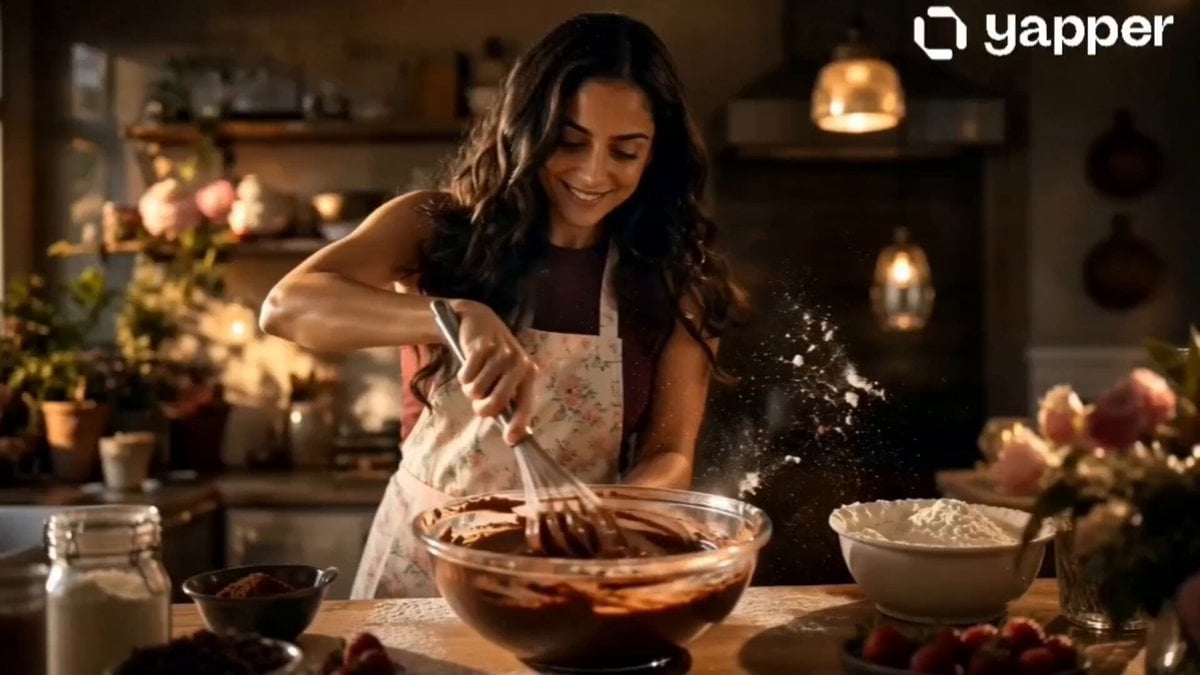
Chocolate Cake Baking Advertisement
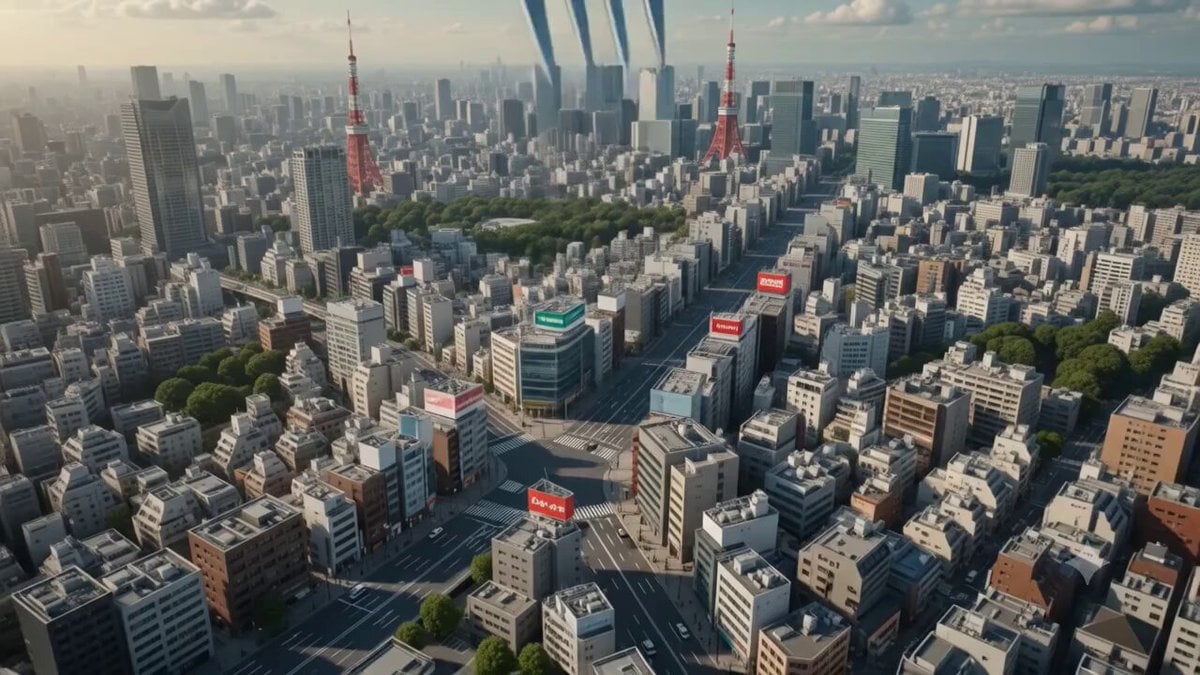
Surreal Tokyo Dessert Animation
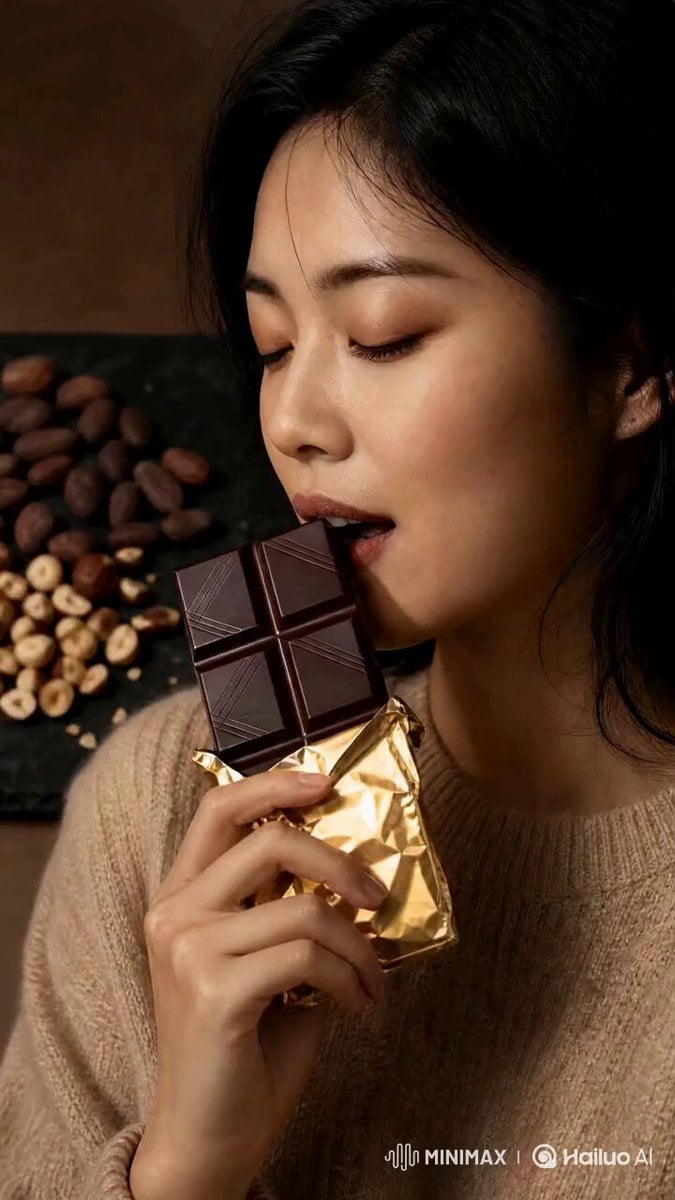
Artisanal Chocolate Bar Sensory Indulgence
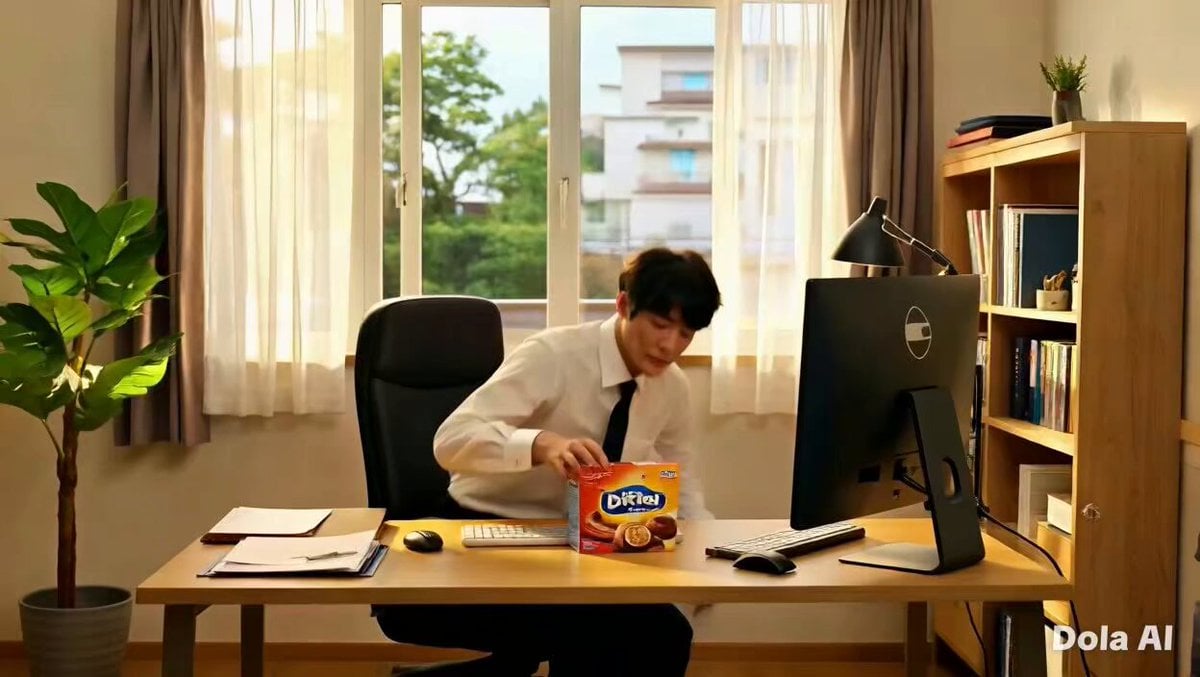
Premium Chocolate Bar UGC Ad Prompt
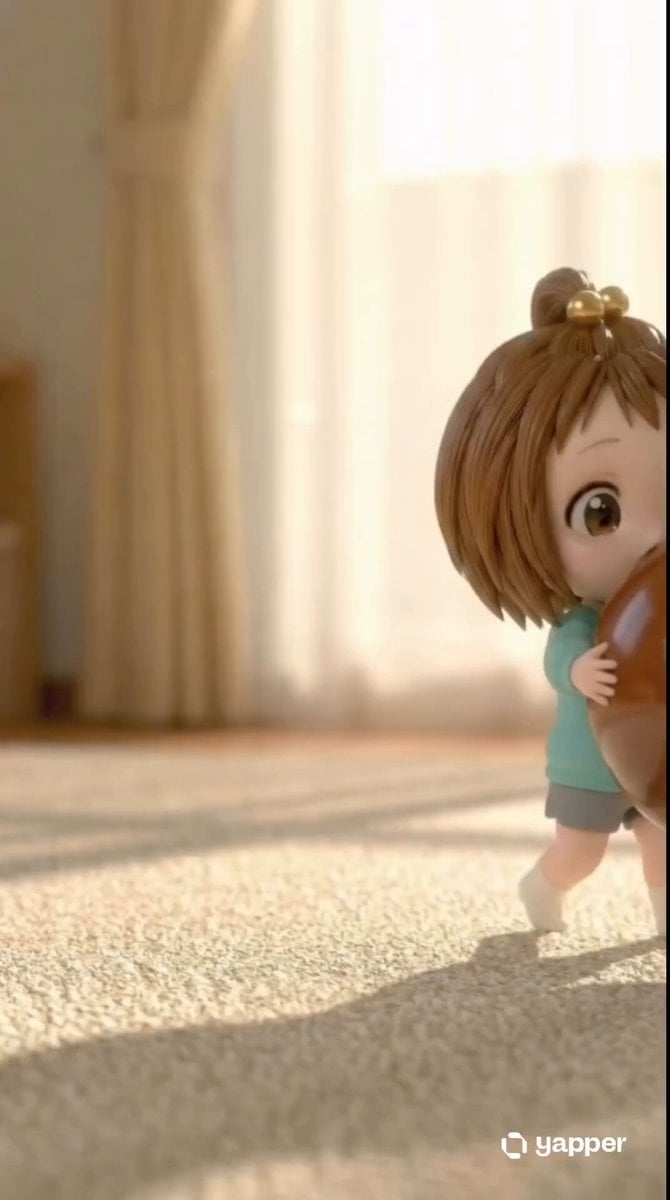
Chibi Girl and Giant Chocolate
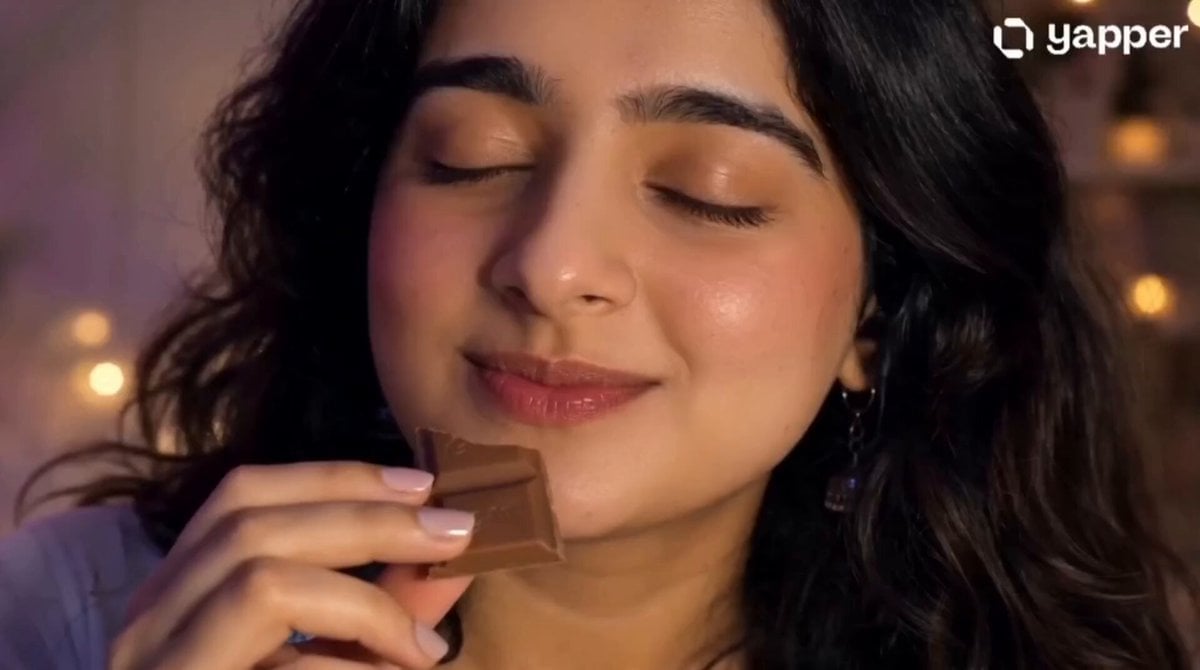
Gen-Z UGC Chocolate Video Ad
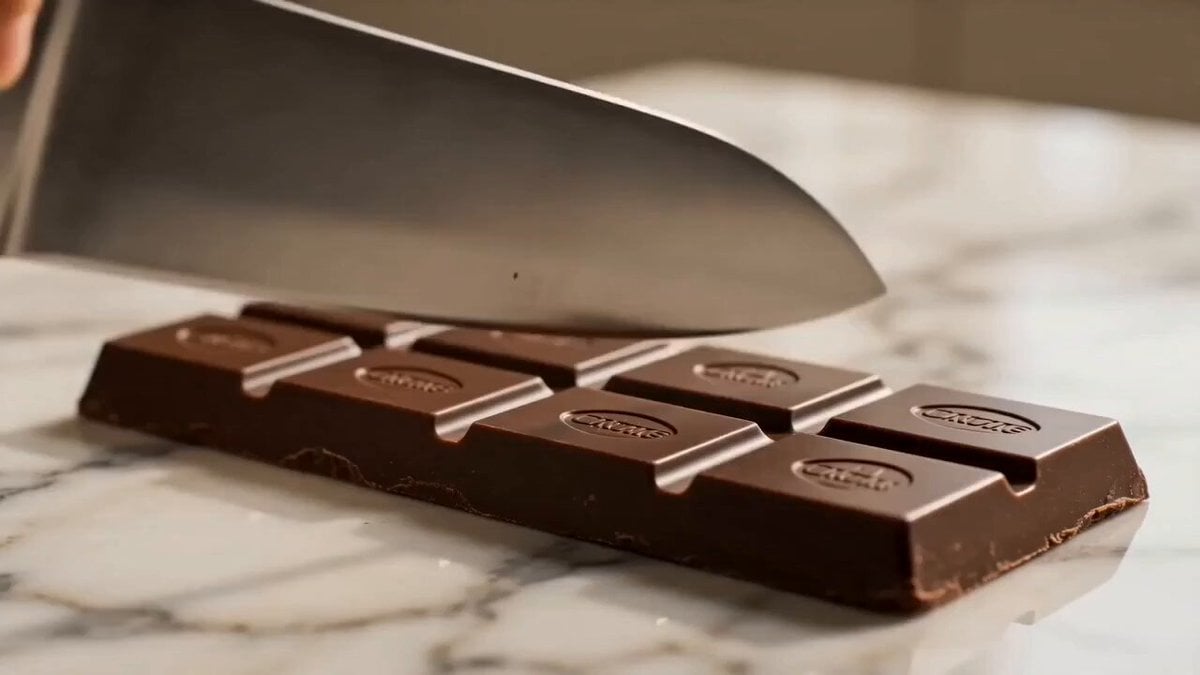
Luxury Chocolate Cake Commercial
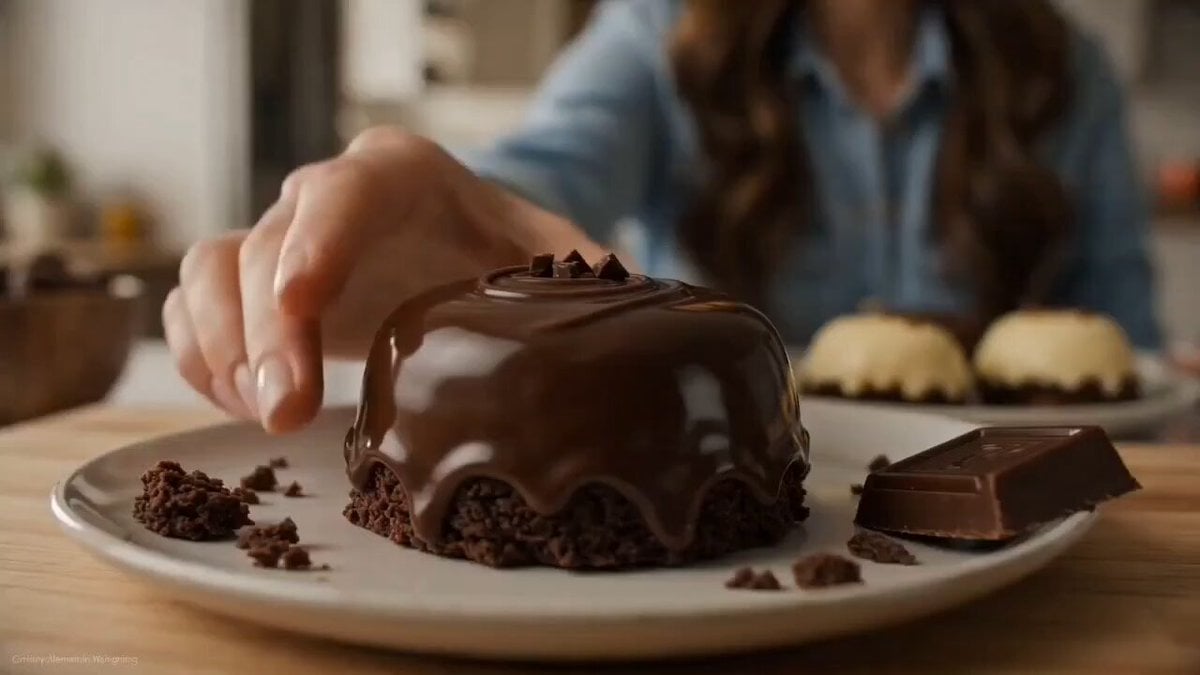
Fantasy Dessert World Transformation

3D Animated Rabbit Commercial for Chocolate Milk
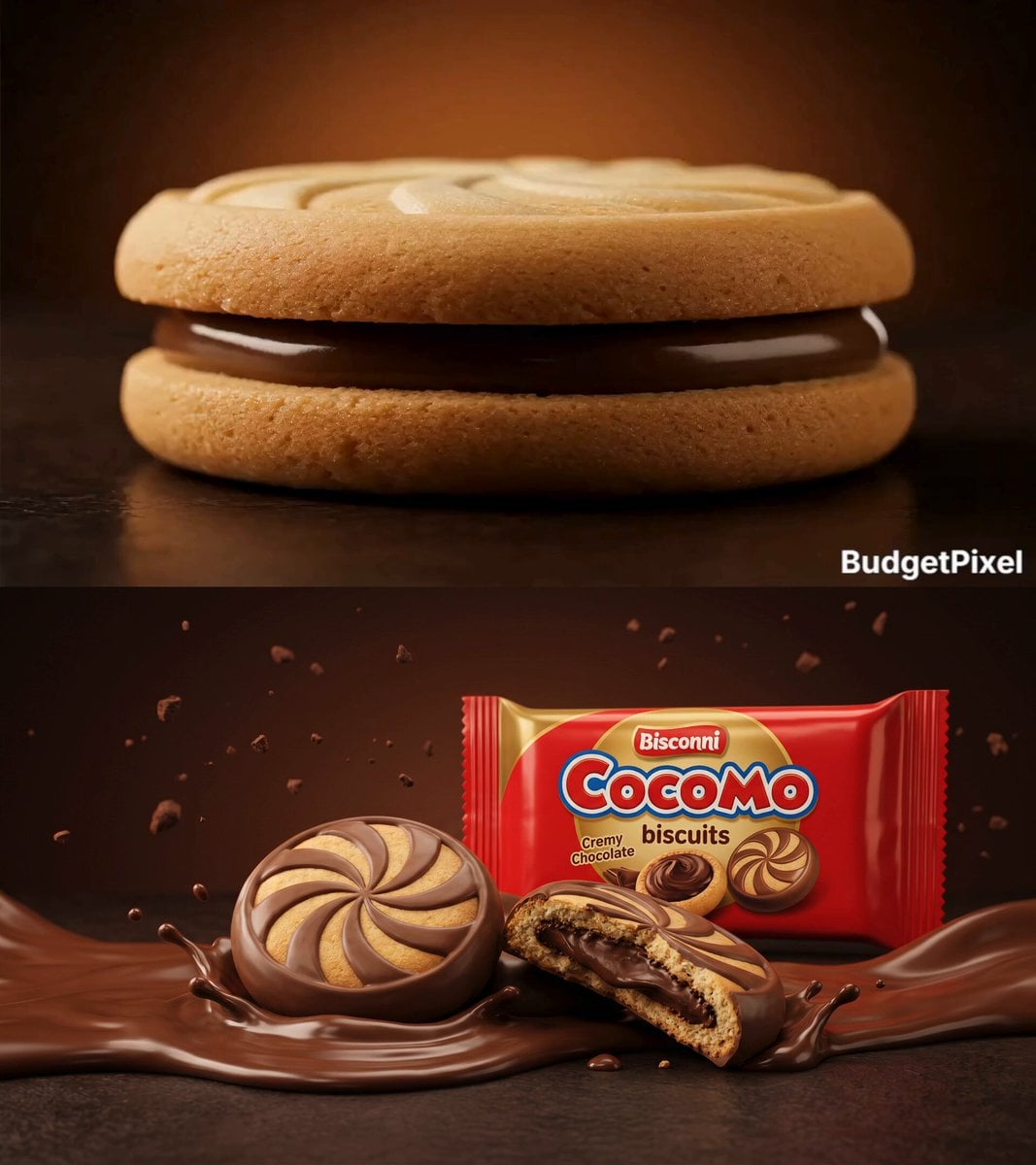
Cinematic Bisconni Cocomo Chocolate Commercial
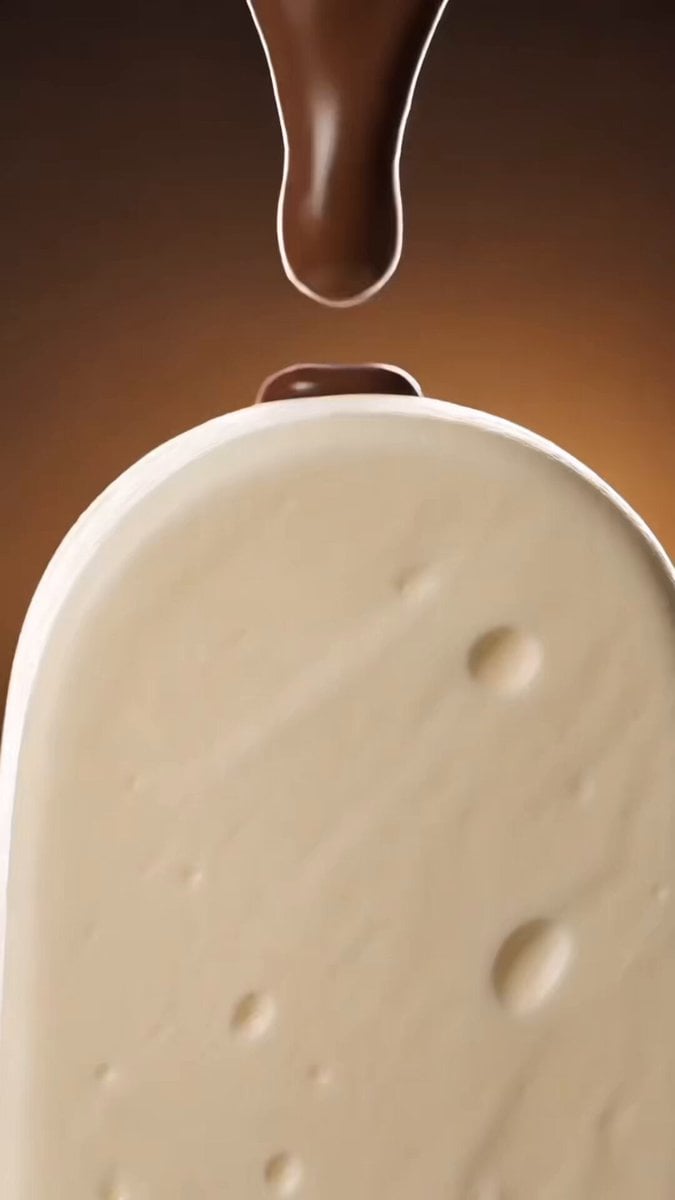
Luxury Chocolate Commercial Ad
Make it yours
Premium Chocolate Dessert Advertisement works as-is. These are the safest ways to change it without losing the look.
Change one field
Copy a single group, rewrite it, and generate again so you can see what that field is doing.
Keep the frame, change the subject
Hold the composition and light of Premium Chocolate Dessert Advertisement, then swap wardrobe, props or the person for a new take.
| If the result… | Why | Fix |
|---|---|---|
| The result drifts from the preview | Too many fields changed at once. | Reuse Premium Chocolate Dessert Advertisement as-is first, then change one group — subject, light, or setting. |
| The model over-stylizes the scene | The prose prompt leaves finish and camera underspecified. | Add one camera or lighting sentence and stay on Seedance 2.0. |
More Seedance 2.0 templates
Other prompts made for Seedance 2.0.

Comical Martial Arts Punch Scene

Maglev Train Action Sequence

Martial Arts Fight Sequence

Wuxia Protection and Trust Script

Vintage Korean Arcade MiniDV Vlog

Mercedes 190 SL Luxury Ad

Rainy Night Supernatural Reverse Comedy Video Script

Amazon Civilization Discovery

Futuristic South Asian City Transformation

Cozy Luxury Cafe Commercial
More video prompts
Fresh picks from across the catalog.
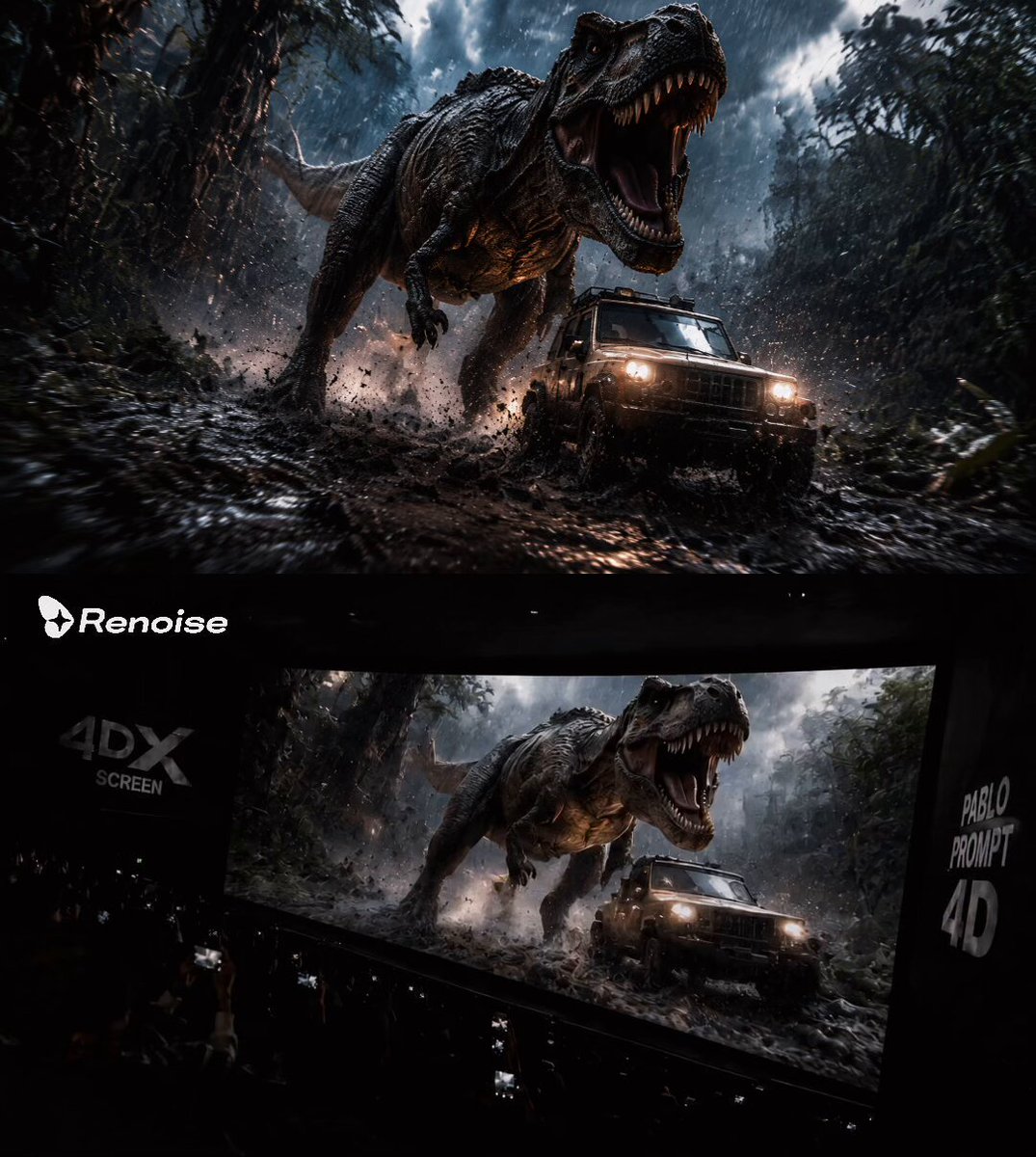
Audience POV Cinema Video

Video generation prompt: Celestial Valkyrie descending to Earth in the rain
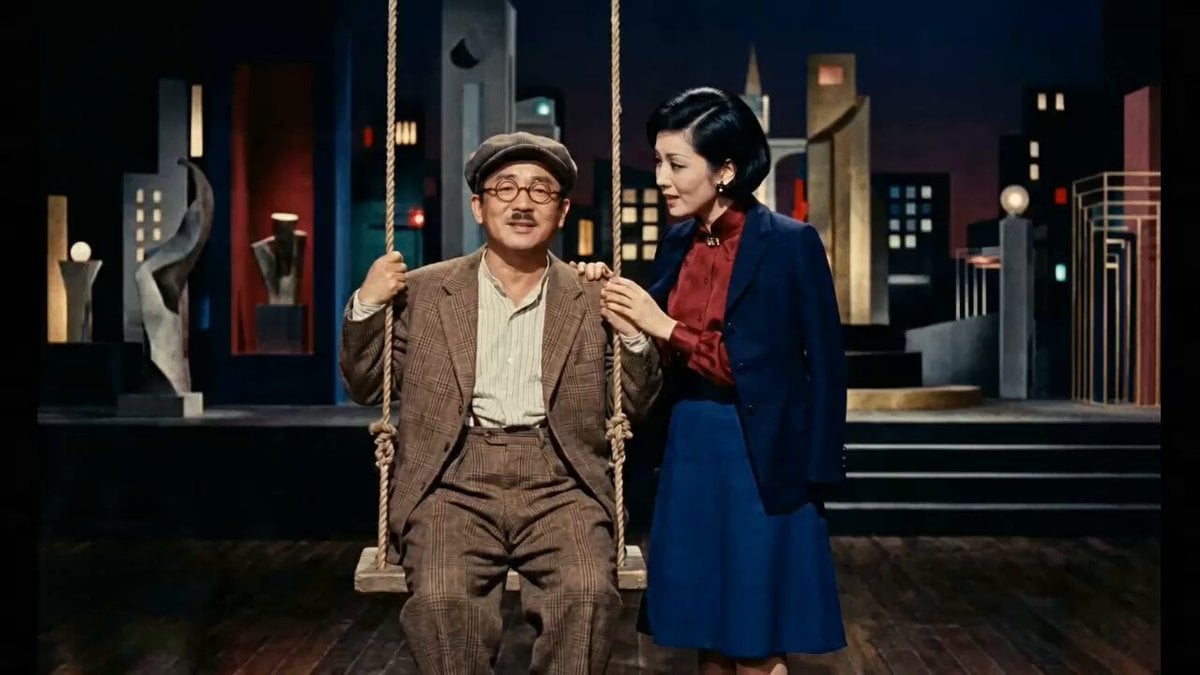
Historical News Broadcast Video Prompt
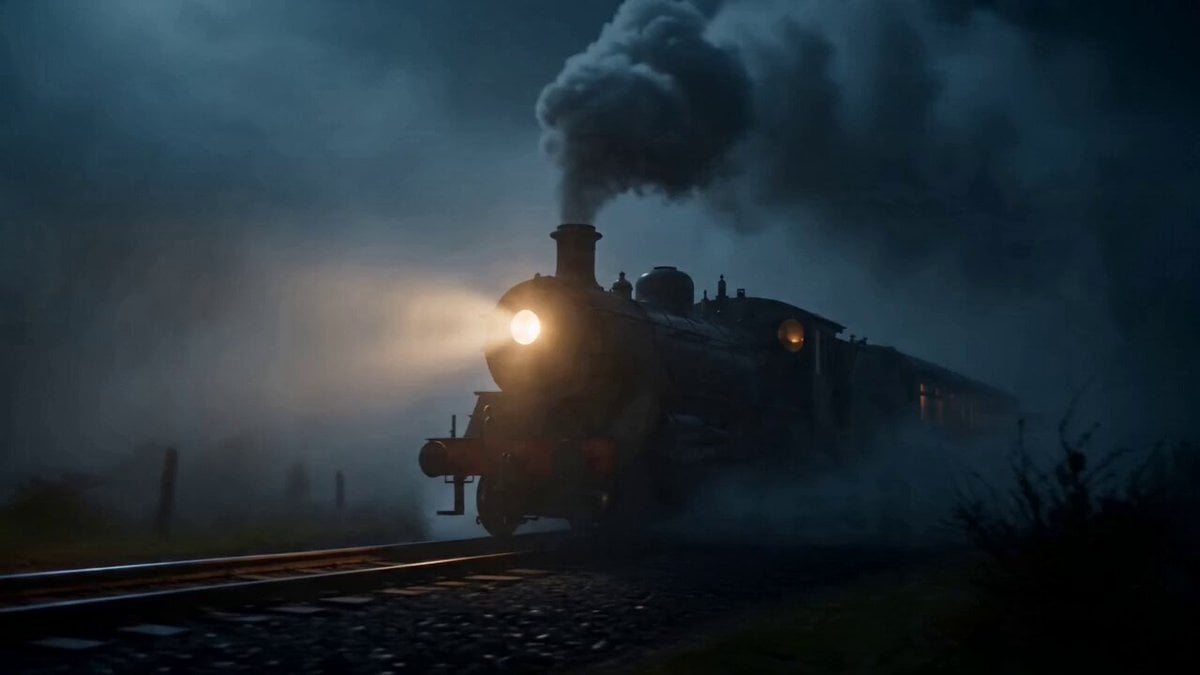
Midnight Fog Steam Train in Highlands
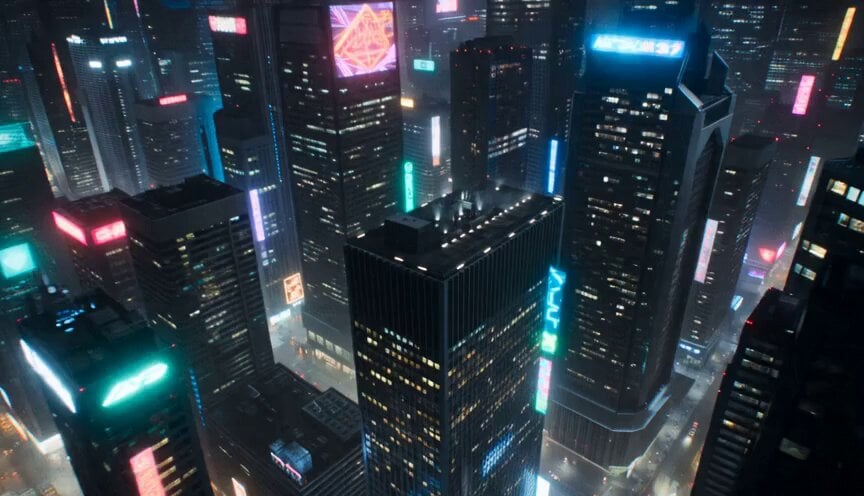
The Gravity Heist Sci-Fi Sequence

Watercolor forest lake under a starry sky with fireflies and a wooden boat
Narrative Horse Ride

Cinematic Wuxia Identity Reversal Comedy

Family Dialogue 4 Characters — Kling 3.0 O3 Pro
Alien Creature Pursuit Sequence
Browse template categories
Premium Chocolate Dessert Advertisement questions
How do I use the Premium Chocolate Dessert Advertisement template?
Add your photo if the template asks for one, edit the prompt if you like — the template's model and format are already selected — and press Generate. Your version opens in PicX Studio.
Can I customize the Premium Chocolate Dessert Advertisement template?
Yes. You can change the subject, setting, lighting, mood, format, and available model controls before creating your video.
Is the Premium Chocolate Dessert Advertisement template free?
Opening and editing this template is free. Generating uses credits, shown on the Generate button when you are signed in.
Which AI model should I use?
Start with Seedance 2.0, which is the model associated with this template. You can compare another compatible model for a different finish.
Looking for something else? Browse all templates.

Your photo, any look
Thousands of ready templates for every top image and video model, from one credit balance.