
The Gravity Heist Sci-Fi Sequence
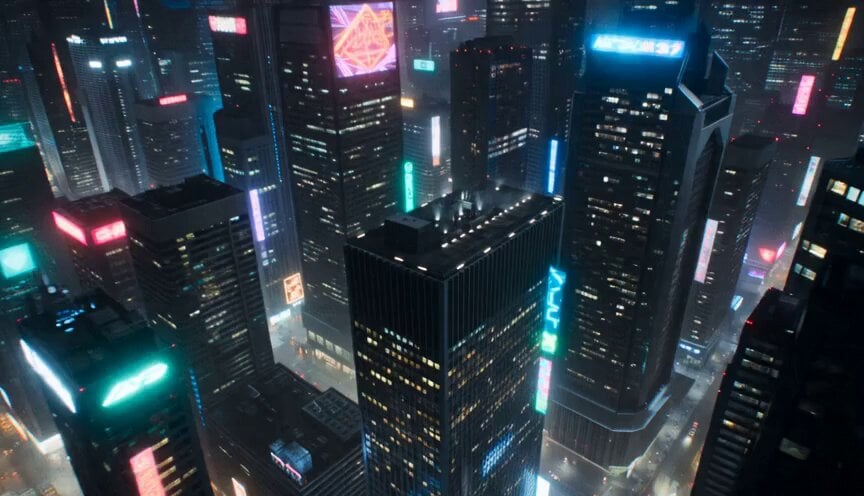
A complex sci-fi action prompt for Seedance 2.0 featuring a neon city heist and a gravity-defying skyscraper escape.
- Prompt included
- Model and format preset
- Free template
The prompt behind this video
Copy the exact prompt behind The Gravity Heist Sci-Fi Sequence, or open it in the studio and make it yours.
Hyper-realistic cinematic sci-fi action sequence, 15 seconds, aspect ratio 16:9. Nighttime futuristic city under neon rain. A skilled thief bursts out of a floating security vault high above the rooftops, holding a glowing blue energy core. Security drones immediately chase him, firing bright stun beams that explode against the wet glass around him. Camera angle 1: wide aerial shot, the thief sprints across a slick glass rooftop while drones swarm behind him, neon reflections everywhere, intense rain, sparks, danger. Camera angle 2: low tracking shot behind his feet as he runs fast across the rooftop, the glowing core pulsing in his hand, beams missing by inches, glass cracking under his steps. Suddenly gravity glitches. The whole city seems to tilt. Cars, signs, and debris slide sideways across the buildings. The thief loses balance, grabs a ledge, then adapts instantly and starts running along the vertical side of a skyscraper as if the wall became the floor. Camera angle 3: dramatic side view, the thief races down the skyscraper wall while drones dive after him, the city stretching sideways in impossible perspective. Final moment: he leaps from the vertical building into open air, throws the glowing core into a small hover-bike rising below him, lands hard on it, and rockets away between skyscrapers as drones crash behind him. Style: hyper-realistic, cinematic, fast-paced, dramatic lighting, neon blue and orange reflections, realistic motion blur, intense camera movement, high detail, no text, no logos, no slow motion, no cartoon style, no extra characters. Keep proportions. Keep style and features. Aspect ratio 16:9.
How to use The Gravity Heist Sci-Fi Sequence in 3 steps
- 1
Open
The prompt is already in the box next to the preview, with the template's model and format selected.
- 2…a portrait of your subject in softgolden-hour light, 85mm…
Personalize
Edit the subject and creative details for your destination.
- 3Generate
Generate
Press Generate — your video is created in PicX Studio, so you can compare it with the original and refine one variable at a time.
More like this
Templates with the same subject, style or setup. Open one to see its prompt.

Sci-Fi Disaster Movie Scene - Seedance 2.5
Multi-Shot Heist Sequence — Kling 3.0 O3 Pro
Sci-Fi Planetary Defense Sequence
Sci-Fi Samurai Combat Sequence
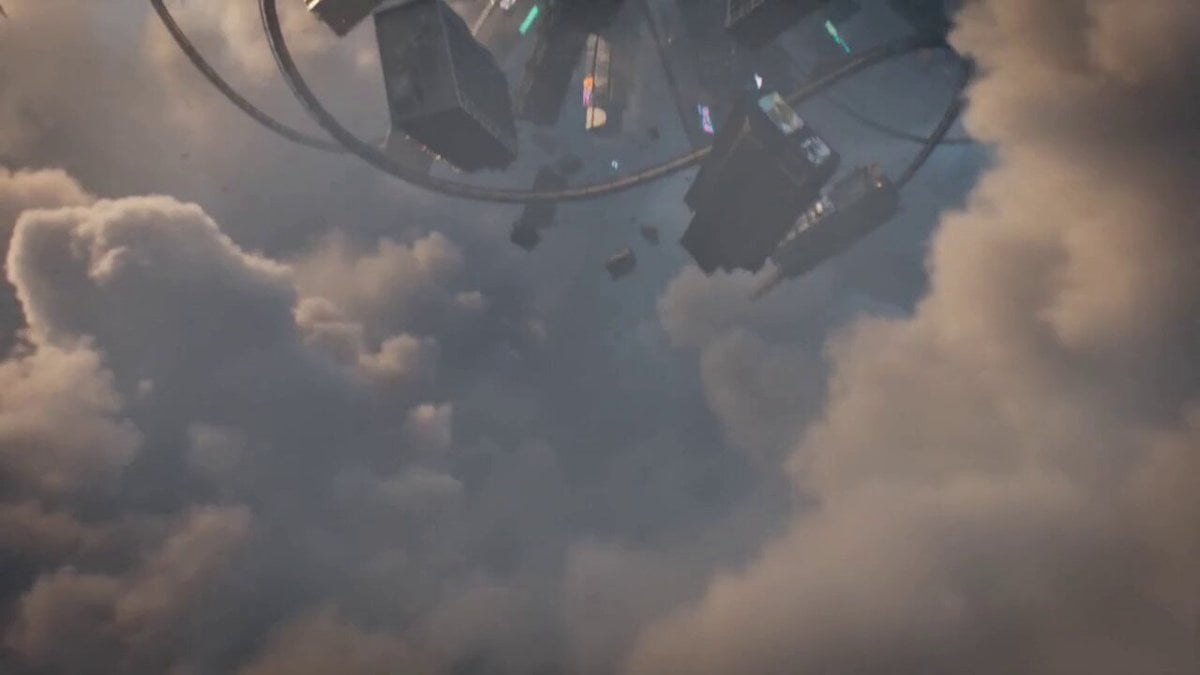
Sci-Fi Anti-Gravity Rider Video
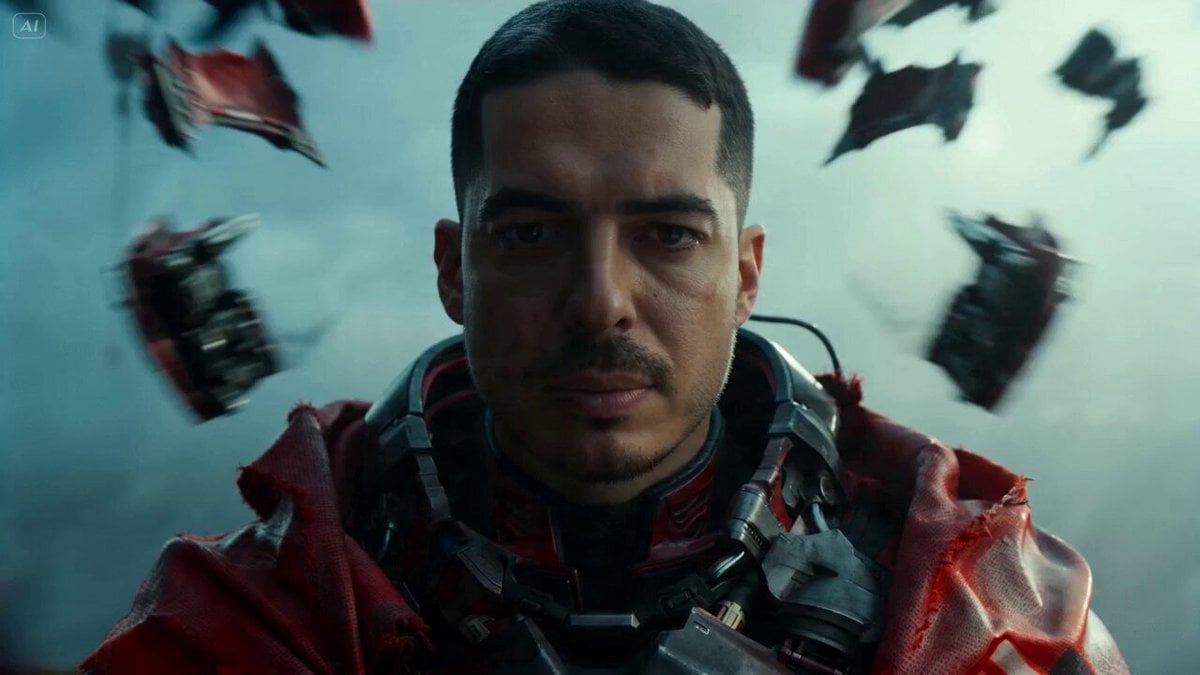
Sci-Fi Warrior Combat Sequence
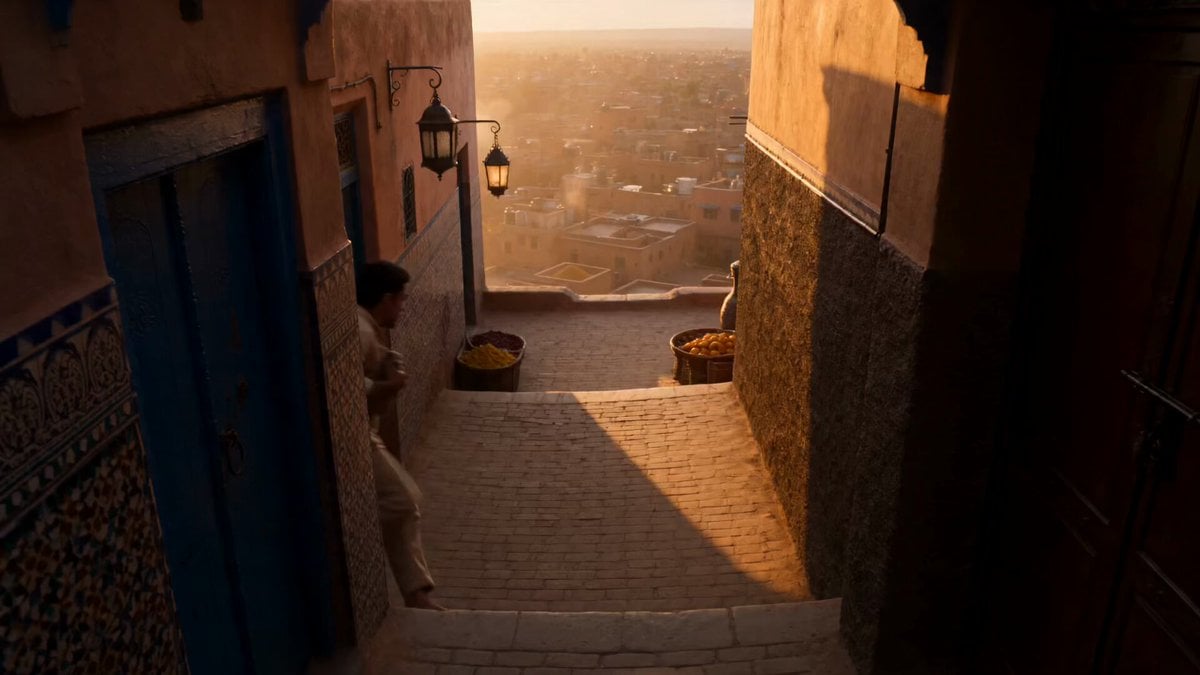
Marrakech Medina Heist Sequence

Maglev Train Action Sequence

Martial Arts Fight Sequence
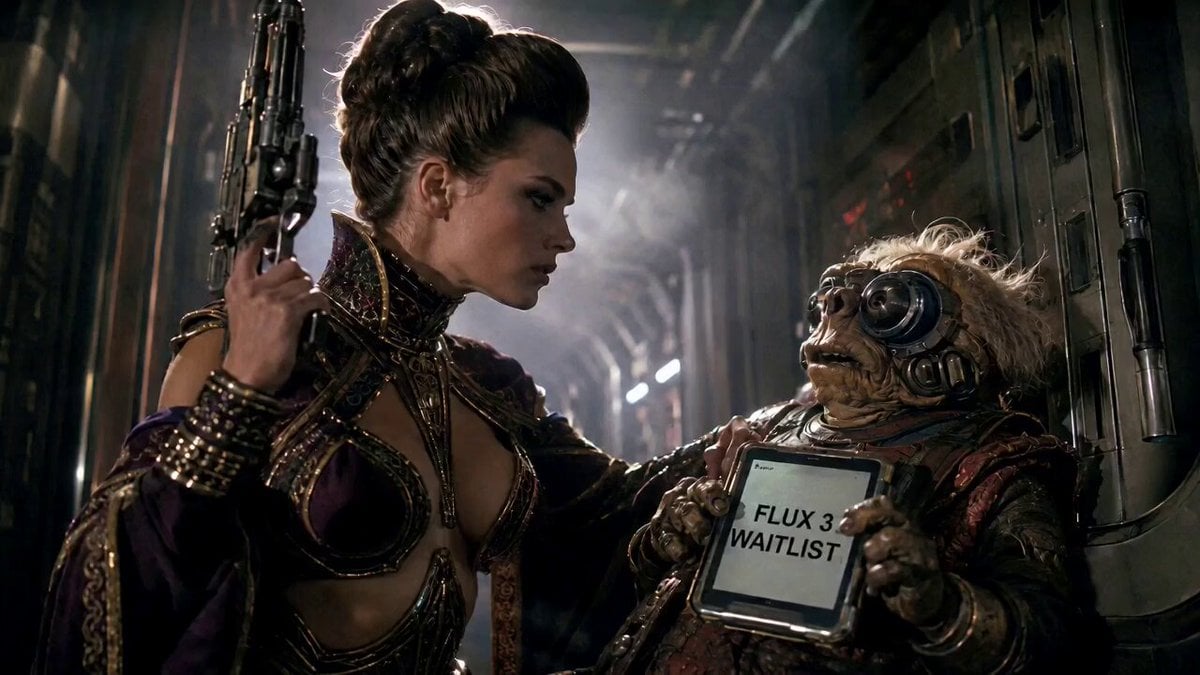
80s Sci-Fi Practical Effects Scene Prompt
Zero Gravity Apartment Cinematic
Sci-Fi Horror Hospital Alien Scene
Make it yours
The Gravity Heist Sci-Fi Sequence works as-is. These are the safest ways to change it without losing the look.
Change one field
Copy a single group, rewrite it, and generate again so you can see what that field is doing.
Keep the frame, change the subject
Hold the composition and light of The Gravity Heist Sci-Fi Sequence, then swap wardrobe, props or the person for a new take.
| If the result… | Why | Fix |
|---|---|---|
| The result drifts from the preview | Too many fields changed at once. | Reuse The Gravity Heist Sci-Fi Sequence as-is first, then change one group — subject, light, or setting. |
| The model over-stylizes the scene | The prose prompt leaves finish and camera underspecified. | Add one camera or lighting sentence and stay on Seedance 2.0. |
More Seedance 2.0 templates
Other prompts made for Seedance 2.0.

Comical Martial Arts Punch Scene

Wuxia Protection and Trust Script

Vintage Korean Arcade MiniDV Vlog

Mercedes 190 SL Luxury Ad

Rainy Night Supernatural Reverse Comedy Video Script

Amazon Civilization Discovery

Futuristic South Asian City Transformation

Cozy Luxury Cafe Commercial

Cyber Ronin Nanotech Transformation Video

Desert Courier and Sandstorm Leviathan Chase
More video prompts
Fresh picks from across the catalog.
Dual-Wielding Ronin in a Neon Post-Apocalyptic Wasteland

3D Animated Cat and Old Man - Seedance
Japanese Festival Travel Vlog
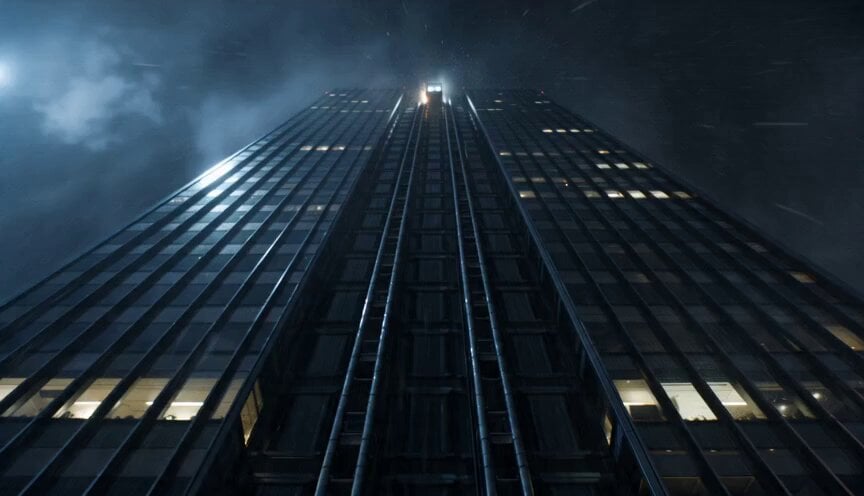
Cinematic Falling Elevator Action Sequence

Dogs having a cat slapping fight
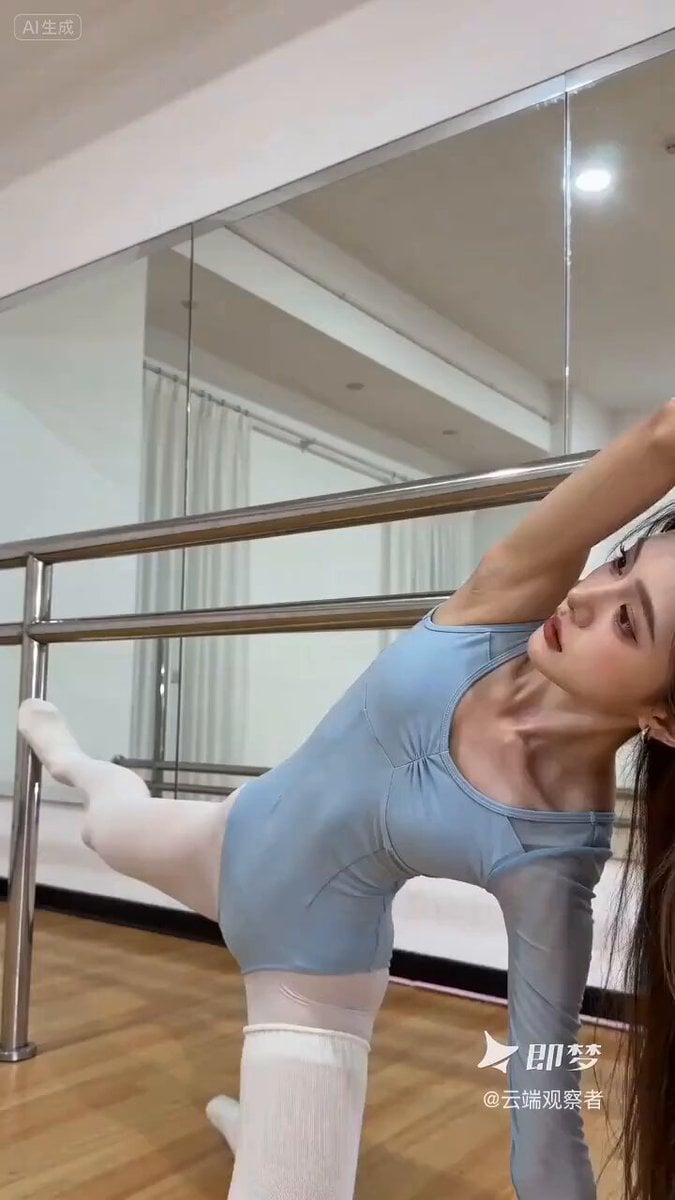
Seedance 2.0 Yoga Pose Prompt
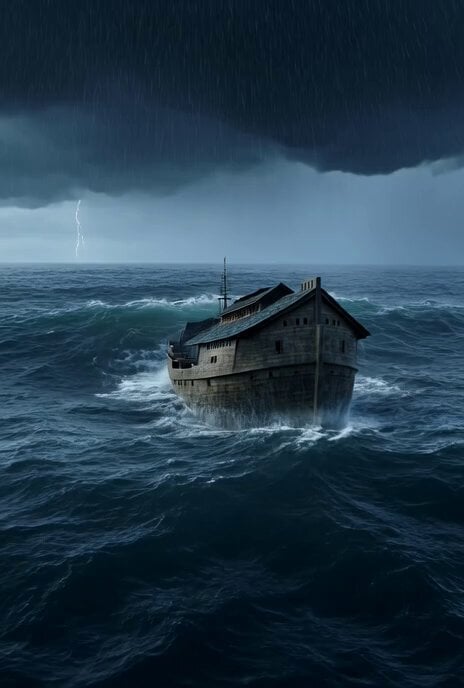
Noah's Ark storm video prompt
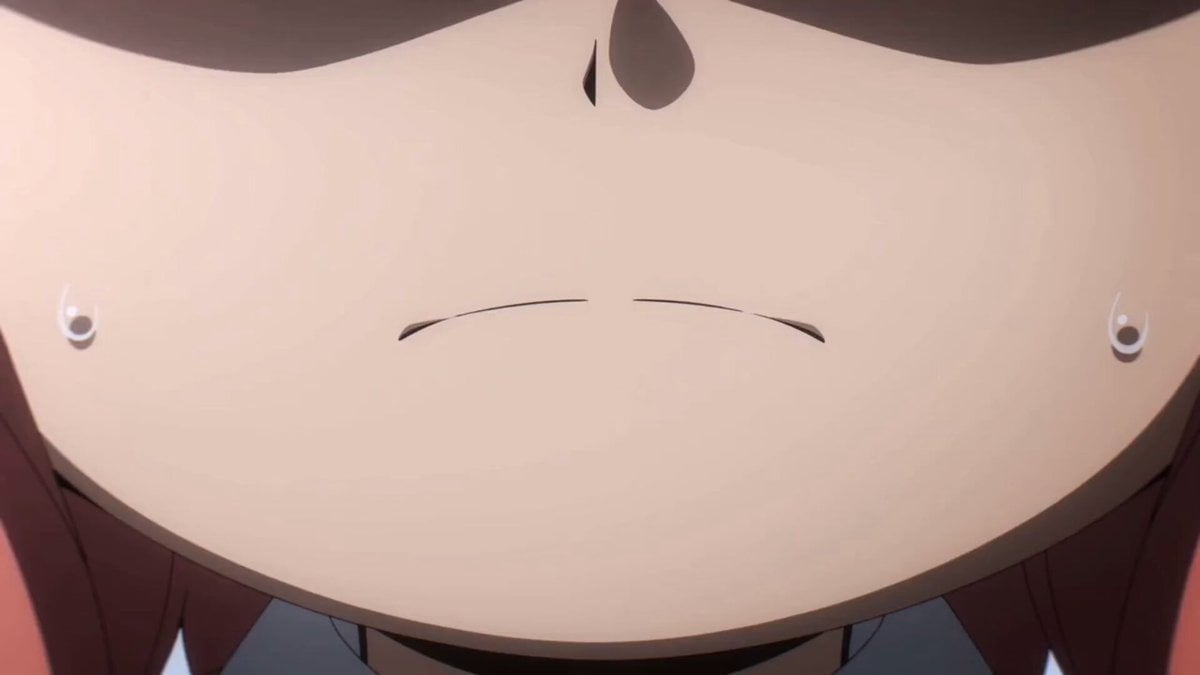
Anya Forger Close-up Monologue
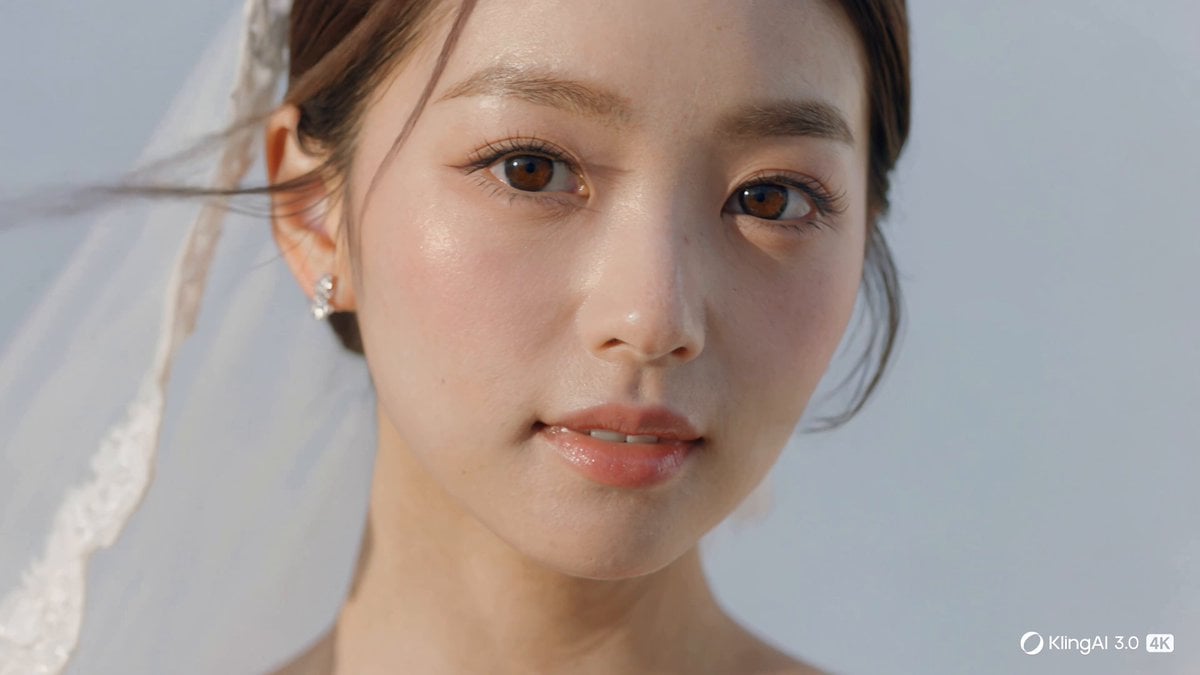
Cinematic 4K Bridal Video
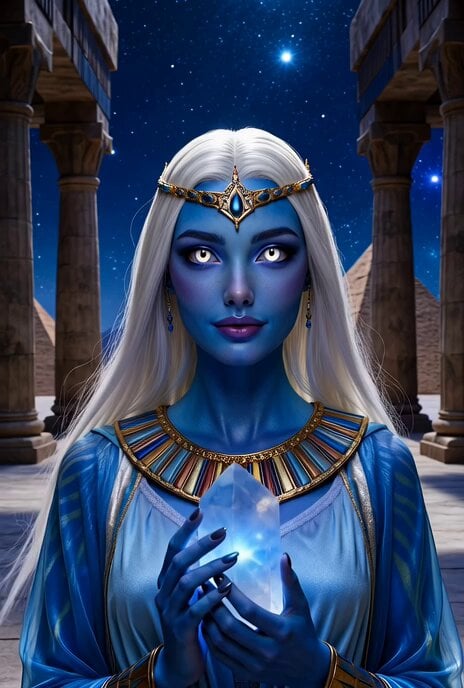
Blue Alien Woman Egyptian Scifi
Browse template categories
The Gravity Heist Sci-Fi Sequence questions
How do I use the The Gravity Heist Sci-Fi Sequence template?
Add your photo if the template asks for one, edit the prompt if you like — the template's model and format are already selected — and press Generate. Your version opens in PicX Studio.
Can I customize the The Gravity Heist Sci-Fi Sequence template?
Yes. You can change the subject, setting, lighting, mood, format, and available model controls before creating your video.
Is the The Gravity Heist Sci-Fi Sequence template free?
Opening and editing this template is free. Generating uses credits, shown on the Generate button when you are signed in.
Which AI model should I use?
Start with Seedance 2.0, which is the model associated with this template. You can compare another compatible model for a different finish.
Looking for something else? Browse all templates.

Your photo, any look
Thousands of ready templates for every top image and video model, from one credit balance.