How do I use the Dual-Wielding Ronin in a Neon Post-Apocalyptic Wasteland template?
Edit the prompt in the box under the preview — the template's model and format are already selected — and press Generate. Your version appears right on this page.
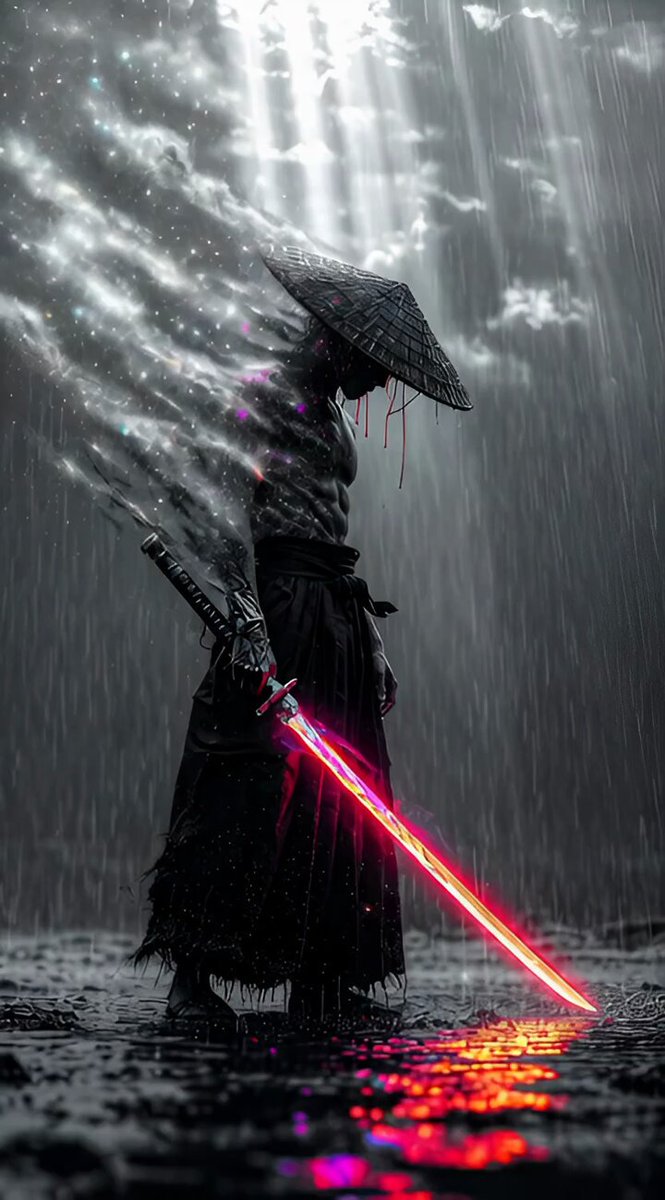
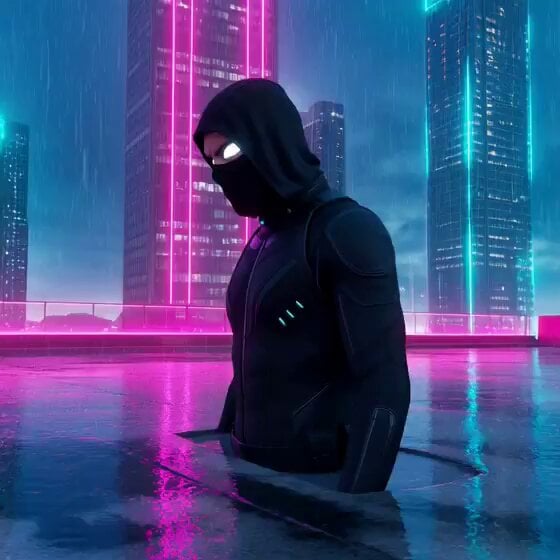
A prompt shared for Grok Imagine to generate a video of a dual-wielding ronin in a cyberpunk setting, emphasizing detailed textures, dramatic lighting, and chaotic energy.
Dual-wield ronin in post-apocalyptic neon wasteland, one katana classic steel, the other fractal energy blade leaking rainbow stardust, body glitching between black & white film noir and oversaturated cyber colors, rain made of glowing particles, background ruined skyscrapers bleeding magenta light, ultra-detailed textures, dramatic split-toning, out-of-the-blue chaotic energy, Midjourney mastery
Dual-wield ronin in post-apocalyptic neon wasteland, one katana classic steel, the other fractal energy blade leaking rainbow stardust, body glitching between black & white film noir and oversaturated cyber colors, rain made of glowing particles, background ruined skyscrapers bleeding magenta light, ultra-detailed textures, dramatic split-toning, out-of-the-blue chaotic energy, Midjourney mastery
Edit the prompt in the box under the preview — the template's model and format are already selected — and press Generate. Your version appears right on this page.
Yes. You can change the subject, setting, lighting, mood, format, and available model controls before creating your video.
Opening and editing this template is free. Generating uses credits, shown on the Generate button when you are signed in.
Start with Grok Imagine, which is the model associated with this template. You can compare another compatible model for a different finish.
Follow a topic to a crawlable collection of related PicX Studio templates.