
Cyberpunk Samurai Ronin Animation
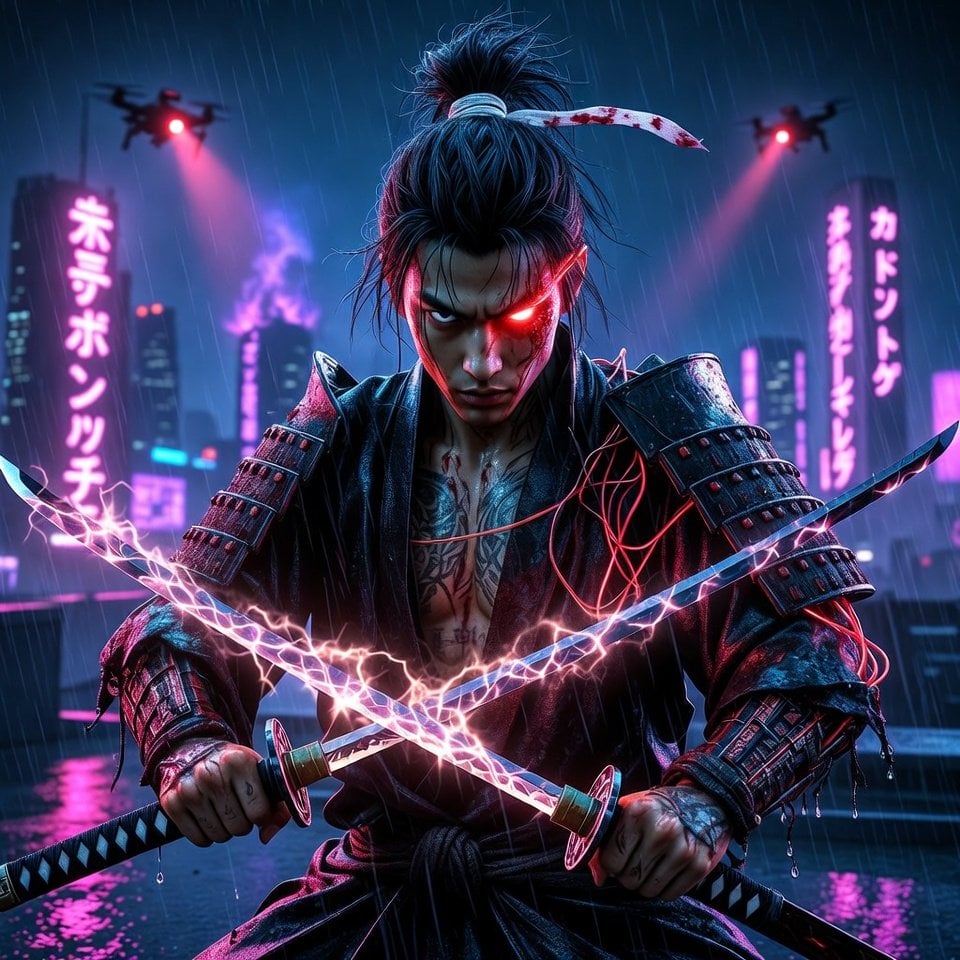
An extremely detailed prompt for generating a 10-second animated video featuring a cyberpunk samurai ronin in a dystopian Tokyo, including specific character details, setting, lighting, camera movements, action…
- Prompt included
- Model and format preset
- Free template
The prompt behind this video
Copy the exact prompt behind Cyberpunk Samurai Ronin Animation, or open it in the studio and make it yours.
A cyberpunk samurai ronin in his late 20s, battle-worn face with glowing crimson cybernetic scar across left eye, long jet-black hair tied in messy topknot with blood-stained white ribbon, wearing tattered black haori coat fused with high-tech kevlar plating and exposed neon-red wiring, intricate yakuza-style tattoos glowing faintly under rain-soaked skin, dual-wielding one-handed katana and wakizashi with unstable blue-white plasma edges that hiss and spark, standing on a rain-drenched neon-lit rooftop in a dystopian Tokyo at midnight, towering holographic kanji billboards flickering in acid rain, distant skyscrapers burning with purple flames, flying police drones circling with red searchlights, volumetric god-rays cutting through toxic fog, extreme cinematic lighting with harsh blue-cyan rim light and deep crimson accents, ultra-detailed wet reflections on armor and blades, rain droplets running down face and sword, hyper-realistic skin texture with visible pores and scars, masterpiece quality, dark cyberpunk-noir fusion, 16k resolution. Animation (10 seconds): He stands motionless at first, rain pouring over him, crimson eye glowing brighter as he senses danger. At 2 seconds he draws both blades in a lightning-fast iaijutsu motion, plasma arcs igniting with electric crackle. At 4 seconds he spins into a devastating whirlwind slash, cutting through incoming drone projectiles in slow-motion, sparks and debris flying in arcs. At 7 seconds he leaps upward, blades extended, slicing a drone in half mid-air with dramatic explosion of circuits. Final 3 seconds: he lands in perfect seiza pose facing camera, blades dripping rain and plasma, intense stare directly into lens, slow zoom-in on glowing eye and faint smirk. Soundtrack: Pulsing dark synthwave bassline with heavy 808 kicks syncing to every slash and impact, layered with aggressive distorted shamisen riffs and electric guitar stabs, distant thunder and siren wails, metallic blade clashes with plasma hiss, heavy rain impacts on metal and concrete, his controlled breathing turning into low guttural samurai battle cry at the climax, immersive cinematic trailer mix with high dynamic range and 3D spatial audio.
How to use Cyberpunk Samurai Ronin Animation in 3 steps
- 1
Open
The prompt is already in the box next to the preview, with the template's model and format selected.
- 2…a portrait of your subject in softgolden-hour light, 85mm…
Personalize
Edit the subject and creative details for your destination.
- 3Generate
Generate
Press Generate — your video is created in PicX Studio, so you can compare it with the original and refine one variable at a time.
More like this
Templates with the same subject, style or setup. Open one to see its prompt.

Voice Controlled Water Animation

Cyberpunk Guerrilla Girl Video Generation
Crypto memecoin degen trading in a cyberpunk high-rise bachelor pad
Dual-Wielding Ronin in a Neon Post-Apocalyptic Wasteland
Cybernetic Ronin in Neon Rain (Long Prompt)
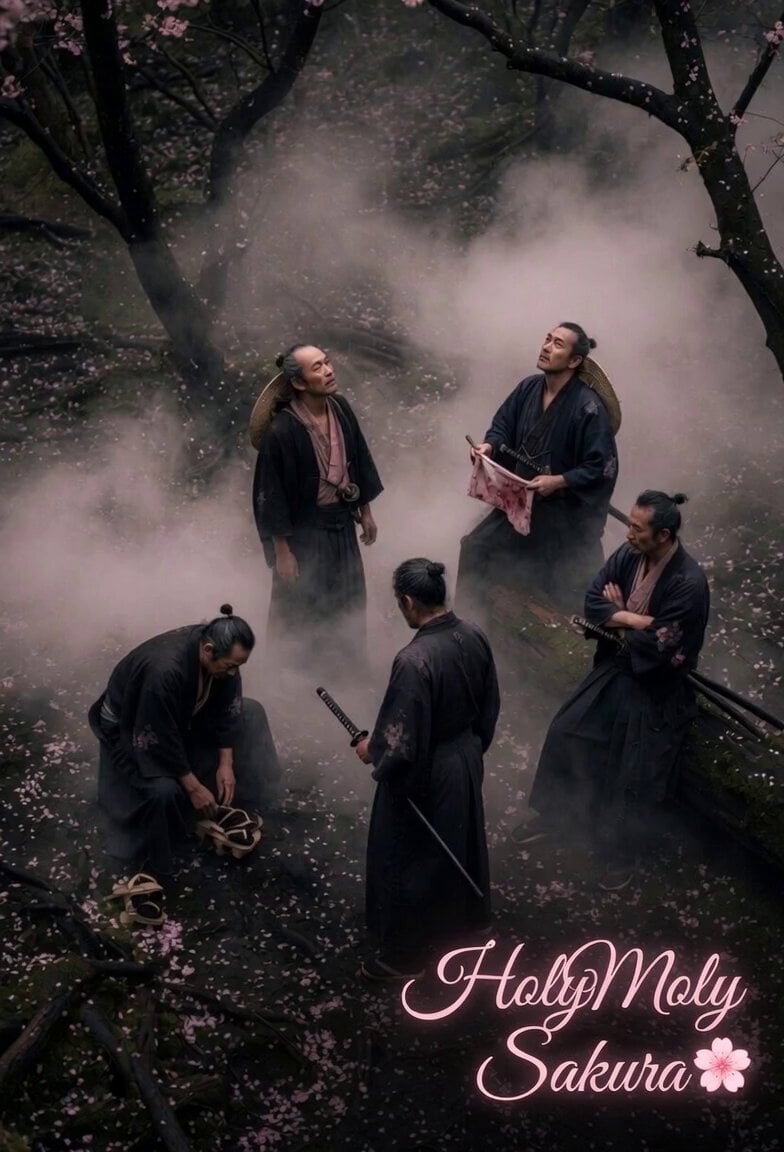
Hip-hop samurai dance video prompt

Golden Winged Muse Animation
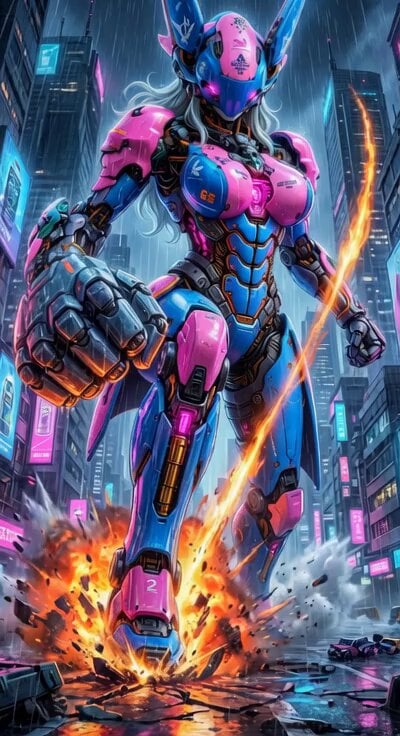
Cyberpunk Mecha Action Scene
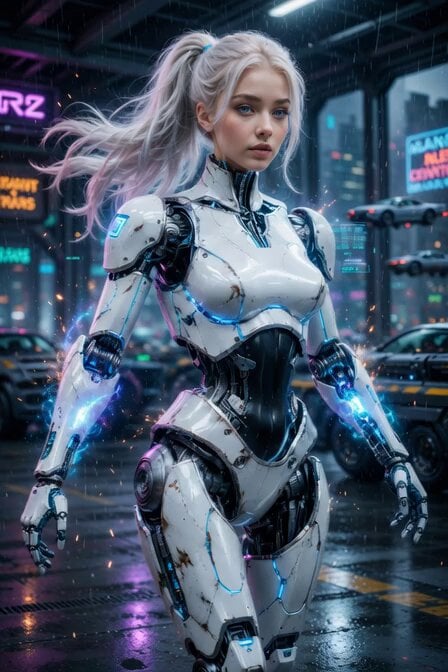
Cyberpunk Cyborg Mechanical Transformation
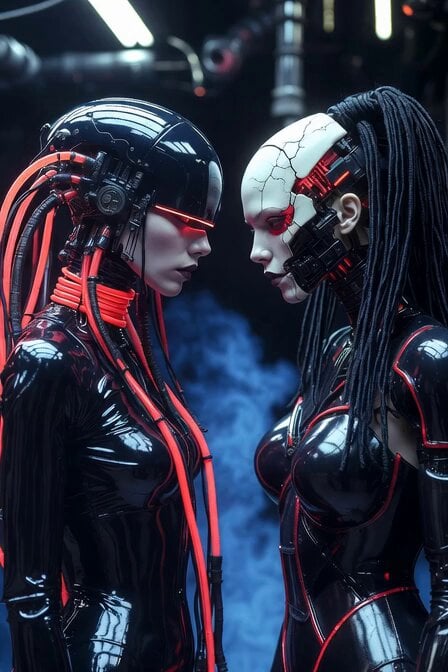
Cyberpunk Android Mechanical Transformation Video
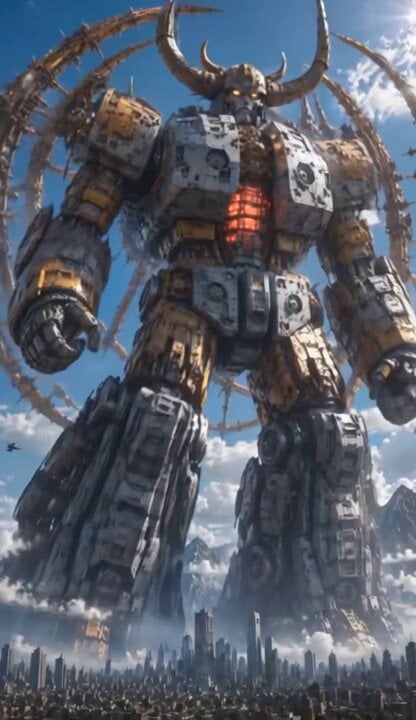
Colossal Biomechanical Cyberpunk Mecha Video

Samurai vs Ninjas Action Video
Make it yours
Cyberpunk Samurai Ronin Animation works as-is. These are the safest ways to change it without losing the look.
Change one field
Copy a single group, rewrite it, and generate again so you can see what that field is doing.
Keep the frame, change the subject
Hold the composition and light of Cyberpunk Samurai Ronin Animation, then swap wardrobe, props or the person for a new take.
| If the result… | Why | Fix |
|---|---|---|
| The result drifts from the preview | Too many fields changed at once. | Reuse Cyberpunk Samurai Ronin Animation as-is first, then change one group — subject, light, or setting. |
| The model over-stylizes the scene | The prose prompt leaves finish and camera underspecified. | Add one camera or lighting sentence and stay on Grok Imagine. |
More Grok Imagine templates
Other prompts made for Grok Imagine.

Mecha Runway Tap Dance Video Prompt

Quantum Inventor in Sonoran Desert

Emotional Angry Couple Drama

Train Zooming in Star Field Video Prompt

Detailed multi-part video prompt

Interior View Video Generation Prompt
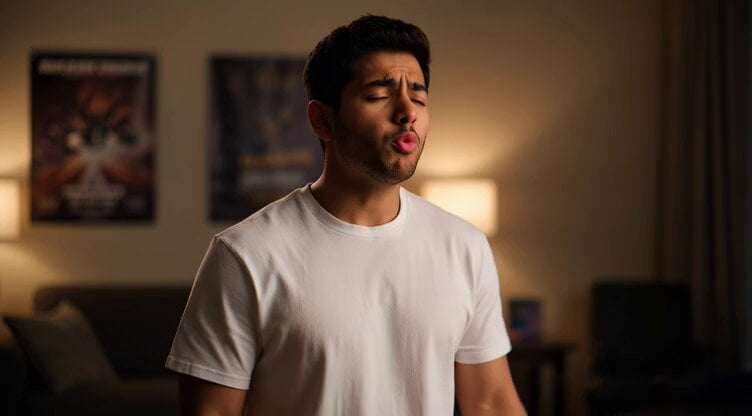
GTA 6 never came out in 1 million years

Bitcoin liferaft video prompt

Woman floating down, opening eyes and looking deeply into the viewer's eyes

Utopian World of Harmony and Peace
More video prompts
Fresh picks from across the catalog.
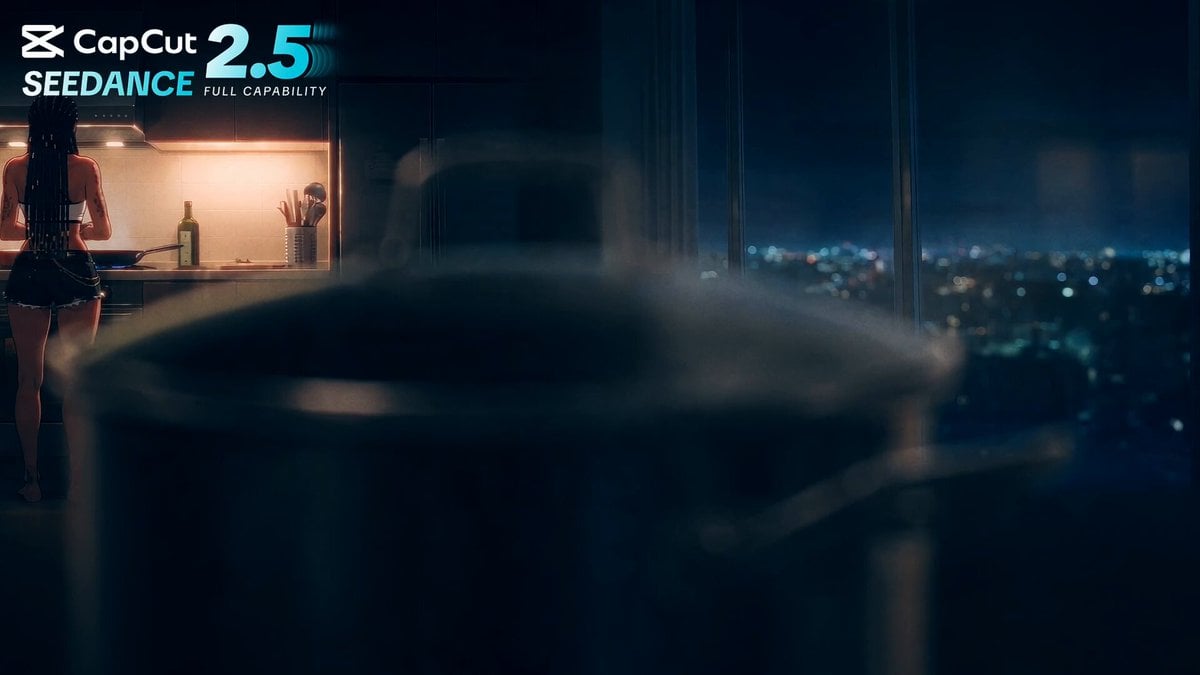
Anime Cooking Vongole Bianco Scene
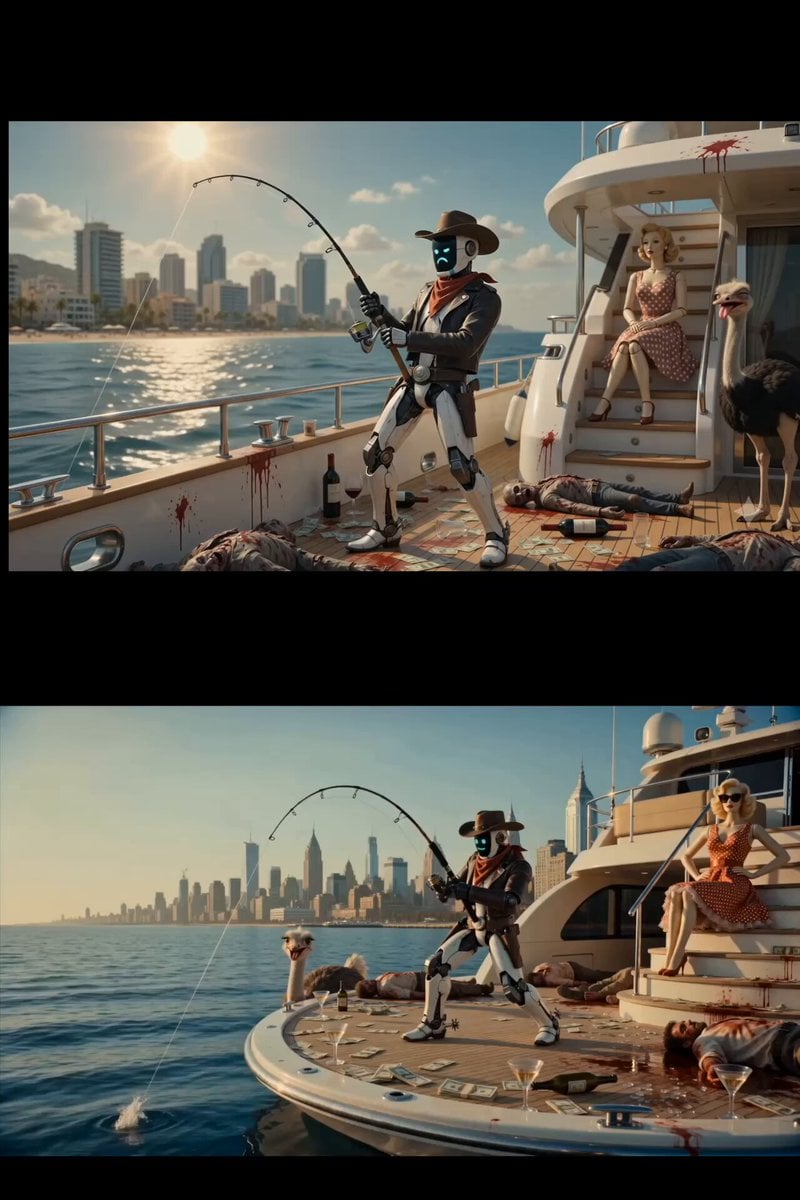
Surreal Scavenger Yacht Scene
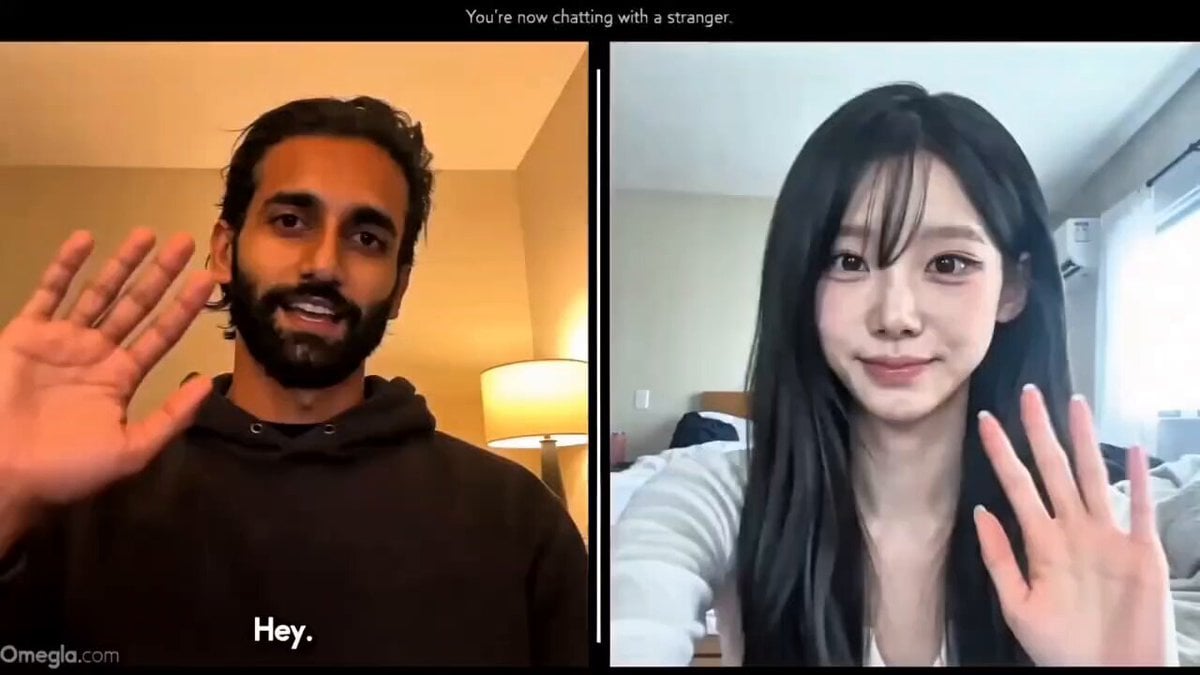
Realistic Omegle Chat Interaction
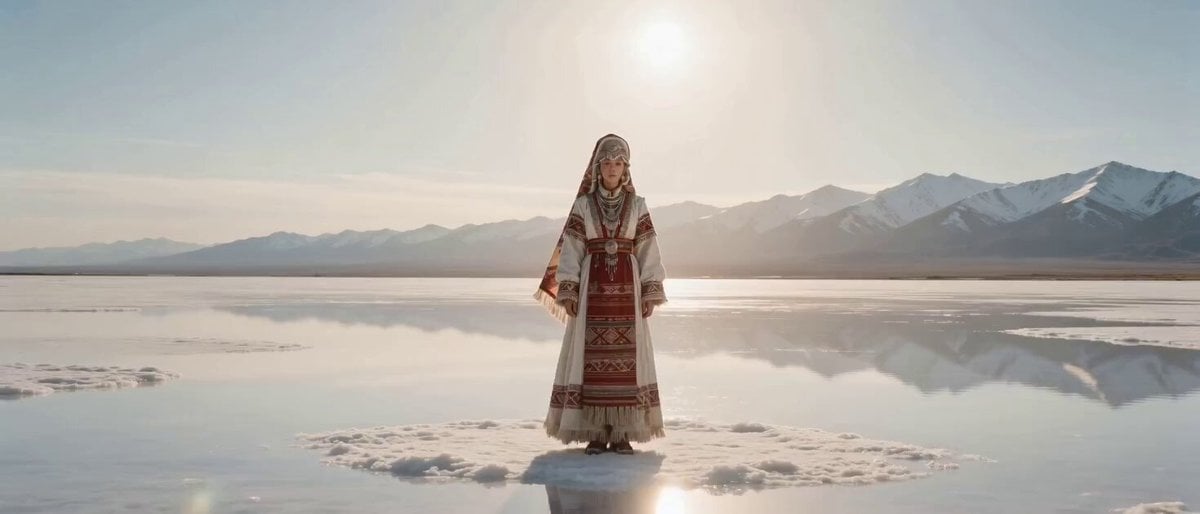
Sci-Fi Transformation Scene: Ancient Goddess to Cyberpunk Warrior
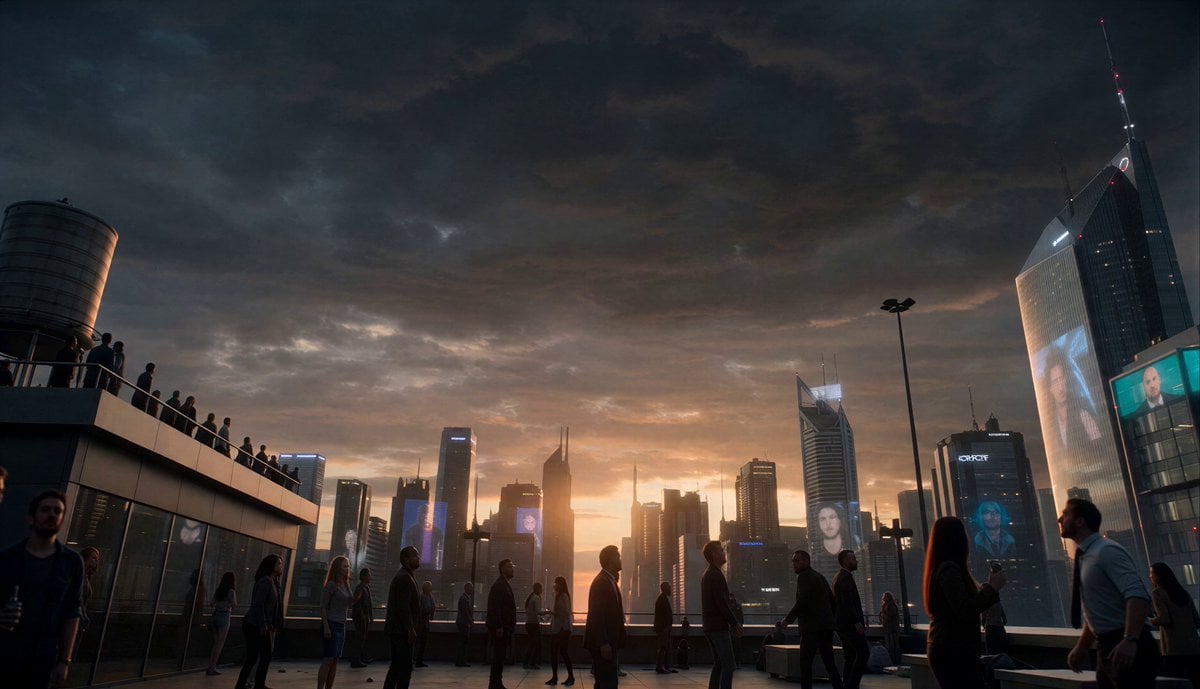
Colossal Stargate Descent Sci-Fi Thriller
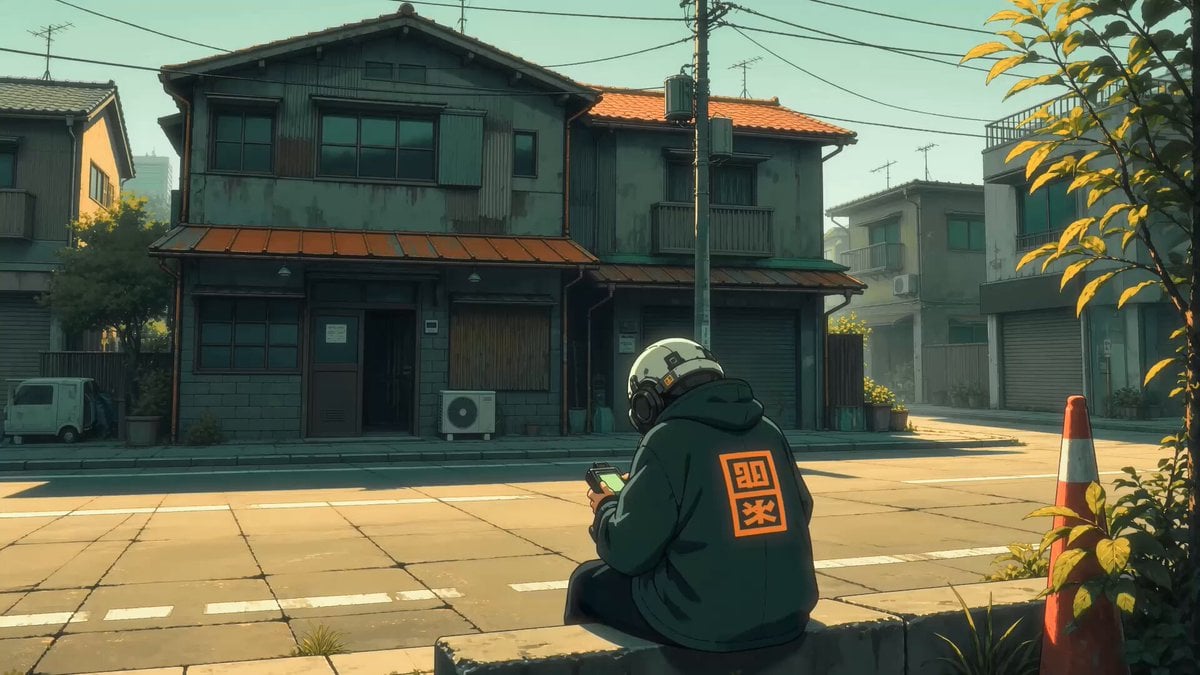
Dystopian Monster Encounter

Alien Attack FPV Cinematic Video
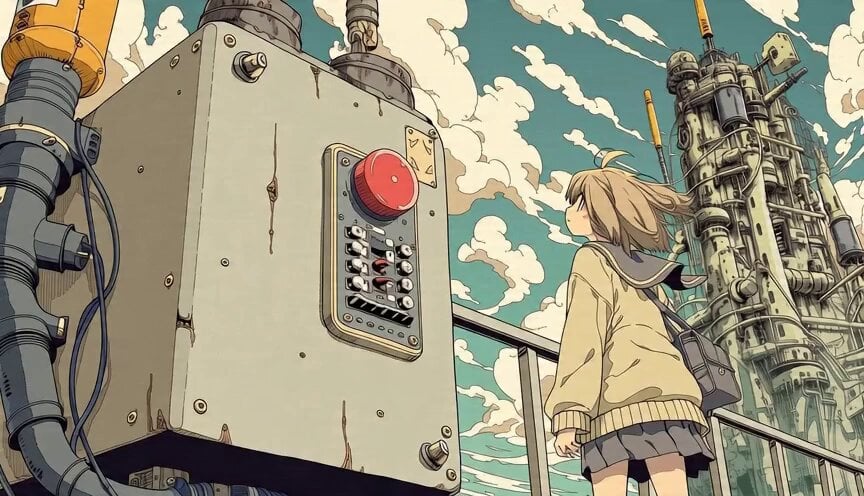
Anime Girl and Explosion Video Prompt
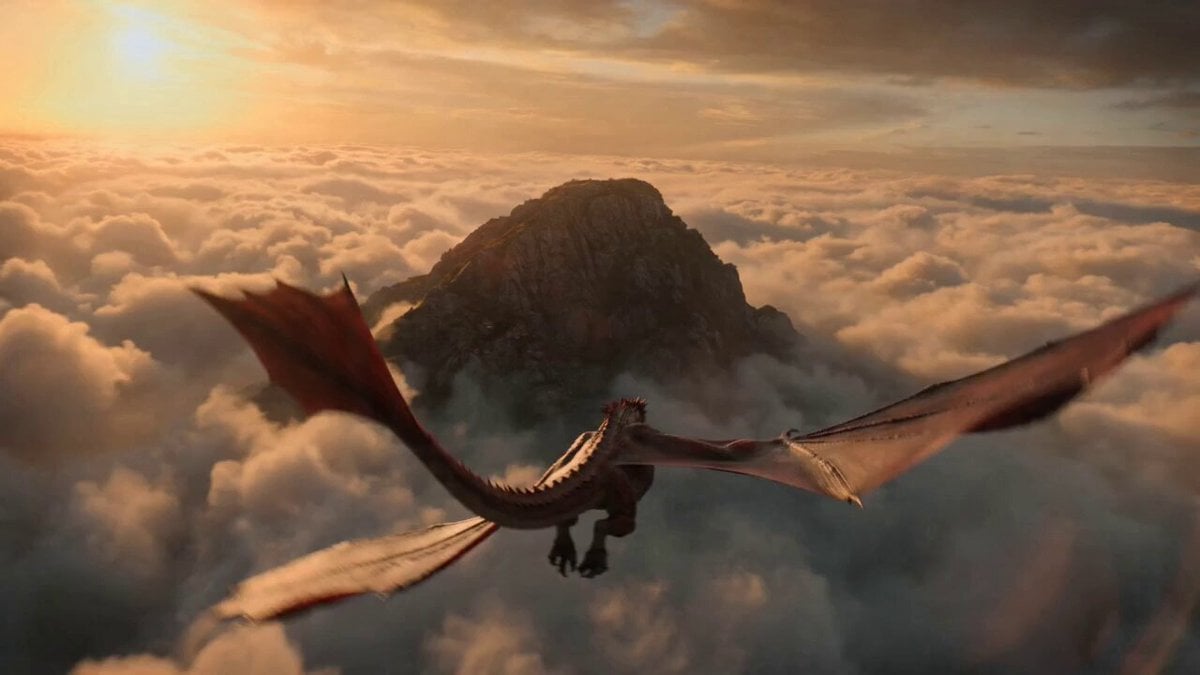
Impossible Fantasy War Shot Video Prompt
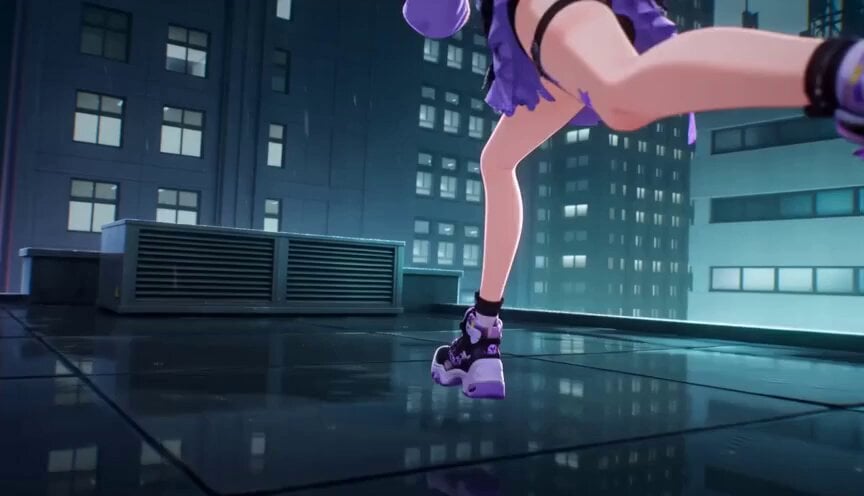
Futuristic City Parkour Animation
Browse template categories
Cyberpunk Samurai Ronin Animation questions
How do I use the Cyberpunk Samurai Ronin Animation template?
Add your photo if the template asks for one, edit the prompt if you like — the template's model and format are already selected — and press Generate. Your version opens in PicX Studio.
Can I customize the Cyberpunk Samurai Ronin Animation template?
Yes. You can change the subject, setting, lighting, mood, format, and available model controls before creating your video.
Is the Cyberpunk Samurai Ronin Animation template free?
Opening and editing this template is free. Generating uses credits, shown on the Generate button when you are signed in.
Which AI model should I use?
Start with Grok Imagine, which is the model associated with this template. You can compare another compatible model for a different finish.
Looking for something else? Browse all templates.

Your photo, any look
Thousands of ready templates for every top image and video model, from one credit balance.