
Realistic Omegle Chat Interaction
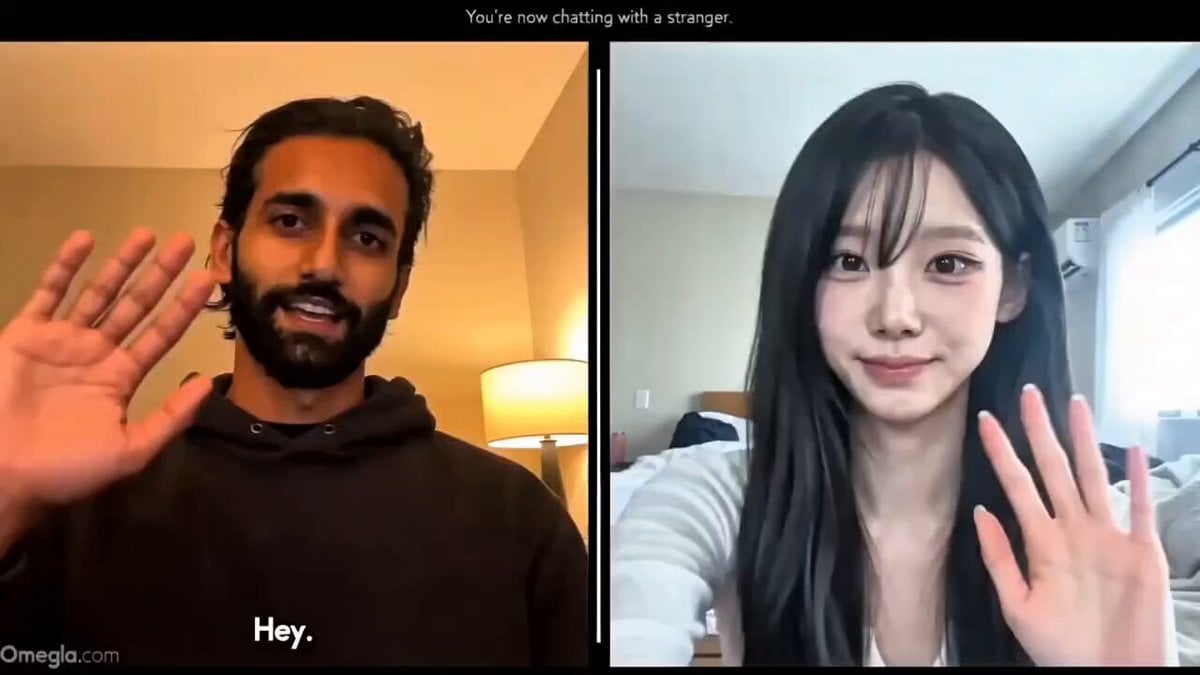
A complex script-based prompt for Seedance 2.0 to generate a realistic Omegle-style split-screen video call with a magic trick reveal.
- Prompt included
- Model and format preset
- Premium template
The prompt behind this video
Copy the exact prompt behind Realistic Omegle Chat Interaction, or open it in the studio and make it yours.
16:9 horizontal split-screen Omegle-style PC screen recording. Black background. Thin white divider in center. Semi-transparent "Omegla dot com" watermark bottom-left. Faint text at top: "You're now chatting with a stranger." LEFT PANEL: South Asian male @ img , mid-20s, plain dark hoodie, realistic webcam quality, warm desk lamp lighting, clean room background. Natural skin texture, visible pores, no beauty filter, slightly off-center framing. RIGHT PANEL: Japanese female @2WfwPnB8Z80h2z8kSc4s , early 20s, casual bedroom background, low-bitrate phone camera quality, slight handheld shake, soft overexposed window light, mild compression artifacts. TIMELINE 0-3s Connection established. Both casually wave. Male: "Hey." Female: "Hi." 3-7s Male: "Where are you from?" He stops speaking and waits. Female: "I'm from Japan." Male gives a small nod. Male: "Oh nice, Japan." 7-10s Natural silence. Both maintain eye contact. No one speaks. 10-14s Male: "Okay... say anything random." He finishes speaking completely and waits. Female thinks briefly. Female: "Golf ball." She stops speaking. 14-18s Natural pause. Male remains completely calm. His right hand is already a closed fist resting near his chest. He slowly raises the closed fist toward the webcam. No object visible. 18-21s Male slowly opens his fist. A real white golf ball is revealed resting in his palm. No visual effects. No glow. No transformation effect. 21-24s Male casually tosses the golf ball a few inches upward. Realistic physics. Clean catch. He turns his palm toward the camera. Male: "This is what you said." Small smirk. 24-28s Female freezes for about one second. Slight call lag. Then she leans forward instinctively. Autofocus briefly shifts. Female: "How is that possible?" Eyes widen. Jaw drops slightly. One hand rises toward her face. Reaction feels genuine and unscripted. 28-30s Hold on her shocked expression. Hard cut. STYLE Authentic Omegle screen recording. Webcam compression artifacts. Ambient room noise only. No music. Natural conversational pacing. 1-2 frame video-call delay during reaction. Realistic body language. Grounded emotions. Optional captions: "say anything random" "SHE SAID GOLF BALL 💀" "HOW IS THAT POSSIBLE 😭" NEGATIVE PROMPT No AI skin. No plastic faces. No VFX. No glowing golf ball. No object visible before fist opens. No extra fingers. No warped hands. No beauty filters. No cinematic grading. No overacting. No screaming. No dramatic reaction. No studio lighting. No rushed pacing.
How to use Realistic Omegle Chat Interaction in 3 steps
- 1
Open
The prompt is already in the box next to the preview, with the template's model and format selected.
- 2…a portrait of your subject in softgolden-hour light, 85mm…
Personalize
Edit the subject and creative details for your destination.
- 3Generate
Generate
Press Generate — your video is created in PicX Studio, so you can compare it with the original and refine one variable at a time.
More like this
Templates with the same subject, style or setup. Open one to see its prompt.
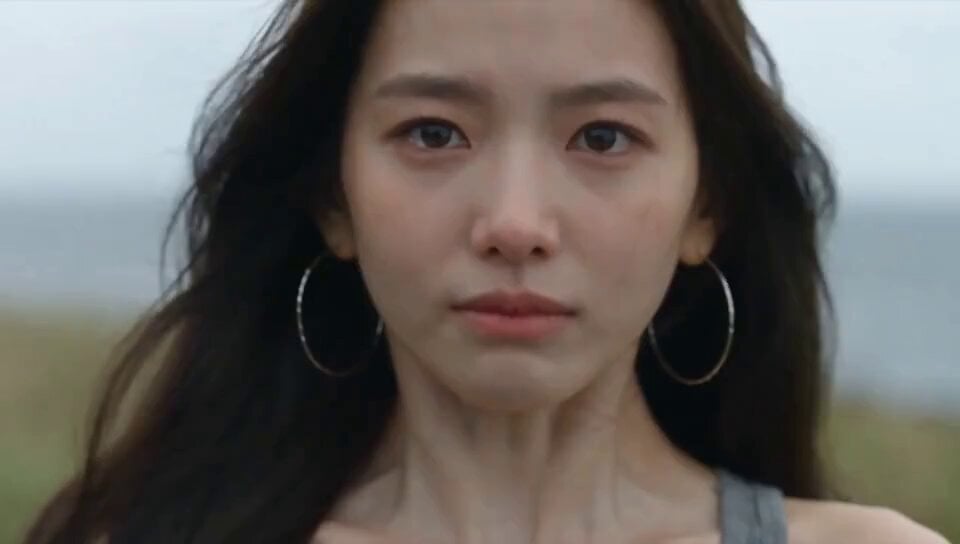
Emotional Breakdown and Fabric Interaction - Seedance 2.5

Omegle Split-Screen Interaction
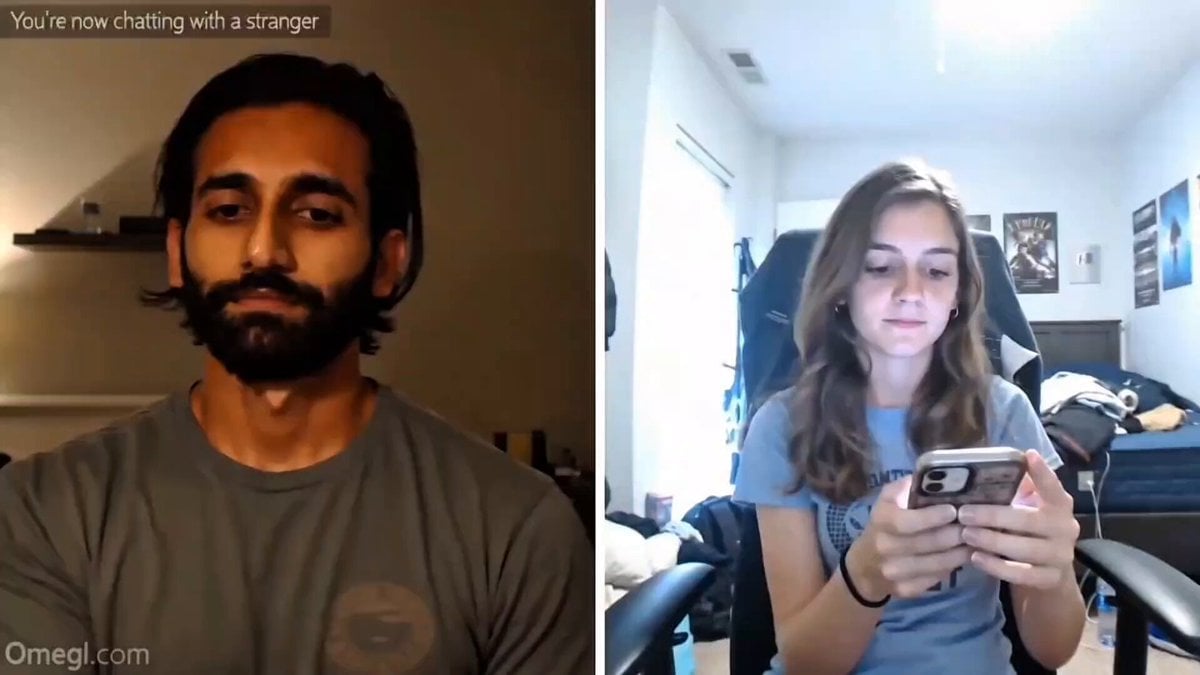
Omegle Style Split Screen Magic
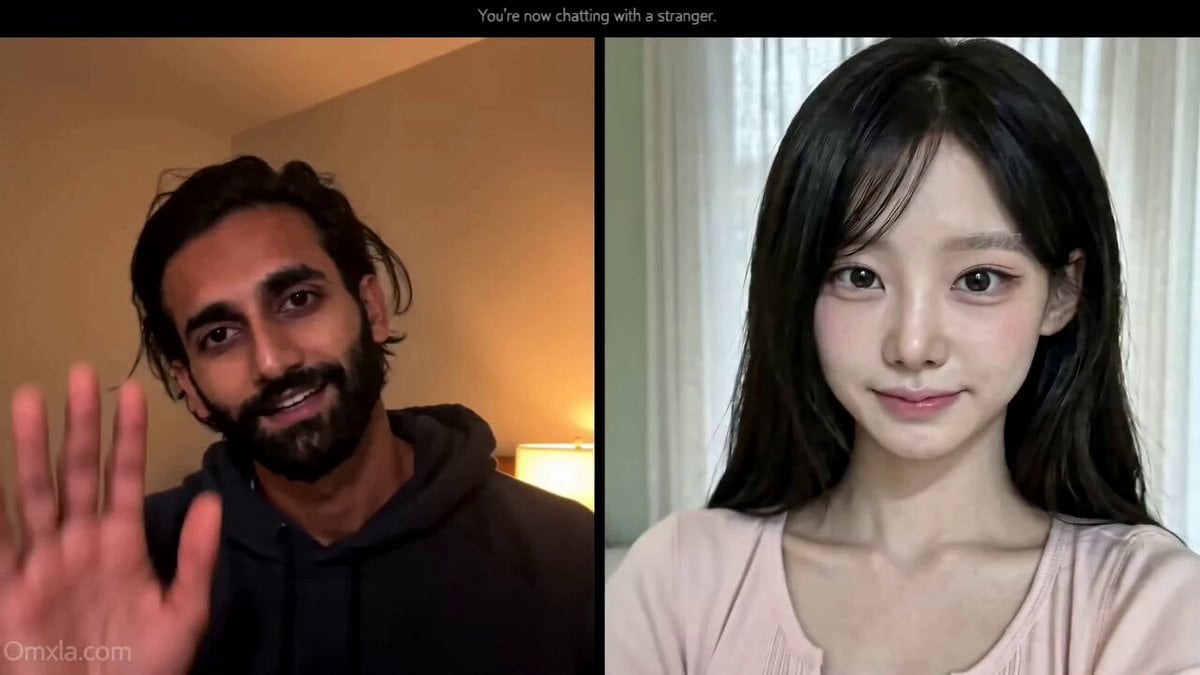
Omegle Conversation Reveal

Wholesome Statue of Liberty family chat prompt
Hologram Interaction Scene Montage
Anime Drama Character Interaction Script
Futuristic Crystalline AI Creature Interaction
Coffee Cup Interaction Motion
Jungle Animal Interaction Video Prompt
Cute Character and Daruma Doll Interaction
Realistic Rooftop Terrace Selfie Interaction
Make it yours
Realistic Omegle Chat Interaction works as-is. These are the safest ways to change it without losing the look.
Change one field
Copy a single group, rewrite it, and generate again so you can see what that field is doing.
Keep the frame, change the subject
Hold the composition and light of Realistic Omegle Chat Interaction, then swap wardrobe, props or the person for a new take.
| If the result… | Why | Fix |
|---|---|---|
| The result drifts from the preview | Too many fields changed at once. | Reuse Realistic Omegle Chat Interaction as-is first, then change one group — subject, light, or setting. |
| The model over-stylizes the scene | The prose prompt leaves finish and camera underspecified. | Add one camera or lighting sentence and stay on Seedance 2.0. |
More Seedance 2.0 templates
Other prompts made for Seedance 2.0.

Comical Martial Arts Punch Scene

Maglev Train Action Sequence

Martial Arts Fight Sequence

Wuxia Protection and Trust Script

Vintage Korean Arcade MiniDV Vlog

Mercedes 190 SL Luxury Ad

Rainy Night Supernatural Reverse Comedy Video Script

Amazon Civilization Discovery

Futuristic South Asian City Transformation

Cozy Luxury Cafe Commercial
More video prompts
Fresh picks from across the catalog.
Food Delivery Rush Storyboard

Cadillac Formula One Car 2026
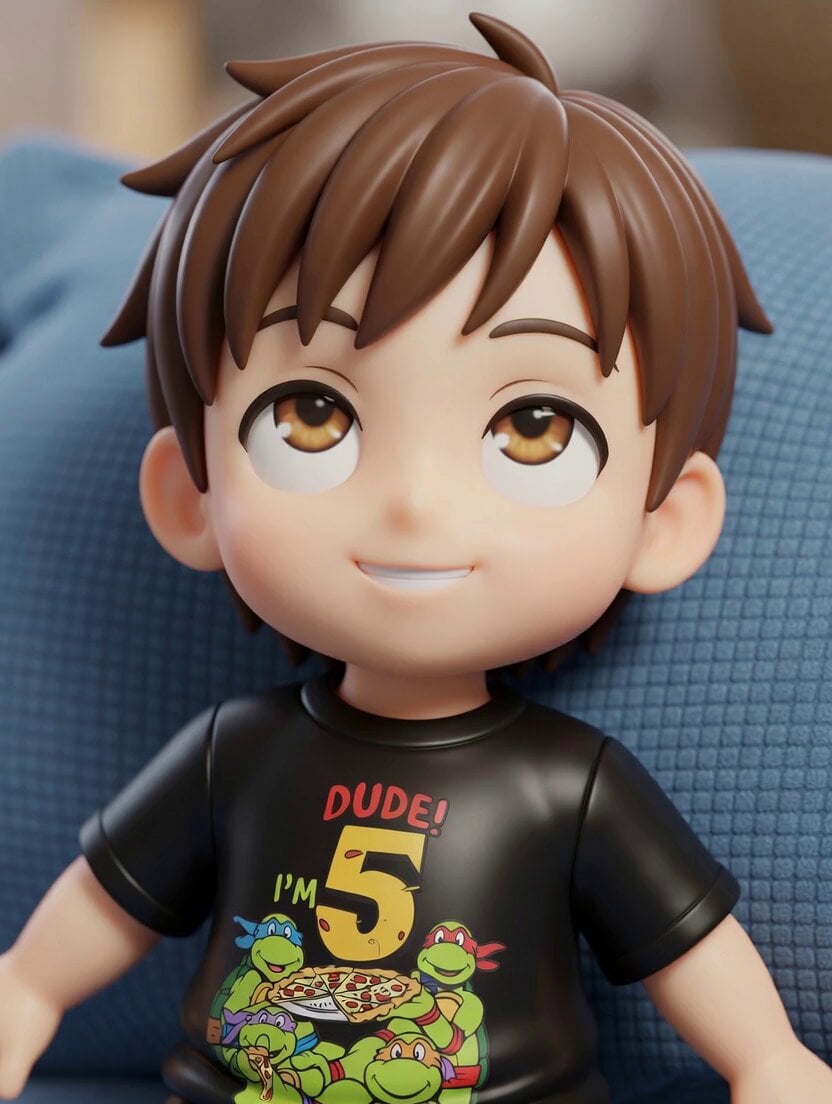
TMNT Pizza Catch Video
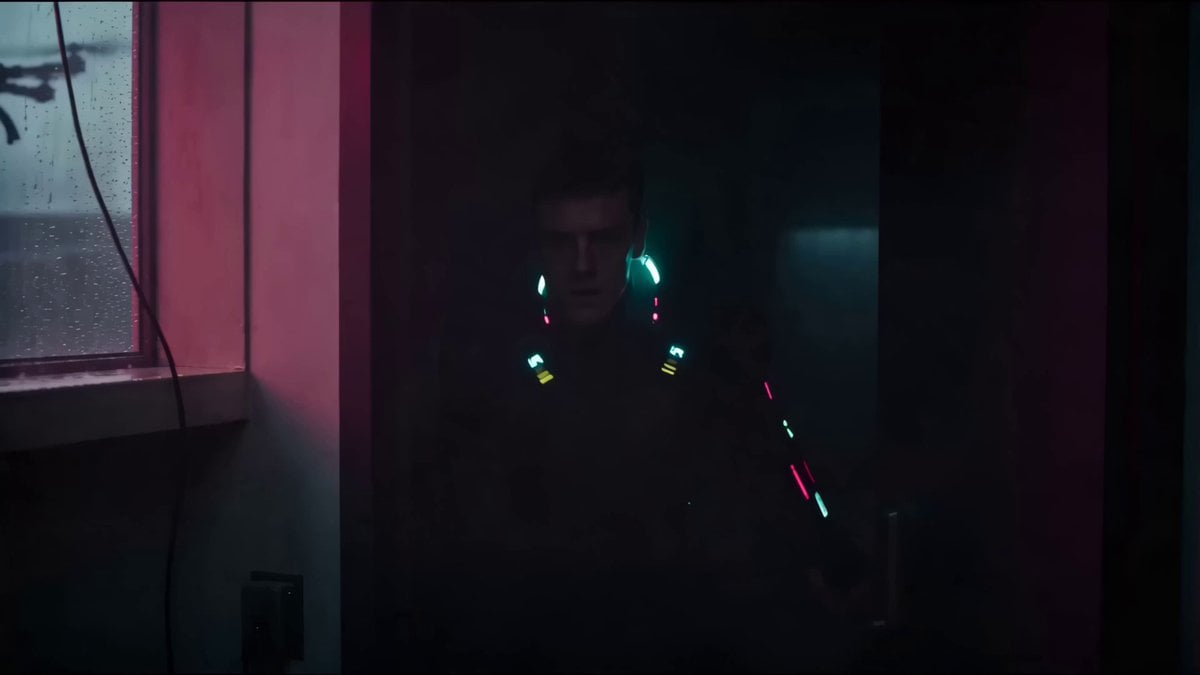
Cyberpunk Netrunner Cinematic Scenes
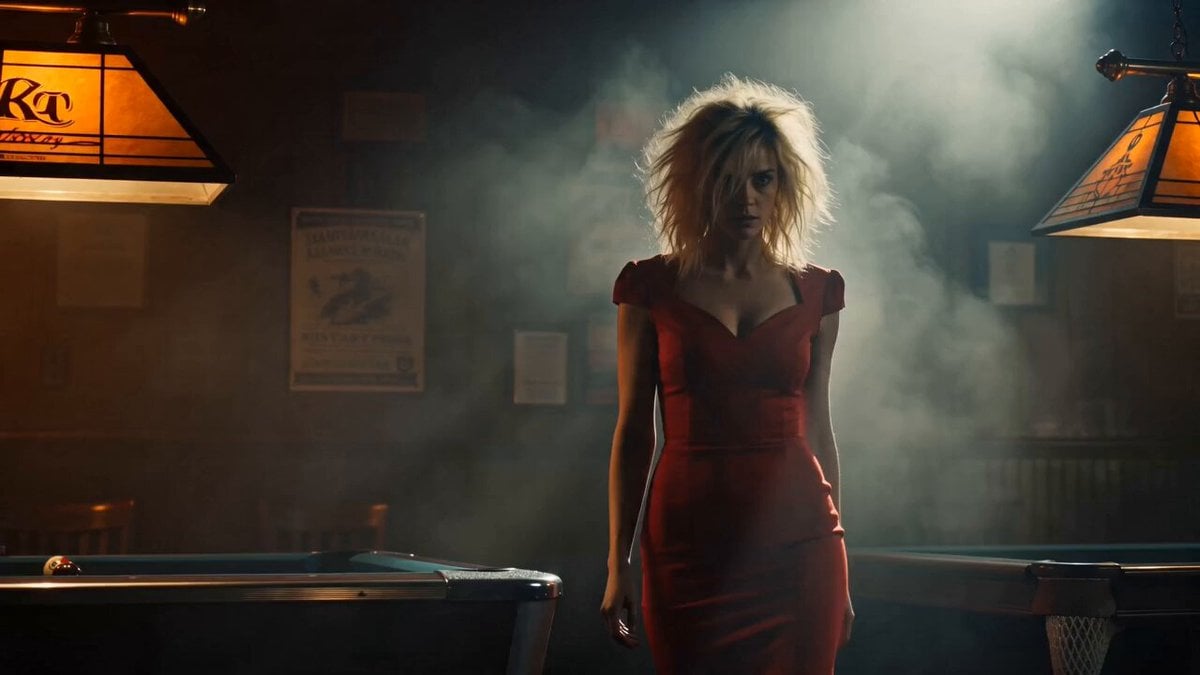
Gritty Crime Character Intro Template
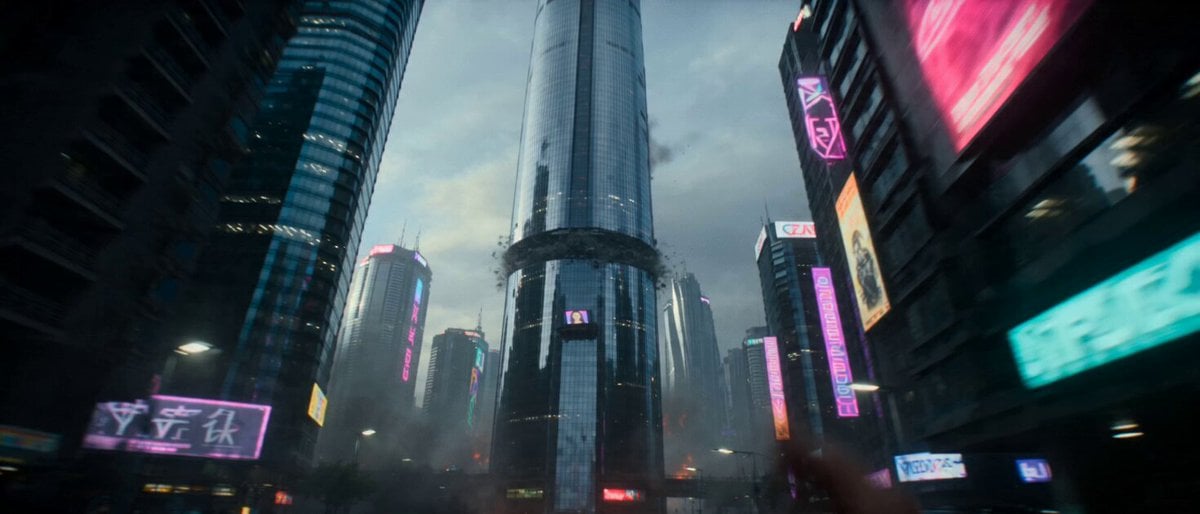
Hollywood Style Cyberpunk Disaster Movie Prompt

First Human on Mars Cinematic Sequence
Art Exhibition Heist Cinematic Thriller

Miniature Woman Skincare Commercial
Colorful Paper Art Fairy Queen Prompt
Browse template categories
Realistic Omegle Chat Interaction questions
How do I use the Realistic Omegle Chat Interaction template?
Add your photo if the template asks for one, edit the prompt if you like — the template's model and format are already selected — and press Generate. Your version opens in PicX Studio.
Can I customize the Realistic Omegle Chat Interaction template?
Yes. You can change the subject, setting, lighting, mood, format, and available model controls before creating your video.
Is the Realistic Omegle Chat Interaction template free?
Opening and editing this template is free. Generating uses credits, shown on the Generate button when you are signed in.
Which AI model should I use?
Start with Seedance 2.0, which is the model associated with this template. You can compare another compatible model for a different finish.
Looking for something else? Browse all templates.

Your photo, any look
Thousands of ready templates for every top image and video model, from one credit balance.