
Omegle Style Split Screen Magic
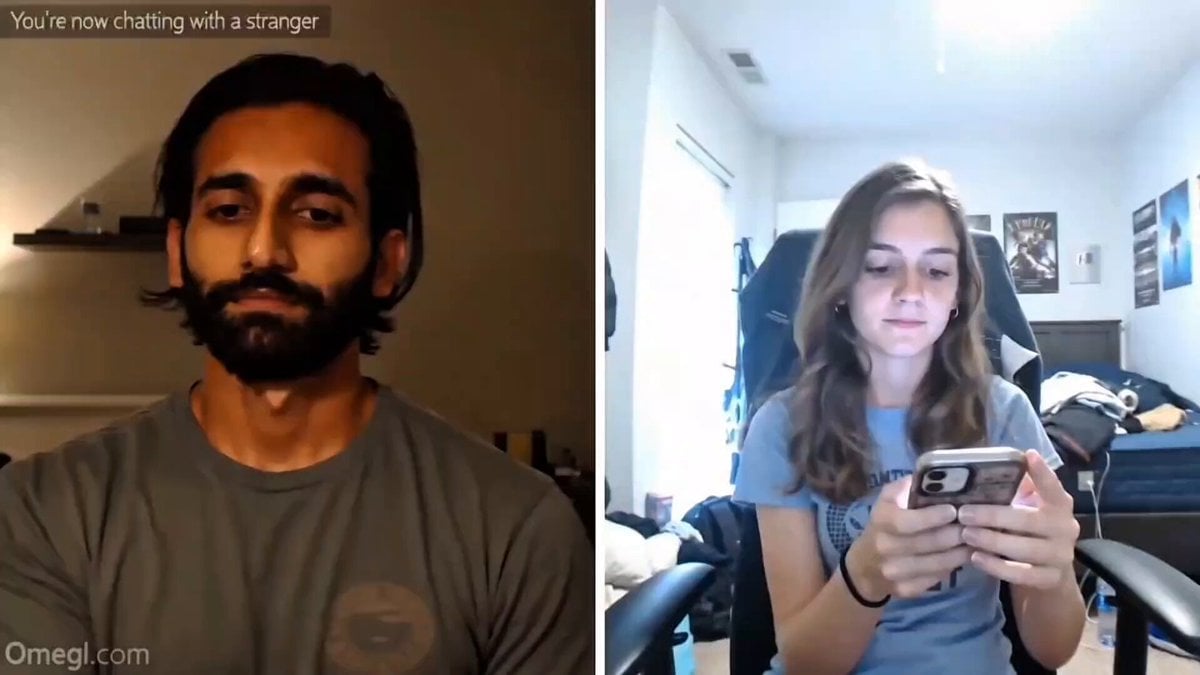
A prompt for generating a viral Omegle-style split-screen video featuring a magic trick reveal and a realistic reaction.
- Prompt included
- Model and format preset
- Free template
The prompt behind this video
Copy the exact prompt behind Omegle Style Split Screen Magic, or open it in the studio and make it yours.
16:9 horizontal split-screen Omegle-style PC screen recording. Black background, white center divider, semi-transparent "Omegle dot com" watermark bottom-left, faint "You're now chatting with a stranger" text at top. LEFT — South Asian male, mid-20s, plain t-shirt, clean room, warm side lighting, 4K webcam, visible pores, no beauty filter, slight off-center frame. Calmly asks "Say anything random." Slowly closes fist, 1-2 second pause, opens hand flat — white ping pong ball appears in palm. Small confident smirk. No VFX, no flash, no glow. RIGHT — Adult female, 20s, low-bitrate phone camera, overexposed window light, compression artifacts, shaky handheld, messy bedroom background, audio crackle. Says "Ping pong ball." Watches the reveal — leans in, eyes widen, short disbelieving laugh, covers mouth briefly, says "Wait, what?" or "No way, how?" Grounded, instinctive reaction. Not theatrical. Feel: Screen-recording compression noise, 1-2 frame call lag at reveal, autofocus drift on stranger's side, ambient room noise only, optional bold white caption after reveal. 12-15 seconds total. Cold open → question → response → fist closes → pause → reveal → reaction → hard cut. Negative: No AI skin, no plastic faces, no VFX glow, no warped fingers, no over-acting, no studio lighting, no beauty filter, no cinematic grading, no floating ball pre-reveal, no extra fingers.
How to use Omegle Style Split Screen Magic in 3 steps
- 1
Open
The prompt is already in the box next to the preview, with the template's model and format selected.
- 2…a portrait of your subject in softgolden-hour light, 85mm…
Personalize
Edit the subject and creative details for your destination.
- 3Generate
Generate
Press Generate — your video is created in PicX Studio, so you can compare it with the original and refine one variable at a time.
More like this
Templates with the same subject, style or setup. Open one to see its prompt.

Omegle Split-Screen Interaction
Synchronized Split-Screen Racing Video

Forest Fantasy Girl Short Film
Human and AI Collaboration Split-Screen
Daily Routine Split-Screen Comparison

Jeep Speeding Off-Screen Action
4DX Cinema ScreenX Master Prompt
Cosplay Gaming Loading Screen
Hippo Boat Split Charge

Soccer Motion Screen Shatter
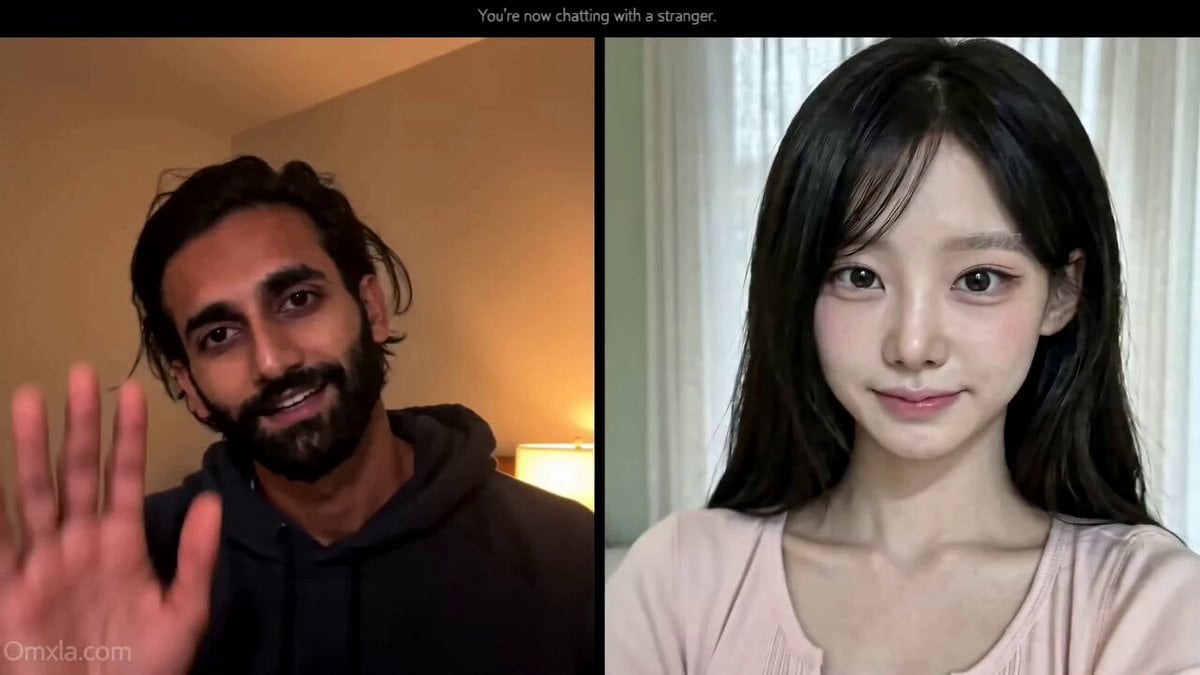
Omegle Conversation Reveal
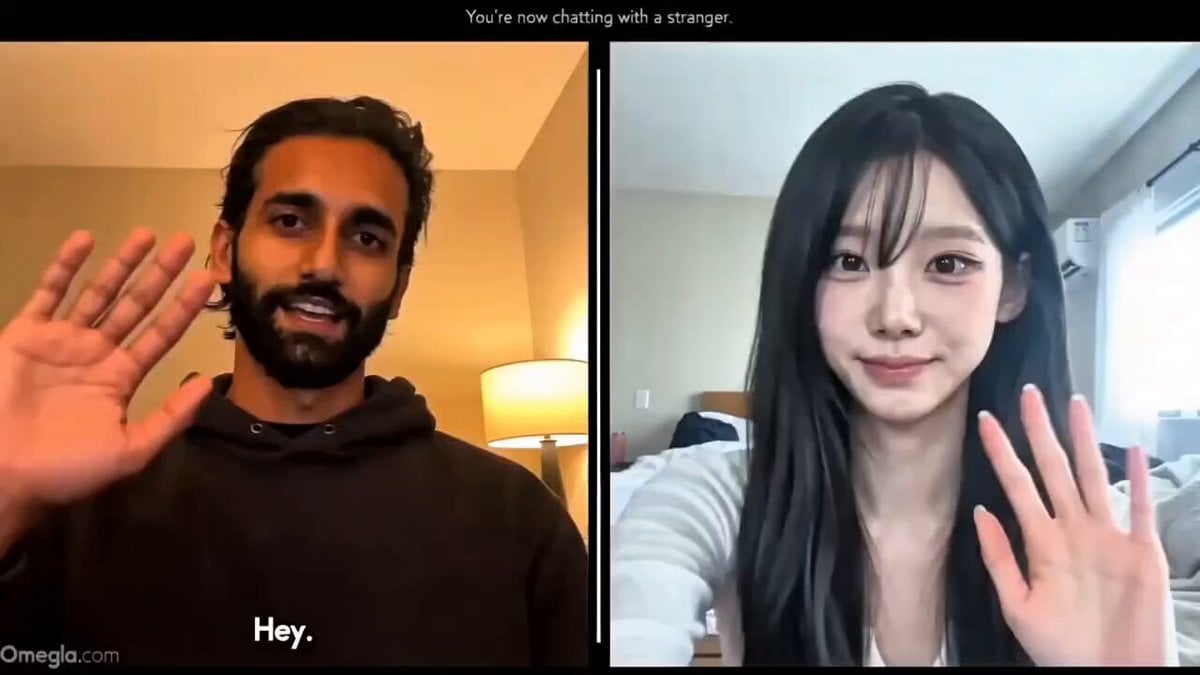
Realistic Omegle Chat Interaction
Make it yours
Omegle Style Split Screen Magic works as-is. These are the safest ways to change it without losing the look.
Change one field
Copy a single group, rewrite it, and generate again so you can see what that field is doing.
Keep the frame, change the subject
Hold the composition and light of Omegle Style Split Screen Magic, then swap wardrobe, props or the person for a new take.
| If the result… | Why | Fix |
|---|---|---|
| The result drifts from the preview | Too many fields changed at once. | Reuse Omegle Style Split Screen Magic as-is first, then change one group — subject, light, or setting. |
| The model over-stylizes the scene | The prose prompt leaves finish and camera underspecified. | Add one camera or lighting sentence and stay on Seedance 2.0. |
More Seedance 2.0 templates
Other prompts made for Seedance 2.0.

Comical Martial Arts Punch Scene

Maglev Train Action Sequence

Martial Arts Fight Sequence

Wuxia Protection and Trust Script

Vintage Korean Arcade MiniDV Vlog

Mercedes 190 SL Luxury Ad

Rainy Night Supernatural Reverse Comedy Video Script

Amazon Civilization Discovery

Futuristic South Asian City Transformation

Cozy Luxury Cafe Commercial
More video prompts
Fresh picks from across the catalog.
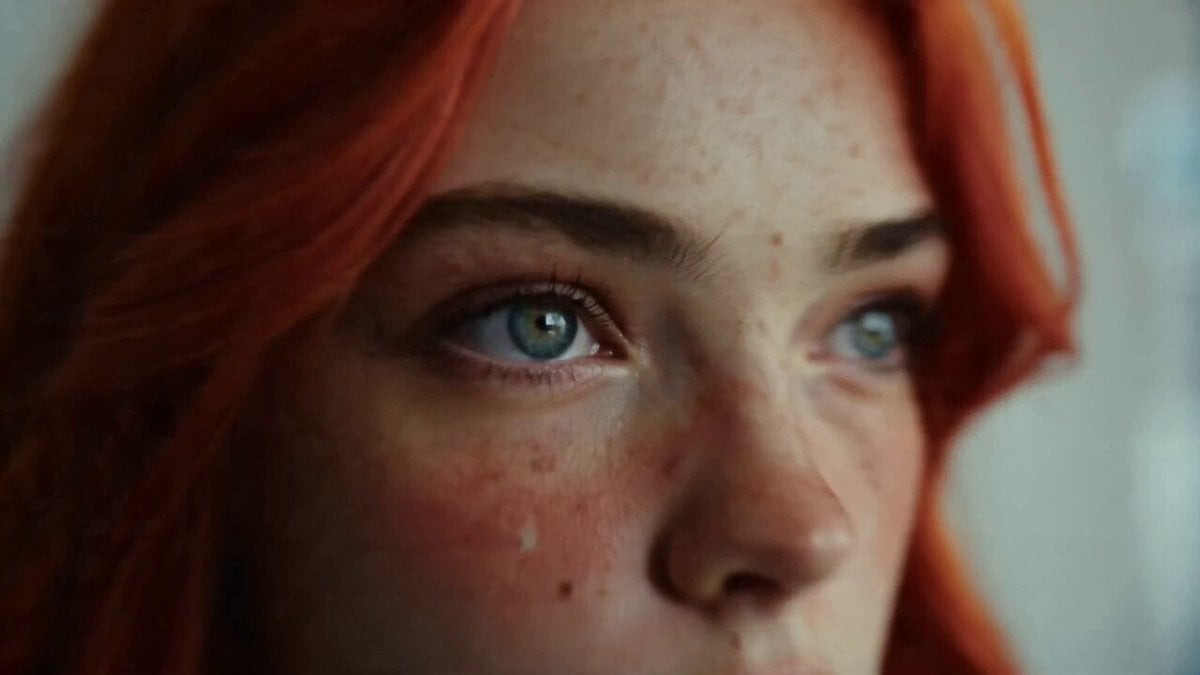
Daily Routine 15-Cut Sequence Prompt
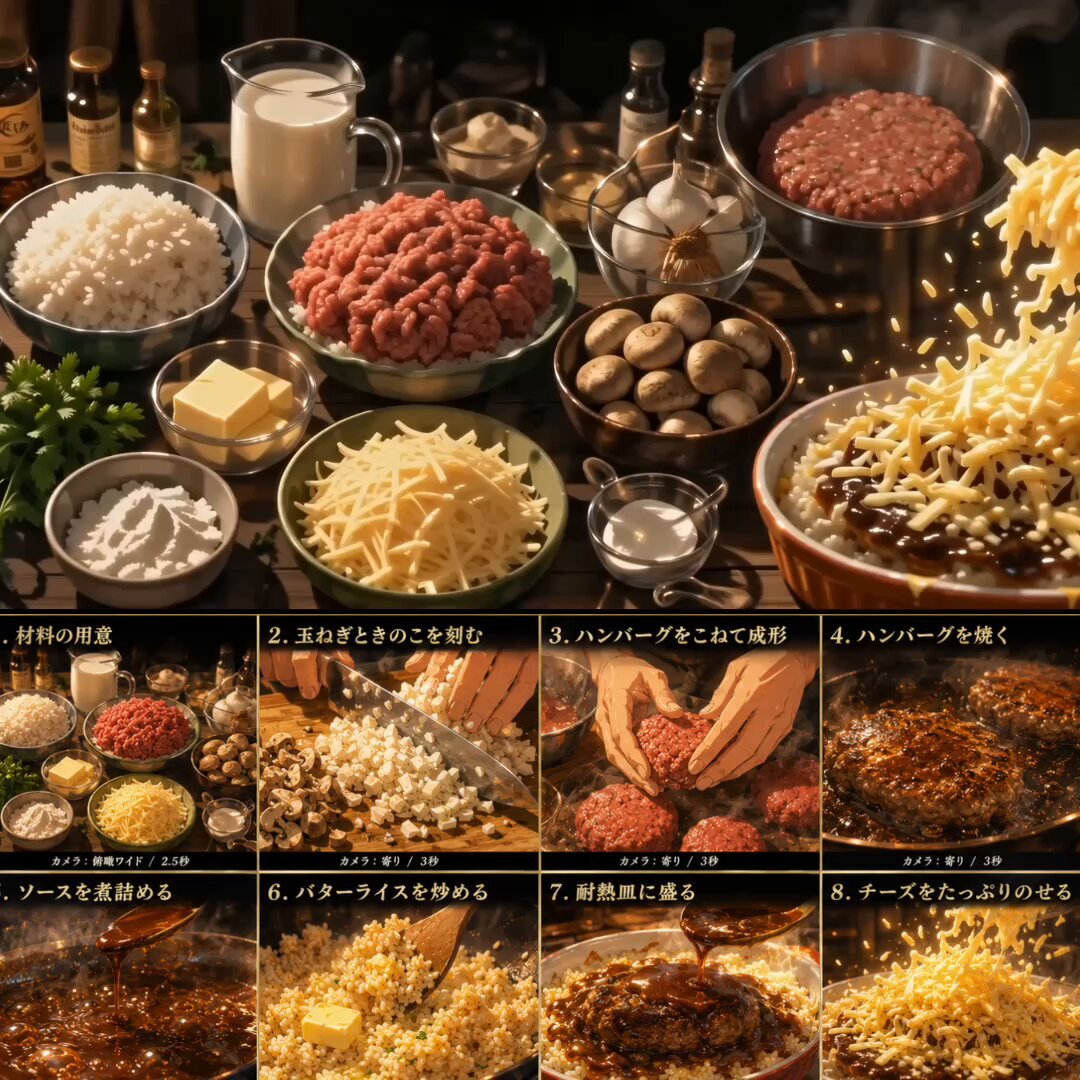
Anime Cooking Animation: Melting Cheese Doria
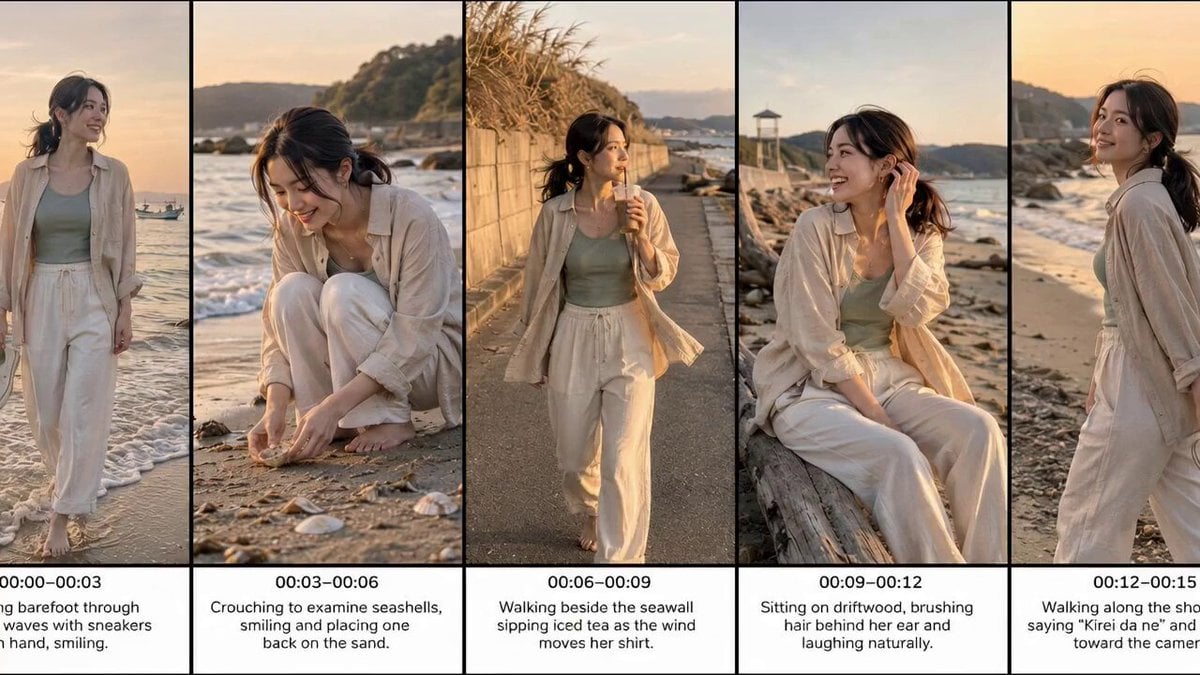
Realistic Beach Vacation Documentary
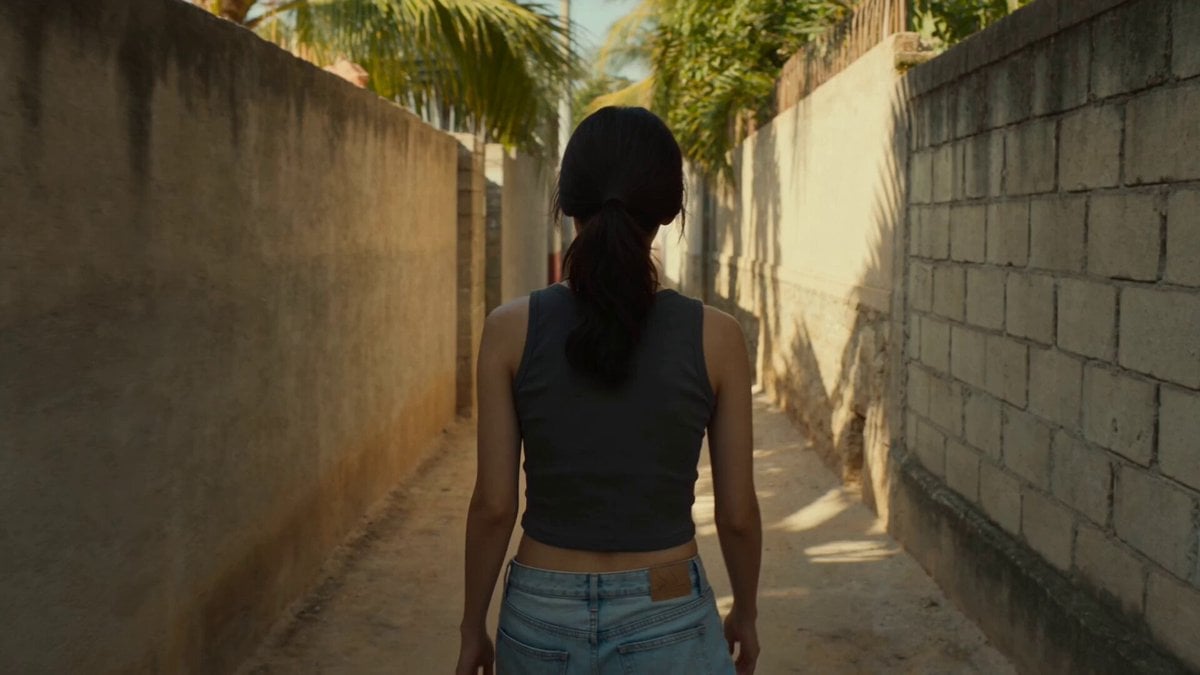
Golden Hour Alley Scene

Futuristic Car Commercial Prompt (Y - Drive the Future)

Cyberpunk Neon Cage Freedom Story
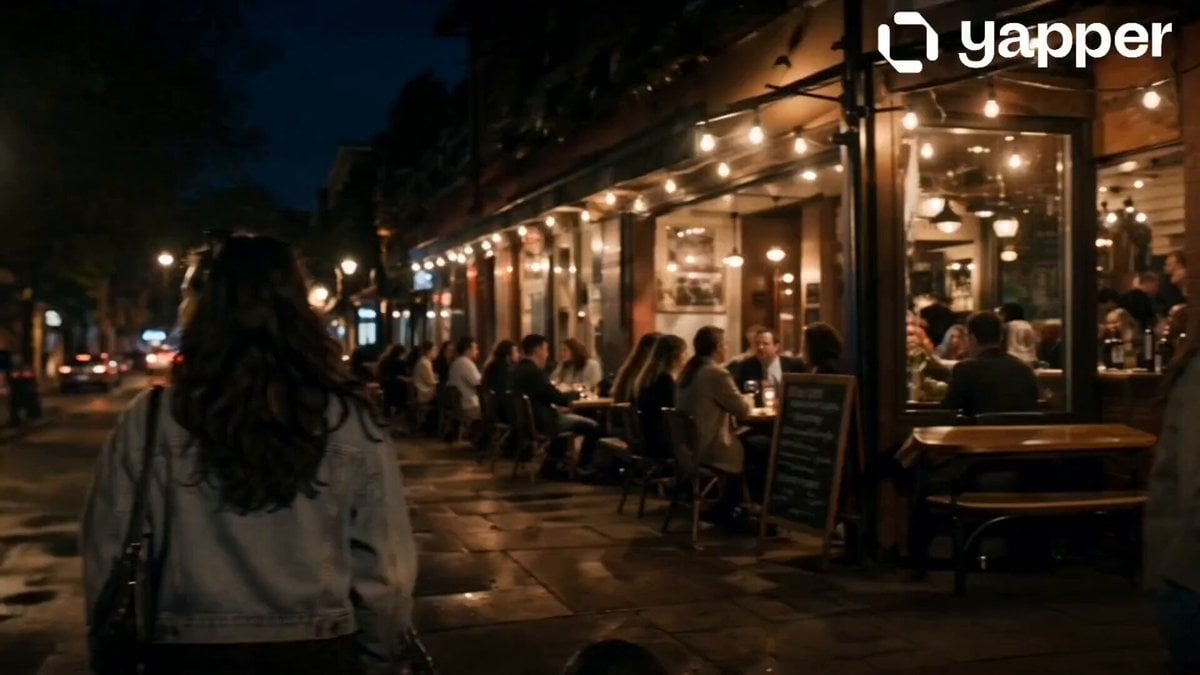
Suspenseful Alleyway Scene
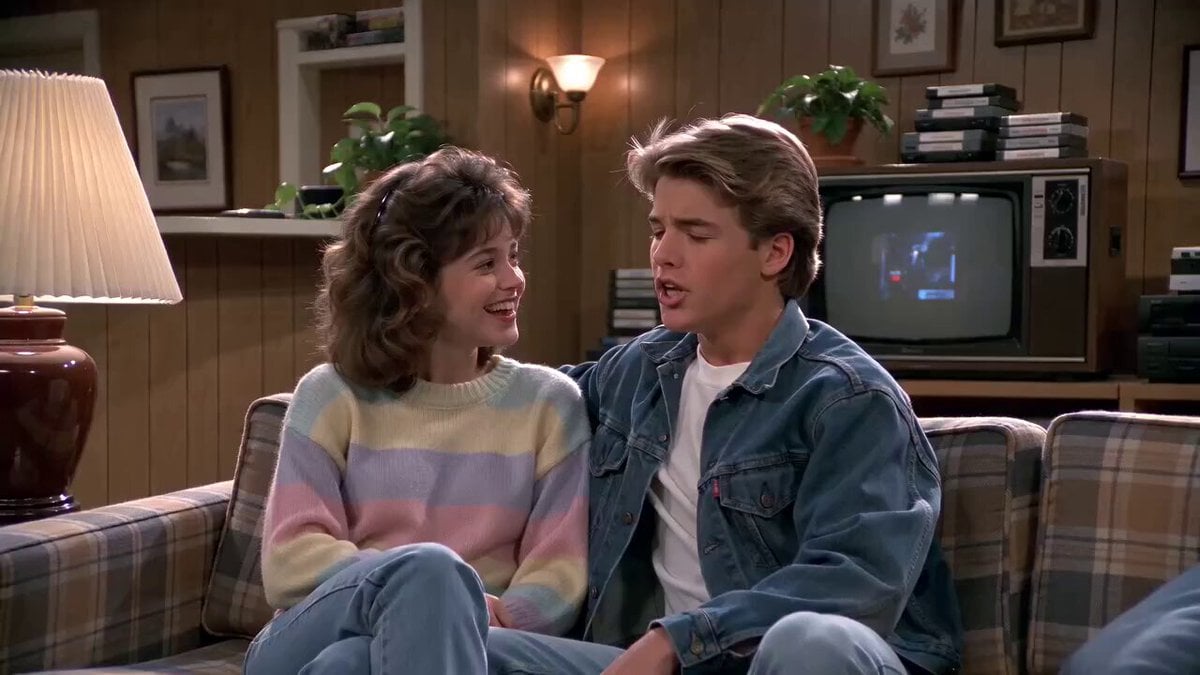
1980s Sitcom Nostalgia Scene

Spider attack action sequence prompt
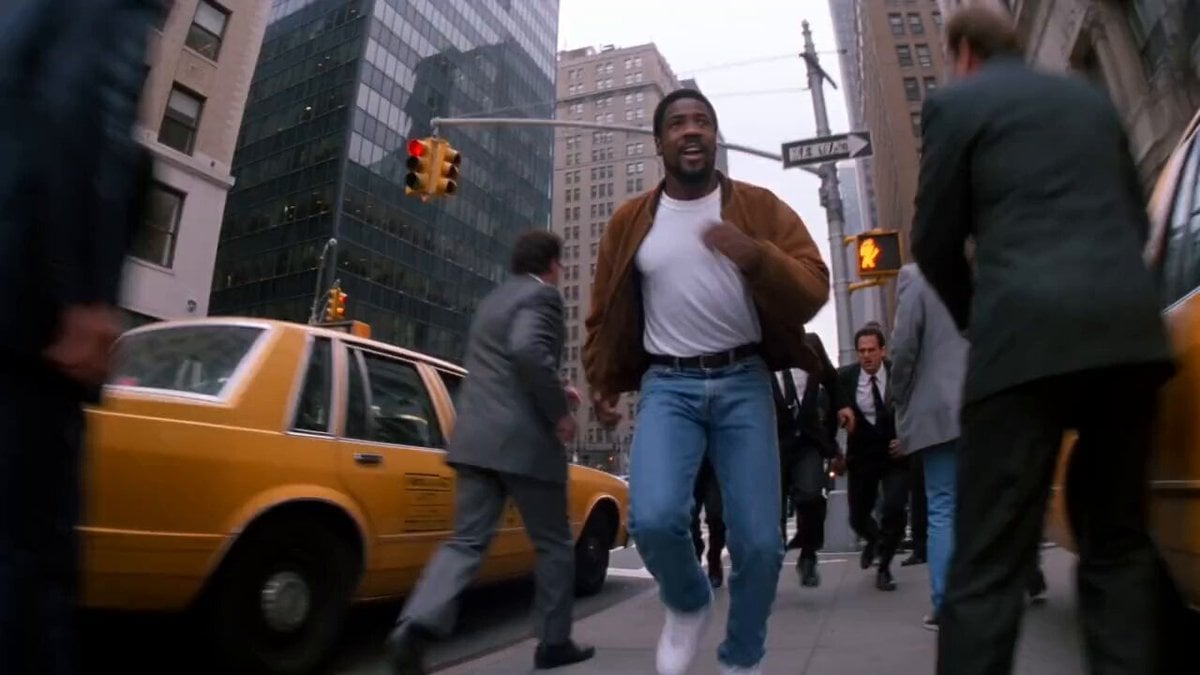
90s Hong Kong Action Comedy Chase
Browse template categories
Omegle Style Split Screen Magic questions
How do I use the Omegle Style Split Screen Magic template?
Add your photo if the template asks for one, edit the prompt if you like — the template's model and format are already selected — and press Generate. Your version opens in PicX Studio.
Can I customize the Omegle Style Split Screen Magic template?
Yes. You can change the subject, setting, lighting, mood, format, and available model controls before creating your video.
Is the Omegle Style Split Screen Magic template free?
Opening and editing this template is free. Generating uses credits, shown on the Generate button when you are signed in.
Which AI model should I use?
Start with Seedance 2.0, which is the model associated with this template. You can compare another compatible model for a different finish.
Looking for something else? Browse all templates.

Your photo, any look
Thousands of ready templates for every top image and video model, from one credit balance.