
Daily Routine Split-Screen Comparison
A stylized 3D animation prompt using split-screens to compare a woman's hectic morning and work life with a man's calm AI-focused day.
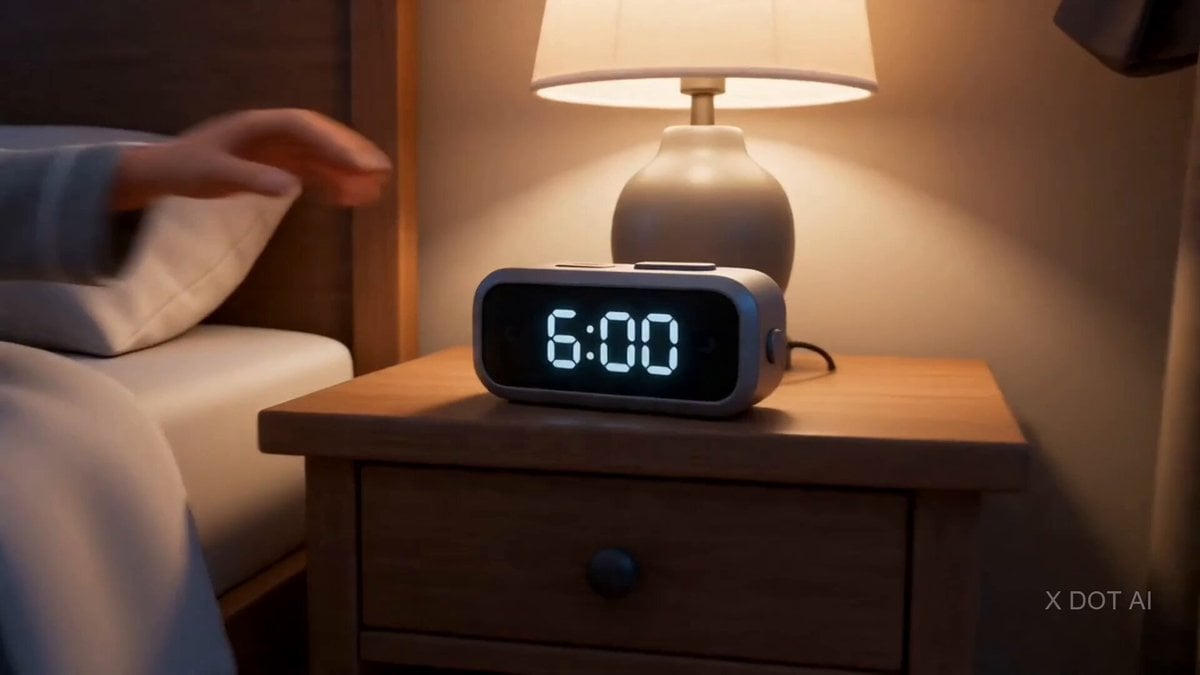
- Prompt included
- Model and format preset
- Free template
The prompt behind this video
Copy the exact prompt behind Daily Routine Split-Screen Comparison, or open it in the studio and make it yours.
Split screen: STYLE: High-end stylized 3D animated character, cinematic lighting, expressive faces, polished materials, exaggerated but believable motion, comedic visual storytelling with split-screen sequences. WARDROBE: Man Image2 — oversized graphic tee and jogger pants entire film, never changes. Woman Image1 — western casuals shots 1–6, sharp blazer trousers and heels shots 7–13, nighty shots 14–15. Daughter — school uniform shots 4–6. ENVIRONMENT: Shared bedroom, kitchen, building gate, metro station, footwear design studio, conference room, home living room, bedroom at night. MOOD: Chaotic, rushed, comedic exhaustion, blissful obliviousness, ending in tender defeat. SHOT 1: ECU, 85mm push-in / Alarm on bedside table, screen shows 6:00. Her hand shoots out and kills it. His hand pulls the blanket up tighter. SHOT 2: MCU, handheld 50mm / She sits up, looks at him buried under the blanket, says: "Get up." He says: "Two minutes." He will not get up. SHOT 3: MS, 35mm slide / She is in the kitchen, eggs on the pan, tiffin box open, phone wedged between ear and shoulder, all three burning simultaneously. SHOT 4: Top-down detail shot, 35mm / She ties the daughter's hair with one hand while checking the tiffin with the other. The daughter squirms. The eggs go cold. SHOT 5: MCU, 50mm / SPLIT SCREEN begins. Left: she stuffs the daughter into school shoes, zips the tiny backpack, grabs her own bag, pushes them both toward the door. Right: he rolls over, opens laptop in bed, starts typing a prompt, face glowing, completely serene. SHOT 6: WS, 24mm / She walks the daughter down to the building gate in casuals, waits for the school van, waves it off, turns around and sprints back upstairs to get ready. No time. SHOT 7: MS, 50mm snap push / SPLIT SCREEN. Left: she squeezes into the metro fully dressed in blazer and heels, crushed between strangers, tablet open, reviewing shoe sketches with her thumb. Right: he sits at his desk, cracks his knuckles slowly, says to himself: "Let's create." SHOT 8: MCU, 50mm / SPLIT SCREEN. Left: conference room, her foreign boss holds up a heel and says in a clipped accent: "The toe box. It needs to breathe more." Her pen taps the sketchbook. Right: his AI video finishes rendering. He leans back, crosses arms, watches the view counter. Nods. Types: "Not bad." SHOT 9: MS, 35mm / SPLIT SCREEN. Left: she presents a mood board, points at materials, answers three questions at once, measuring tape around her neck. Right: he enrolls in a new AI course, credit card in hand, eyes lit up like a child at Christmas, says: "This is the one." SHOT 10: WS, 35mm / SPLIT SCREEN. Left: she is last to leave the studio, turns off the light herself, bag heavy, heels off in her hand, phone shows 8:47 PM. Right: he wraps up a video call about AI, stretches big, says to the room: "Productive day." SHOT 11: MCU, handheld 50mm / She walks in the front door still in her blazer. He looks up warmly and says
How to use Daily Routine Split-Screen Comparison in 3 steps
- 1
Open
The prompt is already in the box next to the preview, with the template's model and format selected.
- 2…a portrait of your subject in softgolden-hour light, 85mm…
Personalize
Edit the subject and creative details for your destination.
- 3Generate
Generate
Press Generate — your video is created in PicX Studio, so you can compare it with the original and refine one variable at a time.
More like this
Templates with the same subject, style or setup. Open one to see its prompt.
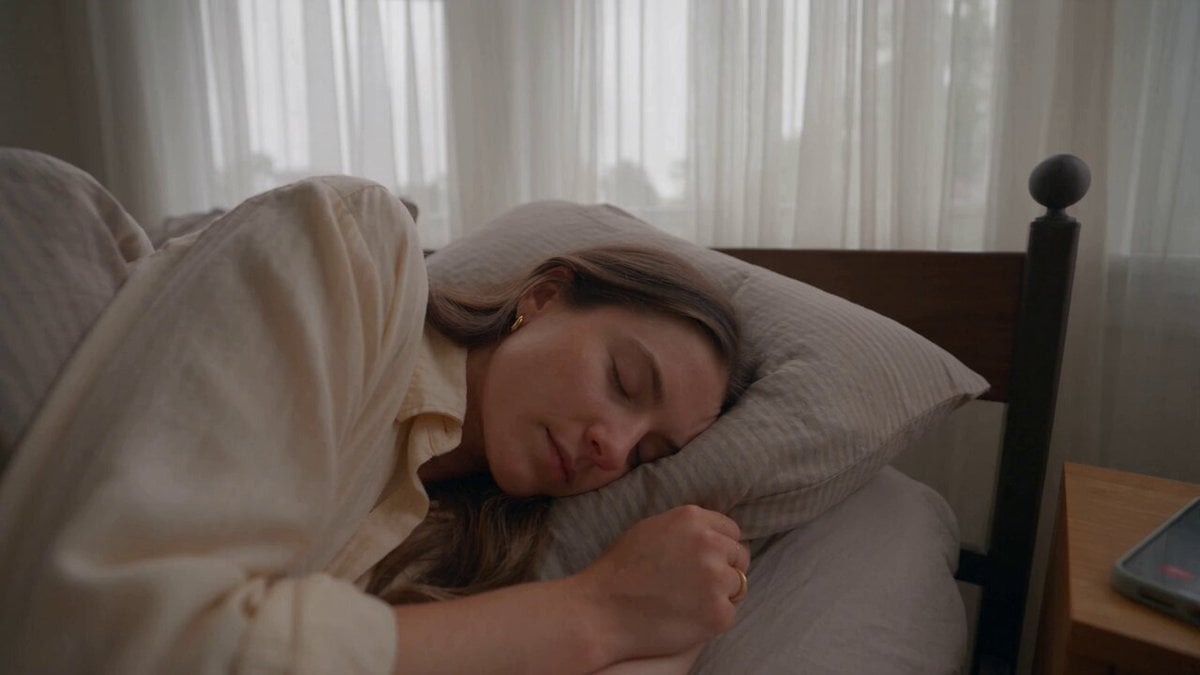
Realistic Morning Routine Lifestyle Vlog - Seedance 2.5
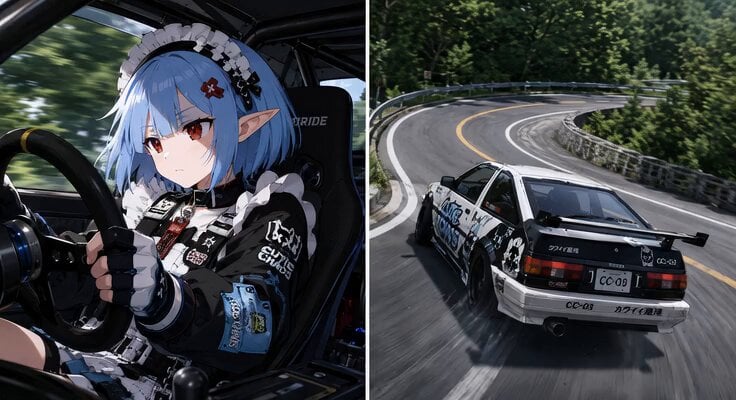
Synchronized Split-Screen Racing Video
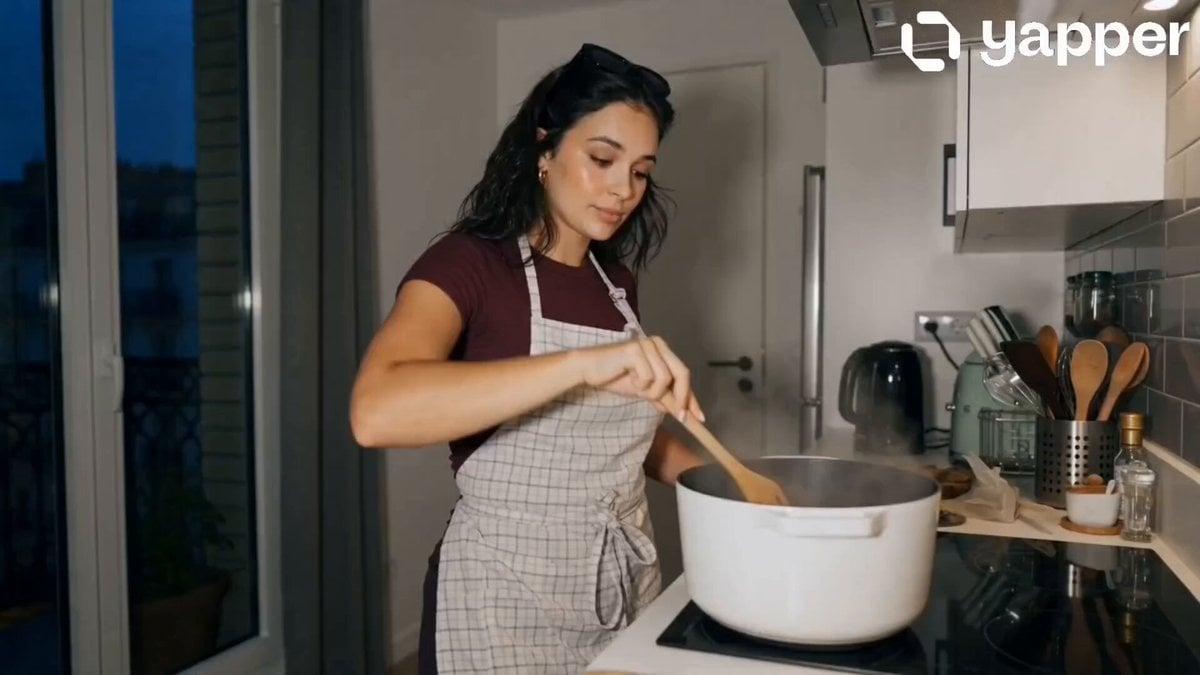
Peaceful Daily Routine Narrative Prompt

Stylish Orange Cat Daily Routine
Human and AI Collaboration Split-Screen
Omegle Style Split Screen Magic

Omegle Split-Screen Interaction
Daily Routine 15-Cut Sequence Prompt
Daily Routine Multi-Shot Sequence
Daily Routine
80s Computer Nerd Daily Life
Morning Routine Lifestyle Vlog
Make it yours
Daily Routine Split-Screen Comparison works as-is. These are the safest ways to change it without losing the look.
Change one field
Copy a single group, rewrite it, and generate again so you can see what that field is doing.
Keep the frame, change the subject
Hold the composition and light of Daily Routine Split-Screen Comparison, then swap wardrobe, props or the person for a new take.
| If the result… | Why | Fix |
|---|---|---|
| The result drifts from the preview | Too many fields changed at once. | Reuse Daily Routine Split-Screen Comparison as-is first, then change one group — subject, light, or setting. |
| The model over-stylizes the scene | The prose prompt leaves finish and camera underspecified. | Add one camera or lighting sentence and stay on Seedance 2.0. |
More Seedance 2.0 templates
Other prompts made for Seedance 2.0.

Comical Martial Arts Punch Scene

Maglev Train Action Sequence

Martial Arts Fight Sequence

Wuxia Protection and Trust Script

Vintage Korean Arcade MiniDV Vlog

Mercedes 190 SL Luxury Ad

Rainy Night Supernatural Reverse Comedy Video Script

Amazon Civilization Discovery

Futuristic South Asian City Transformation

Cozy Luxury Cafe Commercial
More video prompts
Fresh picks from across the catalog.

Indonesian Rooftop Grill Food Commercial
CD Transition Lifestyle Poster Video
Mountain Dinosaur Concept Video Prompt
Porsche 911 GT3 RS Night Racing — Neon City Streets

Retro Soda Commercial Crimson Cola
Dandelion Field Romantic Meeting
Automatic Door Sensor Comedy

Elegant Terrace Fashion Video
Japanese Cinematic Style Video Montage

3D Animation: Kung Fu Soccer Cinematic Sequence
Browse template categories
Daily Routine Split-Screen Comparison questions
How do I use the Daily Routine Split-Screen Comparison template?
Add your photo if the template asks for one, edit the prompt if you like — the template's model and format are already selected — and press Generate. Your version opens in PicX Studio.
Can I customize the Daily Routine Split-Screen Comparison template?
Yes. You can change the subject, setting, lighting, mood, format, and available model controls before creating your video.
Is the Daily Routine Split-Screen Comparison template free?
Opening and editing this template is free. Generating uses credits, shown on the Generate button when you are signed in.
Which AI model should I use?
Start with Seedance 2.0, which is the model associated with this template. You can compare another compatible model for a different finish.
Looking for something else? Browse all templates.

Your photo, any look
Thousands of ready templates for every top image and video model, from one credit balance.