
CD Transition Lifestyle Poster Video
A creative video prompt for Seedance 2.0 that starts with a realistic handheld lifestyle scene of a person spinning a record, followed by a hard cut to a 2.5D visual poster layout with parallax effects.
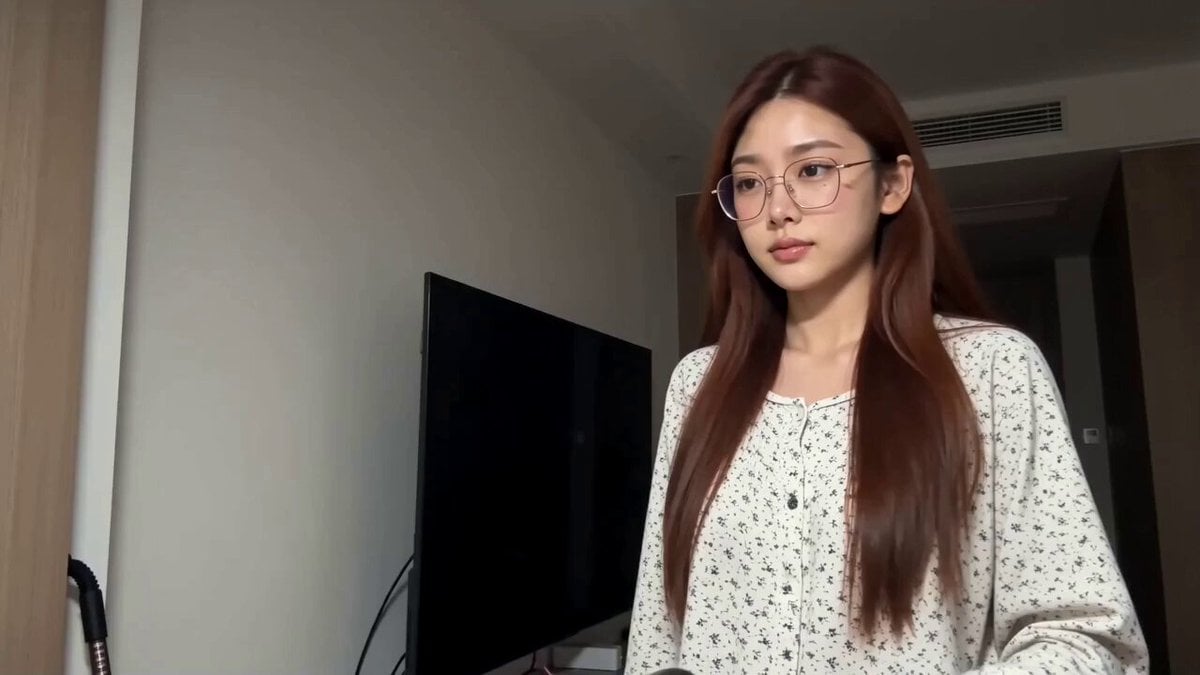
- Prompt included
- Model and format preset
- Free template
The prompt behind this video
Copy the exact prompt behind CD Transition Lifestyle Poster Video, or open it in the studio and make it yours.
风格:2秒真实生活感手机实拍 → 位置匹配硬切 → 8秒静态唯美海报(2.5D视差 + 播放器UI),两段质感形成强烈反差 角色:主角@ 图片1 —————— 【镜头一 00:00-00:02|真实居家·转唱片】 中景,固定机位,无运镜。室内走廊,背景是米白色墙面和一扇深棕色木门(门轴合页清晰可见),偏暗的室内暖调灯光,画面有真实手机拍摄的噪点和轻微曝光波动。 主角穿一件白底黑色碎花印花上衣,戴细框眼镜,素颜居家状态,站在画面右半边正对镜头,表情平静内敛,眼神直视镜头,身体几乎不动。 00:00-00:00.6 她抬起左手向身体左侧伸出,左手食指穿过一张黑色唱片正中间的圆孔,把唱片举到**画面左侧偏中间的位置**(不在画面正中,而是明显偏左),唱片盘面完全正对镜头,像一个圆盘悬在画面左边。 00:00.6-00:02 她伸出右手,指尖搭到唱片盘面边缘,手腕发力猛地一拨——唱片立刻绕着左手食指高速自转。右手拨完立即收回,唱片继续独自旋转,盘面被转成一圈圈环形运动模糊,边缘反光被甩成一道旋转光弧。唱片始终停在画面左侧那个位置高速旋转,大小和位置都不变。 00:02 硬切(HARD CUT,位置匹配)。就在唱片转到最快的那一帧,画面直接切断——下一帧已经是完全不同的场景,而画面左侧那个旋转唱片的位置上,刚好接上了播放器 UI 里同样在旋转的黑胶唱片控件,位置、大小、旋转方向完全对齐,视觉上像是同一张唱片一直在转,只是周围的世界整个换掉了。 —————— 【镜头二 00:02-00:10|唱片封面海报·2.5D视差】 近景人物特写。这一段不是实拍视频,而是一张精修静态海报被赋予了 2.5D 视差动态——没有物理运镜,只有极缓慢的伪推镜头感:人物层与背景层之间产生轻微的相对位移,前景落叶层移动最快、人物层次之、背景层最慢,营造立体纵深。整段视觉节奏极慢、极舒缓。 画面右半边是同一位主角,但已完全变成海报里的形象:妆容精致(通透白皙的肤色、奶油色眼影、上挑眼线、饱满水润的唇),身穿镶钻细吊带礼服,锁骨处一串珍珠链,长发盘成松散高髻、几缕碎发垂落。她没有任何肢体动作,只是面向镜头微微含笑,眼神温柔而略带忧郁,神情静谧唯美,像一张定格的杂志封面。 背景:秋日金黄的银杏大道,阳光穿过树叶洒下光斑,远处有虚化的行人剪影 and 长椅,浅景深把背景化成一片流动的暖金光晕。 【粒子特效】整个画面覆盖一层金黄色落叶飘落特效,叶片从画面上方缓缓旋转飘下——靠近镜头的几片落叶带明显景深虚化,大而模糊地从画面前方划过;远处的叶片小而清晰,强化立体纵深。 【UI 图层(固定在画面上,不随视差移动)】 - 左上角:金色衬线大字"FASHION",下方小字"SELF-PORTRAIT",再下一行年份数字"1901" - **画面左侧偏中间(承接上一镜头唱片的位置)**:一个立体黑胶唱片形状的播放器控件,唱片持续缓慢顺时针旋转,圆心内嵌一张她自己的圆形头像 - 左侧下方:极简音乐播放器进度条,带播放/暂停、上一首、下一首按钮,进度条随时间缓慢向右推进 - 左侧另有淡黄色和浅灰色的杂志风色块条作为版式装饰 - 画面上不出现任何歌词或抒情文案文字 【整体色调】镜头一是真实偏暗的室内暖调,日常写实;镜头二是浓郁的秋日暖金色调,阳光感强、肤色通透,商业平面海报质感。 【音效】镜头一是真实室内环境音+唱片旋转的轻微塑料摩擦和风声;硬切瞬间声音一并切断;镜头二直接切入完整的抒情音乐(带黑胶底噪的温暖质感),背景是极轻的风声和落叶摩擦
How to use CD Transition Lifestyle Poster Video in 3 steps
- 1
Open
The prompt is already in the box next to the preview, with the template's model and format selected.
- 2…a portrait of your subject in softgolden-hour light, 85mm…
Personalize
Edit the subject and creative details for your destination.
- 3Generate
Generate
Press Generate — your video is created in PicX Studio, so you can compare it with the original and refine one variable at a time.
More like this
Templates with the same subject, style or setup. Open one to see its prompt.
Realistic Morning Routine Lifestyle Vlog - Seedance 2.5
Mediterranean Morning Coffee Run Vlog (Seedance 2.5)
Kenting Lifestyle Travel Vlog
Studio Ghibli Dumpling Kitchen Cooking Scene
Nani Banana Pro + Seedance 2.0 Cinematic Lifestyle
Cinematic Storyboard Sequence Transition
Morning Routine Lifestyle Vlog
Astronaut to Apartment Match Cut Transition
Cozy Morning Routine Lifestyle Video
Seasonal Path Transition Animation
Central Park Summer Urban Sketch Poster
Horror Daffy Duck Video Transition
Make it yours
CD Transition Lifestyle Poster Video works as-is. These are the safest ways to change it without losing the look.
Change one field
Copy a single group, rewrite it, and generate again so you can see what that field is doing.
Keep the frame, change the subject
Hold the composition and light of CD Transition Lifestyle Poster Video, then swap wardrobe, props or the person for a new take.
| If the result… | Why | Fix |
|---|---|---|
| The result drifts from the preview | Too many fields changed at once. | Reuse CD Transition Lifestyle Poster Video as-is first, then change one group — subject, light, or setting. |
| The model over-stylizes the scene | The prose prompt leaves finish and camera underspecified. | Add one camera or lighting sentence and stay on Seedance 2.0. |
More Seedance 2.0 templates
Other prompts made for Seedance 2.0.

Comical Martial Arts Punch Scene

Maglev Train Action Sequence

Martial Arts Fight Sequence

Wuxia Protection and Trust Script

Vintage Korean Arcade MiniDV Vlog

Mercedes 190 SL Luxury Ad

Rainy Night Supernatural Reverse Comedy Video Script

Amazon Civilization Discovery

Futuristic South Asian City Transformation

Cozy Luxury Cafe Commercial
More video prompts
Fresh picks from across the catalog.
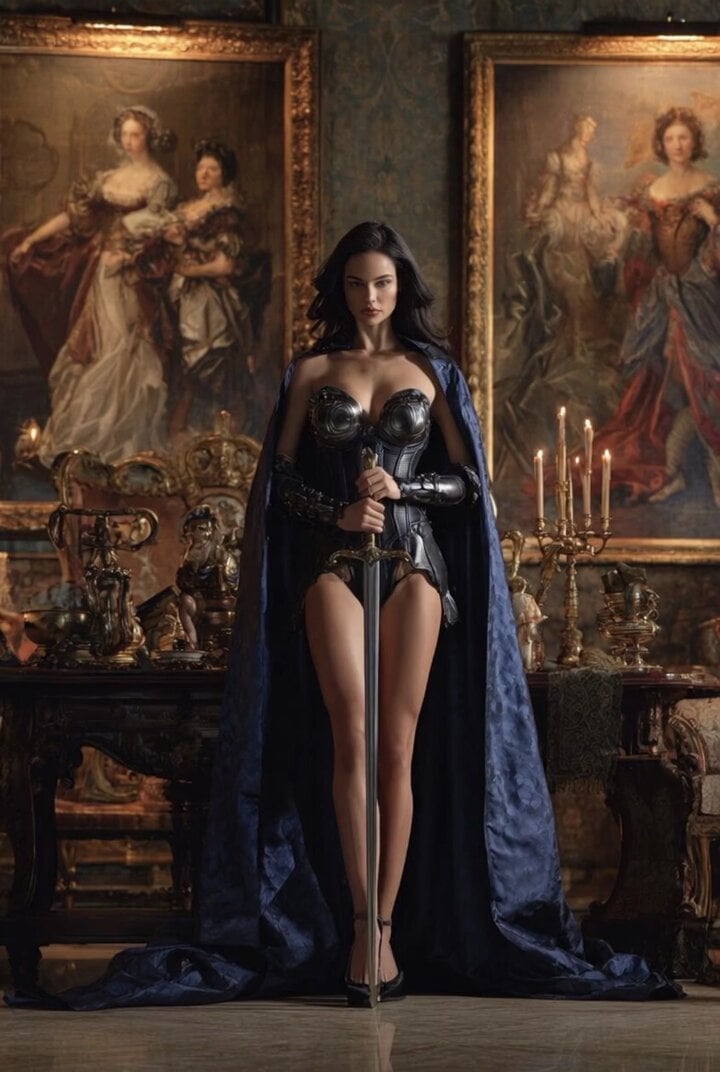
Grok Imagine Video of a Graceful Warrior
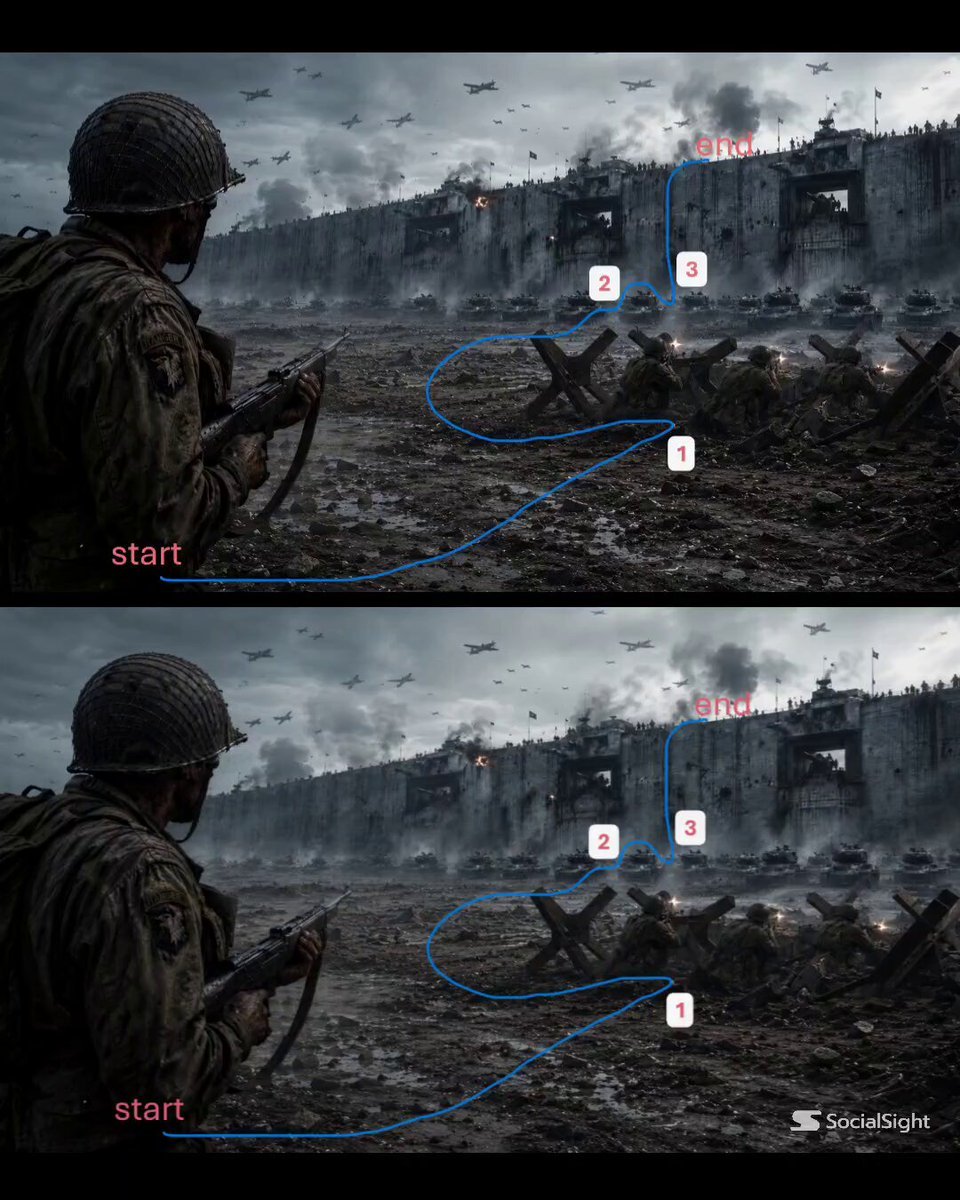
WWII Battlefield Cinematic Tracking Shot
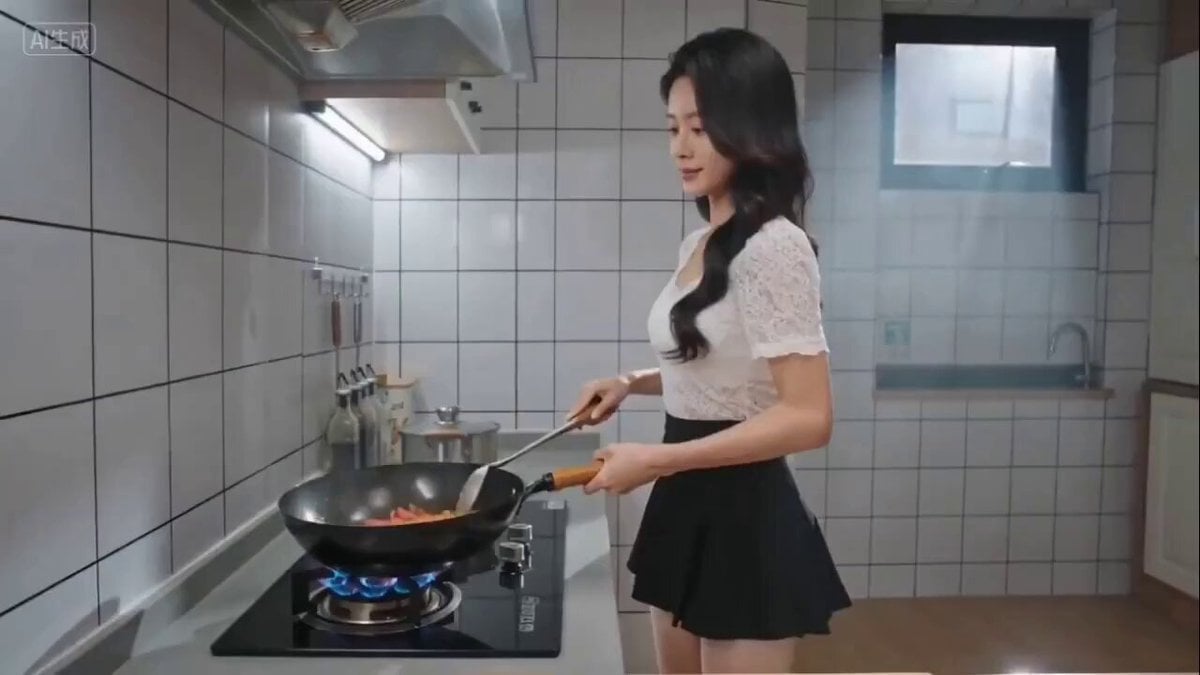
Seedance 2.0 prompt for cinematic cooking video (Scrambled Eggs with Tomatoes)
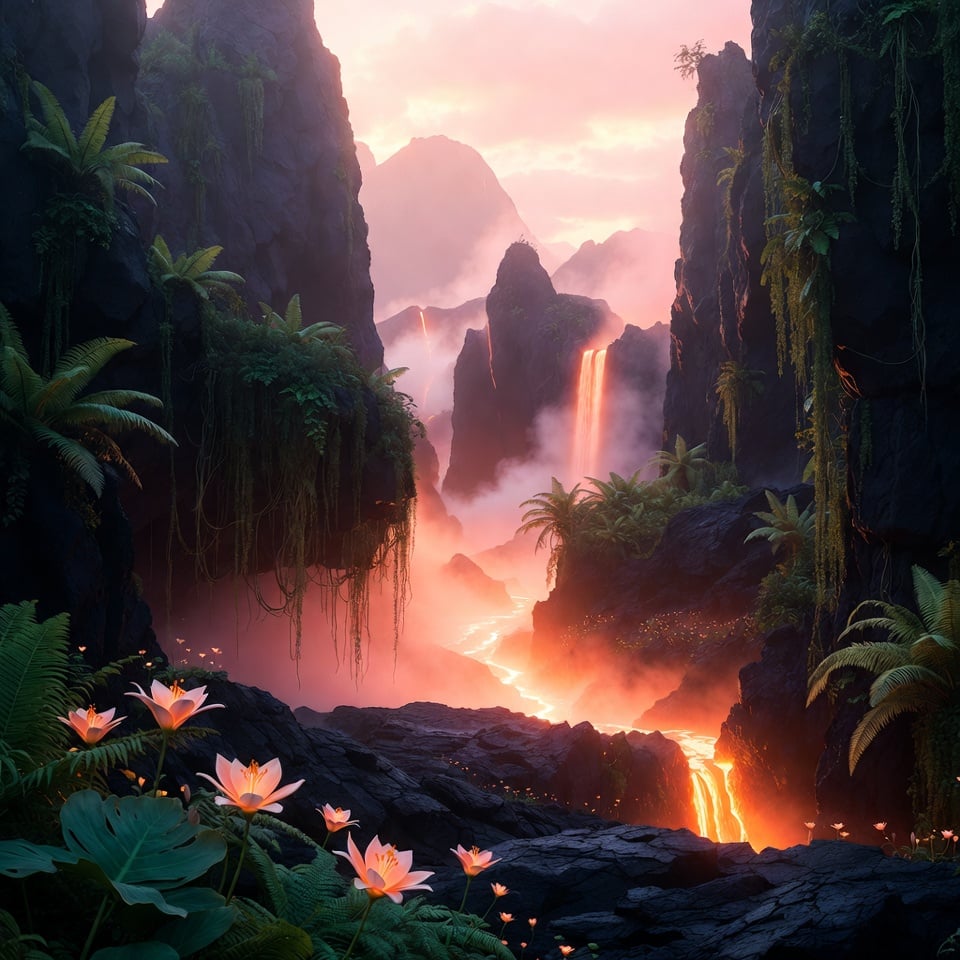
Volcanic Paradise Video Prompt for Grok Imagine
Cats on Money Stacks
Action Comedy: Polite Master in Dojo
GRWM Influencer Lunch Date Vlog
Cinematic Transition and Jellyfish Sequence
Cyberpunk Anime Motorcycle Battle Scene
Cinematic Scene Prompt: Bullet Train Race
Browse template categories
CD Transition Lifestyle Poster Video questions
How do I use the CD Transition Lifestyle Poster Video template?
Add your photo if the template asks for one, edit the prompt if you like — the template's model and format are already selected — and press Generate. Your version opens in PicX Studio.
Can I customize the CD Transition Lifestyle Poster Video template?
Yes. You can change the subject, setting, lighting, mood, format, and available model controls before creating your video.
Is the CD Transition Lifestyle Poster Video template free?
Opening and editing this template is free. Generating uses credits, shown on the Generate button when you are signed in.
Which AI model should I use?
Start with Seedance 2.0, which is the model associated with this template. You can compare another compatible model for a different finish.
Looking for something else? Browse all templates.

Your photo, any look
Thousands of ready templates for every top image and video model, from one credit balance.