
Cinematic Transition and Jellyfish Sequence
A complex multi-scene video prompt designed for Seedance 2.0 that utilizes multiple reference images to create a fluid, cinematic transition from an indoor setting to an underwater world, featuring a brand reveal.
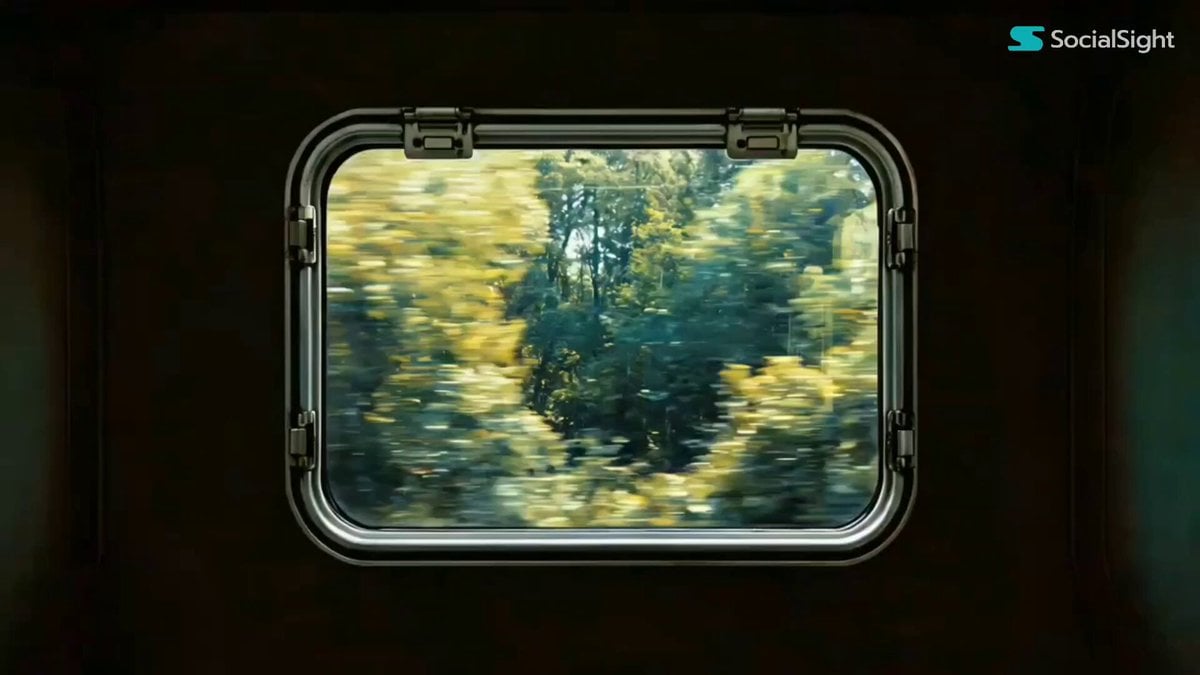
- Prompt included
- Model and format preset
- Free template
The prompt behind this video
Copy the exact prompt behind Cinematic Transition and Jellyfish Sequence, or open it in the studio and make it yours.
Use Image1 as the opening frame. The camera has a subtle handheld shake and slowly pushes forward. Outside the window, the shadows of trees race backward, gradually accelerating until they become a rapid blur. Suddenly, cut to Image2. The pace shifts dramatically, slowing to a peaceful glide. The camera gently moves forward along a quiet stream, creating a serene atmosphere filled with birdsong and the feeling of fragrant blossoms in the air. The camera tilts downward and slowly submerges beneath the water. Soft underwater bubble sound effects accompany the transition. In Image3 and Image4, a graceful school of glowing orange jellyfish drifts elegantly across the camera's view. The camera slowly pulls back. A small school of fish swims past the lens before entering a window from underwater. Inside, the young girl looks around from side to side, quietly admiring the tiny fish surrounding her. The camera continues to pull back. The image briefly falls out of focus, then gradually snaps back into sharp clarity. From this point, the scenes transition rhythmically in sync with the music. A rapid montage follows: - A Chinese garden moon gate window - The circular light from Image5 rotating gracefully - A church stained-glass window - An airplane window - An arched skylight - A black maple-leaf patterned window - Window blinds - A European-style roof window - A door peephole - A camera viewfinder - A bird's eye - An extreme close-up of a human eye The camera lingers on the close-up of the human eye. The eye slowly closes, and the screen fades to black. After a brief pause, the eye suddenly opens. In the center of the iris, the word "seedance" appears with a strong, dramatic emphasis, serving as the final brand reveal.
How to use Cinematic Transition and Jellyfish Sequence in 3 steps
- 1
Open
The prompt is already in the box next to the preview, with the template's model and format selected.
- 2…a portrait of your subject in softgolden-hour light, 85mm…
Personalize
Edit the subject and creative details for your destination.
- 3Generate
Generate
Press Generate — your video is created in PicX Studio, so you can compare it with the original and refine one variable at a time.
More like this
Templates with the same subject, style or setup. Open one to see its prompt.
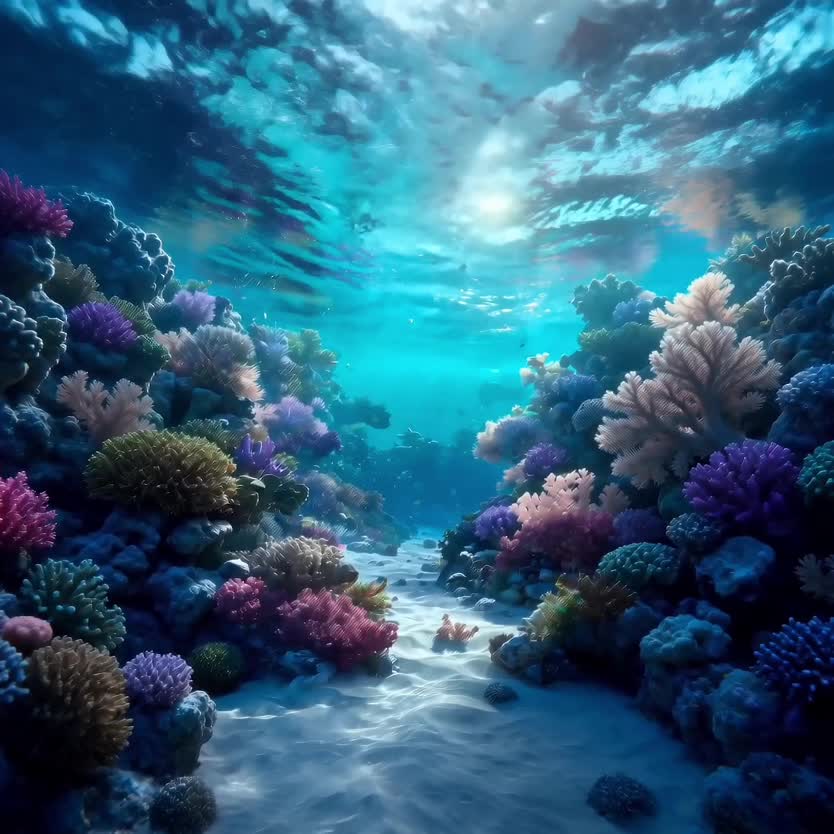
Deep-Sea Coral Reef Jellyfish Scene

Cinematic Storyboard Sequence Transition
Surreal Storyboard Transition Sequence
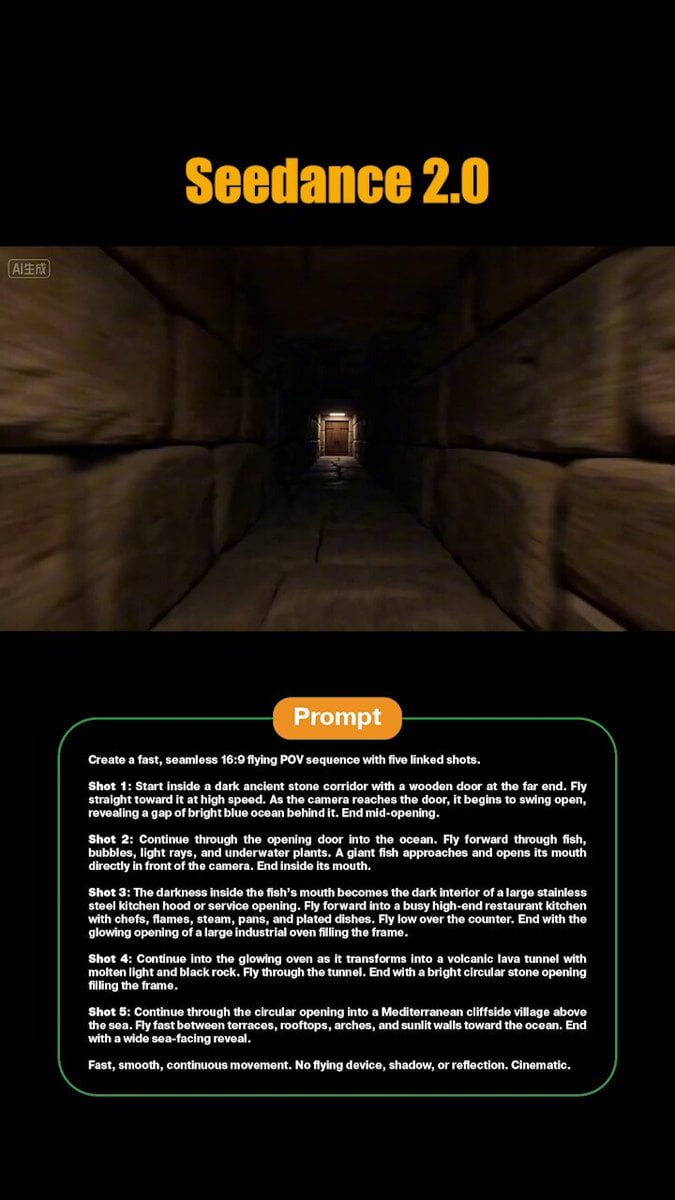
FPV Flyover Transition Sequence
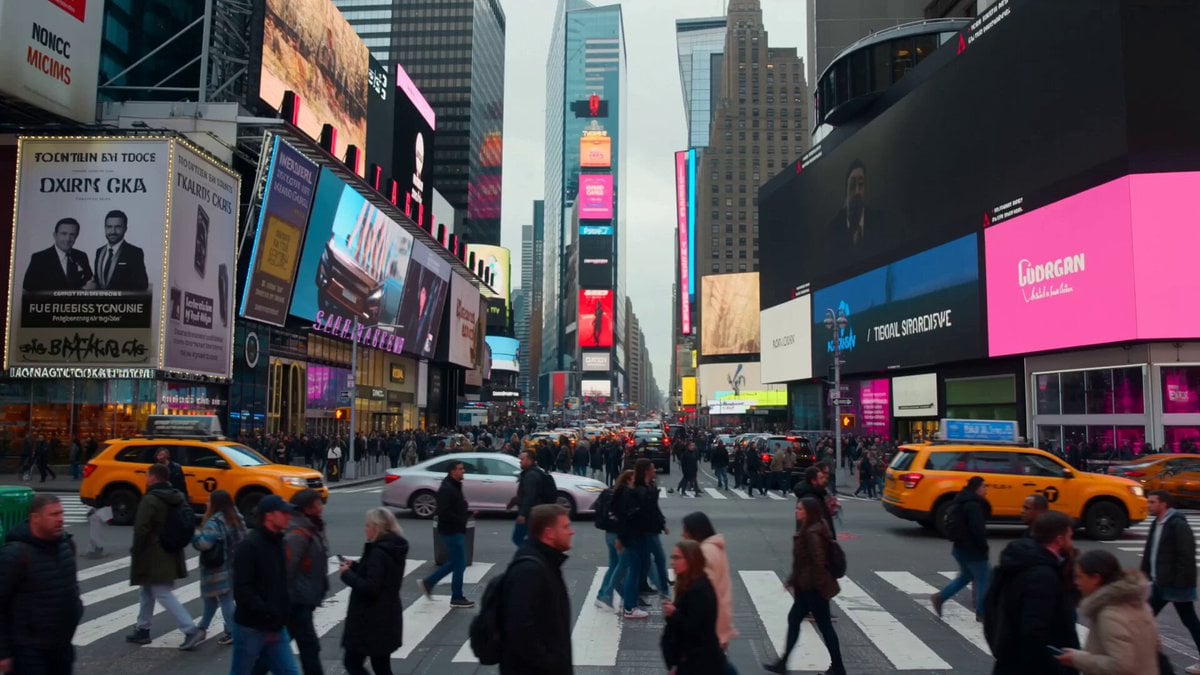
Monochrome to Color Transition Sequence

Astronaut to Apartment Match Cut Transition
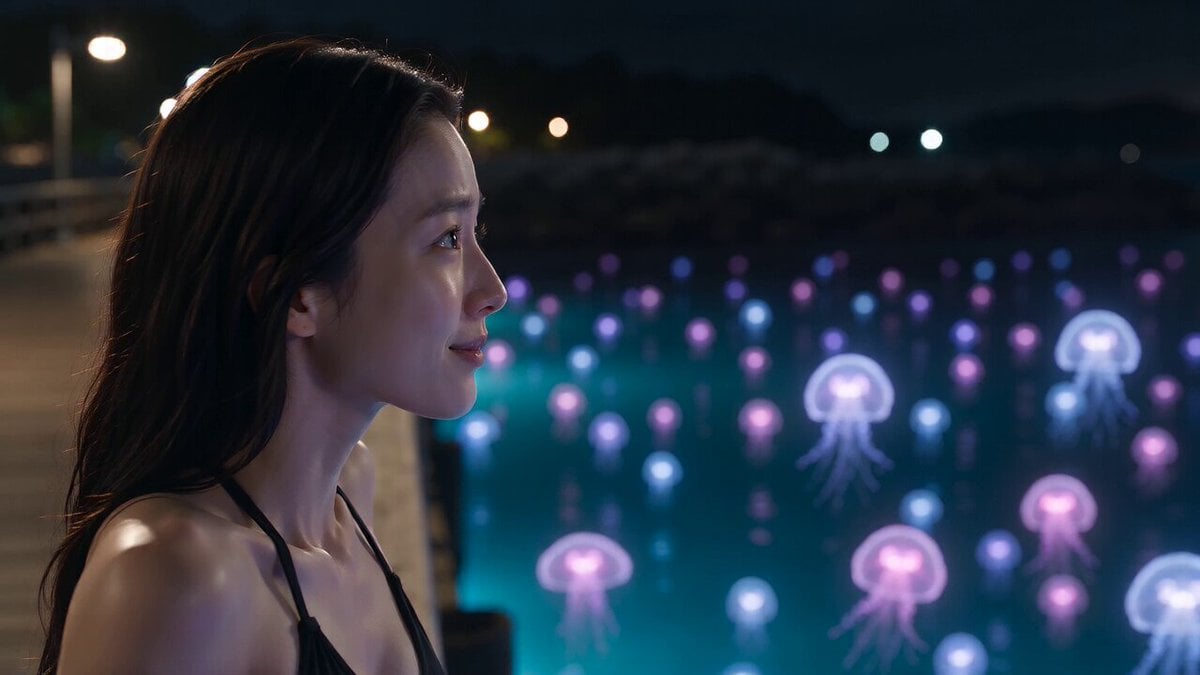
Bioluminescent Jellyfish and Prehistoric Monster Attack
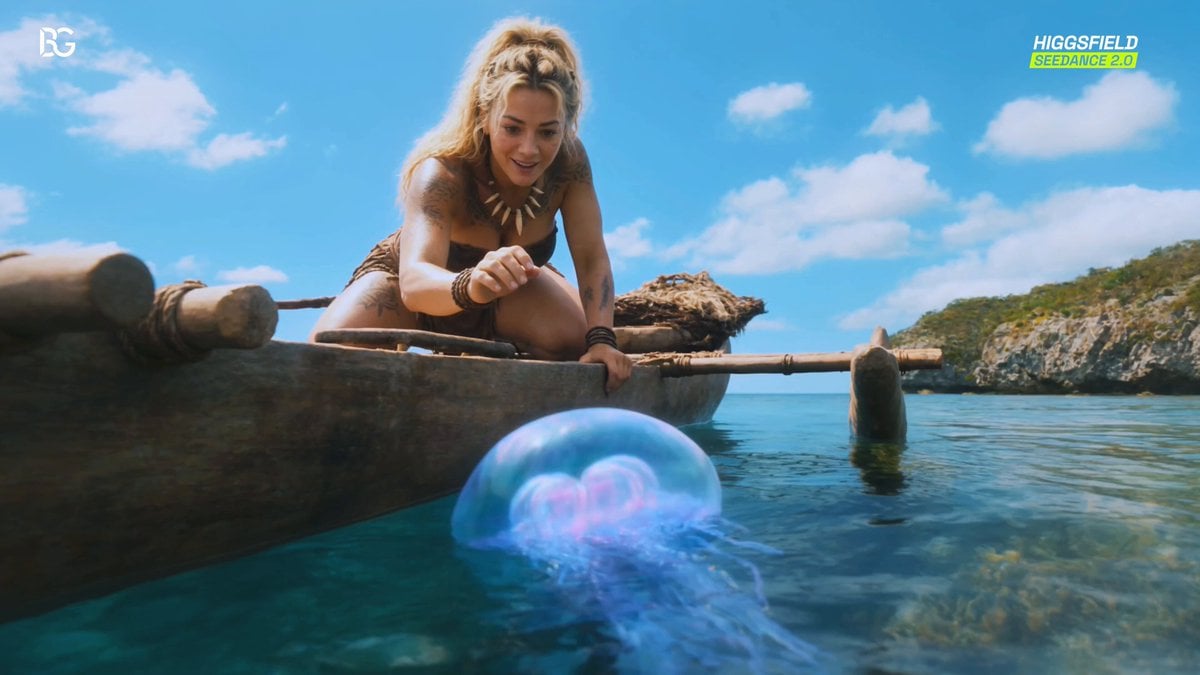
Luminous Jellyfish and Kronosaurus Ambush

Seasonal Path Transition Animation
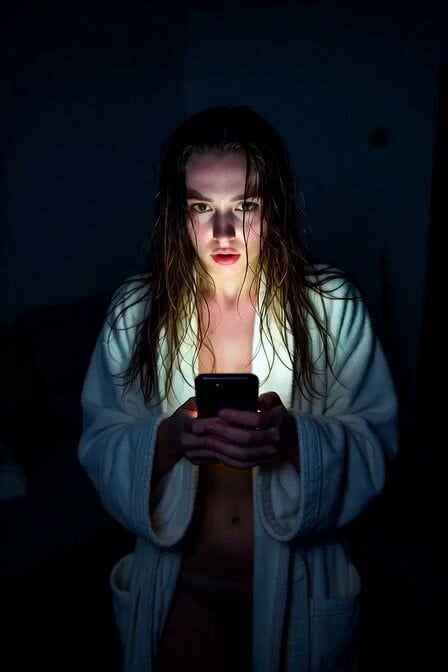
Horror Daffy Duck Video Transition

Chimp Character Outfit Transition

Seamless Environment Transition Sports Commercial
Make it yours
Cinematic Transition and Jellyfish Sequence works as-is. These are the safest ways to change it without losing the look.
Change one field
Copy a single group, rewrite it, and generate again so you can see what that field is doing.
Keep the frame, change the subject
Hold the composition and light of Cinematic Transition and Jellyfish Sequence, then swap wardrobe, props or the person for a new take.
| If the result… | Why | Fix |
|---|---|---|
| The result drifts from the preview | Too many fields changed at once. | Reuse Cinematic Transition and Jellyfish Sequence as-is first, then change one group — subject, light, or setting. |
| The model over-stylizes the scene | The prose prompt leaves finish and camera underspecified. | Add one camera or lighting sentence and stay on Seedance 2.0. |
More Seedance 2.0 templates
Other prompts made for Seedance 2.0.

Comical Martial Arts Punch Scene

Maglev Train Action Sequence

Martial Arts Fight Sequence

Wuxia Protection and Trust Script

Vintage Korean Arcade MiniDV Vlog

Mercedes 190 SL Luxury Ad

Rainy Night Supernatural Reverse Comedy Video Script

Amazon Civilization Discovery

Futuristic South Asian City Transformation

Cozy Luxury Cafe Commercial
More video prompts
Fresh picks from across the catalog.
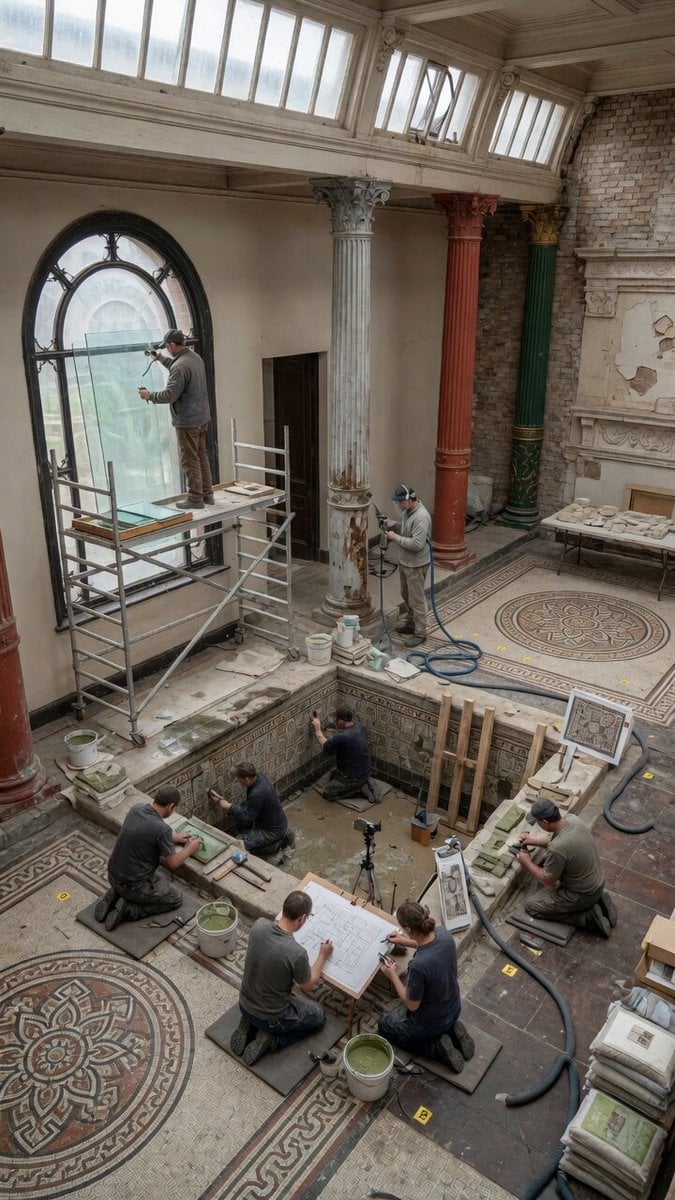
Static Gallery Reconstruction Timelapse
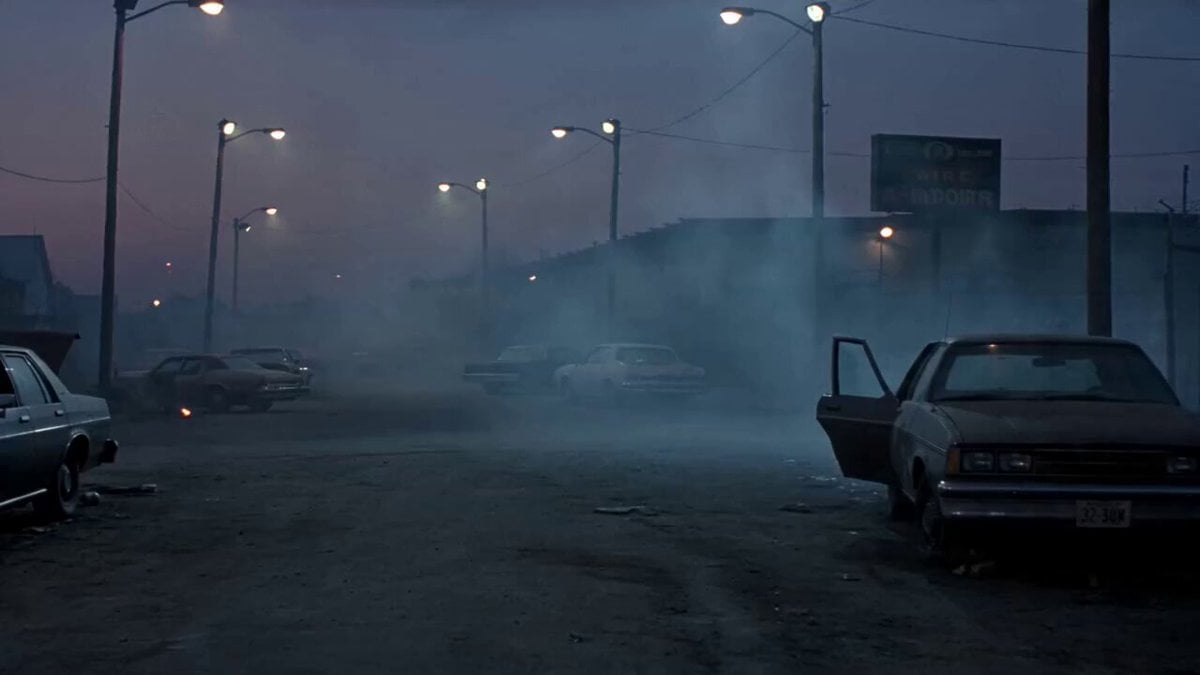
1990s Horror Zombie Outbreak

Video prompt for alien mice meeting cats in space suits on a cheese moon
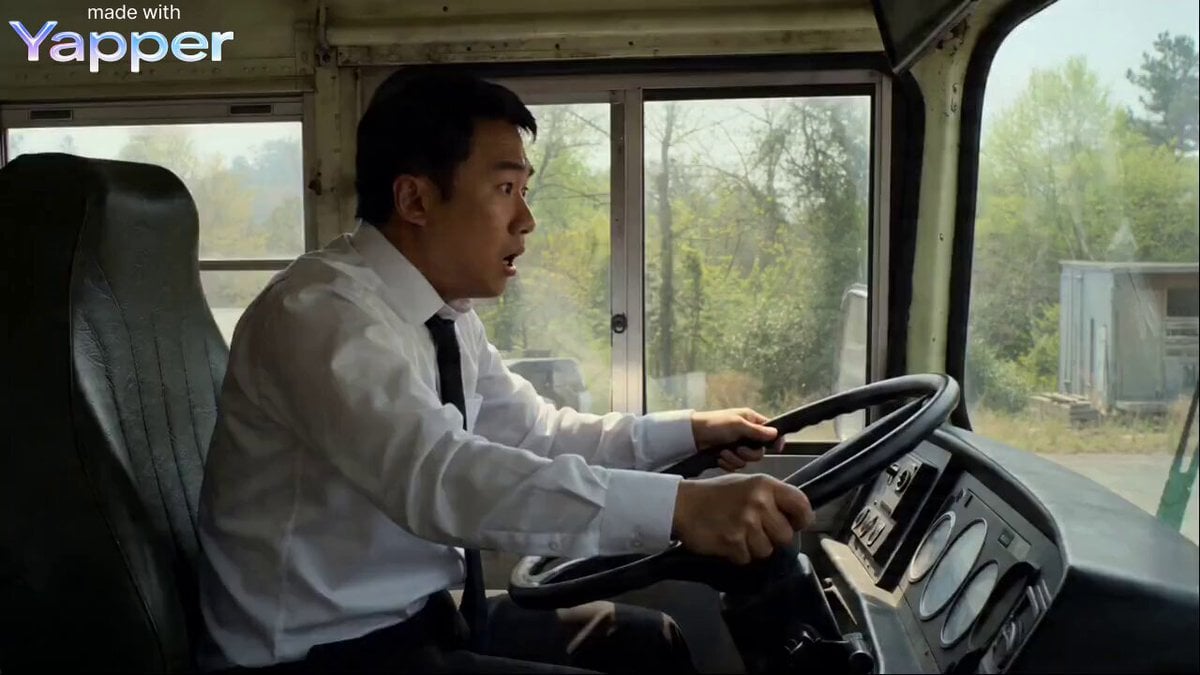
Bus Disassembly and Reorganization
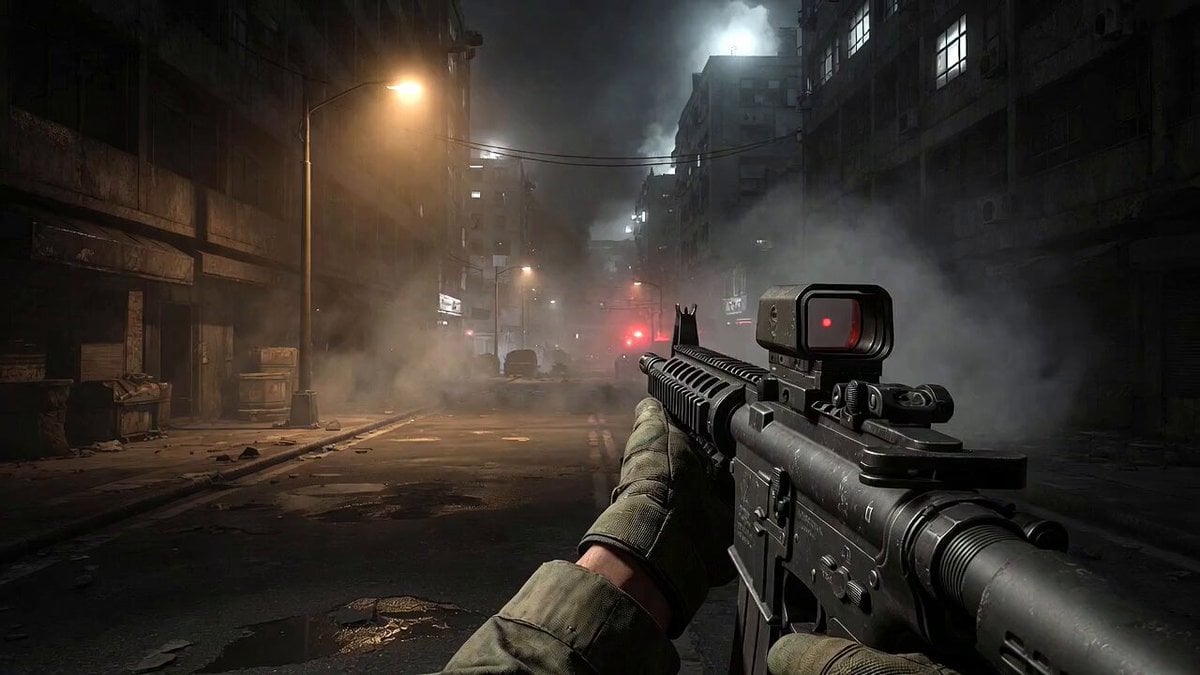
Call of Duty FPS Gameplay

Lahore Street Slow Motion Cinematic

Lone Warrior on Battlefield Crane Shot Video

Two Warriors, One Mission
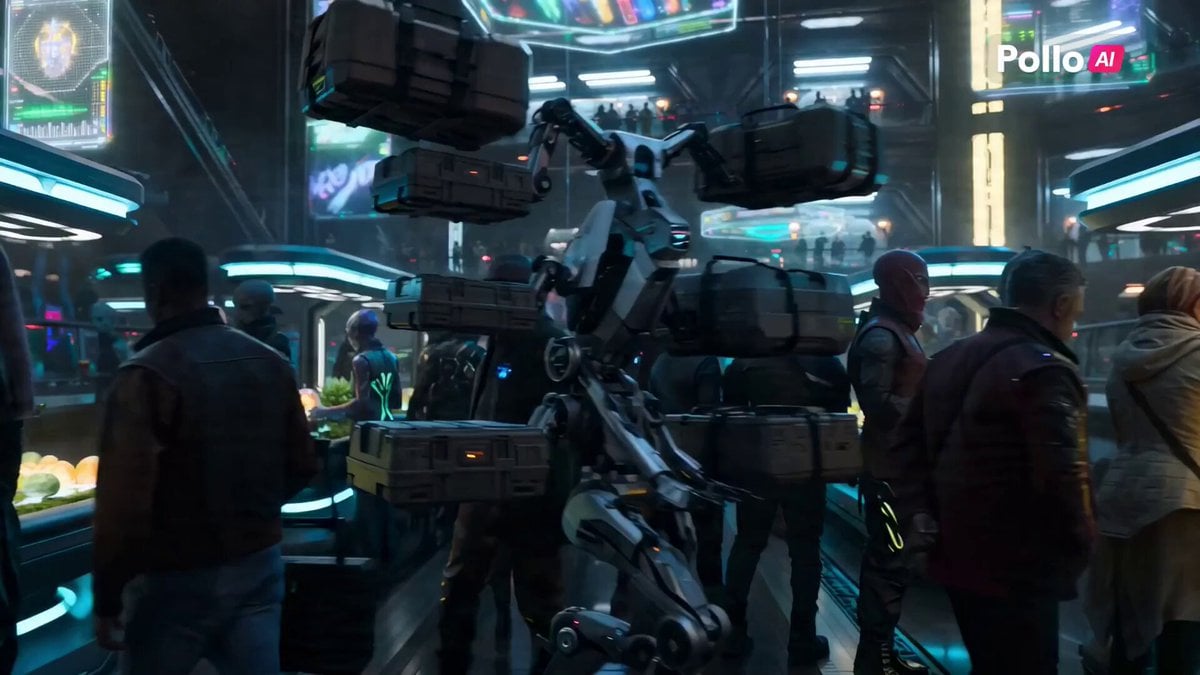
Futuristic Alien Marketplace Prompt

Sweating Man in Desert Greeting
Browse template categories
Cinematic Transition and Jellyfish Sequence questions
How do I use the Cinematic Transition and Jellyfish Sequence template?
Add your photo if the template asks for one, edit the prompt if you like — the template's model and format are already selected — and press Generate. Your version opens in PicX Studio.
Can I customize the Cinematic Transition and Jellyfish Sequence template?
Yes. You can change the subject, setting, lighting, mood, format, and available model controls before creating your video.
Is the Cinematic Transition and Jellyfish Sequence template free?
Opening and editing this template is free. Generating uses credits, shown on the Generate button when you are signed in.
Which AI model should I use?
Start with Seedance 2.0, which is the model associated with this template. You can compare another compatible model for a different finish.
Looking for something else? Browse all templates.

Your photo, any look
Thousands of ready templates for every top image and video model, from one credit balance.