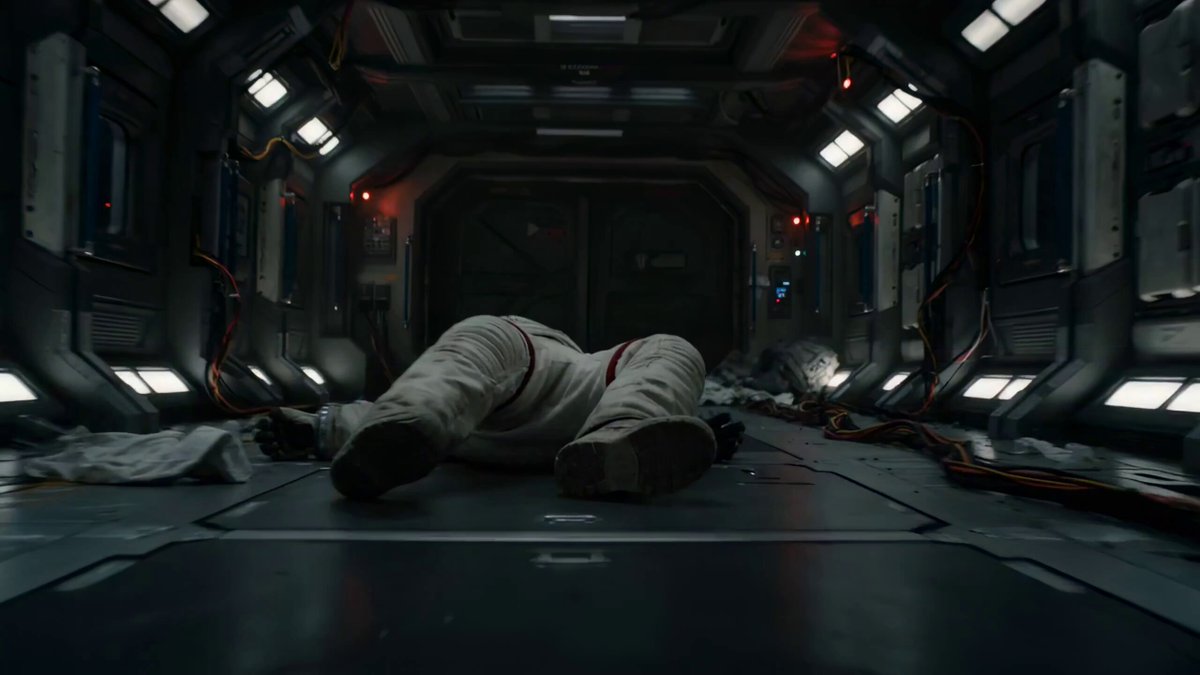
How do I use the Daily Routine Multi-Shot Sequence template?
Edit the prompt in the box under the preview — the template's model and format are already selected — and press Generate. Your version appears right on this page.
A complex 15-shot video prompt for Seedance 2.0 detailing a daily routine from waking up to going to work and returning home, including wardrobe and sound effect details.
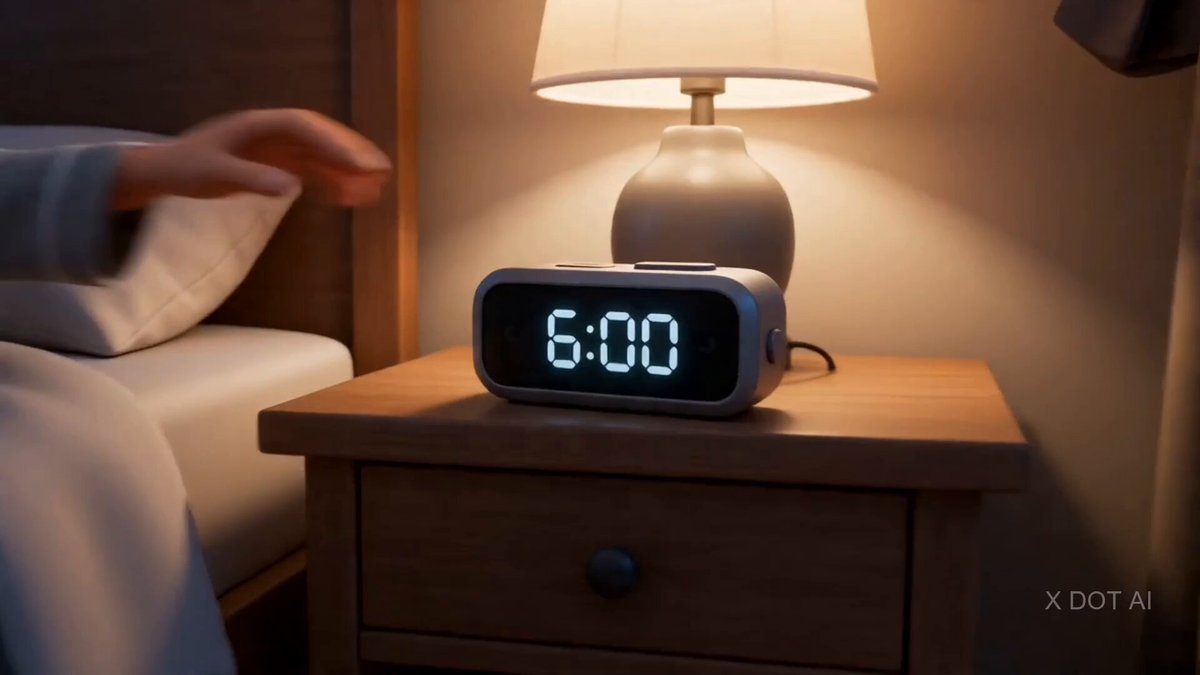
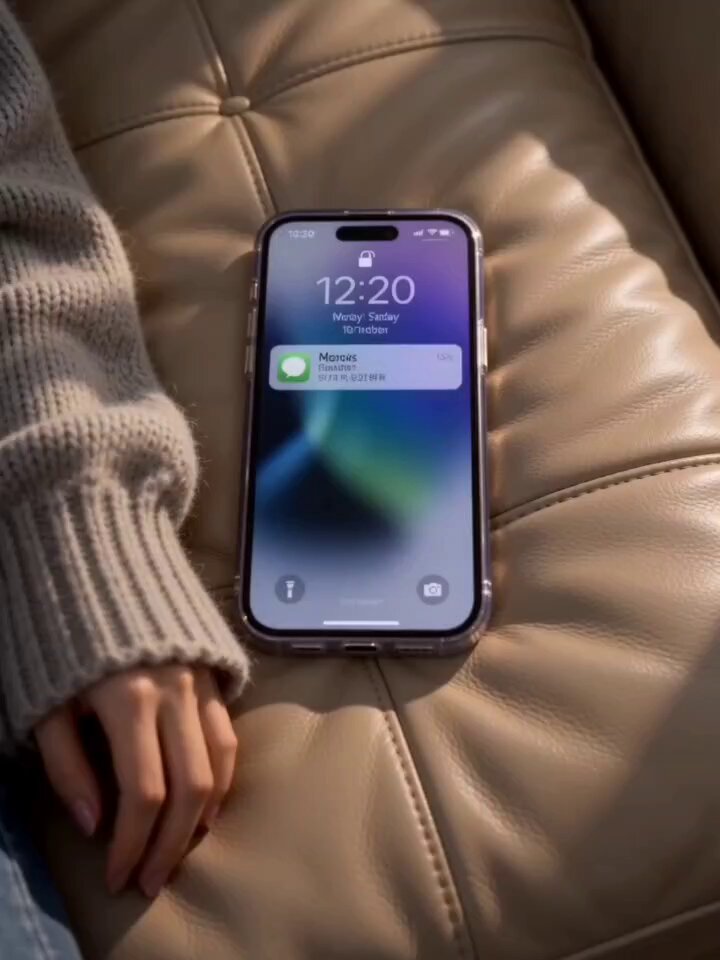
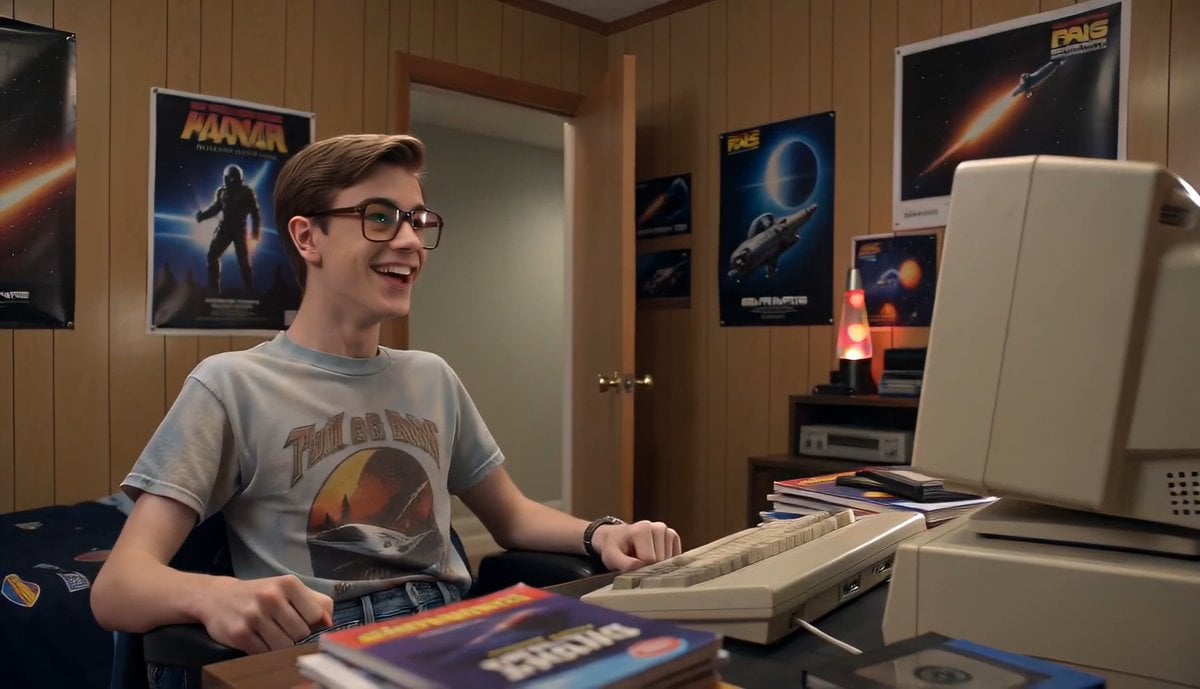
SUBJECT: image1 WARDROBE: Sleep tee and lounge shorts at home. Tailored jacket, trousers, and lace-up shoes outside. ENVIRONMENT: Tiny apartment → fridge glow rain-dusted hallway chrome metro clean office bedroom (cool window light). Glossy, lived-in. MOOD: Late-for-work panic → fast momentum → breathless urgency exhausted exhale MUSIC: Fast percussive electro-pop COLOR LOGIC: Hyperreal Pop Look STYLE: Ultra-Realistic LOGIC RULE: Maintain continuity in wardrobe, props, locations, and action SHOT 1 - ECU, 85mm push-in 06:50 on phone screen shaking on rumpled sheets SFX: alarm, sheet rustle SHOT 2-WS, 35mm handheld He jolts upright, throws blanket aside, feet hit floor in one motion (sleep tee + shorts) SFX: mattress bounce, blanket whip, sharp breath SHOT 3-MCU, 50mm slide Face wash at sink, water droplets catching light SFX: faucet rush, water slap SHOT 4 - Insert, 85mm rack focus Toothbrush, mint foam, mirror eye SFX: bristle scrape, sink drip SHOT 5 Fridge POV, 24mm Door snaps open, his hand grabs ingredients in blue light SFX: fridge hum, bottle clink SHOT 6 - Insert, 50mm handheld Eggs + toast hit pan SFX: butter sizzle SHOT 7 - MCU, 50mm push Quick bite clock glance stands ← immediately SFX: crunch, chair scrape SHOT 8 - Overhead, 35mm Socks snap on SFX: fabric stretch SHOT 9-MS, 35mm pivot Fast outfit change tailored jacket on grabs bag, keys, transit card SFX: fabric whip, key jingle SHOT 10 Insert, 50mm Shoes slam on, laces pulled tight SFX: thump, lace tug SHOT 11-WS, 24mm parallax Rushes out into hallway without breaking stride SFX: latch click, footsteps SHOT 12-MS CU, 35-85mm Metro: gripping pole, shifting with motion, tense glance at closing doors, chrome reflections SFX: rail clatter, door chime SHOT 13- Insert MCU, 50mm Office entry: card scan → door unlock → slips in laptop opens SFX: badge beep, click SHOT 14-OTS, 35mm handheld Typing fast, notifications stacking, coffee beside trackpad SFX: keyboard burst, ticks SHOT 15- WS, 50mm pull-out Back home jacket drops changes to sleepwear collapses into bed (same opening frame) SFX: door shut, bag drop,
SUBJECT: image1 WARDROBE: Sleep tee and lounge shorts at home. Tailored jacket, trousers, and lace-up shoes outside. ENVIRONMENT: Tiny apartment → fridge glow rain-dusted hallway chrome metro clean office bedroom (cool window light). Glossy, lived-in. MOOD: Late-for-work panic → fast momentum → breathless urgency exhausted exhale MUSIC: Fast percussive electro-pop COLOR LOGIC: Hyperreal Pop Look STYLE: Ultra-Realistic LOGIC RULE: Maintain continuity in wardrobe, props, locations, and action SHOT 1 - ECU, 85mm push-in 06:50 on phone screen shaking on rumpled sheets SFX: alarm, sheet rustle SHOT 2-WS, 35mm handheld He jolts upright, throws blanket aside, feet hit floor in one motion (sleep tee + shorts) SFX: mattress bounce, blanket whip, sharp breath SHOT 3-MCU, 50mm slide Face wash at sink, water droplets catching light SFX: faucet rush, water slap SHOT 4 - Insert, 85mm rack focus Toothbrush, mint foam, mirror eye SFX: bristle scrape, sink drip SHOT 5 Fridge POV, 24mm Door snaps open, his hand grabs ingredients in blue light SFX: fridge hum, bottle clink SHOT 6 - Insert, 50mm handheld Eggs + toast hit pan SFX: butter sizzle SHOT 7 - MCU, 50mm push Quick bite clock glance stands ← immediately SFX: crunch, chair scrape SHOT 8 - Overhead, 35mm Socks snap on SFX: fabric stretch SHOT 9-MS, 35mm pivot Fast outfit change tailored jacket on grabs bag, keys, transit card SFX: fabric whip, key jingle SHOT 10 Insert, 50mm Shoes slam on, laces pulled tight SFX: thump, lace tug SHOT 11-WS, 24mm parallax Rushes out into hallway without breaking stride SFX: latch click, footsteps SHOT 12-MS CU, 35-85mm Metro: gripping pole, shifting with motion, tense glance at closing doors, chrome reflections SFX: rail clatter, door chime SHOT 13- Insert MCU, 50mm Office entry: card scan → door unlock → slips in laptop opens SFX: badge beep, click SHOT 14-OTS, 35mm handheld Typing fast, notifications stacking, coffee beside trackpad SFX: keyboard burst, ticks SHOT 15- WS, 50mm pull-out Back home jacket drops changes to sleepwear collapses into bed (same opening frame) SFX: door shut, bag drop,
Edit the prompt in the box under the preview — the template's model and format are already selected — and press Generate. Your version appears right on this page.
Yes. You can change the subject, setting, lighting, mood, format, and available model controls before creating your video.
Opening and editing this template is free. Generating uses credits, shown on the Generate button when you are signed in.
Start with Seedance 2.0, which is the model associated with this template. You can compare another compatible model for a different finish.
Follow a topic to a crawlable collection of related PicX Studio templates.