
Silk Road Whirling Dance Animation
An advanced Seedance 2.0 prompt designed to animate a 16-step storyboard of the Silk Road Whirling Dance, focusing on realistic physics, garment inertia, and synchronized rhythmic motion.
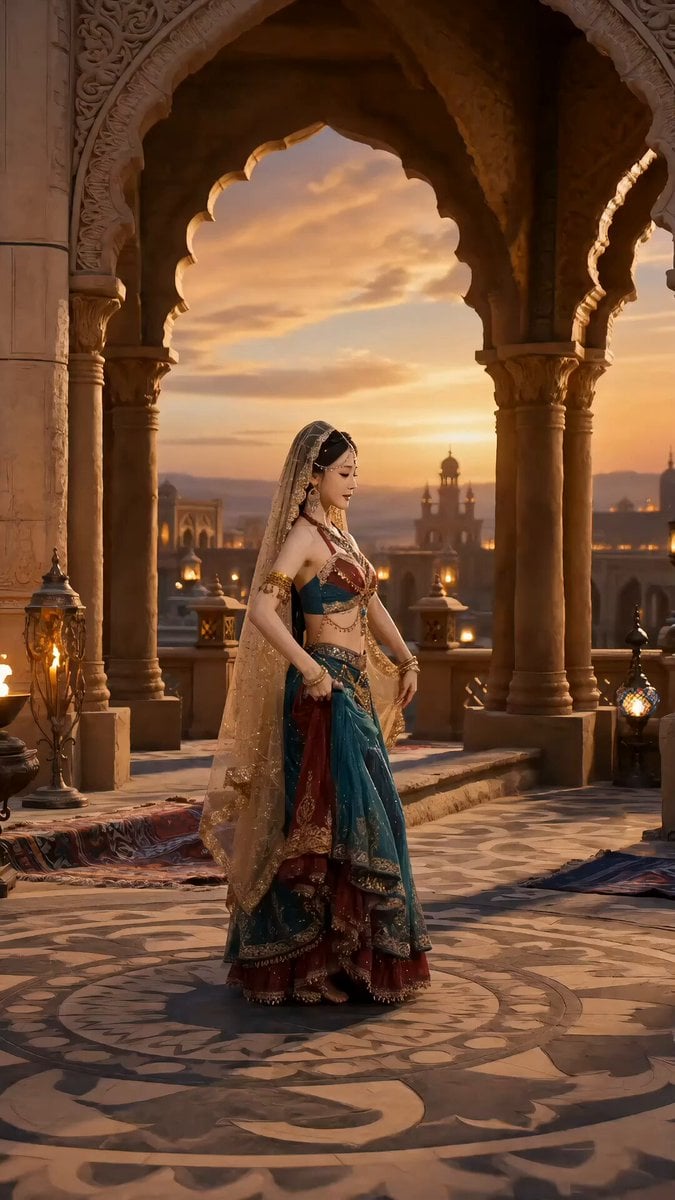
- Prompt included
- Model and format preset
- Free template
The prompt behind this video
Copy the exact prompt behind Silk Road Whirling Dance Animation, or open it in the studio and make it yours.
请根据我提供的16宫格参考图,生成一段高完成度的「西域胡旋舞」视频。 核心要求: 整体风格:古朴雅致、柔美宁静、电影质感 【物理与真实感】 动作符合人体力学(有重心) 转身有惯性 飘带/头发/裙摆随动作自然摆动 环境光自然柔和,投射在身体上、飘带上、地面上 【节奏结构】 起 → 推进 → 爆发 → 收尾 每个关键动作都卡在节奏点上 body wave、转身、飘带动作贴合敦煌舞韵律
How to use Silk Road Whirling Dance Animation in 3 steps
- 1
Open
The prompt is already in the box next to the preview, with the template's model and format selected.
- 2…a portrait of your subject in softgolden-hour light, 85mm…
Personalize
Edit the subject and creative details for your destination.
- 3Generate
Generate
Press Generate — your video is created in PicX Studio, so you can compare it with the original and refine one variable at a time.
More like this
Templates with the same subject, style or setup. Open one to see its prompt.

Silk Road Pomegranate Folk Animation

3D Glossy Fairy Animation - Seedance 2.5
Cartoon Bullfight Arena — Girl vs Bull (Seedance)

Cyberpunk Holographic Dance Performance - Seedance 2.5

Multilingual Creative Typography Loop
Early-2000s Trainee Flashback Film

Luxury Airport Travel Vlog
Sentient Road Signs Urban Animation

Walking Factory with Rebel on Hoverbike - Wasteland
Grok vs. Seedance 2.0 Comparison: Skateboarder on Coastal Road
Ballerina Opera House — Seedance 2.0
In Each Other's Gravity — Dance Duo
Make it yours
Silk Road Whirling Dance Animation works as-is. These are the safest ways to change it without losing the look.
Change one field
Copy a single group, rewrite it, and generate again so you can see what that field is doing.
Keep the frame, change the subject
Hold the composition and light of Silk Road Whirling Dance Animation, then swap wardrobe, props or the person for a new take.
| If the result… | Why | Fix |
|---|---|---|
| The result drifts from the preview | Too many fields changed at once. | Reuse Silk Road Whirling Dance Animation as-is first, then change one group — subject, light, or setting. |
| The model over-stylizes the scene | The prose prompt leaves finish and camera underspecified. | Add one camera or lighting sentence and stay on Seedance 2.0. |
More Seedance 2.0 templates
Other prompts made for Seedance 2.0.

Comical Martial Arts Punch Scene

Maglev Train Action Sequence

Martial Arts Fight Sequence

Wuxia Protection and Trust Script

Vintage Korean Arcade MiniDV Vlog

Mercedes 190 SL Luxury Ad

Rainy Night Supernatural Reverse Comedy Video Script

Amazon Civilization Discovery

Futuristic South Asian City Transformation

Cozy Luxury Cafe Commercial
More video prompts
Fresh picks from across the catalog.
FPV Drone Fight Action Sequence
Senior Trot Dance Storyboard Video
Emotional Jungle Scene with Animals
Gothic Anime Interdimensional Train Journey
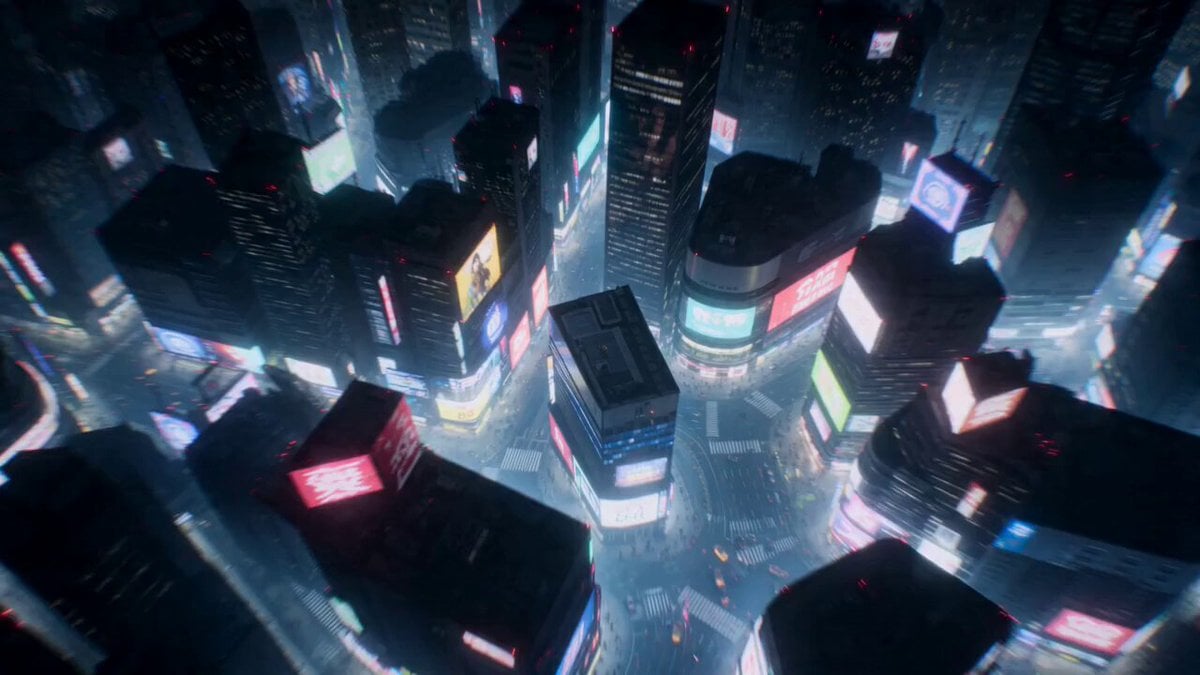
Cyberpunk Shibuya Anime Combat

Prompt Airways logo apparition video prompt
Speeder Chase Across a Cliff City
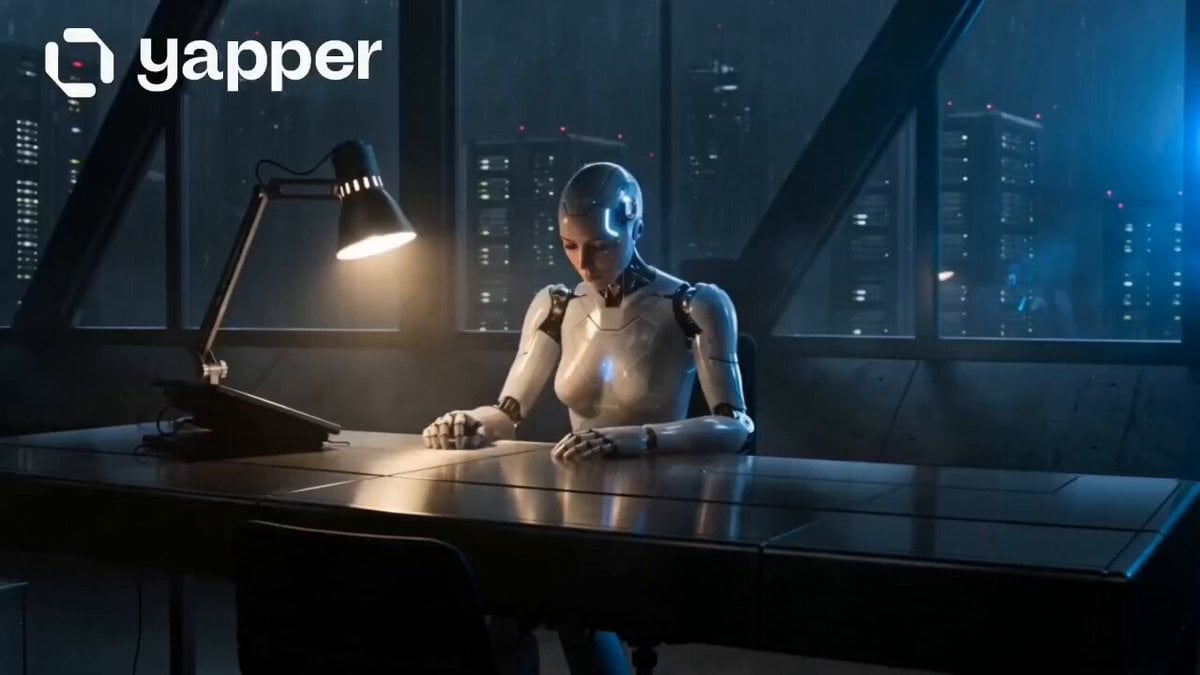
Humanoid Android Awakening Sequence
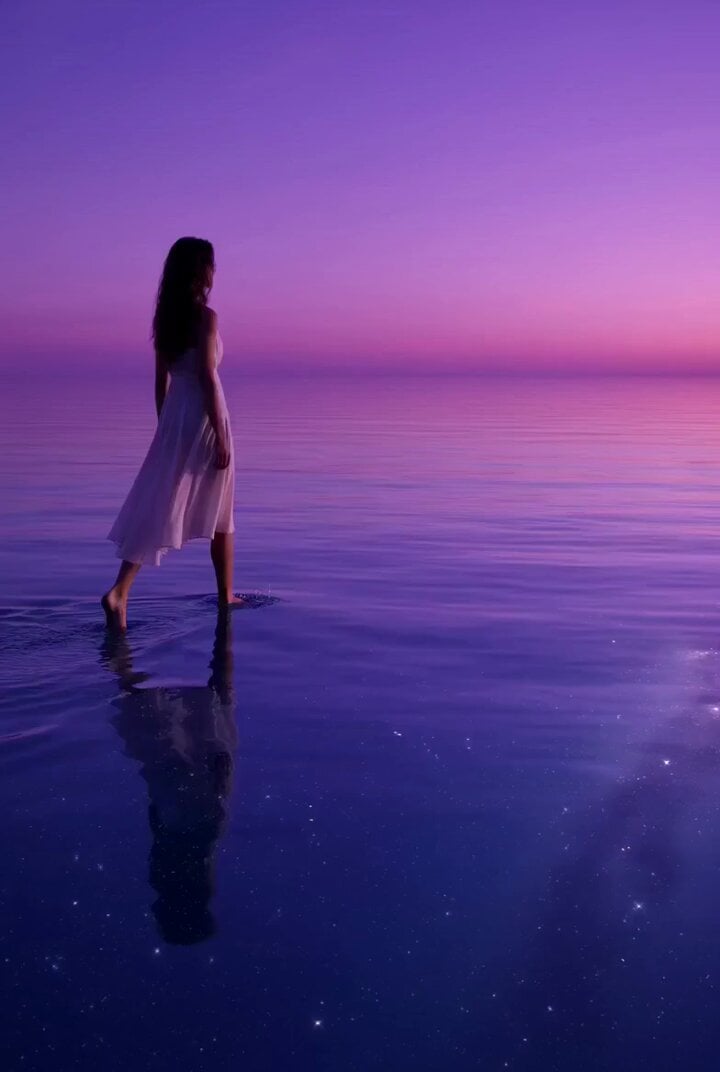
Lonely Traveler on a Glassy Sea Prompt
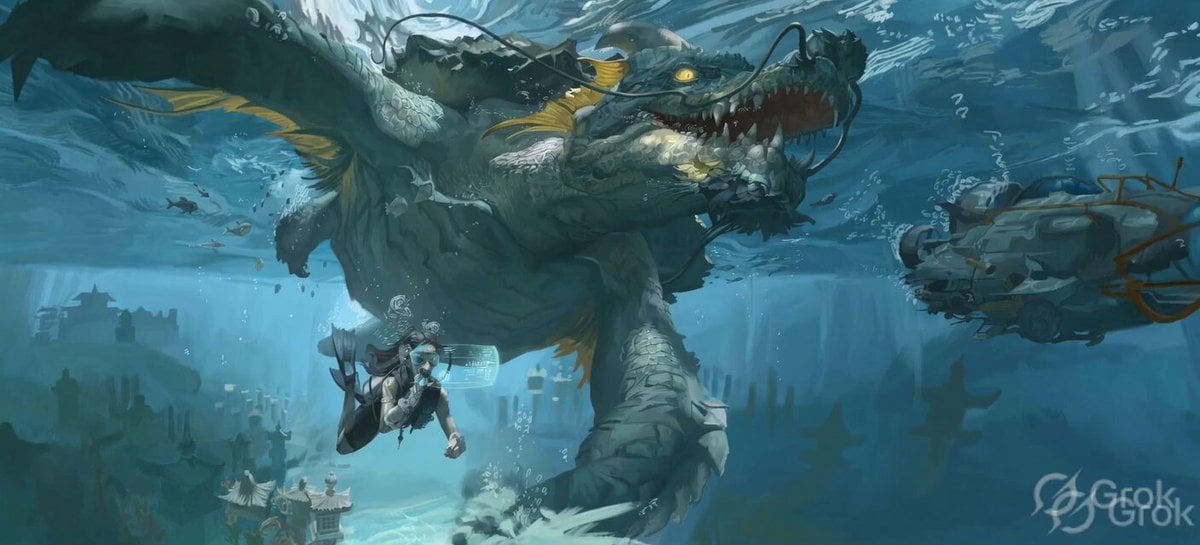
Ancient Underwater Dragon Encounter
Browse template categories
Silk Road Whirling Dance Animation questions
How do I use the Silk Road Whirling Dance Animation template?
Add your photo if the template asks for one, edit the prompt if you like — the template's model and format are already selected — and press Generate. Your version opens in PicX Studio.
Can I customize the Silk Road Whirling Dance Animation template?
Yes. You can change the subject, setting, lighting, mood, format, and available model controls before creating your video.
Is the Silk Road Whirling Dance Animation template free?
Opening and editing this template is free. Generating uses credits, shown on the Generate button when you are signed in.
Which AI model should I use?
Start with Seedance 2.0, which is the model associated with this template. You can compare another compatible model for a different finish.
Looking for something else? Browse all templates.

Your photo, any look
Thousands of ready templates for every top image and video model, from one credit balance.