
Airplane to Rocket Mechanical Transformation
A physically grounded cinematic prompt showing a mid-flight mechanical transformation of an airplane into a rocket.
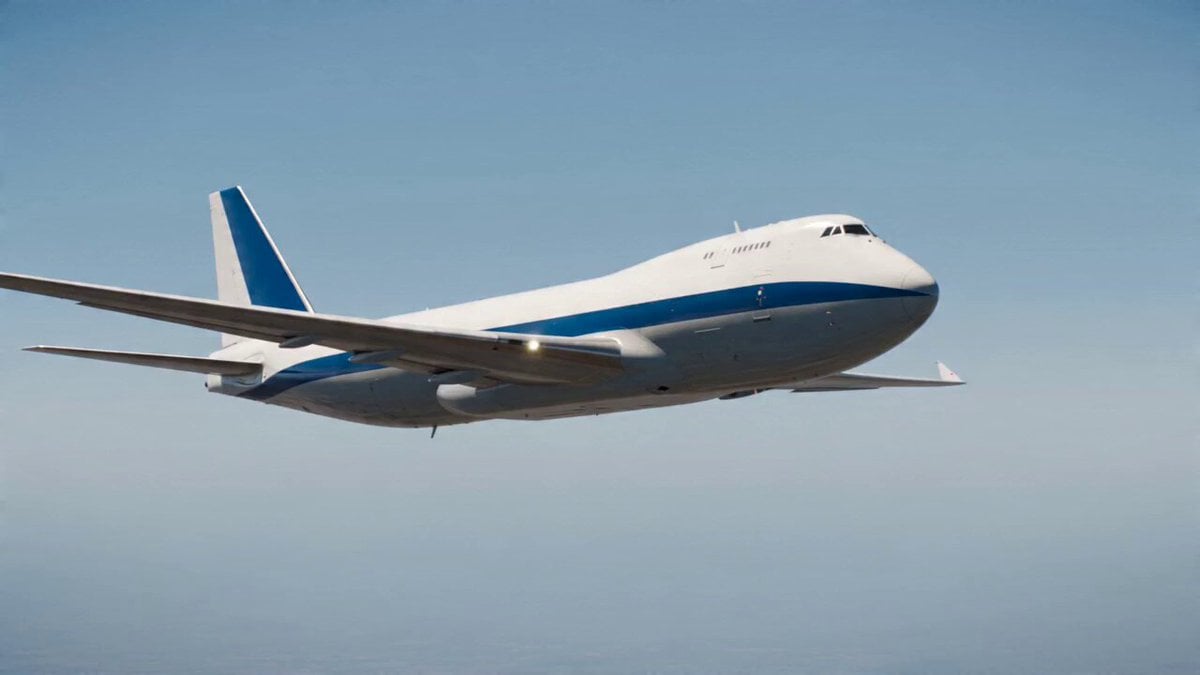
- Prompt included
- Model and format preset
- Free template
The prompt behind this video
Copy the exact prompt behind Airplane to Rocket Mechanical Transformation, or open it in the studio and make it yours.
Create an ultra-realistic cinematic video of an airplane flying steadily through the sky that transforms mid-flight into a modern rocket and rapidly ascends toward the upper atmosphere. The sequence should begin with the airplane in stable forward motion under natural lighting, maintaining realistic scale, perspective, and aerodynamics. During the transformation, the airplane must reconfigure through visible mechanical movement: wings retract and fold inward, engines compress and merge into a central propulsion system, and the fuselage reshapes into a sleek cylindrical rocket body. Panels should slide, rotate, and lock into place with clear mechanical articulation, including subtle sparks, heat glow, and internal structural detail. Avoid smooth morphing — the transformation must feel engineered and physically plausible. Once the rocket form is complete, the engine ignites with an intense, bright exhaust plume featuring a white-hot core and glowing edges. Add strong heat distortion and air turbulence behind the thrust. The rocket then sharply pitches upward and accelerates rapidly toward the upper atmosphere, leaving a long, powerful exhaust trail. Motion should follow realistic physics with increasing speed, visible acceleration, and dynamic motion blur. The sky should subtly transition from lower atmosphere tones to deeper blue as altitude increases. Maintain a single continuous shot with consistent perspective, cinematic lighting, high contrast, and realistic textures. Avoid visual artifacts, distortion, or abrupt cuts. The overall feel should be high-energy, cinematic, and physically grounded.
How to use Airplane to Rocket Mechanical Transformation in 3 steps
- 1
Open
The prompt is already in the box next to the preview, with the template's model and format selected.
- 2…a portrait of your subject in softgolden-hour light, 85mm…
Personalize
Edit the subject and creative details for your destination.
- 3Generate
Generate
Press Generate — your video is created in PicX Studio, so you can compare it with the original and refine one variable at a time.
More like this
Templates with the same subject, style or setup. Open one to see its prompt.
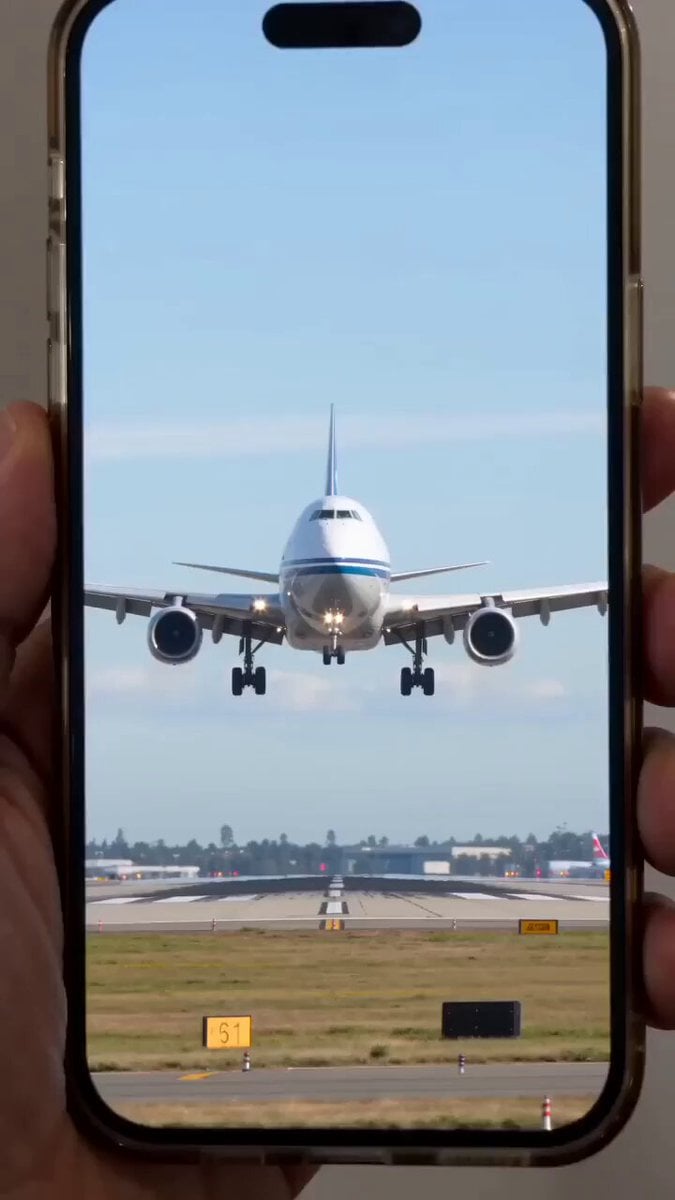
Giant mechanical robot transformation from airplane
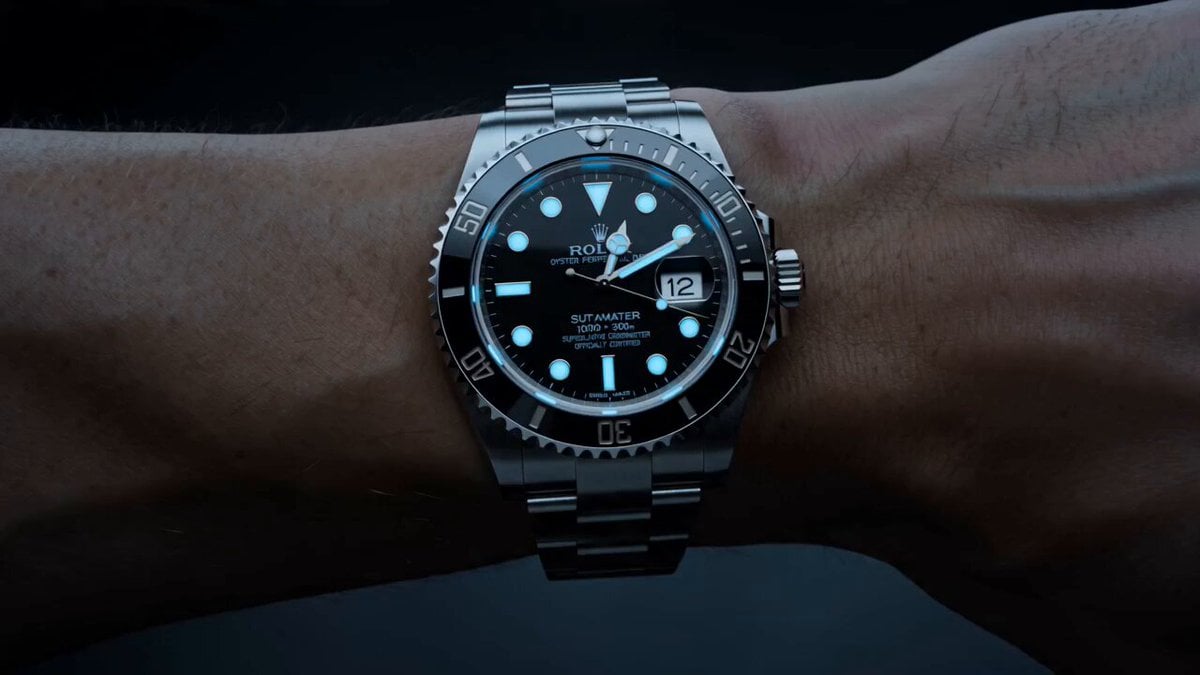
Watch to Mechanical Butterfly Transformation Prompt
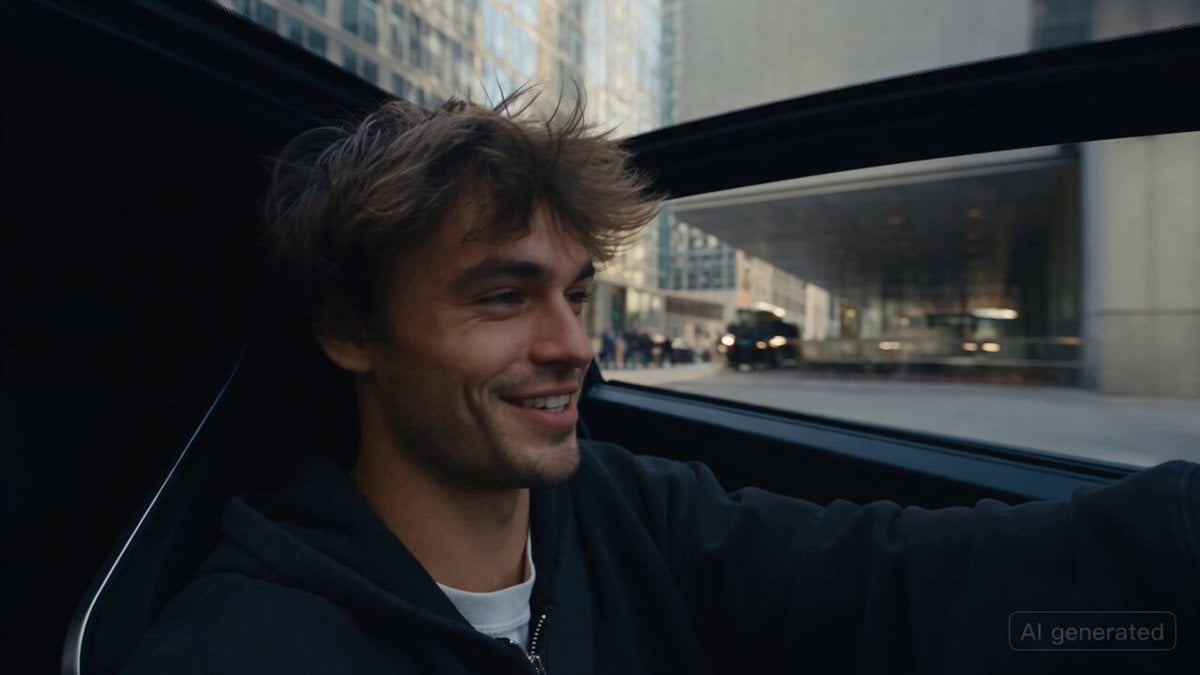
Car Guardian Mechanical Transformation Vlog

Mechanical Merlion Transformation ASMR

Magical Room Transformation - Seedance 2.5

Dark Tokusatsu Transformation - Seedance 2.5

RX-7 to Mech Transformation Cyberpunk

Mechanical Flower Bloom Brand Film
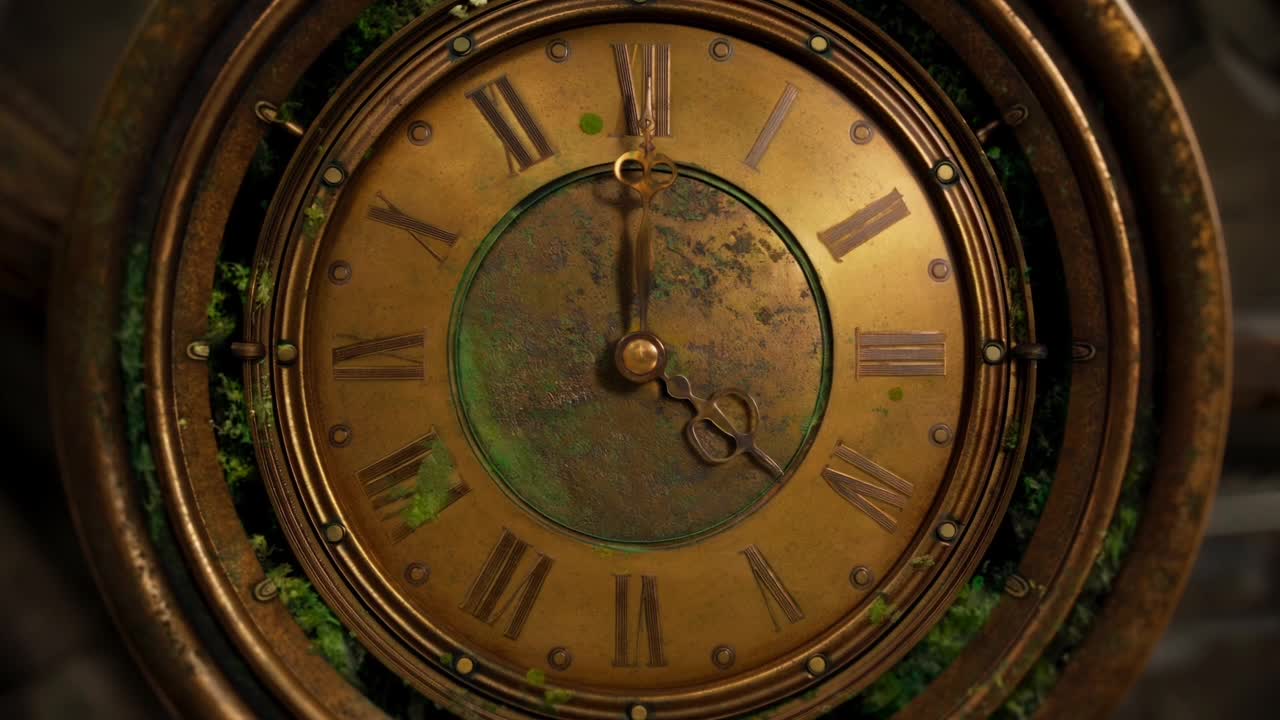
Steampunk Clockwork Odyssey
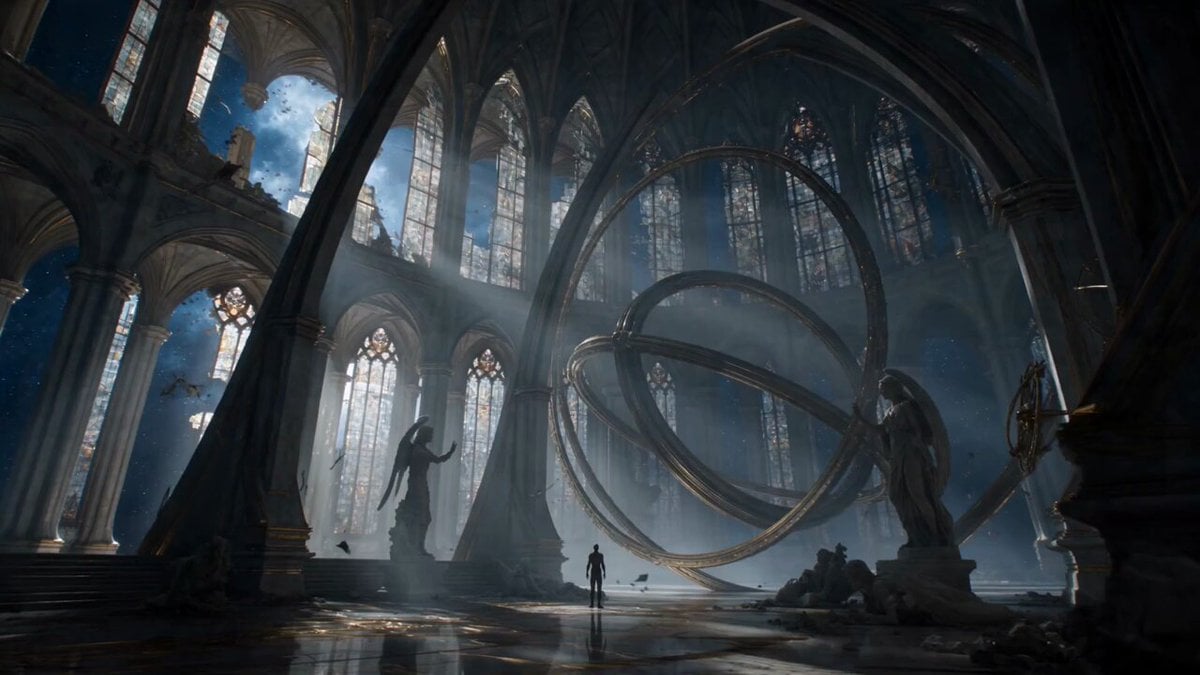
Biomechanical Angel Space Cathedral Transformation
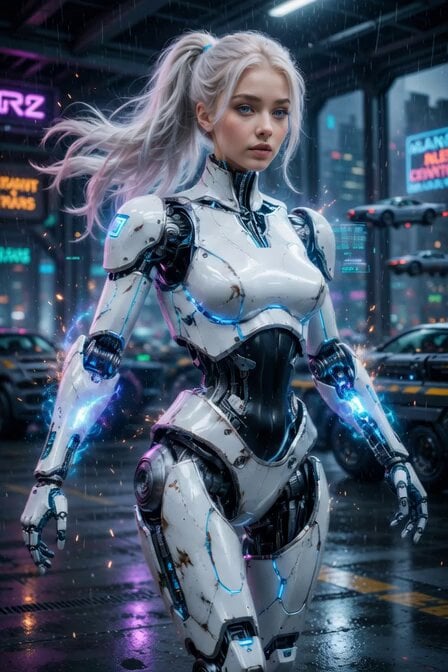
Cyberpunk Cyborg Mechanical Transformation
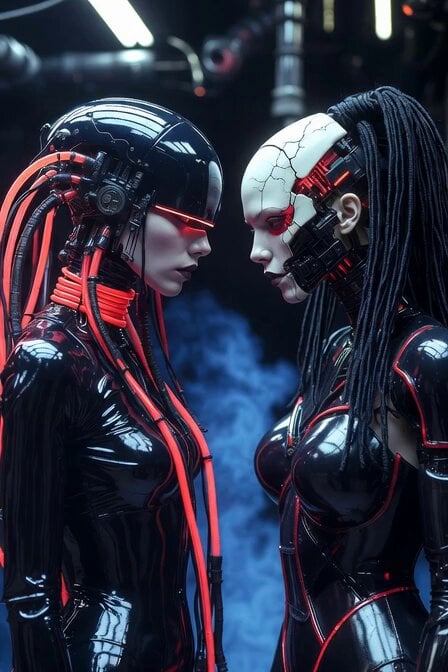
Cyberpunk Android Mechanical Transformation Video
Make it yours
Airplane to Rocket Mechanical Transformation works as-is. These are the safest ways to change it without losing the look.
Change one field
Copy a single group, rewrite it, and generate again so you can see what that field is doing.
Keep the frame, change the subject
Hold the composition and light of Airplane to Rocket Mechanical Transformation, then swap wardrobe, props or the person for a new take.
| If the result… | Why | Fix |
|---|---|---|
| The result drifts from the preview | Too many fields changed at once. | Reuse Airplane to Rocket Mechanical Transformation as-is first, then change one group — subject, light, or setting. |
| The model over-stylizes the scene | The prose prompt leaves finish and camera underspecified. | Add one camera or lighting sentence and stay on Seedance 2.0. |
More Seedance 2.0 templates
Other prompts made for Seedance 2.0.

Comical Martial Arts Punch Scene

Maglev Train Action Sequence

Martial Arts Fight Sequence

Wuxia Protection and Trust Script

Vintage Korean Arcade MiniDV Vlog

Mercedes 190 SL Luxury Ad

Rainy Night Supernatural Reverse Comedy Video Script

Amazon Civilization Discovery

Futuristic South Asian City Transformation

Cozy Luxury Cafe Commercial
More video prompts
Fresh picks from across the catalog.
Gym Workout POV by Lisa

Pixar Forest Chase Animation
Gigantic Armored Mech Destroys Modern City
Commercial Sports Car Photography Video Prompt
Futuristic Desert Starport Motorcycle Chase

Animated Dancing Bear in Streetwear
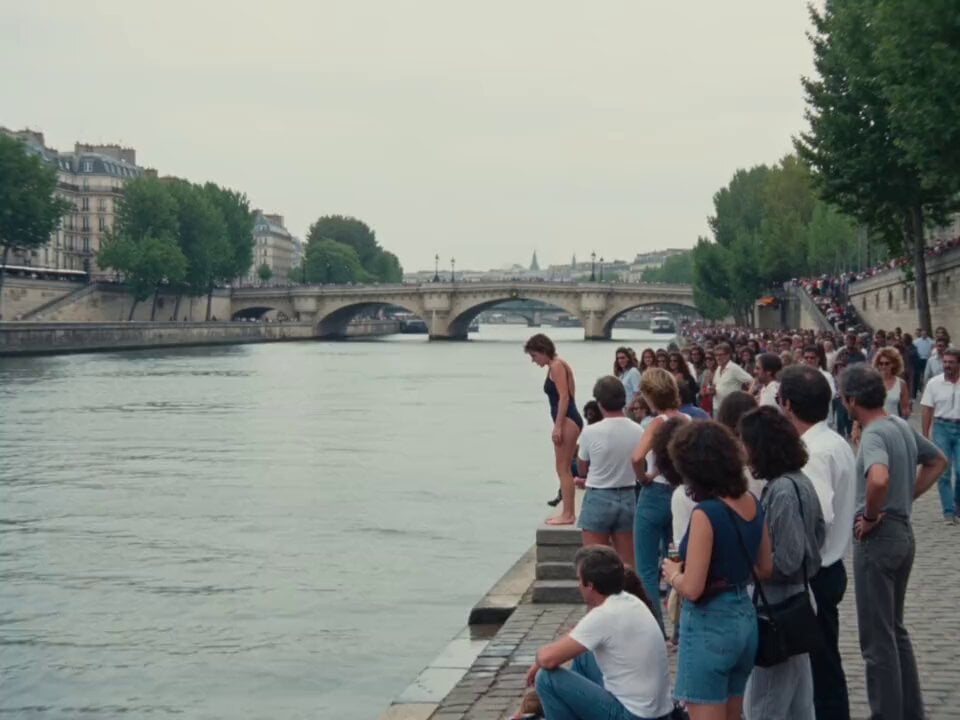
1990s Paris Seine River Home Video

Realistic iPhone Handheld Airplane Cabin Video
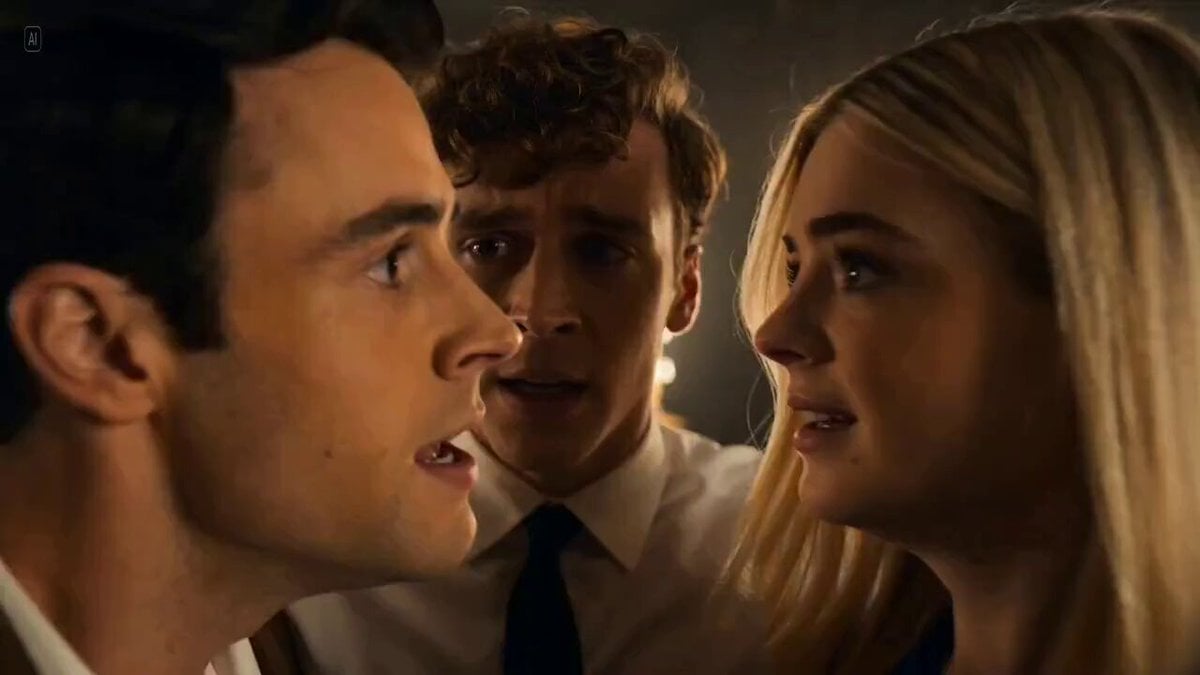
Detailed Cinematic Scene Prompt for Seedance 2.0
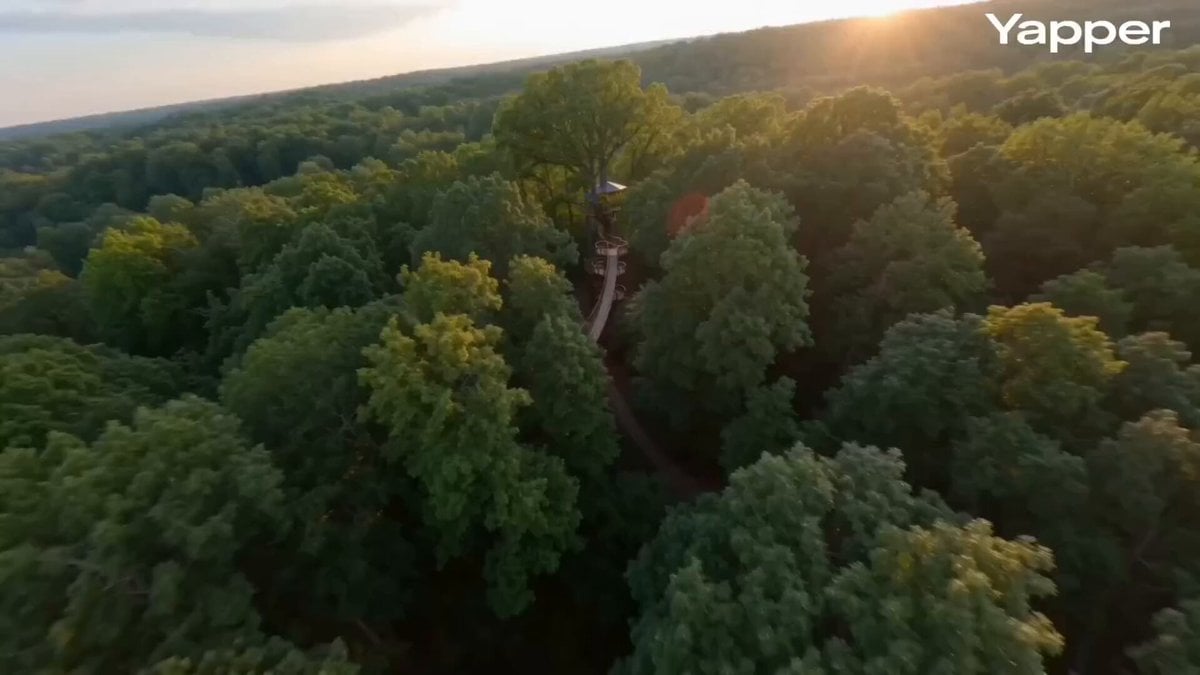
FPV cinematic flight through a treehouse
Browse template categories
Airplane to Rocket Mechanical Transformation questions
How do I use the Airplane to Rocket Mechanical Transformation template?
Add your photo if the template asks for one, edit the prompt if you like — the template's model and format are already selected — and press Generate. Your version opens in PicX Studio.
Can I customize the Airplane to Rocket Mechanical Transformation template?
Yes. You can change the subject, setting, lighting, mood, format, and available model controls before creating your video.
Is the Airplane to Rocket Mechanical Transformation template free?
Opening and editing this template is free. Generating uses credits, shown on the Generate button when you are signed in.
Which AI model should I use?
Start with Seedance 2.0, which is the model associated with this template. You can compare another compatible model for a different finish.
Looking for something else? Browse all templates.

Your photo, any look
Thousands of ready templates for every top image and video model, from one credit balance.