How do I use the UGC and Social Media Video Scenarios template?
Edit the prompt in the box under the preview — the template's model and format are already selected — and press Generate. Your version appears right on this page.
A collection of short prompts designed for user-generated content, including product hooks and reaction shots.
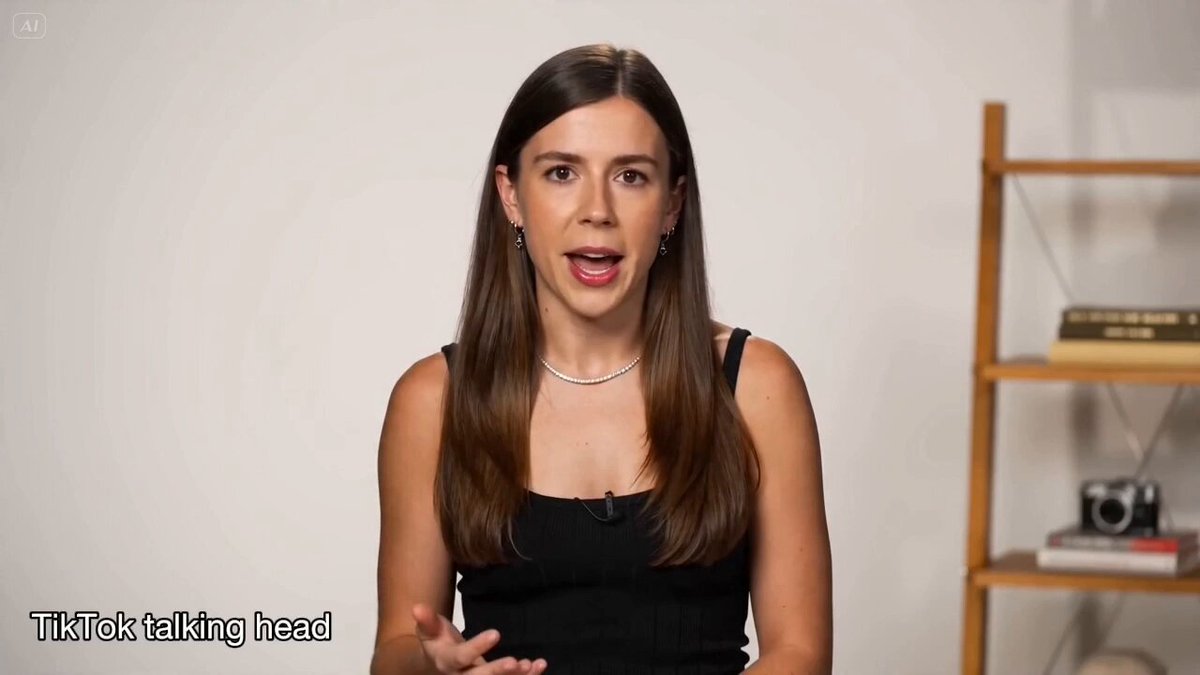
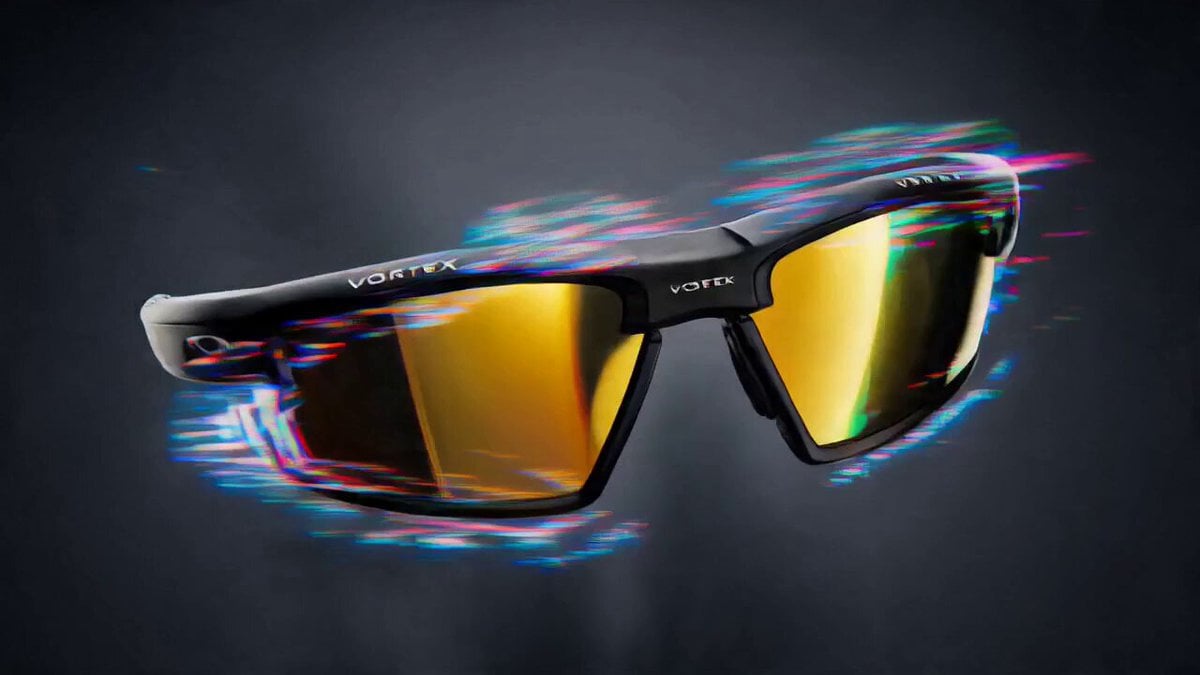
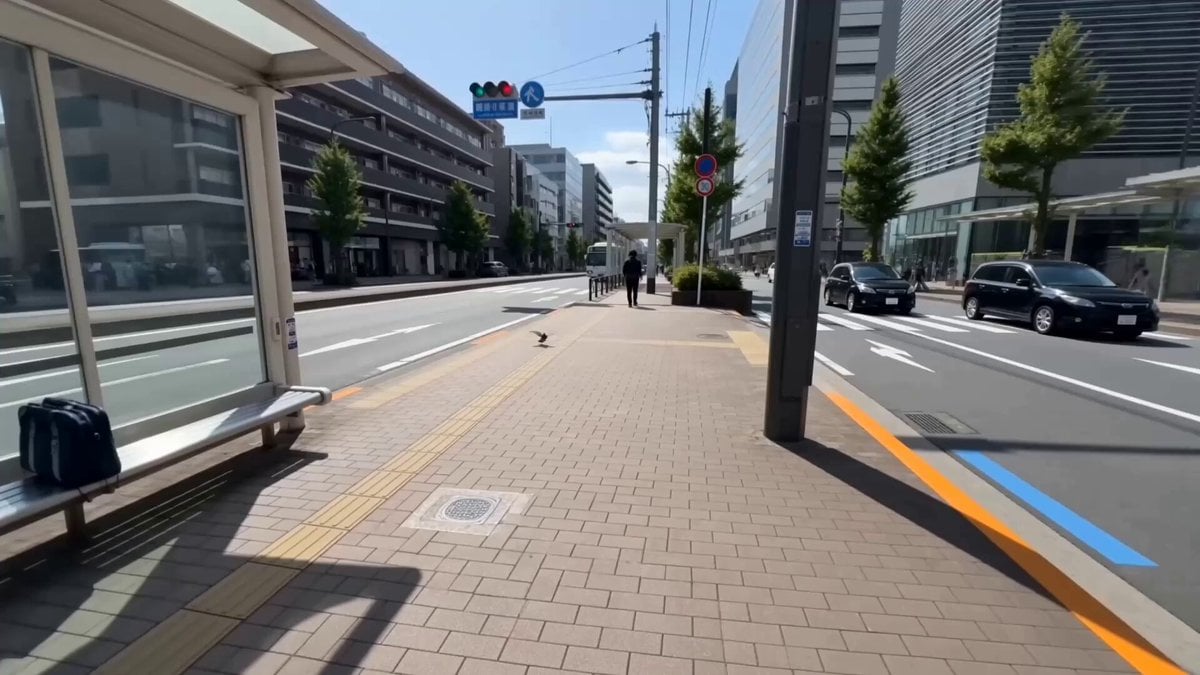
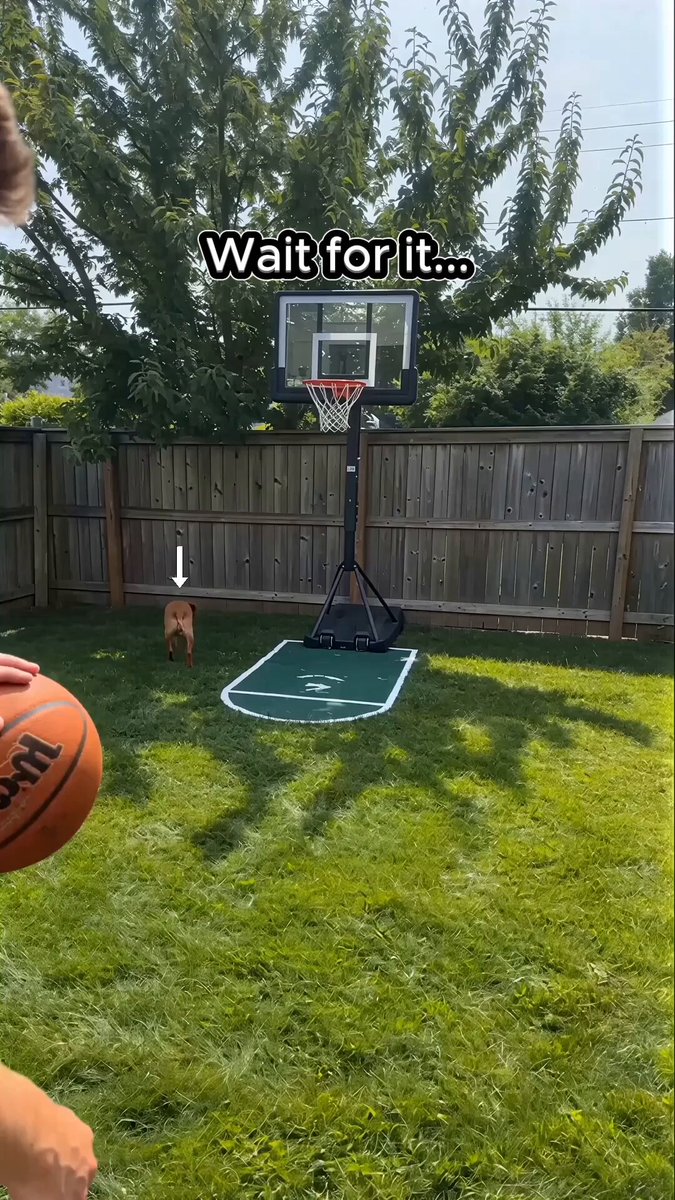
Sneaker hands‑on hook – an energetic man holds neon‑green sneakers close to the camera in a skatepark, rotates them, slides his foot in and stomps; shot at golden hour with a handheld iPhone. Kitchen discovery reaction – woman in sunlit kitchen opens a jar of chilli crisp, sniffs and tastes it; her eyes widen and she laughs while describing the flavor; handheld and natural. Mirror try‑on – young woman stands before a mirror trying on a cream linen shirt and jeans; she turns to show angles and tells viewers the size and brand; soft window light and no music. Coffee shop recommendation – a man at an outdoor café sips a flat white, speaks to his phone about life hacks and points to his notebook; blurred greenery and warm morning light make it cozy. Street interview – multi‑shot prompt where different people on a busy sidewalk shout quick testimonials about a platform; quick cuts, handheld iPhone footage and bright daylight create energy.
Sneaker hands‑on hook – an energetic man holds neon‑green sneakers close to the camera in a skatepark, rotates them, slides his foot in and stomps; shot at golden hour with a handheld iPhone. Kitchen discovery reaction – woman in sunlit kitchen opens a jar of chilli crisp, sniffs and tastes it; her eyes widen and she laughs while describing the flavor; handheld and natural. Mirror try‑on – young woman stands before a mirror trying on a cream linen shirt and jeans; she turns to show angles and tells viewers the size and brand; soft window light and no music. Coffee shop recommendation – a man at an outdoor café sips a flat white, speaks to his phone about life hacks and points to his notebook; blurred greenery and warm morning light make it cozy. Street interview – multi‑shot prompt where different people on a busy sidewalk shout quick testimonials about a platform; quick cuts, handheld iPhone footage and bright daylight create energy.
Edit the prompt in the box under the preview — the template's model and format are already selected — and press Generate. Your version appears right on this page.
Yes. You can change the subject, setting, lighting, mood, format, and available model controls before creating your video.
Opening and editing this template is free. Generating uses credits, shown on the Generate button when you are signed in.
Start with Seedance 2.0, which is the model associated with this template. You can compare another compatible model for a different finish.
Follow a topic to a crawlable collection of related PicX Studio templates.