
Magical Academy Storyboard Sequence
A detailed storyboard-style prompt for a cinematic sequence depicting a magical girl at an academy, covering arrival, discovery of power, and a magical duel.
- Prompt included
- Model and format preset
- Free template
The prompt behind this video
Copy the exact prompt behind Magical Academy Storyboard Sequence, or open it in the studio and make it yours.
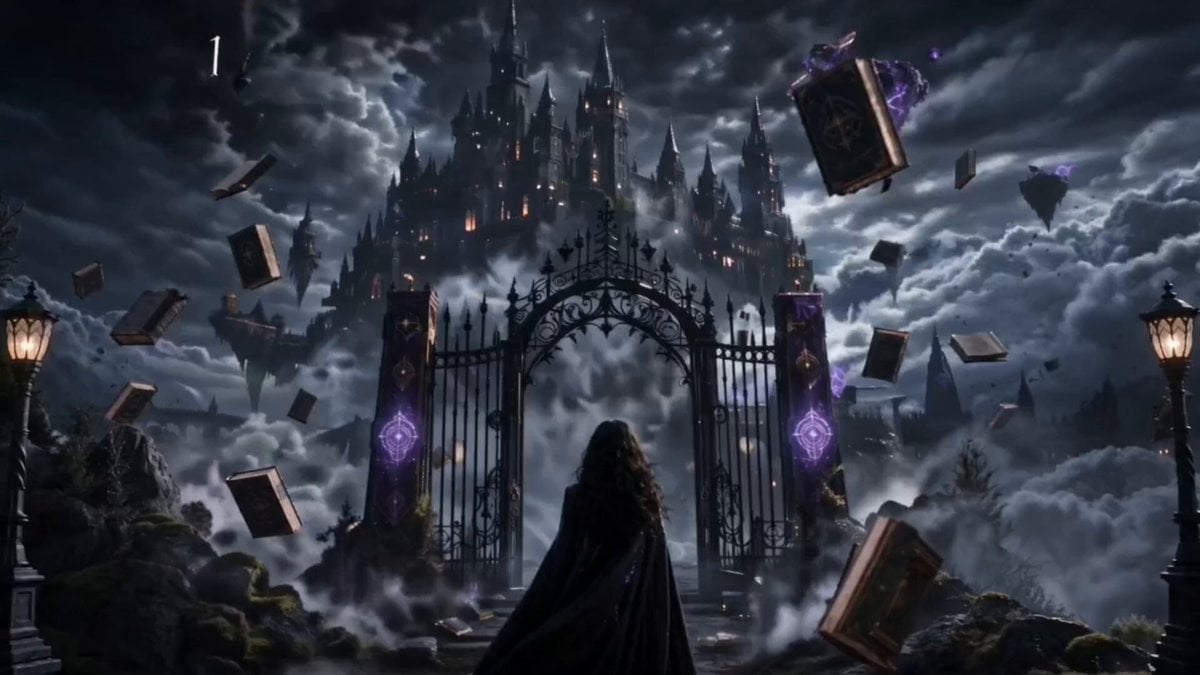
0s – 4s (Arrival at the Academy) A massive gothic magical academy appears above floating cliffs, surrounded by storm clouds and glowing runes. The girl walks through the grand iron gates. Her expression is calm but curious. Floating spell books drift around the entrance. Cinematic slow push-in shot, mist and dramatic lighting. 4s – 8s (The Forbidden Core Reveal) Inside a grand hall, students channel elemental magic. The girl stands still as her “sealed magical core” reacts. Dark energy briefly flickers around her chest, but she doesn’t collapse like others would. The academy masters observe in shock. Close-up on her face with glowing rune reflections in her eyes. 8s – 12s (Soul-Binding Lesson) In a floating classroom, chains of light connect students’ souls to magical entities. The girl absorbs a forbidden spell instead of being harmed. The spell dissolves into her body safely. Books levitate violently around her. Slow-motion, cinematic orbit camera around her. 12s – 16s (Forbidden Power Awakens) A sudden magical duel breaks out. She steps forward and releases a silent wave of forbidden magic. Reality bends slightly around her. Runes explode into glowing fragments in the air. The academy freezes in awe as her power stabilizes. Final shot: her standing alone under floating spell books, softly glowing.
How to use Magical Academy Storyboard Sequence in 3 steps
- 1
Open
The prompt is already in the box next to the preview, with the template's model and format selected.
- 2…a portrait of your subject in softgolden-hour light, 85mm…
Personalize
Edit the subject and creative details for your destination.
- 3Generate
Generate
Press Generate — your video is created in PicX Studio, so you can compare it with the original and refine one variable at a time.
More like this
Templates with the same subject, style or setup. Open one to see its prompt.
Magical Girl Anime Transformation Sequence

Magical Room Transformation - Seedance 2.5

3x3 Grid Storyboard Racing — Kling 3.0 O3 Pro

Dragon Rider Cinematic Flight — Seedance 2.5
Magical Transformation Sequence
Surreal Storyboard Transition Sequence
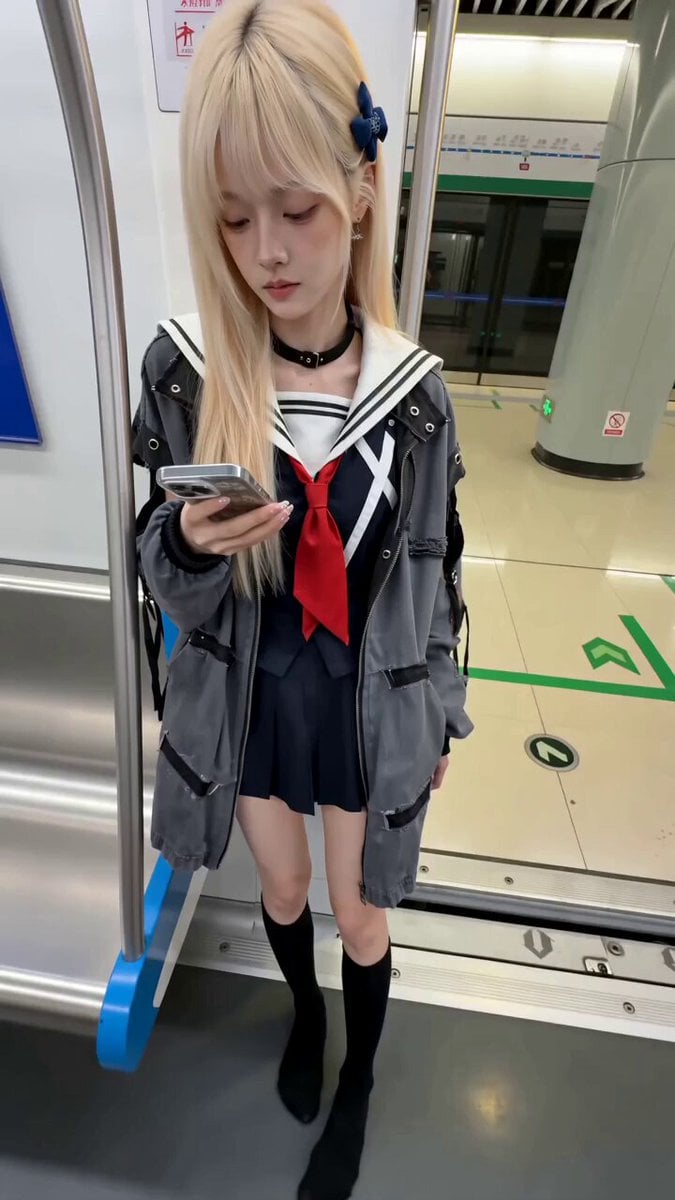
Subway Prank Video Storyboard Sequence
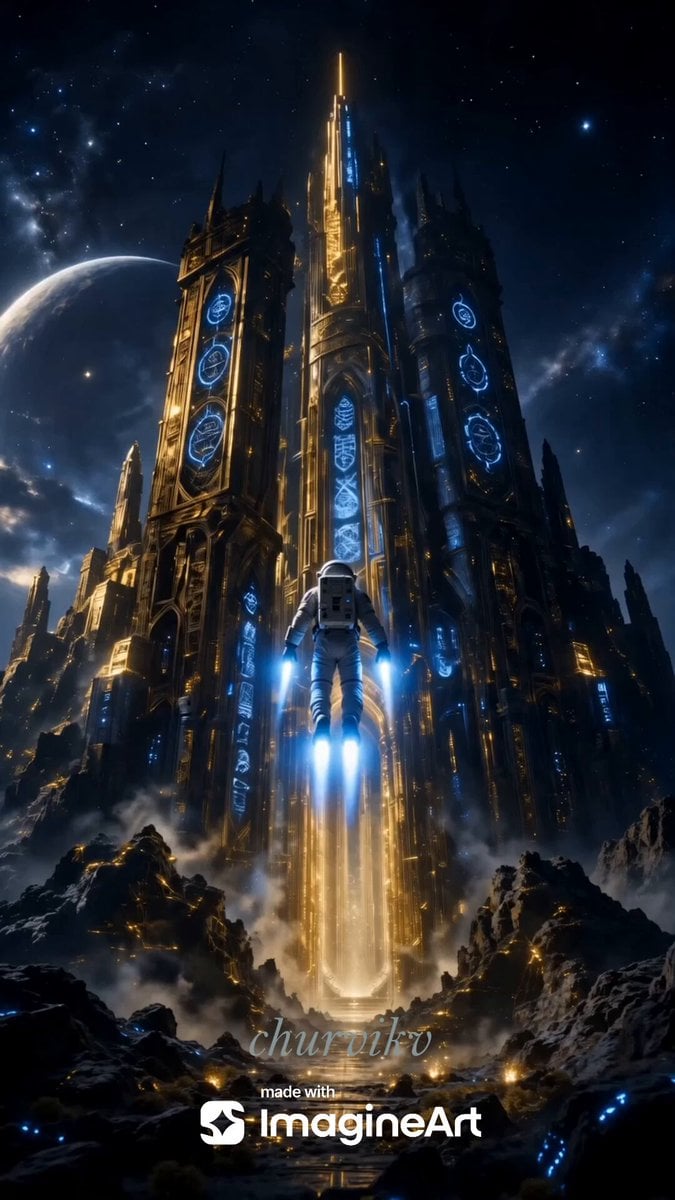
Cinematic Storyboard Sequence Reference
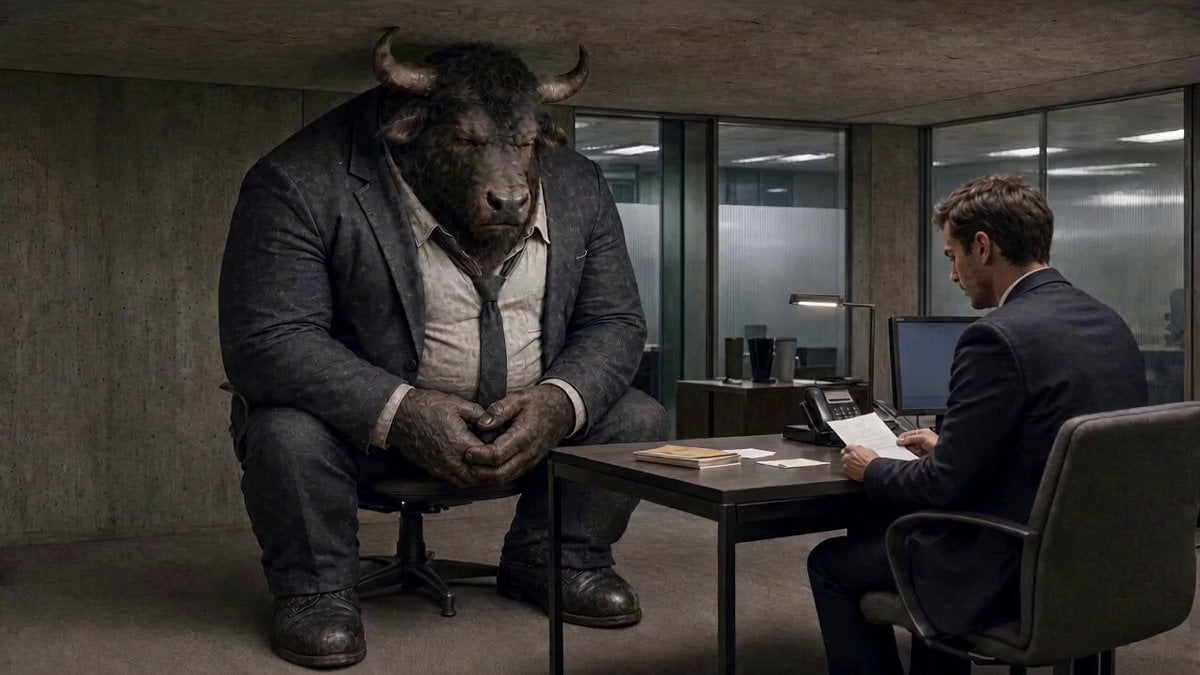
Cinematic Minotaur Storyboard Sequence
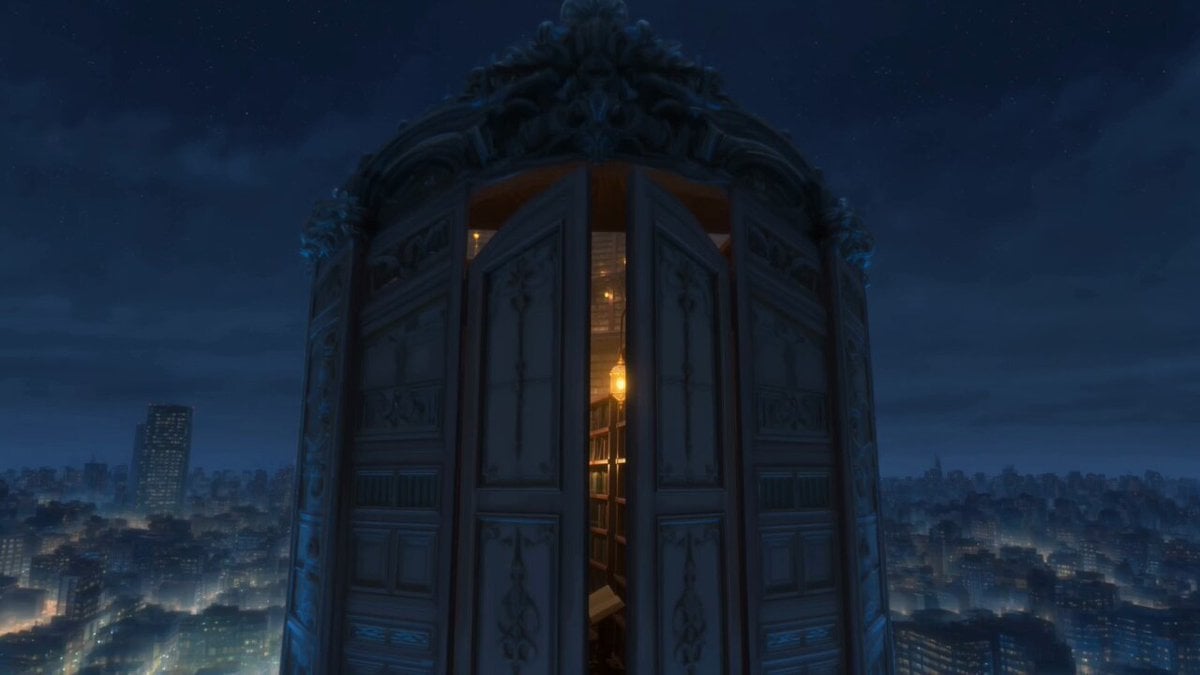
Infinite Magical Bookstore Anime Sequence
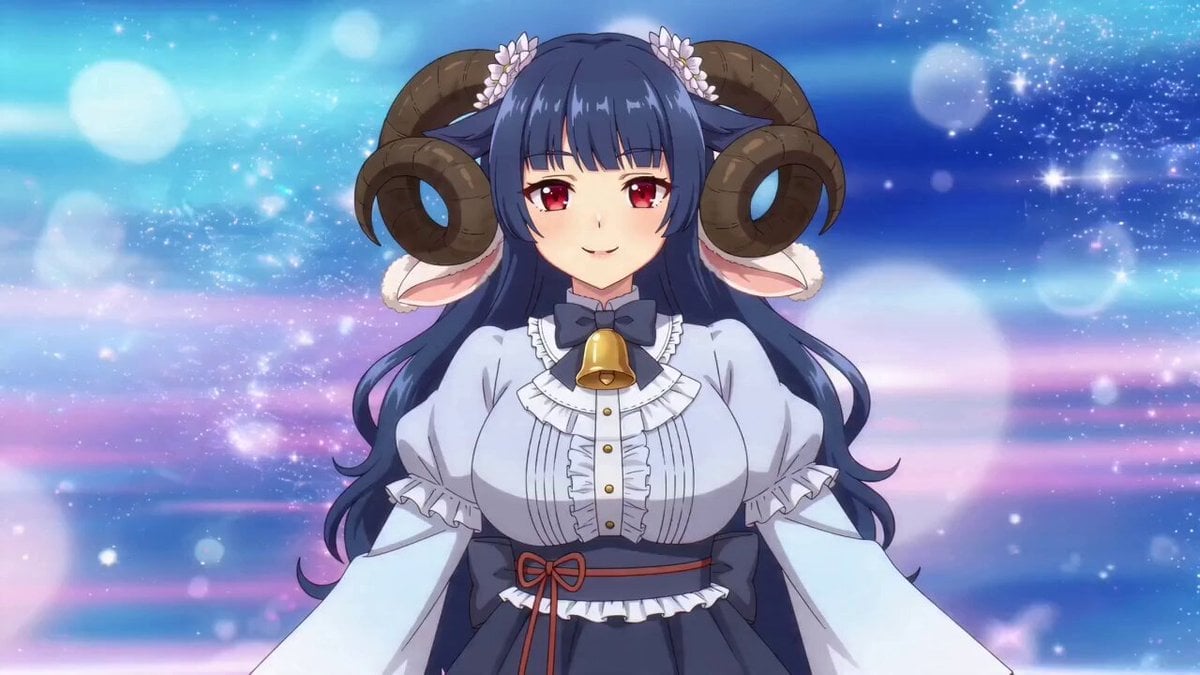
Anime Magical Girl Transformation Sequence
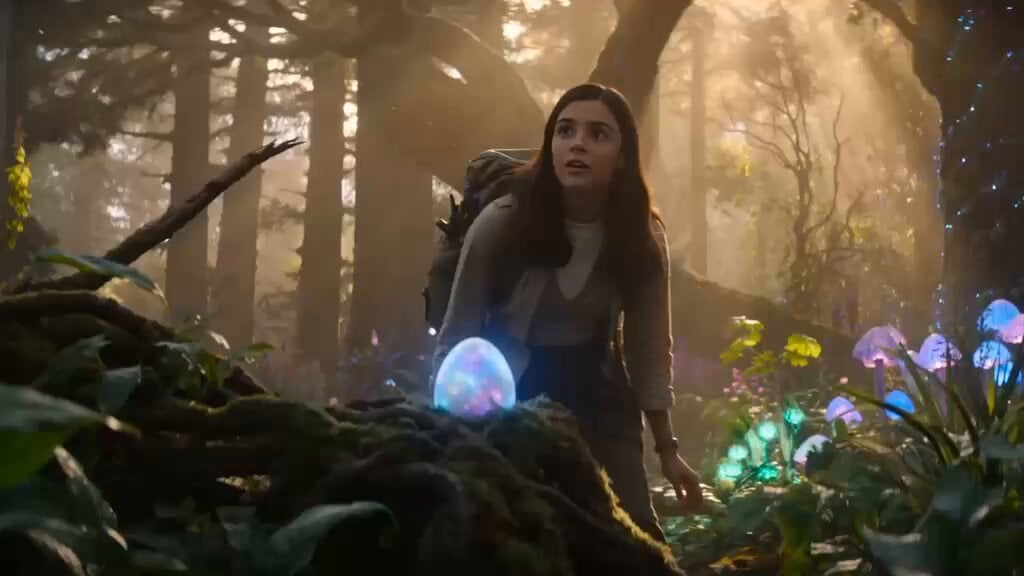
Magical Forest Discovery Storyboard
Make it yours
Magical Academy Storyboard Sequence works as-is. These are the safest ways to change it without losing the look.
Change one field
Copy a single group, rewrite it, and generate again so you can see what that field is doing.
Keep the frame, change the subject
Hold the composition and light of Magical Academy Storyboard Sequence, then swap wardrobe, props or the person for a new take.
| If the result… | Why | Fix |
|---|---|---|
| The result drifts from the preview | Too many fields changed at once. | Reuse Magical Academy Storyboard Sequence as-is first, then change one group — subject, light, or setting. |
| The model over-stylizes the scene | The prose prompt leaves finish and camera underspecified. | Add one camera or lighting sentence and stay on Seedance 2.0. |
More Seedance 2.0 templates
Other prompts made for Seedance 2.0.

Comical Martial Arts Punch Scene

Wuxia Protection and Trust Script

Vintage Korean Arcade MiniDV Vlog

Mercedes 190 SL Luxury Ad

Rainy Night Supernatural Reverse Comedy Video Script

Amazon Civilization Discovery

Futuristic South Asian City Transformation

Cozy Luxury Cafe Commercial

Cyber Ronin Nanotech Transformation Video

Desert Courier and Sandstorm Leviathan Chase
More video prompts
Fresh picks from across the catalog.
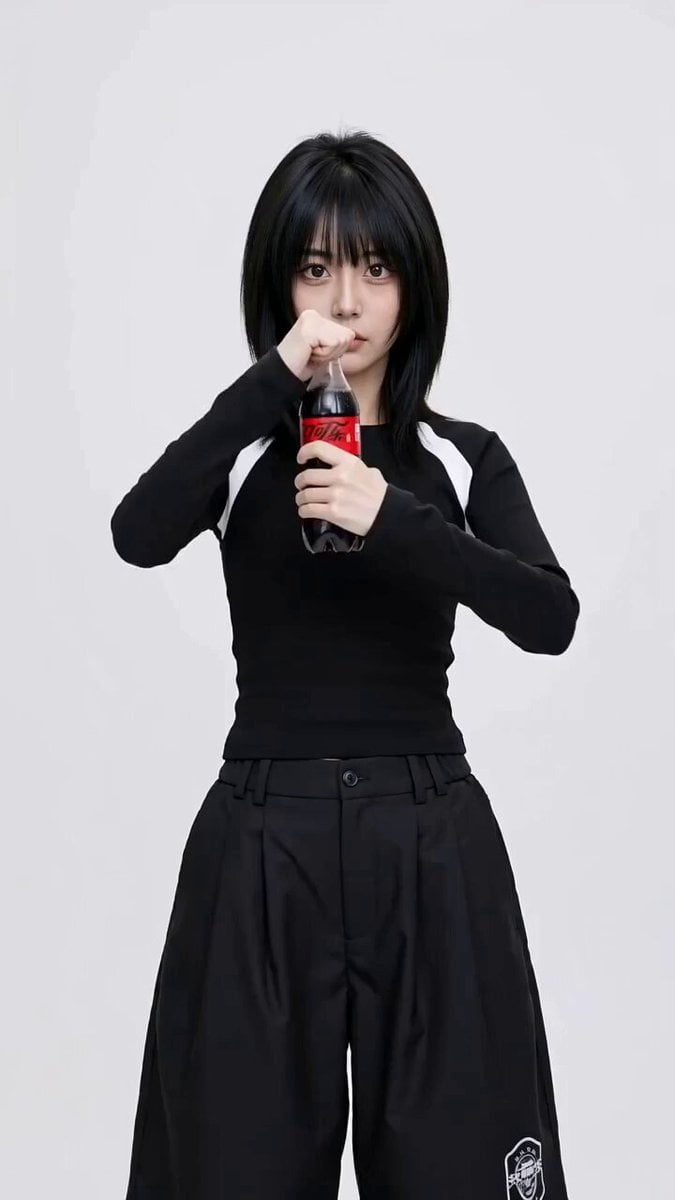
Coca-Cola Fashion Transition Ad

Studio Ghibli Inspired Bamboo Soup Scene
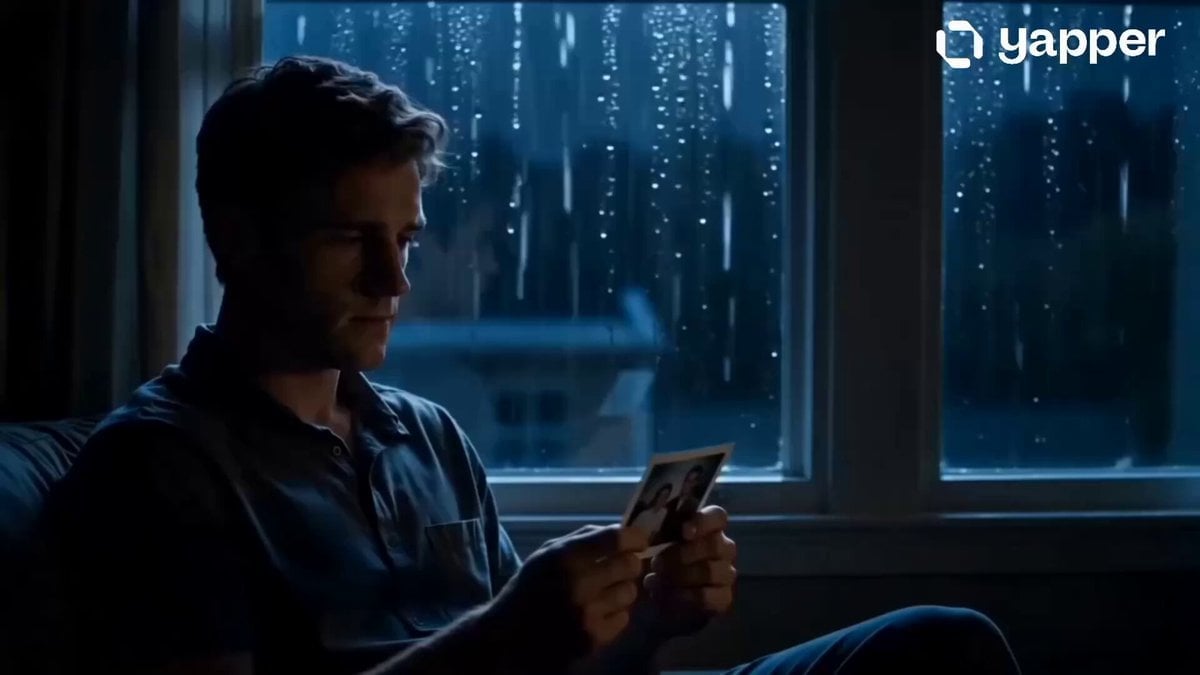
From Loneliness to Hope Cinematic Story
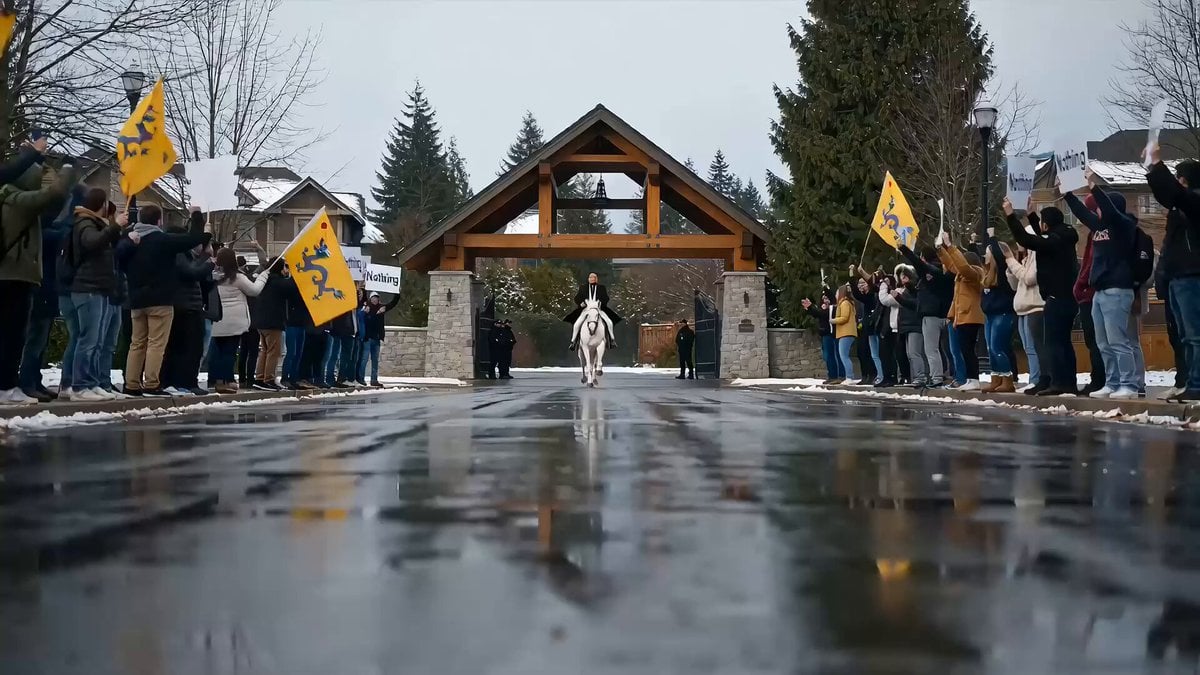
Political Satire Short Film: The 'Nothing' Hero's Ride
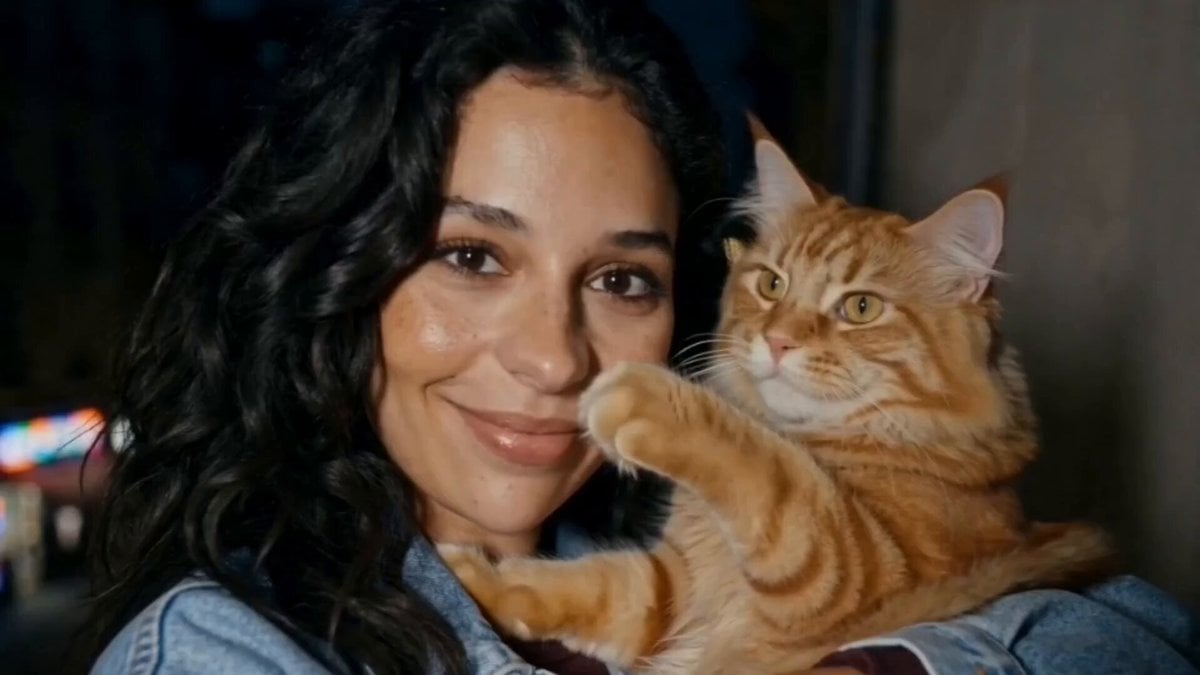
Girl and Cat Heartwarming Interaction
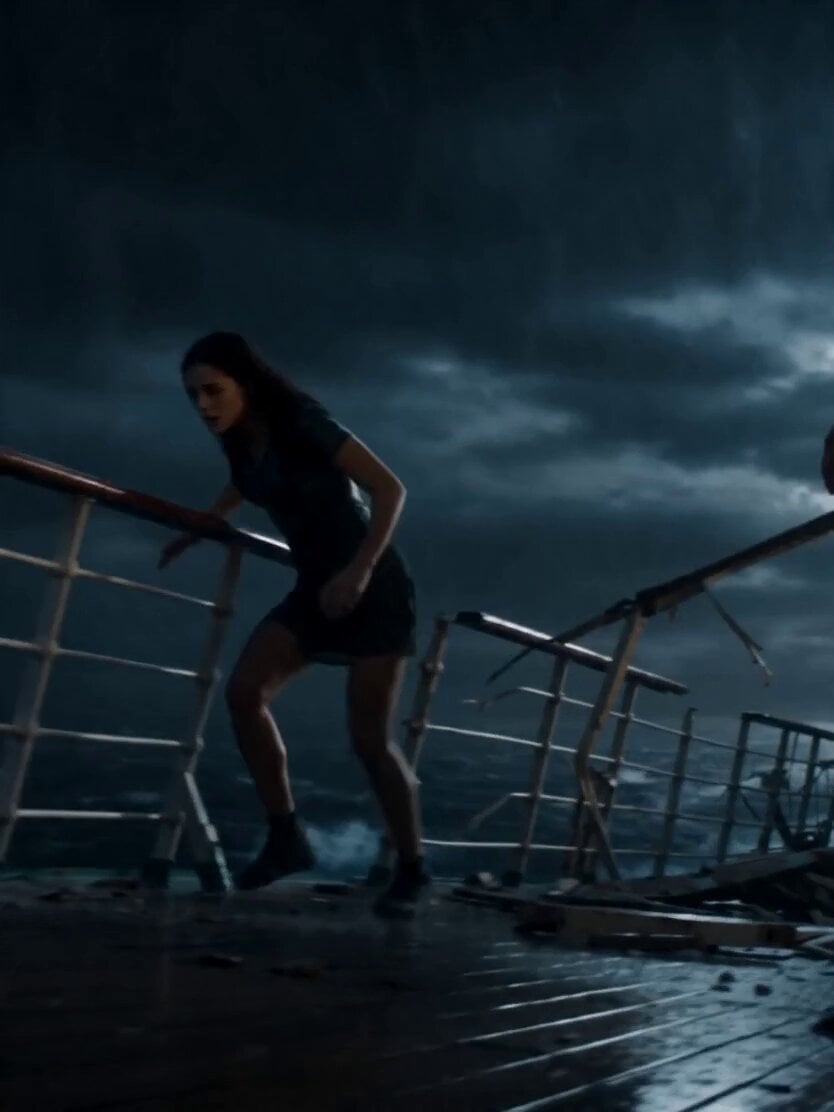
Stormy Sea Action Mutation Sequence

Cat interaction and tripping video prompt
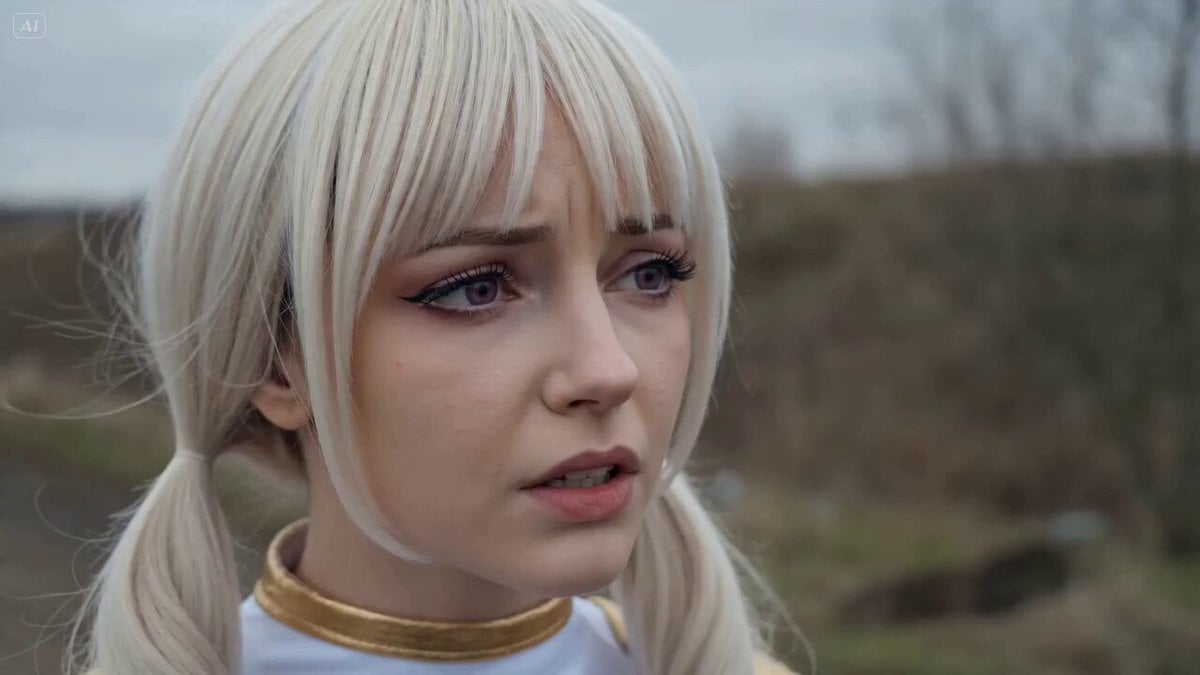
Russian-Voiced Tokusatsu Action Sequence
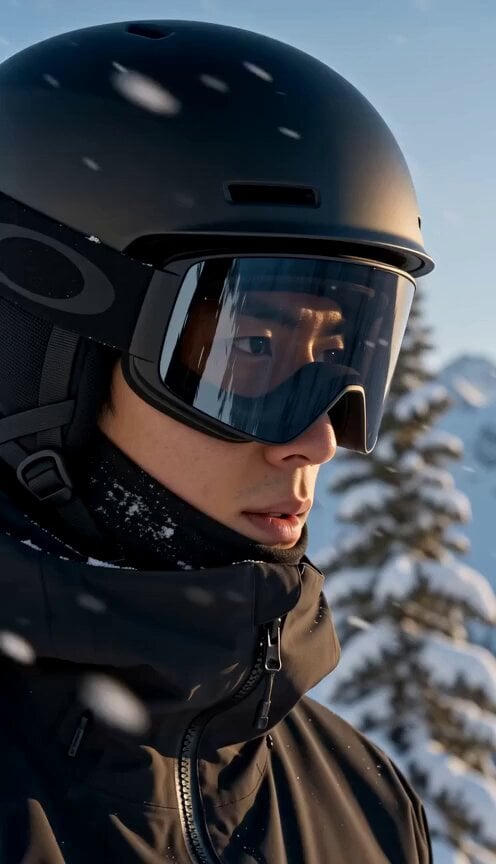
Mountain Avalanche Snowboard Chase
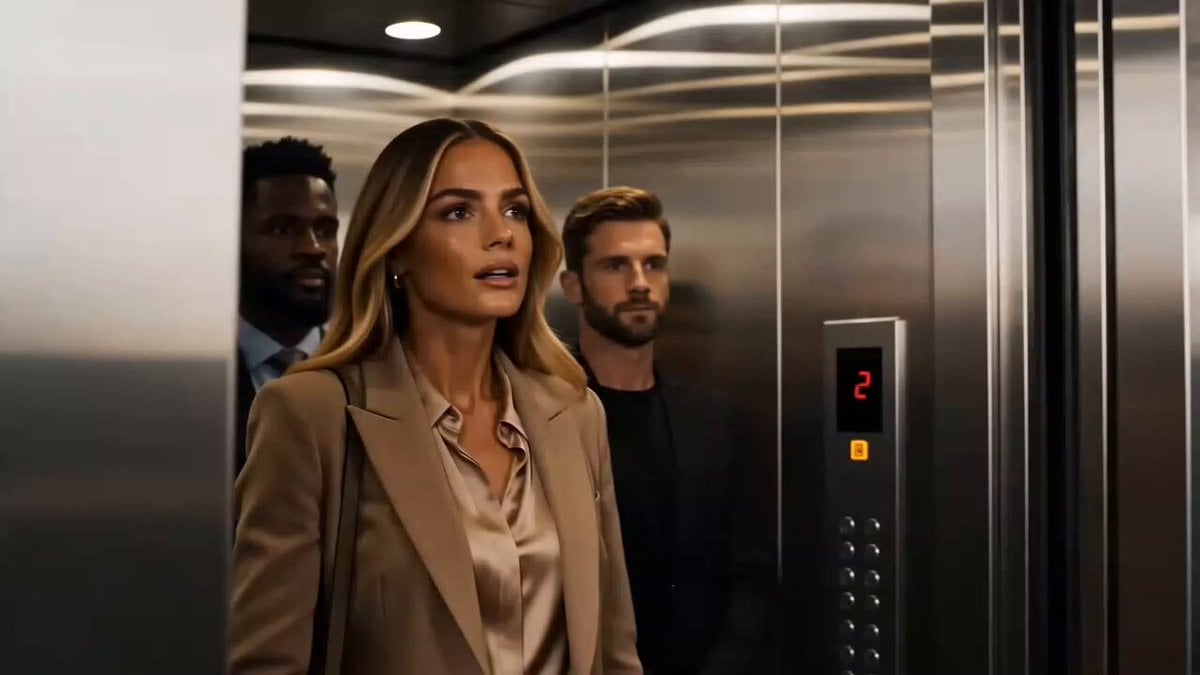
Luxury Perfume Commercial Sequence
Browse template categories
Magical Academy Storyboard Sequence questions
How do I use the Magical Academy Storyboard Sequence template?
Add your photo if the template asks for one, edit the prompt if you like — the template's model and format are already selected — and press Generate. Your version opens in PicX Studio.
Can I customize the Magical Academy Storyboard Sequence template?
Yes. You can change the subject, setting, lighting, mood, format, and available model controls before creating your video.
Is the Magical Academy Storyboard Sequence template free?
Opening and editing this template is free. Generating uses credits, shown on the Generate button when you are signed in.
Which AI model should I use?
Start with Seedance 2.0, which is the model associated with this template. You can compare another compatible model for a different finish.
Looking for something else? Browse all templates.

Your photo, any look
Thousands of ready templates for every top image and video model, from one credit balance.