
AI Podcast Social Clip
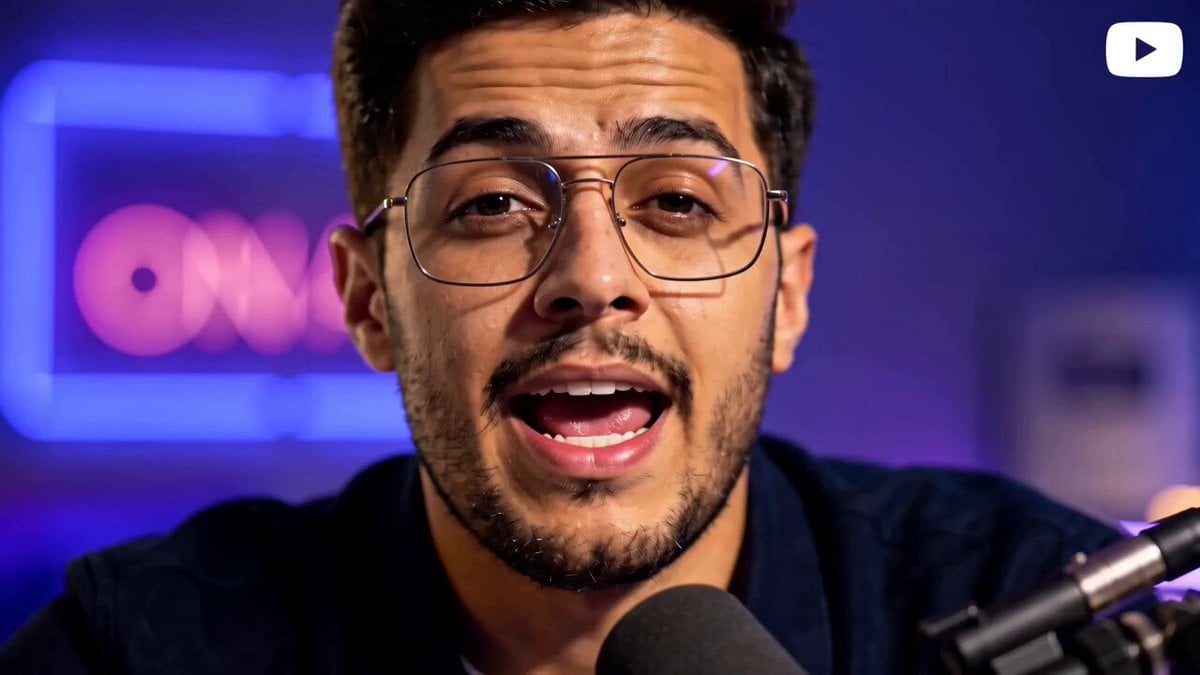
A multi-shot script for a high-energy podcast video about AI, featuring jump cuts and neon reflections.
- Prompt included
- Model and format preset
- Free template
The prompt behind this video
Copy the exact prompt behind AI Podcast Social Clip, or open it in the studio and make it yours.
Style: Hyper-realistic, no CGI/plastic look, fast jump cuts, subtle motion blur transitions, handheld feel, shallow depth of field. 0–2s (HOOK) Extreme close-up, direct eye contact, neon reflection in eyes. He leans slightly forward: "AI is rewriting the rules… and most guys have no idea." 2–4s Jump cut — side angle, adjusting podcast mic (Shure SM7B style), sharp confident tone: "Not in 10 years. I'm talking right now." 4–6s Medium shot — expressive hand gestures, natural speech: "Your income, your skills, your hustle — all of it is shifting." 6–8s Over-the-shoulder — laptop glow, fast typing, blurred futuristic UI: "If you're still sleeping on AI…" 8–10s Close-up — slight smirk, leaning into mic: "Bro, you're already behind." 10–13s Front-facing shot — calm, powerful, locked-in energy: "But here's the thing — the window is still open." 13–15s (ENDING HOOK) Pause, slight nod, neon flicker, direct stare: "Question is… are you gonna use it?"
How to use AI Podcast Social Clip in 3 steps
- 1
Open
The prompt is already in the box next to the preview, with the template's model and format selected.
- 2…a portrait of your subject in softgolden-hour light, 85mm…
Personalize
Edit the subject and creative details for your destination.
- 3Generate
Generate
Press Generate — your video is created in PicX Studio, so you can compare it with the original and refine one variable at a time.
More like this
Templates with the same subject, style or setup. Open one to see its prompt.
Second Social Sports Video
Trendy Social Media Product Ad
Cinematic Music Podcast and Guitar Technique

Parallel Cat Universe Podcast
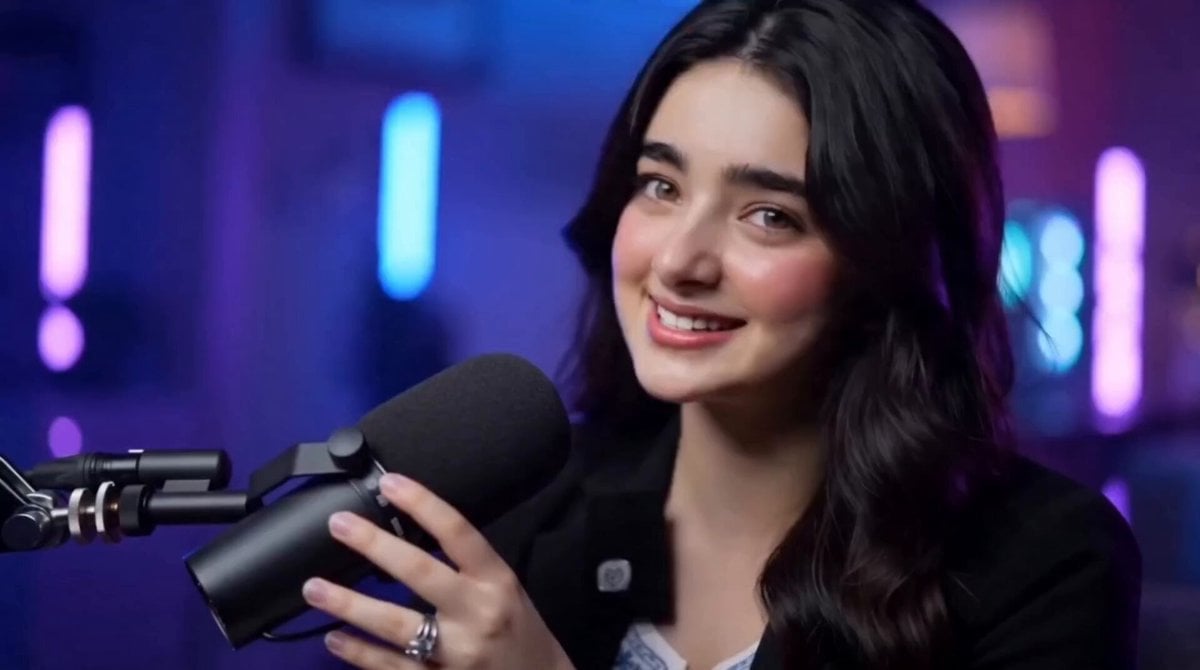
AI Influencer Podcast Studio Video
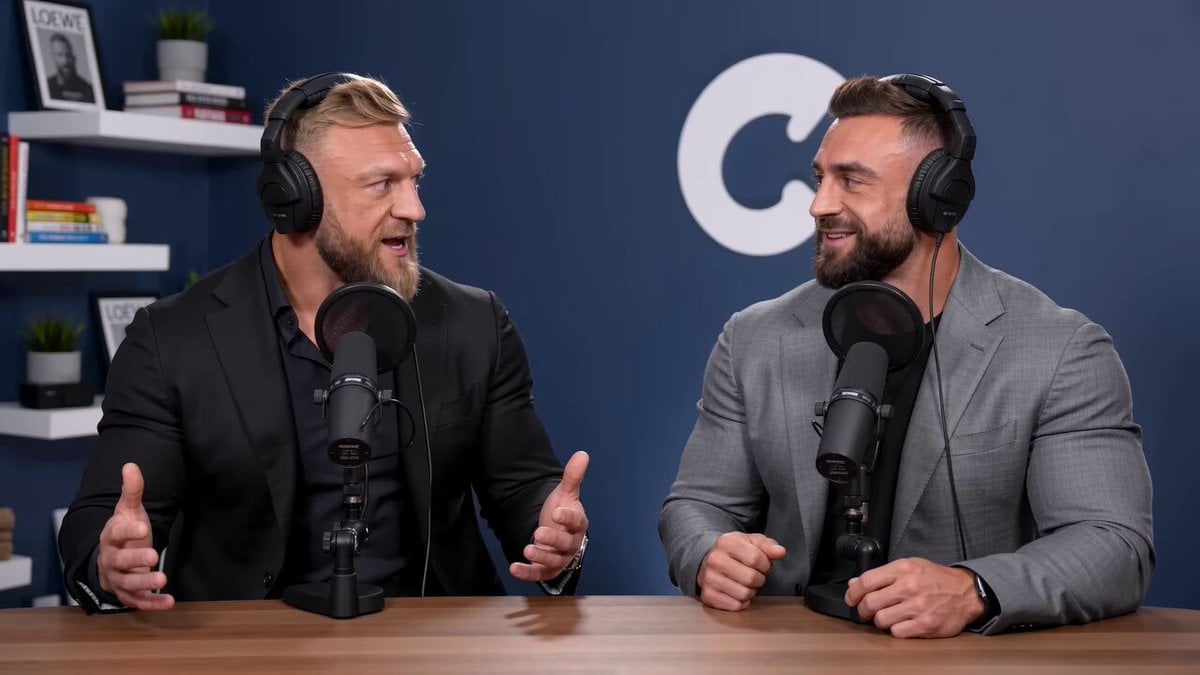
Podcast Bros App Development Discussion
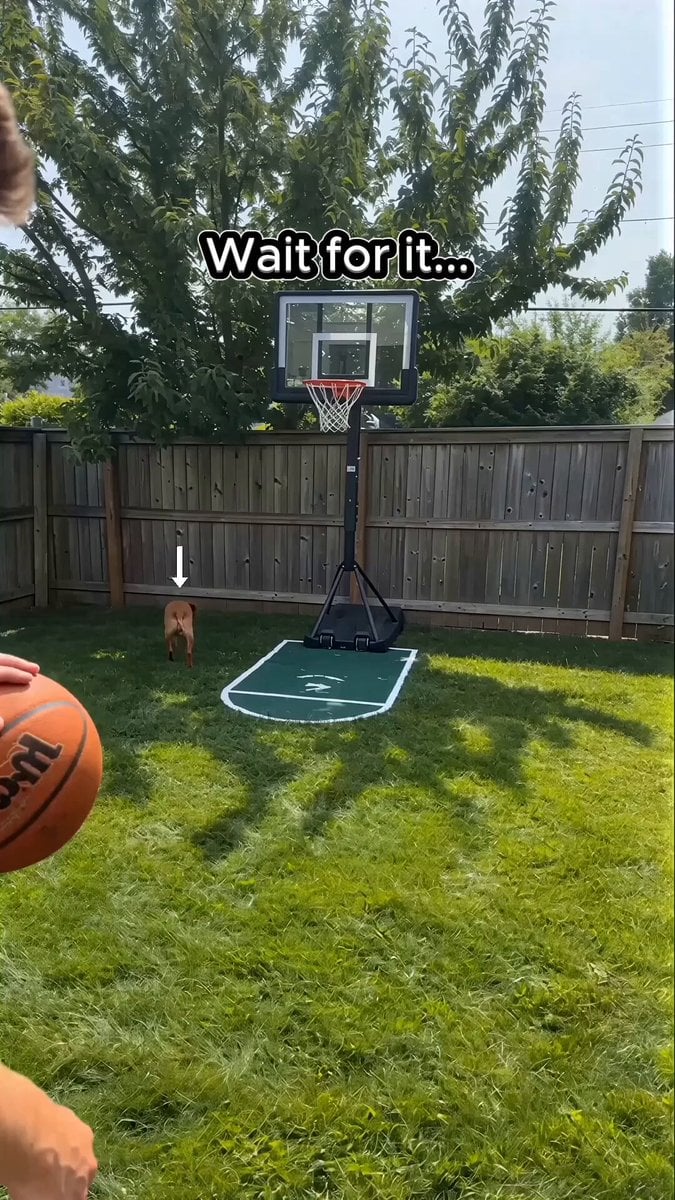
Basketball Dribbling Social Media Video Prompt
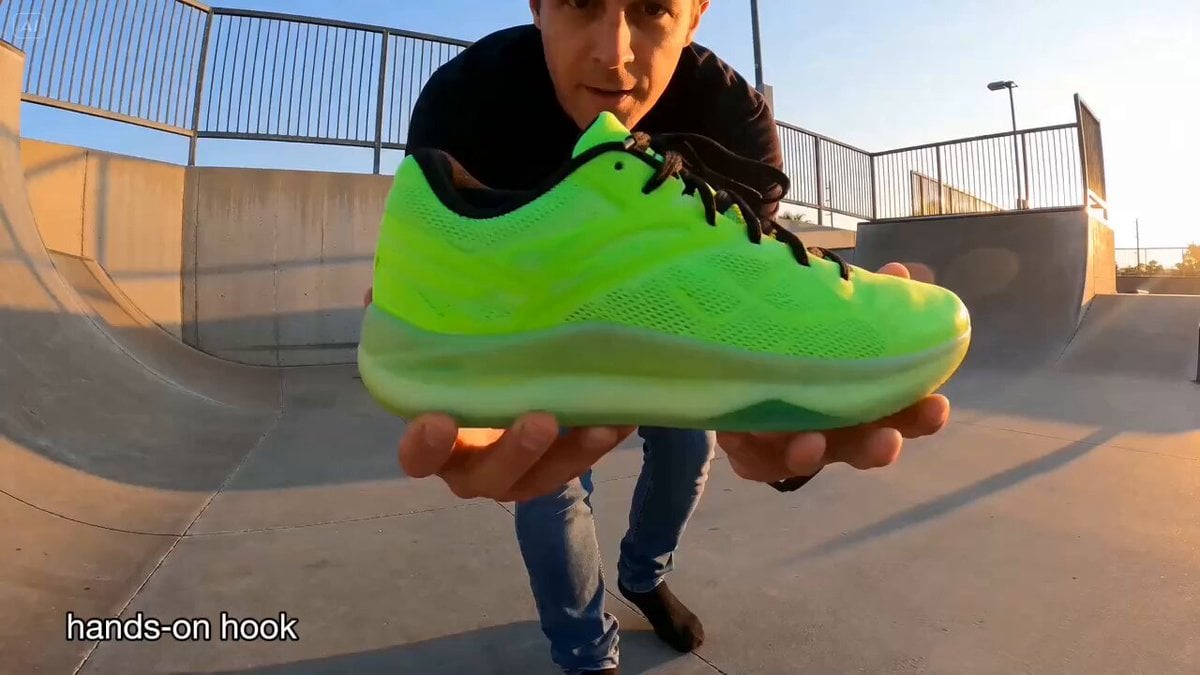
UGC and Social Media Video Scenarios
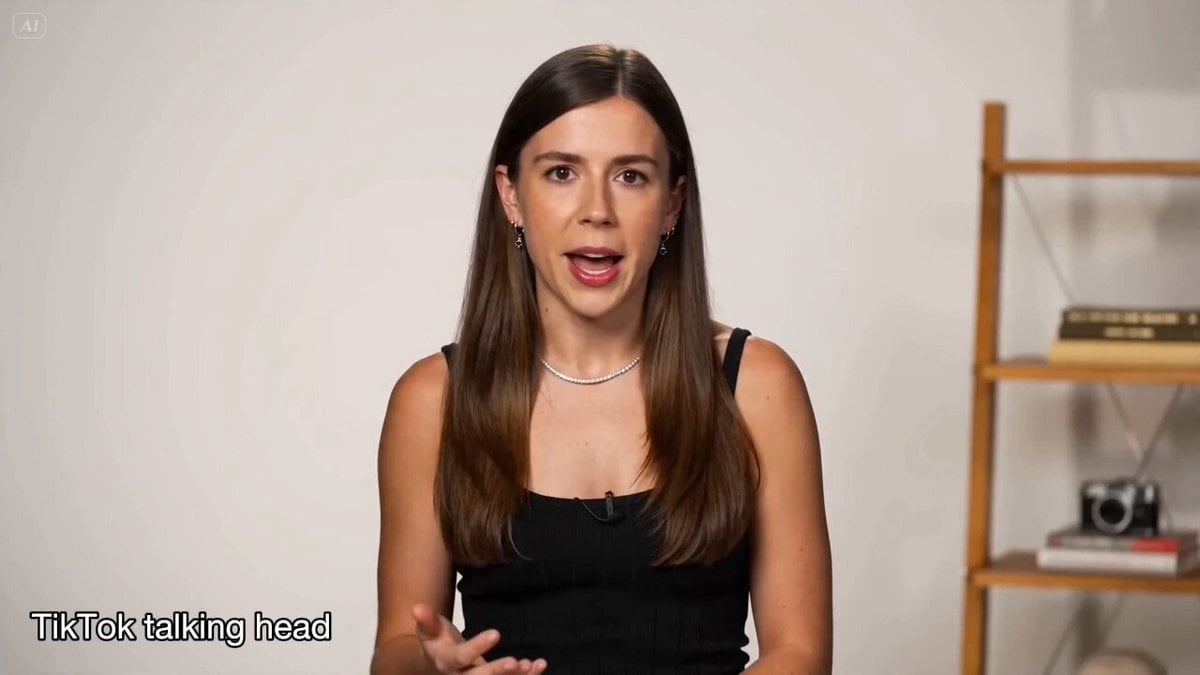
Social Media & UGC Content Prompts
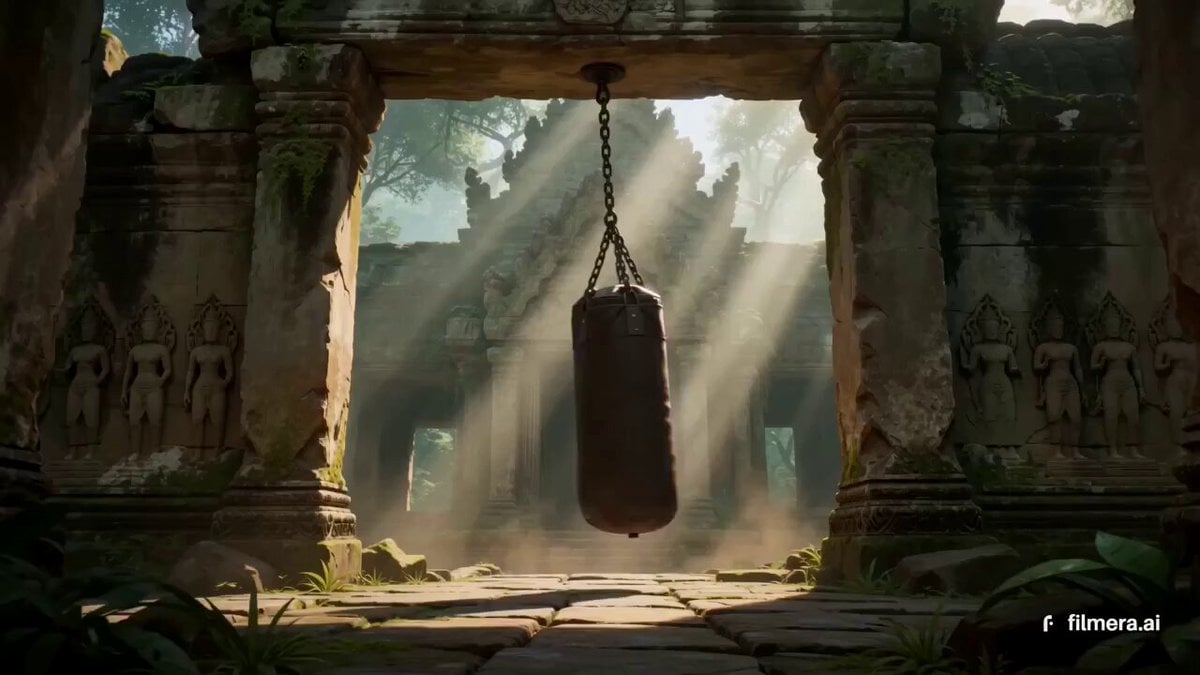
Thai Temple Cinematic Clip
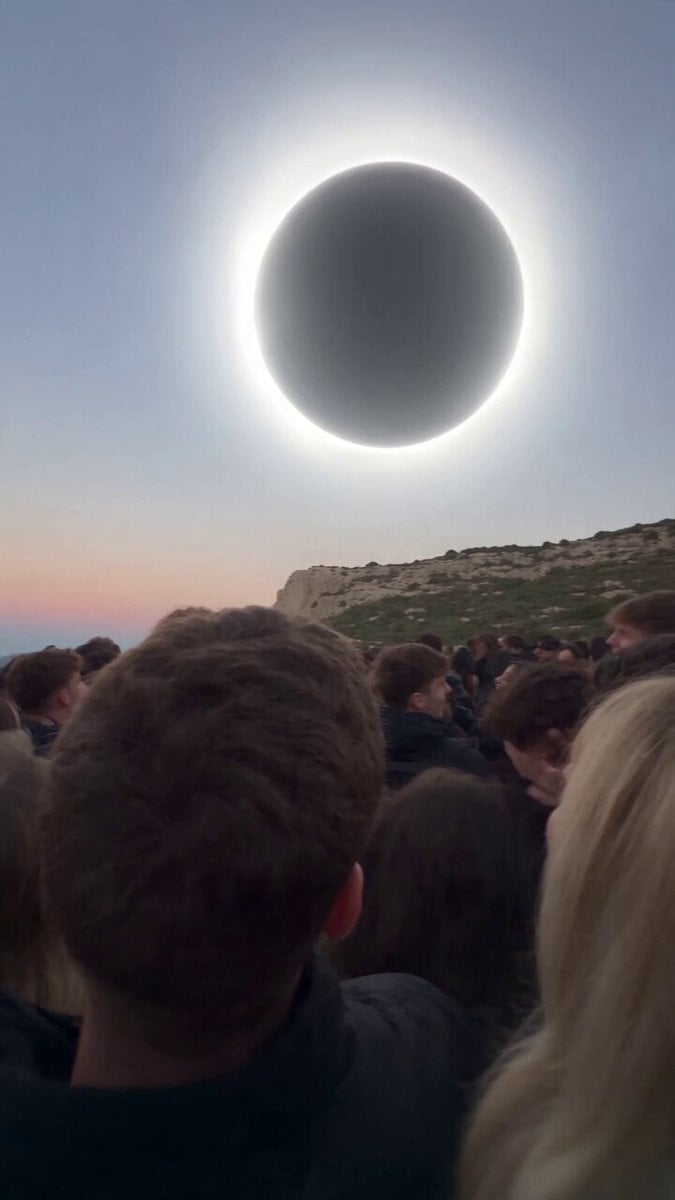
Red Moon Eclipse Chaos Video
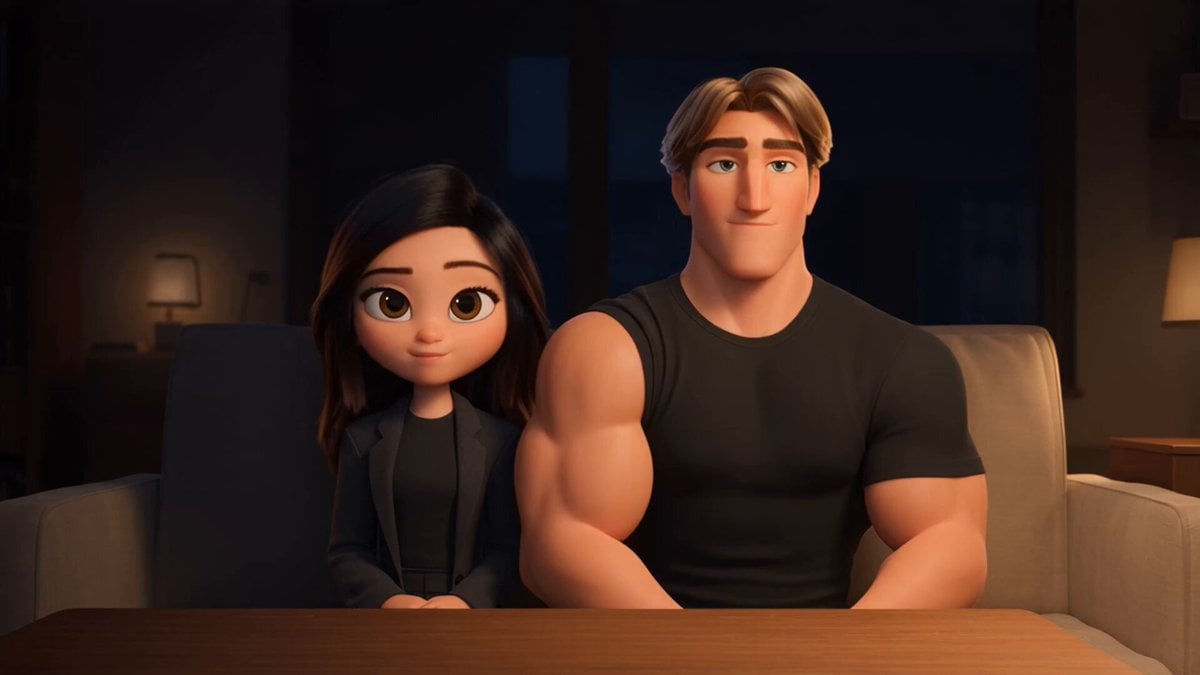
3D Animated Romantic Comedy Clip
Make it yours
AI Podcast Social Clip works as-is. These are the safest ways to change it without losing the look.
Change one field
Copy a single group, rewrite it, and generate again so you can see what that field is doing.
Keep the frame, change the subject
Hold the composition and light of AI Podcast Social Clip, then swap wardrobe, props or the person for a new take.
| If the result… | Why | Fix |
|---|---|---|
| The result drifts from the preview | Too many fields changed at once. | Reuse AI Podcast Social Clip as-is first, then change one group — subject, light, or setting. |
| The model over-stylizes the scene | The prose prompt leaves finish and camera underspecified. | Add one camera or lighting sentence and stay on Seedance 2.0. |
More Seedance 2.0 templates
Other prompts made for Seedance 2.0.

Comical Martial Arts Punch Scene

Maglev Train Action Sequence

Martial Arts Fight Sequence

Wuxia Protection and Trust Script

Vintage Korean Arcade MiniDV Vlog

Mercedes 190 SL Luxury Ad

Rainy Night Supernatural Reverse Comedy Video Script

Amazon Civilization Discovery

Futuristic South Asian City Transformation

Cozy Luxury Cafe Commercial
More video prompts
Fresh picks from across the catalog.

First-Person Dragon Rider Attack
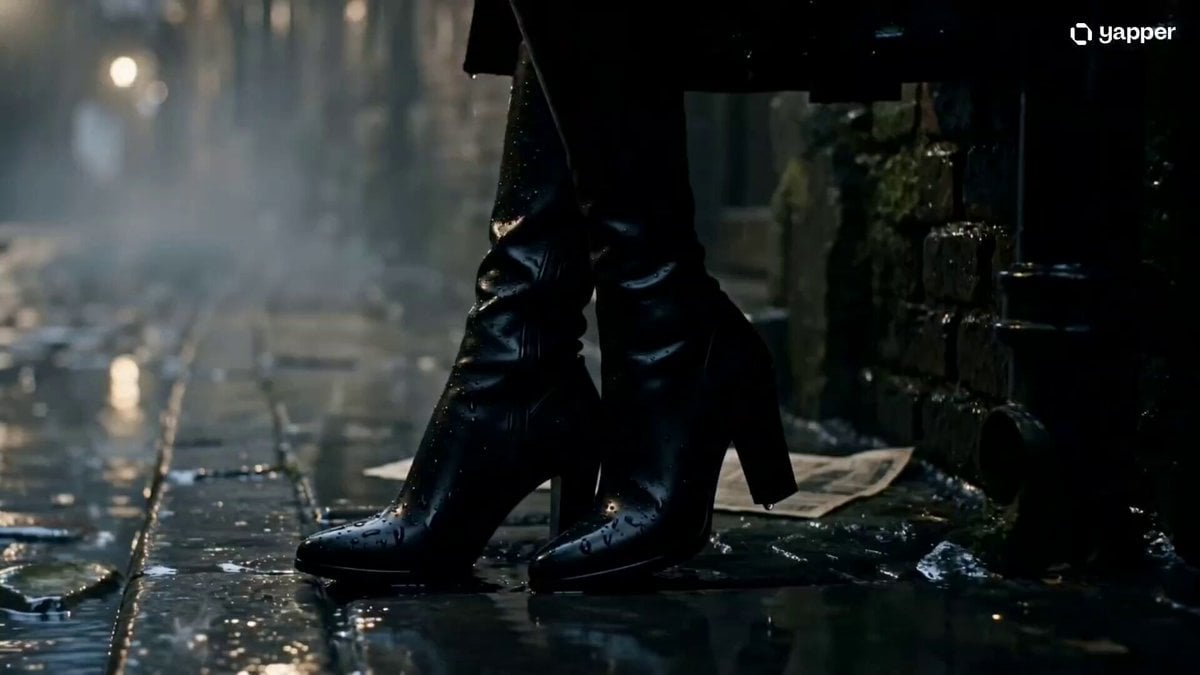
Cinematic Gothic Vampire Reveal
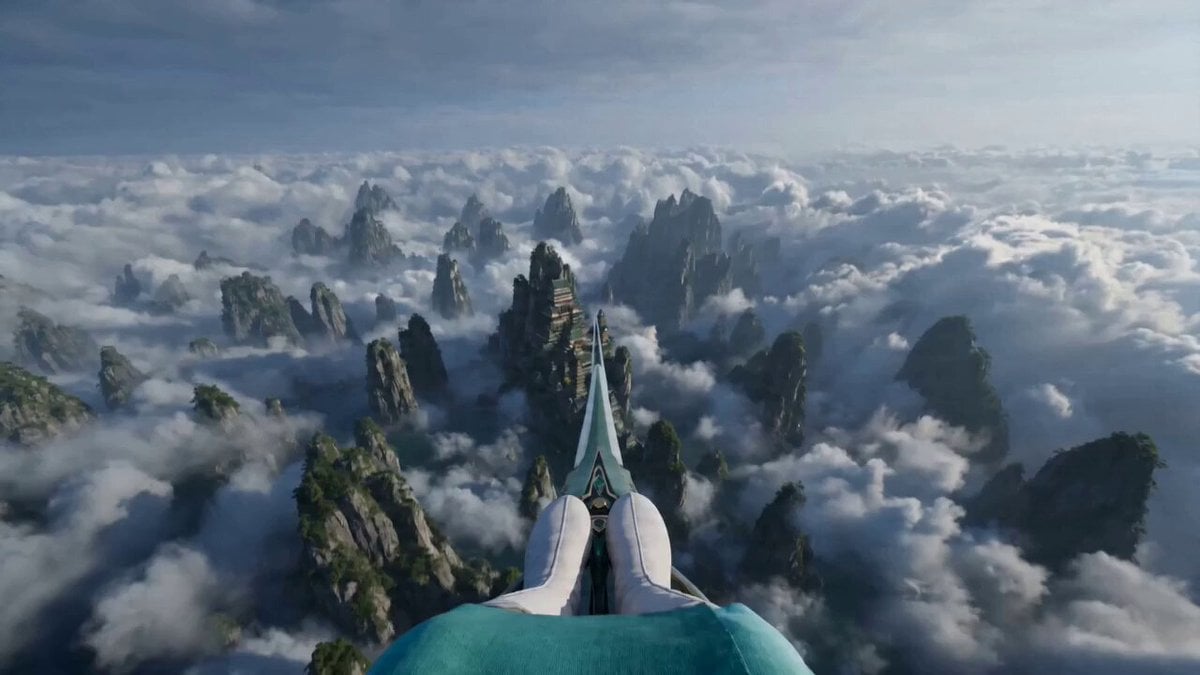
First-Person POV Sword Flying

Grass Court Tennis Action

Live-Action Firefighter Rescue Night Scene
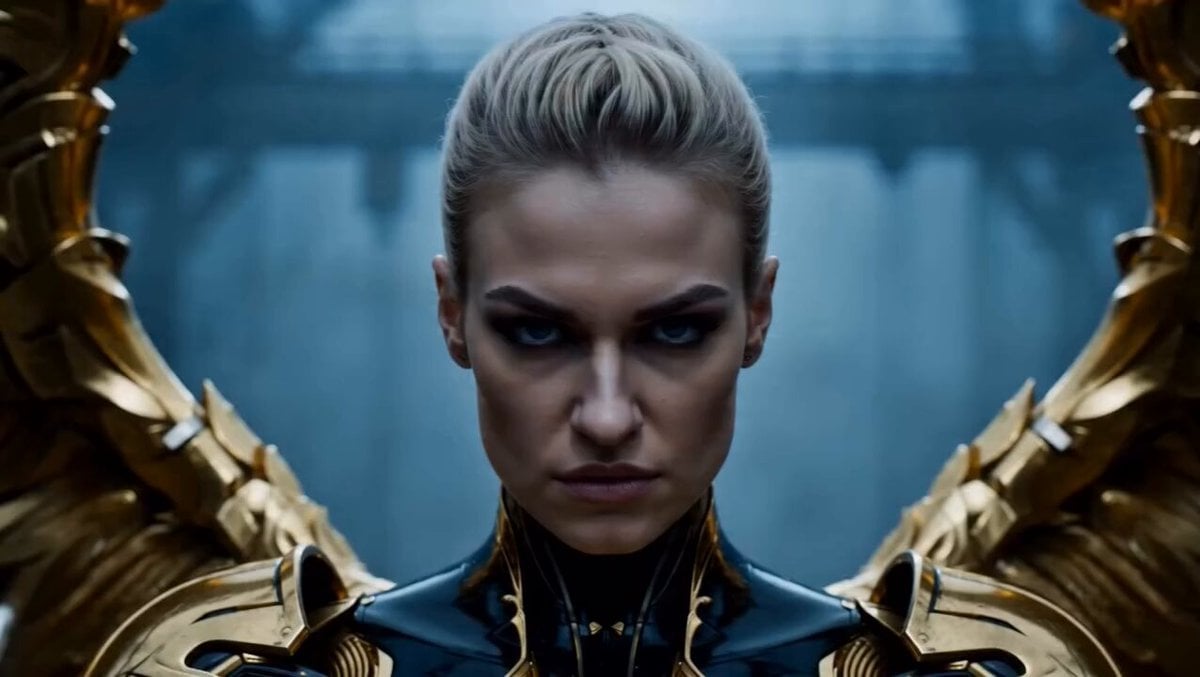
Cinematic Angel Warrior vs Demon Lord

Sci-Fi Fighter Ring World Escape

Post-Apocalyptic Cinematic Warrior Sequence
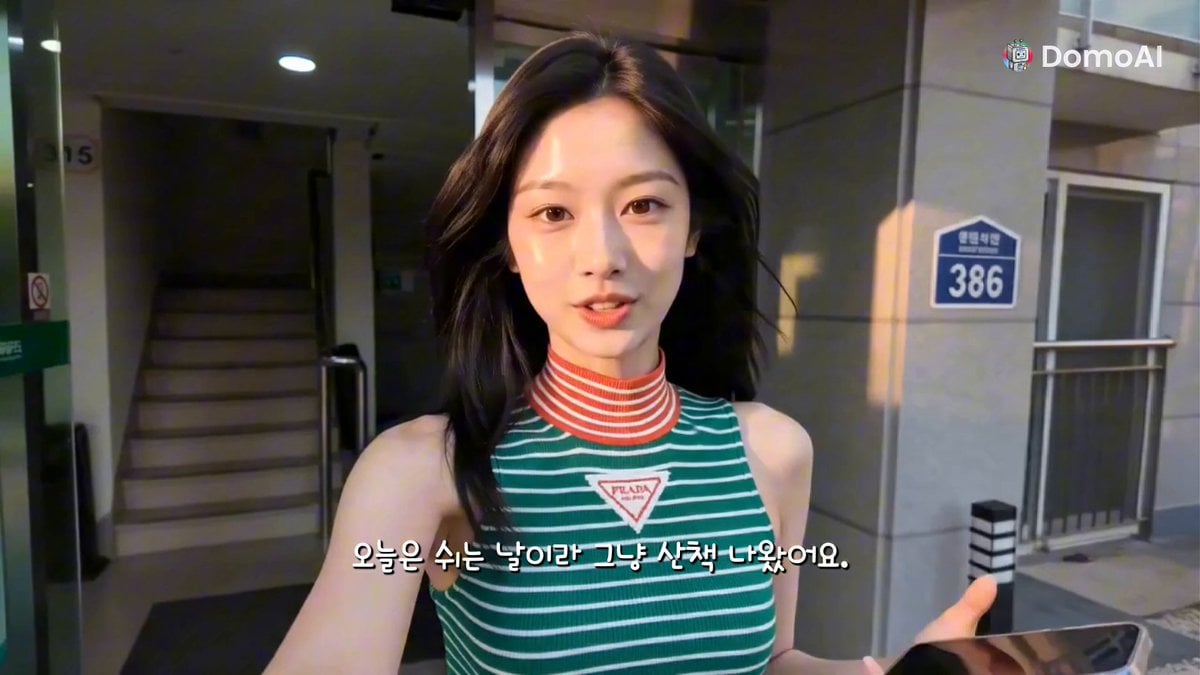
K-Pop Idol Selfie Vlog Simulation
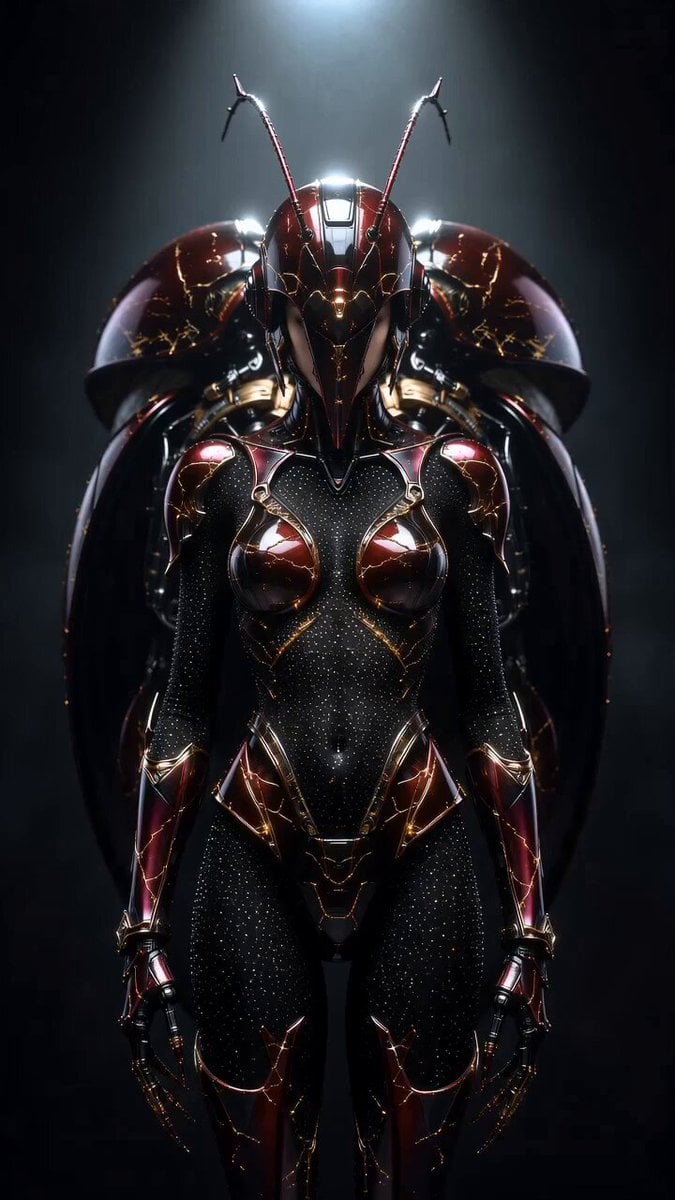
Transformers Biomechanical Beetle Transformation
Browse template categories
AI Podcast Social Clip questions
How do I use the AI Podcast Social Clip template?
Add your photo if the template asks for one, edit the prompt if you like — the template's model and format are already selected — and press Generate. Your version opens in PicX Studio.
Can I customize the AI Podcast Social Clip template?
Yes. You can change the subject, setting, lighting, mood, format, and available model controls before creating your video.
Is the AI Podcast Social Clip template free?
Opening and editing this template is free. Generating uses credits, shown on the Generate button when you are signed in.
Which AI model should I use?
Start with Seedance 2.0, which is the model associated with this template. You can compare another compatible model for a different finish.
Looking for something else? Browse all templates.

Your photo, any look
Thousands of ready templates for every top image and video model, from one credit balance.