
Seedance 2.0 Fashion Model Video Prompt
A professional fashion photoshoot prompt for Seedance 2.0, featuring a high-overhead camera angle on a model in a modified lace qipao.
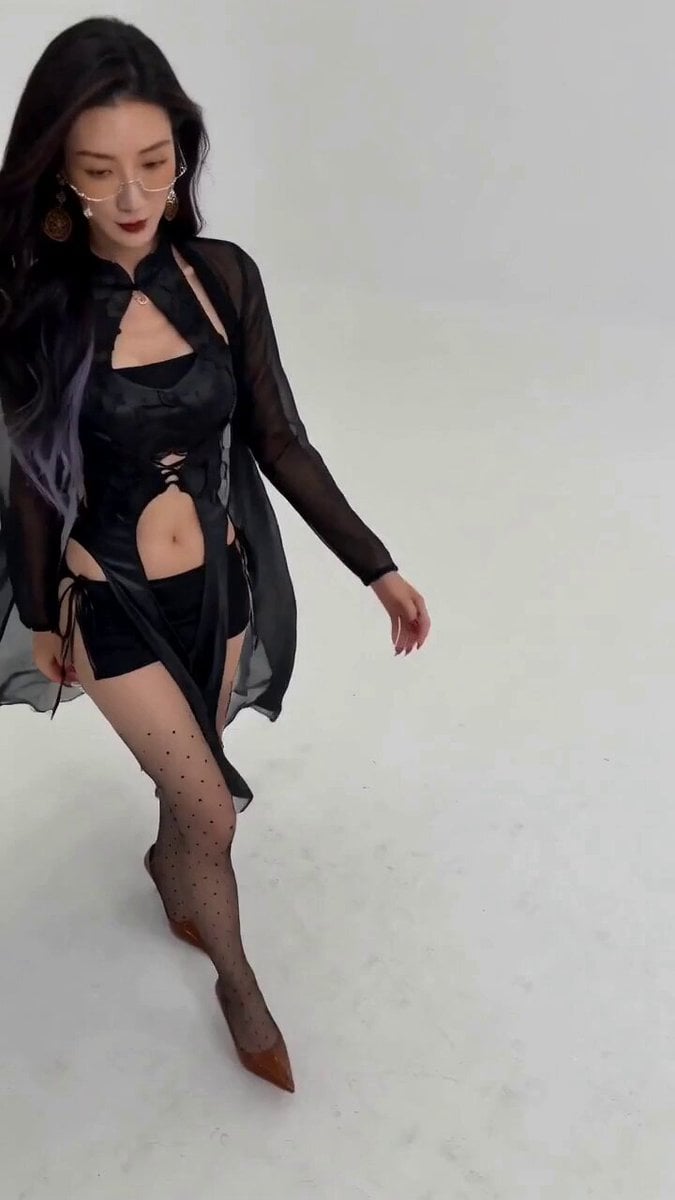
- Prompt included
- Model and format preset
- Free template
The prompt behind this video
Copy the exact prompt behind Seedance 2.0 Fashion Model Video Prompt, or open it in the studio and make it yours.
【视频规格】9:16 竖屏,约 6 秒,30fps,4K 超高清,超写实真人时尚短视频,真实手机摄影质感。 【环境与机位】明亮高调白棚,纯白 / 奶白色极简摄影棚,白色地面与背景融为一体,无明显墙角边界,环境高度明亮干净柔和。镜头位于人物头顶前上方约 30–50 厘米,高机位向下俯拍,视角约 30–45 度,24–28mm 轻广角视觉,形成典型高机位时尚自拍效果;镜头有极细微移动与轻微环绕,人物靠近时产生自然透视变化。 【人物・脸】使用预设角色 #1的脸:精致小巧的五官,佩戴装饰眼镜,冷艳中带魅惑的气质,面部保留自然肌肤纹理、清晰柔和的下颌线、自然毛孔,不磨皮;人物大部分时间主动抬头看向镜头,表情保持脚本中的自然微笑与轻微俏皮感。 【人物・发型与饰品】深棕黑色长卷发,头顶蓬松,空气感刘海,发尾自然大波浪,长发主要披在右侧肩膀与胸前,转身时发丝自然甩动;佩戴金色圆环耳饰与极细金色项链、胸前小型金色吊坠。 【人物・服装】换成参考图款式:黑色蕾丝改良旗袍风—— 黑色蕾丝装饰、高开叉露腰的紧身改良旗袍,搭配黑色短裤与系带,外搭黑色薄纱长披帛,面料柔软微光泽,贴合腰身曲线;脚穿浅棕色 / 焦糖色尖头低跟鞋。加丝袜 【人物・身材】高挑纤细、腰身明显、四肢修长、自然协调的模特比例,全程身份一致。 【光线与色调】大型柔光箱或无影棚顶光,白色环境大量柔和漫反射,脸部曝光明亮均匀,皮肤干净清透冷白,眼睛自然高光,头发深色带明显发丝细节,整体白色背景加黑色主体,干净高级清爽。 【时间轴分镜】 0–1 秒|从画面左侧稍远位置快速靠近镜头,迈步向前,身体微前倾,长发扬动,全身构图迅速过渡到大半身,抬眼看向镜头。 1–2 秒|身体微向左倾,双手自然放腰胯两侧或背后,脸部抬起直视镜头,嘴角轻微笑,长发落右肩。 2–3 秒|向自身左侧转身,肩膀与上半身先转、脸随后转离,短暂露出侧脸与后脑,长卷发随旋转自然甩动。 3–4 秒|转回正面,身体微靠近镜头,双手背后或轻扶腰,抬头直视镜头,明显自然甜美微笑,头部轻侧。 4–5 秒|低头短暂看身体一侧,缓慢抬起眼睛,右肩略前,腰部形成自然 S 形曲线,发丝顺右肩垂落,耳环轻晃。 5–6 秒|再次靠近镜头,上半身占画面大部分,一手扶腰、一手在身体后方,先看画面左侧再迅速转回镜头,定格在微抬头、身体侧倾、直视镜头的姿势。 【负面提示】禁止脸型漂移、换脸、发型变化、衣服结构变化、身体比例改变、腰部畸形、手指异常、多手多脚、四肢扭曲、耳环消失、背景改变、明显镜头抖动;禁止动漫感、塑料皮肤、过度磨皮、过曝丢五官、严重运动模糊、人物瞬移;禁止夸张舞蹈。
How to use Seedance 2.0 Fashion Model Video Prompt in 3 steps
- 1
Open
The prompt is already in the box next to the preview, with the template's model and format selected.
- 2…a portrait of your subject in softgolden-hour light, 85mm…
Personalize
Edit the subject and creative details for your destination.
- 3Generate
Generate
Press Generate — your video is created in PicX Studio, so you can compare it with the original and refine one variable at a time.
More like this
Templates with the same subject, style or setup. Open one to see its prompt.

Sneaker Product Commercial
Cinematic Short Film Scene
Luxury Handbag Commercial — Hollywood VFX Ad
Wholesome Puppy and Kitten Story - Seedance 2.5
Sci-Fi Disaster Movie Scene - Seedance 2.5

Mysterious Home Exploration Vlog - Seedance 2.5
Dark Tokusatsu Transformation - Seedance 2.5
Cinematic Xinjiang Drone Landscapes - Seedance 2.5
Late Night Kitchen Phone Recording - Seedance 2.5
3D Animated Cat and Old Man - Seedance
Realistic City Street Story Cinematic Video - Seedance
Fashion Model Studio Portrait
Make it yours
Seedance 2.0 Fashion Model Video Prompt works as-is. These are the safest ways to change it without losing the look.
Change one field
Copy a single group, rewrite it, and generate again so you can see what that field is doing.
Keep the frame, change the subject
Hold the composition and light of Seedance 2.0 Fashion Model Video Prompt, then swap wardrobe, props or the person for a new take.
| If the result… | Why | Fix |
|---|---|---|
| The result drifts from the preview | Too many fields changed at once. | Reuse Seedance 2.0 Fashion Model Video Prompt as-is first, then change one group — subject, light, or setting. |
| The model over-stylizes the scene | The prose prompt leaves finish and camera underspecified. | Add one camera or lighting sentence and stay on Seedance 2.0. |
More Seedance 2.0 templates
Other prompts made for Seedance 2.0.

Comical Martial Arts Punch Scene

Maglev Train Action Sequence

Martial Arts Fight Sequence

Wuxia Protection and Trust Script

Vintage Korean Arcade MiniDV Vlog

Mercedes 190 SL Luxury Ad

Rainy Night Supernatural Reverse Comedy Video Script

Amazon Civilization Discovery

Futuristic South Asian City Transformation

Cozy Luxury Cafe Commercial
More video prompts
Fresh picks from across the catalog.
Automaton Post-Apocalyptic Jungle Run

Alternative Football Reality Penalty Goal

Woman Opening Eyes and Smiling Video Prompt
Korean Countryside Slow Living Film
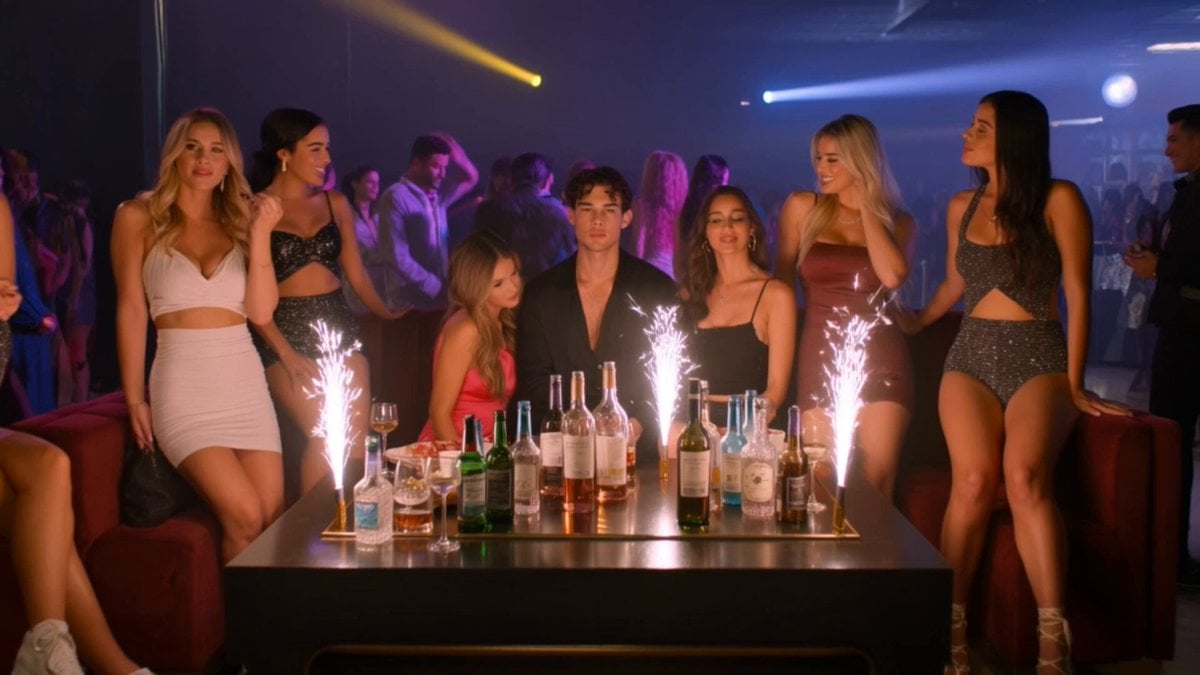
Movie Trailer Prompt for Clavicular and ASU Frat Leader
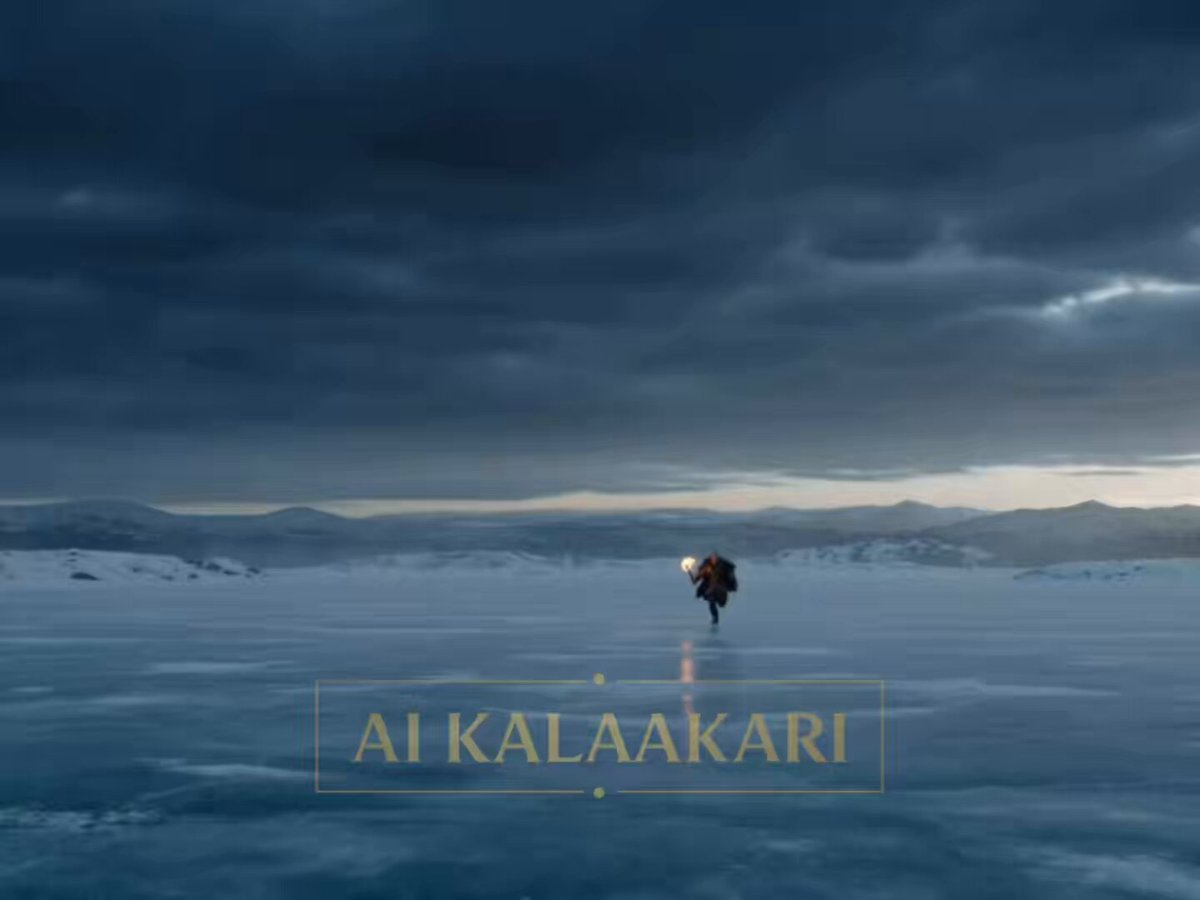
Viking Werewolf Frozen Lake Hunt Prompt
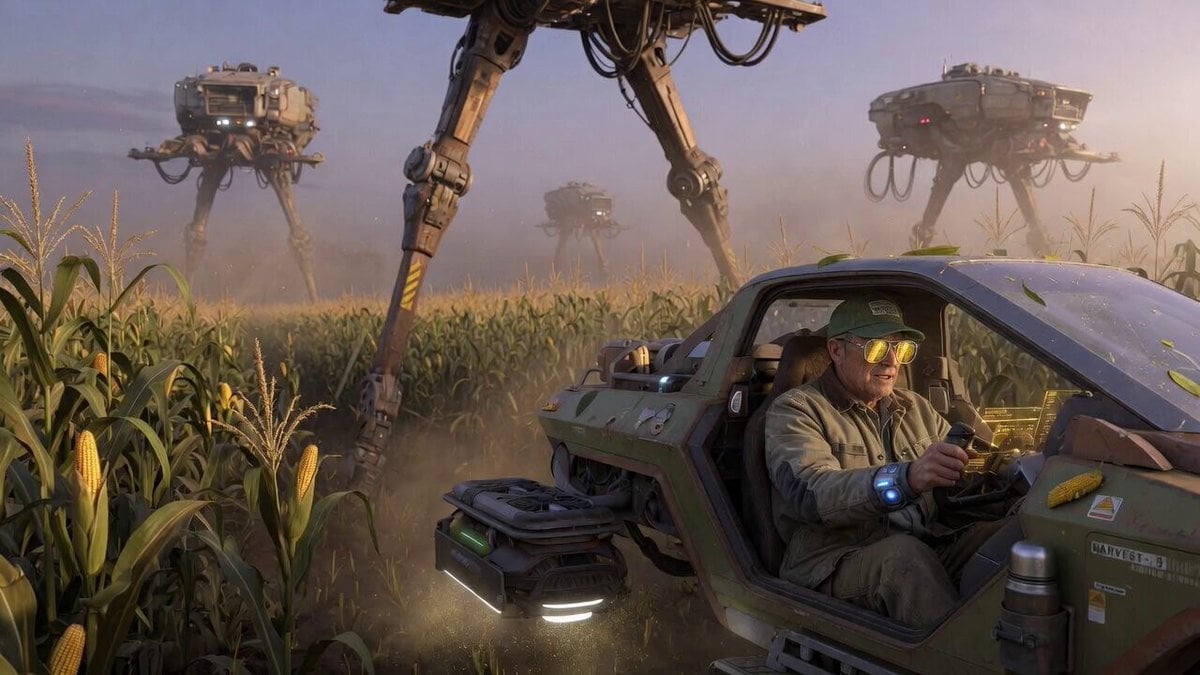
Sci-Fi Subject Example for Grok Imagine Prompt Template
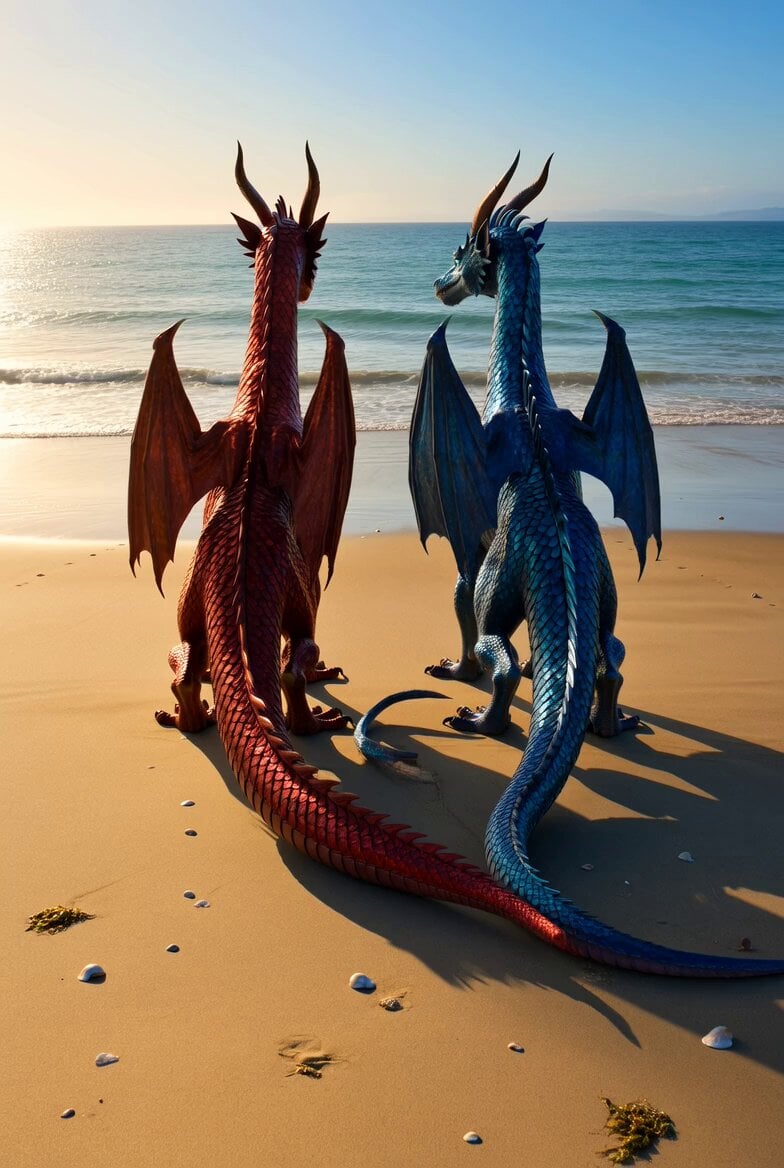
Shimmering Dragons on Ocean Beach
Female Ninja Fight Scene
Cinematic Automotive Commercial Setup
Browse template categories
Seedance 2.0 Fashion Model Video Prompt questions
How do I use the Seedance 2.0 Fashion Model Video Prompt template?
Add your photo if the template asks for one, edit the prompt if you like — the template's model and format are already selected — and press Generate. Your version opens in PicX Studio.
Can I customize the Seedance 2.0 Fashion Model Video Prompt template?
Yes. You can change the subject, setting, lighting, mood, format, and available model controls before creating your video.
Is the Seedance 2.0 Fashion Model Video Prompt template free?
Opening and editing this template is free. Generating uses credits, shown on the Generate button when you are signed in.
Which AI model should I use?
Start with Seedance 2.0, which is the model associated with this template. You can compare another compatible model for a different finish.
Looking for something else? Browse all templates.

Your photo, any look
Thousands of ready templates for every top image and video model, from one credit balance.