
Peach Blossom Garden Melancholy Video Prompt
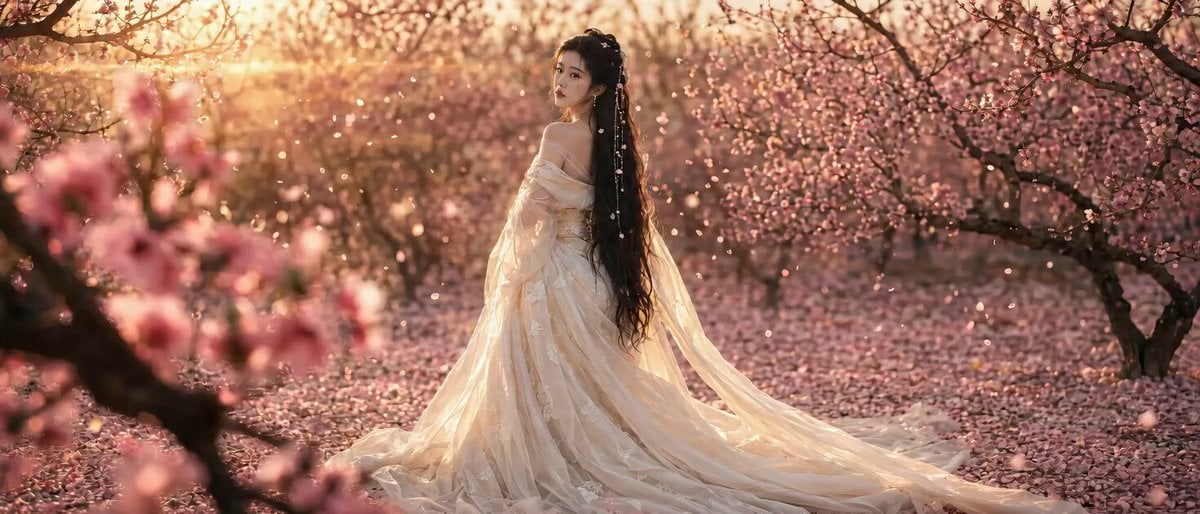
A detailed 4K wide-format video prompt for Seedance 2.0 featuring a woman in a sunset peach blossom forest with delicate physical movements and poetic dialogue.
- Prompt included
- Model and format preset
- Free template
The prompt behind this video
Copy the exact prompt behind Peach Blossom Garden Melancholy Video Prompt, or open it in the studio and make it yours.
首帧 FIRST FRAME—— 严格以参考图为第一帧:鹅黄轻纱一字肩拖尾长裙美人,乌黑长发垂落、点翠珠串流苏发饰,立于夕照桃花林中侧身回眸;满林粉色桃花、地面落英成毯、逆光金辉、花瓣纷飞、前景虚化桃枝。延续此画面人物、服饰、光线、景深 100% 一致,自首帧自然生长出动态。 人物·表情·动作 —— 暖风拂过,轻纱裙摆与长拖尾缓缓飘动,乌发与流苏轻摆,满空桃花瓣旋落、地面落英微动。她回眸的眼神由远处缓缓聚焦,睫毛轻颤,唇角浮起一缕似笑非笑的怅惘;随台词,纤手轻抬接住一片飘落的花瓣,低眸一望再抬眼望向夕阳。气息可见,眼里有湿润光泽。 台词(古风·约10秒,轻柔缱绻)—— "桃花开了又落,落了又开……(接住花瓣,一声轻叹)我在这片花海里,等的是一场春天,还是……一个人呢。" 镜头 CAMERA —— 自首帧构图起,极缓慢推近并轻微环绕半圈,绕到能看清她回眸的侧脸;末段微微上扬,光斑与花瓣流动掠过镜头。运镜平稳如电影,无抖动。 氛围·光线 —— 延续黄金时刻逆光暖调,丁达尔光穿林,暖金60% / 鹅黄纱裙30% / 粉色桃花与流苏高光10%。空气微尘与飞花,柔焦梦幻电影质感。 约束 CONSTRAINTS —— 4K 超清,24fps,宽幅 21:9。正常速度,无慢动作、无变形。人物面貌、发饰、纱裙、拖尾严格保持与首帧一致,不得突变。裙摆、长发、花瓣受真实物理,飘落自然不乱飞。眼神戏细腻克制。无字幕无水印,画面无标记符号。禁止眼睛发光
How to use Peach Blossom Garden Melancholy Video Prompt in 3 steps
- 1
Open
The prompt is already in the box next to the preview, with the template's model and format selected.
- 2…a portrait of your subject in softgolden-hour light, 85mm…
Personalize
Edit the subject and creative details for your destination.
- 3Generate
Generate
Press Generate — your video is created in PicX Studio, so you can compare it with the original and refine one variable at a time.
More like this
Templates with the same subject, style or setup. Open one to see its prompt.
Peach Blossom Sword Dance Performance
Angel Warrior in Cherry Blossom Garden Video Prompt

Swordswoman Cherry Blossom Strike

Peach Tea Luxury Commercial
Cherry Blossom Anime Transformation
Surreal Monocle and Orange Blossoms Scene Prompt
Cherry Blossom Lake Video Prompt
Dreamlike Cherry Blossom Valley
Young Woman Under Cherry Blossoms (Extended Video)
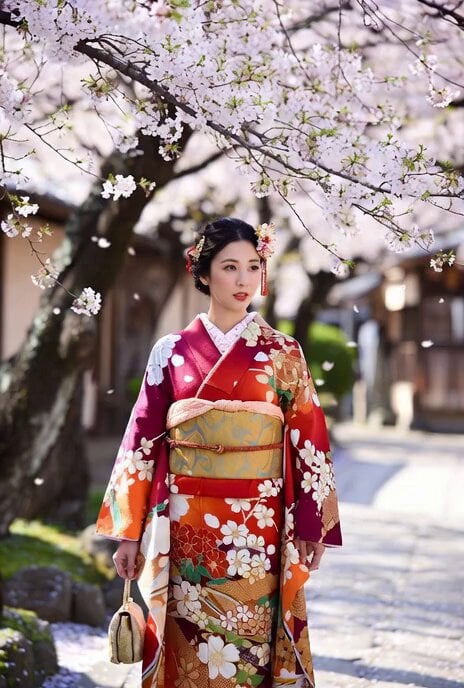
Beautiful Japanese Woman in Kimono under Cherry Blossoms
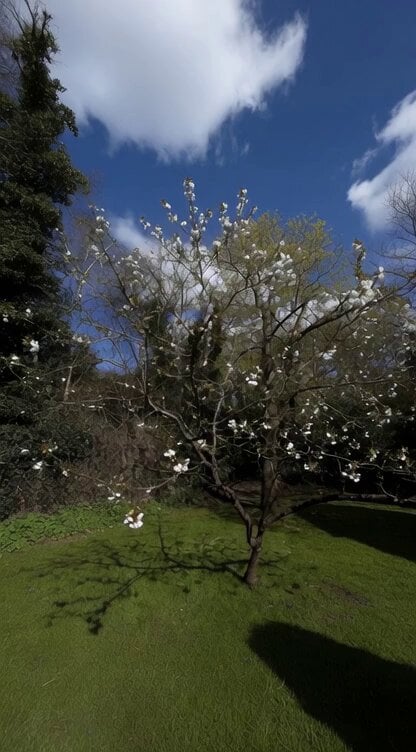
Grok Imagine Prompt: Camera movement on a white blossom tree
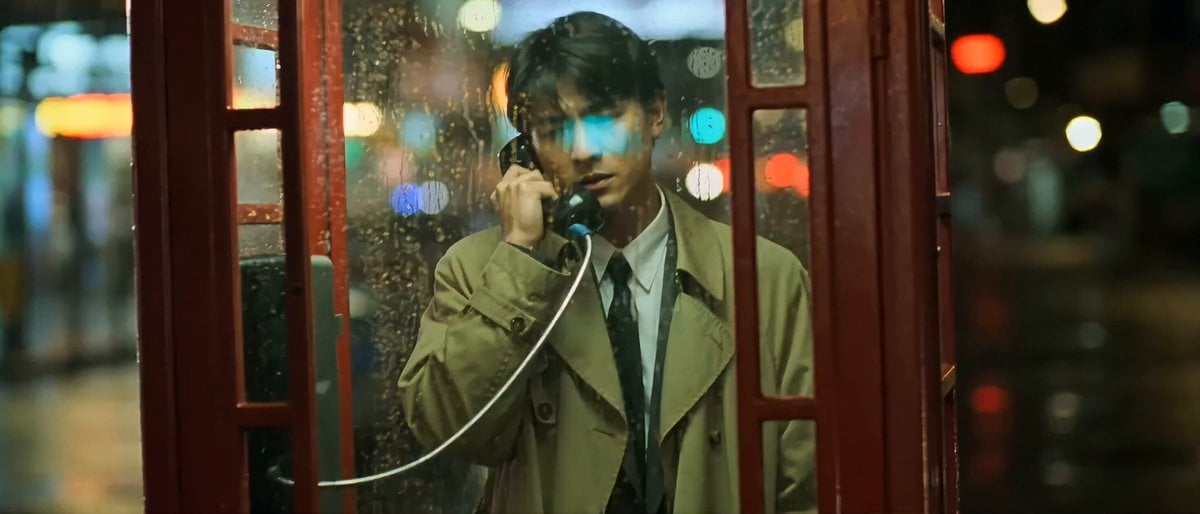
Wong Kar-wai Style Melancholy Phone Booth Scene
Make it yours
Peach Blossom Garden Melancholy Video Prompt works as-is. These are the safest ways to change it without losing the look.
Change one field
Copy a single group, rewrite it, and generate again so you can see what that field is doing.
Keep the frame, change the subject
Hold the composition and light of Peach Blossom Garden Melancholy Video Prompt, then swap wardrobe, props or the person for a new take.
| If the result… | Why | Fix |
|---|---|---|
| The result drifts from the preview | Too many fields changed at once. | Reuse Peach Blossom Garden Melancholy Video Prompt as-is first, then change one group — subject, light, or setting. |
| The model over-stylizes the scene | The prose prompt leaves finish and camera underspecified. | Add one camera or lighting sentence and stay on Seedance 2.0. |
More Seedance 2.0 templates
Other prompts made for Seedance 2.0.

Comical Martial Arts Punch Scene

Maglev Train Action Sequence

Martial Arts Fight Sequence

Wuxia Protection and Trust Script

Vintage Korean Arcade MiniDV Vlog

Mercedes 190 SL Luxury Ad

Rainy Night Supernatural Reverse Comedy Video Script

Amazon Civilization Discovery

Futuristic South Asian City Transformation

Cozy Luxury Cafe Commercial
More video prompts
Fresh picks from across the catalog.

Dress Transformation to Red Glitter or Diamond

Whippets preparing a fine dining meal
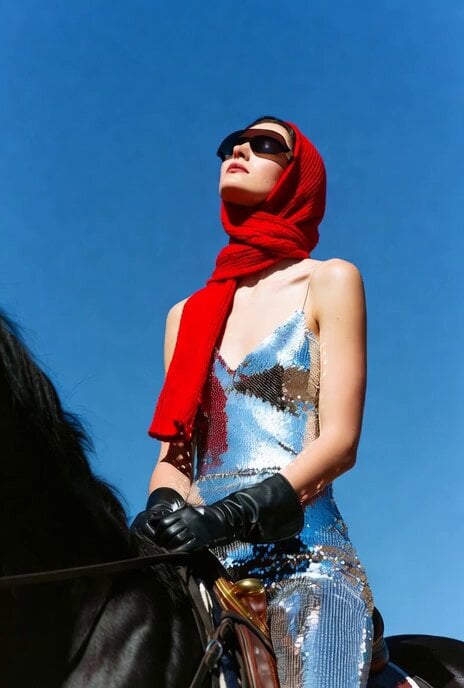
Model on Horseback under Moonlight

Elegant Terrace Fashion Video
Mountain Waterfall Sky Expansion
K-pop Idol BTS Vlog Scene
Woman Feeding Horse Orchard Video

second video prompt of a majestic lunar deer

Emotional Arabian Desert Eid Short Film
Anime Girl Tokyo Travel Vlog
Browse template categories
Peach Blossom Garden Melancholy Video Prompt questions
How do I use the Peach Blossom Garden Melancholy Video Prompt template?
Add your photo if the template asks for one, edit the prompt if you like — the template's model and format are already selected — and press Generate. Your version opens in PicX Studio.
Can I customize the Peach Blossom Garden Melancholy Video Prompt template?
Yes. You can change the subject, setting, lighting, mood, format, and available model controls before creating your video.
Is the Peach Blossom Garden Melancholy Video Prompt template free?
Opening and editing this template is free. Generating uses credits, shown on the Generate button when you are signed in.
Which AI model should I use?
Start with Seedance 2.0, which is the model associated with this template. You can compare another compatible model for a different finish.
Looking for something else? Browse all templates.

Your photo, any look
Thousands of ready templates for every top image and video model, from one credit balance.