How do I use the 10-second video prompt of a majestic lunar deer template?
Edit the prompt in the box under the preview — the template's model and format are already selected — and press Generate. Your version appears right on this page.
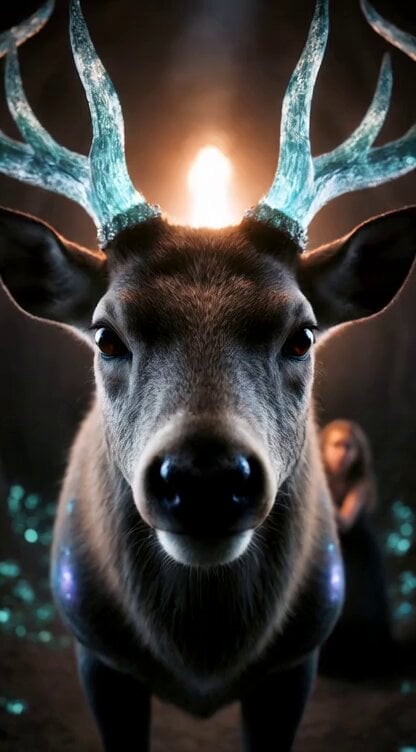
A detailed 10-second video generation prompt for Grok Imagine describing a majestic lunar deer with glowing silver antlers in a moonlit forest, including specific animation instructions (burst, smooth push-in, rising…
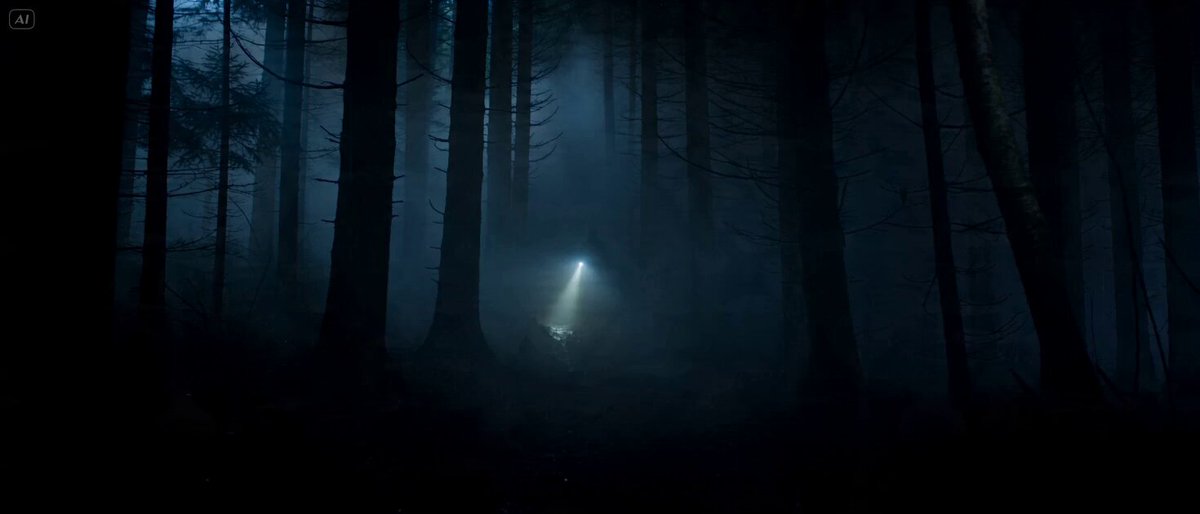
A majestic lunar deer with antlers made of glowing silver moonlight standing in an ancient moonlit forest, soft silver beams filtering through the trees, moss glowing faintly, fireflies circling its antlers, ultra-detailed textures – glowing antlers, fur with moonlight sheen, moss luminescence, realistic mystical forest style, cool color palette of silvers, deep greens and soft blues, 16k resolution. Animation (10 seconds): STRONG START – At 0–2 seconds sudden burst as the deer steps into a moonbeam and its antlers flare brighter. At 3 seconds the camera transitions into smooth forward push-in toward the deer. Final 4 seconds: the push rises gently upward, ending with powerful hold on the deer looking directly at the camera with glowing eyes under the full moon. Soundtrack: Soft hoof steps on moss at start, layered with gentle wind and firefly chimes, ethereal vocal hums rising to peaceful magical climax.
A majestic lunar deer with antlers made of glowing silver moonlight standing in an ancient moonlit forest, soft silver beams filtering through the trees, moss glowing faintly, fireflies circling its antlers, ultra-detailed textures – glowing antlers, fur with moonlight sheen, moss luminescence, realistic mystical forest style, cool color palette of silvers, deep greens and soft blues, 16k resolution. Animation (10 seconds): STRONG START – At 0–2 seconds sudden burst as the deer steps into a moonbeam and its antlers flare brighter. At 3 seconds the camera transitions into smooth forward push-in toward the deer. Final 4 seconds: the push rises gently upward, ending with powerful hold on the deer looking directly at the camera with glowing eyes under the full moon. Soundtrack: Soft hoof steps on moss at start, layered with gentle wind and firefly chimes, ethereal vocal hums rising to peaceful magical climax.
Edit the prompt in the box under the preview — the template's model and format are already selected — and press Generate. Your version appears right on this page.
Yes. You can change the subject, setting, lighting, mood, format, and available model controls before creating your video.
Opening and editing this template is free. Generating uses credits, shown on the Generate button when you are signed in.
Start with Grok Imagine, which is the model associated with this template. You can compare another compatible model for a different finish.
Follow a topic to a crawlable collection of related PicX Studio templates.