
Demon Slayer Style Anime Storyboard
A highly detailed storyboard prompt for an anime short film, featuring consistent character designs and dynamic camera movements inspired by Demon Slayer.
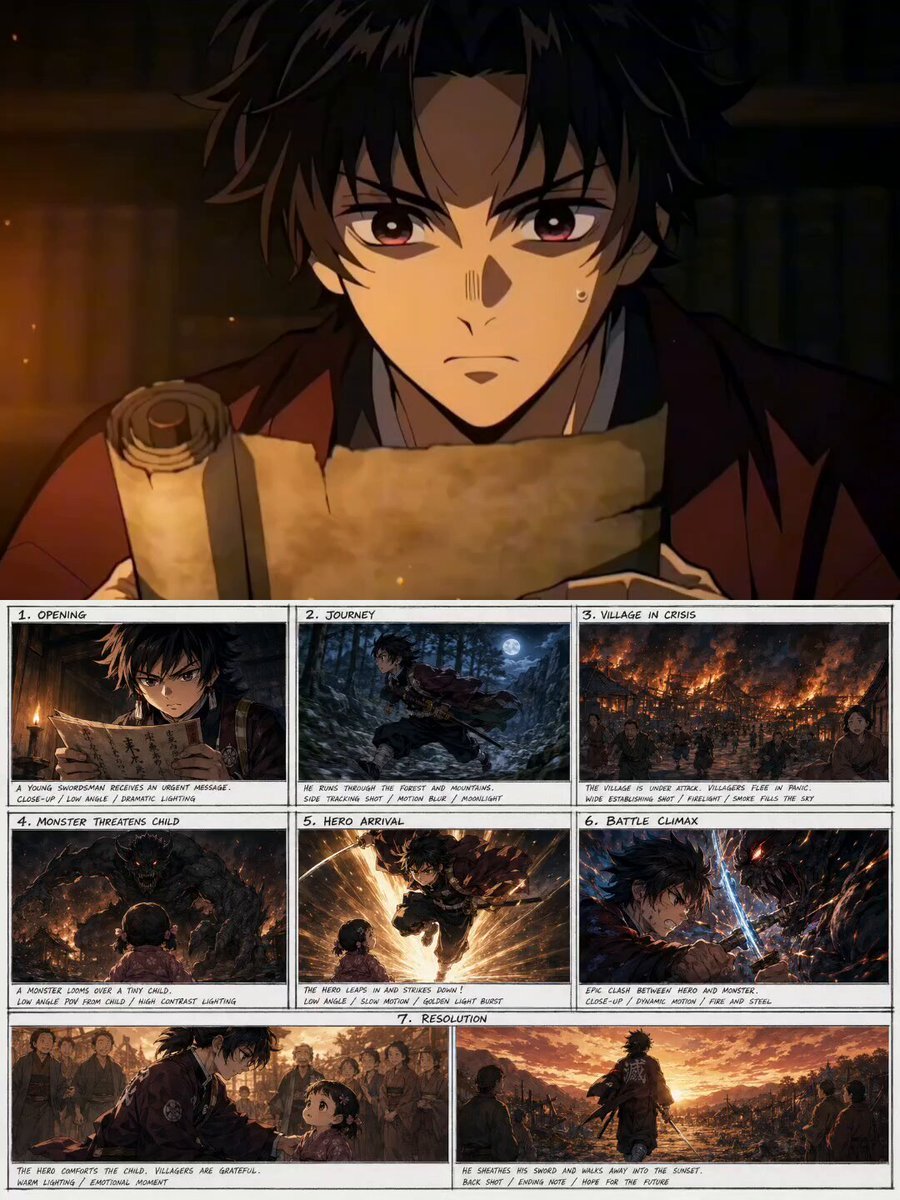
- Prompt included
- Model and format preset
- Premium template
The prompt behind this video
Copy the exact prompt behind Demon Slayer Style Anime Storyboard, or open it in the studio and make it yours.
Create a cinematic anime short film in a unified Demon Slayer / Jujutsu Kaisen inspired art style — apply this exact same visual style consistently to ALL characters and scenes without exception. Character Design (maintain throughout ALL scenes): Hero: Young male swordsman, late teens, athletic build, dark hair, determined eyes, traditional Japanese warrior outfit, katana at waist Child: Small baby girl, 2–3 years old, round face, big innocent eyes, simple village dress, same anime art style as the hero — no style deviation Story Structure: Opening — Close-up on hero's face receiving urgent message. Camera: low angle looking up at hero. Dramatic lighting. Journey — Hero running through dense forest and rocky mountains. Camera: dynamic tracking shot from side, then bird's eye view. Motion blur on feet. Village in Crisis — Wide establishing shot of burning village. Cut to medium shot of terrified villagers. Camera slowly pushes in. Monster threatening child — Monster looms over baby girl. Camera: monster POV looking down at child, then child POV looking up at monster. High contrast lighting. Hero Arrival — Hero leaps into frame from above. Slow motion sword strike. Camera: 360-degree rotating shot around hero. Battle Sequence — Intense fight, multiple camera angles: close-up on clashing sword, wide shot of full battle, low angle hero power move. Fluid motion, no flickering. Resolution — Monster defeated. Hero kneels down to baby girl's level. Soft warm lighting. Camera: gentle zoom out showing hero and child together, villagers in background. Ending — Hero sheathes sword, walks away. Camera: back shot of hero walking into sunset, villagers watching. Visual Rules (strict): One unified anime art style across ALL shots — hero and baby girl must look like they belong in the same animation Camera angle must change every scene — no repeated angles No slideshow transitions — use cinematic cuts and motion Warm golden lighting for resolution, cool blue for battle Pippit watermark visible in final composition Style: Epic fantasy anime, Demon Slayer quality, emotional storytelling, professional cinematic pacing
How to use Demon Slayer Style Anime Storyboard in 3 steps
- 1
Open
The prompt is already in the box next to the preview, with the template's model and format selected.
- 2…a portrait of your subject in softgolden-hour light, 85mm…
Personalize
Edit the subject and creative details for your destination.
- 3Generate
Generate
Press Generate — your video is created in PicX Studio, so you can compare it with the original and refine one variable at a time.
More like this
Templates with the same subject, style or setup. Open one to see its prompt.
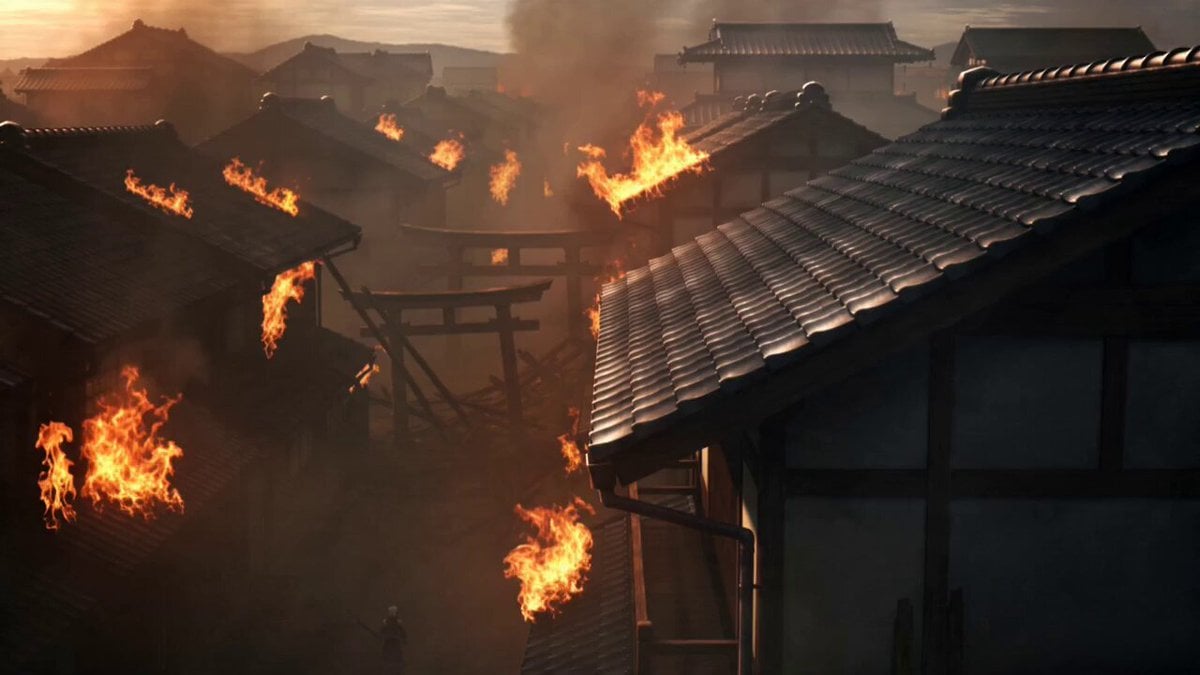
Demon Slayer Anime Battle Scene
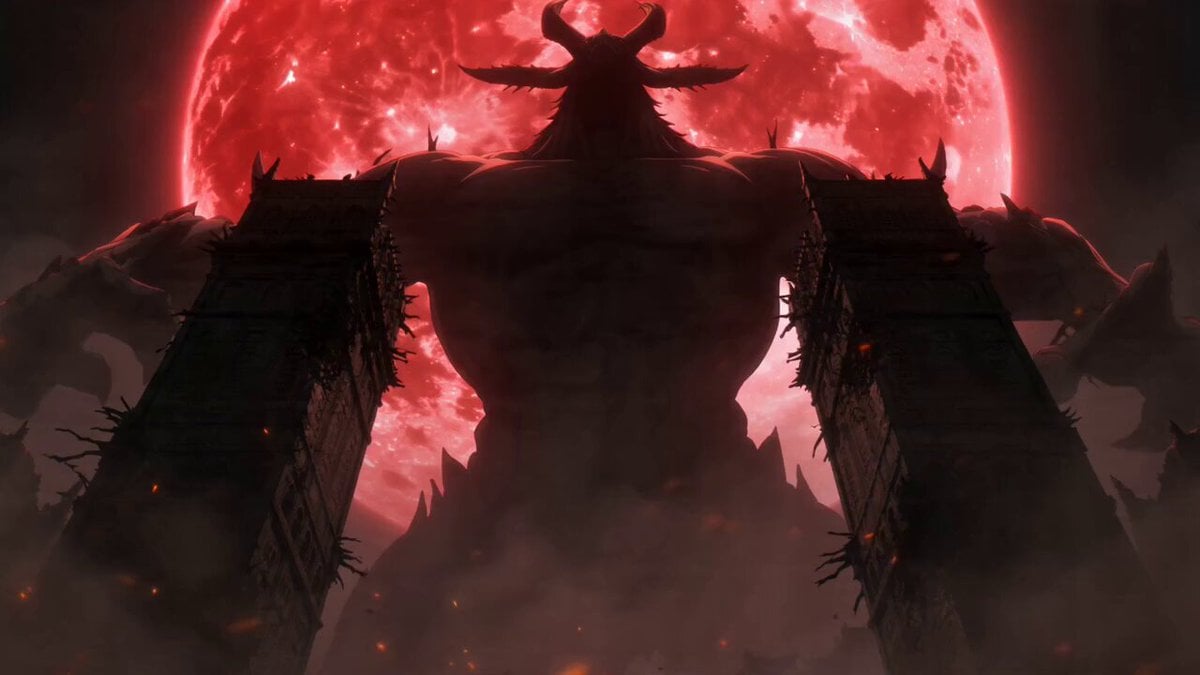
Dark Fantasy Anime Swordsman vs Demon

3x3 Grid Storyboard Racing — Kling 3.0 O3 Pro

Dragon Rider Cinematic Flight — Seedance 2.5

MiniMax H3 Character Introduction

Japanese Pure Love Short Film
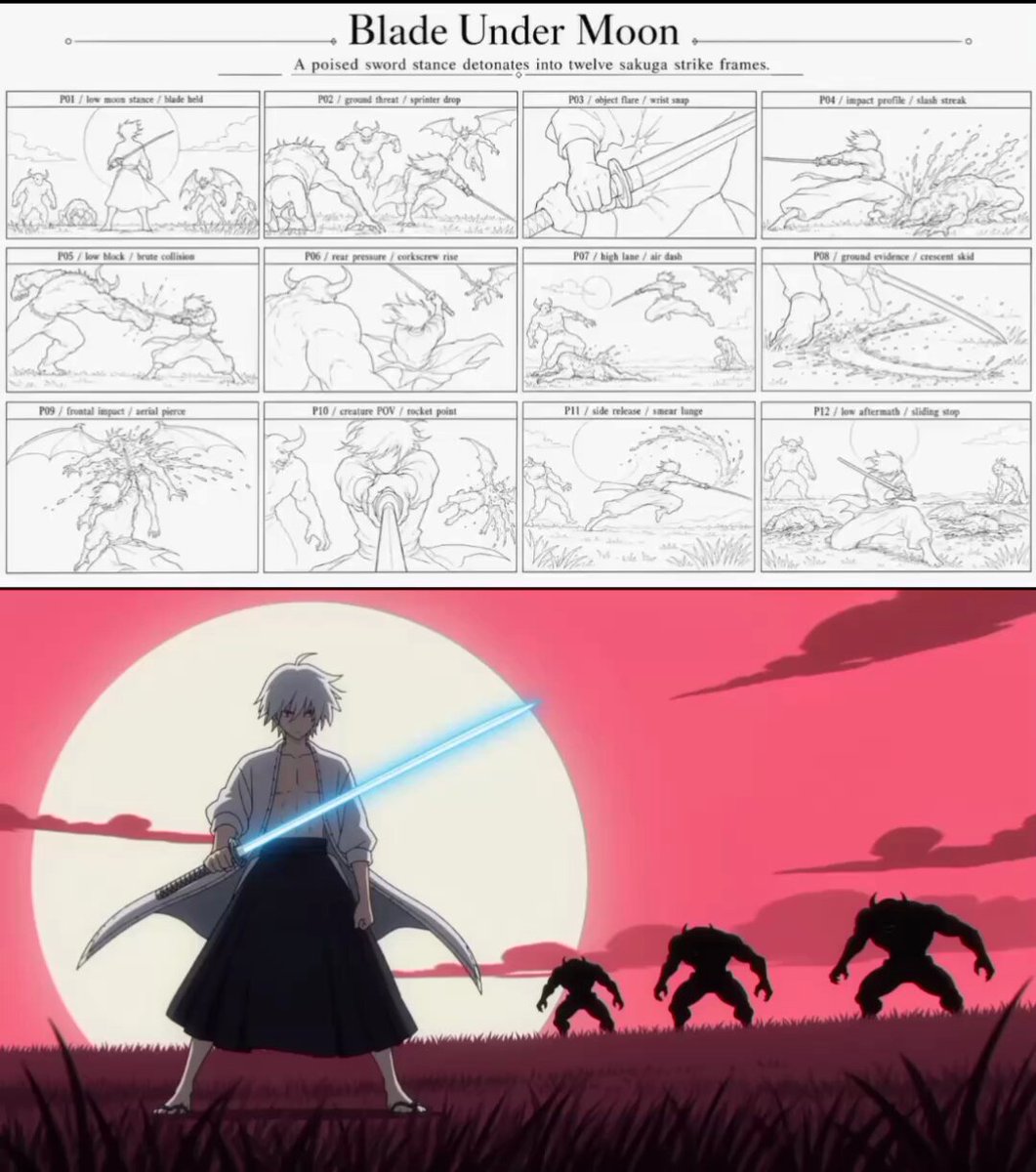
Sakuga Anime Action Storyboard
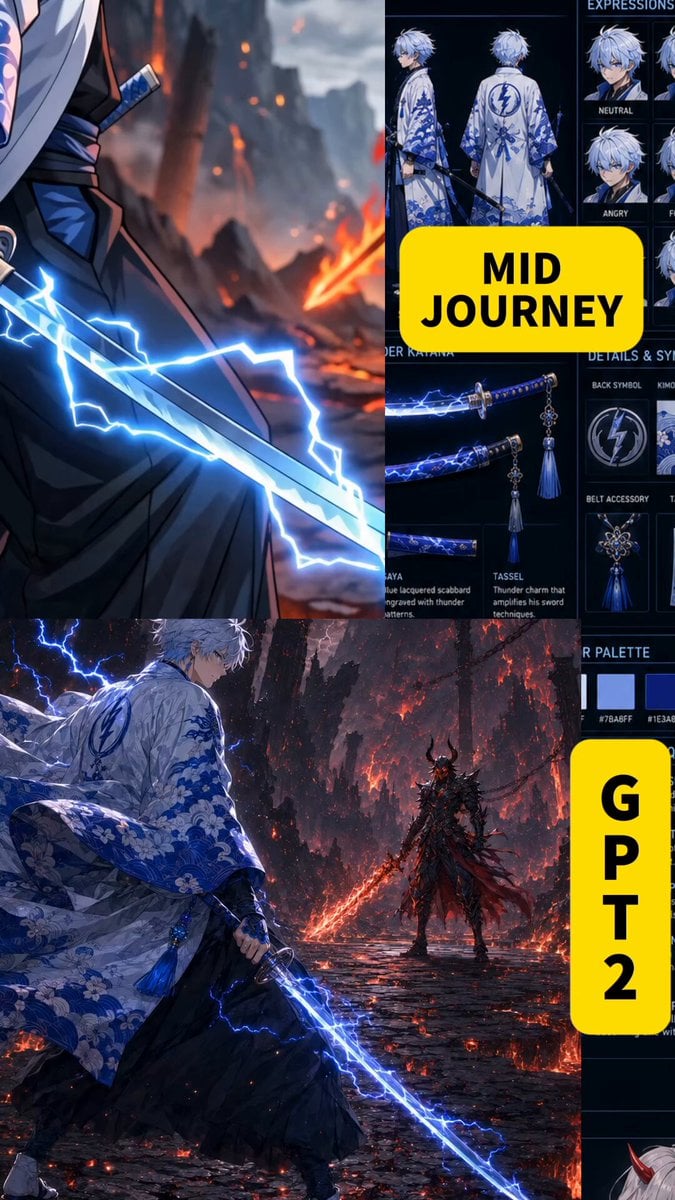
Anime Swordsman vs Demon Duel

Studio Ghibli Dumpling Kitchen Cooking Scene
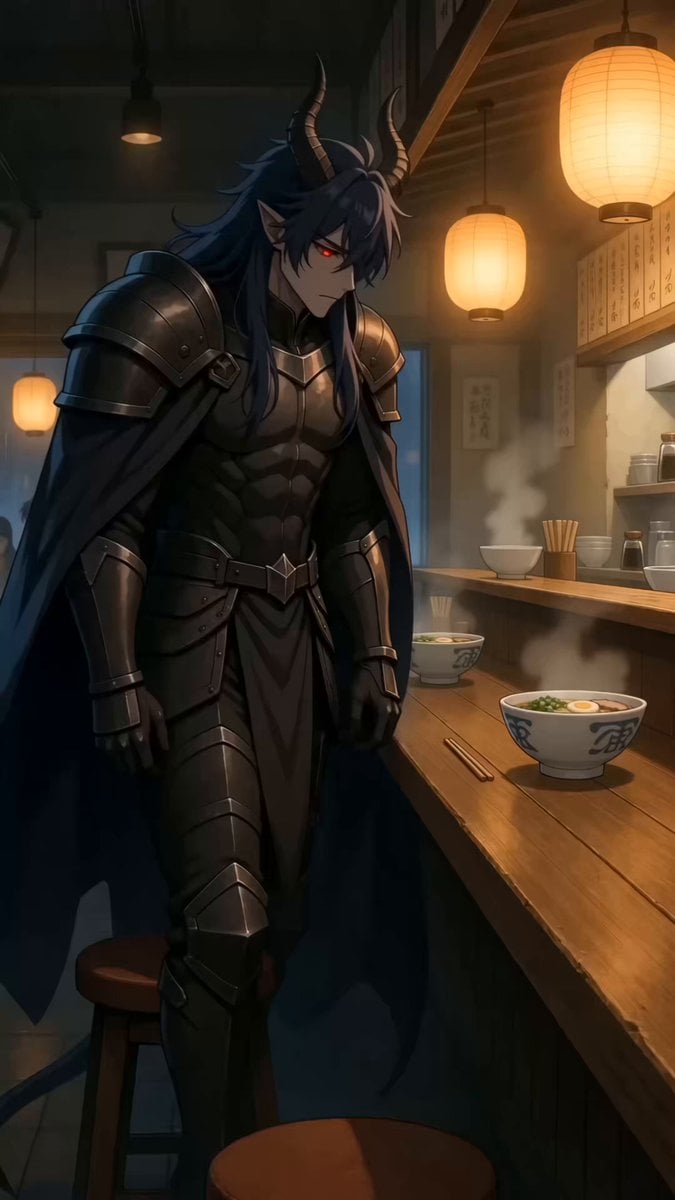
90s Anime Style Demon Lord Ramen Shop Break
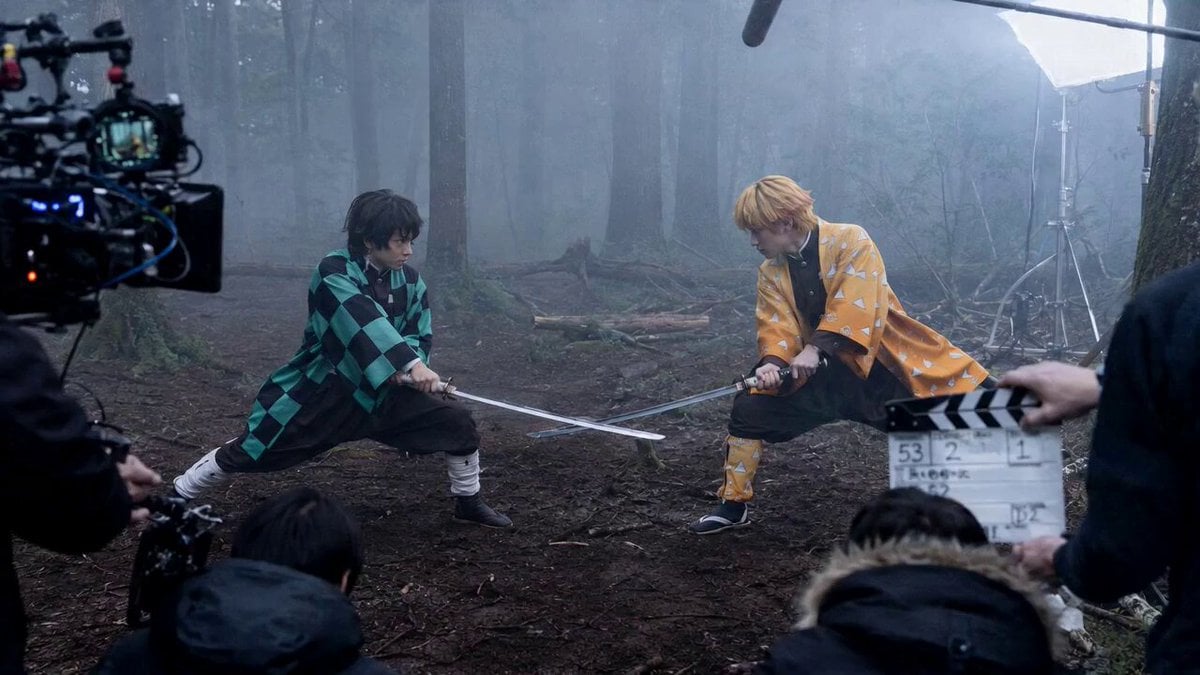
Demon Slayer Live Action Duel BTS
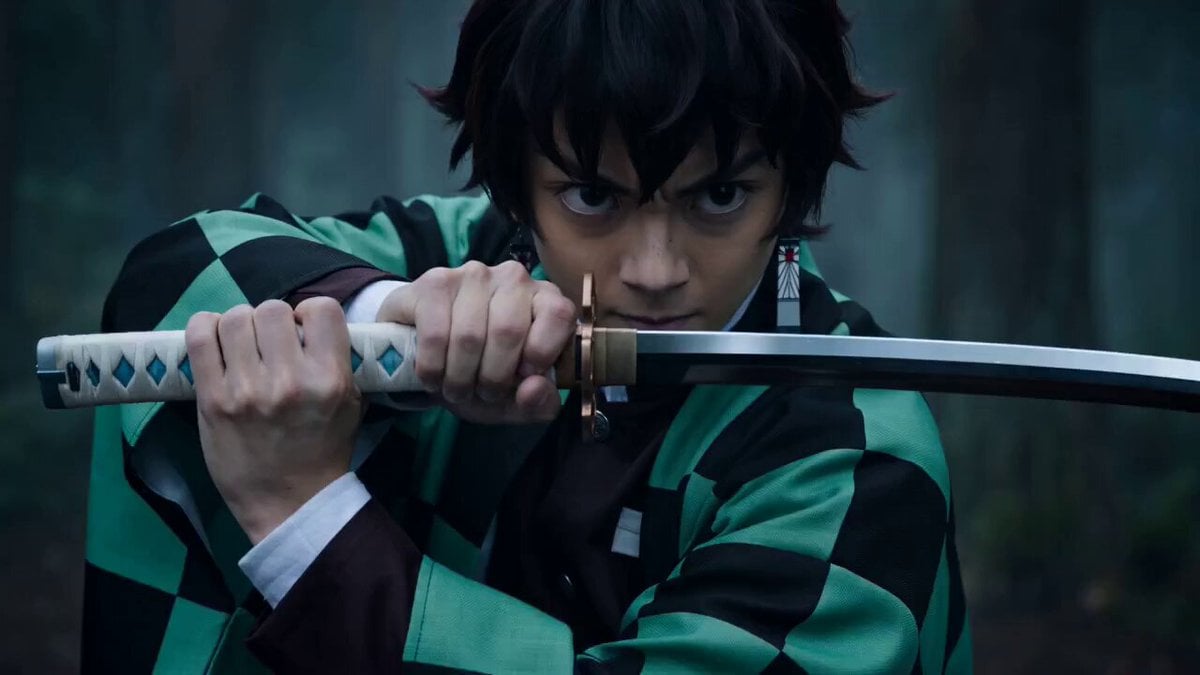
Demon Slayer Live-Action Blockbuster Video Prompt
Make it yours
Demon Slayer Style Anime Storyboard works as-is. These are the safest ways to change it without losing the look.
Change one field
Copy a single group, rewrite it, and generate again so you can see what that field is doing.
Keep the frame, change the subject
Hold the composition and light of Demon Slayer Style Anime Storyboard, then swap wardrobe, props or the person for a new take.
| If the result… | Why | Fix |
|---|---|---|
| The result drifts from the preview | Too many fields changed at once. | Reuse Demon Slayer Style Anime Storyboard as-is first, then change one group — subject, light, or setting. |
| The model over-stylizes the scene | The prose prompt leaves finish and camera underspecified. | Add one camera or lighting sentence and stay on Seedance 2.0. |
More Seedance 2.0 templates
Other prompts made for Seedance 2.0.

Comical Martial Arts Punch Scene

Maglev Train Action Sequence

Martial Arts Fight Sequence

Wuxia Protection and Trust Script

Vintage Korean Arcade MiniDV Vlog

Mercedes 190 SL Luxury Ad

Rainy Night Supernatural Reverse Comedy Video Script

Amazon Civilization Discovery

Futuristic South Asian City Transformation

Cozy Luxury Cafe Commercial
More video prompts
Fresh picks from across the catalog.
Mother’s Love Cinematic Story
Cinematic Emotional Face Close-up

Space Scene on Fifth Avenue

Superhero Transformation Video Prompt
Continuous Shot Astronaut Video Prompt (Seedance 2.0 Omni)
Noodle Shop Comedy Skit iPhone POV
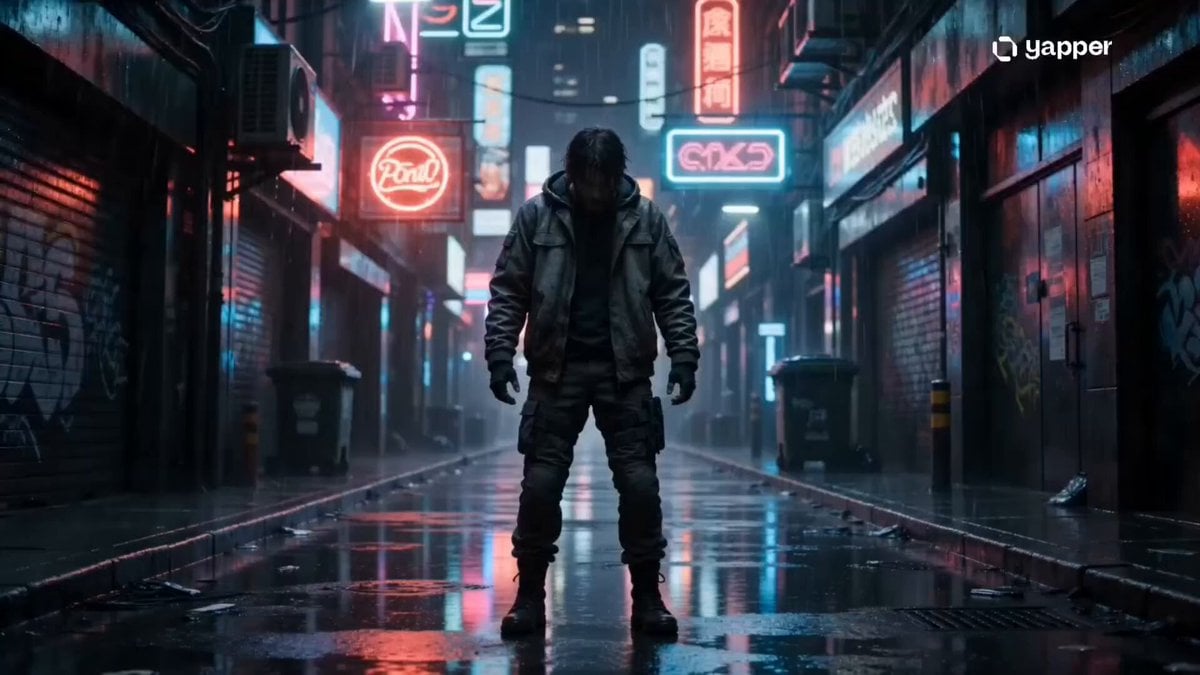
Chaotic Office Deadline Thriller
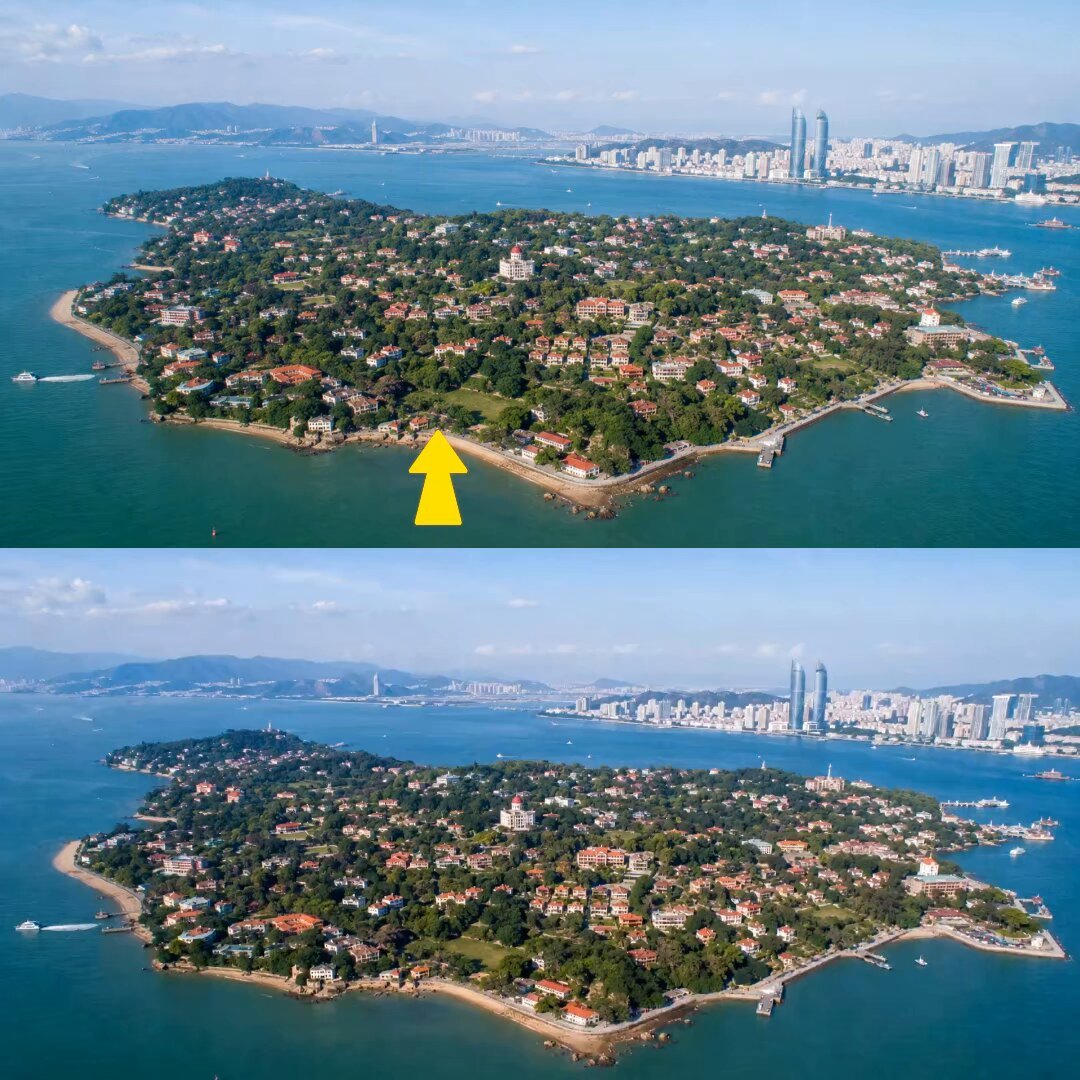
Drone FPV Scenic Tour Generation
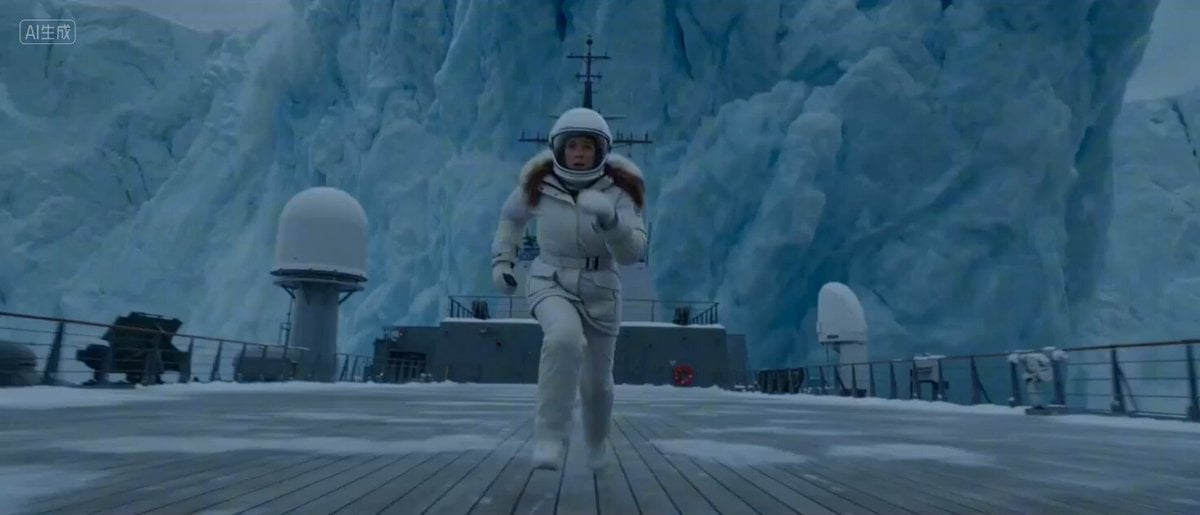
Arctic Glacier Collapse and Snowmobile Escape
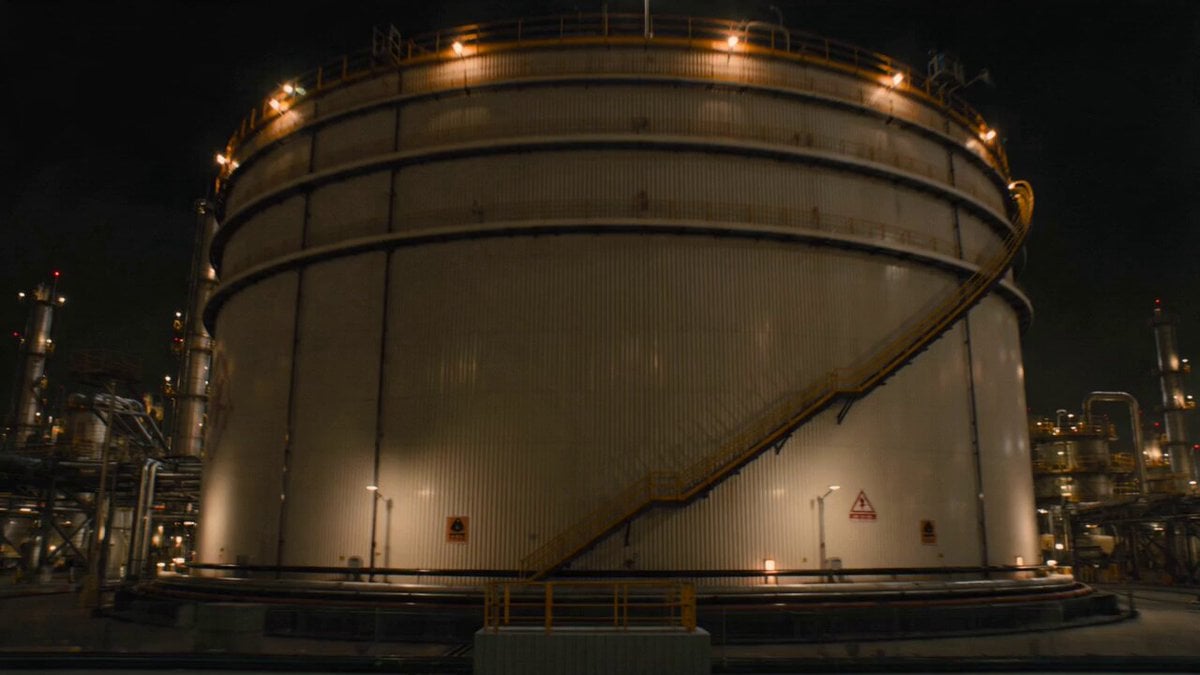
Kaiju Oil Tank Explosion
Browse template categories
Demon Slayer Style Anime Storyboard questions
How do I use the Demon Slayer Style Anime Storyboard template?
Add your photo if the template asks for one, edit the prompt if you like — the template's model and format are already selected — and press Generate. Your version opens in PicX Studio.
Can I customize the Demon Slayer Style Anime Storyboard template?
Yes. You can change the subject, setting, lighting, mood, format, and available model controls before creating your video.
Is the Demon Slayer Style Anime Storyboard template free?
Opening and editing this template is free. Generating uses credits, shown on the Generate button when you are signed in.
Which AI model should I use?
Start with Seedance 2.0, which is the model associated with this template. You can compare another compatible model for a different finish.
Looking for something else? Browse all templates.

Your photo, any look
Thousands of ready templates for every top image and video model, from one credit balance.