
Demon Slayer Live Action Duel BTS
A cinematic prompt for Seedance 2.0 that generates a realistic behind-the-scenes smartphone recording of a live-action battle between Zenitsu and Tanjiro, featuring high-quality water and lightning VFX.
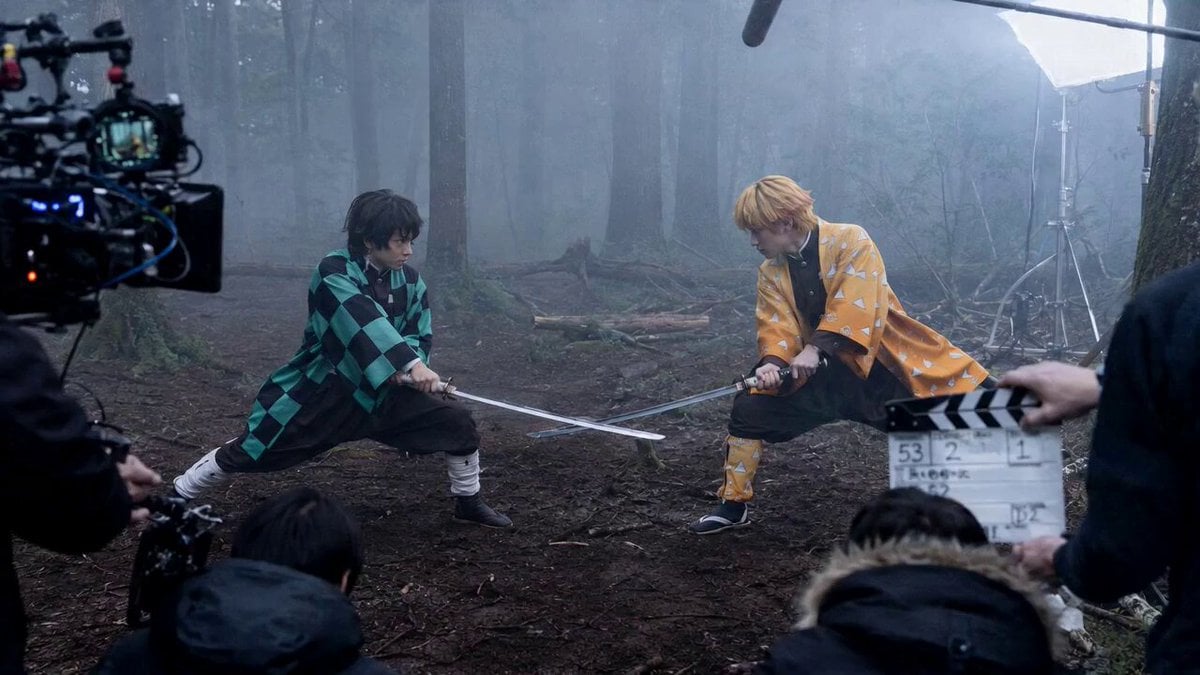
- Prompt included
- Model and format preset
- Free template
The prompt behind this video
Copy the exact prompt behind Demon Slayer Live Action Duel BTS, or open it in the studio and make it yours.
超逼真的第三人称手机录制视频,电影级暗黑奇幻森林片场氛围。画面像一名剧组工作人员站在拍摄现场边缘,用手机横屏偷偷记录一场真人特效打斗戏。迷雾森林中,地面湿润泥泞,落叶和水洼遍布,周围能看到摄影机、灯架、收音杆、场记板和工作人员,真实片场感很强。 一位黑发亚洲年轻成年剑客站在左侧,穿着绿黑格纹粗布羽织,双手握刀,压低重心,眼神专注。另一位金发年轻成年剑客站在右侧,穿着黄色三角纹织物外套,半蹲持刀,准备拔刀突进。手机画面轻微晃动,自动对焦在两人之间来回呼吸。 黑发剑客缓慢吸气,刀刃开始凝聚透明发光的水流。水流越来越厚重,沿着刀身旋转,逐渐形成一条高度写实的半透明水龙。水龙不是卡通形状,而像真实高压水流被压缩成龙形,有龙头、龙脊和流动的水身,水滴飞溅到手机镜头前,折射出月光和片场灯光。 金发剑客突然低身冲出,脚下湿泥和落叶被力量震开。他的刀身爆发刺眼的蓝白色真实电弧,像高压电穿过潮湿空气。电光照亮他的脸、黄色外套、周围树干和雾气,手机镜头因为强光短暂过曝,随后重新对焦。 两人在画面中央极速对撞。黑发剑客挥出巨大的半透明水龙,水龙张口向前扑出;金发剑客斩出蓝白雷电光刃迎面撞上。水龙与雷电猛烈碰撞,水体内部被蓝白电光照亮,透明水流炸裂成水珠、水蒸气和旋转水幕。泥浆、落叶、碎木屑和电火花四散飞溅,冲击波把地面低雾推向两侧,水洼震出一圈圈真实涟漪。 最后水汽和电弧慢慢散开,两位剑客刀锋交错停住,保持对峙姿势。手机画面被冲击震得轻轻一晃,拍摄者下意识后退半步,画面边缘的场记板和摄影机短暂入镜。整体画面保持好莱坞真人特效大片质感、IMAX 电影画质、真实摄影、暗黑奇幻、8K 超清、无动漫感、无游戏感。
How to use Demon Slayer Live Action Duel BTS in 3 steps
- 1
Open
The prompt is already in the box next to the preview, with the template's model and format selected.
- 2…a portrait of your subject in softgolden-hour light, 85mm…
Personalize
Edit the subject and creative details for your destination.
- 3Generate
Generate
Press Generate — your video is created in PicX Studio, so you can compare it with the original and refine one variable at a time.
More like this
Templates with the same subject, style or setup. Open one to see its prompt.
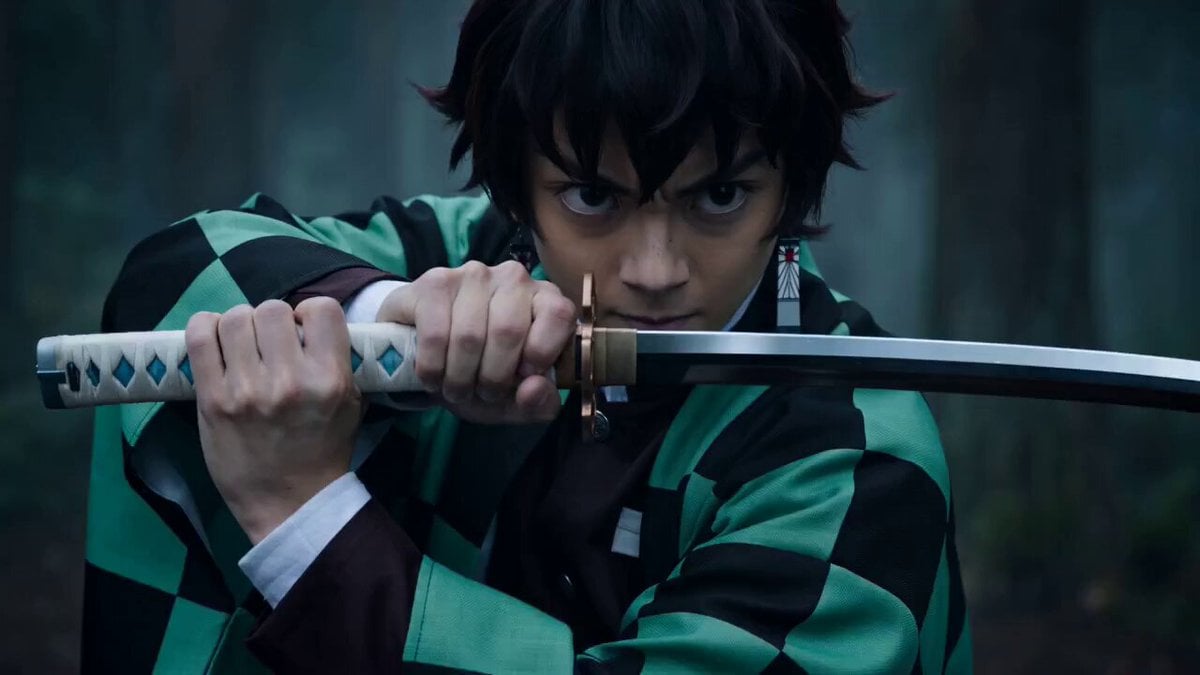
Demon Slayer Live-Action Blockbuster Video Prompt
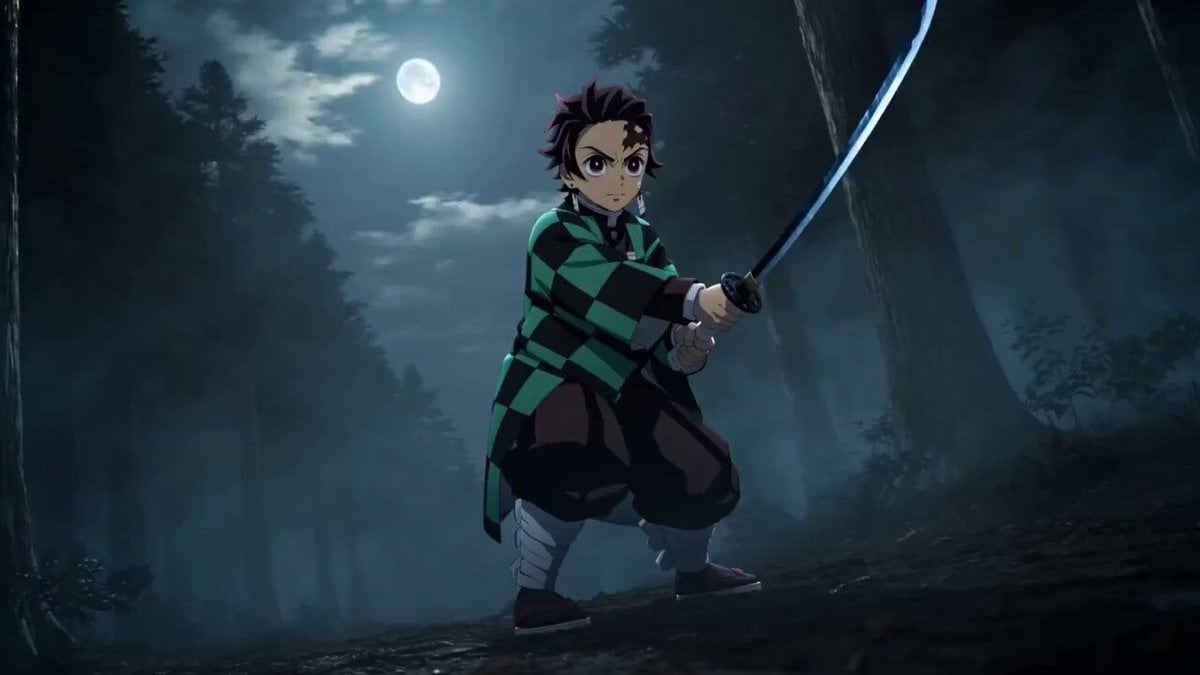
Demon Slayer Live-Action Manga Adaptation Prompt
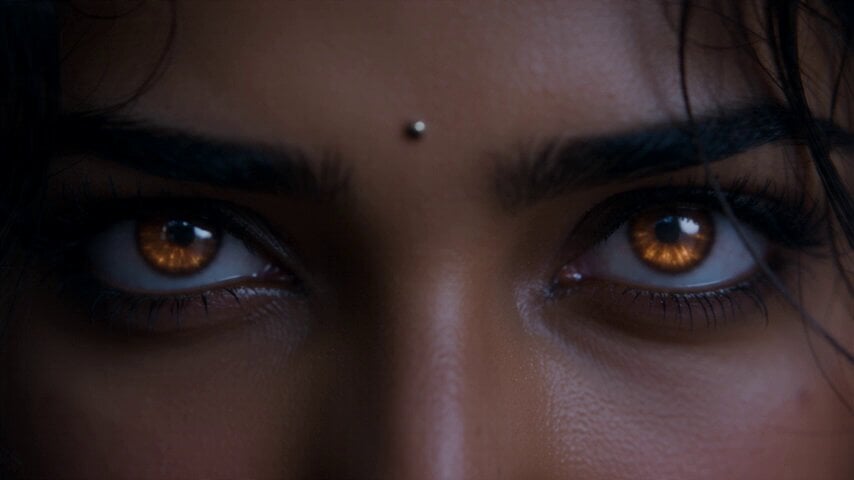
Fantasy Martial Arts Live Action
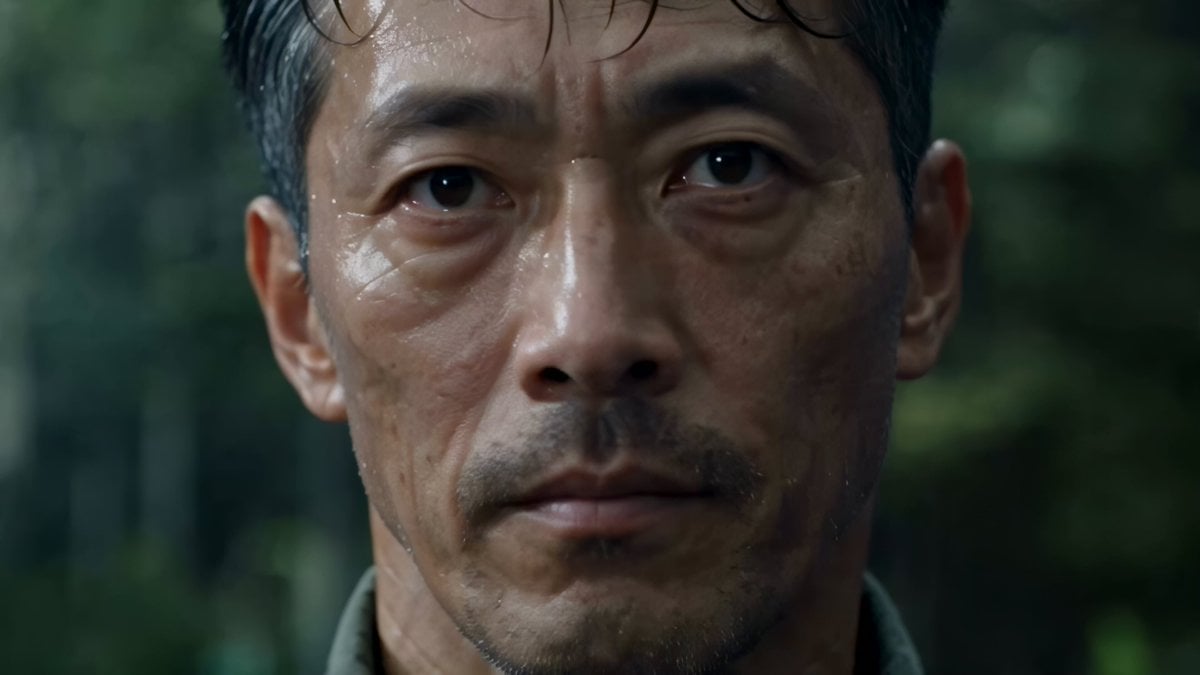
Cinematic Beer Commercial Live Action
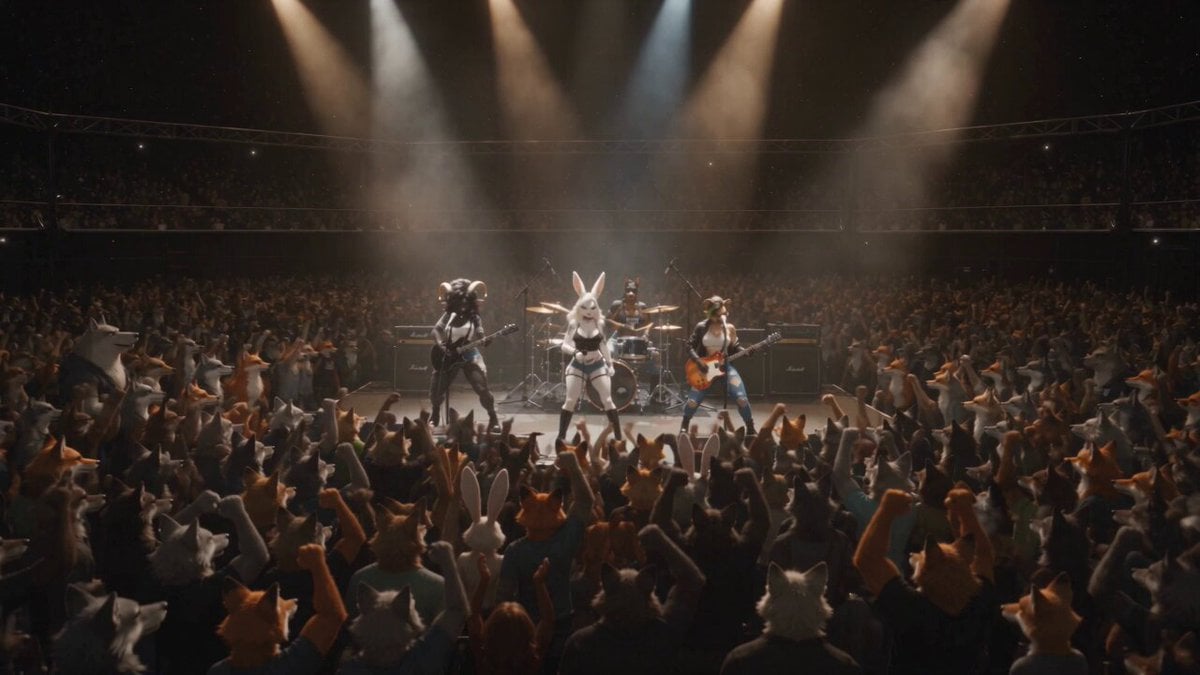
Anthropomorphic Rock Band Live Concert - Seedance 2.5
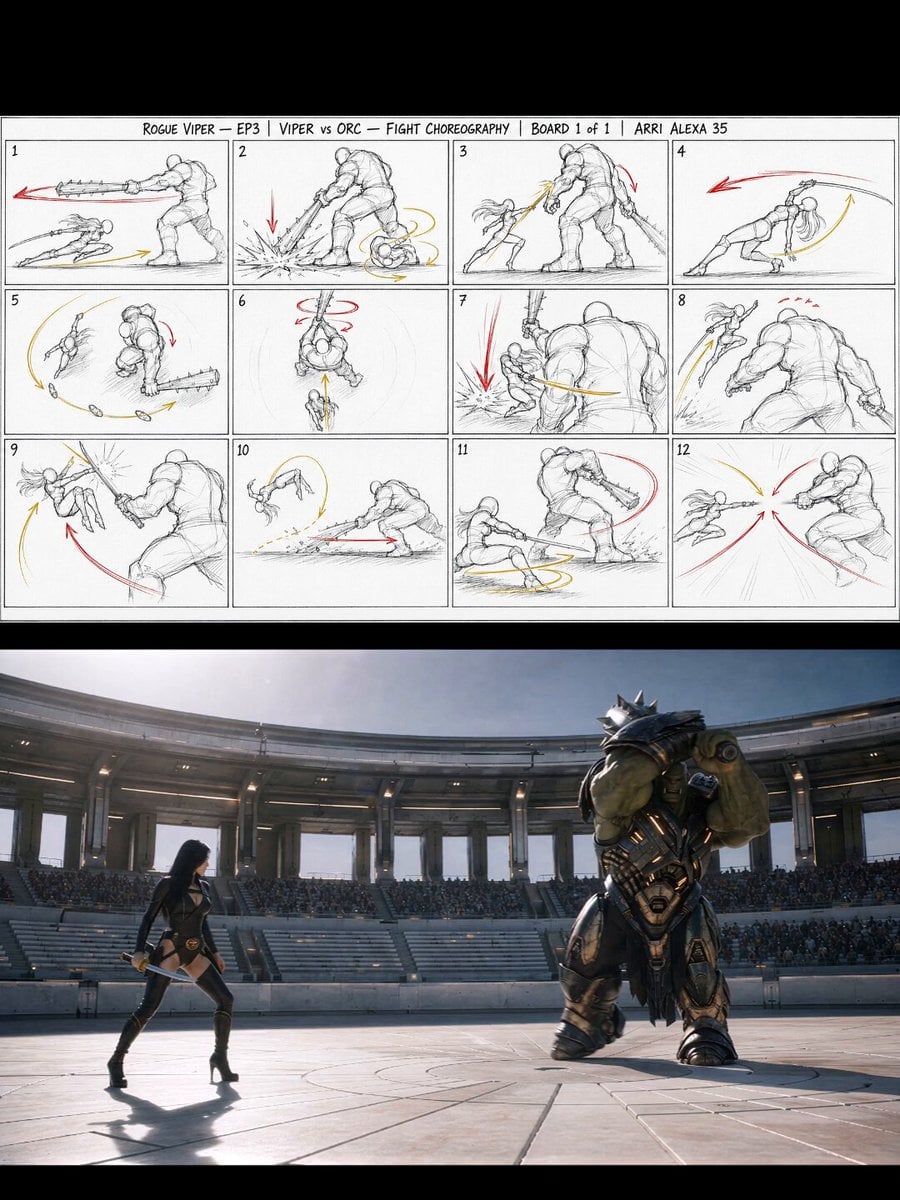
Gladiator Arena Duel Action
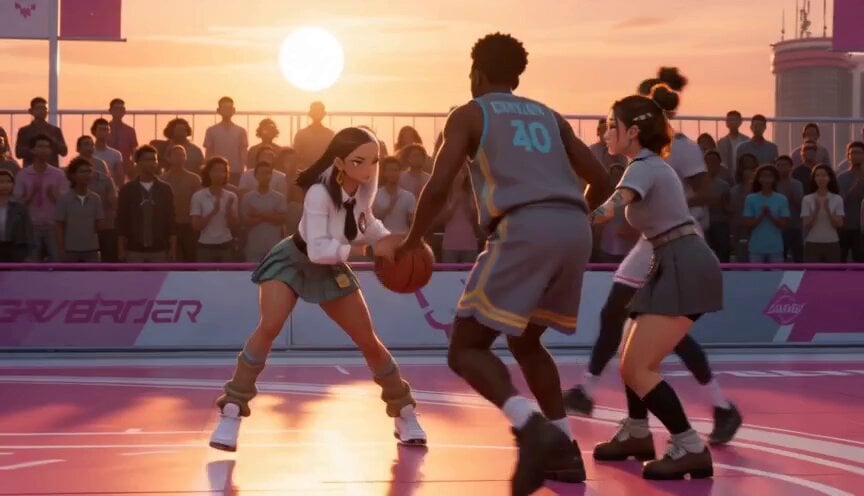
Anime and Live-Action Basketball Mix
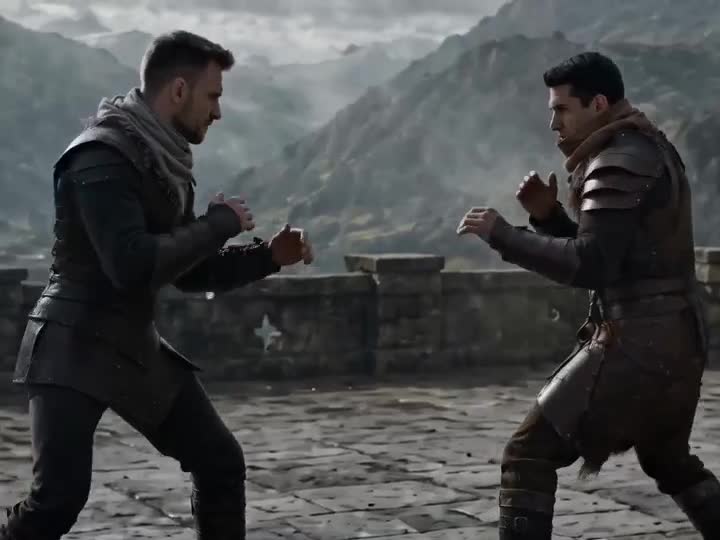
Medieval Duel Style Transfer

Live-Action Firefighter Rescue Night Scene
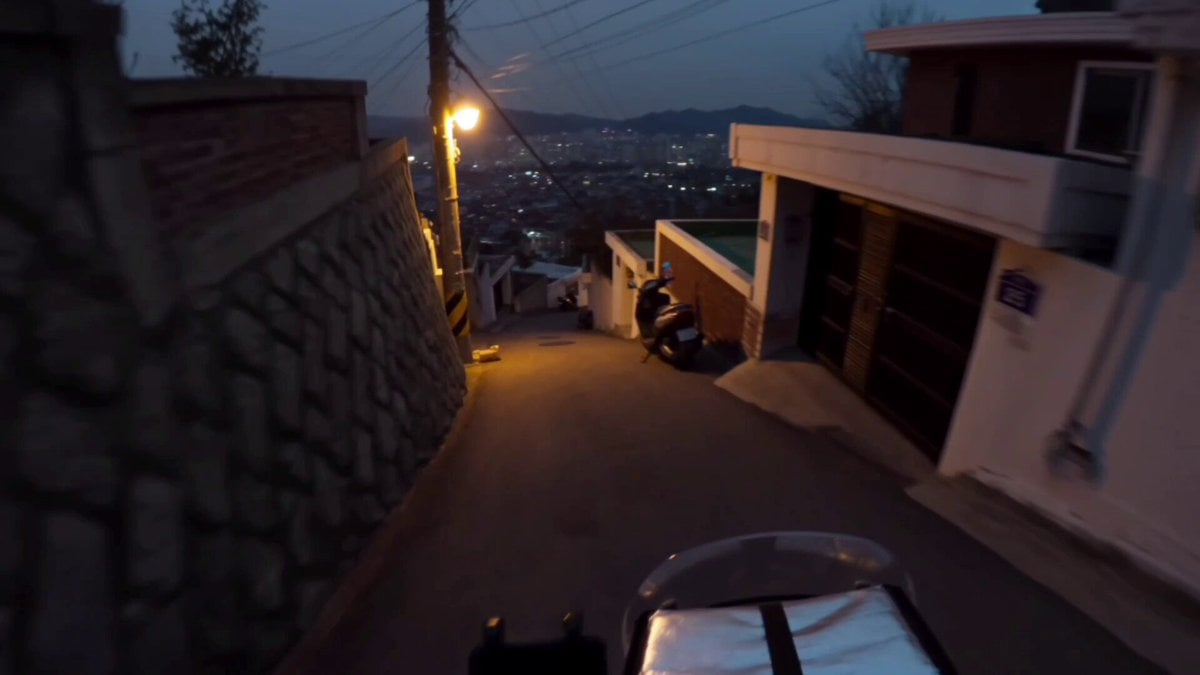
Korean Motorbike Delivery Action Video Prompt
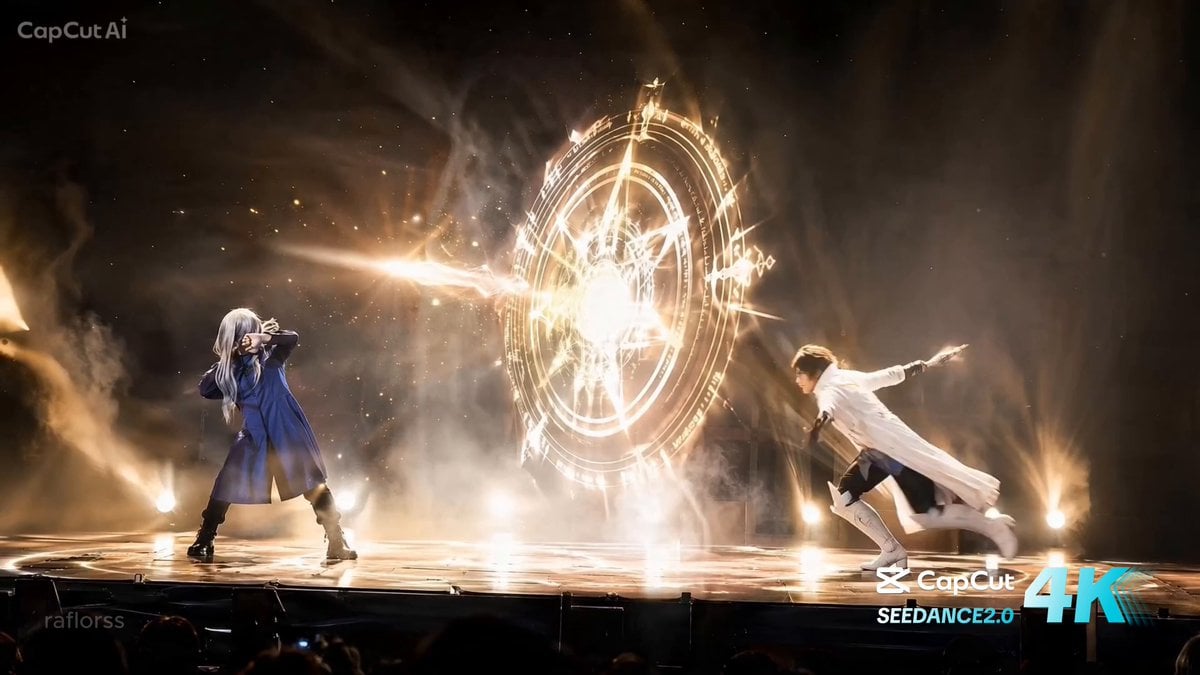
Live Action Anime Stage Play
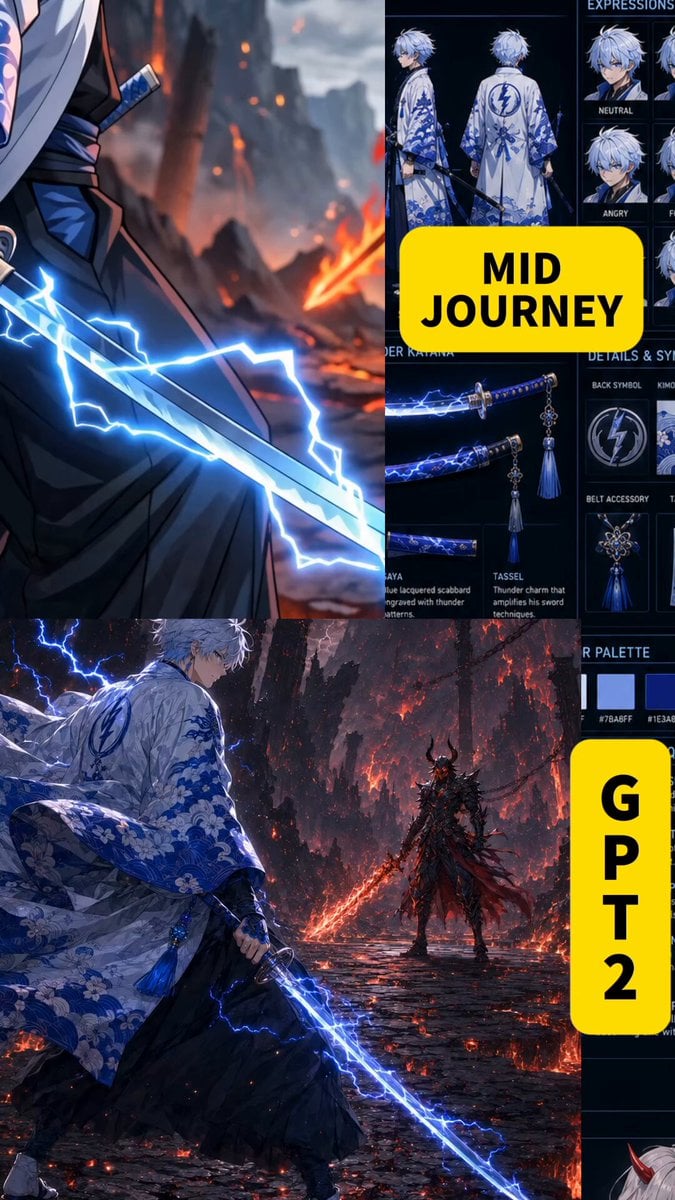
Anime Swordsman vs Demon Duel
Make it yours
Demon Slayer Live Action Duel BTS works as-is. These are the safest ways to change it without losing the look.
Change one field
Copy a single group, rewrite it, and generate again so you can see what that field is doing.
Keep the frame, change the subject
Hold the composition and light of Demon Slayer Live Action Duel BTS, then swap wardrobe, props or the person for a new take.
| If the result… | Why | Fix |
|---|---|---|
| The result drifts from the preview | Too many fields changed at once. | Reuse Demon Slayer Live Action Duel BTS as-is first, then change one group — subject, light, or setting. |
| The model over-stylizes the scene | The prose prompt leaves finish and camera underspecified. | Add one camera or lighting sentence and stay on Seedance 2.0. |
More Seedance 2.0 templates
Other prompts made for Seedance 2.0.

Comical Martial Arts Punch Scene

Maglev Train Action Sequence

Martial Arts Fight Sequence

Wuxia Protection and Trust Script

Vintage Korean Arcade MiniDV Vlog

Mercedes 190 SL Luxury Ad

Rainy Night Supernatural Reverse Comedy Video Script

Amazon Civilization Discovery

Futuristic South Asian City Transformation

Cozy Luxury Cafe Commercial
More video prompts
Fresh picks from across the catalog.
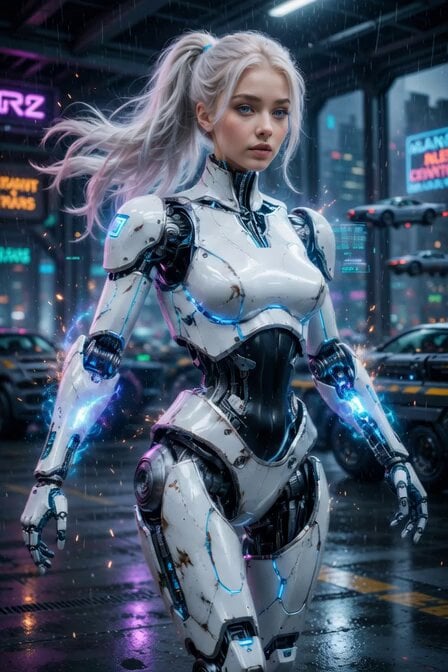
Cyberpunk Cyborg Mechanical Transformation
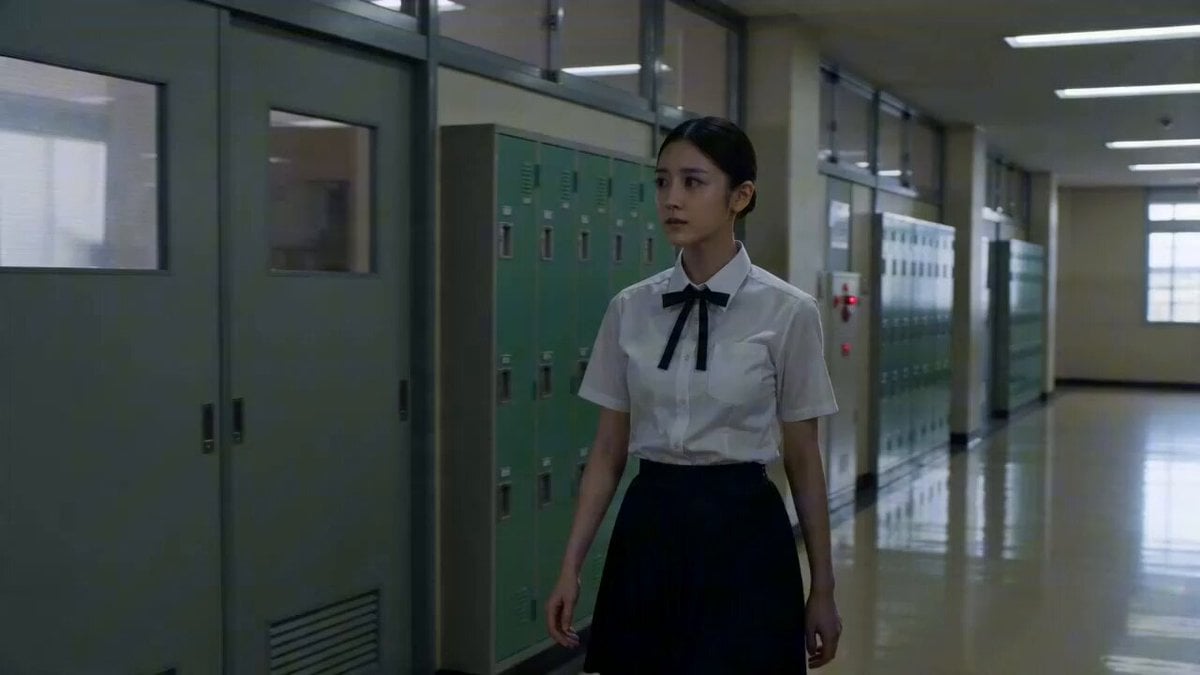
Japanese High School Cinematic Fight Scene
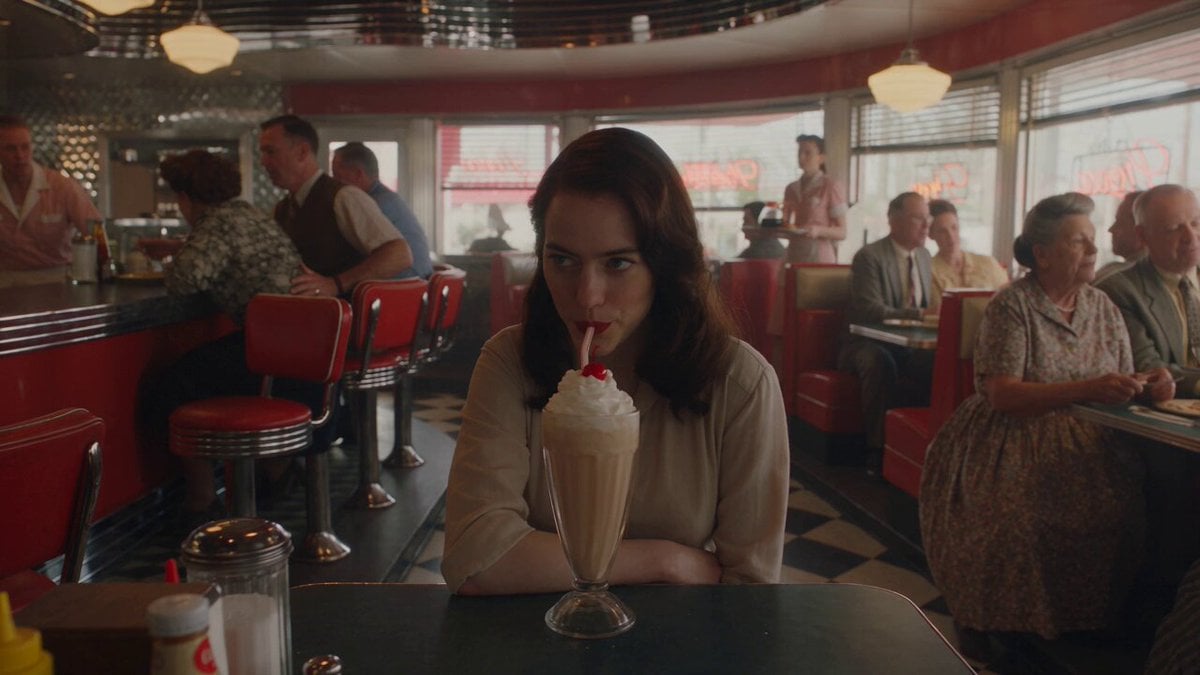
1950s Diner Time Freeze Rewind - Seedance 2.5
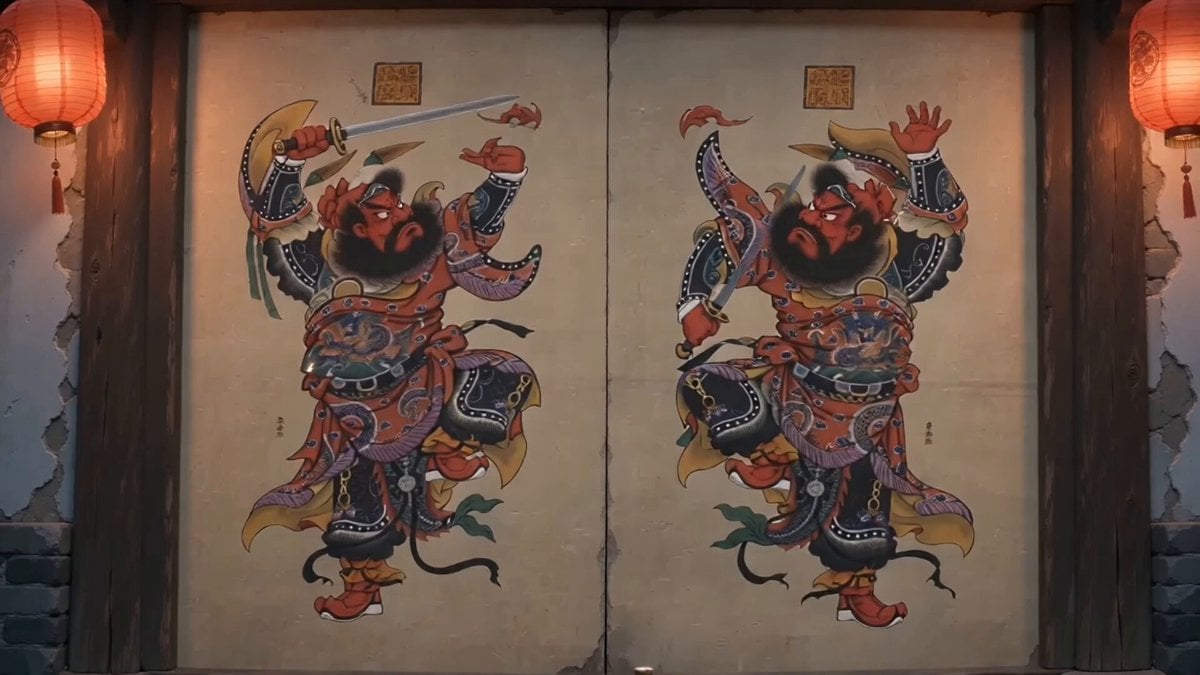
Traditional Chinese Door God Surveillance View
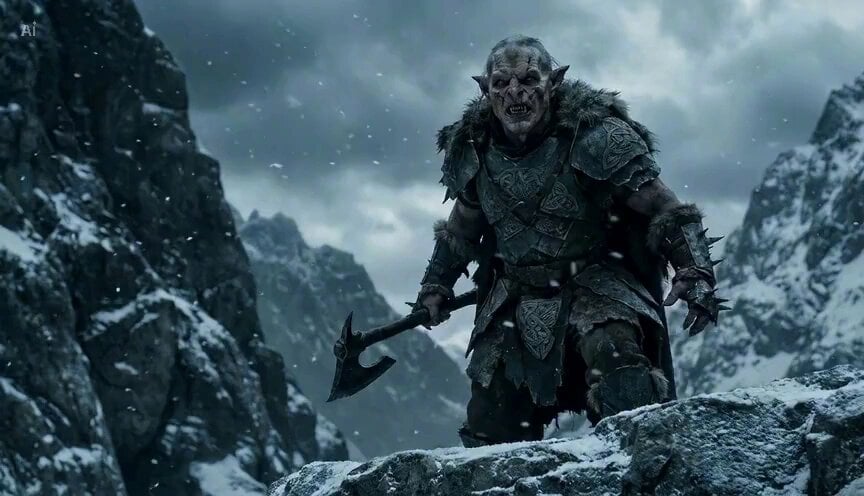
Goblin traveller and steed in the mountains
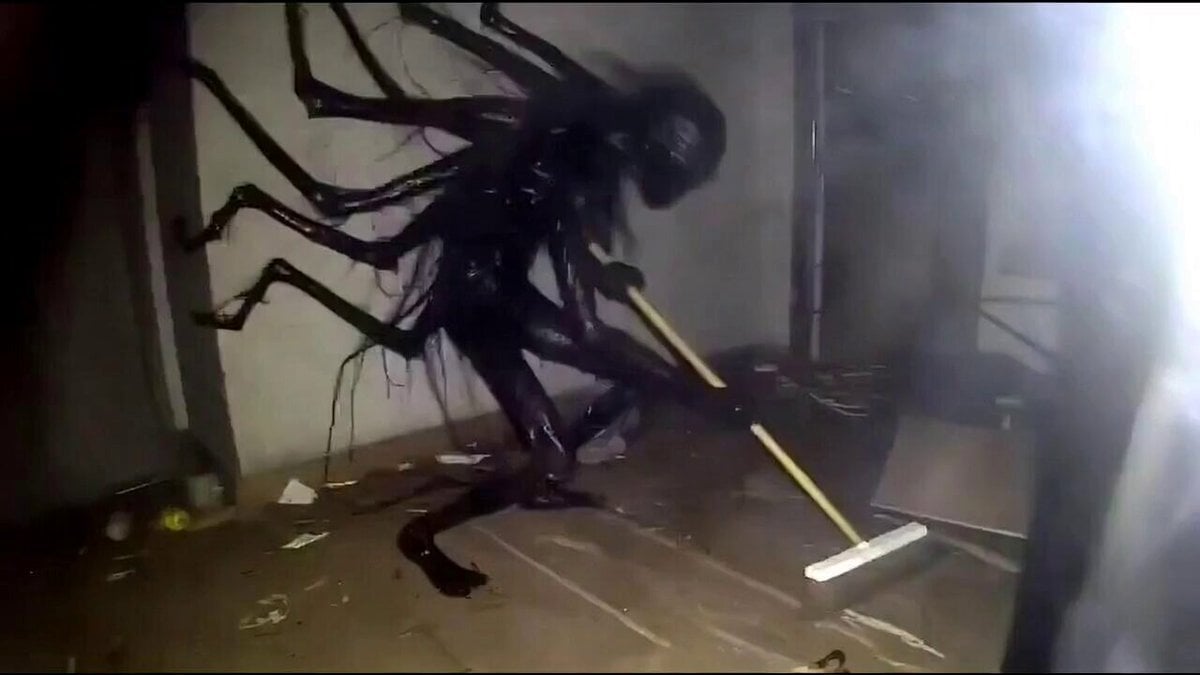
Awkward amateur meme-style cosmic entity
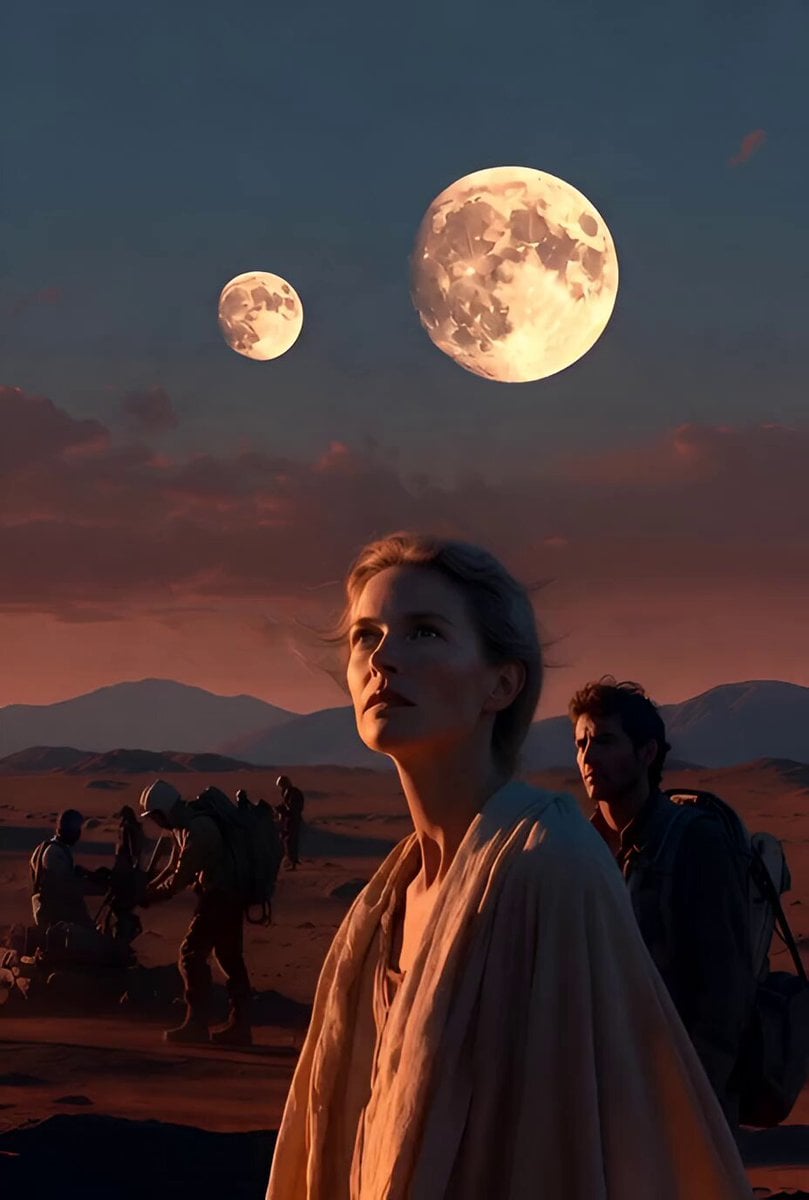
Mars Revival Scene
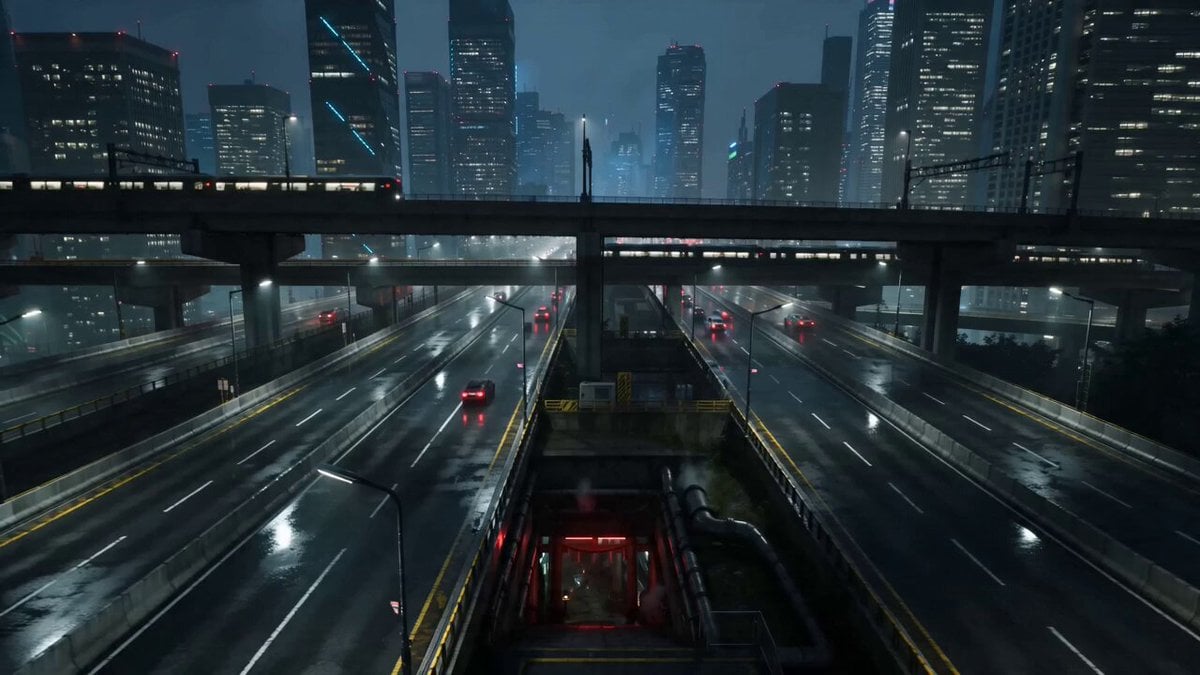
Cyberpunk Tokyo Underground Shrine
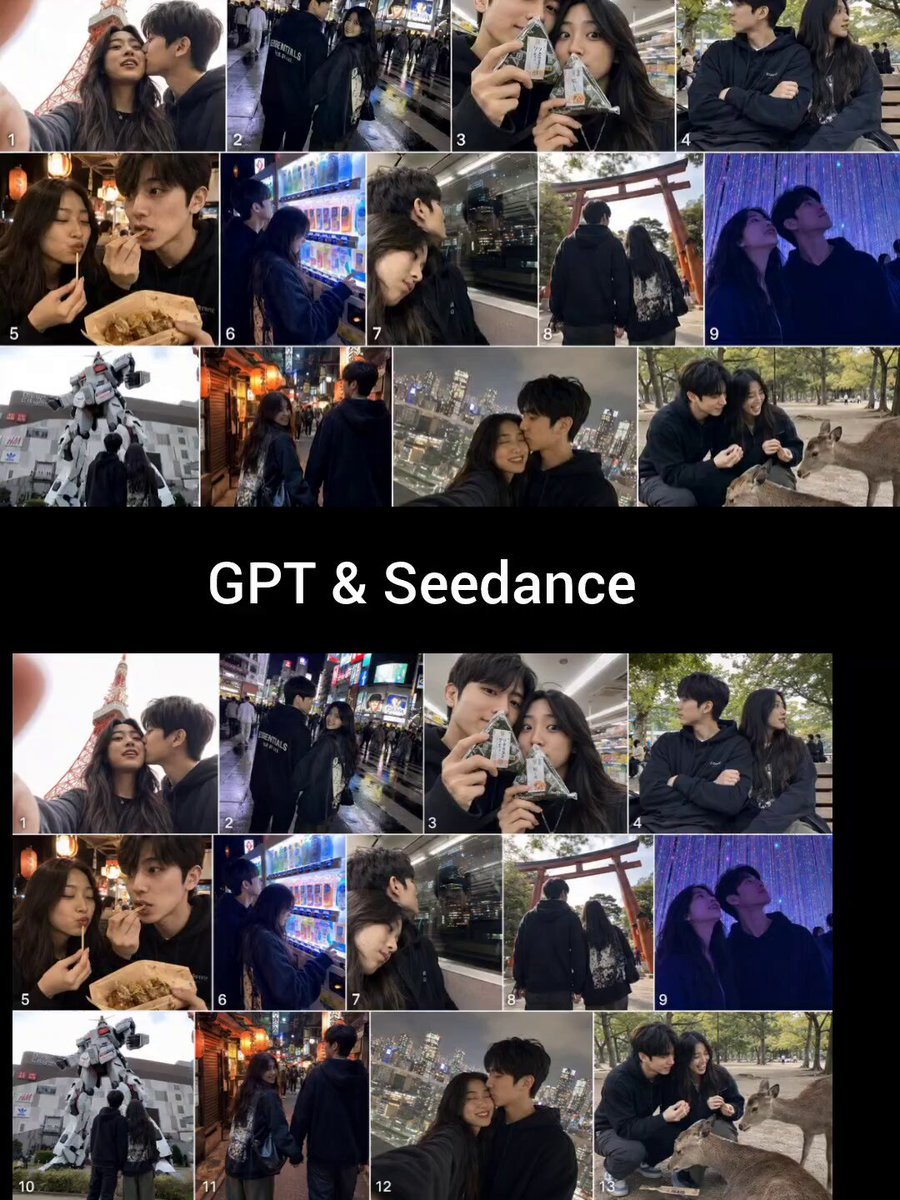
Realistic Tokyo Travel Vlog Aesthetic
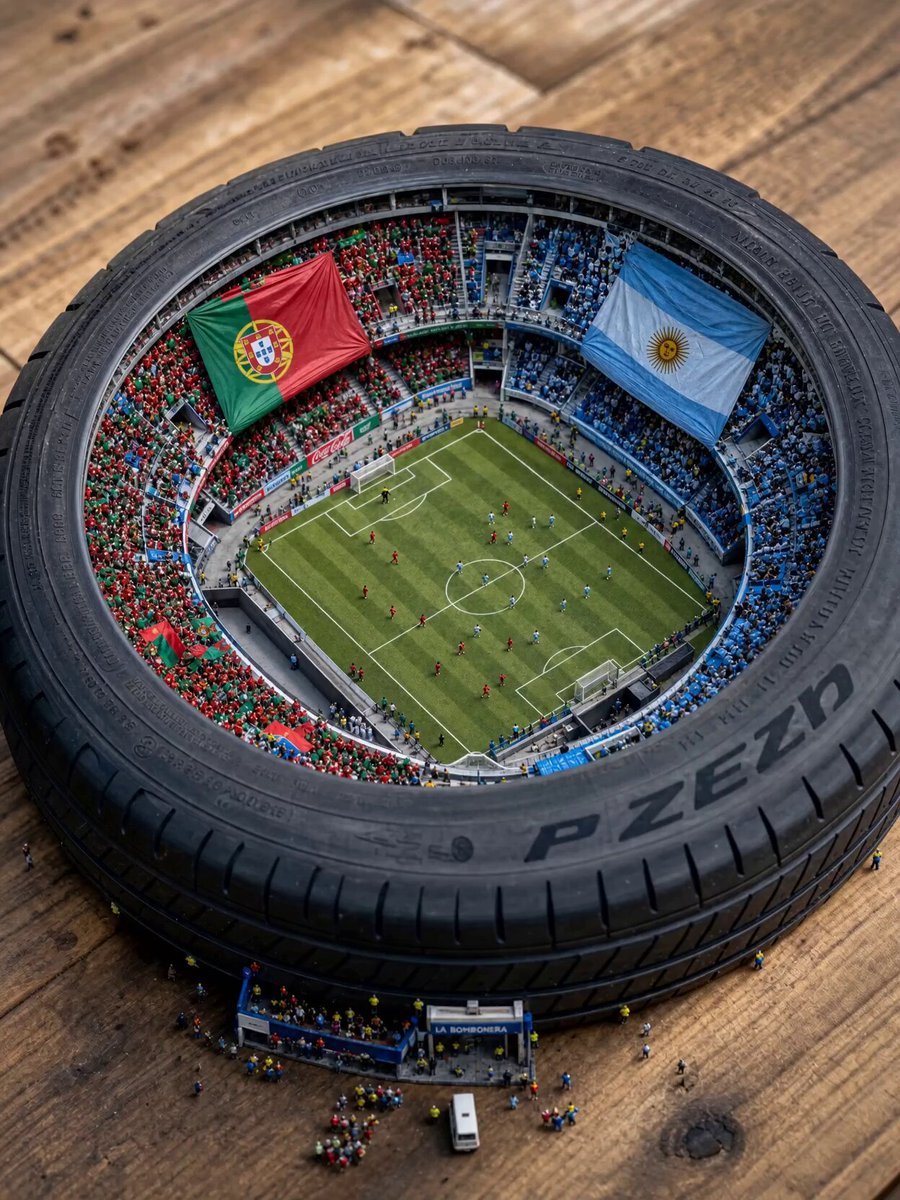
Miniature World Cup Tire Stadium
Browse template categories
Demon Slayer Live Action Duel BTS questions
How do I use the Demon Slayer Live Action Duel BTS template?
Add your photo if the template asks for one, edit the prompt if you like — the template's model and format are already selected — and press Generate. Your version opens in PicX Studio.
Can I customize the Demon Slayer Live Action Duel BTS template?
Yes. You can change the subject, setting, lighting, mood, format, and available model controls before creating your video.
Is the Demon Slayer Live Action Duel BTS template free?
Opening and editing this template is free. Generating uses credits, shown on the Generate button when you are signed in.
Which AI model should I use?
Start with Seedance 2.0, which is the model associated with this template. You can compare another compatible model for a different finish.
Looking for something else? Browse all templates.

Your photo, any look
Thousands of ready templates for every top image and video model, from one credit balance.