
Demon Slayer Live-Action Blockbuster Video Prompt
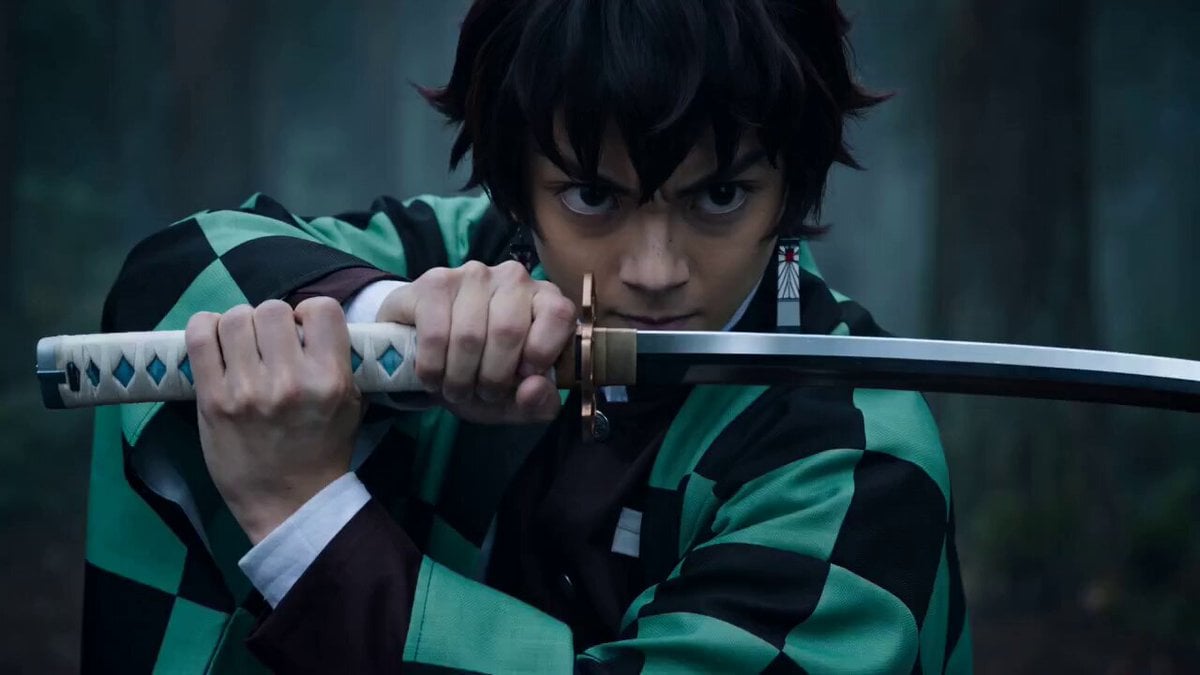
A detailed, three-shot prompt for Seedance 2.0 to generate a hyper-realistic, Hollywood-style live-action adaptation of Demon Slayer (Kimetsu no Yaiba).
- Prompt included
- Model and format preset
- Free template
The prompt behind this video
Copy the exact prompt behind Demon Slayer Live-Action Blockbuster Video Prompt, or open it in the studio and make it yours.
[Style] Hollywood live-action VFX blockbuster (Hollywood Live-Action Blockbuster), IMAX film quality, 8K ultra-HD, photorealistic (Photorealistic), dark fantasy (Dark Fantasy), realistic Unreal Engine 5 rendering, no anime feel. [Duration] 15 seconds [Setting] A realistic misty forest under moonlight, the ground covered in damp soil and real fallen leaves. [00:00-00:05] Shot 1: Live-Action Performance · Water Breathing (Realistic Water FX). [Close-up] An Asian teenage swordsman (a real actor, skin pores visible), wearing a green-and-black plaid rough-cloth haori (the fabric texture clearly visible). Action: under the moonlight he grips his sword with both hands, lowering his center of gravity. Effect: as he breathes, no cartoonish water stream appears on the blade — instead, a **highly realistic, transparent, glowing pressurized high-speed water flow (Hyper-realistic Fluid Simulation)** condenses into being. The water coils around the real blade like a living dragon, droplets splashing toward the camera and refracting the moonlight. [00:05-00:10] Shot 2: Lightning Flash · Ultimate Speed (Lightning Plasma). [Medium shot / high-speed photography] Facing him is a young swordsman with dyed blond hair (real hair strands blowing), wearing a fabric jacket with a yellow triangular pattern. Action: he assumes the opening stance for an iaido draw-cut, the soil beneath his feet exploding from the force of his effort. Effect: the air bursts with **real, blinding blue-white electric arcs (Real Plasma Arcs)**, rather than yellow cartoon lightning. The current pierces through the real trees around him, leaving scorched marks. [00:10-00:15] Shot 3: Fated Duel · Physics Clash (Physics Clash). [Slow motion / big explosion] The two collide at top speed in the center of the frame. Action: the solid water-formed greatsword and the lightning blade slam into each other with tremendous force. Effect: no comic-book linework, only **a real physical particle explosion**. A huge burst of water vapor, mud, snapped tree branches, and dazzling electric sparks scatter through the air. The shockwave sends real rippling waves through the puddles beneath their feet. The scene carries tremendous weight and destructive power.
How to use Demon Slayer Live-Action Blockbuster Video Prompt in 3 steps
- 1
Open
The prompt is already in the box next to the preview, with the template's model and format selected.
- 2…a portrait of your subject in softgolden-hour light, 85mm…
Personalize
Edit the subject and creative details for your destination.
- 3Generate
Generate
Press Generate — your video is created in PicX Studio, so you can compare it with the original and refine one variable at a time.
More like this
Templates with the same subject, style or setup. Open one to see its prompt.
Skybridge Rescue — Supertall Tower Collapse (Seedance)
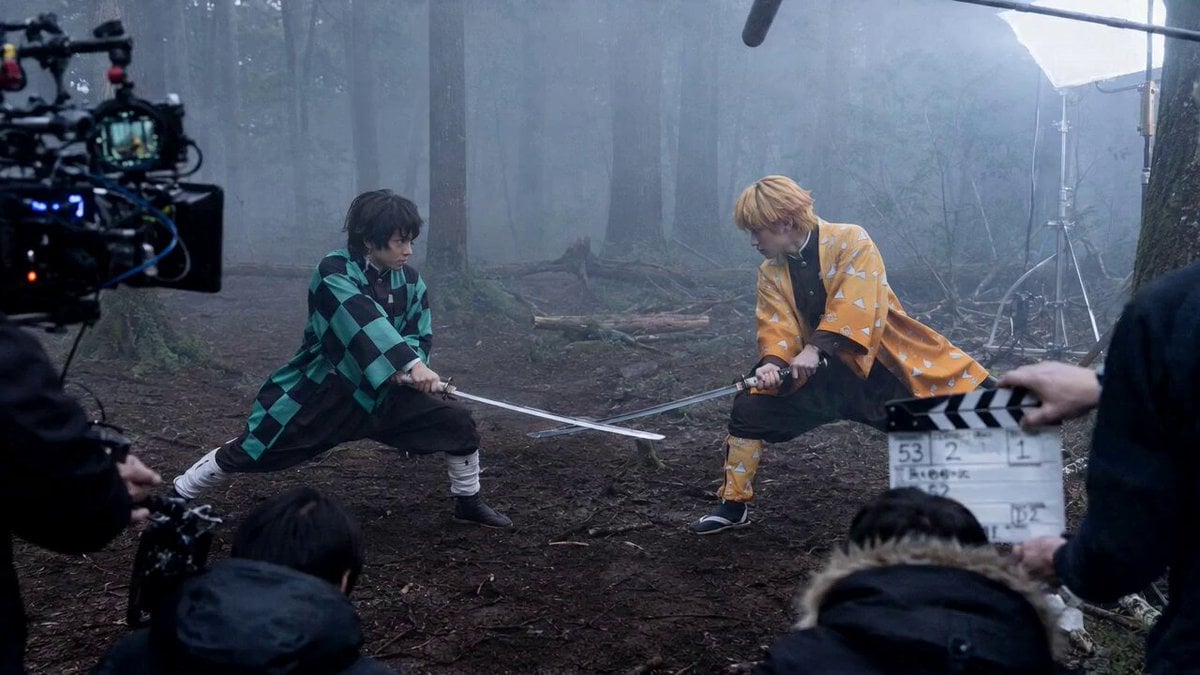
Demon Slayer Live Action Duel BTS
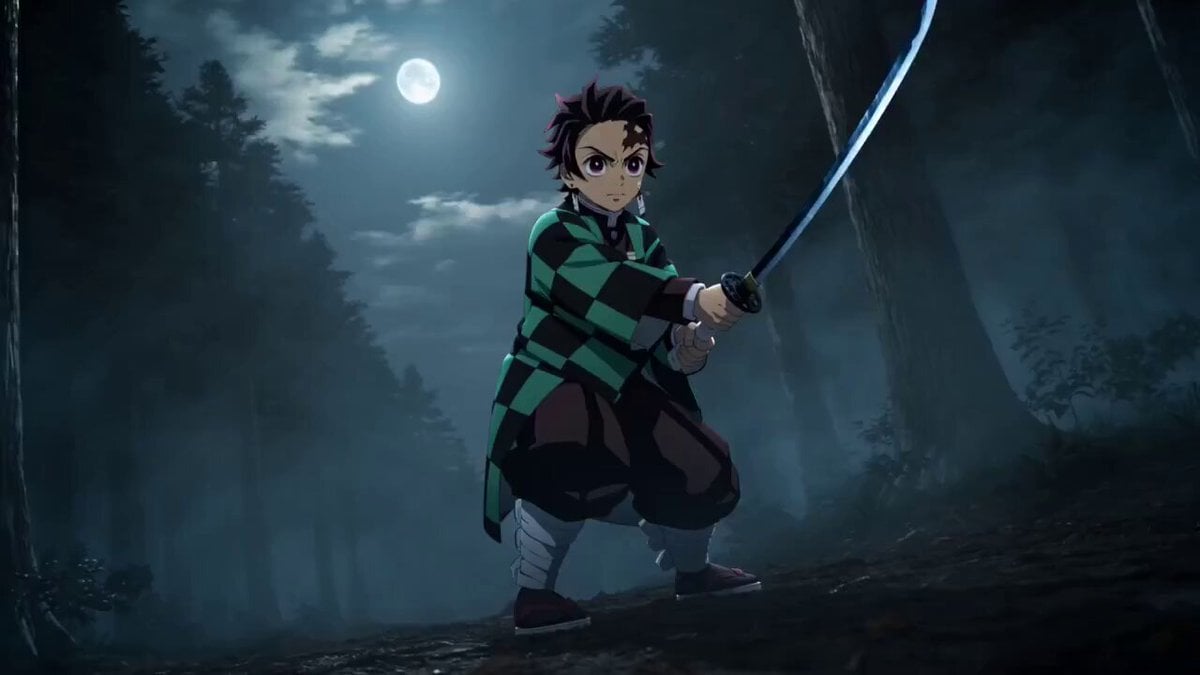
Demon Slayer Live-Action Manga Adaptation Prompt
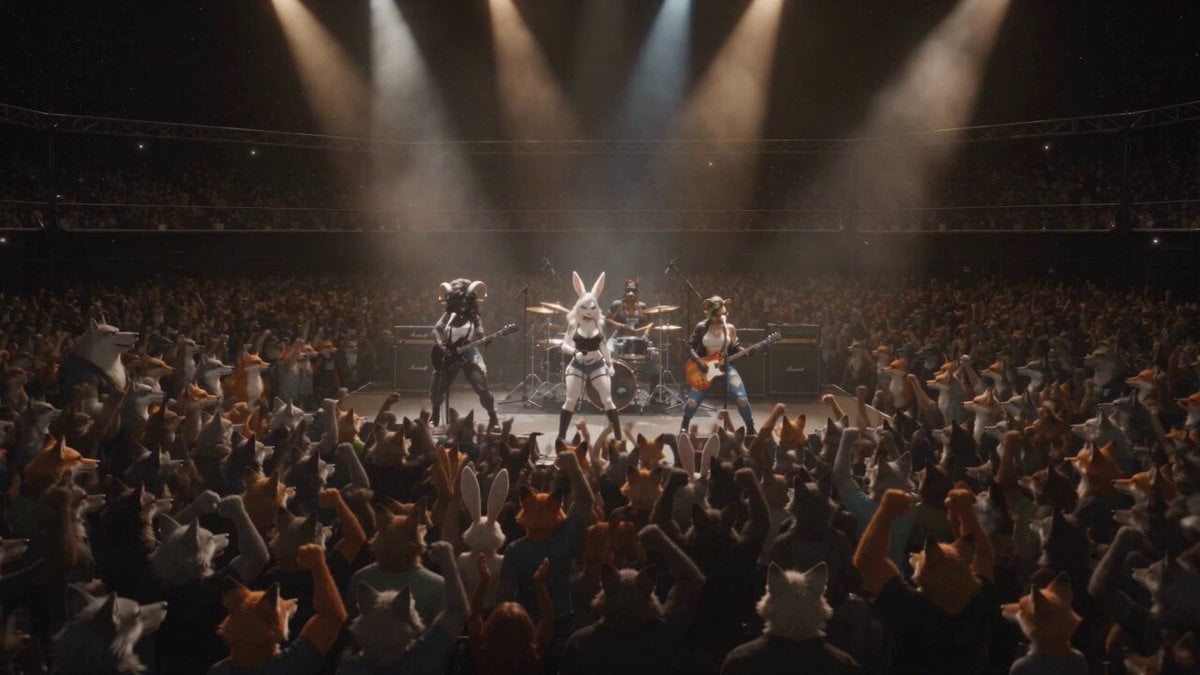
Anthropomorphic Rock Band Live Concert - Seedance 2.5
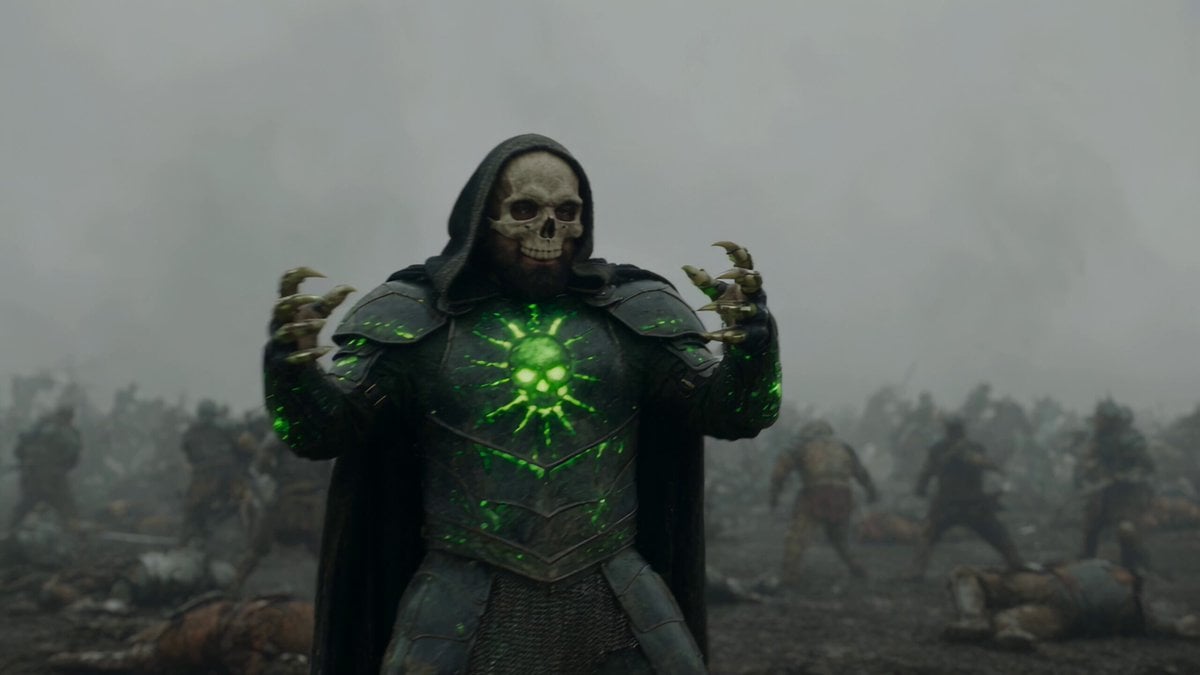
Necromancer Battlefield Orbit
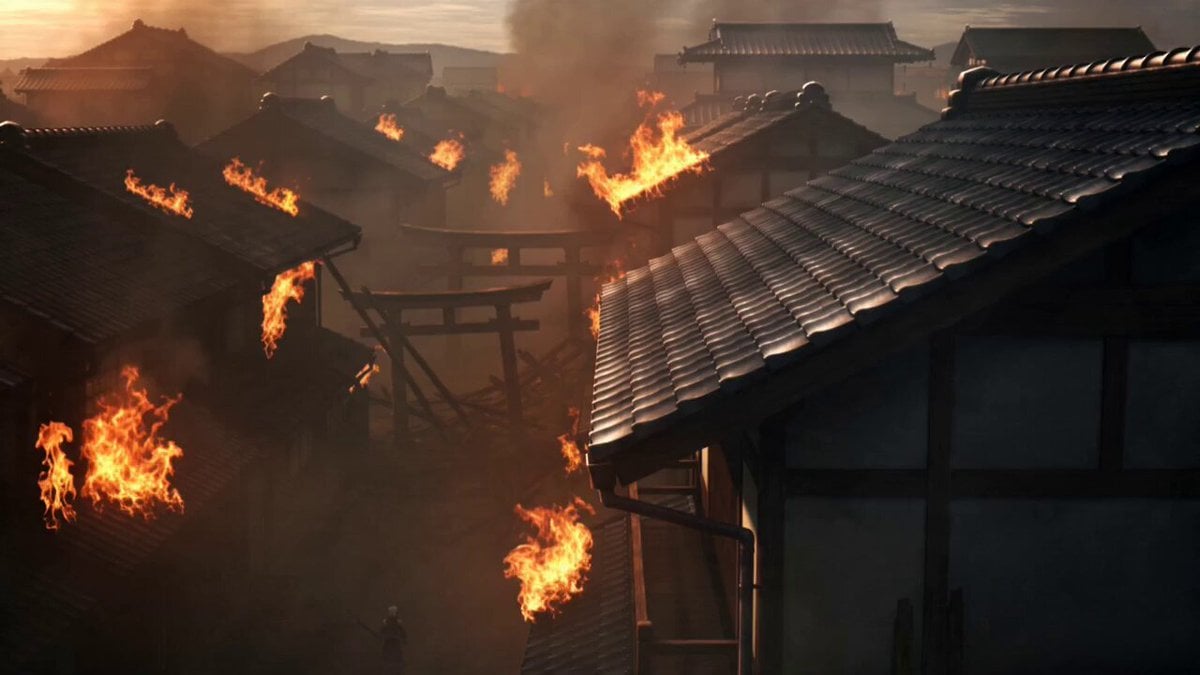
Demon Slayer Anime Battle Scene
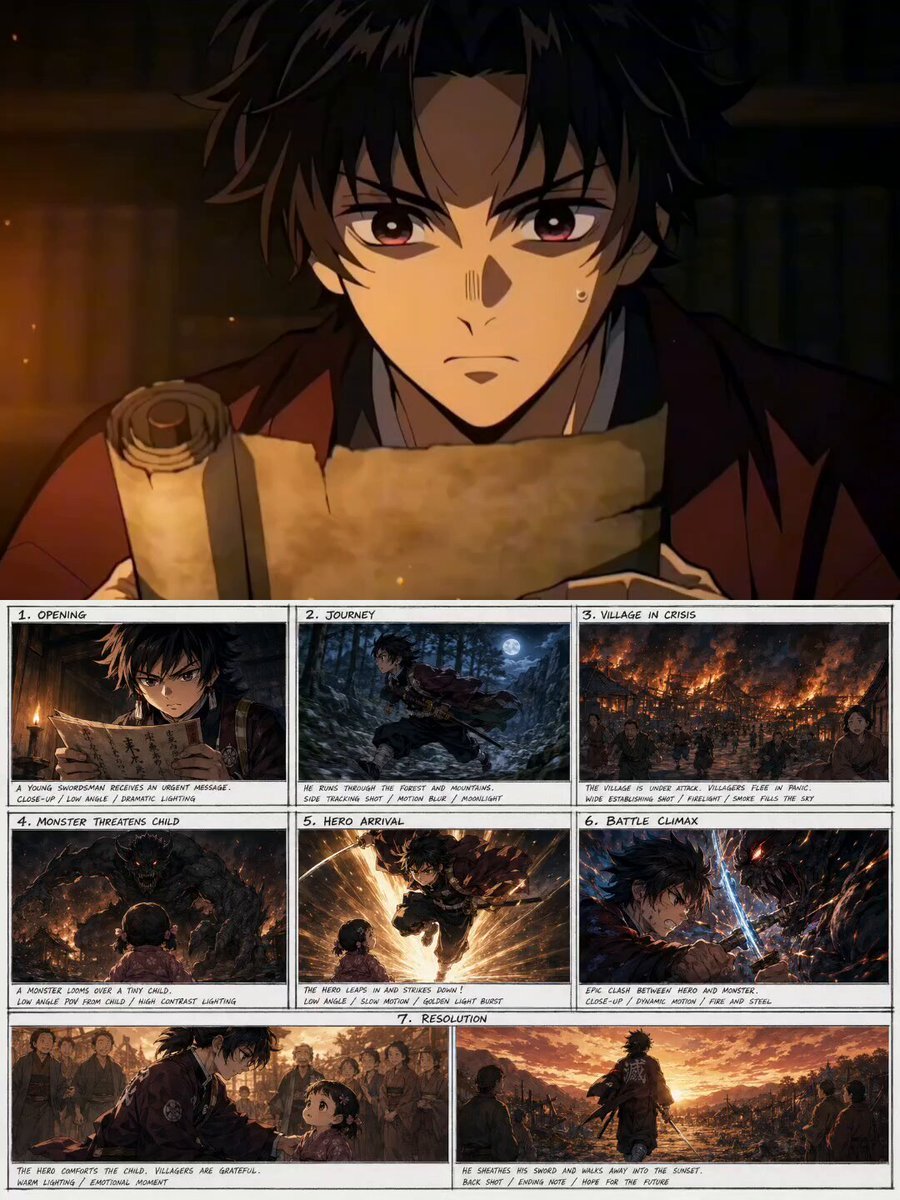
Demon Slayer Style Anime Storyboard

Walking Factory with Rebel on Hoverbike - Wasteland
Thornmaw Monarch — Crimson Glass Desert Beast
Warhorse Sprint on Cliff Aqueduct
Parametric Fight Scenes Seedance
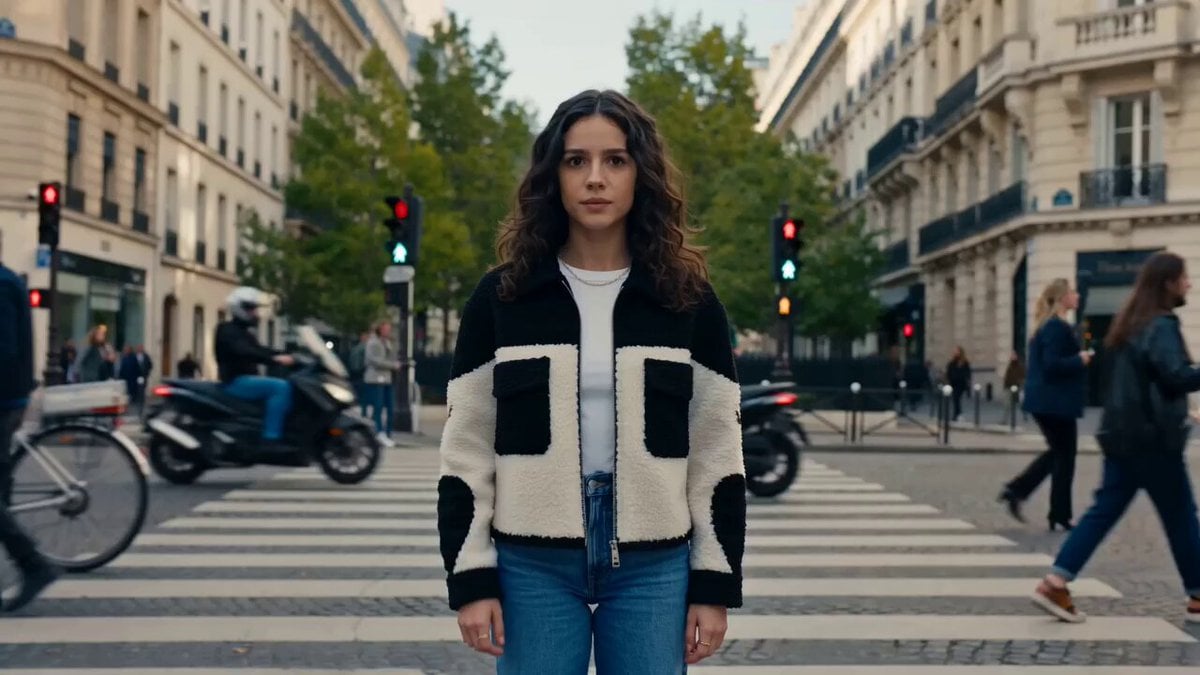
Nano Banana Seedance Time Control Streets
Make it yours
Demon Slayer Live-Action Blockbuster Video Prompt works as-is. These are the safest ways to change it without losing the look.
Change one field
Copy a single group, rewrite it, and generate again so you can see what that field is doing.
Keep the frame, change the subject
Hold the composition and light of Demon Slayer Live-Action Blockbuster Video Prompt, then swap wardrobe, props or the person for a new take.
| If the result… | Why | Fix |
|---|---|---|
| The result drifts from the preview | Too many fields changed at once. | Reuse Demon Slayer Live-Action Blockbuster Video Prompt as-is first, then change one group — subject, light, or setting. |
| The model over-stylizes the scene | The prose prompt leaves finish and camera underspecified. | Add one camera or lighting sentence and stay on Seedance 2.0. |
More Seedance 2.0 templates
Other prompts made for Seedance 2.0.

Comical Martial Arts Punch Scene

Maglev Train Action Sequence

Martial Arts Fight Sequence

Wuxia Protection and Trust Script

Vintage Korean Arcade MiniDV Vlog

Mercedes 190 SL Luxury Ad

Rainy Night Supernatural Reverse Comedy Video Script

Amazon Civilization Discovery

Futuristic South Asian City Transformation

Cozy Luxury Cafe Commercial
More video prompts
Fresh picks from across the catalog.
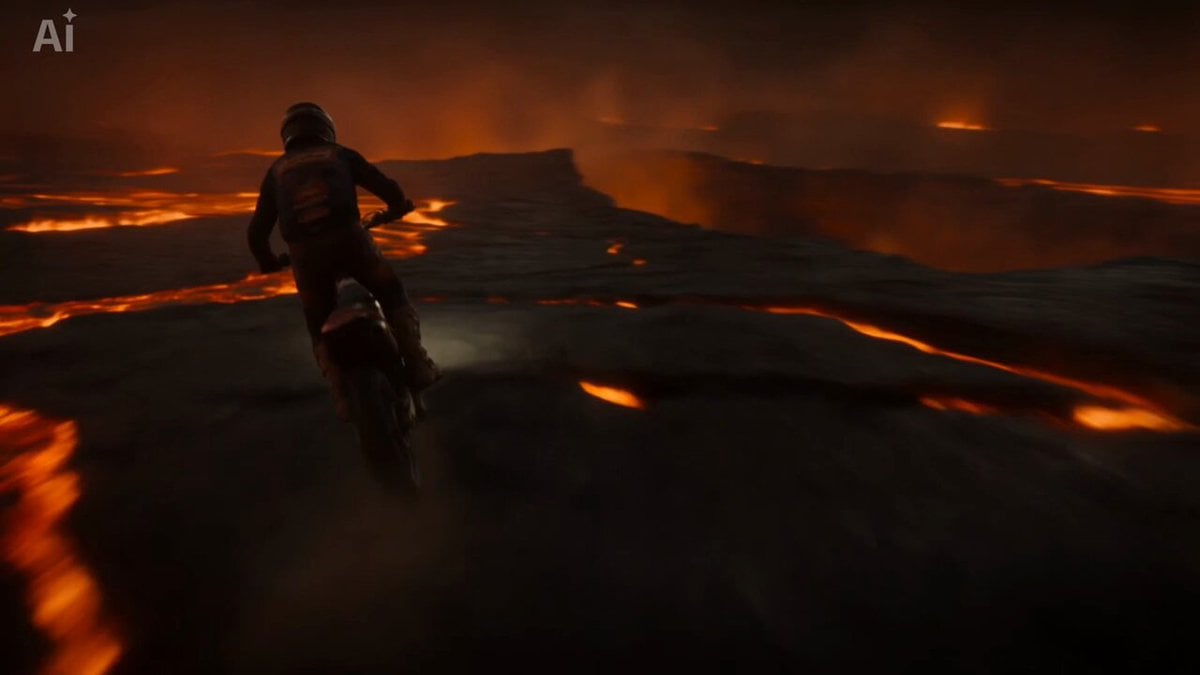
Volcanic Motocross Lava Jump

Realistic iPhone Handheld Airplane Cabin Video

E-commerce livestream video suite

River Crawler Bridge Attack

Luxury Motorcycle to Suitcase Morph
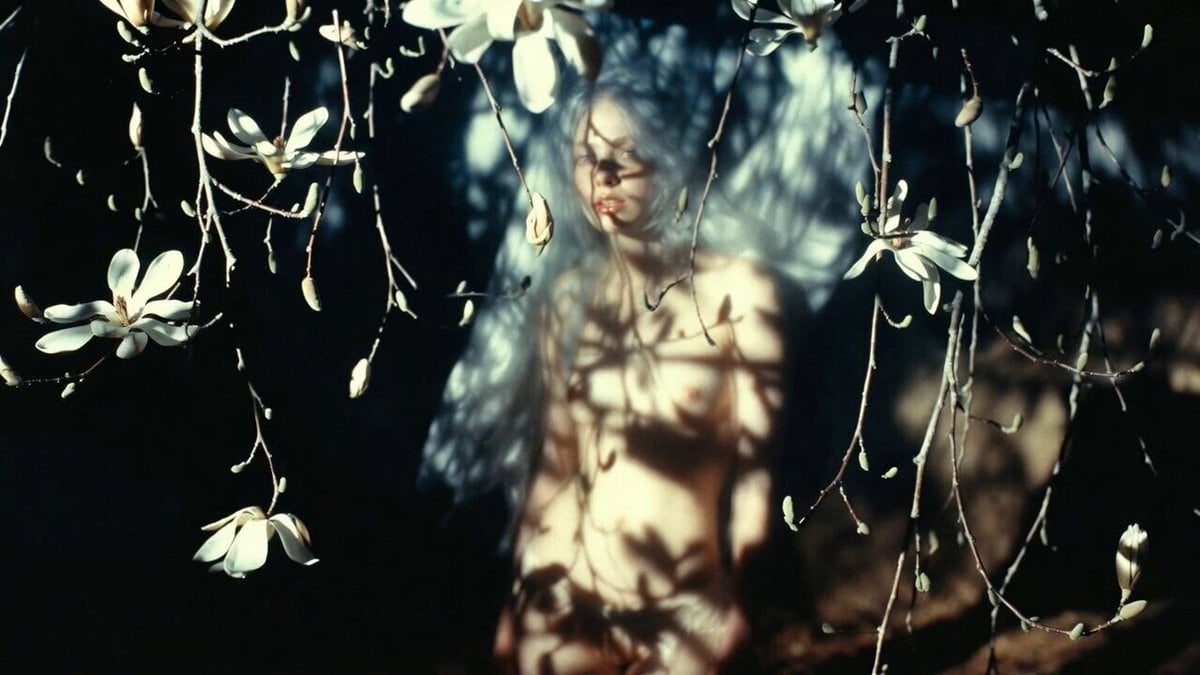
Abstract Cinematic Lighting Video Prompt
LLM Prompting Instructions for Formatting and Immersion
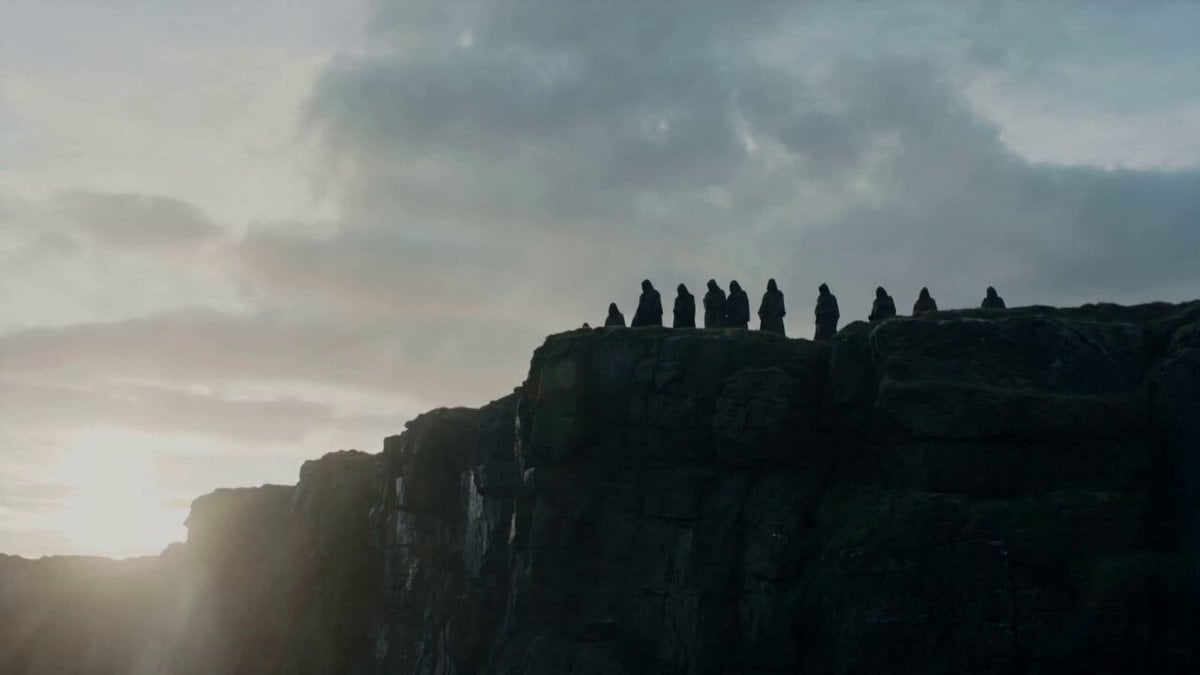
Cliffside Ritual and Island Landscape Reveal
Detailed Almond Orchard Prompt

Luxury Perfume Commercial Video Continuation Prompt
Browse template categories
Demon Slayer Live-Action Blockbuster Video Prompt questions
How do I use the Demon Slayer Live-Action Blockbuster Video Prompt template?
Add your photo if the template asks for one, edit the prompt if you like — the template's model and format are already selected — and press Generate. Your version opens in PicX Studio.
Can I customize the Demon Slayer Live-Action Blockbuster Video Prompt template?
Yes. You can change the subject, setting, lighting, mood, format, and available model controls before creating your video.
Is the Demon Slayer Live-Action Blockbuster Video Prompt template free?
Opening and editing this template is free. Generating uses credits, shown on the Generate button when you are signed in.
Which AI model should I use?
Start with Seedance 2.0, which is the model associated with this template. You can compare another compatible model for a different finish.
Looking for something else? Browse all templates.

Your photo, any look
Thousands of ready templates for every top image and video model, from one credit balance.