
Demon Slayer Anime Battle Scene
An epic anime battle prompt for Seedance 2.0 depicting a white-haired warrior fighting yokai in a burning feudal Japanese city.
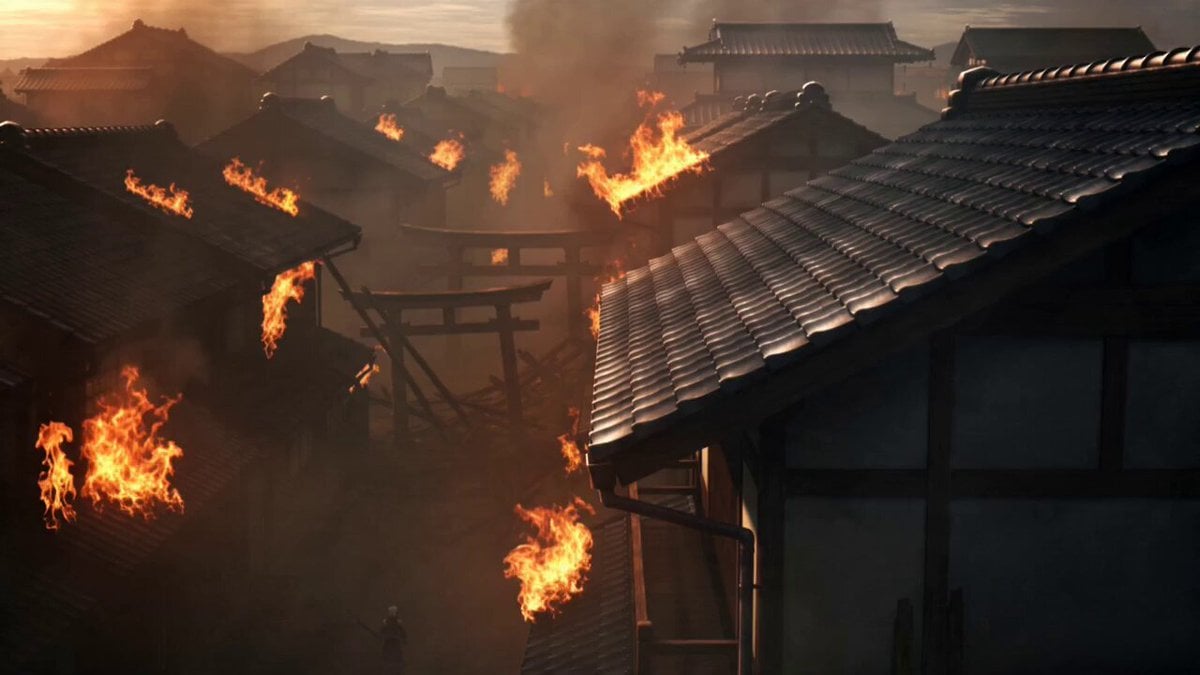
- Prompt included
- Model and format preset
- Free template
The prompt behind this video
Copy the exact prompt behind Demon Slayer Anime Battle Scene, or open it in the studio and make it yours.
A terrifying anime demon slayer with white hair stained by blood, glowing purple eyes and a giant cursed blade leaking dark energy Hunts monstrous yokai creatures through a burning feudal Japanese city, moving so fast his attacks leave afterimages slicing through buildings and enemies simultaneously Ancient Japanese district in daylight with flames spreading across rooftops, smoke drifting through narrow streets and shattered temple gates collapsing into the chaos Starts with slow cinematic tracking through burning streets, sudden speed ramp into ultra-brutal combat, whip pans following impossible sword strikes and demon kills, orbit shots around giant cursed energy explosions, exaggerated Epic anime-style impact flashes and motion smears flooding the frame, ash and debris flying toward the camera, ending with the slayer standing atop a destroyed torii gate while giant demon bodies collapse behind him and the burning city stretches endlessly beneath the bright smoky sky
How to use Demon Slayer Anime Battle Scene in 3 steps
- 1
Open
The prompt is already in the box next to the preview, with the template's model and format selected.
- 2…a portrait of your subject in softgolden-hour light, 85mm…
Personalize
Edit the subject and creative details for your destination.
- 3Generate
Generate
Press Generate — your video is created in PicX Studio, so you can compare it with the original and refine one variable at a time.
More like this
Templates with the same subject, style or setup. Open one to see its prompt.
Mecha Transformation vs Kaiju — 4-Scene Epic
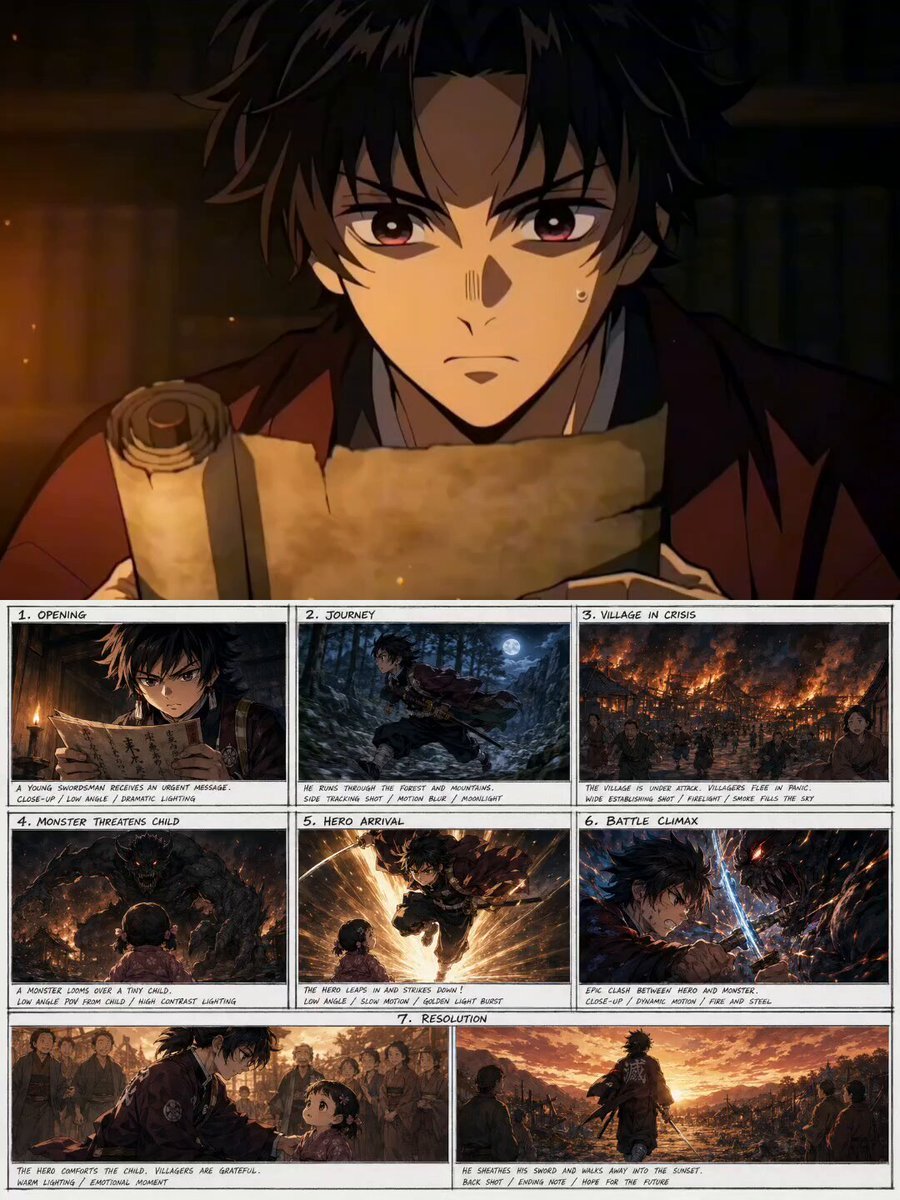
Demon Slayer Style Anime Storyboard
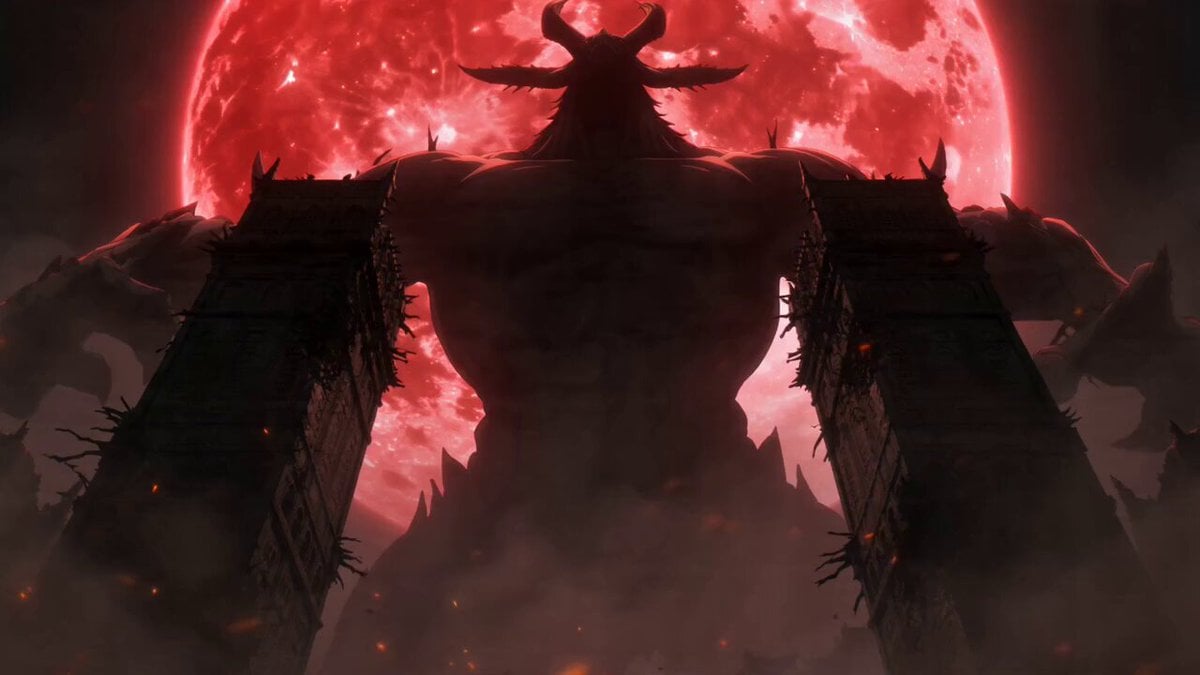
Dark Fantasy Anime Swordsman vs Demon
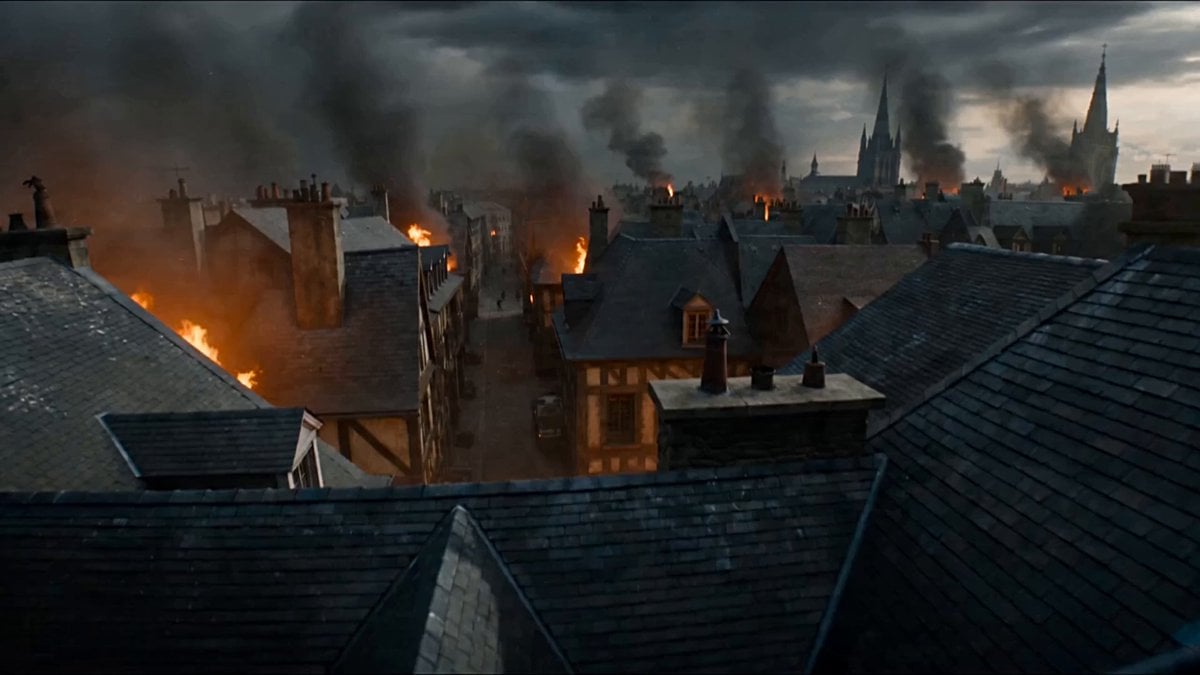
First-Person POV Fantasy Demon Battle

MiniMax H3 Character Introduction

Japanese Pure Love Short Film
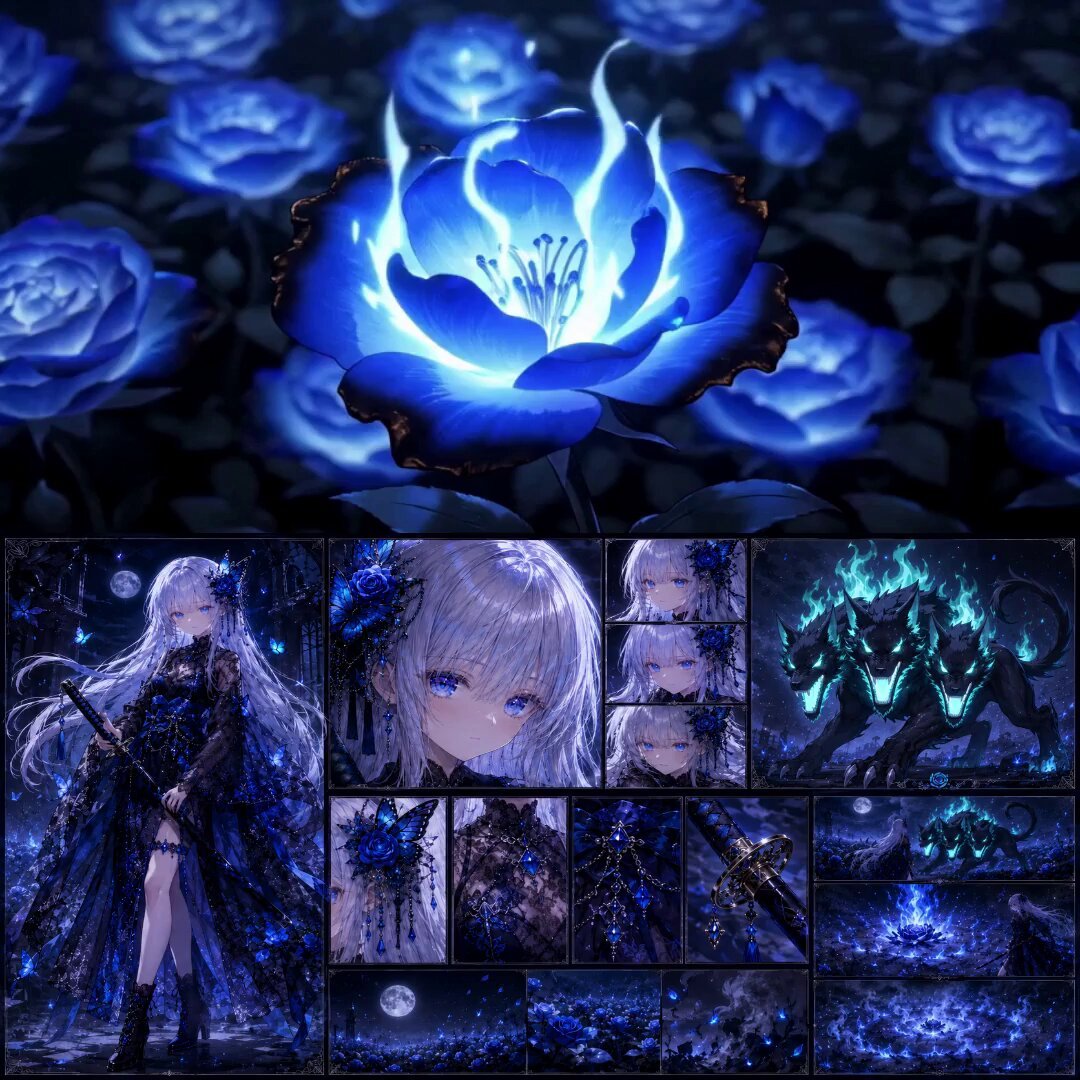
High-End Anime Dark Fantasy Cerberus Battle
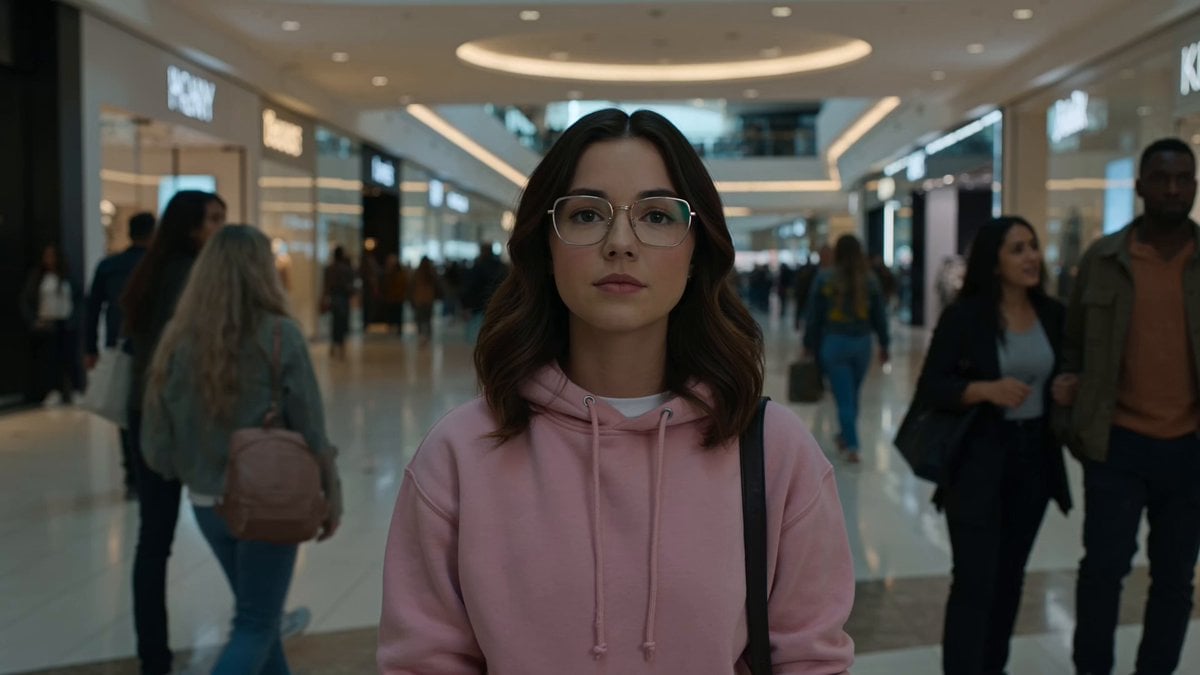
Cinematic Anime Battle in Modern Mall

Theatrical Anime Action Market Battle
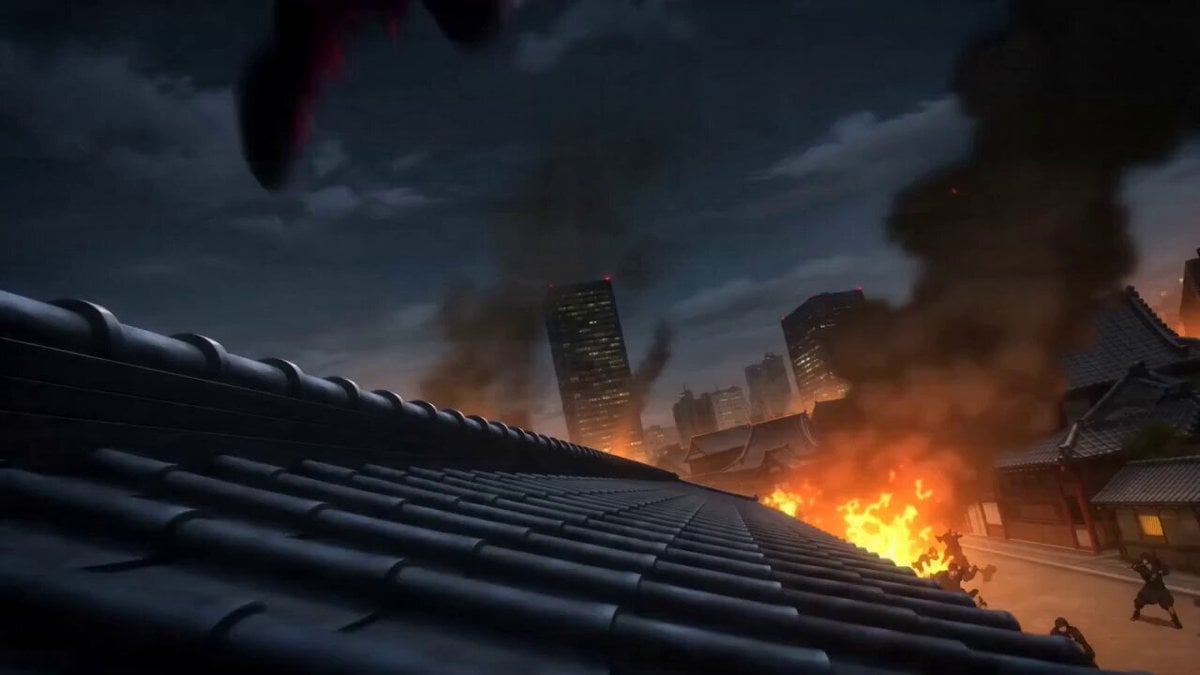
Anime Kunoichi Rooftop Battle
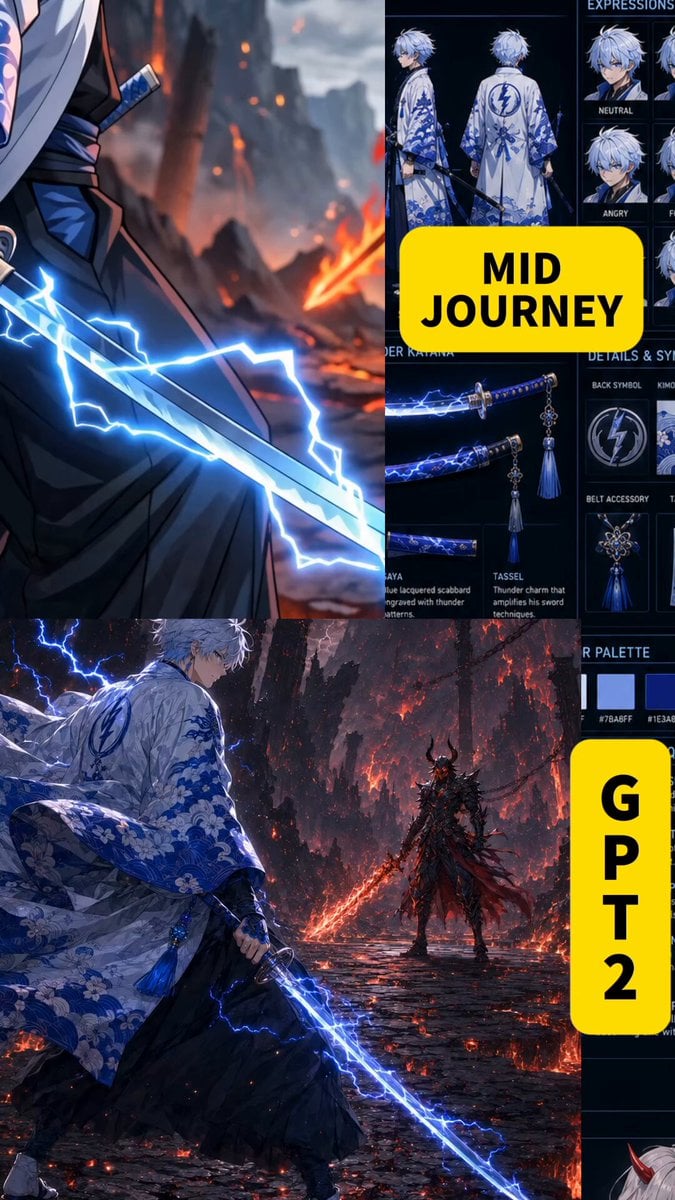
Anime Swordsman vs Demon Duel
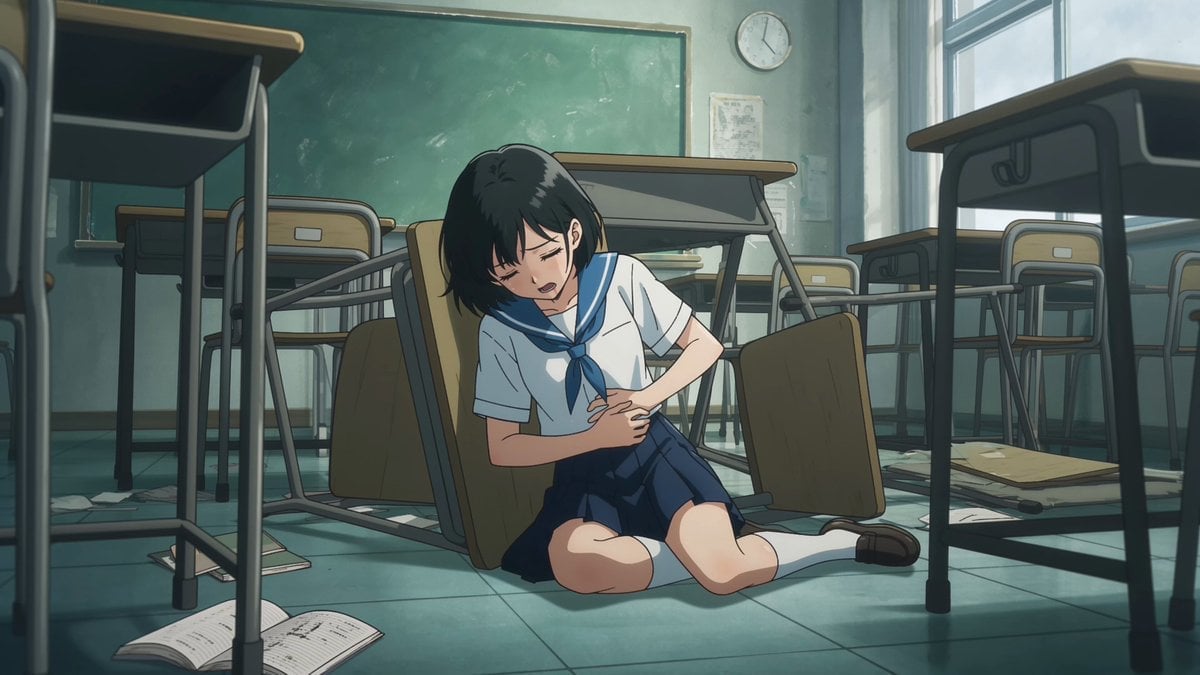
Anime Monster Classroom Battle
Make it yours
Demon Slayer Anime Battle Scene works as-is. These are the safest ways to change it without losing the look.
Change one field
Copy a single group, rewrite it, and generate again so you can see what that field is doing.
Keep the frame, change the subject
Hold the composition and light of Demon Slayer Anime Battle Scene, then swap wardrobe, props or the person for a new take.
| If the result… | Why | Fix |
|---|---|---|
| The result drifts from the preview | Too many fields changed at once. | Reuse Demon Slayer Anime Battle Scene as-is first, then change one group — subject, light, or setting. |
| The model over-stylizes the scene | The prose prompt leaves finish and camera underspecified. | Add one camera or lighting sentence and stay on Seedance 2.0. |
More Seedance 2.0 templates
Other prompts made for Seedance 2.0.

Comical Martial Arts Punch Scene

Maglev Train Action Sequence

Martial Arts Fight Sequence

Wuxia Protection and Trust Script

Vintage Korean Arcade MiniDV Vlog

Mercedes 190 SL Luxury Ad

Rainy Night Supernatural Reverse Comedy Video Script

Amazon Civilization Discovery

Futuristic South Asian City Transformation

Cozy Luxury Cafe Commercial
More video prompts
Fresh picks from across the catalog.
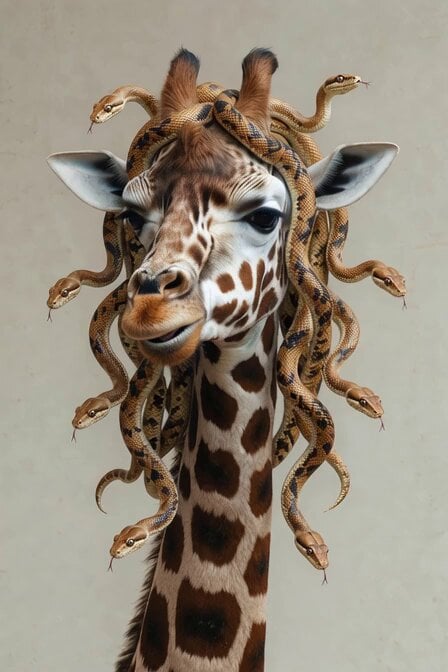
Surreal Snake Hair Giraffe Animation
Flying Sword Master Cat
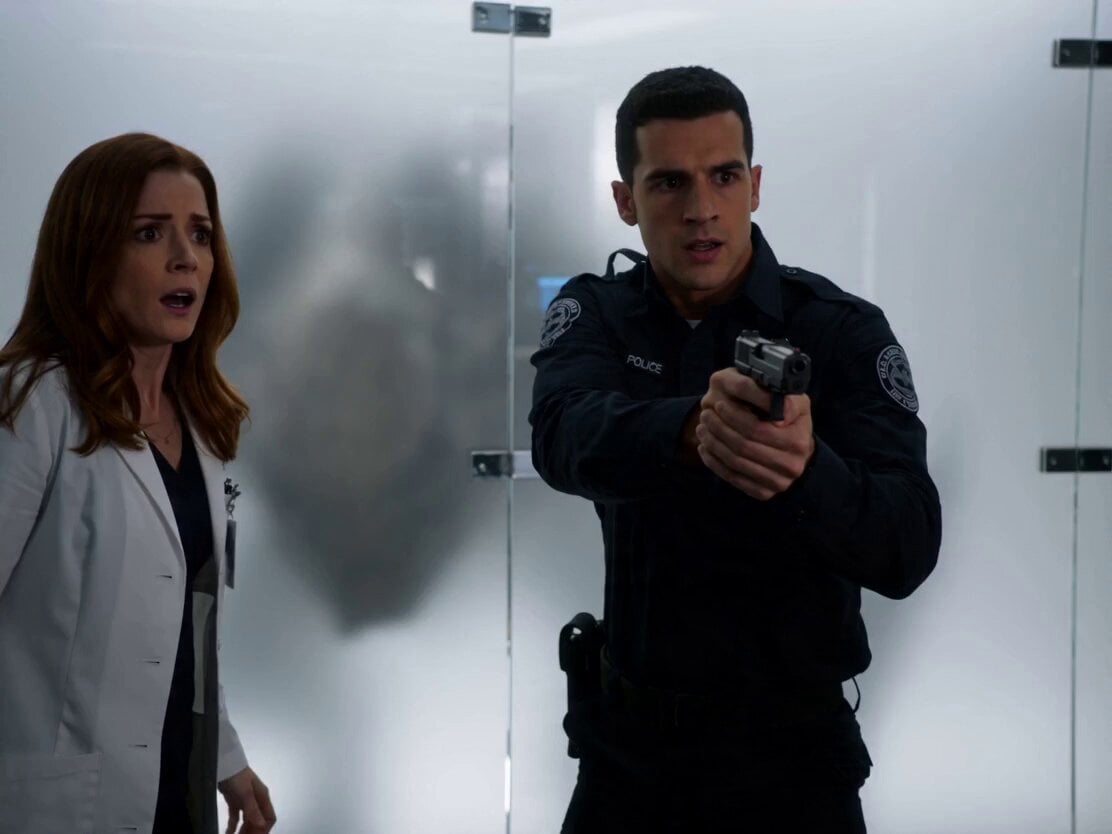
Sci-Fi Horror Lab Monster Mutation
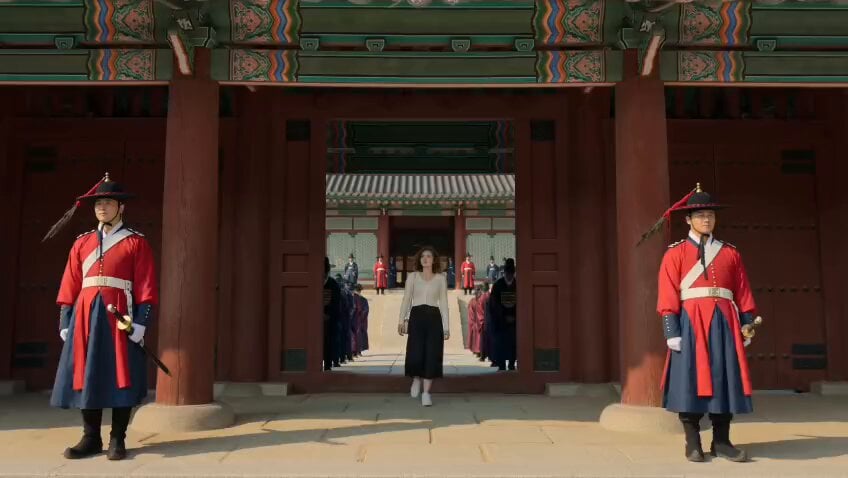
Korean Woman in Joseon Palace Documentary
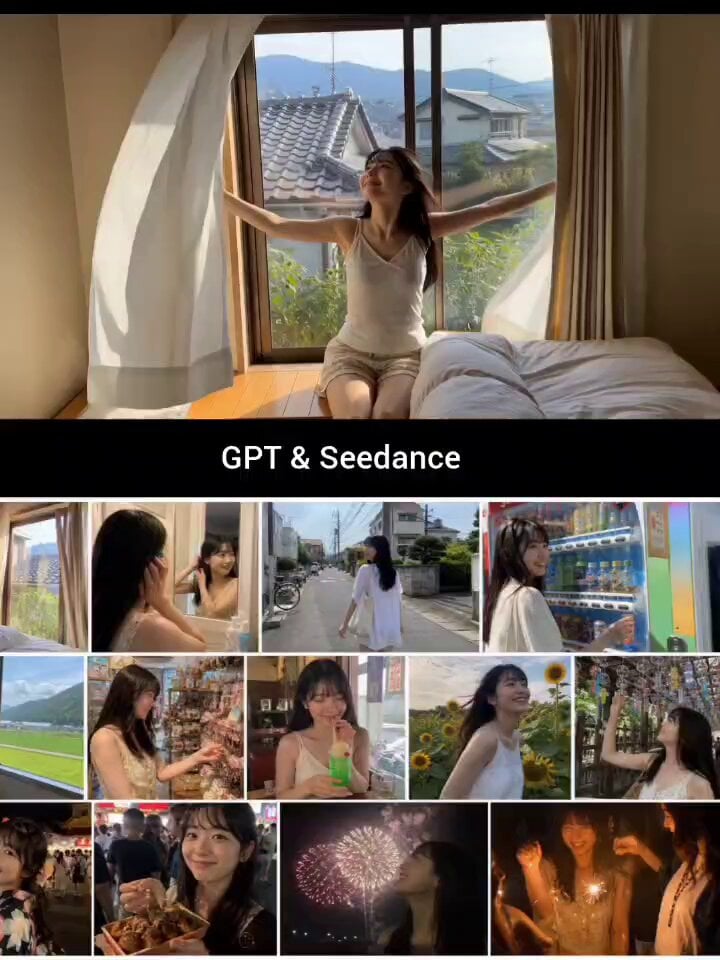
Japanese Summer Life Storyboard Collage
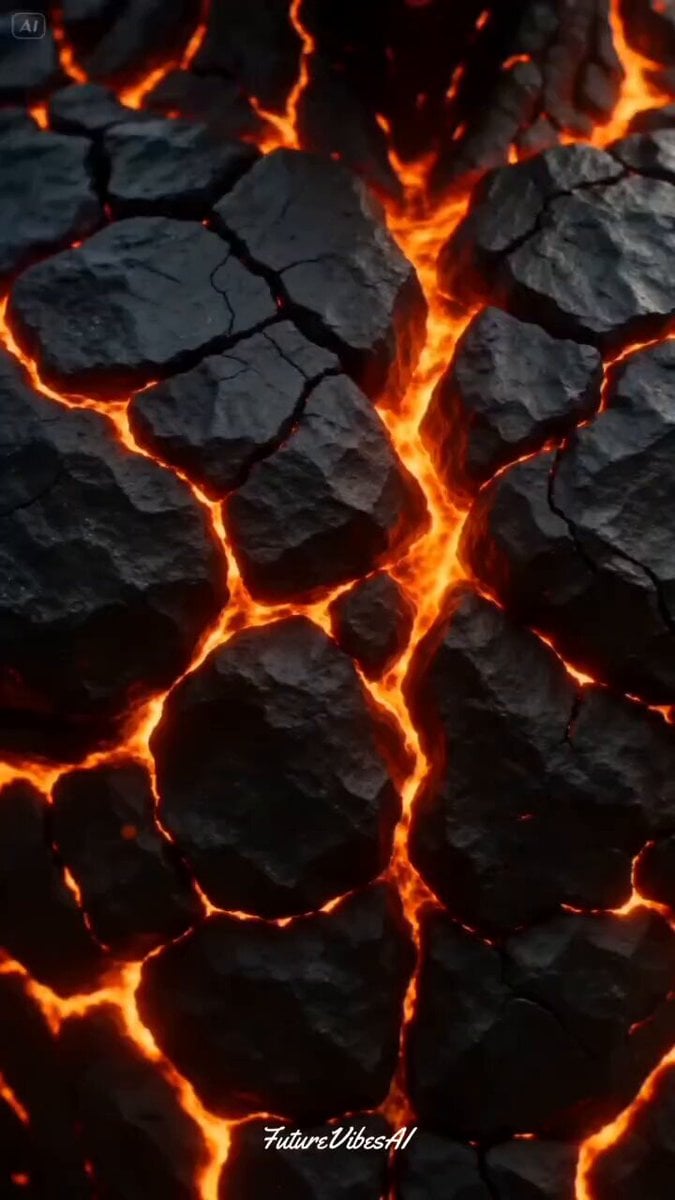
Bio-Engineered Demon Knight Cinematic

Andean Condor Flight Cinematic
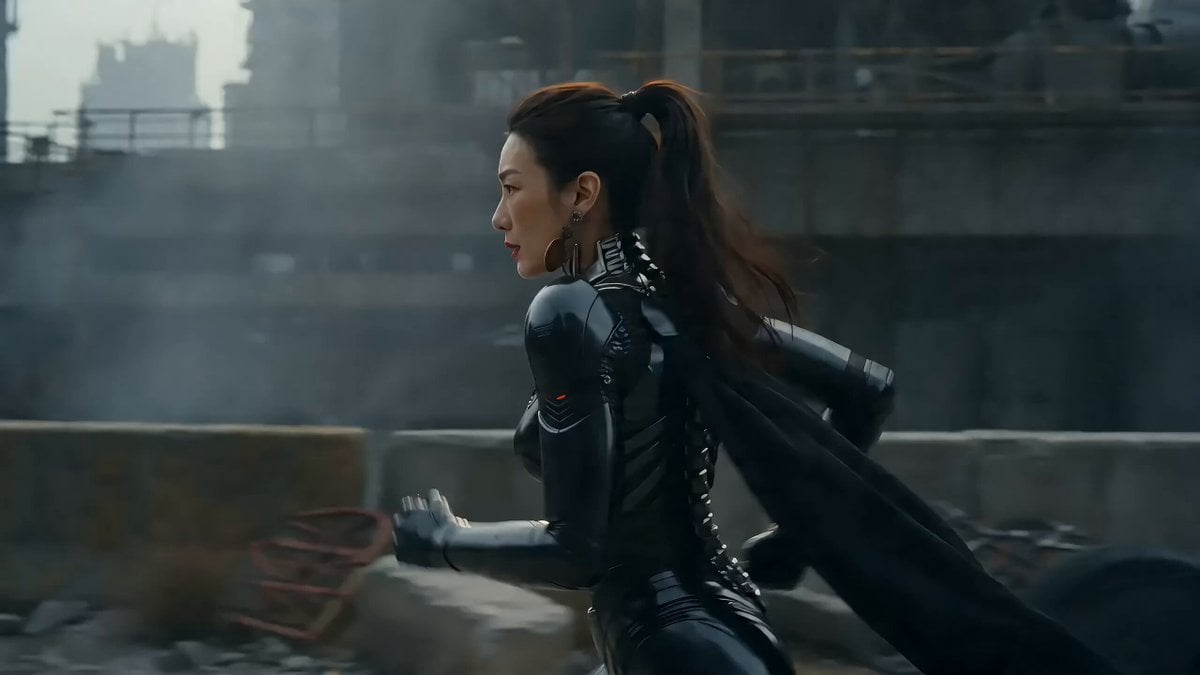
Sci-Fi Warrior vs Giant Mecha Beast

Playful Dog Chasing Butterflies Video Prompt
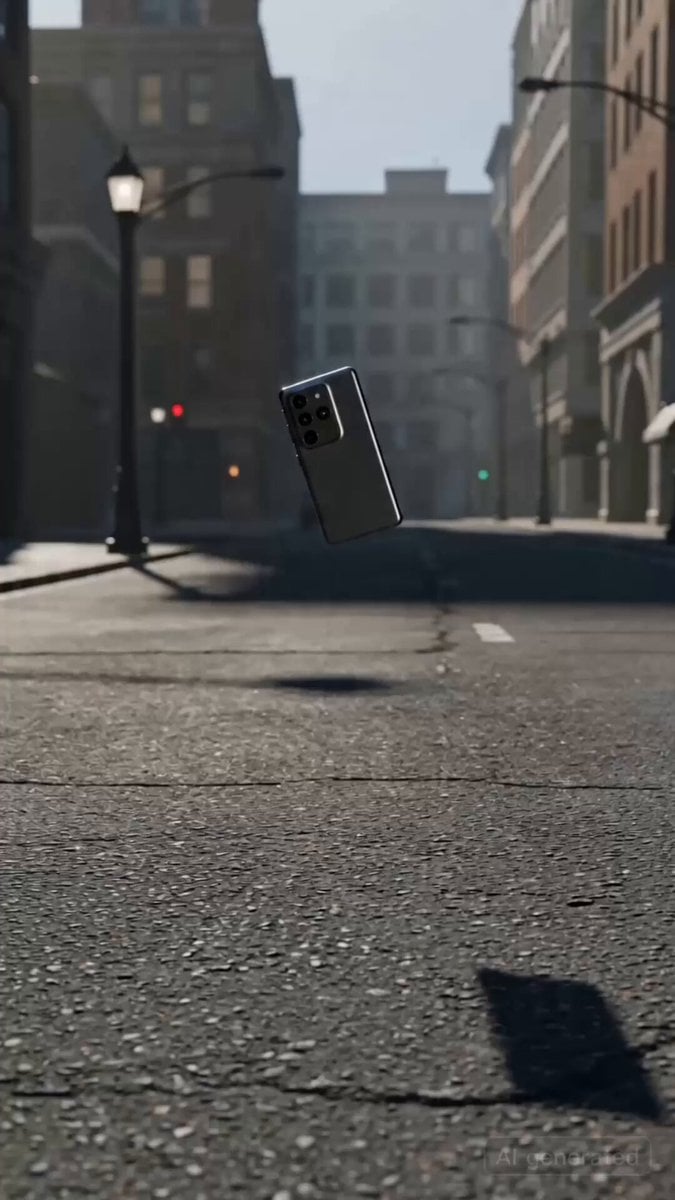
Shattering and Reforming Smartphone Sequence
Browse template categories
Demon Slayer Anime Battle Scene questions
How do I use the Demon Slayer Anime Battle Scene template?
Add your photo if the template asks for one, edit the prompt if you like — the template's model and format are already selected — and press Generate. Your version opens in PicX Studio.
Can I customize the Demon Slayer Anime Battle Scene template?
Yes. You can change the subject, setting, lighting, mood, format, and available model controls before creating your video.
Is the Demon Slayer Anime Battle Scene template free?
Opening and editing this template is free. Generating uses credits, shown on the Generate button when you are signed in.
Which AI model should I use?
Start with Seedance 2.0, which is the model associated with this template. You can compare another compatible model for a different finish.
Looking for something else? Browse all templates.

Your photo, any look
Thousands of ready templates for every top image and video model, from one credit balance.